
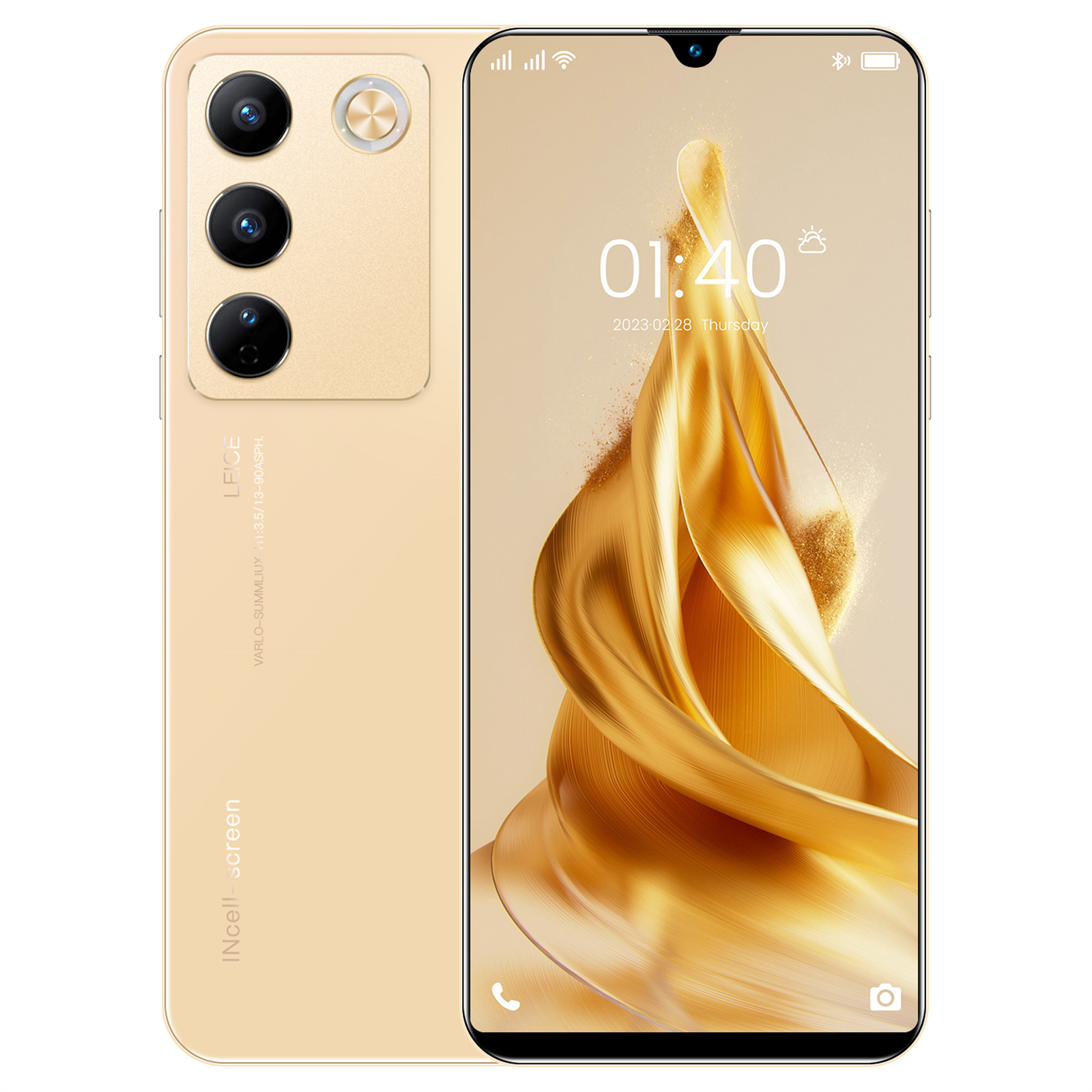

6.49″ X23 Smartphone, Quad-Core, 2GB RAM, 16GB ROM, Unlocked – Gold,
HOW TO USE
1. Inserting SIM cards and TF card
- Turn off the phone and locate the SIM card tray on the side of the phone.
- Insert a SIM card into each SIM card slot and ensure they are securely inserted.
- If you wish to expand the storage, insert a TF card into the TF card slot.
- Once the cards are inserted, turn on the phone.
2. Setting up the phone
- When you turn on the phone for the first time, follow the on-screen instructions to select your preferred language and set up your Wi-Fi connection.
- Enter your Google account credentials to sign in or create a new account.
- Complete the setup process by following the prompts on the screen.
3. Navigating the interface
- Tap the screen to wake up the phone and swipe up to unlock.
- Swipe left or right to access different home screens and apps.
- To open an app, simply tap on its icon on the home screen or in the app drawer.
- Use the back button at the bottom of the screen to go back to the previous screen.
4. Making calls
- Tap the “Phone” app icon to open the dialer.
- Enter the phone number using the keypad.
- Tap the green phone icon to make the call.
5. Taking photos and videos
- Open the “Camera” app by tapping on its icon.
- To take a photo, aim the camera at the subject and tap the capture button.
- To record a video, tap the video camera button and tap it again to stop recording.
- You can access your photos and videos in the “Gallery” app.
6. Charging the phone
- Connect the included USB charging cable to the phone’s charging port.
- Plug the other end of the cable into the included charging head.
- Connect the charging head to a power source, such as a wall outlet.
- The phone will start charging and you can monitor the battery level on-screen.
, ,



Reviews
There are no reviews yet.