


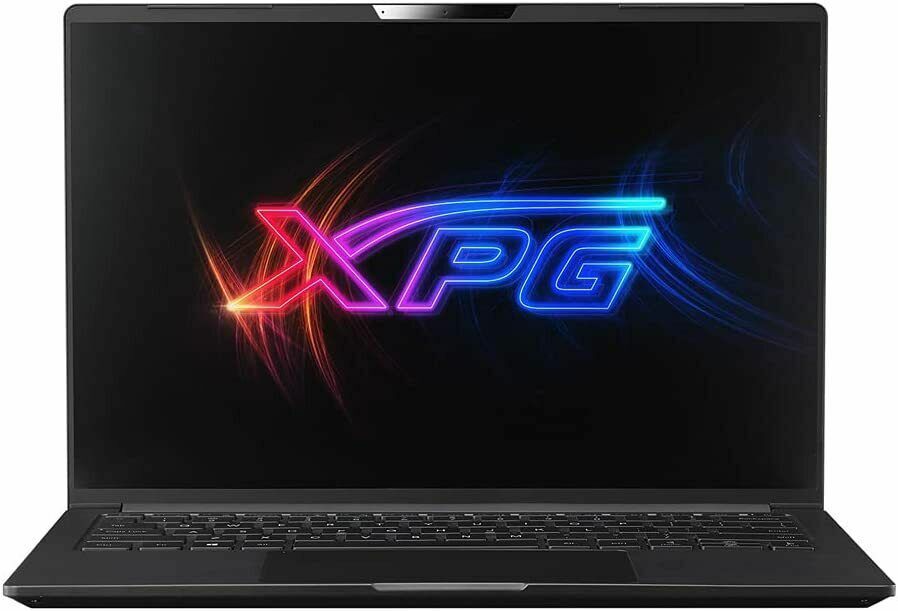
GIGABYTE – 15.6″ Full HD 144Hz Gaming Laptop – Intel i7-12650H, 16GB RAM, NV,
How to use the GIGABYTE 15.6″ 144Hz Gaming Laptop
Getting Started
- Remove the laptop from its packaging.
- Ensure that the battery is charged or connect the laptop to a power source using the provided charger.
- Press the power button to turn on the laptop.
- Follow the on-screen instructions to complete the initial setup process.
Navigating the Laptop
- Use the trackpad or connect a mouse to navigate the cursor on the screen.
- Click on icons or buttons by pressing the trackpad or the left mouse button.
- Use the keyboard to type and enter commands.
Using the Operating System
- The laptop is pre-installed with Windows 11 Home.
- Click on the Start Menu button located in the lower-left corner of the screen to access programs and settings.
- Open applications by selecting their icons from the Start Menu or the taskbar.
- Customize your desktop by right-clicking on the desktop and selecting “Personalize”.
Connecting to the Internet
- Click on the Wi-Fi icon in the taskbar to view available networks.
- Select your desired Wi-Fi network and enter the password if prompted.
- Alternatively, connect to the internet using the Ethernet port located on the laptop.
Using External Devices
- Connect USB devices, such as flash drives or external hard drives, to the USB ports on the laptop.
- Connect an external display to the HDMI or Mini DisplayPort to expand your screen real estate.
- Plug in headphones or external speakers to the audio jack for audio output.
Gaming and Graphics
- The G5 gaming laptop is equipped with an NVIDIA GeForce RTX 4060 GPU.
- Launch your favorite games and adjust the graphics settings as desired.
- Experience enhanced graphics with DLSS 3 and Ray tracing technologies.
Storage and Memory
- Store files, documents, and applications on the 512GB SSD.
- Take advantage of the fast DDR5 16GB RAM for smooth multitasking.
Audio and Video
- Enjoy immersive audio with DTS:X Audio for Gamers.
- Experience high-definition visuals on the 15.6″ FHD display with a 144Hz refresh rate.
Battery Life and Charging
- The laptop is powered by a lithium-ion polymer battery.
- Charge the laptop using the provided charger and connect it to a power source.
- Monitor the battery indicator on the taskbar for battery life information.
Caring for Your Laptop
- Keep the laptop clean by wiping the screen and keyboard with a soft, lint-free cloth.
- Avoid exposing the laptop to extreme temperatures or liquids.
- Use a laptop sleeve or case for protection during transport.
, , GIGABYTE





Reviews
There are no reviews yet.