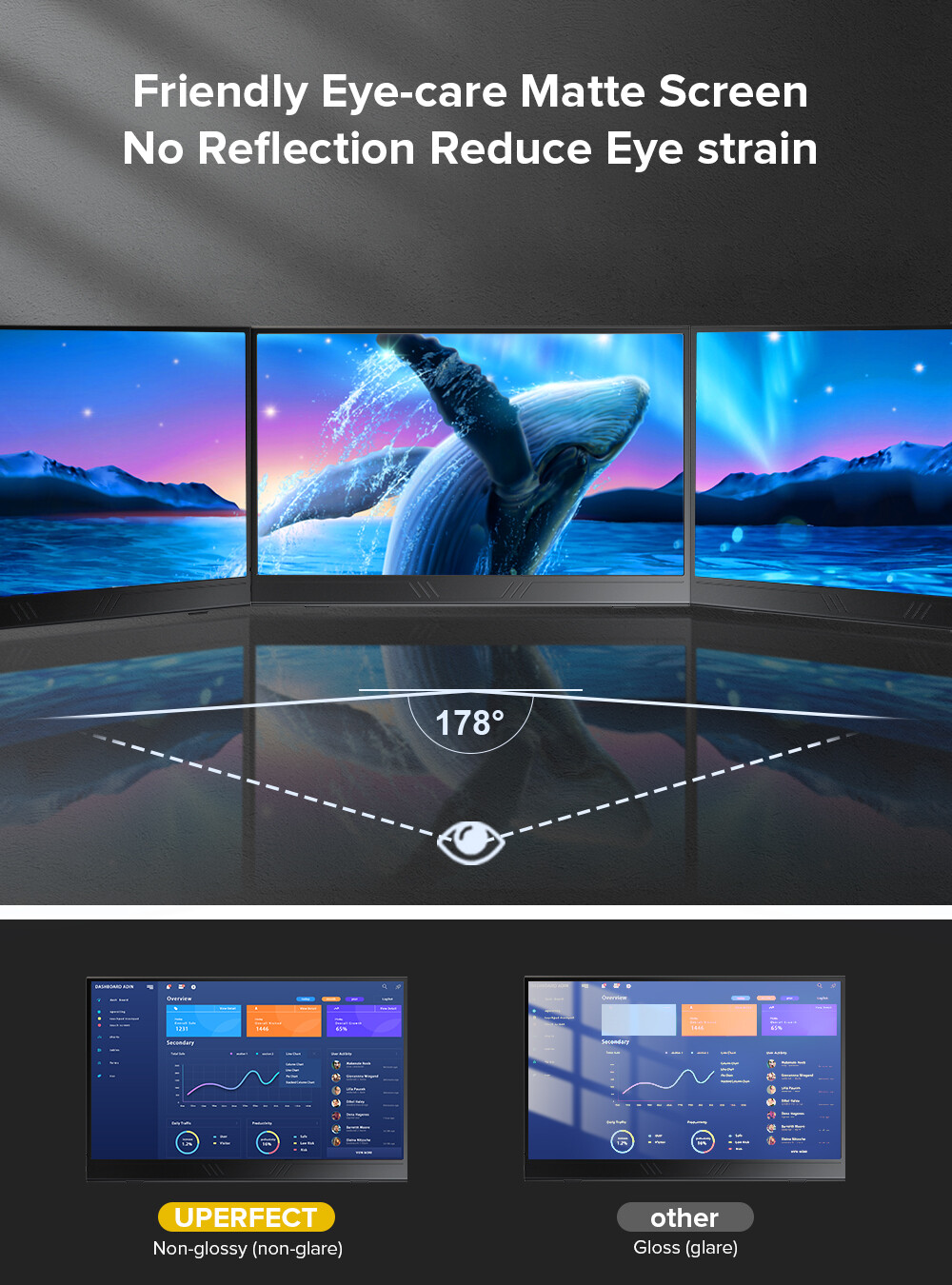

Enhanced New Version UPERFECT True 4K 15.6″ Portable Monitor with HDMI, USB C, and FreeSync

Enhanced New Version UPERFECT True 4K 15.6″ Portable Monitor with HDMI, USB C, and FreeSync

$305.50

United States dollar ($) - USD
  • United States dollar ($) - USD
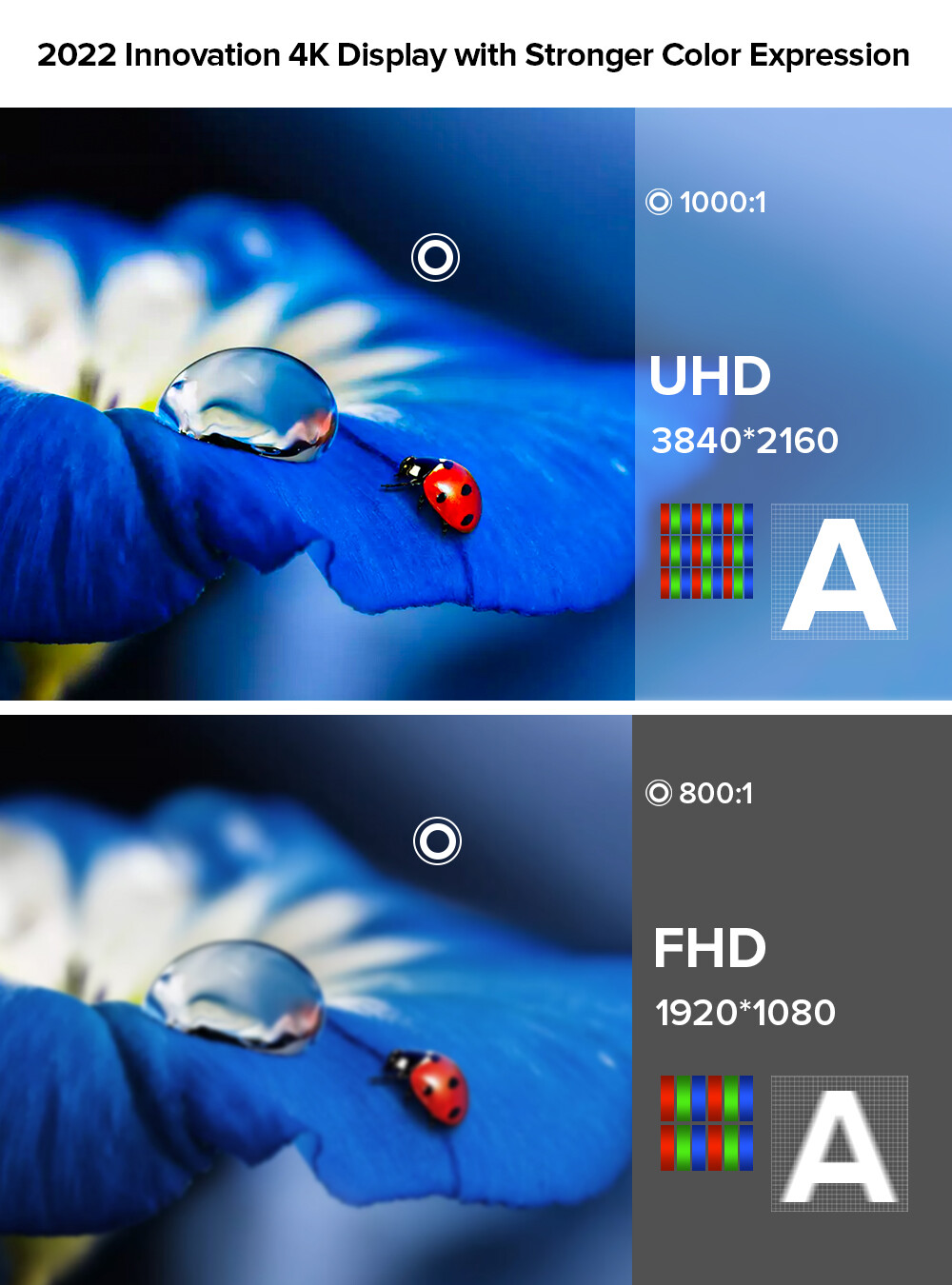
  • 15.6″ portable monitor with True 4K resolution
  • High color rendering for vivid, natural colors
  • Ultra-slim frameless design for immersive viewing experience
  • Highly compatible with various devices through Type-C, HDMI, and audio connections
  • One cable solution for power supply, data transfer, and USB interface functions
  • 1-year guarantee and 12-hour technical service support
  • Comes with necessary cables, adapter, and smart case
  • Not compatible with touch function and does not have a built-in battery

Free worldwide shipping on all orders over $50

  • 30 days easy returns
  • Order yours before 2.30pm for same day dispatch
Guaranteed Safe Checkout

Enhanced New Version UPERFECT True 4K 15.6″ Portable Monitor with HDMI, USB C, and FreeSync
$305.50
Callback Form

Enhanced New Version UPERFECT True 4K 15.6″ Portable Monitor with HDMI, USB C, and FreeSync,

How to Use the UPERFECT True 4K 15.6″ Portable Monitor

Connecting the Monitor

  1. Make sure the monitor is powered off.
  2. Take the included Type C to Type C cable and connect one end to the monitor’s Type C port.
  3. Connect the other end of the Type C to Type C cable to your device’s Type C port or Thunderbolt 3 port.
  4. Alternatively, you can use the included Mini HDMI cable to connect your device’s Mini HDMI port to the monitor’s Mini HDMI port.
  5. If you want to connect your iPhone to the monitor, you will need a Lightning to HDMI adapter.
  6. If you want to connect your laptop for charging only, use the HDMI port for signal transmission.

Powering on the Monitor

  1. Connect the included PD adapter to the monitor’s Type C port.
  2. Connect the PD adapter to a power source.
  3. Press the power button on the monitor to turn it on.

Adjusting Settings

  1. Press the menu button on the monitor to access the on-screen display (OSD).
  2. Use the navigation buttons to browse through the OSD menu options.
  3. Use the menu button to select an option.
  4. Use the navigation buttons to adjust settings such as brightness, contrast, color, and more.
  5. Press the menu button again to exit the OSD menu.

Using the Monitor

Once the monitor is connected and powered on, you can use it as a secondary display for your device. You can use it for various purposes such as gaming, watching videos, browsing, and more.

Powering off the Monitor

  1. Press the power button on the monitor to turn it off.
  2. Disconnect the PD adapter from the power source.
  3. Disconnect the Type C or HDMI cable from your device.

Cleaning and Maintenance

To clean the monitor, use a soft, non-abrasive cloth and gently wipe the screen and frame. Avoid using harsh chemicals or solvents that may damage the screen.

, , UPERFECT
Additional information

Weight 5 lbs
Brand

UPERFECT

Screen Size

15.6 in

Maximum Resolution

3840 x 2160

Features

Built-in Speakers, Headphone Jack

Video Inputs

HDMI Mini, USB-C

Product Line

4K Portable Monitor Screen 15.6"

Brightness

350 cd/m²

Contrast Ratio

1000:1

Display Type

IPS LCD

Aspect Ratio

16:9

Refresh Rate

60 Hz

Response Time

3 ms

Color
Model

UColor A27

MPN

Does Not Apply

Energy Star

10 Stars

EC Range

A+++ – G

CountryRegion of Manufacture

China

Most Suitable For

Serious Gaming, Casual Computing, CCTV, Gaming, Graphic Design

Item Length

357MM

Item Width

228MM

Item Height

10MM

Manufacturer Warranty

1 Year

Fit For

For XBOX ONE S, XBOX ONE, PS4, PS3, Xbox 360

Fit For 2

For PS4, PS3, Xbox 360, Raspberry Pi,PC,FPV

Built-in Speakers

Yes

Touch Screen

No

Built-in Battery

No

VESA

No

Auto Rotate

No

UPC

Does not apply

Reviews

There are no reviews yet.

Only logged in customers who have purchased this product may leave a review.