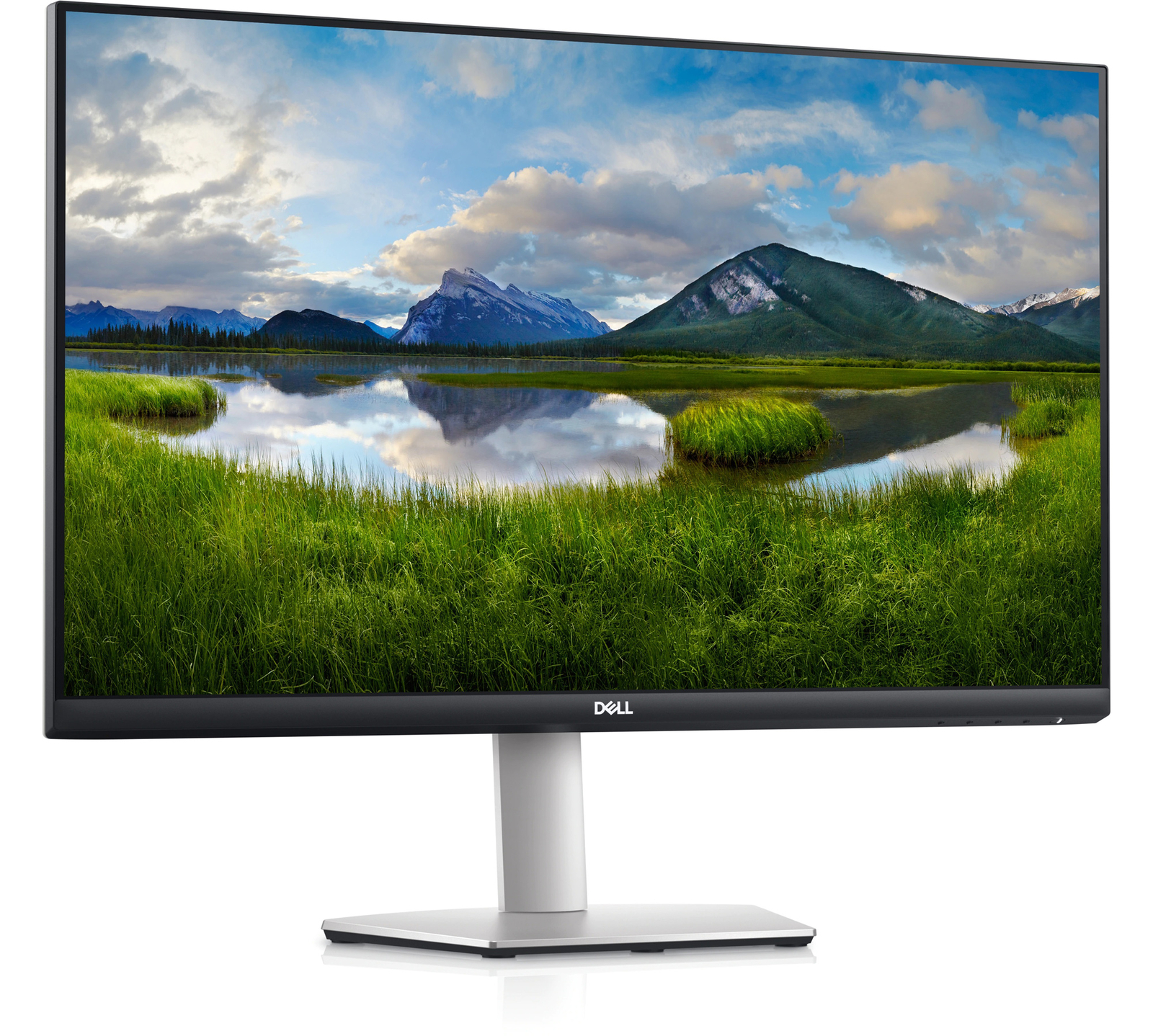
Dell S2721QS – 27-inch 4K UHD Monitor
$89,535.50 Add to cart

Dell S2721QS – 27-inch 4K UHD Monitor

$89,535.50

United States dollar ($) - USD
  • United States dollar ($) - USD
  • Dell 27 4K UHD Monitor – S2721QS
  • 27 inch lifestyle-inspired 4K UHD monitor
  • Supports HDR content playback
  • LED-backlit LCD monitor with IPS panel
  • Native resolution of 3840 x 2160 at 60 Hz
  • 99% sRGB color gamut
  • Adaptive-Sync Technology: AMD FreeSync
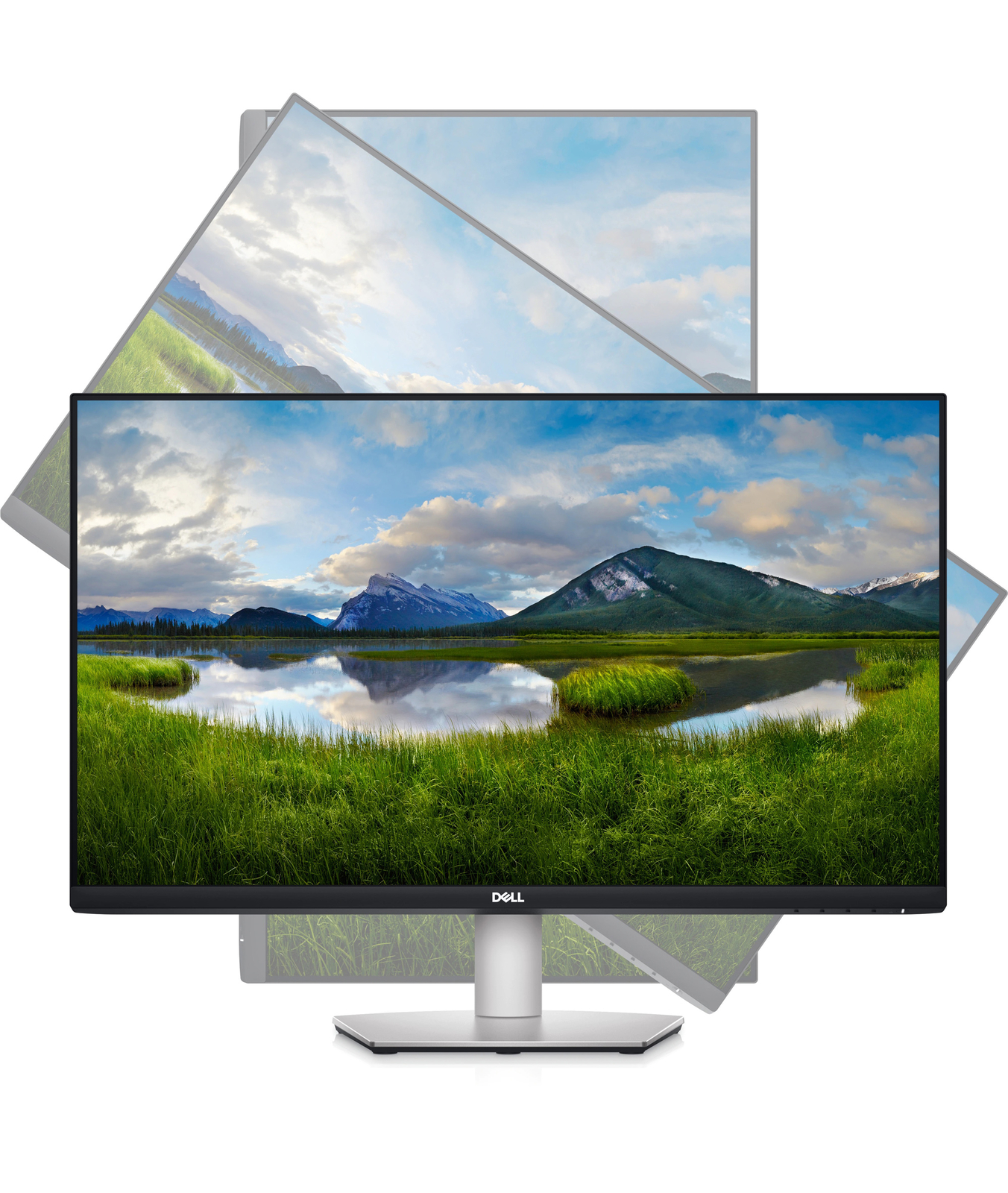
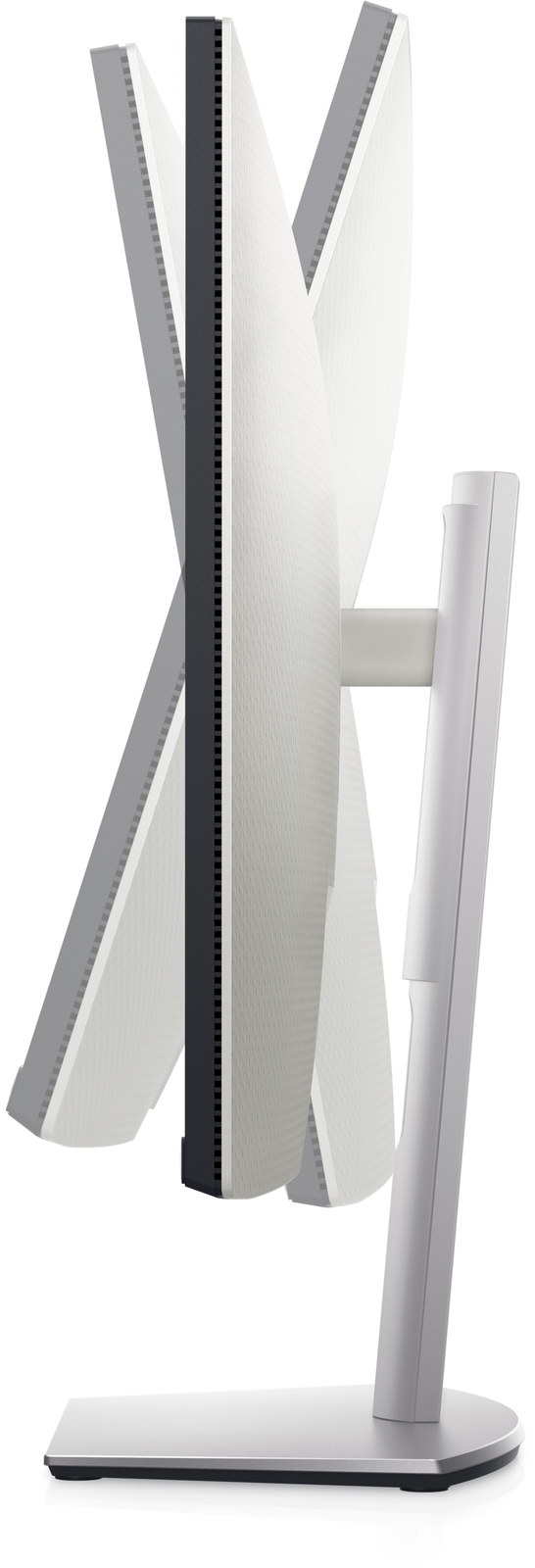
  • Adjustable stand with swivel, tilt, and height adjustments
(0 customer reviews)

Free worldwide shipping on all orders over $50

  • 30 days easy returns
  • Order yours before 2.30pm for same day dispatch
Guaranteed Safe Checkout

Dell S2721QS – 27-inch 4K UHD Monitor
$89,535.50
Callback Form

Dell S2721QS – 27-inch 4K UHD Monitor,

How to Use the Dell 27 4K UHD Monitor – S2721QS

Step 1: Unboxing

  1. Remove the monitor from its packaging and place it on a flat and stable surface.
  2. Make sure to keep all the packaging materials in case you need to return or exchange the monitor.

Step 2: Setting Up

  1. Connect the power cable to the monitor and plug it into a power outlet.
  2. Connect the HDMI cable or DisplayPort cable to your computer or other video source.
  3. Securely attach the other end of the cable to the corresponding port on the back of the monitor.
  4. Adjust the monitor’s position and angle to your desired viewing preference.
  5. If desired, you can also mount the monitor to a VESA-compatible mounting bracket. Follow the instructions provided with the bracket for proper installation.

Step 3: Powering On

  1. Locate the power button on the bottom right side of the monitor.
  2. Press the power button to turn on the monitor.

Step 4: Adjusting Settings

  1. Use the menu buttons located on the bottom right side of the monitor to navigate through the on-screen display (OSD) menu.
  2. Adjust settings such as brightness, contrast, color temperature, and more to suit your preferences.

Step 5: Enjoying Your Monitor

  1. With the Dell 27 4K UHD Monitor – S2721QS, you can now enjoy stunning visuals and sharp details in your favorite games, movies, and other content.
  2. Make sure to adjust your computer’s display settings to best match the resolution and refresh rate of the monitor for optimal performance.

For any further assistance or troubleshooting, please refer to the user manual that comes with the monitor or contact Dell customer support.

, , Dell

Additional information

Weight 9 lbs
Type

Monitor

UPC

884116375616

Response Time

ms

Adaptive-Sync Technology

AMD FreeSync

Panel Type

In-Plane switching Technology

Native Resolution

3840 x 2160 @ 60 Hz

Pixel Pitch

0.1554 x 0.1554 mm

Pixel Per Inch

163

Color Support

1.07 billion colors

Color Gamut

99% sRGB

Gaming

false, Yes,No

Horizontal Viewing Angle

178°

Vertical Viewing Angle

178°

Screen Coating

Anti-glare with 3H hardness

Backlight Technology

WLED

Dimensions WxDxH

24.1 in x 6.9 in x 15.8 in – with stand

Interfaces

HDMI, DisplayPort 1.2, Sortie de ligne audio

Display Position Adjustments

Swivel, tilt

Tilt Angle

5°/+21°

VESA Mounting Interface

VESA

Cables Included

1 x HDMI cable

Input Voltage

AC 120/230 V (50/60 Hz)

Power Consumption Stand by

0.3 Watt

Power Consumption Off Mode

0.3 Watt

On-Off Switch

Yes

Min Operating Temperature

32 °F

Max Operating Temperature

104 °F

Screen Size

27 in.

Brightness

350 cd/m²

Refresh Rate

60 Hz

Video Inputs

DisplayPort, HDMI Standard

Color
MPN

S2721QS

Most Suitable For

Casual Computing, Graphic Design, Gaming, CCTV

Aspect Ratio

16:9

Brand
Display Type

IPS LCD

Maximum Resolution

3840 x 2160

Item Height

6.417

Contrast Ratio

1300:1

Model

S2721QS

Features

Security lock slot (cable lock sold separately)

Item Width

24 in.

Product Line

Dell S Series

Reviews

There are no reviews yet.

Only logged in customers who have purchased this product may leave a review.