
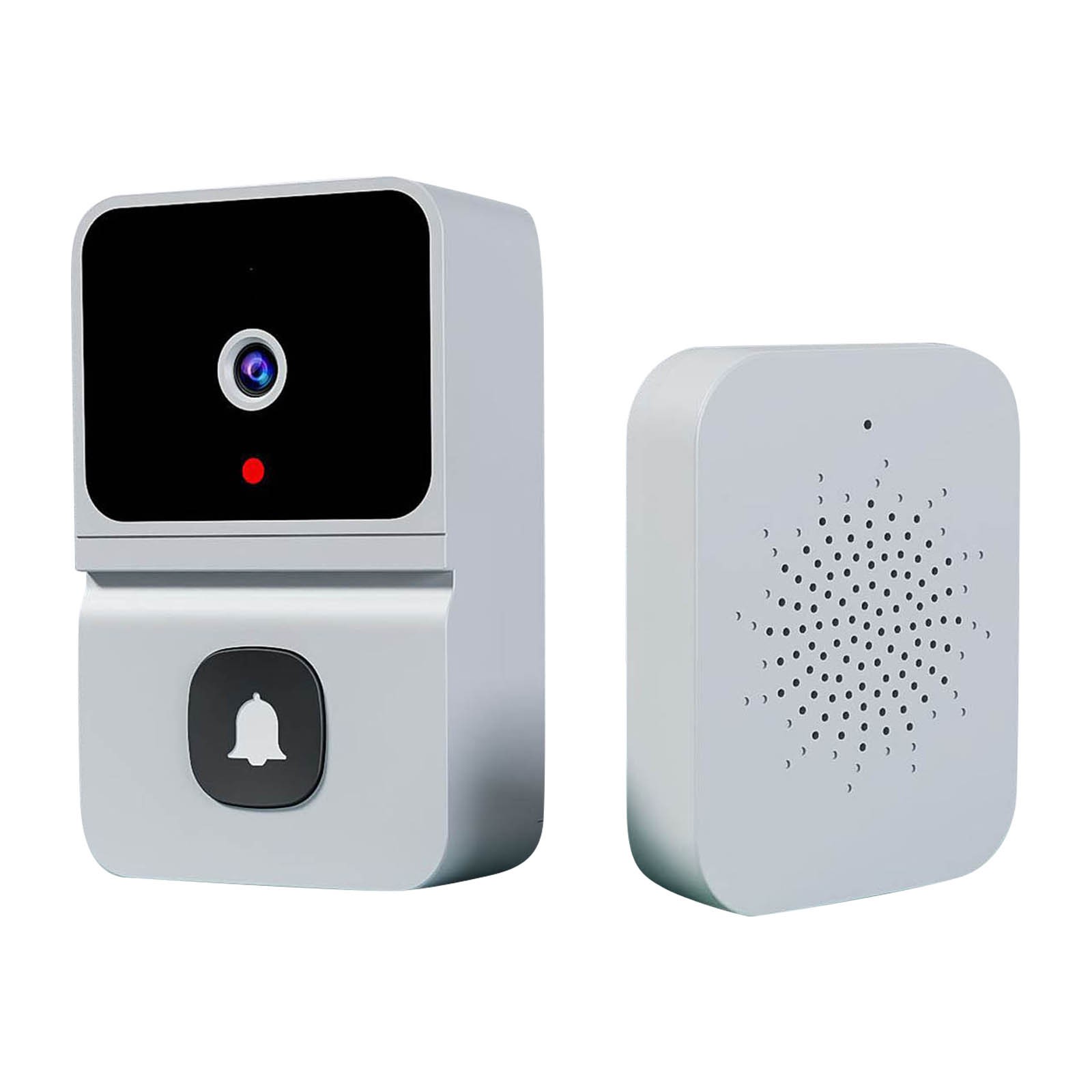

Wireless HD Video Doorbell Camera Z30 with Chime, Night Vision, 2.4ghz Wifi, Smart Door Bell, Two-Way Audio, in White,
How to Use Z30 Doorbell Camera with Chime
Step 1: Download APP and Connect to Wifi
- Download the Aiwit app from your smartphone’s app store.
- Ensure your smartphone is connected to a 2.4GHz Wifi network.
- Open the Aiwit app and follow the on-screen instructions to connect the doorbell to your Wifi network.
Step 2: Mount the Doorbell Camera
- Select a suitable location near your door to mount the doorbell camera.
- Use the double-sided tape provided to attach the doorbell camera to the wall.
Step 3: Power the Doorbell Camera
- Insert the included 800mAh battery into the doorbell camera.
- Connect the doorbell camera to a power source using the USB charging cable.
Step 4: Configure Night Vision
- Open the Aiwit app and go to the settings menu.
- Enable the night vision feature for better visibility in low light conditions.
Step 5: Use the Doorbell Camera
- When someone rings the doorbell, you will receive a notification on your smartphone.
- Open the Aiwit app and tap on the notification to view the live video feed.
- Use two-way audio to communicate with the visitor.
Optional: Cloud Storage
If you want to store video recordings, you can subscribe to the cloud storage service for a monthly fee.
That’s it! You are now ready to use the Z30 Doorbell Camera with Chime. Enjoy the peace of mind and enhanced security it brings to your home.
, ,

Reviews
There are no reviews yet.