
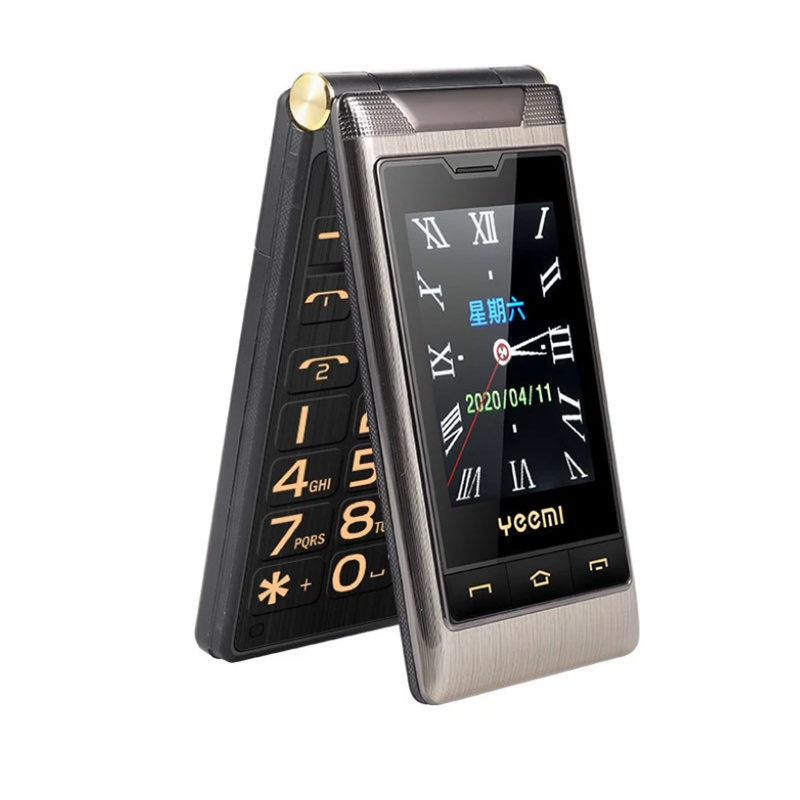
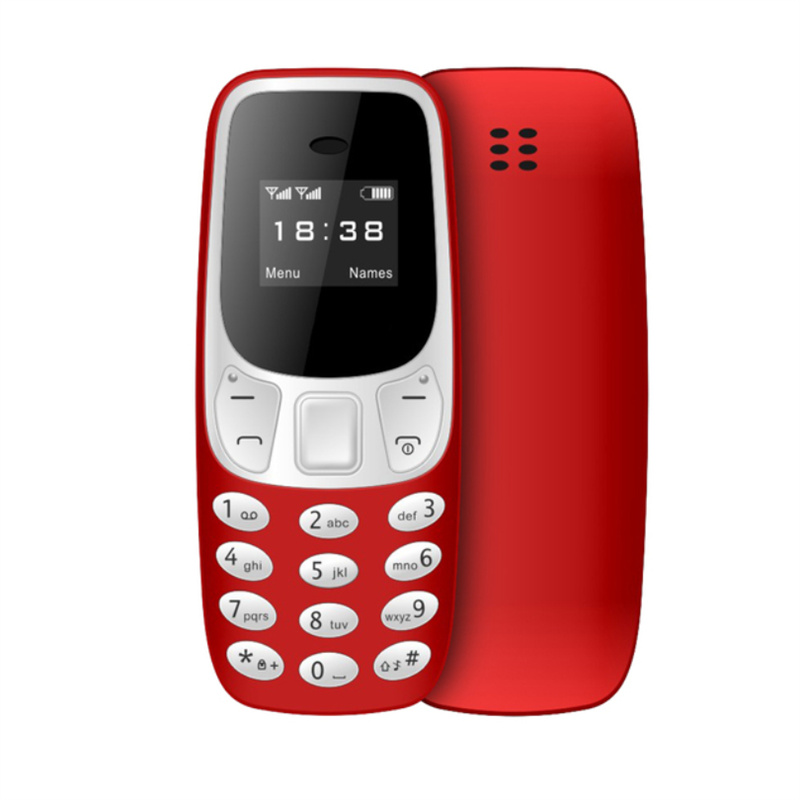
Large Battery Flip Mobile Phone with Dual Display, Dual SIM, Big Voice Loudspeaker, and Tarnish Color – G10-c,
How to Use G10-c Dual-display Dual-sim Cellphone
1. Getting Started
- Open the packaging box and take out the cellphone.
- Insert the SIM cards into the designated slots. The cellphone supports dual-SIM functionality.
- Charge the cellphone using the provided charger and cable. Connect the cable to the charging port on the cellphone.
- Press and hold the power button until the phone turns on.
2. Setting Up
- Follow the on-screen instructions to select your preferred language, date, and time.
- Set up your Wi-Fi connection if available.
- Enter your Google account credentials or skip this step if you don’t have one.
- Set up a security method (PIN, pattern, or fingerprint) to protect your phone.
3. Making Calls
- From the main screen, press the green “Call” button.
- Use the number pad to enter the desired phone number.
- Press the green “Call” button again to initiate the call.
4. Sending Text Messages
- From the main screen, press the messaging icon.
- Select “New Message” or choose an existing conversation.
- Use the keypad to enter your message.
- Press the send button to send the text message.
5. Using Other Features
- Camera: Access the camera app from the main screen and capture photos or record videos.
- Recorder: Find the recorder app and use it to record voice memos.
- Radio: Enjoy listening to FM radio by opening the radio app.
- Calculator: Use the calculator app for basic arithmetic calculations.
- Calendar: Organize your schedule by accessing the calendar app.
- Alarm: Set alarms to wake you up or remind you of important events.
- Music Player: Play your favorite music files using the built-in music player app.
- Flashlight: Find the flashlight app and turn on the flashlight when needed.
6. Important Functions
- SOS Emergency Calls: In case of emergency, press the SOS button to call up to three pre-set emergency contacts.
- One-key Timekeeping: Quickly access the timekeeping function by pressing the corresponding button.
- Stopwatch: Access the stopwatch app from the main screen for timing purposes.
Enjoy using your G10-c Dual-display Dual-sim Cellphone!
, ,


Reviews
There are no reviews yet.