
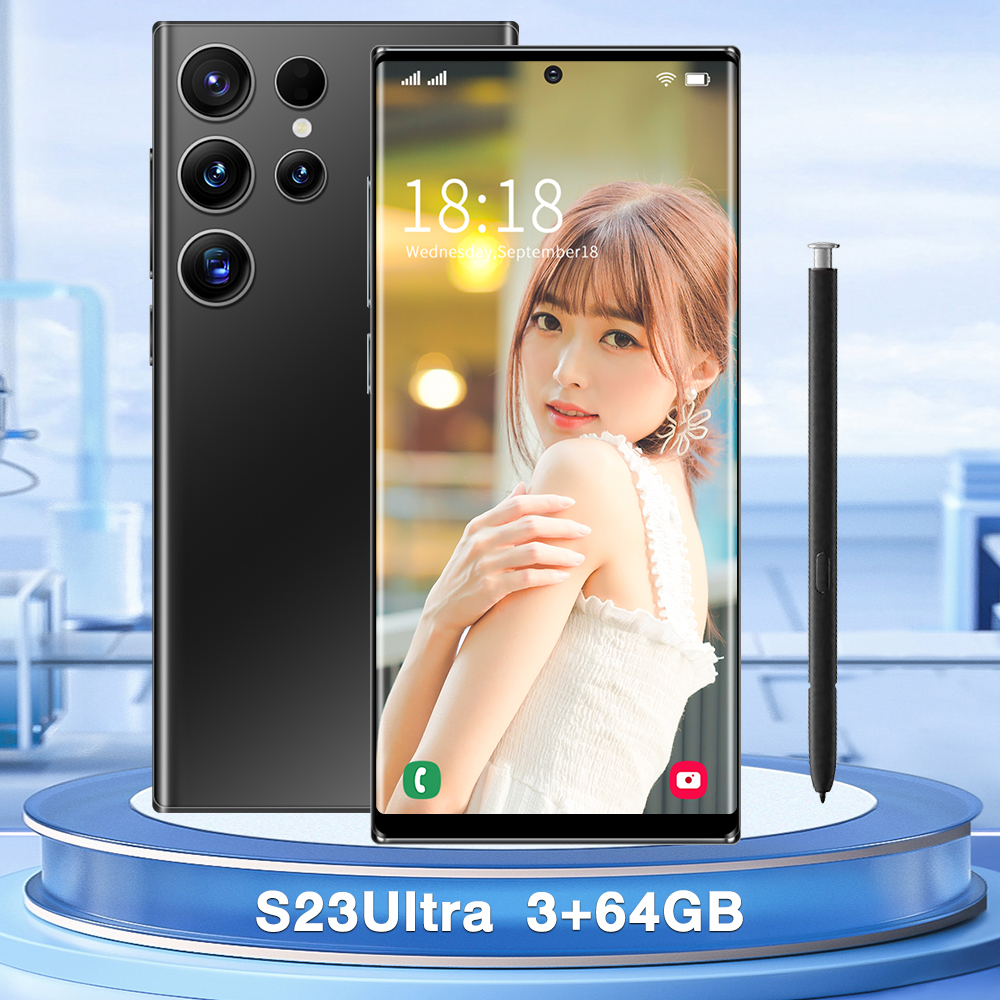
Black EU Plug S23Ultra Unlocked Smartphone, 6.7 inch Display, MTK6753 Eight-Core Processor, 3GB RAM, 64GB ROM, 2600mAh Battery,
How to Use the 6.7 inch S23Ultra Unlocked Smartphone
Step 1: Insert SIM Card and Power On
- Locate the SIM card tray on the side of the phone.
- Insert your SIM card into the tray.
- Gently push the tray back into the phone.
- Press and hold the power button until the phone turns on.
Step 2: Set Up Your Phone
- Follow the on-screen instructions to select your language, connect to Wi-Fi, and sign in to your Google account (or create a new one).
- Choose whether to restore data from a previous device or set up as a new device.
- Set up any additional settings, such as fingerprint or facial recognition, for added security.
Step 3: Navigating the Home Screen
- Swipe up from the bottom of the screen to access the app drawer.
- Swipe down from the top of the screen to view notifications and quick settings.
- Tap on an app icon to open it.
- Press and hold an app icon to access additional options, such as uninstalling or moving the app.
Step 4: Using the Camera
- Open the Camera app from the home screen or app drawer.
- Tap the shutter button to take a photo.
- Swipe left or right to switch between different camera modes, such as panorama or portrait.
- Tap on the settings icon to adjust camera settings, such as resolution or HDR.
Step 5: Charging the Battery
- Connect the included USB charging cable to the charging head.
- Plug the charging head into a power outlet.
- Connect the other end of the USB cable to the charging port on the phone.
- The battery icon will indicate the charging status. A full charge may take several hours.
That’s it! You’re now ready to explore and enjoy all the features and capabilities of your 6.7 inch S23Ultra Unlocked Smartphone.
, ,



Reviews
There are no reviews yet.