
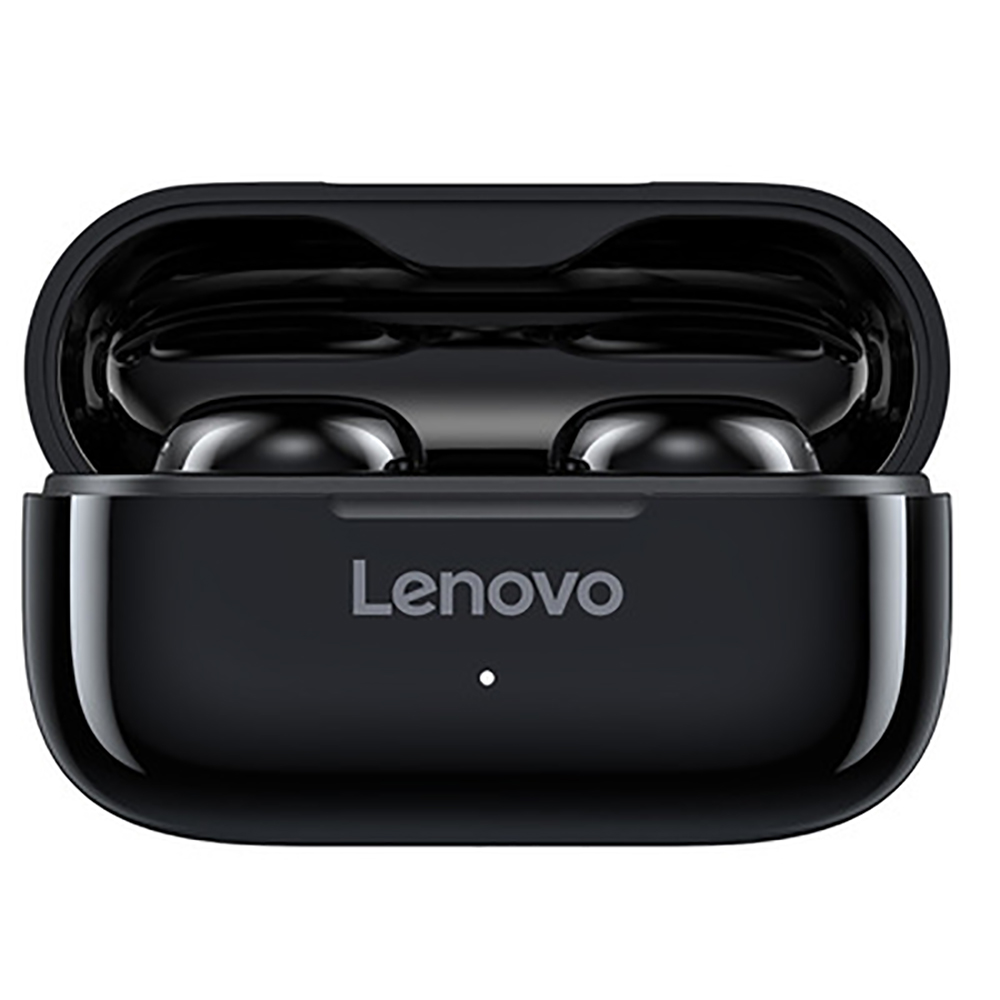
Black Original LENOVO Lp11 Wireless Bluetooth Earphones with Noise Reduction and Rechargeable Battery (BT V5.0),
How to Use the Original LENOVO Lp11 Wireless Bluetooth Earphones
Step 1: Pairing with a Bluetooth Device
- Make sure the earphones are charged and turned on.
- Enable Bluetooth on your device (e.g., smartphone, tablet, computer).
- Go to the Bluetooth settings on your device.
- Select “LENOVO Lp11” from the list of available devices to pair with.
- Once paired, the earphones will emit a confirmation tone.
Step 2: Adjusting Volume and Music Controls
- To increase the volume, press the “+” button.
- To decrease the volume, press the “-” button.
- To play or pause music, press the multifunction button (located in the middle).
- To skip to the next track, double press the multifunction button.
- To go back to the previous track, triple press the multifunction button.
Step 3: Answering and Ending Calls
- To answer an incoming call, press the multifunction button.
- To end a call, press the multifunction button again.
Step 4: Charging the Earphones
- When the earphones’ battery is low, place them inside the charging compartment.
- Connect the charging compartment to a power source using the included USB cable.
- The earphones will automatically start charging.
- The LED indicators on the charging compartment will show the charging progress.
- Allow the earphones to fully charge before using them again.
Step 5: Troubleshooting
If you encounter any issues with the earphones, refer to the user manual for further instructions or contact customer support.
, ,



Reviews
There are no reviews yet.