


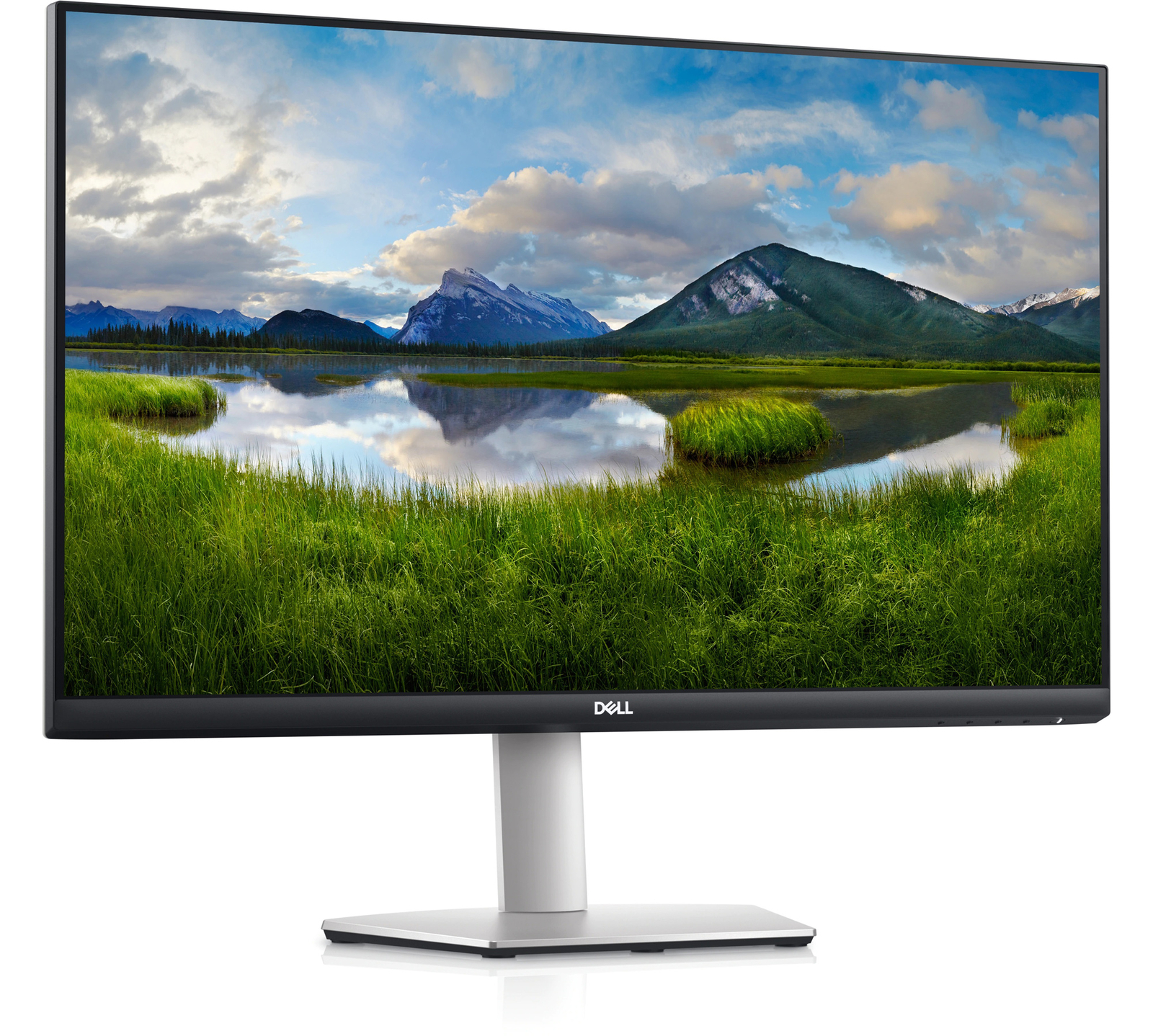





Dell S2721QS – 27-inch 4K UHD Monitor,
How to Use the Dell 27 4K UHD Monitor – S2721QS
Step 1: Unboxing
- Remove the monitor from its packaging and place it on a flat and stable surface.
- Make sure to keep all the packaging materials in case you need to return or exchange the monitor.
Step 2: Setting Up
- Connect the power cable to the monitor and plug it into a power outlet.
- Connect the HDMI cable or DisplayPort cable to your computer or other video source.
- Securely attach the other end of the cable to the corresponding port on the back of the monitor.
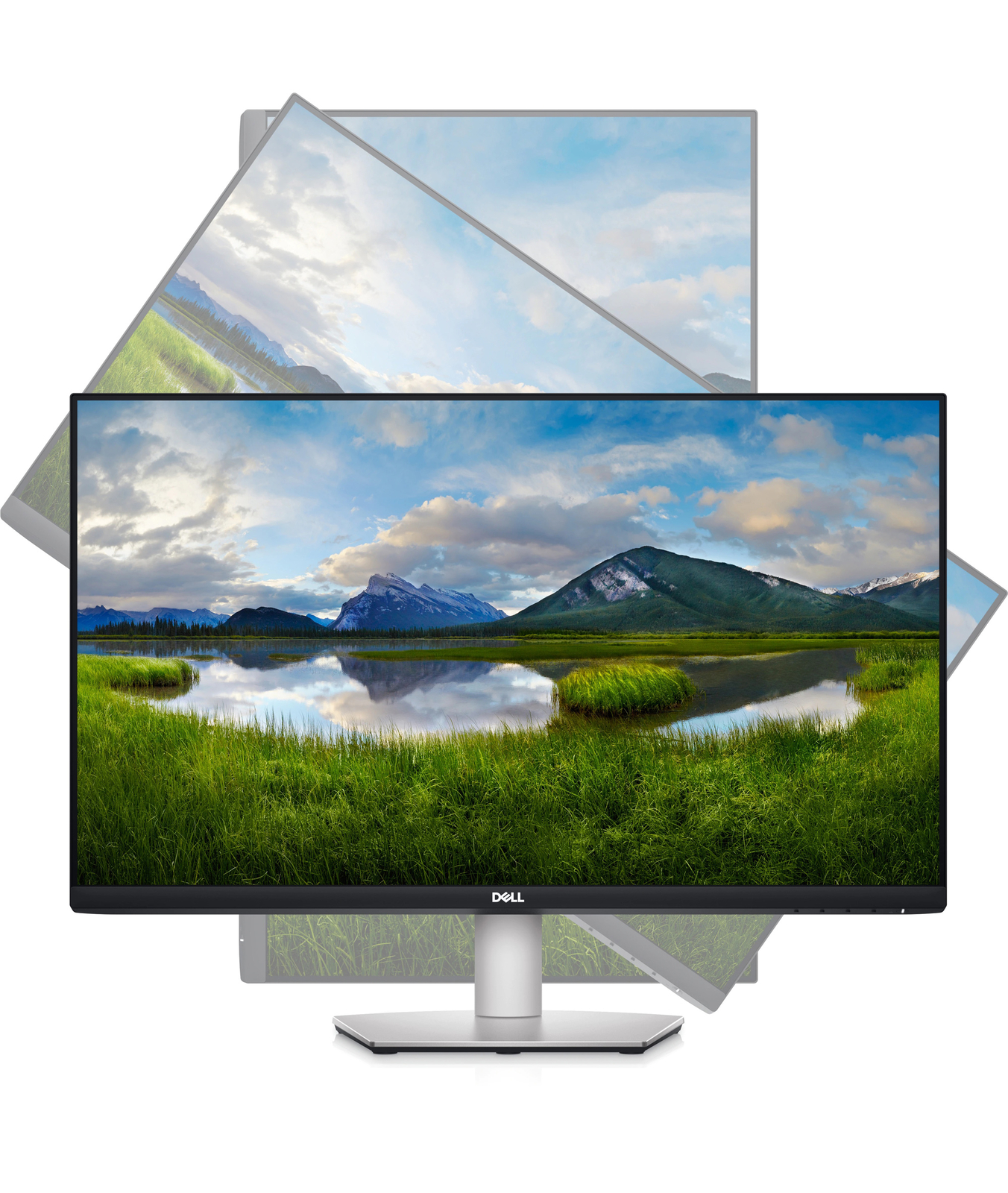
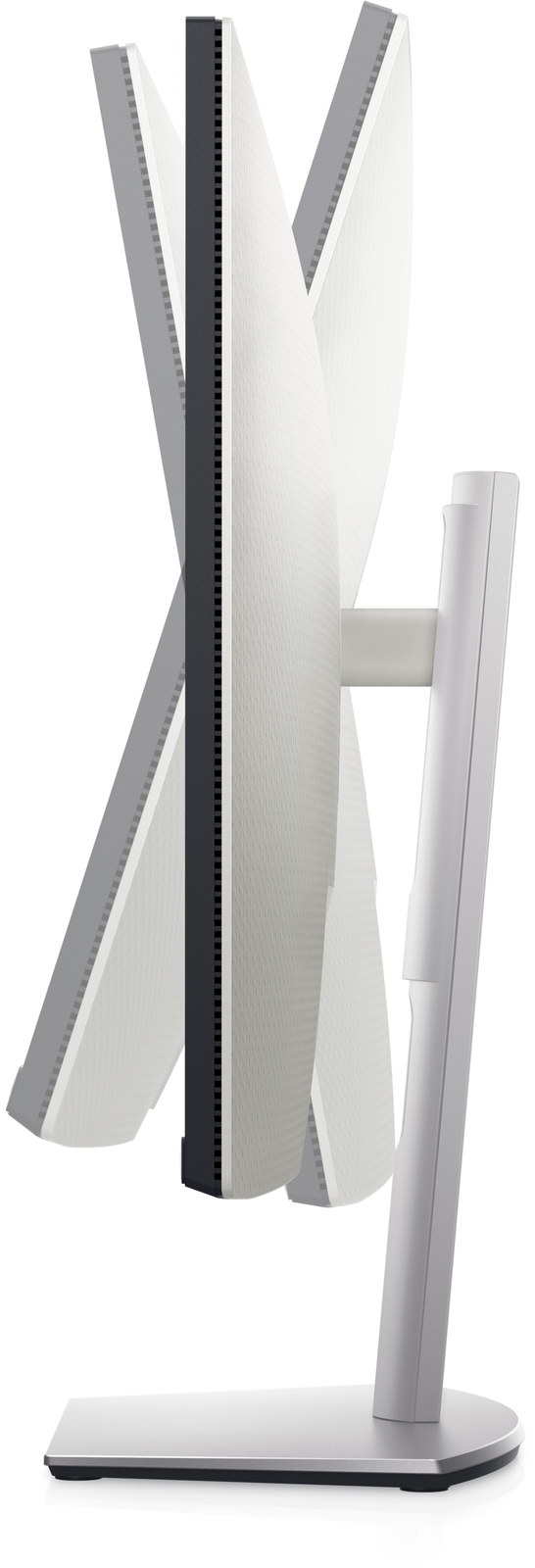
- Adjust the monitor’s position and angle to your desired viewing preference.
- If desired, you can also mount the monitor to a VESA-compatible mounting bracket. Follow the instructions provided with the bracket for proper installation.
Step 3: Powering On
- Locate the power button on the bottom right side of the monitor.
- Press the power button to turn on the monitor.
Step 4: Adjusting Settings
- Use the menu buttons located on the bottom right side of the monitor to navigate through the on-screen display (OSD) menu.
- Adjust settings such as brightness, contrast, color temperature, and more to suit your preferences.
Step 5: Enjoying Your Monitor
- With the Dell 27 4K UHD Monitor – S2721QS, you can now enjoy stunning visuals and sharp details in your favorite games, movies, and other content.
- Make sure to adjust your computer’s display settings to best match the resolution and refresh rate of the monitor for optimal performance.
For any further assistance or troubleshooting, please refer to the user manual that comes with the monitor or contact Dell customer support.
, , Dell




Reviews
There are no reviews yet.