
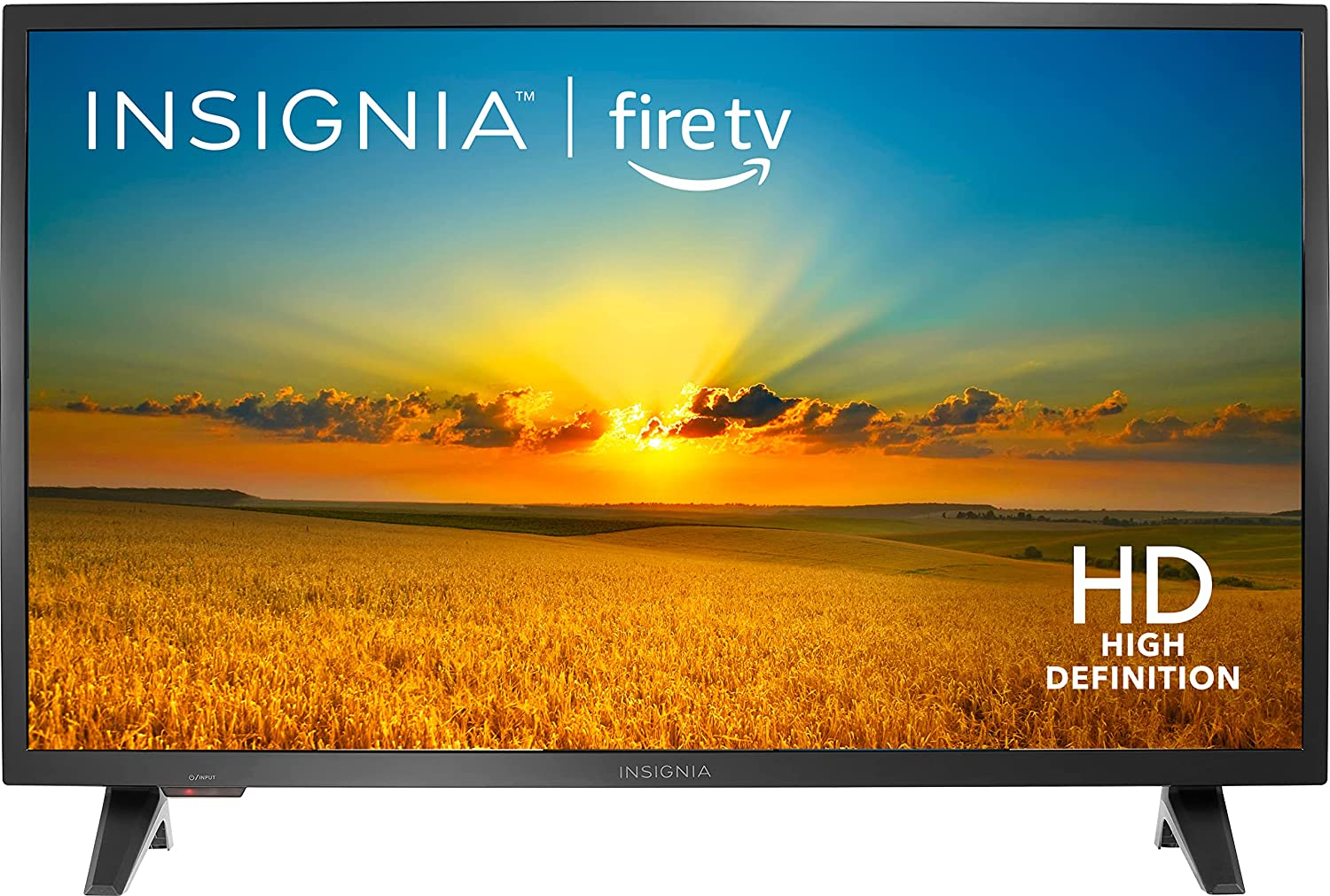


Insignia- F20 Series 32″ Class LED HD Smart Fire TV,
How to Use the Insignia- 32″ Class F20 Series LED HD Smart Fire TV
Connecting Your TV
- Connect your home theater components (Blu-ray player, game console, etc.) to the TV using HDMI or other appropriate ports.
- Plug the TV into a power outlet. The indicator light should turn on.
Setting up the TV
- Turn on the TV by pressing the power button located on the remote control or on the TV itself.
- Follow the on-screen instructions to choose your language, connect to Wi-Fi, and set up your Amazon account.
- Once the setup is complete, you can start using the TV.
Navigating the TV
- Use the arrow buttons on the remote control to navigate through the TV menu.
- Press the “OK” button to select an option.
Controlling with Voice
- Press and hold the voice button on the remote control.
- Speak clearly and concisely to give voice commands to Alexa.
- For example, say “Launch Netflix” to open the Netflix app.
Streaming Content
- Access streaming apps like Netflix, Disney+, Prime Video, etc. from the home screen or use the voice command.
- Browse through the available content and select what you want to watch.
Adjusting Settings
- Press the “Settings” button on the remote control.
- Navigate to the desired setting using the arrow buttons.
- Press the “OK” button to access and modify the settings.
Controlling Volume and Other Audio Settings
- Use the volume buttons on the remote control to adjust the volume.
- Access the audio settings from the settings menu to adjust bass, treble, and other audio options.
Additional Features
- The TV supports features like AirPlay, HDMI ARC, parental controls, and more.
- Consult the user manual or the TV menu for specific instructions on using these features.
Turning Off the TV
- Press the power button on the remote control or on the TV to turn off the TV.
- The indicator light will turn off indicating that the TV is powered off.
Enjoy your Insignia- 32″ Class F20 Series LED HD Smart Fire TV!
, , Insignia



Reviews
There are no reviews yet.