


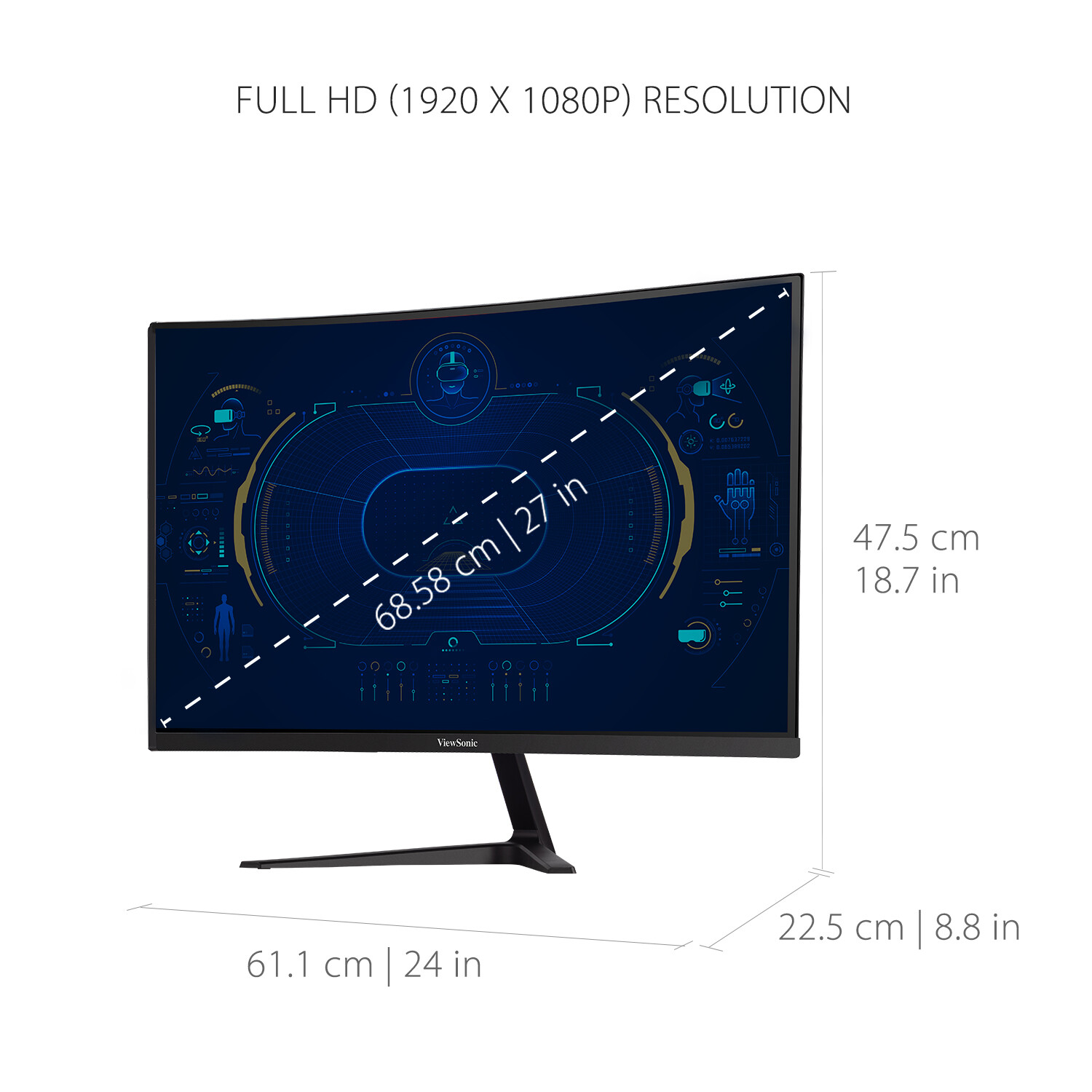


ViewSonic 27-inch VX2718-PC-MHD Curved Gaming Monitor with 1080p Resolution, 1ms Response Time, and AMD FreeSync Technology,
How to Use the ViewSonic Curved Gaming Monitor
Step 1: Set Up the Monitor
- Unbox the monitor and remove all packaging materials.
- Place the monitor on a stable surface.
- Connect the power cable to the monitor and a power outlet.
- Connect the included HDMI or DisplayPort cable to the monitor and your computer.
- Turn on the monitor by pressing the power button.
Step 2: Adjust Settings
- Use the buttons on the monitor to access the on-screen display (OSD) menu.
- Navigate through the OSD menu using the arrow buttons.
- Adjust settings such as brightness, contrast, and color temperature to your preference.
- Save any changes made to the settings.
Step 3: Gaming Features
- Enable AMD FreeSync Premium technology for fluid and tear-free gameplay.
- Explore the pre-set customizable visual modes for different game genres like FPS, RTS, or MOBA.
- Adjust the refresh rate and response time settings for the best gaming experience.
Step 4: Eye Care Features
- Utilize the Flicker-Free technology to reduce eye fatigue during long gaming sessions.
- Activate the Blue Light Filter to reduce the amount of blue light emitted from the screen.
- Adjust the screen tilt to a comfortable viewing angle.
Step 5: Cleaning and Maintenance
- Turn off the monitor and unplug it from the power source before cleaning.
- Wipe the screen gently with a soft, lint-free cloth to remove dust or fingerprints.
- Avoid using harsh chemicals or abrasive materials that may damage the screen.
Always refer to the user manual for more detailed instructions and troubleshooting tips.
, , ViewSonic




Reviews
There are no reviews yet.