

8GB DDR4 RAM Upgrade
$227.80
- 8GB DDR4 2133MHz PC4-17000 288-Pin Non-ECC Unbuffered Memory
- Dual Rank (2Rx8) 1.2v
- 30-day Money Back Guarantee
- Lifetime Replacement Warranty
- Certified for your system compatibility
- Made from high-quality components
- Rigorously tested to ensure quality
- Number of Pins: 288, Capacity per Module: 8GB, Number of Modules: 1, Type: DDR4 SDRAM, Bus Speed: PC4-17000 (DDR4-2133), Brand: Arch Memory, Form Factor: DIMM, Total Capacity: 8GB, UPC: Does not apply
Buy more, save more
Buy 2–4 of this item and save 5%.
Buy 5 or more of this item and save 10%.
Discount is automatic in your cart on regular-priced items. It cannot be combined with coupon codes or sale prices.
Buy 2–4 of this item and save 5%.
Buy 5 or more of this item and save 10%.
Discount is automatic in your cart on regular-priced items. It cannot be combined with coupon codes or sale prices.
Country suggested using IP or browser language; you can change it. Shipping is confirmed at checkout.
Description
8GB DDR4 RAM Upgrade,
How to use the 8GB DDR4 2133MHz PC4-17000 288-PIN NON-ECC UDIMM Computer RAM Upgrade
Step 1: Shut down your computer
- Save any open files and close all applications.
- Click on the Start button and select “Shut down”.
Step 2: Open your computer case
- Unplug all cables from your computer.
- Remove the screws on the back or side panel of your computer case.
- Slide off the side panel to access the inside of your computer.
Step 3: Locate the RAM slots
- Look for the existing RAM modules on your computer’s motherboard.
- Identify the empty slots where you will install the new RAM module.
Step 4: Ground yourself
- Prevent any static electricity from damaging your computer’s components by grounding yourself.
- Touch a metal part of the computer case to discharge any static electricity.
Step 5: Install the new RAM module
- Hold the new RAM module by its sides, avoiding touching the gold contacts.
- Align the notch on the RAM module with the slot on the motherboard.
- Gently push the module into the slot until it clicks into place.
Step 6: Close your computer case
- Put the side panel back onto your computer case.
- Tighten the screws to secure the panel.
- Reconnect all cables to your computer.
Step 7: Power on your computer
- Plug in the power cable and press the power button to turn on your computer.
Congratulations, you have successfully installed the 8GB DDR4 2133MHz PC4-17000 288-PIN NON-ECC UDIMM Computer RAM Upgrade!
, , Arch Memory
| Number of Pins | 288 |
|---|---|
| Capacity per Module | 8 GB |
| Number of Modules | 1 |
| Type | DDR4 SDRAM |
| MPN | Does Not Apply |
| Bus Speed | PC4-17000 (DDR4-2133) |
| Brand | Arch Memory |
| Form Factor | DIMM |
| Total Capacity | 8GB |
| UPC | Does not apply |
Only logged in customers who have purchased this product may leave a review.
Special deals for you

Canon imageFORMULA R40 Office Document Scanner For PC and Mac, Color Duplex Scanning, Easy Setup For Office Or Home Use, Includes Scanning Software
Original price was: $4,270.00.$538.20Current price is: $538.20.
Add to cart
Epson Workforce ES-C220 Compact Desktop Document Scanner with 2-Sided Scanning and Auto Document Feeder (ADF) for PC and Mac
Original price was: $3,244.40.$517.00Current price is: $517.00.
Add to cart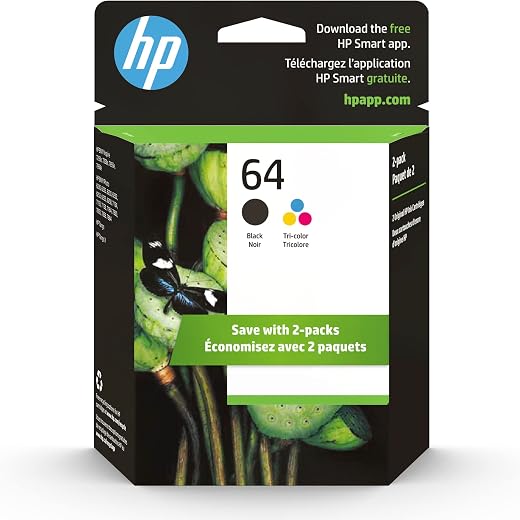
HP 64 Black/Tri-color Ink Cartridges (2-pack) | Works with HP ENVY Inspire 7950e; ENVY Photo 6200, 7100, 7800; Tango Series | Eligible for Instant Ink | X4D92AN
Original price was: $1,038.20.$121.90Current price is: $121.90.
Add to cart
TN660 Toner Cartridge Replacement Compatible for Brother TN 660 TN-660 TN630 High Yield to use with HL-L2380DW HL-L2320D HL-L2340DW DCP-L2540DW MFC-L2700DW MFC-L2720DW Printer...
Original price was: $1,512.00.$86.90Current price is: $86.90.
Add to cartPopular items in this category

Retro HDMI Game Console – 4K Output and Gamepad Controllers
$40.00
Add to cart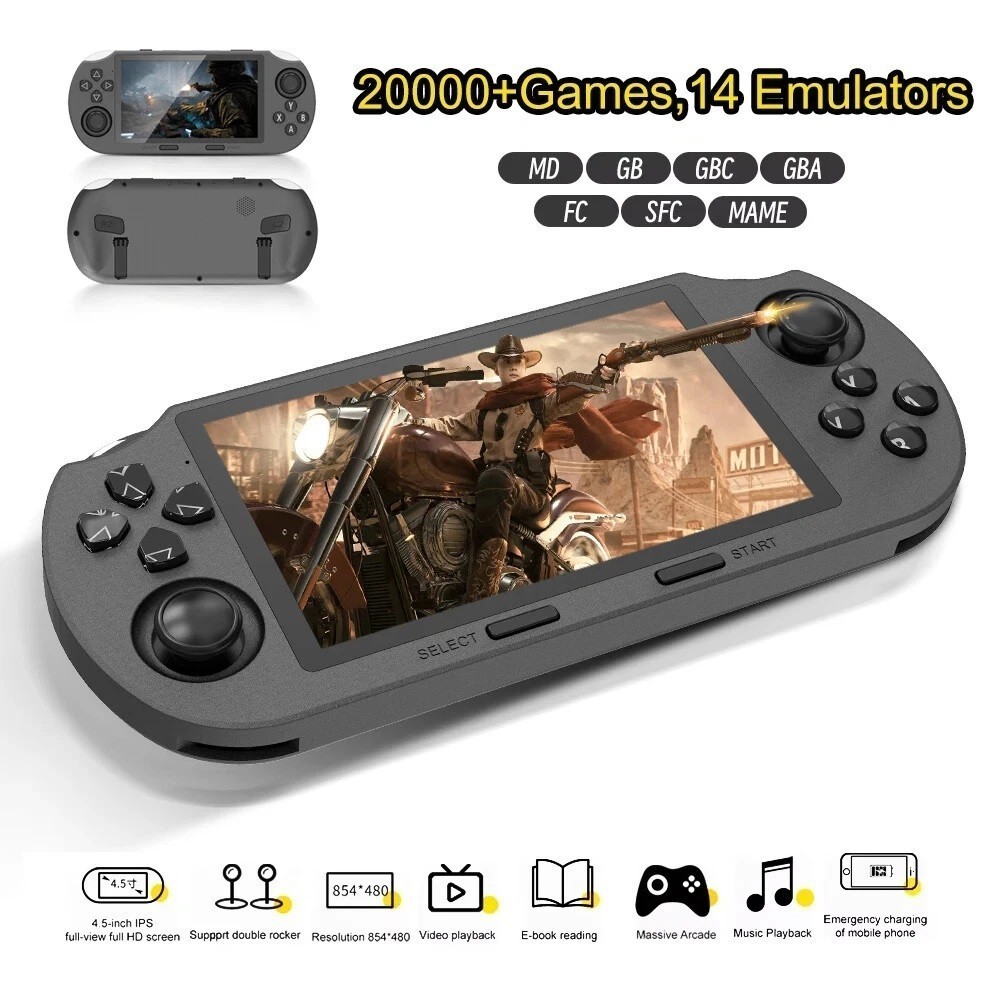
SF3000 Retro Handheld Game Console – 4.5-Inch IPS Display
$94.00
Add to cart
Blackview PlayPop 8 AI Motion Gaming Console for Families
$349.99
Add to cart4K HDMI Retro Game Console – Plug and Play, 20,000+ Games
$40.00
Add to cartSimilar items you might like

Blackview PlayPop 8 AI Motion Gaming Console – 8GB RAM, 128GB Storage
$379.99
Add to cart
R36S Retro Handheld Game Console, 64GB, 3.5-Inch IPS Screen
$86.90
Add to cart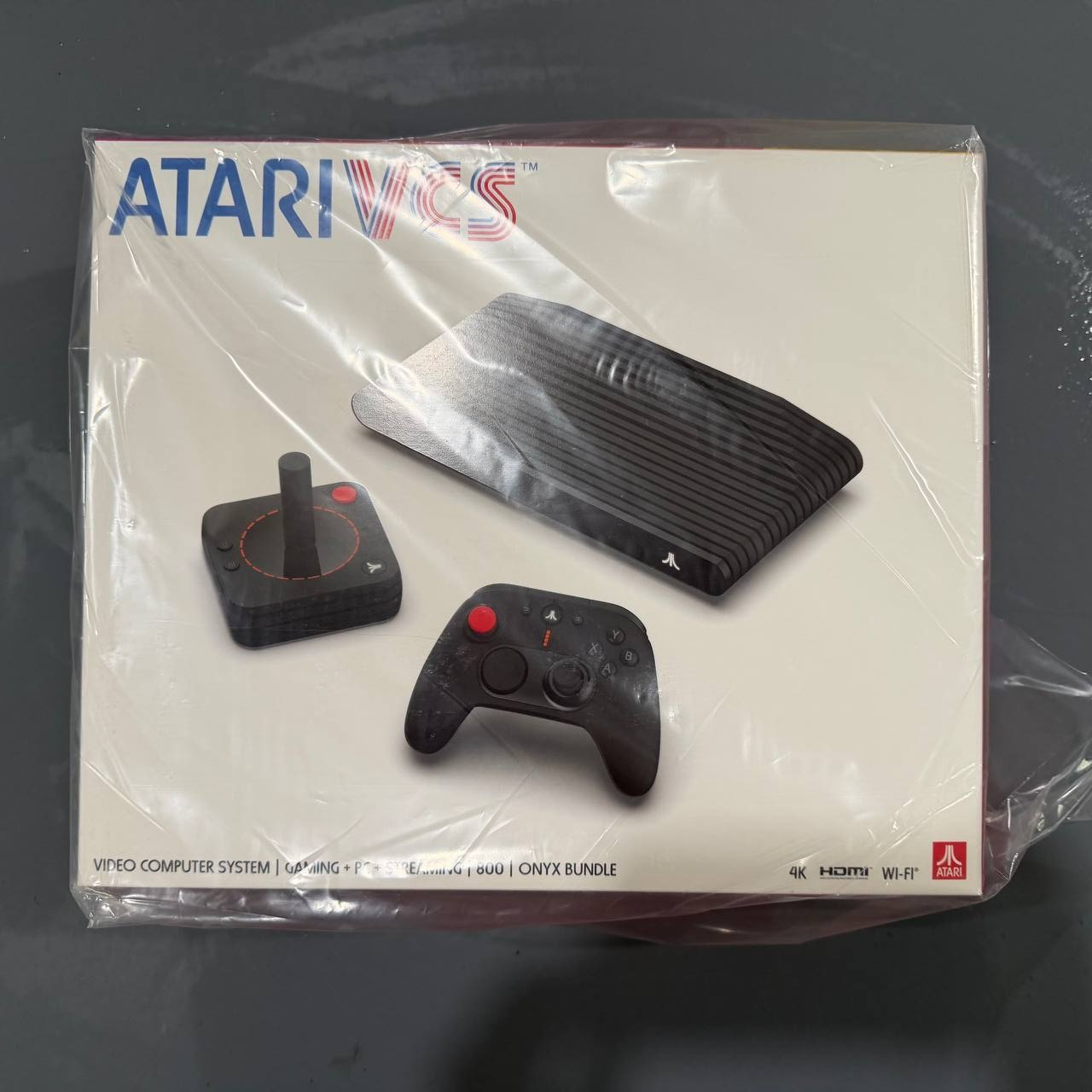
New Sealed Atari VCS 800 Onyx All-In Bundle
$379.99
Add to cart
Budget Desktop PC – Intel Core i7 4th Gen, 16GB DDR3, SSD Options
$499.99
Add to cartProducts related to this item

MUCAI X99 P4 Motherboard LGA 2011 3 Supports Intel Xeon processor four channel DDR4 RAM NVME M.2/SATA 3.0
$189.00
Add to cart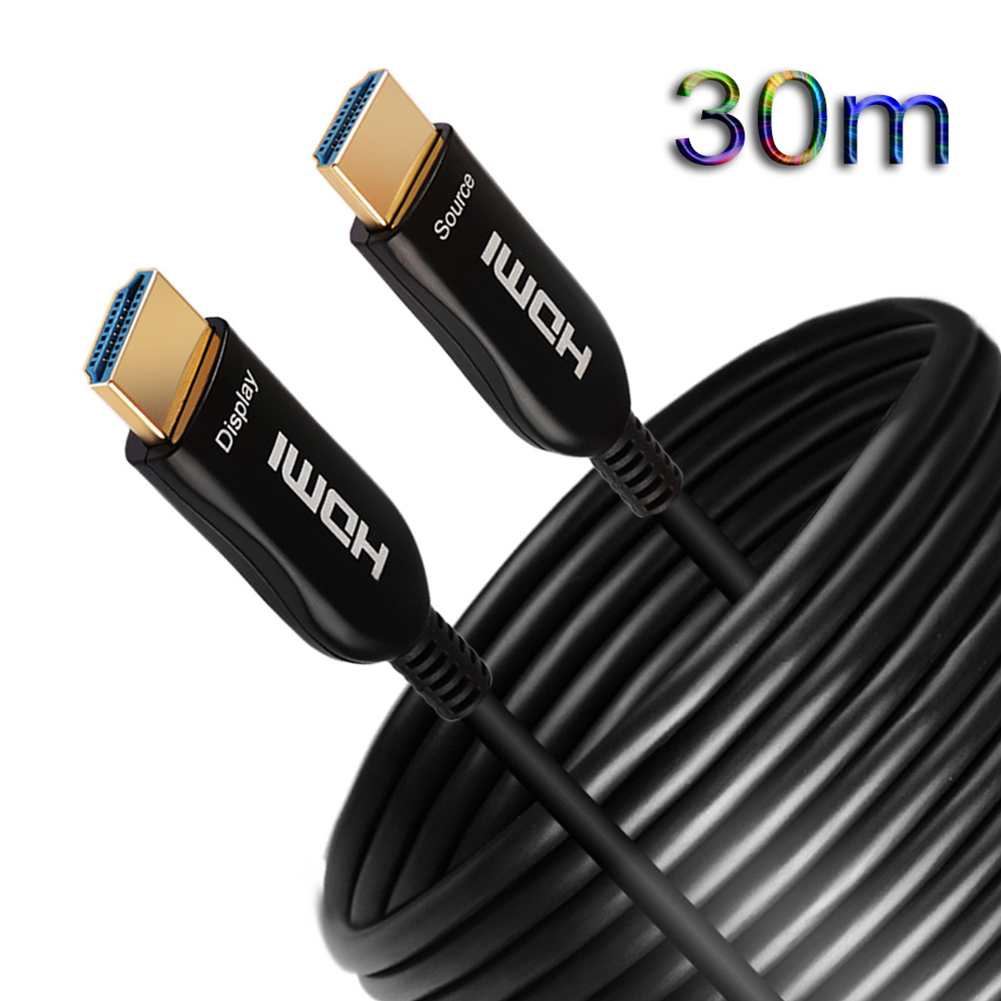
4K 60HZ HDMI Cable 2.0 Fiber HDMI 2M 5M10M 20M 30M 50M HDMI Cable for 4K 3D HDR LCD TV Laptop PS3 Projector
$162.30
Add to cart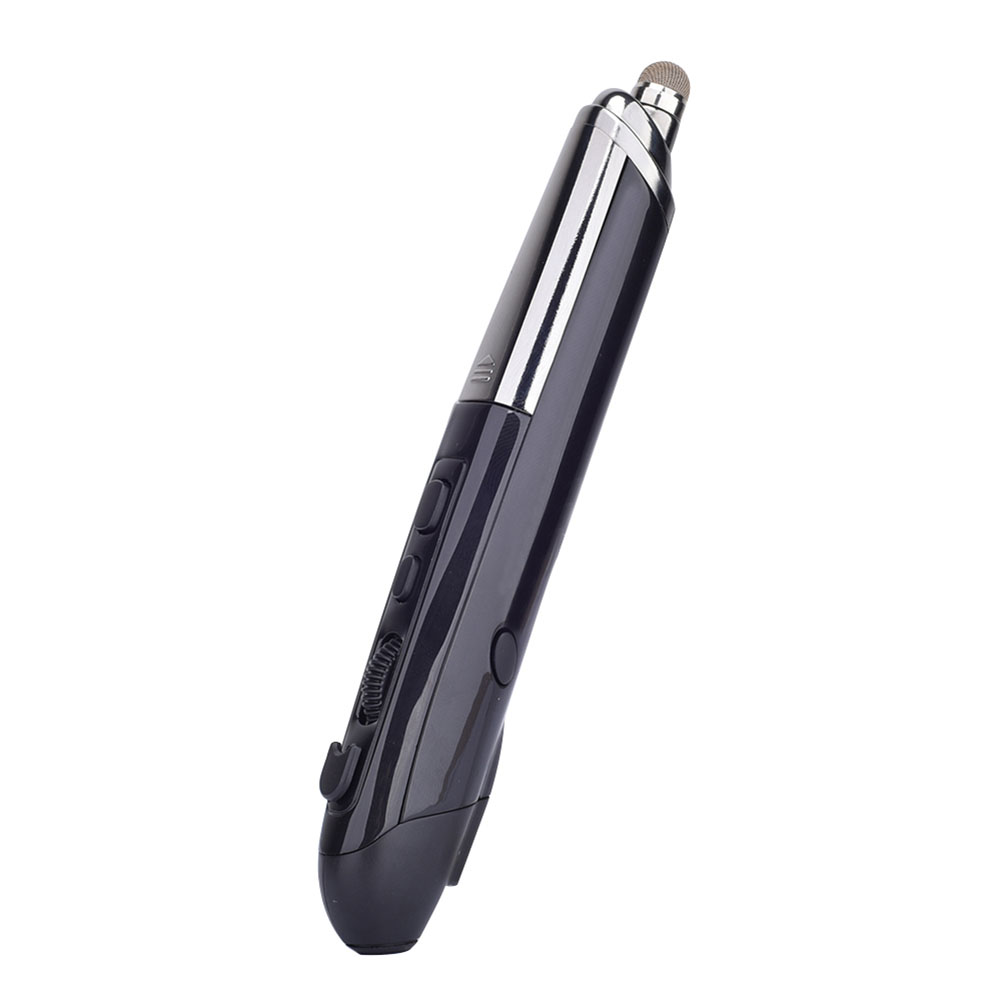
Professional Mini Wireless Mouse Pen Infrared Electronic Presentation Pointer for Business Office black
$49.10
Add to cart
1.8M HDMI to VGA Cable HD 1080P HDMI Male to VGA Male Video Converter Adapter for PC Laptop
$17.00
Add to cartProducts you may also like
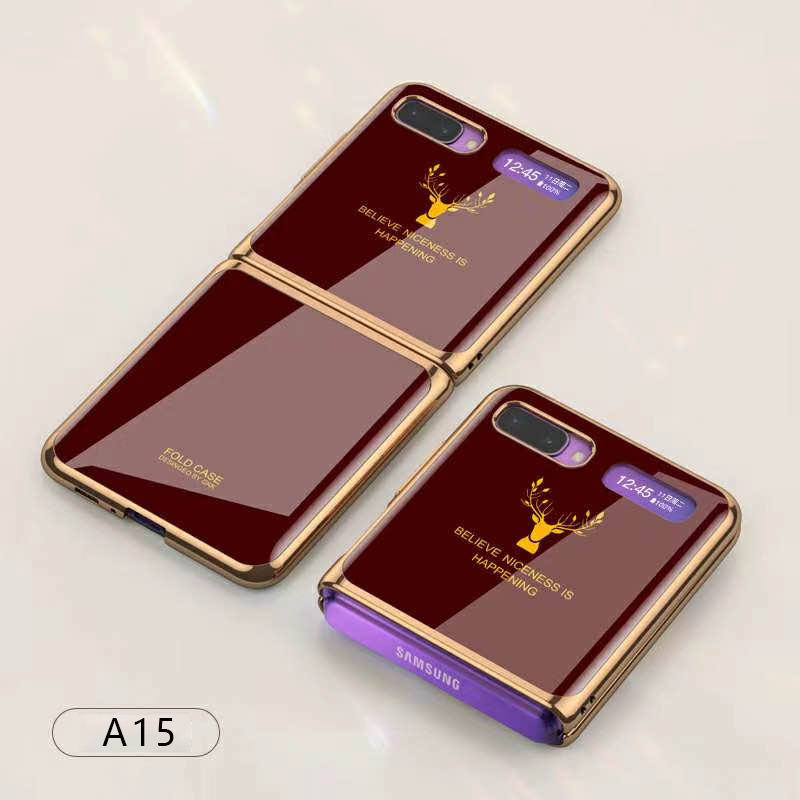
For Samsung Galaxy Z flip Foldable Cellphone Shell Electroplated Painted Folding Phone Case A15 wine red
$44.30
Add to cart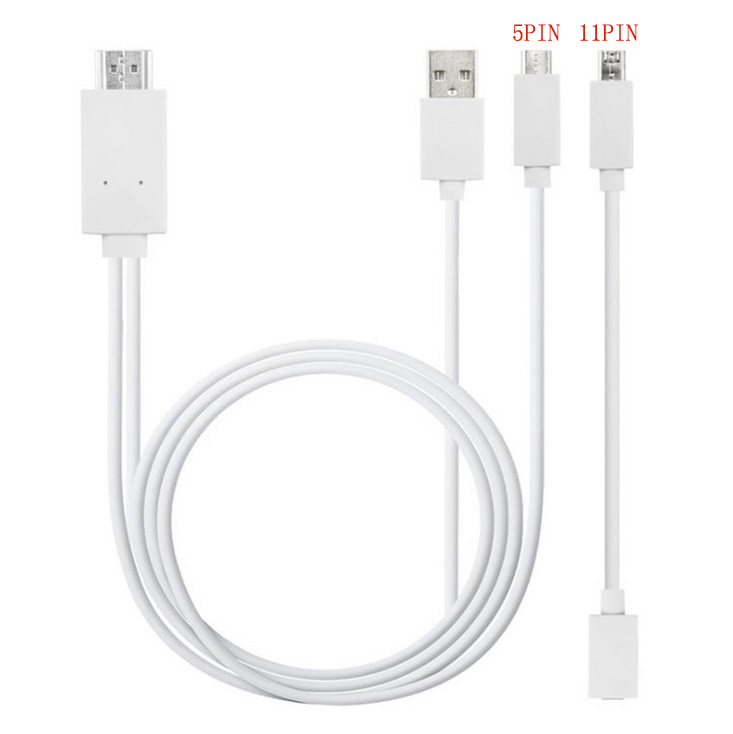
Micro USB to HDMI 1080P HD TV Cable Adapter for Android Samsung Phones 11PIN 5PIN+11PIN white
$26.10
Add to cart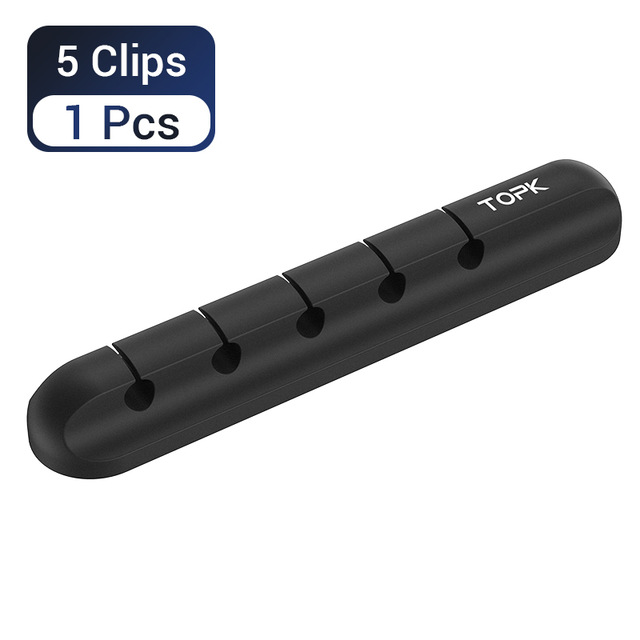
5-in-1 Cable Organizer Silicone USB Cable Desktop Tidy Wire Management Clips Cable Holder for TV Notebook Computer Office black
$12.80
Add to cart
Intel BLKCD1IV128MK CD1IV128MK Compute Card Core i5-7Y57 Processor NEW BROWN BOX
$117.50
Add to cartRecommended for You

Epic 4K Action Camera Sport Video Waterproof Wifi 1080P HD Cam 170° Remote For Go Pro
$70.50
Add to cart
Empowering Solutions 10-Core Gaming Computer Desktop PC Tower SSD 8GB AMD R7 Graphic CUSTOM BUILT
$846.00
Add to cart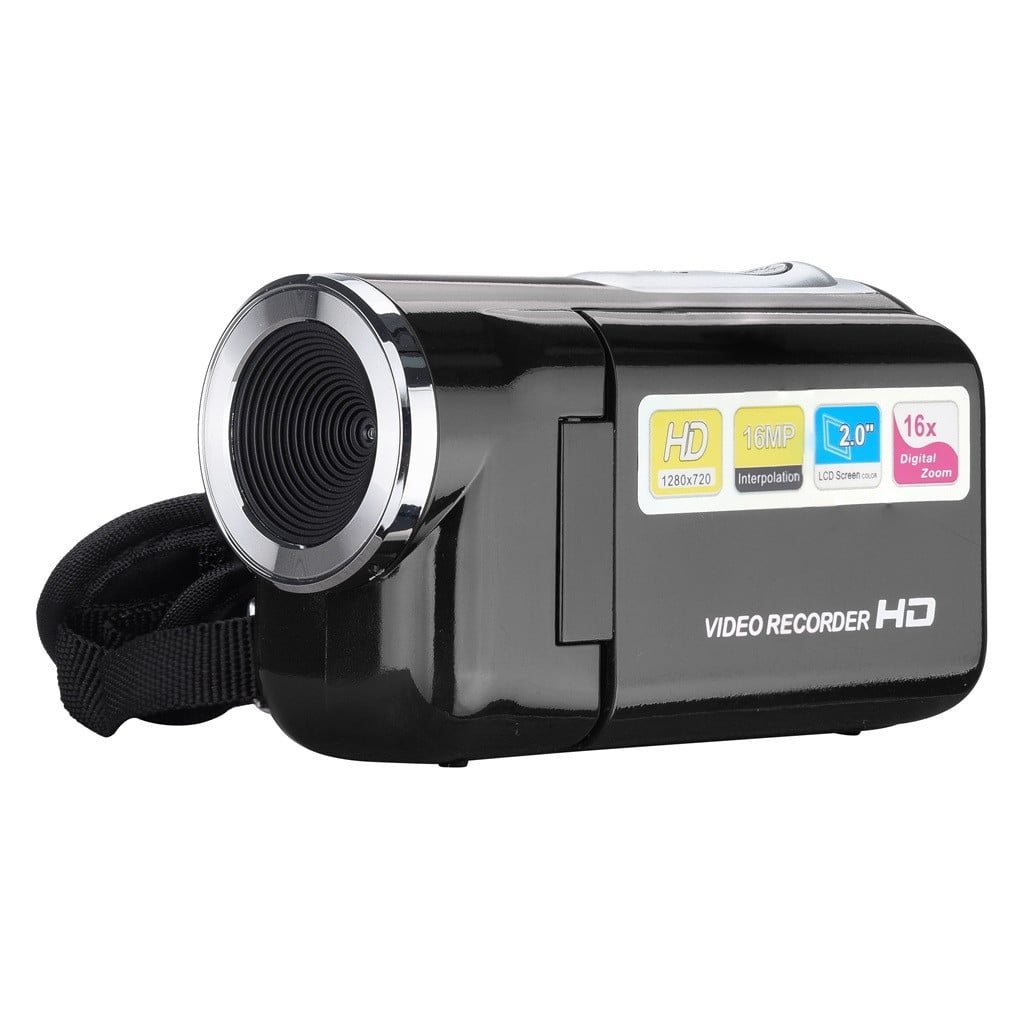
Revitalize Your Lifestyle iMESTOU HD 720P Handheld Digital Camera with 4x Digital Zoom and 2.0 Inch Screen - Deals Clearance on Photo Video Camcorder
$45.70
Add to cart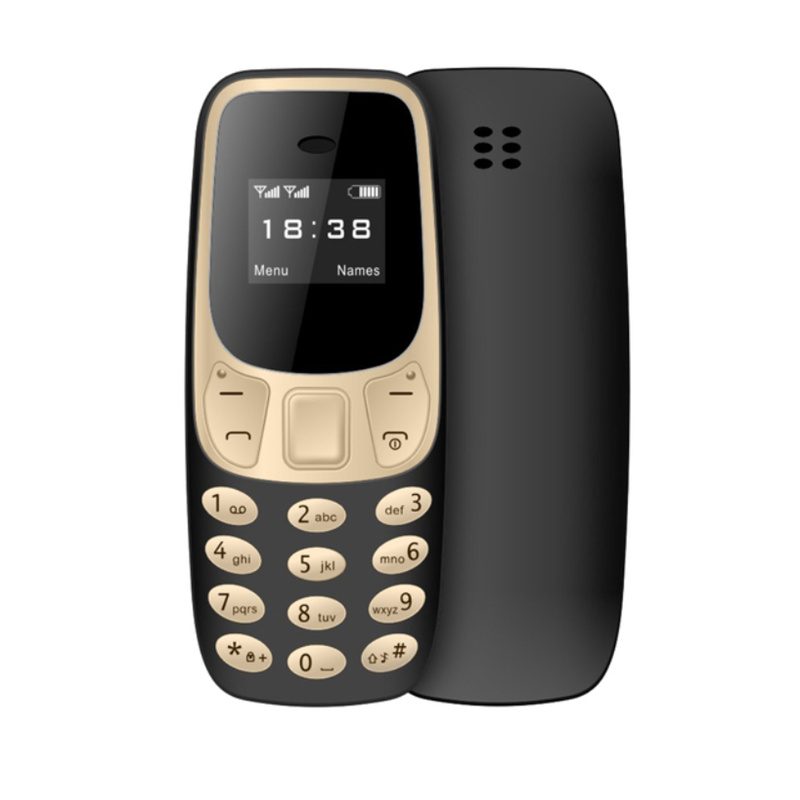
Uncover Your True Potentialy Mini Mobile Phone L8star BM10 with Dual SIM Card, MP3 Player, FM Radio, Voice Changer, and Black Gold Color
$53.10
Add to cartRelated products
-
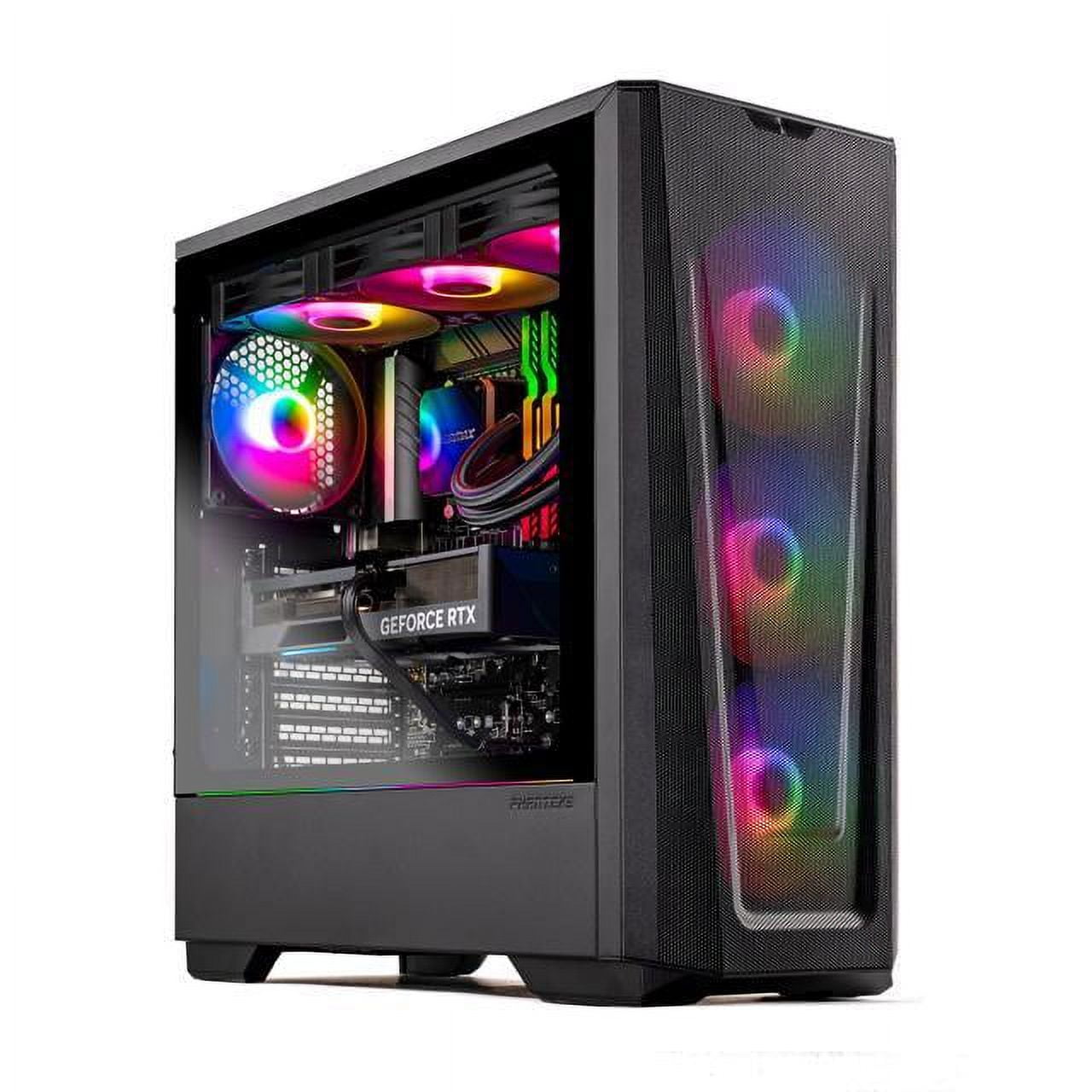
Skytech Eclipse Lite Gaming PC, Intel i7, RTX 4070, 1TB NVME, 32GB DDR5 RAM, Wi-Fi, Win 11 Home, New Condition
$3,747.50 -
Intel BLKCD1IV128MK CD1IV128MK Compute Card Core i5-7Y57 Processor NEW BROWN BOX
$117.50 -

Dell Latitude 7480 i5-6300U Motherboard
$64,042.20 -

Dell Latitude 5520 Business Laptop, 15.6″ FHD Display, Intel Core i5-1135G7 vPRO, 16GB RAM, 512GB SSD, IR Camera, HDMI, Backlit Keyboard, Wi-Fi 6, RJ-45, Thunderbolt 4, Windows…
$2,279.30

Reviews
There are no reviews yet.