
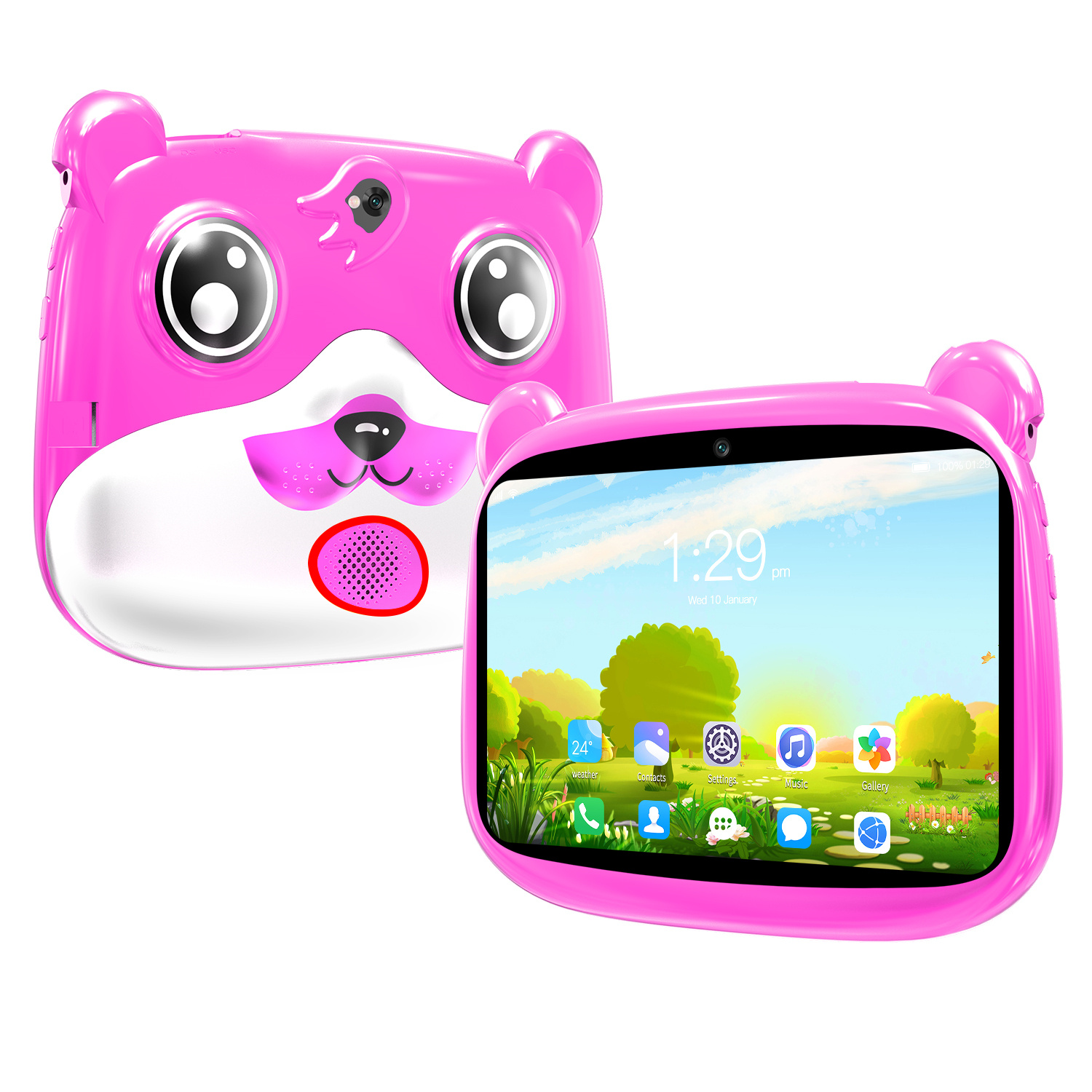
Pink 7-inch Kids Tablet with Quad Core, 16GB Storage, Android 5.1, Dual Camera, 1280 x 800 HD Screen, Wireless Wifi, and US Plug
$132.10
- 7-inch Android kids tablet for entertainment and education
- 1280 x 800 HD screen for watching movies and playing games
- Android 5.1 interface with access to Play Store for more apps and games
- Includes a 3000mAh battery, dual cameras, and Wi-Fi support
- Great gift for kids that is fun, easy to use, and safe
Buy more, save more
Buy 2–4 of this item and save 5%.
Buy 5 or more of this item and save 10%.
Discount is automatic in your cart on regular-priced items. It cannot be combined with coupon codes or sale prices.
Buy 2–4 of this item and save 5%.
Buy 5 or more of this item and save 10%.
Discount is automatic in your cart on regular-priced items. It cannot be combined with coupon codes or sale prices.
Country suggested using IP or browser language; you can change it. Shipping is confirmed at checkout.
Description
Pink 7-inch Kids Tablet with Quad Core, 16GB Storage, Android 5.1, Dual Camera, 1280 x 800 HD Screen, Wireless Wifi, and US Plug,
How to Use the 7-inch Kids Tablet
Charging the Tablet
- Connect the US plug to the tablet’s charging port and insert it into a power outlet.
- Allow the tablet to charge until the battery is fully charged. This may take a few hours.
Turning On the Tablet
- Press and hold the power button located on the side of the tablet.
- Release the button when the tablet’s screen turns on.
Unlocking the Tablet
- Swipe your finger from left to right on the screen to unlock the tablet.
- Enter the provided password or pattern if required.
Connecting to Wi-Fi
- Swipe down from the top of the screen to open the notification panel.
- Select the Wi-Fi icon.
- Tap on the desired Wi-Fi network from the available options.
- Enter the Wi-Fi network password if prompted.
Accessing the Play Store
- Locate and tap on the Play Store app icon on the tablet’s home screen.
- If prompted, sign in with a Google account or create a new one.
- Browse or search for apps and games to download.
- Tap on the desired app or game, then select “Install.”
Using the Camera
- Tap on the Camera app icon on the home screen.
- Select the front or back camera by tapping on the camera icon with arrows.
- Aim the camera at the desired subject and tap the capture button to take a photo.
- Tap the video recording button to start recording videos.
Adjusting Screen Brightness
- Swipe down from the top of the screen to open the notification panel.
- Drag the brightness slider left or right to adjust the screen brightness.
Powering Off the Tablet
- Press and hold the power button located on the side of the tablet.
- Select “Power off” from the options displayed on the screen.
- Confirm the shutdown by tapping “OK”.
, ,
| Weight | 5 lbs |
|---|
Only logged in customers who have purchased this product may leave a review.
Special deals for you
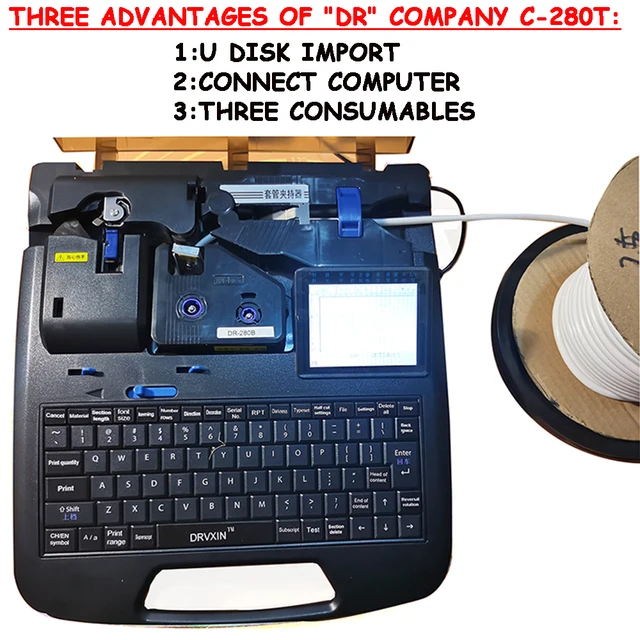
New C-280T Wire Pipe Numbering Machine U Disk Import Connect Computer For Heat-shrinkable Tube Tape Label typewriter printing
Original price was: $604.02.$600.31Current price is: $600.31.
Add to cart
Wire Marker ID Printer Pvc Pipe Marking Machine USB Drive Import USB Connection PC Computer Electronic Engraving Machine C-280T
Original price was: $600.12.$596.23Current price is: $596.23.
Add to cart
WAINLUX K6 3000mW Mini CNC Laser Engraver
Original price was: $128.37.$127.16Current price is: $127.16.
Add to cart
Lville Android 13 Tablet - 10 inch Octa-Core Tablet with 8GB RAM, 128GB ROM, 1TB TF Expandable Storage, Bluetooth 5.0, WiFi 6, Fast Charging, Dual Camera - Black
Original price was: $4,270.00.$235.00Current price is: $235.00.
Add to cartPopular items in this category

Exclusive Access Modern Two-Wheel 3000W Electric Motorcycle with Racing Design for Adults
$2,133.00
Add to cart
Unlock Your Potential Hiseeu 4MP/5MP PTZ IP Camera Outdoor Security AI Human Detection H.265X Wireless WiFi Video Surveillance Cameras iCsee P2P
$16.10
Add to cart
Empowering Solutions Hiseeu 4MP+4MP Dual Lens Wifi PTZ IP Camera 2.8+12mm 8X Zoom CCTV Video Surveillance Camera Color Night Vision Ai Human Cam
$16.10
Add to cart
Best HD Auto Zoom Photochromic Reading Glasses for Business with Near Far Anti-blue Light for Presbyopia
$16.10
Add to cartSimilar items you might like

Best Deal Adjustable Intensity Electric Muscle Stimulation Neck Therapy Device with 6 Modes - Portable Pain Relief Tool with Ergonomic Design
$16.10
Add to cart
Uncover Your True Potentialy Men's Anti-Blue Light TR90 Reading Glasses with High Definition, Ultralight Sport Design and Non-Slip Feature - Ideal for Presbyopia and Hyperopia up to +3.5 Diopters
$16.10
Add to cart
Your Perfect Match Outdoor Driving and Fishing Sunglasses with Photochromic Polarized Lenses, UV400 Protection, Anti-Glare, and Case
$16.10
Add to cart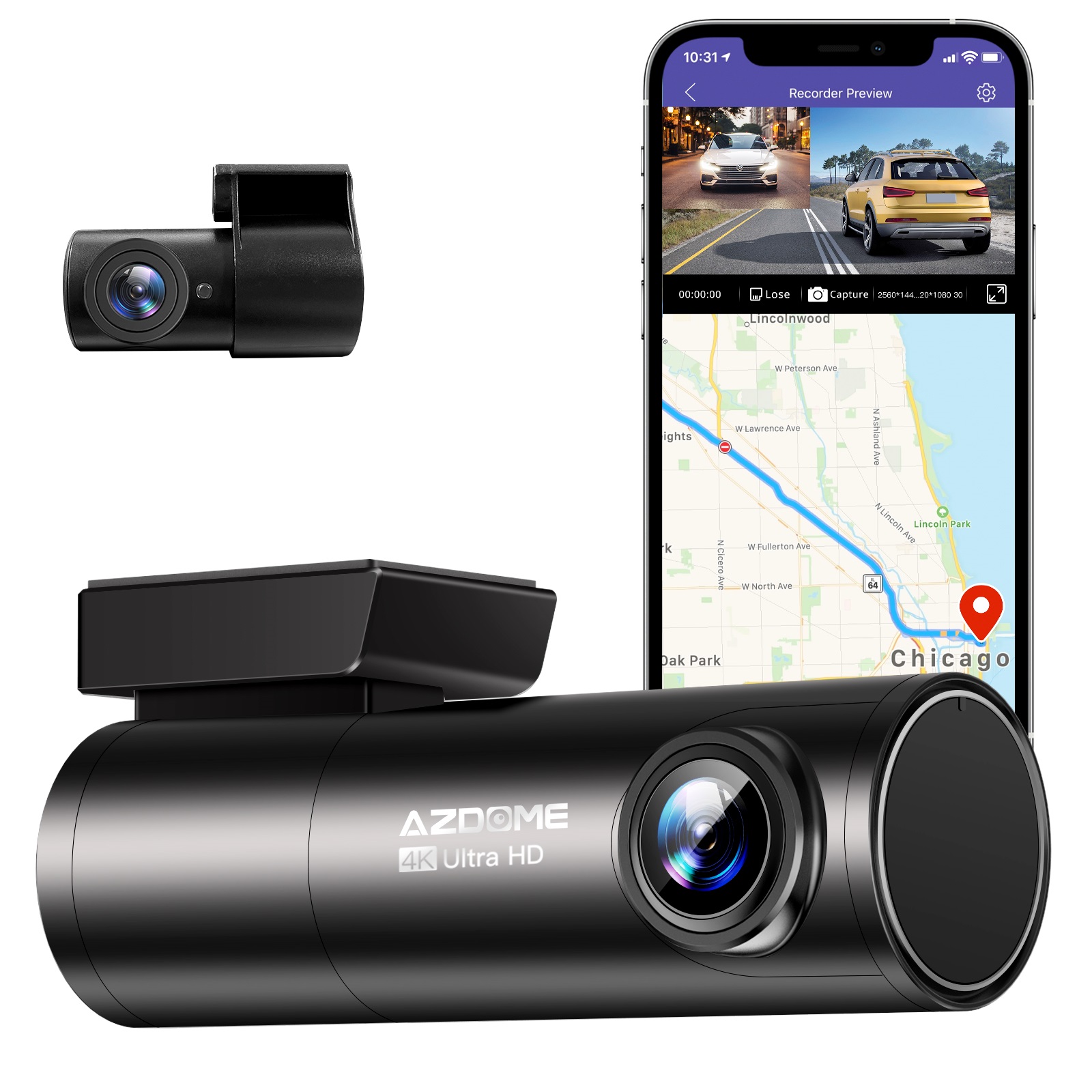
Instant Gratification Azdome HD 1080P Dash Cam Wifi Gps Recorder G-sensor Dashcam Black
$247.10
Add to cartProducts related to this item
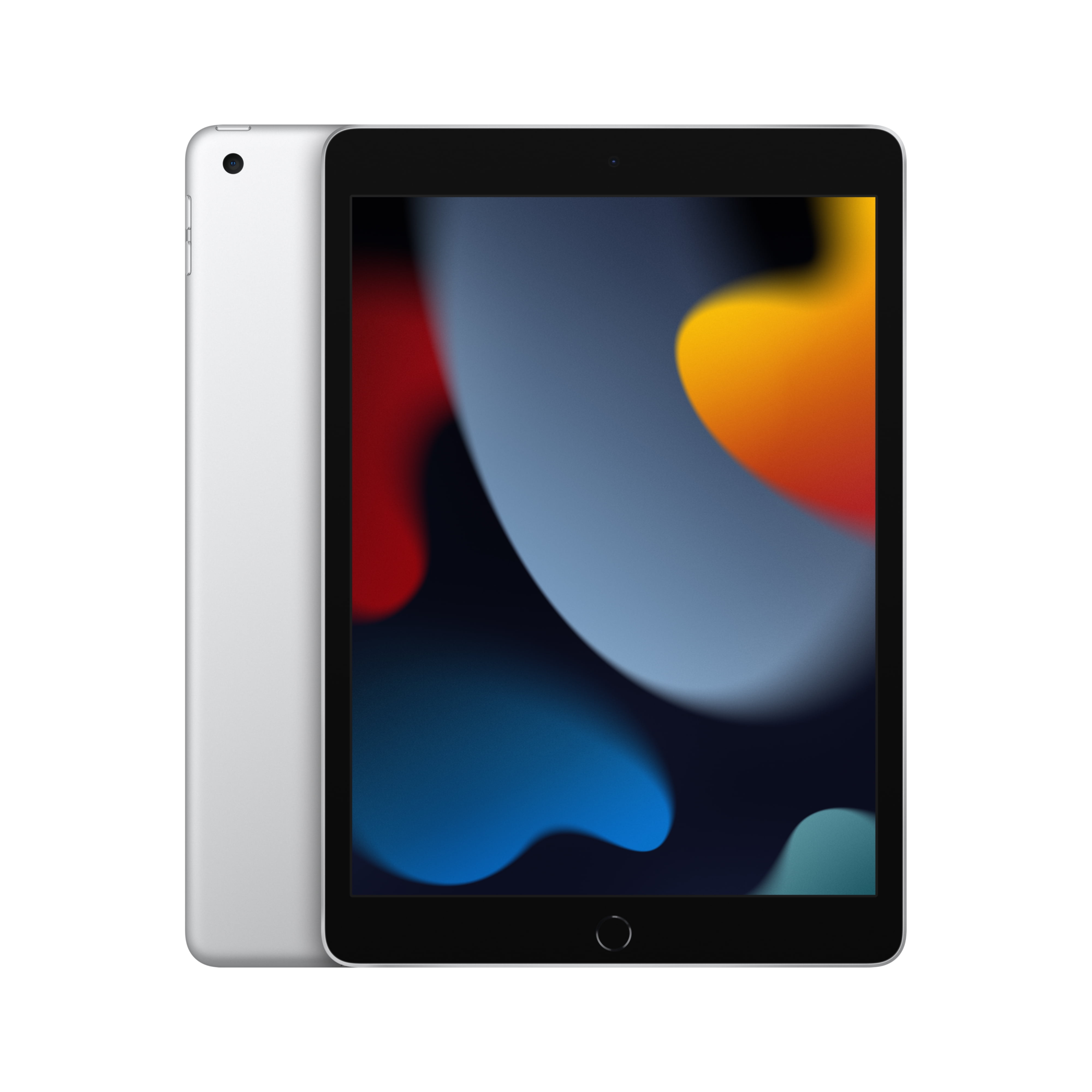
Choosing the Perfect iPad: The 2021 Apple 10.2-inch Model - Silver (9th Generation) Buying Guide
$249.00
Add to cart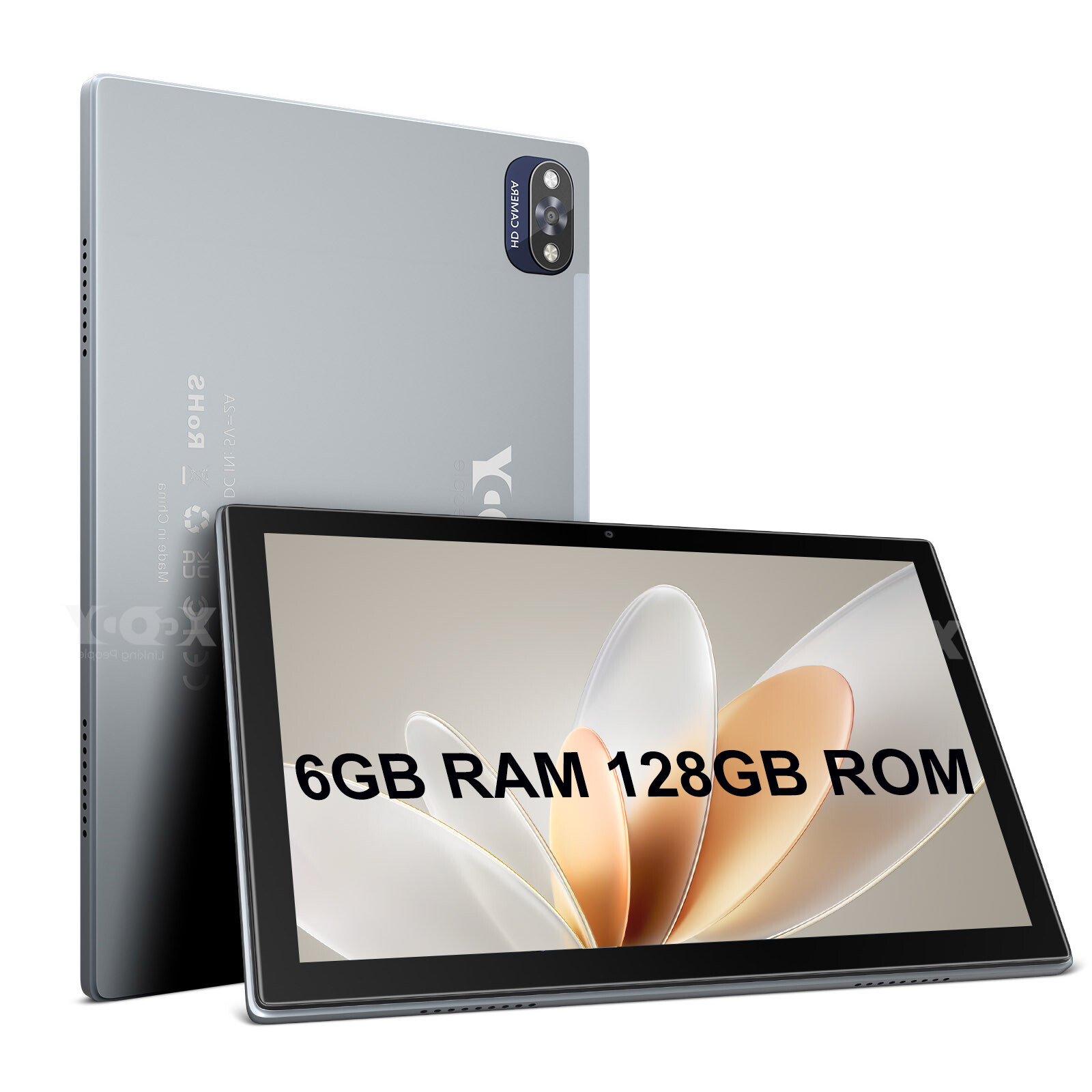
10-inch Android 12 Tablet with 6GB+128GB Storage, FHD Display, and Quad-Core Processor
$211.50
Add to cart
Sealed Fire Max 11 Tablet with Vivid 11" Display, 64GB Storage, 4GB RAM, and Octa-Core Processor
$31,018.40
Add to cart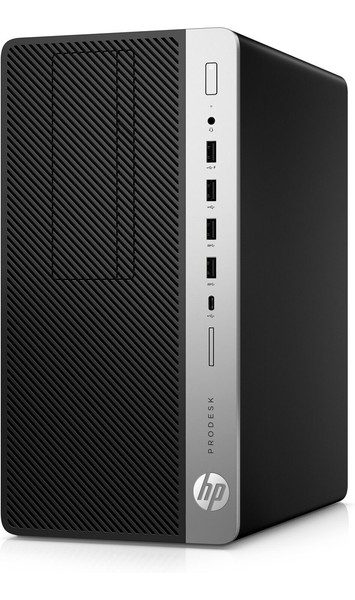
HP ProDesk 600 G5 Microtower PC Desktop Intel Core i7 32GB DDR4 RAM 1TB SSD
$997.50
Add to cartProducts you may also like
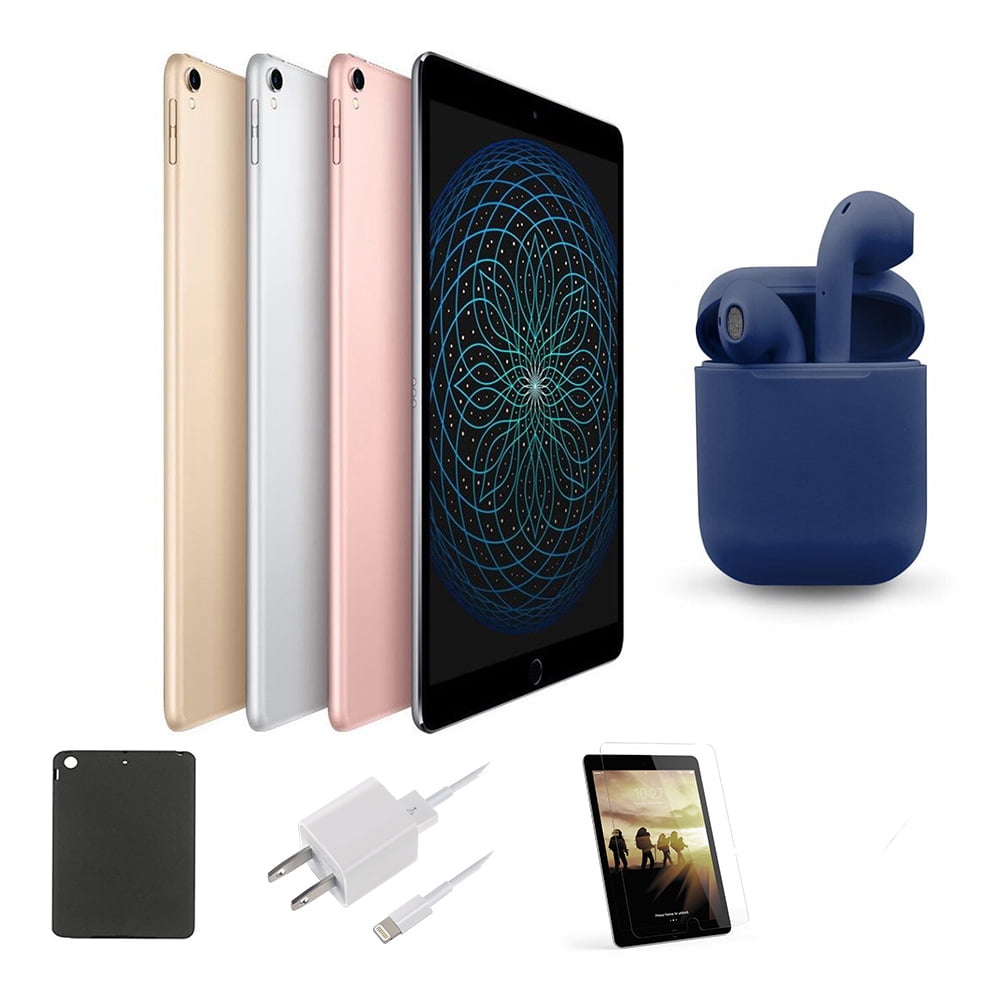
Restored | Apple iPad Pro | 10.5-inch Retina | 256GB | Wi-Fi Only | Latest OS | Bundle: Case, Pre-Installed Tempered Glass, Rapid Charger, Bluetooth/Wireless Airbuds By...
$349.00
Add to cart
for Apple Pencil 1 Tablet Touch Stylus Pen Protective Cover Portable Soft Silicone Pencil Cap red
$12.50
Add to cart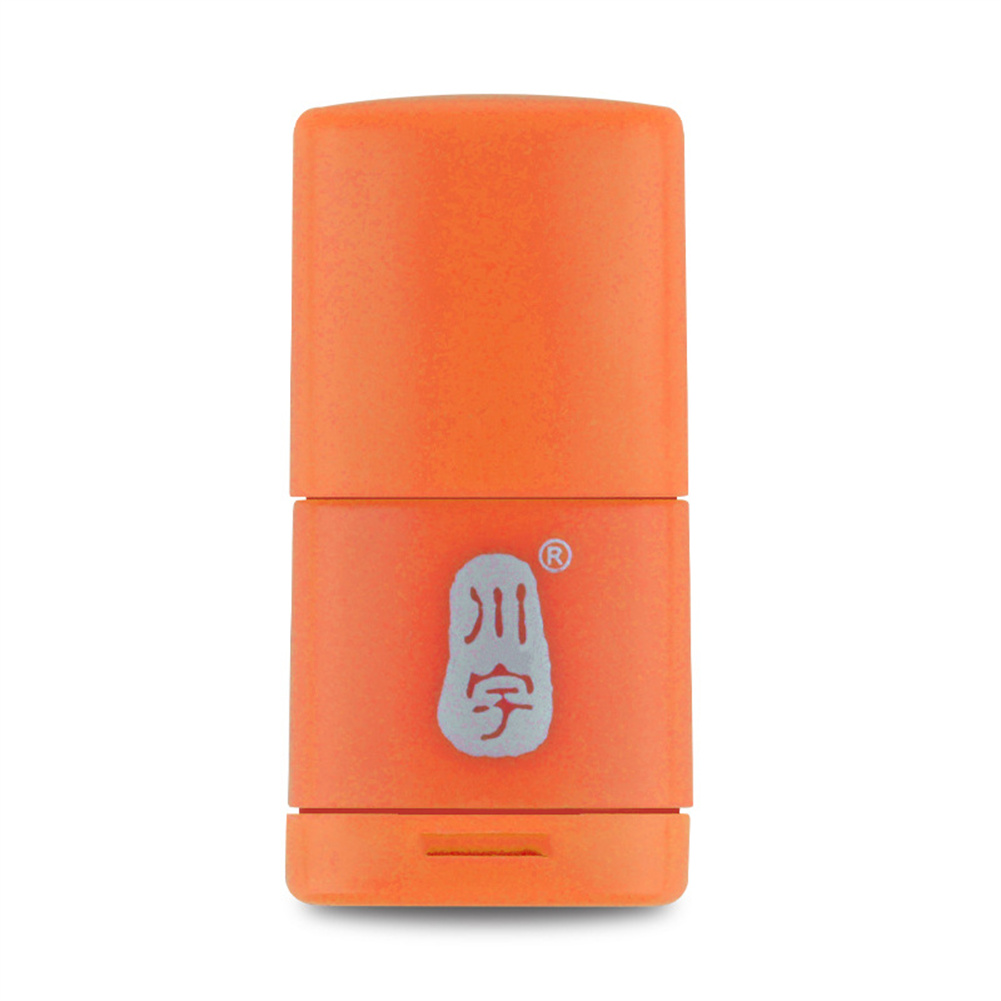
C286 Micro Sd Card Reader 2.0usb High-Speed Adapter With Tf Card Slot 128gb Memory Card Reader For Computer orange
$8.50
Add to cart
Blackview Mini Desktop Computer Mini PC 16GB RAM 512GB SSD Dual 4K HDMI Display
$173.90
Add to cartRecommended for You

Genuine US MERXENG Premium Ceramic Disc Front Brake Pads For 2007 - 2018 Avalon
$116.10
Add to cart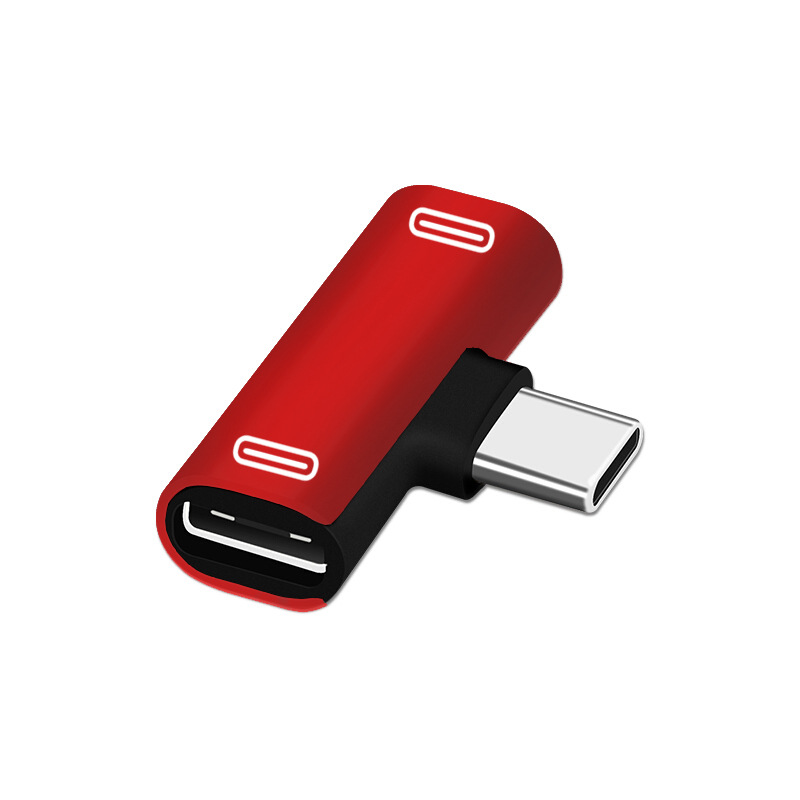
Best Offer Dual Type C USB-C Earphone Headphone Audio Charging Charger Adapter Splitter Convertor for Xiaomi 6 6X 8 Note3 Mix 2 Huawei Mate 10 P20 red
$12.70
Add to cart
Instant Results US GARVEE Portable Inverter Generator 2500W Ultra Quiet Gas Engine
$1,360.10
Add to cart
Find Your Perfect Match US ZOKOP Electric Laundry Clothes Dryer 13.2 Lbs 6kg Tumble Dryer White
$953.90
Add to cartRelated products
-
Blackview Mini Desktop Computer Mini PC 16GB RAM 512GB SSD Dual 4K HDMI Display
$173.90 -
SALE 
Wire Marker ID Printer Pvc Pipe Marking Machine USB Drive Import USB Connection PC Computer Electronic Engraving Machine C-280T
Original price was: $600.12.$596.23Current price is: $596.23. -

Grade A Condition Apple iPad Mini A1432, 7.9in, Wi-Fi or Cellular Unlocked, 16GB/32GB
$93.90 -
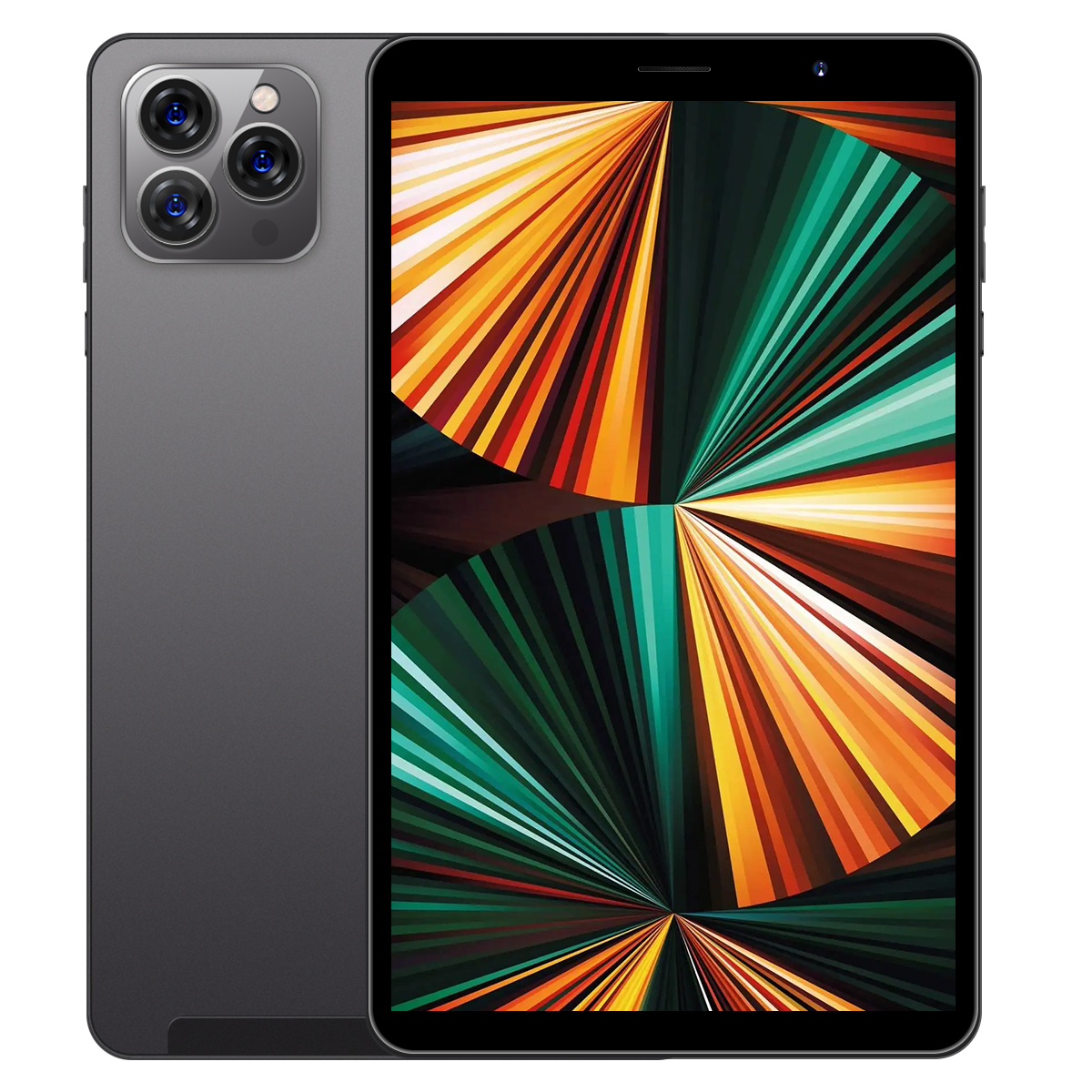
Tab14 8-inch Tablet with 1GB RAM, 16GB ROM, Bluetooth 4.0, 3G Calling, 2200mAh Battery, Android 5.0, Black Color, US Plug
$158.50

Reviews
There are no reviews yet.