
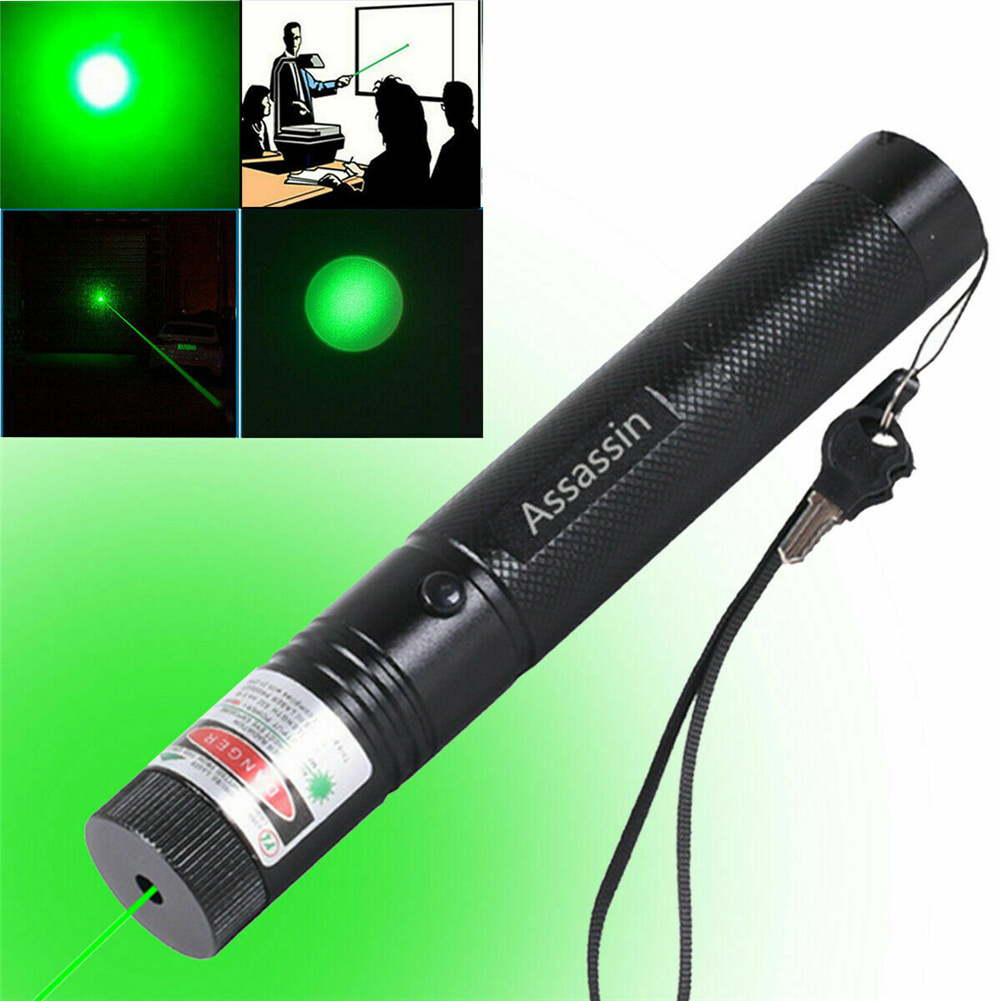

Multipurpose Flashlight – Single Black, Adjustable Beam Thickness + Spot Size, Astronomical Visible Beam Light, 900 Mile Rechargeable Green Light Pen,
HOW TO USE
Step 1: Charging the Pen
- Connect the pen to a USB power source using the included charging cable.
- Allow the pen to charge until the indicator light turns green, indicating a full charge.
Step 2: Operating the Pen
- To turn on the pen, press the switch on the pen body. The green indicator light will illuminate.
- To adjust the beam thickness, twist the focus ring located at the front of the pen body.
- To adjust the spot size, simply twist the focus ring further in or out.
- When not in use, turn the switch key to the red dot and pull it out to disconnect the power, ensuring child safety.
- To turn off the pen, release the switch on the pen body.
Step 3: Pointing and Illuminating Objects
- Aim the pen at the desired object or area you want to illuminate.
- Press and hold the switch on the pen body to activate the green light beam.
- Point the pen at the object while the beam is activated to clearly illuminate it.
- Release the switch to deactivate the beam.
Step 4: Safety Precautions
- Keep the pen out of reach of children when not in use.
- Do not shine the beam directly into anyone’s eyes, as it can cause temporary or permanent damage.
- Do not disassemble the pen or expose it to extreme temperatures or water.
, ,





Reviews
There are no reviews yet.