
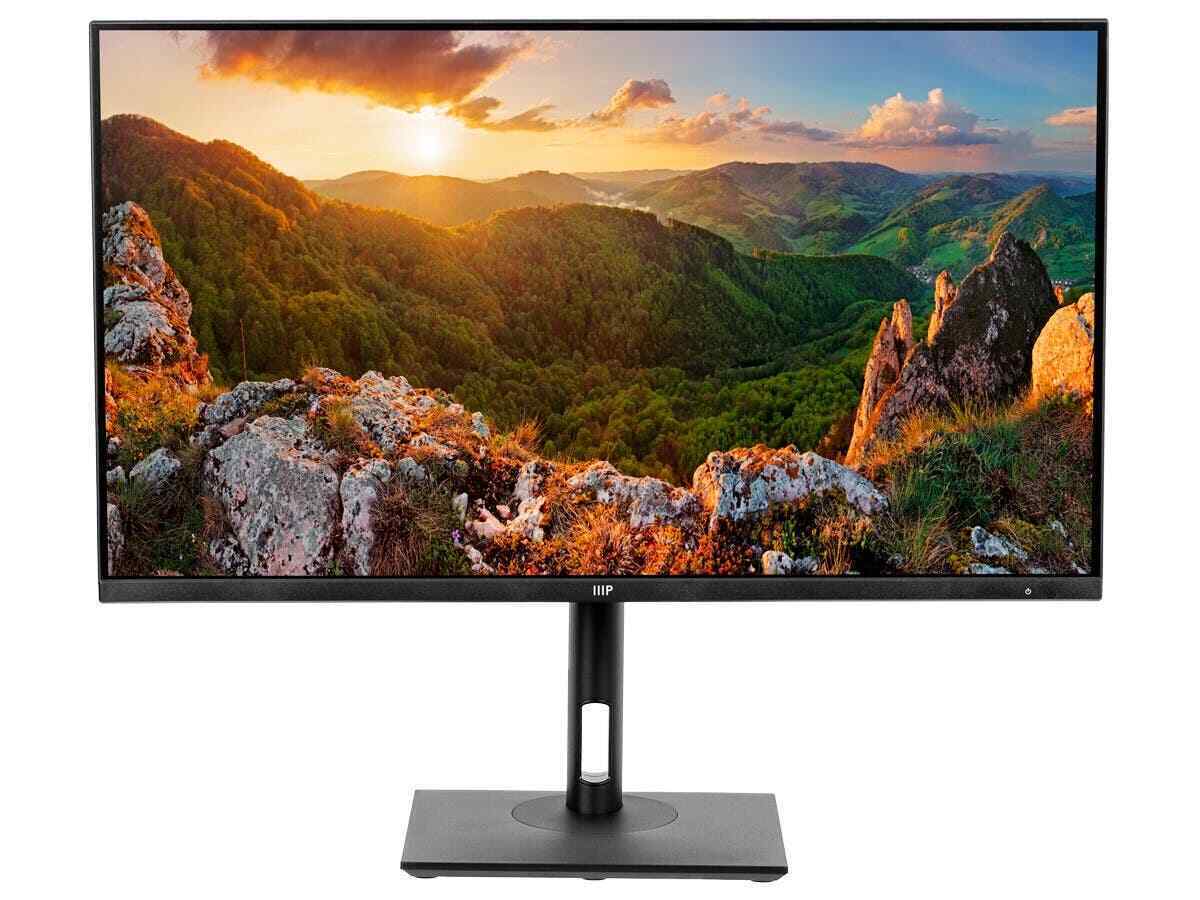
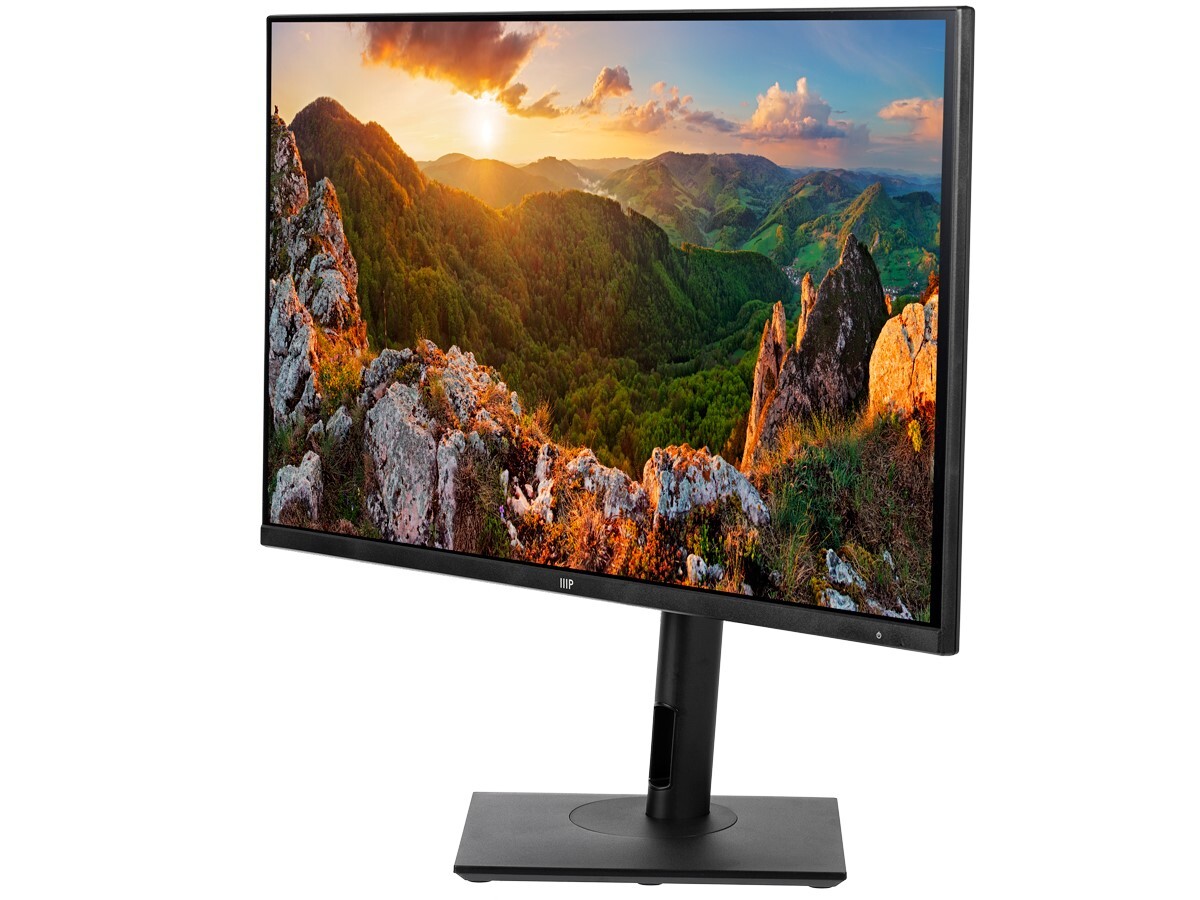





CrystalPro 28-inch 4K UHD Monitor by Monoprice – 60Hz, 65W USB-C, Height Adjustable,
How to Use the Monoprice 28in 4K UHD Monitor – CrystalPro
Setting Up
- Remove the monitor from the packaging.
- Place the monitor on a stable surface.
- Connect the power cable to the monitor and an electrical outlet.
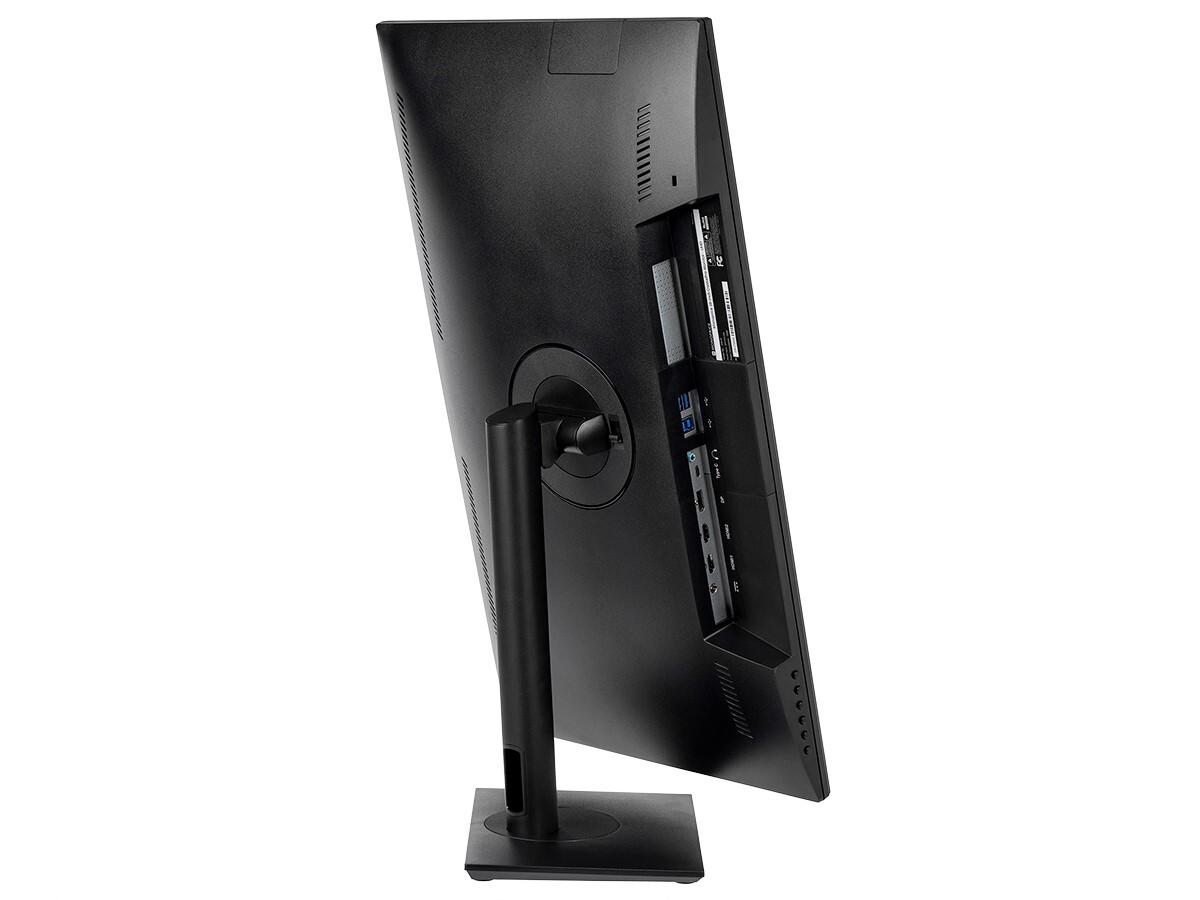
- Connect your computer to the monitor using one of the available video inputs (HDMI, DisplayPort, or USB-C).
- If using the USB-C connection, ensure the connected device supports video output via USB-C.
- If desired, connect any USB devices to the monitor’s built-in USB hub.
- Adjust the height of the monitor to your preferred viewing position using the height adjustable stand.
Using the Monitor
- Press the power button located on the monitor to turn it on or off.
- Use the on-screen menu (OSD) buttons to navigate and adjust settings such as brightness, contrast, color balance, etc. Refer to the user manual for detailed instructions on using the OSD.
- Enjoy the stunning 4K UHD resolution and vibrant colors of the monitor for various activities such as gaming, multimedia, or work.
Additional Tips
- Ensure your computer’s graphics card supports 4K resolution for optimal performance.
- Keep the monitor’s firmware up to date by visiting the manufacturer’s website.
- Take breaks and adjust the monitor’s position to prevent eye strain during extended use.
- If experiencing any technical issues or have questions, refer to the user manual or contact Monoprice customer support for assistance.
, , Monoprice









Reviews
There are no reviews yet.