
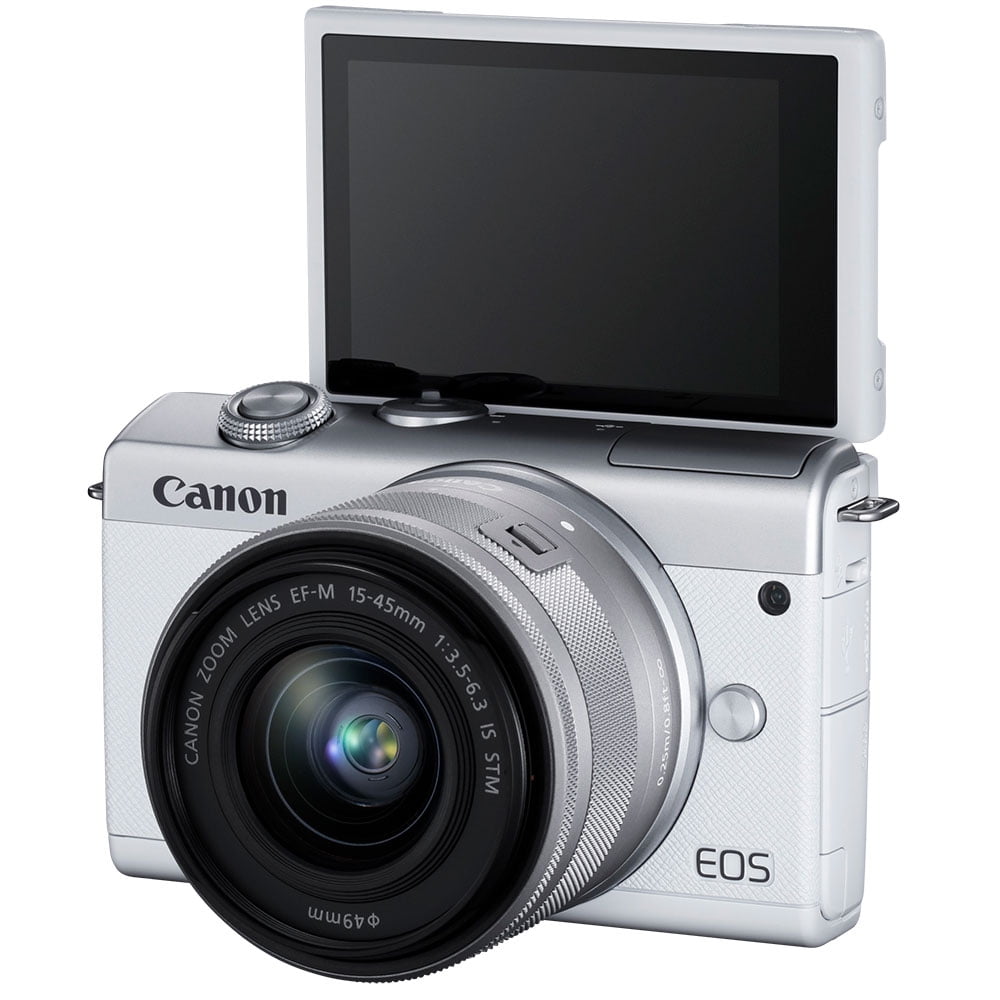
White Canon EOS M200 Mirrorless Camera with Lens, 24.1 Megapixel, 0.59″ x 1.77
$747.50
- Plan covers accidents like drops, spills, and cracks
- Plan covers screen and lens failure, battery failure
- Plan includes 24/7 customer support, easy online claims, fast repairs or replacements
- No need to register the plan, plan details sent to email after purchase
- Award-winning protection backed by Allstate
- Camera allows for appreciation and enjoyment of captured photos and videos in a widescreen format
- Impressive 3x zoom to bring objects closer
- Quick focus on moving objects, high-resolution still images, and ability to shoot HD video
Buy more, save more
Buy 2–4 of this item and save 5%.
Buy 5 or more of this item and save 10%.
Discount is automatic in your cart on regular-priced items. It cannot be combined with coupon codes or sale prices.
Buy 2–4 of this item and save 5%.
Buy 5 or more of this item and save 10%.
Discount is automatic in your cart on regular-priced items. It cannot be combined with coupon codes or sale prices.
Country suggested using IP or browser language; you can change it. Shipping is confirmed at checkout.
Description
White Canon EOS M200 Mirrorless Camera with Lens, 24.1 Megapixel, 0.59″ x 1.77,
How to Use the Canon EOS M200 24.1 Megapixel Mirrorless Camera
1. Powering On and Off
- Press the power button located on the top right side of the camera to turn it on.
- To turn off the camera, press and hold the power button until the power indicator turns off.
2. Taking Photos
- Adjust the lens to achieve the desired zoom level.
- Using the viewfinder or the LCD screen, compose your shot by aligning the subject within the frame.
- Half-press the shutter button to autofocus on your subject.
- Once the subject is in focus, fully press the shutter button to capture the photo.
3. Recording Videos
- Set the mode dial to the video recording mode.
- Use the viewfinder or the LCD screen to frame the video.
- Press the record button, usually denoted by a red dot, to start recording.
- Press the same button to stop recording when you are finished.
4. Adjusting Camera Settings
- Access the camera menu by pressing the Menu button.
- Use the arrow keys to navigate through the menu options.
- Press the Set button to select a specific setting or option.
- Adjust the settings according to your preferences.
5. Transferring Photos and Videos
- Connect the camera to your computer using the provided USB cable.
- Turn on the camera and select the option to transfer files.
- Open the destination folder on your computer.
- Copy and paste or drag and drop the desired photos and videos from the camera to your computer.
6. Viewing and Sharing Photos
- Press the Play button to access the playback mode.
- Use the arrow keys to navigate through your photos.
- Press the Set button to view a photo in full screen.
- To share photos, transfer them to your computer and use your preferred social media or sharing platform.
, , Canon
86 reviews for White Canon EOS M200 Mirrorless Camera with Lens, 24.1 Megapixel, 0.59″ x 1.77
Only logged in customers who have purchased this product may leave a review.
Special deals for you

Lville Android 13 Tablet - 10 inch Octa-Core Tablet with 8GB RAM, 128GB ROM, 1TB TF Expandable Storage, Bluetooth 5.0, WiFi 6, Fast Charging, Dual Camera - Black
Original price was: $4,270.00.$235.00Current price is: $235.00.
Add to cart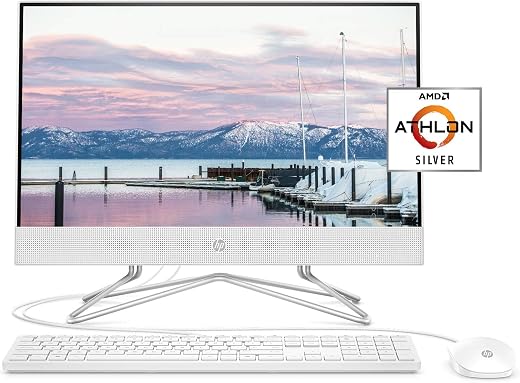
HP 22-inch All-in-One Desktop Computer, AMD Athlon Silver 3050U Processor, 4 GB RAM, 256 GB SSD, Windows 10 Home (22-dd0010, White), Snow White
Original price was: $5,320.90.$799.00Current price is: $799.00.
Add to cart
SAMSUNG 22" T350 Series FHD 1080p Computer Monitor, 75Hz, IPS Panel, HDMI, VGA (D-Sub), 3-Sided Border-Less, FreeSync, LF22T350FHNXZA
Original price was: $1,946.70.$258.50Current price is: $258.50.
Add to cart
SAMSUNG 27" CF39 Series FHD 1080p Curved Computer Monitor, Ultra Slim Design, AMD FreeSync, 4ms response, HDMI, DisplayPort, VESA Compatible, Wide Viewing Angle, LC27F398FWNXZA,...
Original price was: $2,855.30.$399.50Current price is: $399.50.
Add to cartPopular items in this category

Ergonomic Wireless Gaming Keyboard
Original price was: $36.99.$27.99Current price is: $27.99.
Add to cart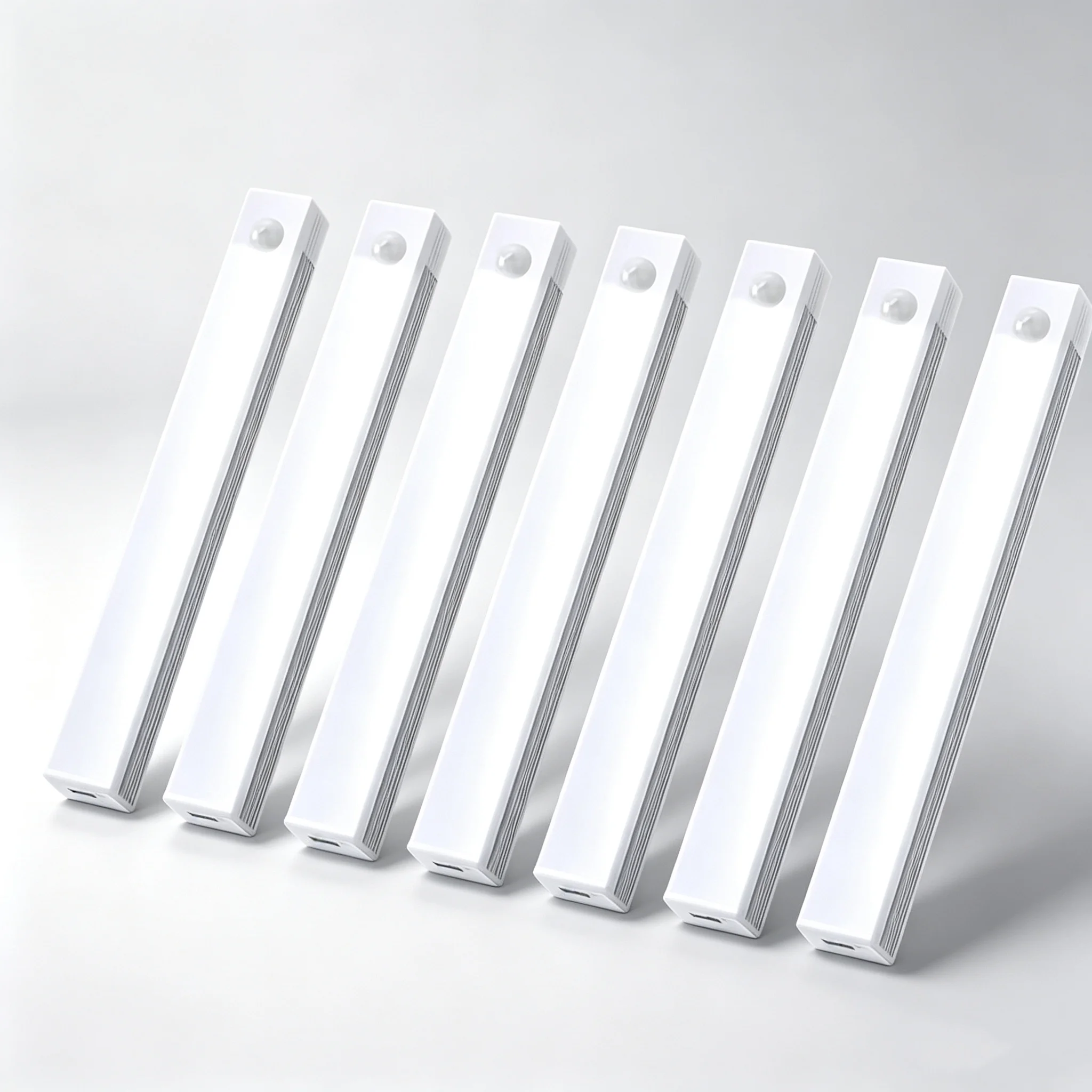
Motion Sensor LED Cabinet Light
Original price was: $35.99.$26.99Current price is: $26.99.
Add to cart
Mini Portable Projector Wi-Fi 1080p
Original price was: $103.99.$79.99Current price is: $79.99.
Add to cart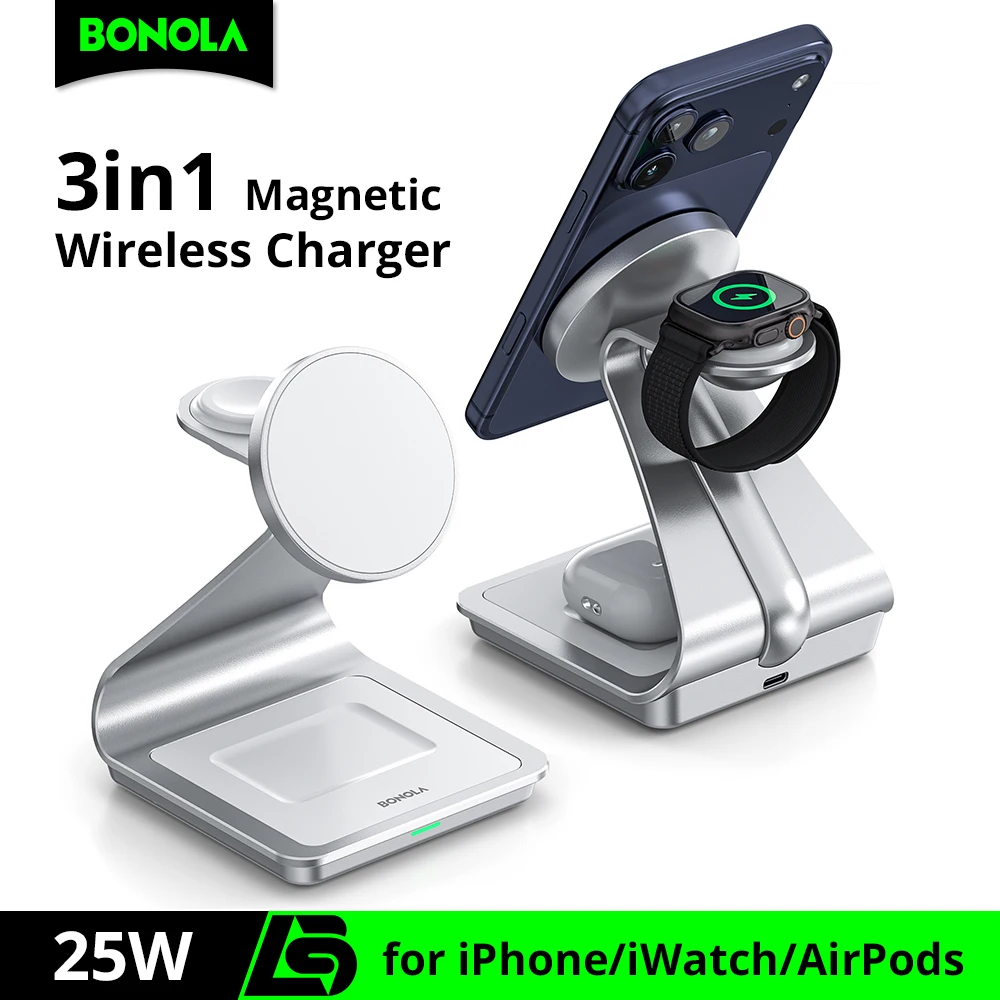
Magnetic Wireless Charger (MagSafe-Style)
Original price was: $32.99.$24.99Current price is: $24.99.
Add to cartSimilar items you might like

Budget Smartwatch (Fitness Tracker)
Original price was: $116.99.$89.99Current price is: $89.99.
Add to cart
Blue Light Blocking Glasses
Original price was: $23.99.$17.99Current price is: $17.99.
Add to cart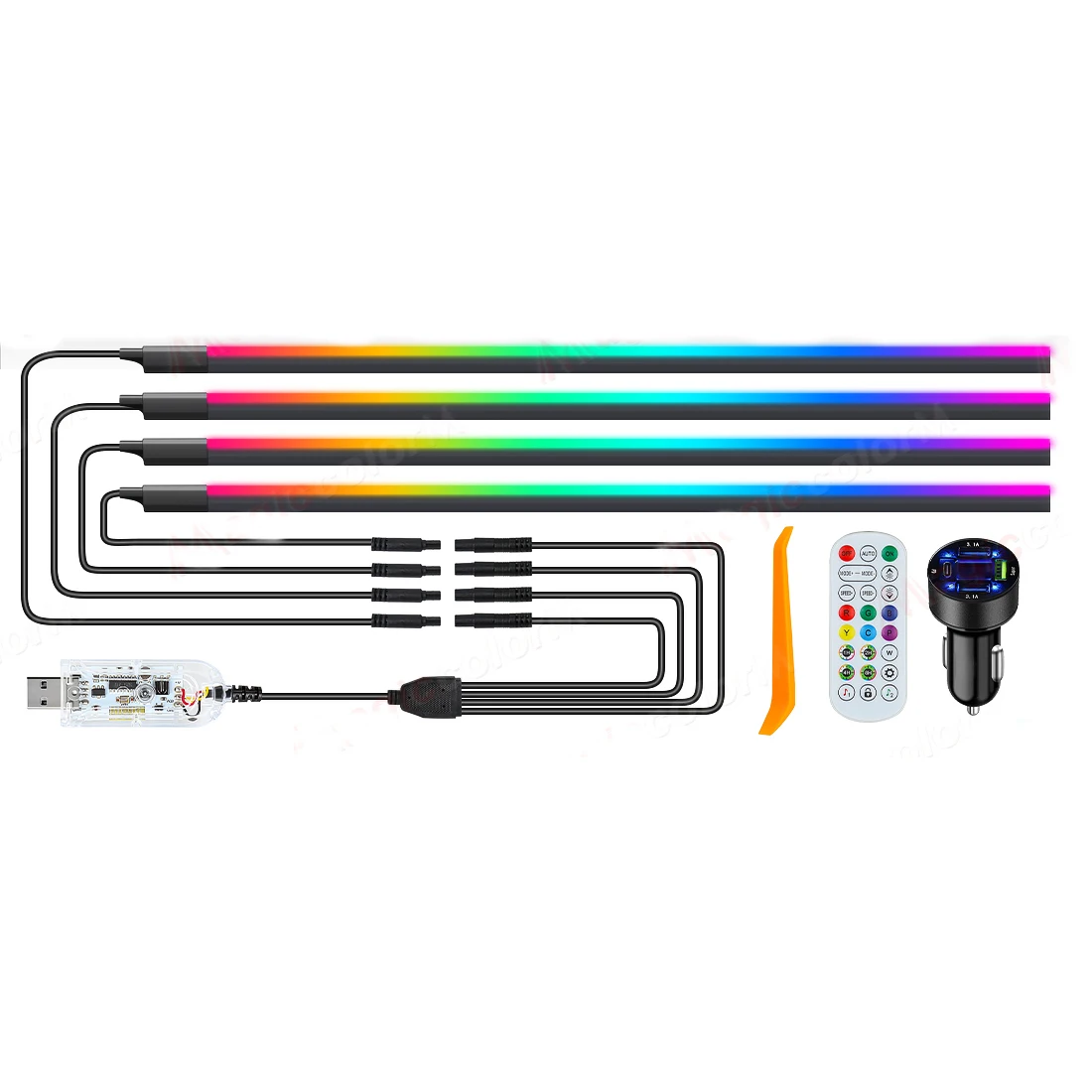
LED Strip Lights 50ft RGB (Music Sync)
Original price was: $28.99.$21.99Current price is: $21.99.
Add to cart
Galaxy Star Projector (Galaxy Light)
Original price was: $64.99.$49.99Current price is: $49.99.
Add to cartProducts related to this item
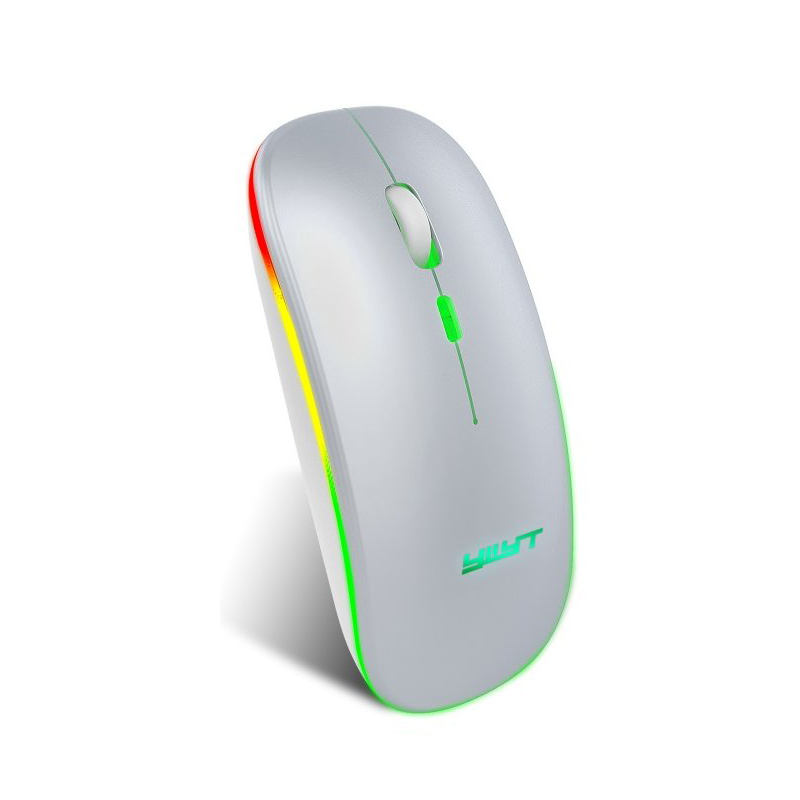
Ergonomic Gaming Mouse G852 Bluetooth + 2.4g dual mode Computer Mouse Gamer Mice With Backlight For PC Laptop white
$37.20
Add to cart
Minolta - MND30 Black Digital Camera with 30.0 Megapixels
Original price was: $51,453.30.$303.10Current price is: $303.10.
Add to cart
6 in 1 External CD/DVD Drive with USB 3.0 Type-C, SD/TF & USB3.0 Slots - Optical Drives for PC and Laptop
$16.10
Add to cart
Lenovo IdeaCentre AIO 3, 24" All-in-One Computer, AMD Ryzen 3 4300U Mobile Processor, 8GB DDR4, 256GB SSD, DVD RW Drive, Windows 10
$1,527.20
Add to cartProducts you may also like

PHILIPS 22 inch Class Thin Full HD (1920 x 1080) 75Hz Monitor, VESA, HDMI & VGA Port, 4 Year Advance Replacement Warranty, 221V8LN
$164.50
Add to cart
Adjustable Telescopic Zoom Type-C Rechargeable Headlamp with 30W XHP160 LED, 170 Degree Coverage
$55.40
Add to cart
Epson Perfection V19 II Color Photo and Document Flatbed Scanner with 4800 dpi Optical Resolution, USB Power and High-Rise, Removable Lid
Original price was: $1,168.00.$188.00Current price is: $188.00.
Add to cart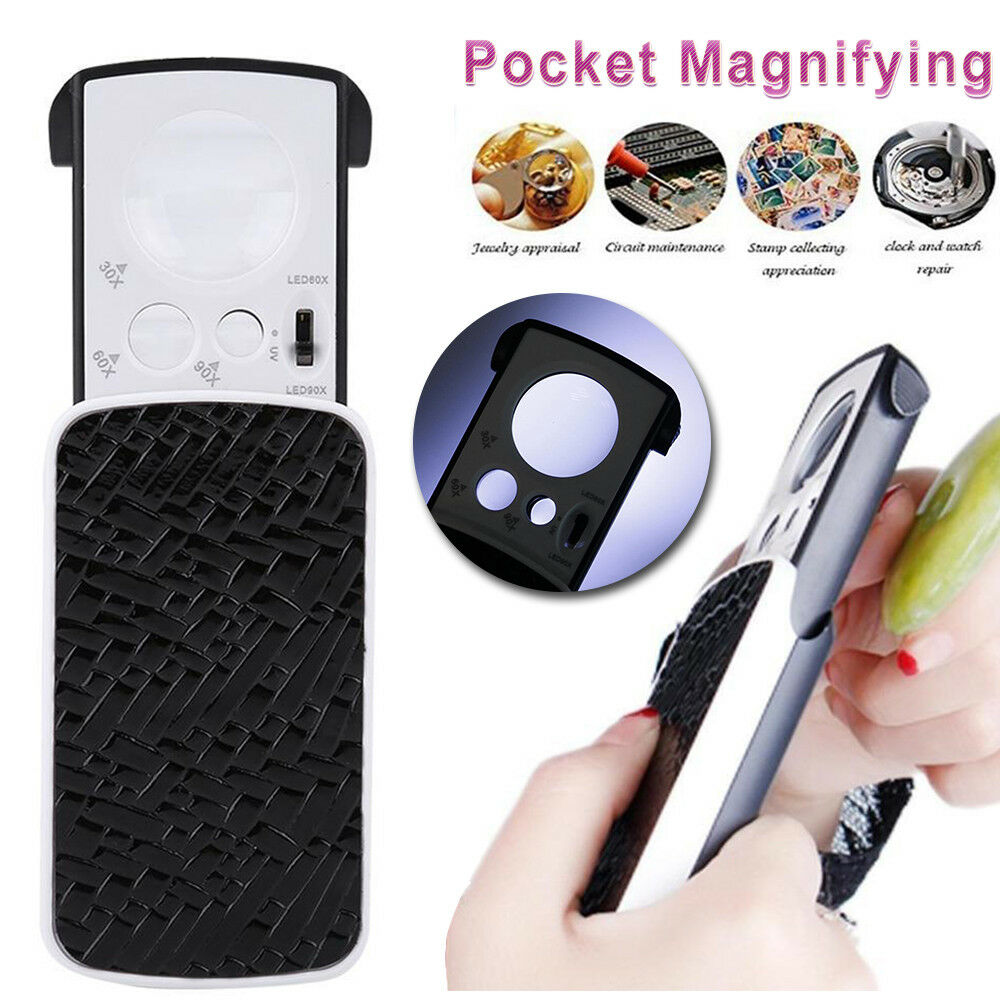
Black LED Light Pocket Magnifying Magnifier Jeweler Eye Glass Loupe Loop with 30X, 60X, 90X Magnification – Size: 8.5*4.5*2CM
$20.10
Add to cartRecommended for You

Mastery Renewed Professional Photo Bundle including Canon EOS Rebel T7 DSLR Camera with EF-S 18-55mm F/3.5-5.6 Zoom Lens, 100S Sling Backpack, and 64GB Memory Cards (40pc Bundle)
$1,290.20
Add to cart
Prime 2pcs Guitar Strap Buckle Lock Button Non-Slip Electric Guitar Zinc Alloy for Guitar Player Gold
$43.10
Add to cart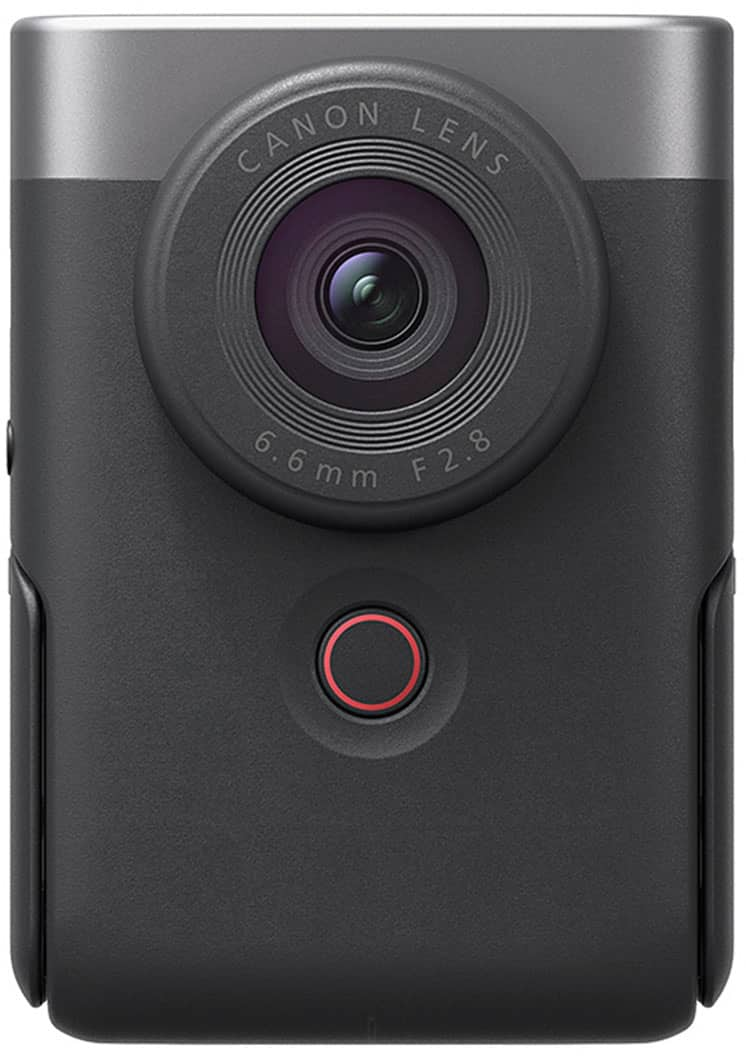
Silver Canon PowerShot V10 - 4K Video 20.9-Megapixel Digital Camera for Vloggers and Content Creators
Original price was: $170,194.50.$940.00Current price is: $940.00.
Add to cart
JM-8192 180-in-1 Multi-Functional Precision Screwdriver Tool Set with Chrome Vanadium Bits, Stripped Screw Extractors, for Mobile Phone Repair, DIY, and Home Improvement
$16.10
Add to cartRelated products
-
Detachable Aluminum Laptop Riser Stand – Universal Fit, Silver
$87.70 -

PUSKILL DDR4 Desktop Memory Ram 8GB/16GB 3200MHz for PC Desktop
$16.10 -

HP 24mh FHD Computer Monitor with 23.8-Inch IPS Display (1080p) – Built-In Speakers and VESA Mounting – Height/Tilt Adjustment for Ergonomic Viewing – HDMI and DisplayPort -…
$420.60 -
RuiChu 8GB DDR3 1600MHz RAM Memory Stick for Desktop PC Computer
$16.10

Haatram –
The camera did not focus and I could not take one pic with the camera. I called Canon and they said to return to Walmart or send it to them to repair. 🙁
Jocelyn –
Great quality, battery does seem to run out quicker than i expected but good for price. I watched a Youtube video before i bought, its perfect for vlogging xcept u cant connect a mic to it
Siera –
camera is nice, easy to use once i watched youtube videos, the camera is heavy with the lens it comes with i would purchase another lens.
Loretta –
I have a Canon Rebel T6 and actually am enjoying this more– the size, the smarter processor– when I don’t have the time to fiddle in manual-mode, it really does a better job than what would be…
Mike –
it is a nice camera with one major flaw. THERE IS NOT A MICROPHONE INPUT!
i am a content creator, and they advertise this camera “for vlogging , content creation” but there is no microhone Input!…
silly64 –
Compact, easy to use, Bluetooth function make transferring pics easy as, touchscreen, easy to understand directions
Aaron –
This small body really packs a punch. I was admittedly reticent to buy what looks like a standard fare point and shoot, but this thing shoots stunning RAW and 4K. If you buy the adapter you can…
Louie –
Great little point and shoot camera. Only used once on an appraisal. My thumb would slip down and hit the record button by accident. And I changed settings by accident also. I’ll glue something to…
ash –
Great camera. Small – first in my purse. Has tons of editing tools/filters. Takes awesome pictures, the Bluetooth sync is a great plus!!! I’m able to download the photos right there if I have good…
April –
Beginner friendly camera and records great videos