


Game-Changer Intel Motherboard ASUS Z170-A for LGA 1151 Socket
$634.50
- Brand: ASUS
- Form Factor: ATX
- Socket Type: LGA 1151/Socket H4
- Memory Slots: 4 DDR4 slots
- Expansion Slots: Multiple PCI Express slots for multi-GPU configurations
- Input/Output Ports: USB 3.0, HDMI, Ethernet, and more
- Features: On-board audio, dual LAN support, on-board video chipset
- Suitable for gaming
Buy 2–4 of this item and save 5%.
Buy 5 or more of this item and save 10%.
Discount is automatic in your cart on regular-priced items. It cannot be combined with coupon codes or sale prices.
Description
Intel Motherboard ASUS Z170-A for LGA 1151 Socket,
ASUS Z170-A LGA 1151 Intel Motherboard
Unleash the power of your gaming rig with the ASUS Z170-A LGA 1151 Intel Motherboard. Engineered by the renowned brand ASUS, this ATX form factor motherboard is designed to deliver exceptional performance and reliability.
Specifications
- Brand: ASUS
- Form Factor: ATX
- Socket Type: LGA 1151/Socket H4
- Compatible CPU Brand: Intel
- Number of Memory Slots: 4
- Expansion Slots: PCI Express 3.0 x1, PCI Express 2.0 x1, 3 x PCI Express 3.0 x16, PCI, 3 x PCI Express 2.0 x16
- InputOutput Ports: Optical S/PDIF Out, PS/2, Serial (RS-232), Ethernet (RJ-45), USB-C, VGA, eSATA, SATA III, DisplayPort, DVI, HDMI, USB 3.0, PC Card (PCMCIA), USB 2.0, USB 3.1
- Model: ASUS Z170-A
- Features: On-Board Audio, Multi-GPU Support, Dual LAN, On-Board Video Chipset
- MPN: Z170-A
- Most Suitable For: Gaming
- Memory Type: DDR4 SDRAM
Product Description
Experience top-notch gaming performance with the ASUS Z170-A motherboard. Featuring multi-GPU support and a robust on-board audio system, this motherboard is engineered to handle high-intensity gaming sessions. Equipped with a range of input/output ports and expansion slots, including PCI Express 3.0 x16 and USB 3.1, the ASUS Z170-A offers seamless connectivity and flexibility for your gaming setup.
Upgrade to DDR4 SDRAM memory to maximize system speed and responsiveness, while the LGA 1151 socket ensures compatibility with a range of Intel CPUs. Whether you’re a hardcore gamer or a casual enthusiast, the ASUS Z170-A LGA 1151 motherboard is your gateway to an unparalleled gaming experience.
Elevate your gaming experience with the ASUS Z170-A LGA 1151 Intel Motherboard.
, , ASUS
| Brand | |
|---|---|
| Form Factor | ATX |
| Socket Type | LGA 1151/Socket H4 |
| Compatible CPU Brand | Intel |
| Number of Memory Slots | 4 |
| Expansion Slots | PCI Express 3.0 x1, PCI Express 2.0 x1, 3 x PCI Express 3.0 x16, PCI, 3 x PCI Express 2.0 x16 |
| InputOutput Ports | Optical S/PDIF Out, PS/2, Serial (RS-232), Ethernet (RJ-45), USB-C, VGA, eSATA, SATA III, DisplayPort, DVI, HDMI, USB 3.0, PC Card (PCMCIA), USB 2.0, USB 3.1 |
| Model | ASUS Z170-A |
| Features | On-Board Audio, Multi-GPU Support, Dual LAN, On-Board Video Chipset |
| MPN | Z170-A |
| Most Suitable For | Gaming |
| Memory Type | DDR4 SDRAM |
6 reviews for Game-Changer Intel Motherboard ASUS Z170-A for LGA 1151 Socket
Only logged in customers who have purchased this product may leave a review.
Special deals for you


Popular items in this category




Similar items you might like




Products related to this item


Products you may also like



Recommended for You


Related products
-

Best HP 57 Tri-color Ink Cartridge | Works with DeskJet F4100, 450, 5000, 9600; PhotoSmart 100, 200, 7000; OfficeJet 4000, 5500, 6110; Digital Copier Printer 410; PSC 1000, 2000…
$206.50 -
Your Perfect Match Smartphone – Povo 5, 6.53-inch Display, MTK6753 8-Core Processor, 3GB RAM, 32GB ROM, Dual SIM, 4050mAh Battery, Silver Color, US Plug
$210.70 -

Exceptional Upgraded Router: NETGEAR Orbi RBS750 Satellite Tri-Band Mesh WiFi 6 AX4200
$209.20 -
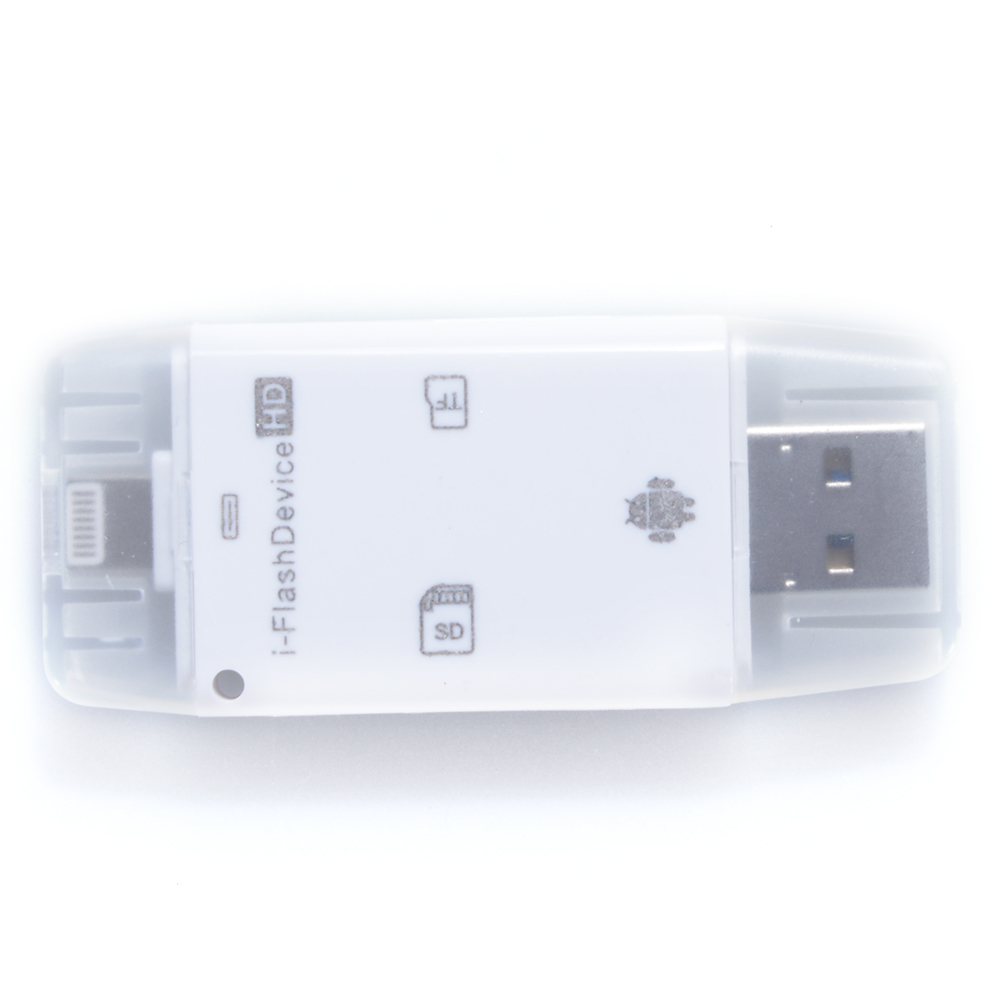
Spectacular Universal USB Flash Drive SD TF Card Reader for Iphone Android and Computer White
$40.40

sfhsu13 –
After extensive research, I chose this motherboard. It offers fantastic performance considering its price. It complements my NZXT Phantom 530 case perfectly and has a beautiful appearance. So far,…
ronniedean4k0a –
After installing the board with a 6th generation chip and 64GB of new RAM, I discovered that upgrading the BIOS was necessary. It took almost a week and two techs to resolve the issue. It’s…
sucroc –
sucroc –
retiredselleraccount –
The Z170-A boasts excellent features and remains relevant despite its age. It performs optimally with an Intel i5 6600k, but also works well with other Intel i5 processors like the 7400. I have…
pricerightcomputers –
The BIOS can be easily updated through the BIOS menu without the need to install an OS. Simply use a 6th Gen CPU, download and extract the BIOS onto a USB Flash drive. Plug the flash drive into a…