
Portable Monitor Buying Guide 2026: 7 Specs That Matter Before You Buy

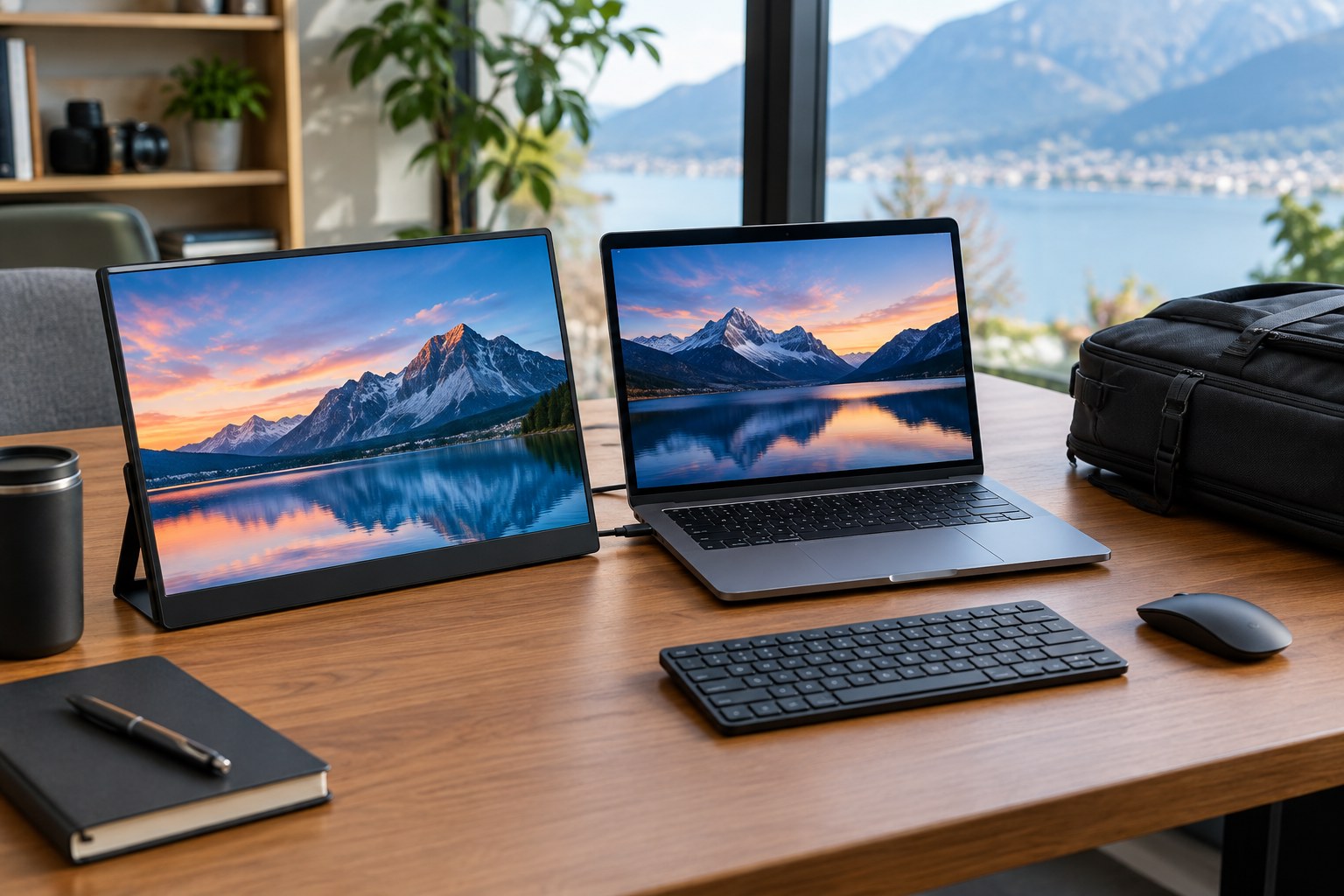
A portable monitor can turn a laptop into a more flexible two-screen workstation, but the right model depends on more than screen size. Students, remote workers and travelers should compare the connection type, power requirements and physical design before buying.
1. Choose the right screen size
13- to 16-inch models are common because they balance workspace with portability. Make sure the monitor fits the same bag you use for your laptop.
2. Check resolution
Full HD is a practical starting point for many work and study tasks. Higher resolutions can provide extra sharpness but may increase power demand and price.
3. Confirm connectivity
USB-C can simplify both video and power, but not every USB-C port supports video output. HDMI models may be easier to connect to a wider range of devices.
4. Consider brightness and glare
If you work near windows or outdoors, a brighter panel and suitable anti-glare treatment can matter more than a very high refresh rate.
5. Check stand and orientation options
A stable built-in stand is useful for desks, while cases with multiple viewing angles are helpful when traveling.
Bottom line
Prioritize compatibility, resolution, brightness, power and stand design. Gaming-focused specifications only matter when your use case actually needs them.
