
How to Choose a USB Wi-Fi Adapter for a Desktop PC

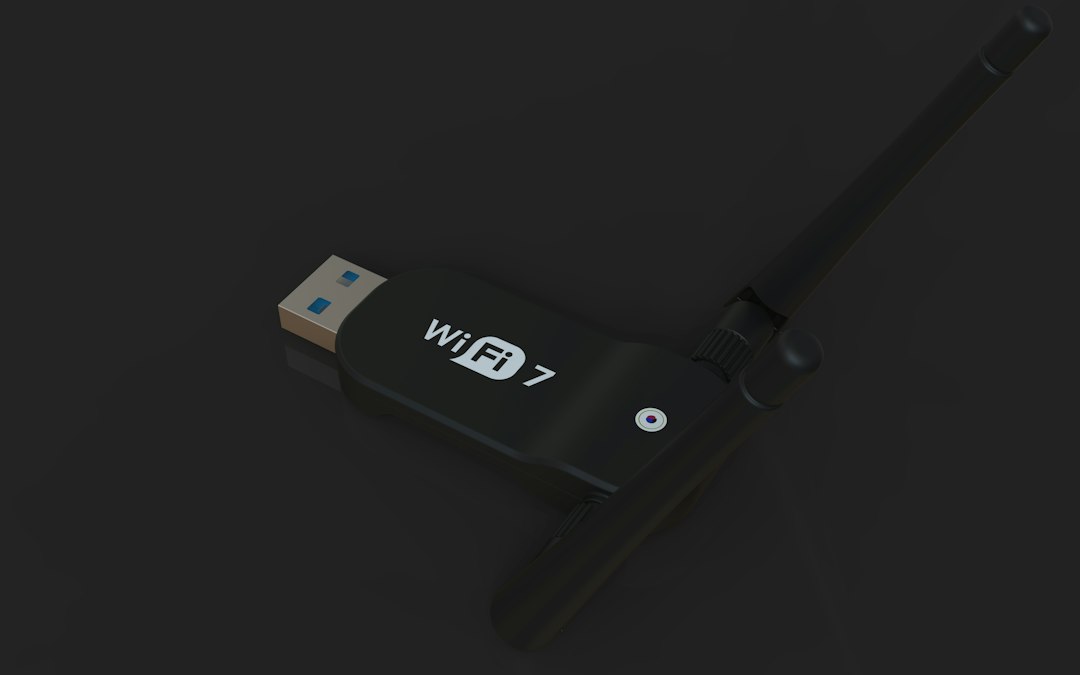
A USB Wi-Fi adapter can add or upgrade wireless connectivity on a desktop without installing an internal expansion card. The best choice depends on your router, the location of the PC and the speed you actually need.
Match the Wi-Fi generation
Newer wireless standards can improve efficiency and performance, but the adapter must work with the router and network environment you already use.
Check USB type
A faster adapter connected through a slow USB port may not deliver its full potential. Check whether the PC has USB 2.0 or USB 3.x ports.
Consider antenna design
External antennas can help when a desktop sits far from the router or behind obstacles. Compact nano adapters are convenient when space matters.
Verify operating-system support
Before purchase, check driver support for your version of Windows or another operating system.
Bottom line
Choose based on router compatibility, placement, USB speed and driver support rather than the biggest theoretical speed number.
