Buy more, save more Buy 2–4 of this item and save 5%. Buy 5 or more of this item and save 10%. Discount is automatic in your cart on regular-priced items. It cannot be combined with coupon codes or sale prices.
Country suggested using IP or browser language; you can change it. Shipping is confirmed at checkout.
AMD Ryzen 9 7950X3D Barebones Desktop PC with 64GB DDR5 RAM, 1TB SSD, HDMI, and MM4.02.66,
How to Use the Barebones Desktop PC
Getting Started
Unbox the desktop PC and ensure that all components are included.
Connect the power cable to the back of the PC and plug it into a power outlet.
Connect a monitor to the HDMI port on the PC using an HDMI cable.
Powering On
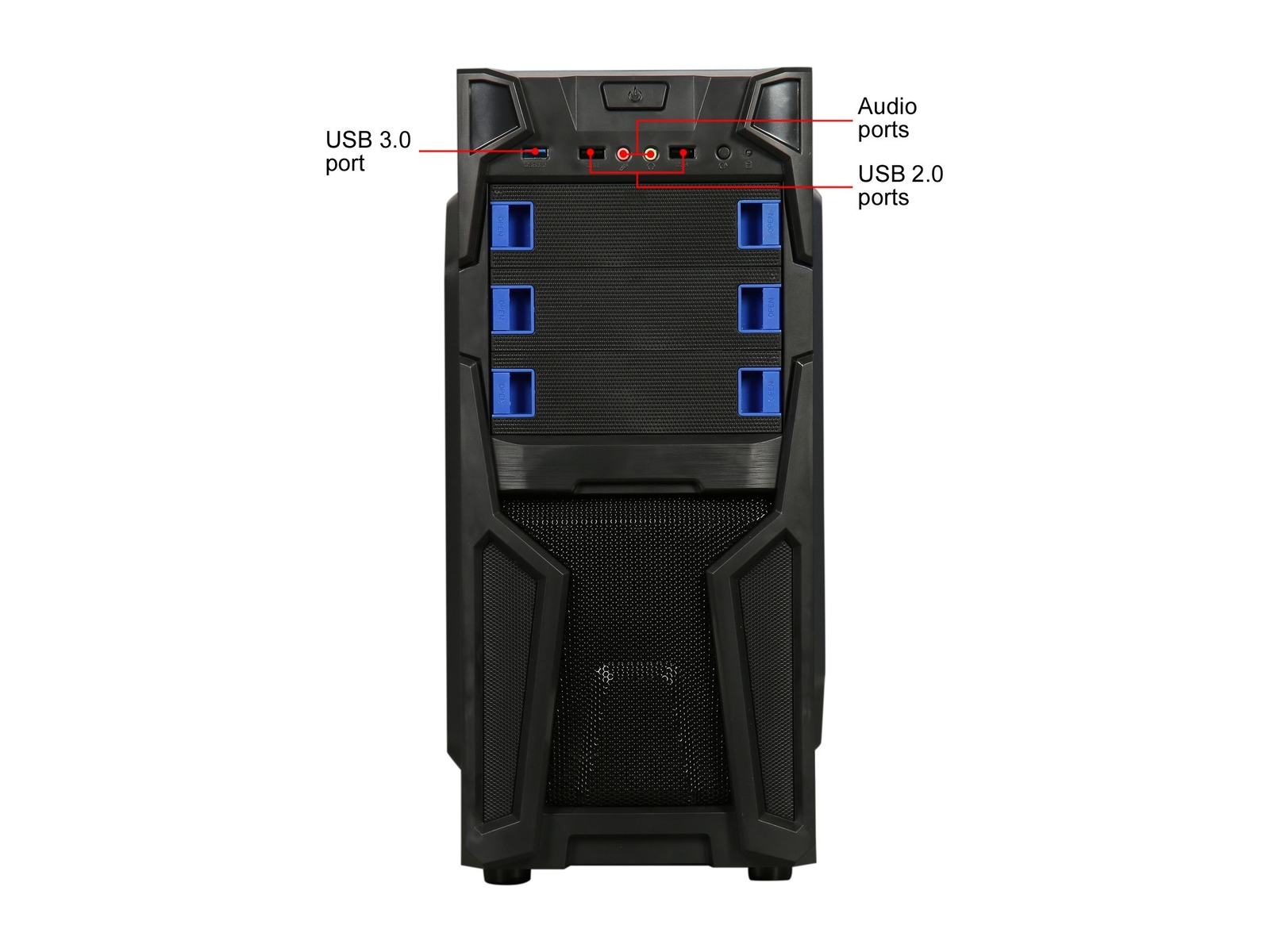
Press the power button located on the front of the PC.
The PC will boot up and the operating system will load.
Using the Desktop
Once the desktop is visible, you can use the mouse and keyboard to navigate and interact with the PC.
To open a program or file, double-click on its icon.
To browse the internet, open a web browser such as Mozilla Firefox or Google Chrome.
Shutting Down
To shut down the PC, click on the Start menu located in the bottom left corner of the screen.
Select “Shut Down” from the options.
The PC will power off.
Important Note:
Please refer to the user manual provided with the desktop PC for more detailed instructions on how to use specific features or troubleshoot any issues.
, , Magic Micro
Weight
5 lbs
Brand
Magic Micro
Type
Desktop
Form Factor
Tower
Color
Most Suitable For
Casual Computing
Graphics Processing Type
Integrated/On-Board Graphics
Storage Type
SSD (Solid State Drive)
SSD Capacity
1TB
RAM Size
64 GB
Processor
AMD Ryzen 9
Processor Speed
4.20 GHz
Reviews
There are no reviews yet.
Only logged in customers who have purchased this product may leave a review.

















Reviews
There are no reviews yet.