
Magnifying Lamp Buying Guide: Lens Strength, Light and Mounting
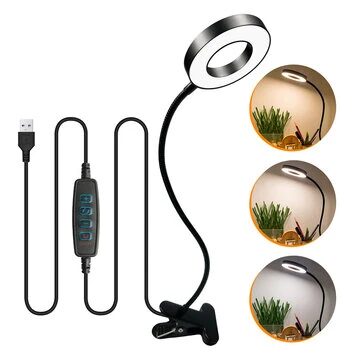
Choose a magnifying lamp by comparing lens power, working distance, lighting controls, mounting stability and comfort.

Choose a magnifying lamp by comparing lens power, working distance, lighting controls, mounting stability and comfort.

Compare handheld microscopes by optical magnification, sensor quality, lighting, stand stability, software and intended use.
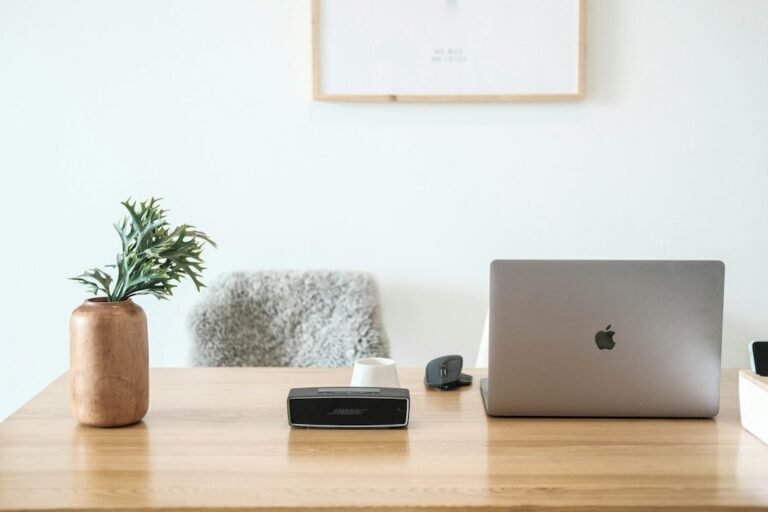
Laptops, mini PCs and desktops solve different portability, space and upgradeability needs. Laptop Useful when portability and an integrated display and battery matter. Mini PC Compact systems can suit fixed workspaces where you already have a display and peripherals. Desktop…
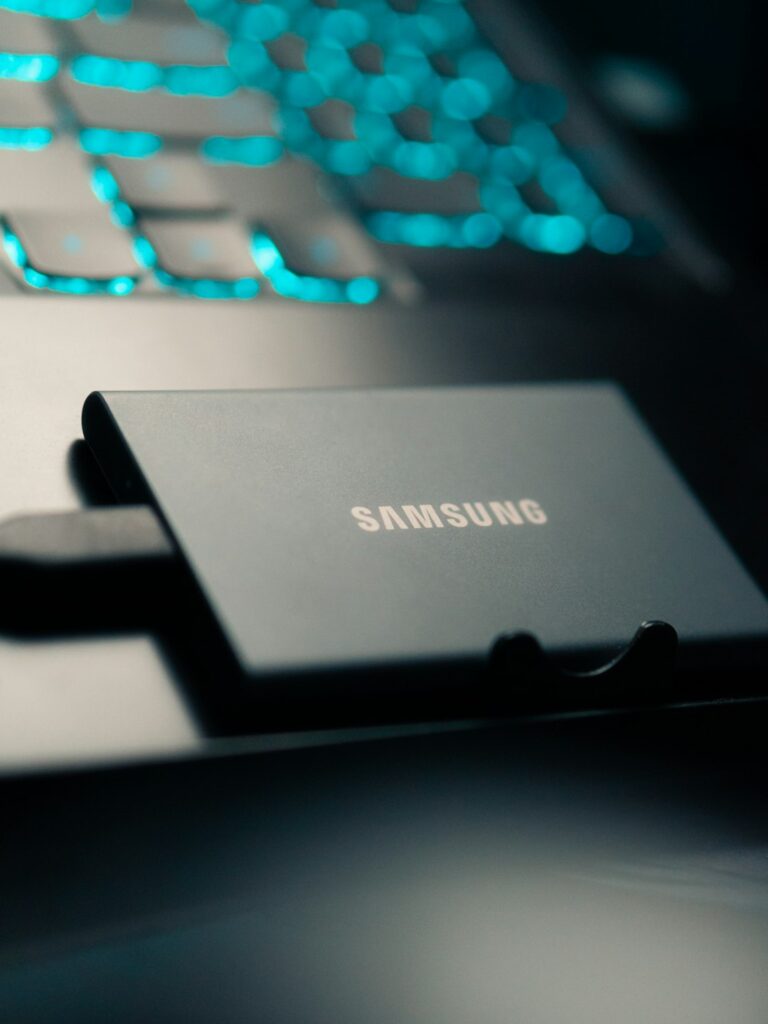
An external SSD can provide portable storage, but real-world usefulness depends on capacity, interface and compatibility. Capacity and speed Estimate storage needs and check both the drive interface and the speed supported by your computer. Portable use Consider size, cable…
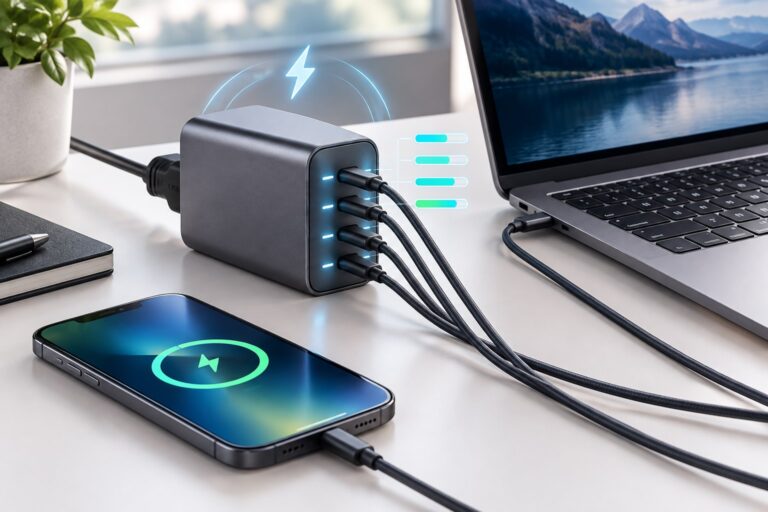
USB-C describes a connector shape, while capabilities can vary by device and cable. Check capabilities Verify data speed, charging, display support and protocol compatibility for your exact computer. Choose the ports you need List your monitors, storage, network and USB…
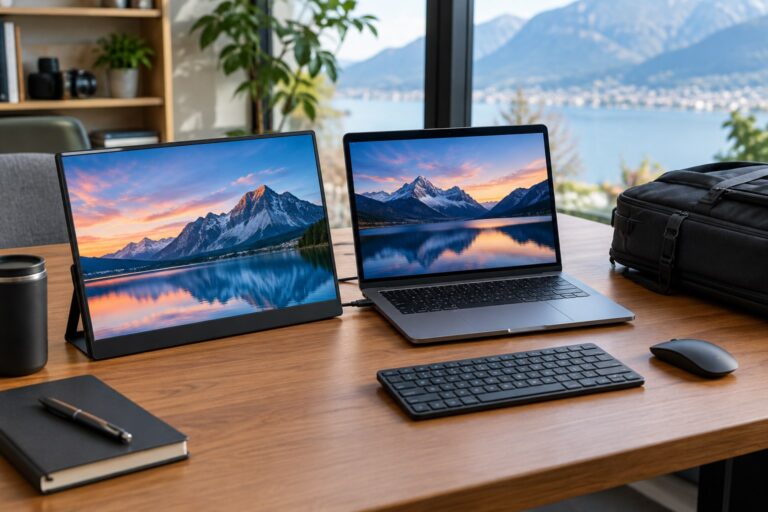
A 4K monitor purchase should consider more than resolution. Size and scaling Choose a screen size that works for your viewing distance and workspace. Refresh rate and connectivity Check refresh rate, supported inputs and whether your computer can drive the…
Compare laptops, desktops, all-in-ones and mini PCs for remote work. Learn how to choose the processor, RAM, SSD, display, webcam, ports, network and support for your daily applications.
All-in-one computers prioritize an integrated design, while traditional desktops can offer different upgrade and repair options. Compare space and upgradeability Consider desk space, display requirements, ports, cooling, repairability and component upgrades. Compare exact specifications CPU, RAM and storage can vary…

A gaming PC should be matched to the games, resolution and performance level you actually want. GPU and CPU Check exact component models rather than relying on labels such as gaming or high performance. RAM, SSD and cooling Confirm memory,…
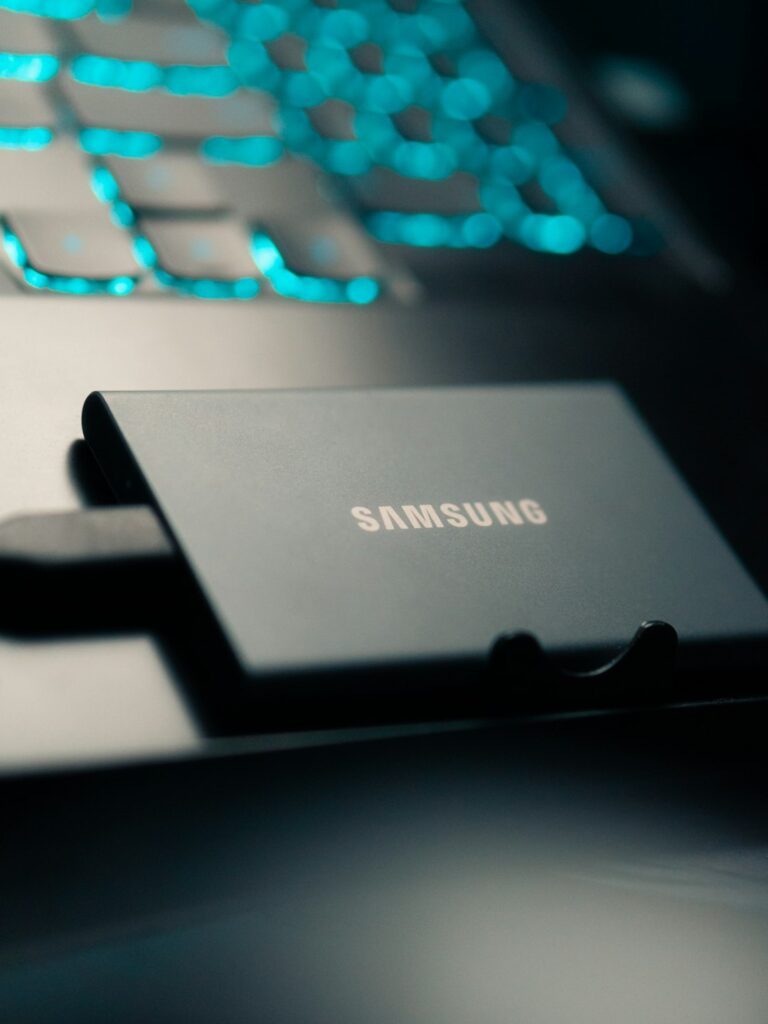
Choosing an SSD is about more than buying the largest number you can afford. The right solid-state drive must fit the computer, use a supported interface, hold the files and applications you actually need, and leave enough free space for…
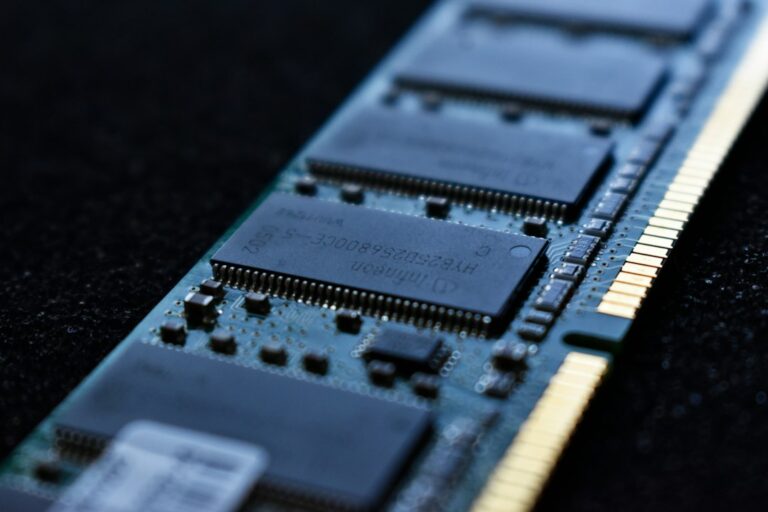
The right amount of RAM depends on what you run at the same time, how demanding your applications are, and whether the computer can be upgraded later. A computer with 8GB may handle light tasks, while a busy workday with…
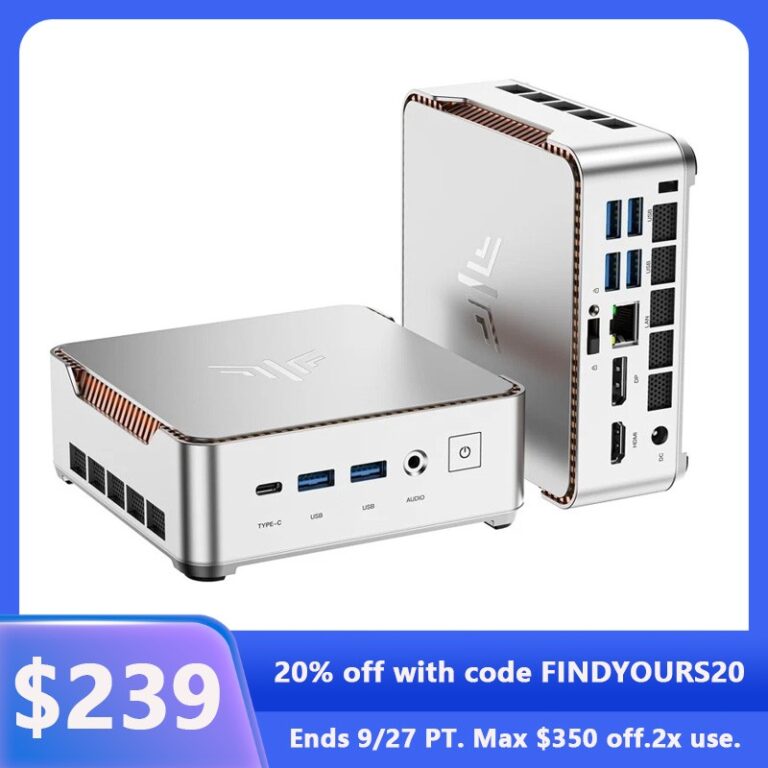
A mini PC can make a home office feel less cluttered, but its small size does not automatically make it the best computer for every desk. The right model must have enough processor performance for your applications, sufficient memory, compatible…
