


Brother DS-740D Duplex Compact Mobile Document Scanner
$352.50
Buy more, save more
Buy 2–4 of this item and save 5%.
Buy 5 or more of this item and save 10%.
Discount is automatic in your cart on regular-priced items. It cannot be combined with coupon codes or sale prices.
Buy 2–4 of this item and save 5%.
Buy 5 or more of this item and save 10%.
Discount is automatic in your cart on regular-priced items. It cannot be combined with coupon codes or sale prices.
Country suggested using IP or browser language; you can change it. Shipping is confirmed at checkout.
Description
Brother DS-740D Duplex Compact Mobile Document Scanner,
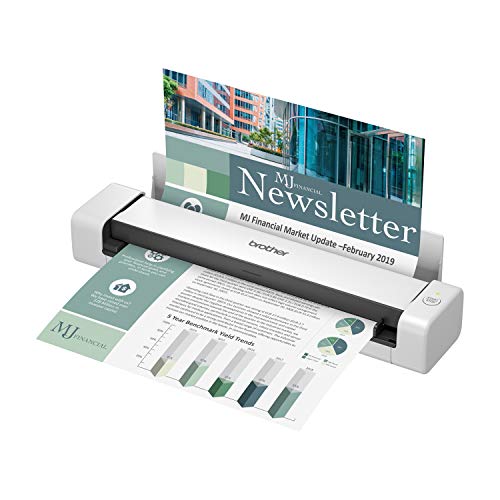
- FAST SPEED AND DUPLEX SCANNING – Scan single and double-sided documents in a single pass at up to 16 ppm(1). Color scanning doesn’t slow you down at all as it has the same scan speed as black and white document scanning.
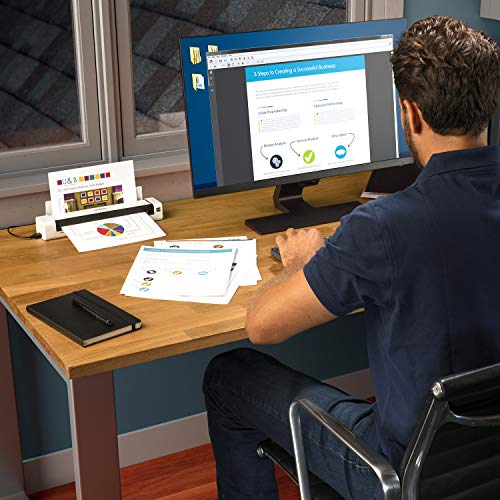
- ULTRA COMPACT – At less than 1 foot in length you can fit this device virtually anywhere (a bag, a purse, a pocket). The DSD (Desk Saving Design) feature reduces the amount of space needed to use the device, saving you 11 inches of desk space. (2)
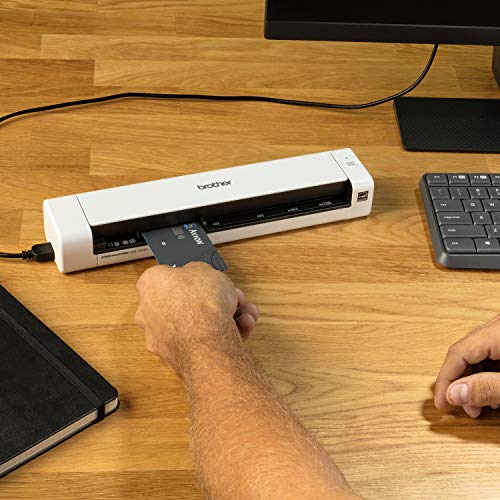
- READY WHENEVER YOU ARE – The DS-740D is powered via an included micro USB 3. 0 cable allowing you to use it even where there is no outlet available. Plug it into you PC or laptop and you are ready to scan.
- WORKS YOUR WAY – Use the Brother free iPrint&Scan desktop app for scanning to multiple “Scan-to” destinations like PC, Network, cloud services, Email and OCR. (2) Supports Windows, Mac and Linux and TWAIN/WIA for PC/ICA for Mac/SANE drivers. (3)
- OPTIMIZE IMAGES AND TEXT – Automatic color detection/adjustment, image rotation (PC only), bleed through prevention/background removal, text enhancement, color drop to enhance scans. Software suite includes document management and OCR software. (4)
, , Brother
| Weight | 5 lbs |
|---|---|
| Product Dimensions | 11.9 x 2.5 x 1.8 inches |
| Item Weight | 1.43 pounds |
| Item model number | DS740D |
| Batteries | 1 Lithium Ion batteries required. (included) |
| Date First Available | March 4, 2020 |
| Manufacturer | BROTHER |
| Country of Origin | China |
2114 reviews for Brother DS-740D Duplex Compact Mobile Document Scanner
Only logged in customers who have purchased this product may leave a review.
Special deals for you
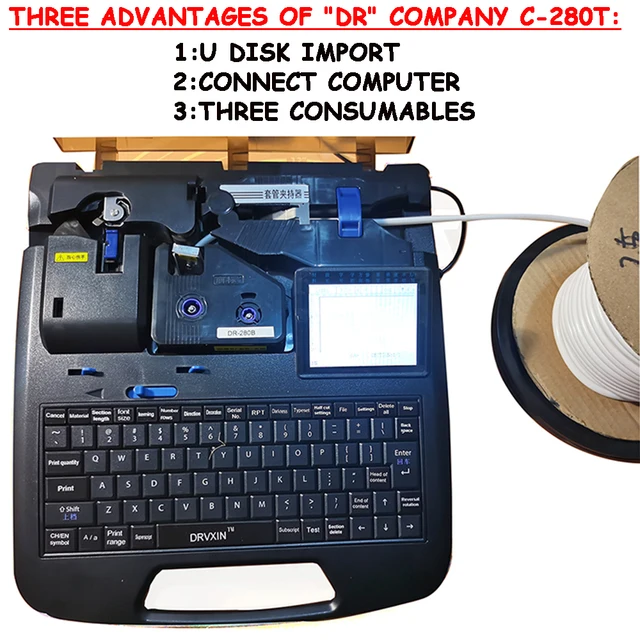
New C-280T Wire Pipe Numbering Machine U Disk Import Connect Computer For Heat-shrinkable Tube Tape Label typewriter printing
Original price was: $604.02.$600.31Current price is: $600.31.
Add to cart
Wire Marker ID Printer Pvc Pipe Marking Machine USB Drive Import USB Connection PC Computer Electronic Engraving Machine C-280T
Original price was: $600.12.$596.23Current price is: $596.23.
Add to cart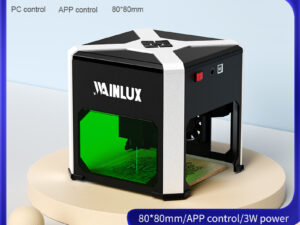
WAINLUX K6 3000mW Mini CNC Laser Engraver
Original price was: $128.37.$127.16Current price is: $127.16.
Add to cart
Lville Android 13 Tablet - 10 inch Octa-Core Tablet with 8GB RAM, 128GB ROM, 1TB TF Expandable Storage, Bluetooth 5.0, WiFi 6, Fast Charging, Dual Camera - Black
Original price was: $4,270.00.$235.00Current price is: $235.00.
Add to cartPopular items in this category

Exclusive Access Modern Two-Wheel 3000W Electric Motorcycle with Racing Design for Adults
$2,133.00
Add to cart
Unlock Your Potential Hiseeu 4MP/5MP PTZ IP Camera Outdoor Security AI Human Detection H.265X Wireless WiFi Video Surveillance Cameras iCsee P2P
$16.10
Add to cart
Empowering Solutions Hiseeu 4MP+4MP Dual Lens Wifi PTZ IP Camera 2.8+12mm 8X Zoom CCTV Video Surveillance Camera Color Night Vision Ai Human Cam
$16.10
Add to cart
Best HD Auto Zoom Photochromic Reading Glasses for Business with Near Far Anti-blue Light for Presbyopia
$16.10
Add to cartSimilar items you might like

Best Deal Adjustable Intensity Electric Muscle Stimulation Neck Therapy Device with 6 Modes - Portable Pain Relief Tool with Ergonomic Design
$16.10
Add to cart
Uncover Your True Potentialy Men's Anti-Blue Light TR90 Reading Glasses with High Definition, Ultralight Sport Design and Non-Slip Feature - Ideal for Presbyopia and Hyperopia up to +3.5 Diopters
$16.10
Add to cart
Your Perfect Match Outdoor Driving and Fishing Sunglasses with Photochromic Polarized Lenses, UV400 Protection, Anti-Glare, and Case
$16.10
Add to cart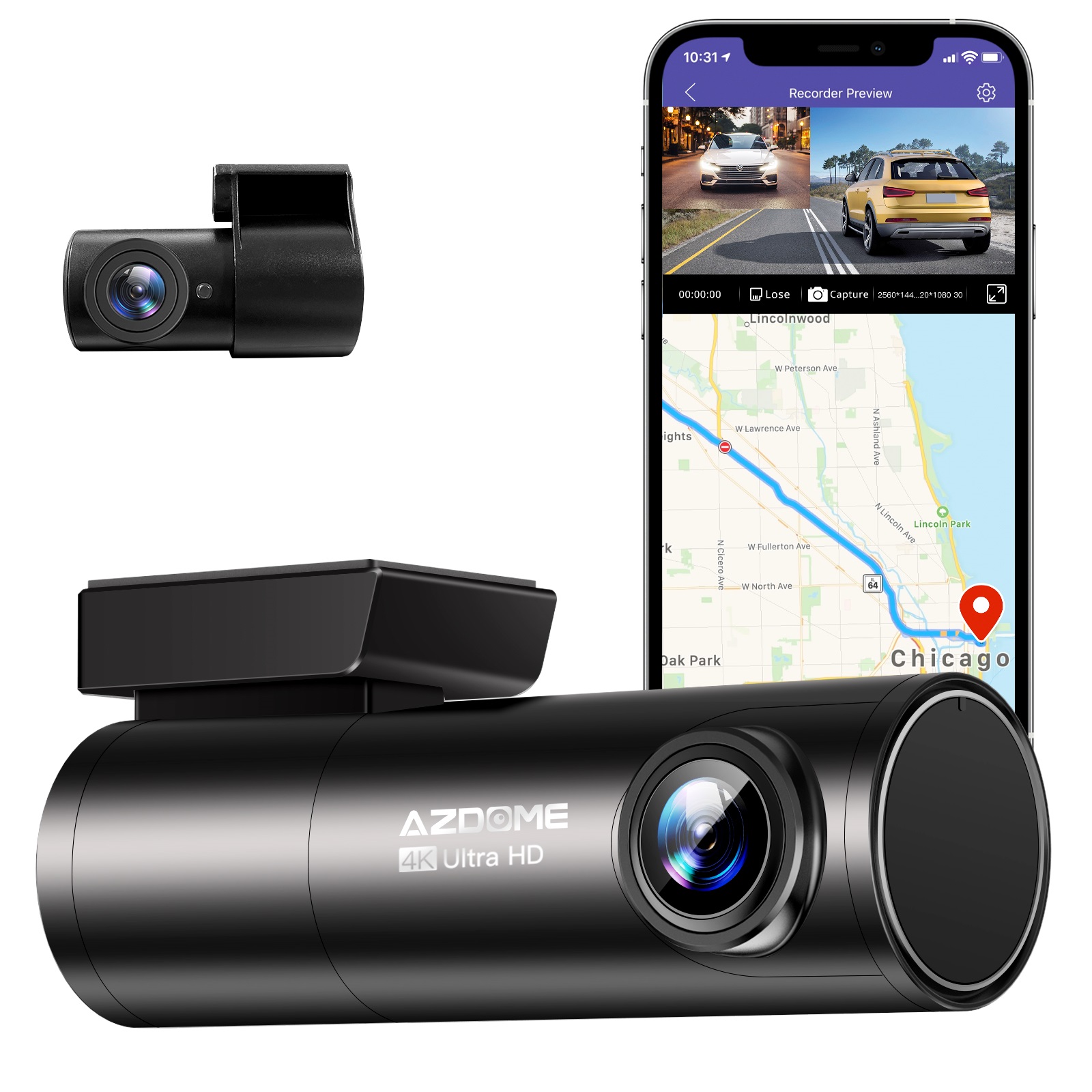
Instant Gratification Azdome HD 1080P Dash Cam Wifi Gps Recorder G-sensor Dashcam Black
$247.10
Add to cartProducts related to this item

Introducing the latest Apple iPad 9th Generation with a 10.2" Retina Display, 64GB of storage, Wifi connectivity, Touch ID, and includes a Stylus
$658.00
Add to cart
Apple 10.2" iPad 9th Gen 64GB Space Gray Wi-Fi Tablet (MK2K3LL/A)
$434.80
Add to cart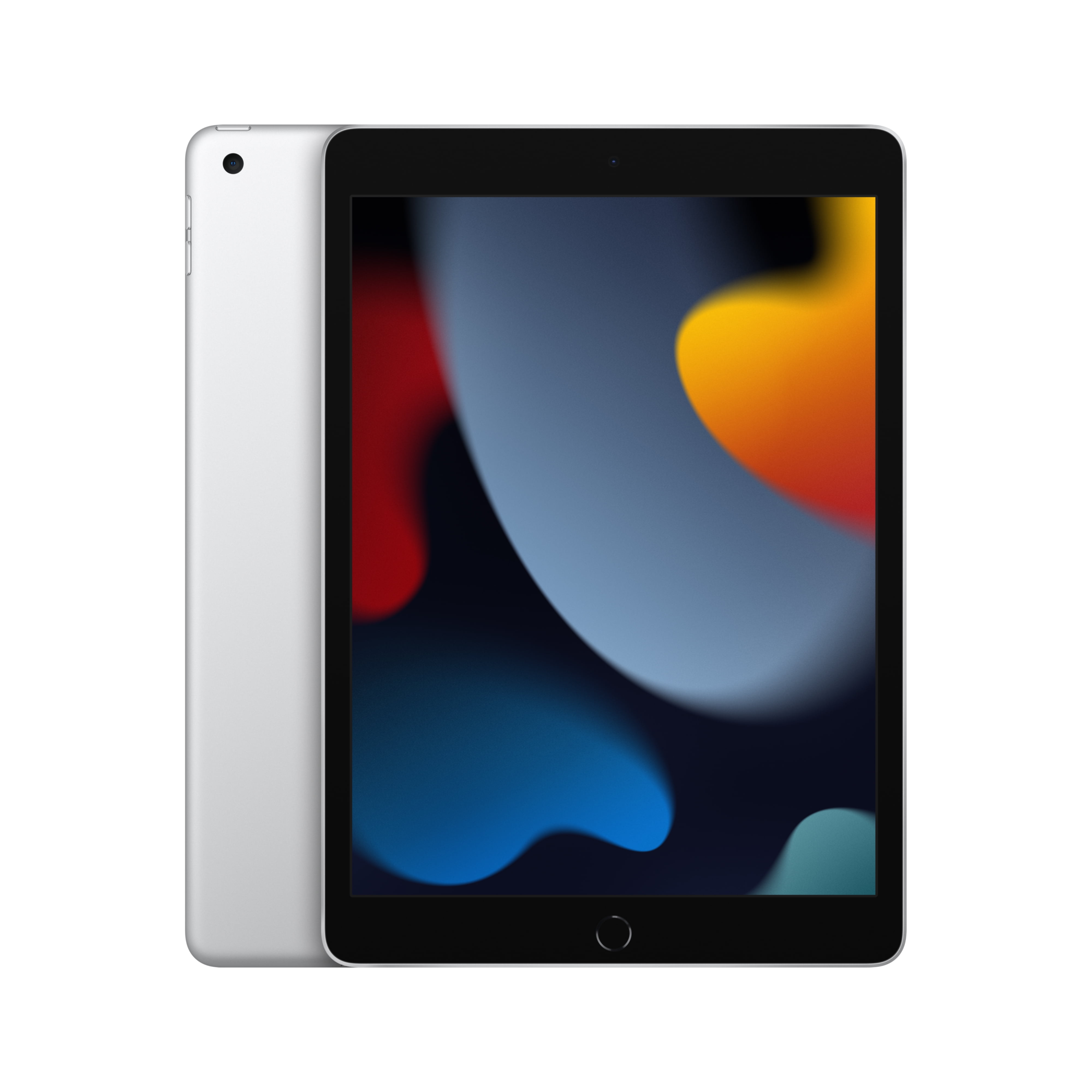
Choosing the Perfect iPad: The 2021 Apple 10.2-inch Model - Silver (9th Generation) Buying Guide
$249.00
Add to cart
Apple iPad 5th Generation 9.7" 32GB/128GB Gray/Silver Wi-Fi/Cellular Unlocked with Good Condition
$246.70
Add to cartProducts you may also like

Brand New 2020 10th Gen Amazon Fire HD 8 Tablet with Alexa, 32GB, Wi-Fi, 8 Inch Display - BLACK
$176.30
Add to cart
Sealed Fire Max 11 Tablet with Vivid 11" Display, 64GB Storage, 4GB RAM, and Octa-Core Processor
$31,018.40
Add to cart
Grade A Condition Apple iPad Mini A1432, 7.9in, Wi-Fi or Cellular Unlocked, 16GB/32GB
$93.90
Add to cart
Apple iPad 7th Generation 2019 MW742LL/A (Wi-Fi) 32GB Space Gray, New in Open Box
$62,578.60
Add to cartRecommended for You

Lenovo - LOQ 15.6" FHD Gaming Laptop with AMD Ryzen 7 7840HS CPU, 8GB RAM, and NVIDIA Graphics
$2,750.00
Add to cart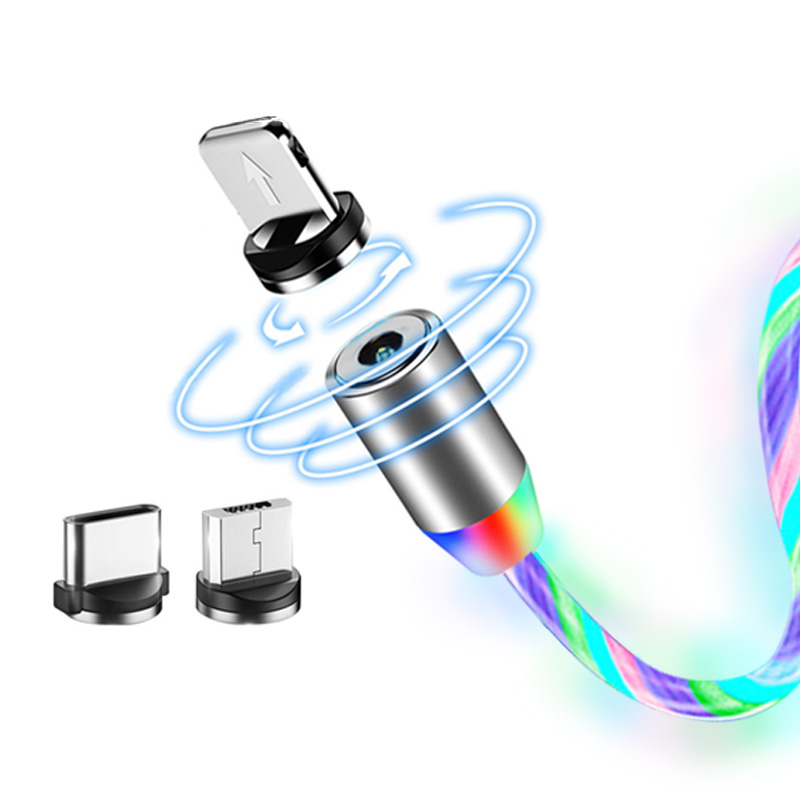
Data Line LED Magnetic Micro USB Cable Android Type-C IOS Fast Charging Cable for Mobile Phone color_Android interface
$16.10
Add to cart
Uncover Your True Potentialy BIC Round Stic Xtra Life Assorted Ink Ballpoint Pens, Medium Point (1.0mm), 60-Count Pack of Bulk Pens, Flexible Round Barrel for Comfortable Writing, No. 1 Selling Ballpoint Pens
$15,854.80
Add to cart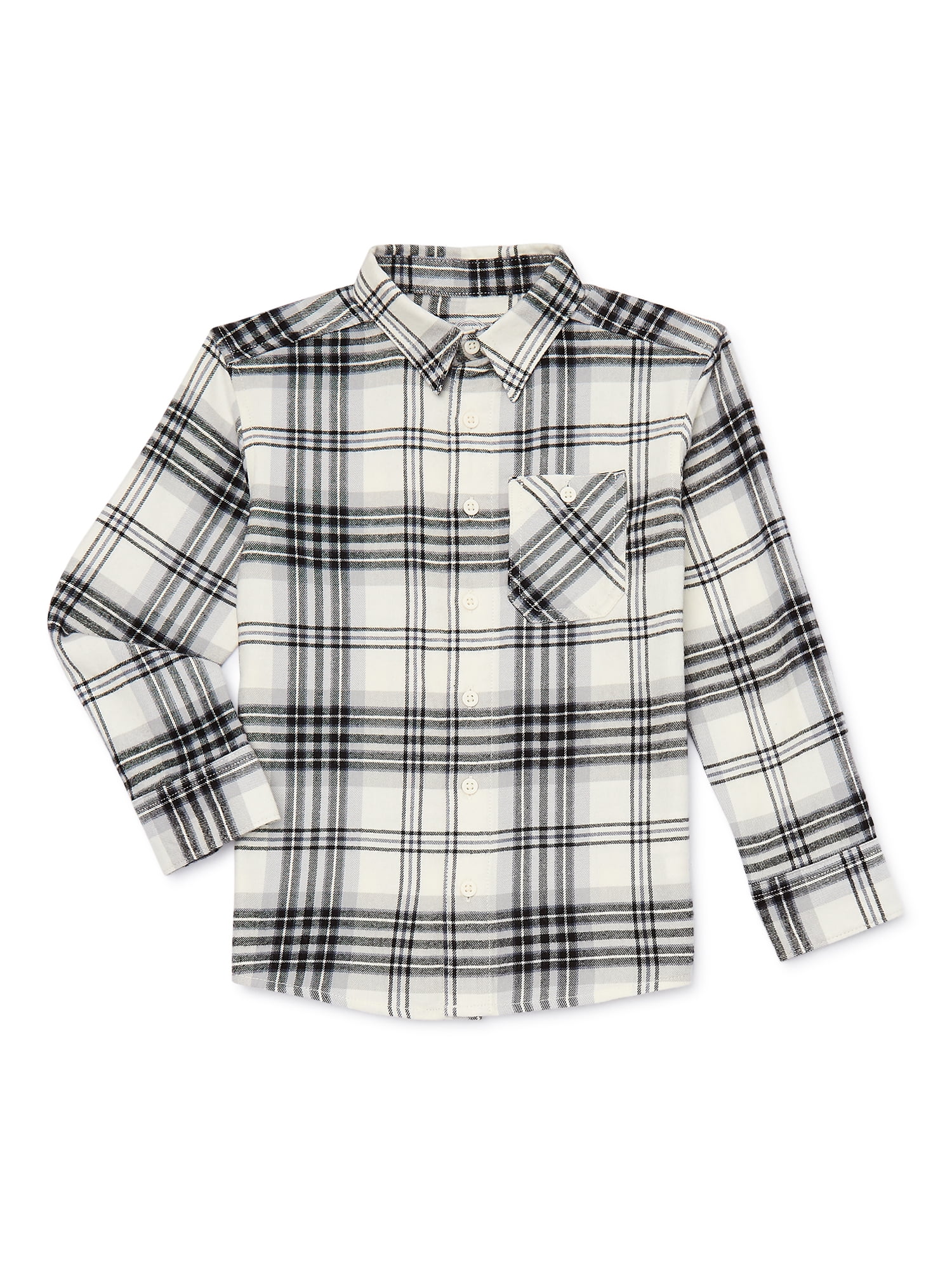
Wonder Nation Boys Long Sleeve Flannel Shirt, Sizes 4-18 & Husky
$25.00
Add to cartRelated products
-
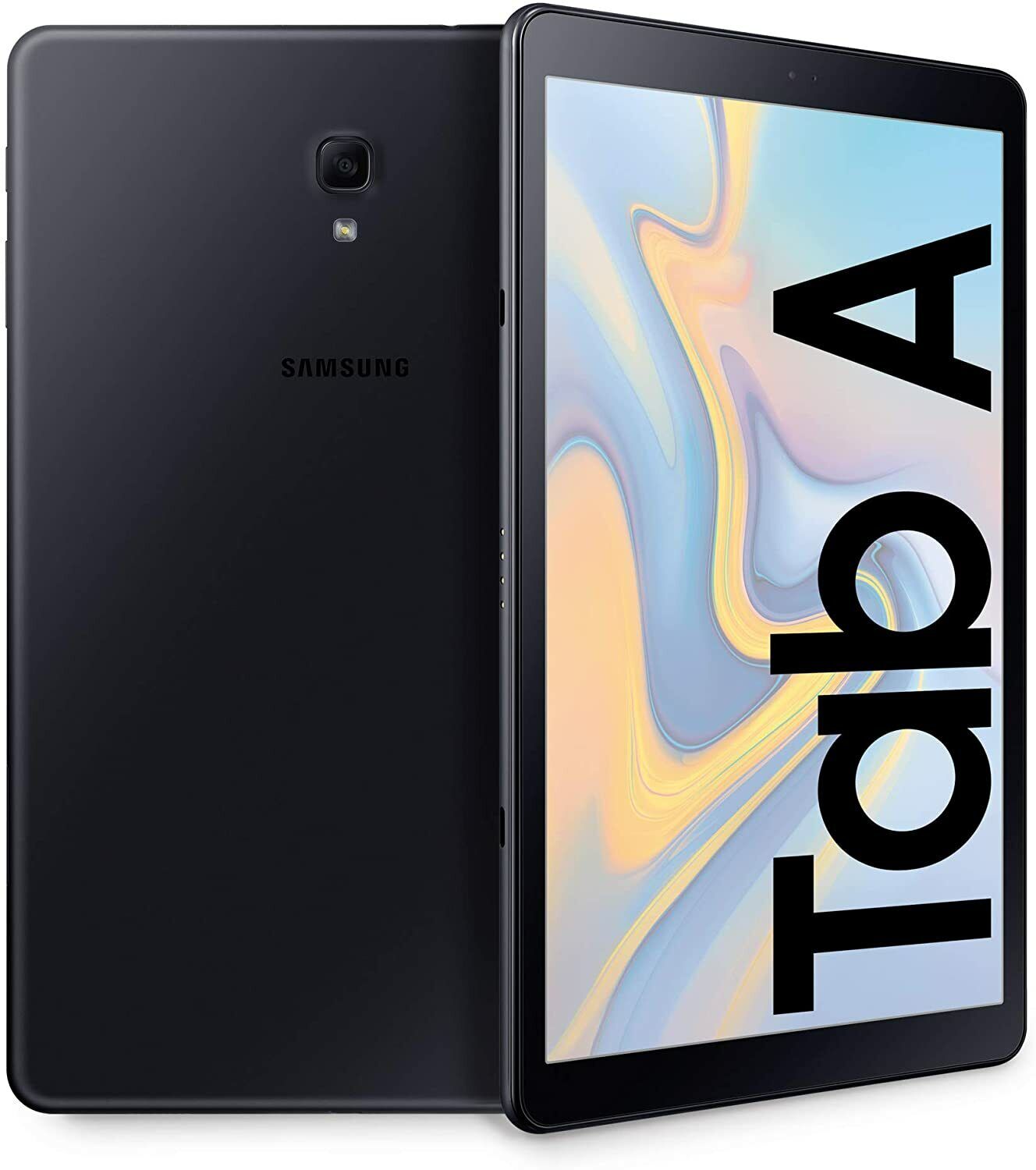
New Samsung Galaxy Tab A 8-inch 32GB SM-T387A Tablet for AT&T and GSM Unlocked
$141.00 -
Grade A Condition Apple iPad Mini A1432, 7.9in, Wi-Fi or Cellular Unlocked, 16GB/32GB
$93.90 -
Sealed Fire Max 11 Tablet with Vivid 11″ Display, 64GB Storage, 4GB RAM, and Octa-Core Processor
$31,018.40 -
Introducing the latest Apple iPad 9th Generation with a 10.2″ Retina Display, 64GB of storage, Wifi connectivity, Touch ID, and includes a Stylus
$658.00

Gustavo Trivellato Pereira –
O produto é ótimo atendeu minhas expectativas, fácil de instalar. O produto chegou bem embalado no prazo combinado recomendo !
Darrell D. –
This is a nice little duplex scanner. I bought the factory refurbished model, and for a quick minute I thought that might have been a mistake. After every page, the scanner took 20+ seconds to be ready again. I’m using Linux (Fedora), so I thought maybe it was a driver problem. Or maybe I got a dud unit. I watched the udev monitor and realized the scanner seemed to be power-cycling after each page. Odd.
Turns out, it was the port on my laptop. I plugged it into a different USB port ON THE SAME LAPTOP and the scanner works great! No long delay between scanning subsequent pages. No strange udev messages.
Linux folks, Brother has Linux drives on their product support website (*.deb and *.rpm). Install is simple. I used Gnome’s “Document Scanner” at first as the scanning front end. You have to select “All Pages From Feeder” (not “Single Page”) in order for the two-sided (duplex) functionality of the 740D to work. You MUST ALSO select “Both” from the preferences dialogue.
I eventually switched to “gscan2pdf”, which is more flexible in terms of scan post-processing. In the “Scan” dialogue on the “Scan Options” tab, the “Scan Source” option allows you to perform two-sided (duplex) scanning. Select the option ending with “left aligned” for single-sided and “left aligned – duplex” for two-sided.
Pierre Briand –
Il faut télécharger les drivers sinon ça ne fonctionne pas
Mitchell H. –
A good SINGLE DOCUMENT portable scanner, or receipt scanner. If you ever scan multi-page documents (even just 2-pages), or plan to keep this at your desk, then you will want another model. We use this for scanning when traveling, and really miss not going for the wireless model. It’s not any better than a phone app scanner for receipts or single-sided single document scanning. Having this at my desk within arms reach, I still prefer to walk up front to the other scanners in the office for anything other than entering receipts.
We love our Scan Snap duplex scanners for 2 or more page scans, and have three for our office of 4 people if that’s any indication of how happy we are with them. This is fine, just outdated. It’s a very niche use case (portable receipt scanning) and there are wireless scanners which make more sense for portability.
This was still a good purchase for us as a (refurbished – aka cheap) scanner for one person to enter receipts on a daily basis, and not take up desk space when not in use.
Amazon Customer –
This is an easy set up and easy to use. I am glad I have a fast easy way to scan in Documents. 10 out of 10 recommendation!
Happy customer –
Scans quickly, 2 sided and color. Comes with great ocr and pdf software. Connected easily to hp laptop, but wouldn’t connect to my Samsung Galaxy laptop.
ALEJANDRO LOB –
Buena herramiento
ADRIANA –
El escáner es de mucha utilidad, se instala muy fácil, es muy práctico y se ahorra espacio en tu escritorio.
Welton Brito dos Santos –
muito bom produto
Robert TOnkel –
awesome
Christina F. –
This scanner is great for travel. It quickly scans 2 sides at once. Scans are clear.
Addison Mangum –
The scanner itself works very well, and I really love the double-sided scanning and color features. Sometimes when feeding it documents, it misaligns and scans things at an angle, which is annoying, and if there’s a paper jam, you have to turn it off and reset the app to get it to work again. I kind of wish there was a tray to feed documents, but overall, it’s pretty easy to use. I spent nearly 8 or 9 hours straight using it, and it warmed up, but never overheated, and I managed to scan a couple thousand pages worth of documents.
Stephen –
I purchased this scanner to use on my desk at work. I do not have a lot of space on my desk so I needed a smaller unit. This worked perfect! I have it sitting in front of one of my monitors, between my keyboard and monitor. While there are a couple quirks with this, I relly like it. Here are some pros and cons of the unit:
Pros:
– Compact: It’s small enough to fit on a smaller desk or throw into a laptop bag if you travel
– Quick: It is pretty quick when scanning. A full page takes a few seconds to process
– Software: The software is pretty easy to use and allows you to save as various types of documents. I usually scan as PDF. It also has an option to scan multiple documents to the same file and front and back.
– Includes a copy of PDF editing software, with the codes on the bottom of the unit
– It uses a single USB 3.0 cable to connect and power the unit, so no separate power cable is needed. That’s really big for me. The fewer cables the better.
– Scanner has a “paper grabber” (not sure what to call it) that pulls the paper in slightly when you first stick it in. That’s a nice way to know when your paper is ready to scan.
Cons:
– Jams: I have had a few instances where I stuck paper in too quick and it showed a jam. The only way to clear the jam was to unplug the unit and plug it back in. Not a deal breaker, but it caught me off guard the first couple times it happened. Just be a little gentle when putting paper into the scanner.
– Slider for paper size is way too easy to move. I’ve stopped using it because of how easy it slides. It needs a way to lock it in place or notches to give it some slots to hold it in place. As it is now, bumping it with paper moves it.
– Cover is pretty hard to open. I was afraid I was going to break it the first couple times I tried to open it. The first time opening it, I thought maybe it wasn’t made to open. After a few very firm pulls, it finally popped open.
Overall, I’m very happy with my purchase. It saves me from having to walk to another part of the building to use the community printer/scanner/copier and wait for the email to come through. It doesn’t take up much space, and it is quick. I’d highly recommend this to anyone looking for a portable or small scanner.