
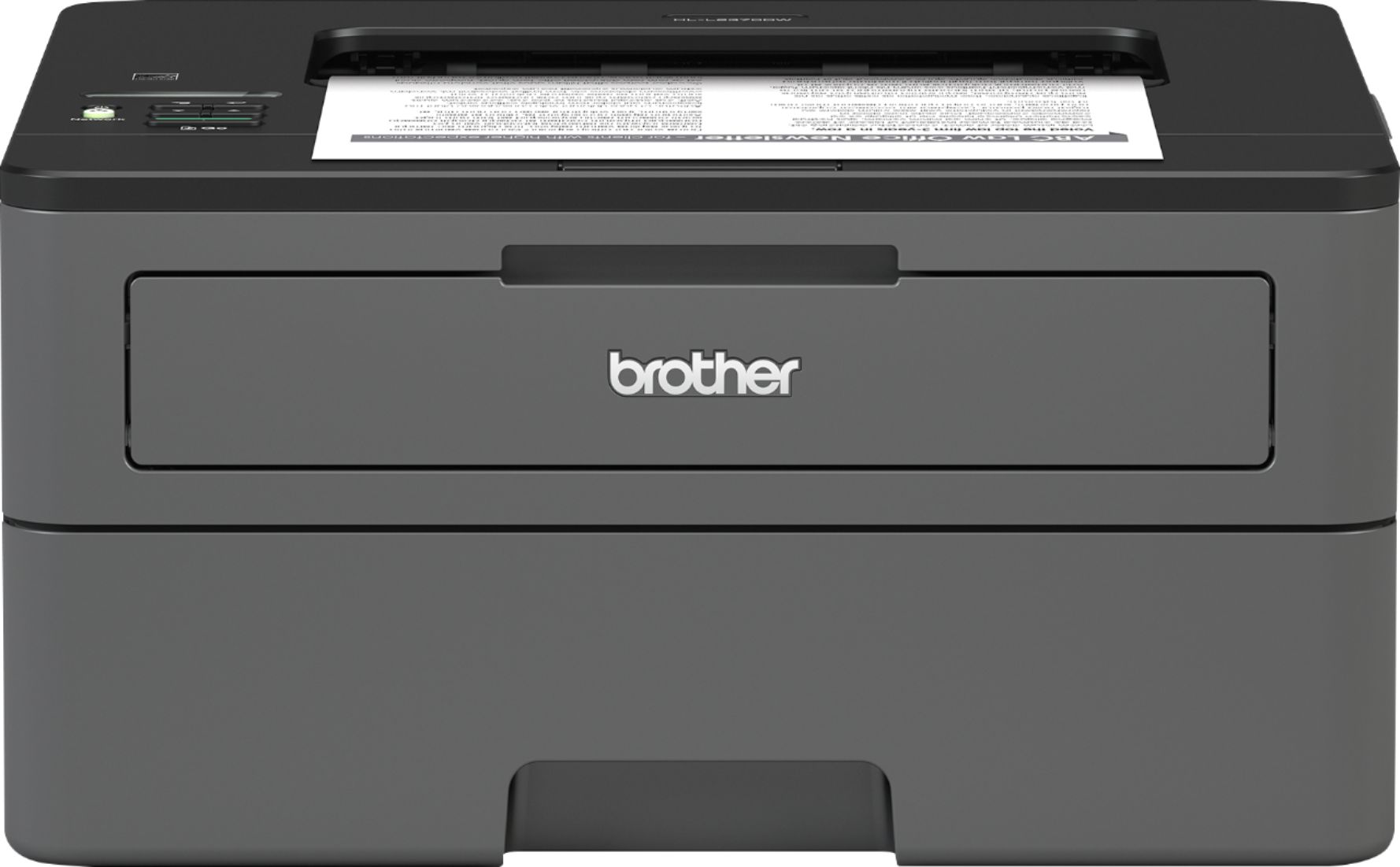
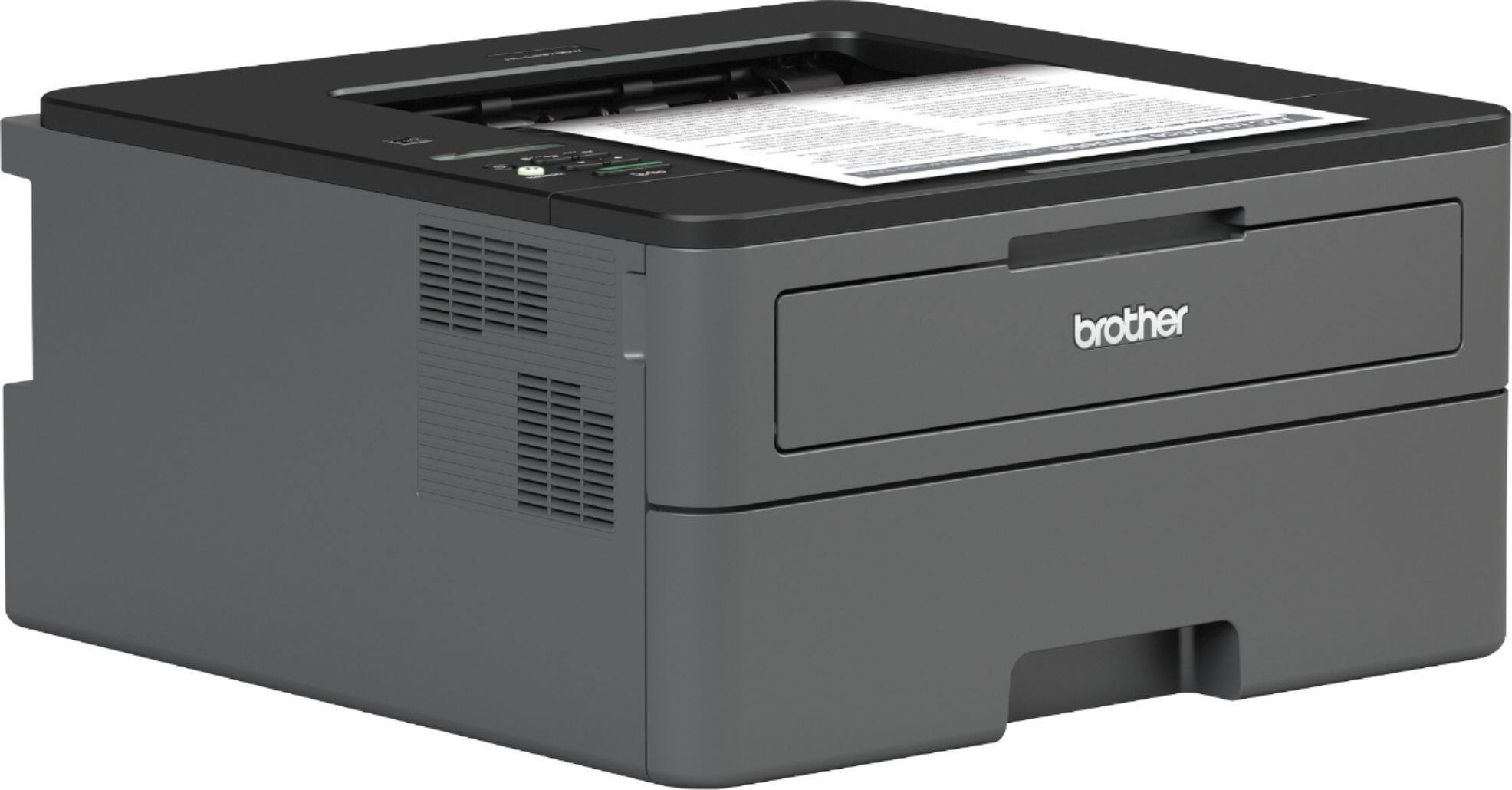
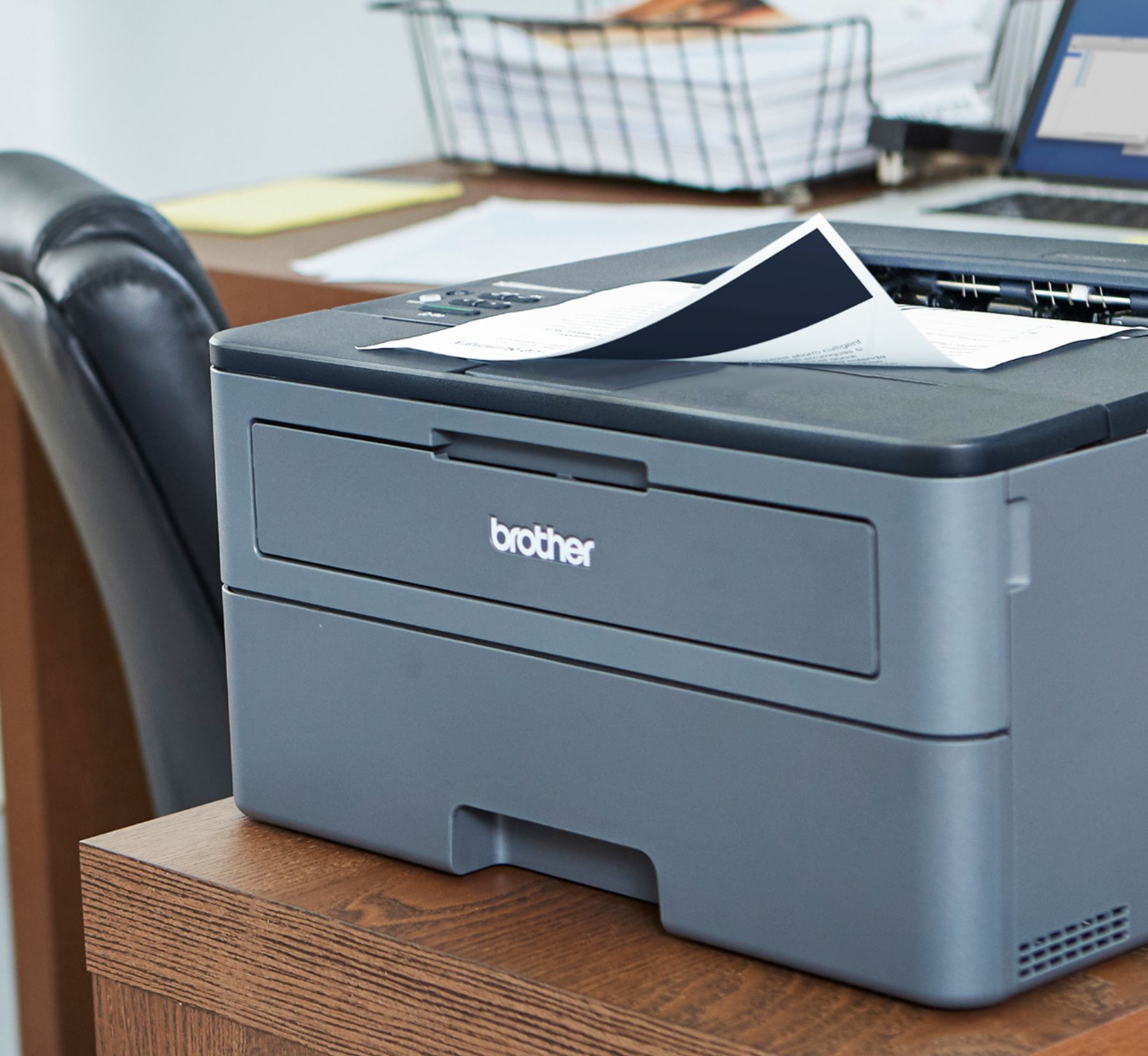


Brother Wireless Laser Printer – Gray
$376.00
- Brother laser printer
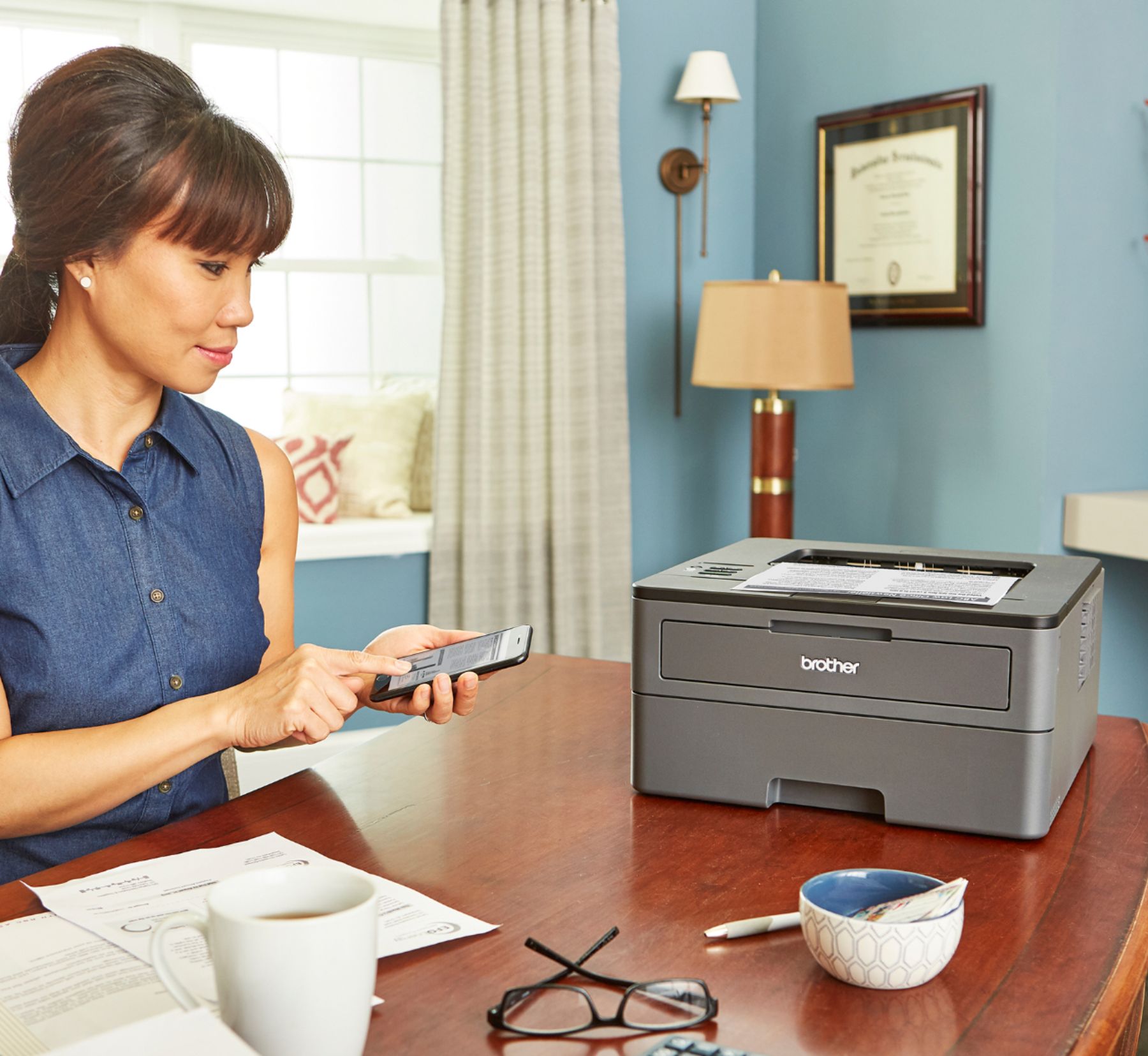
- Prints up to 36 pages per minute
- 250-sheet capacity
- Wireless connectivity
- Compatible with all connected devices
Buy more, save more
Buy 2–4 of this item and save 5%.
Buy 5 or more of this item and save 10%.
Discount is automatic in your cart on regular-priced items. It cannot be combined with coupon codes or sale prices.
Buy 2–4 of this item and save 5%.
Buy 5 or more of this item and save 10%.
Discount is automatic in your cart on regular-priced items. It cannot be combined with coupon codes or sale prices.
Country suggested using IP or browser language; you can change it. Shipping is confirmed at checkout.
Description
Brother Wireless Laser Printer – Gray,
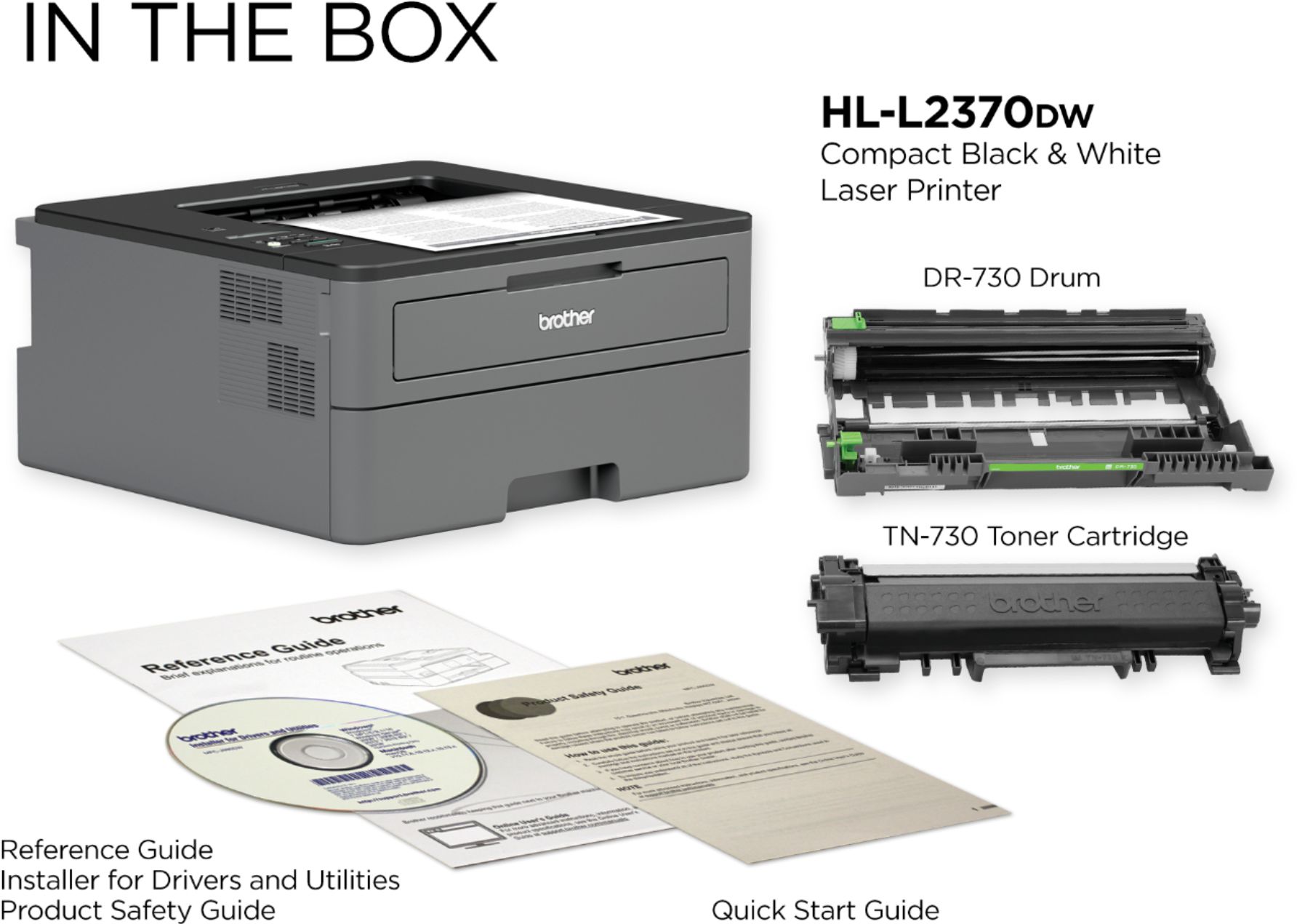
How to Use the Brother – HL-L2370DW Wireless Black-and-White Refresh Subscription Eligible Laser Printer – Gray
Step 1: Setup
- Remove the printer from the box and remove any protective packaging.
- Connect the power cord to the printer and plug it into a power outlet.
- Press the power button to turn on the printer.
- Set the language, date, and time using the printer’s control panel.
- Open the paper tray and adjust the paper guides to fit the size of the paper being used.
- Load a suitable amount of paper into the tray and close it.
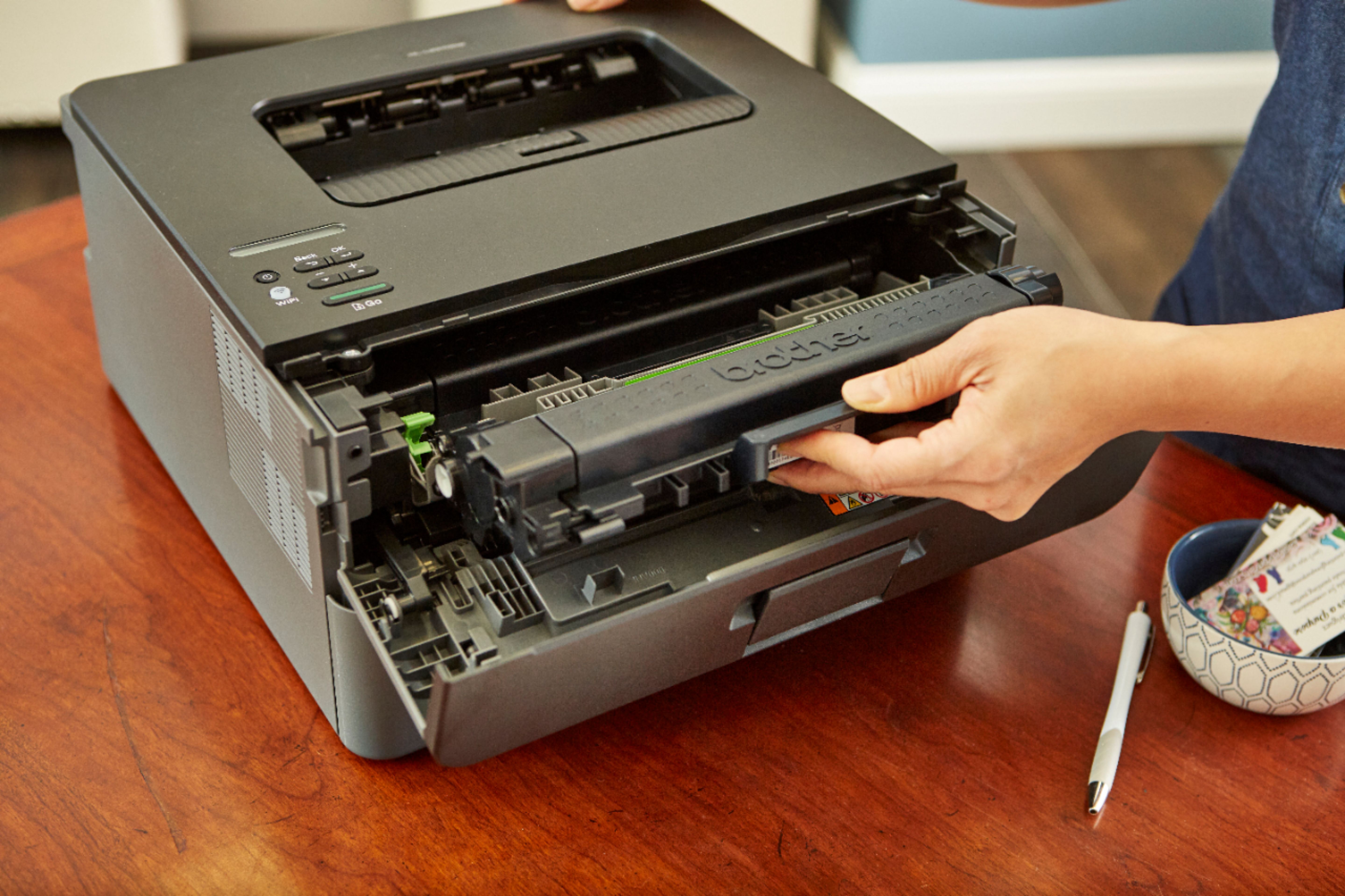
- Install the toner cartridge by opening the printer’s front cover and inserting the cartridge until it clicks into place.
- Close the front cover and wait for the printer to go through the initialization process.
Step 2: Connect to a Device
- Make sure your computer or mobile device is connected to the same wireless network as the printer.
- Install the necessary printer drivers and software on your device. You can download them from the Brother website or use the installation CD that came with the printer.
- Open the printer settings on your device and select the Brother HL-L2370DW printer.
- Follow the on-screen instructions to complete the setup process.
Step 3: Printing
- Open the document or file you want to print on your device.
- Select the Print option and choose the Brother HL-L2370DW as the printer.
- Specify the desired print settings, such as the number of copies, paper size, and print quality.
- Click the Print button to start the printing process.
Step 4: Maintenance
- Regularly check the printer for any error messages or paper jams.
- If a paper jam occurs, refer to the printer’s user manual for instructions on how to clear it.
- Replace the toner cartridge when the printer displays a low toner warning.
- Keep the printer’s exterior clean by wiping it with a soft, lint-free cloth.
Following these steps will help beginners effectively use the Brother HL-L2370DW Wireless Black-and-White Refresh Subscription Eligible Laser Printer. Refer to the printer’s user manual for more advanced features and troubleshooting.
, , Brother
2396 reviews for Brother Wireless Laser Printer – Gray
Only logged in customers who have purchased this product may leave a review.
Special deals for you

Canon imageFORMULA R40 Office Document Scanner For PC and Mac, Color Duplex Scanning, Easy Setup For Office Or Home Use, Includes Scanning Software
Original price was: $4,270.00.$538.20Current price is: $538.20.
Add to cart
Epson Workforce ES-C220 Compact Desktop Document Scanner with 2-Sided Scanning and Auto Document Feeder (ADF) for PC and Mac
Original price was: $3,244.40.$517.00Current price is: $517.00.
Add to cart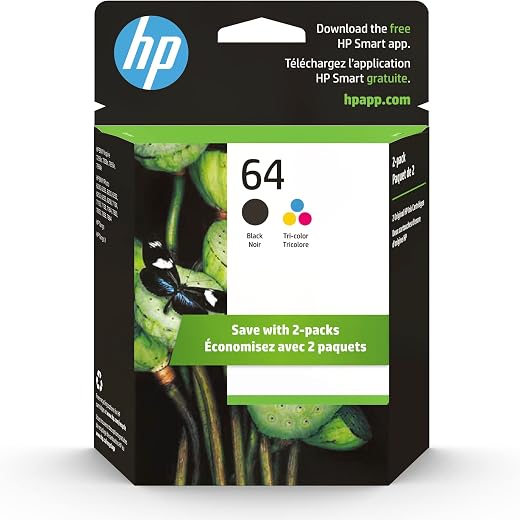
HP 64 Black/Tri-color Ink Cartridges (2-pack) | Works with HP ENVY Inspire 7950e; ENVY Photo 6200, 7100, 7800; Tango Series | Eligible for Instant Ink | X4D92AN
Original price was: $1,038.20.$121.90Current price is: $121.90.
Add to cart
TN660 Toner Cartridge Replacement Compatible for Brother TN 660 TN-660 TN630 High Yield to use with HL-L2380DW HL-L2320D HL-L2340DW DCP-L2540DW MFC-L2700DW MFC-L2720DW Printer...
Original price was: $1,512.00.$86.90Current price is: $86.90.
Add to cartPopular items in this category

Retro HDMI Game Console – 4K Output and Gamepad Controllers
$40.00
Add to cart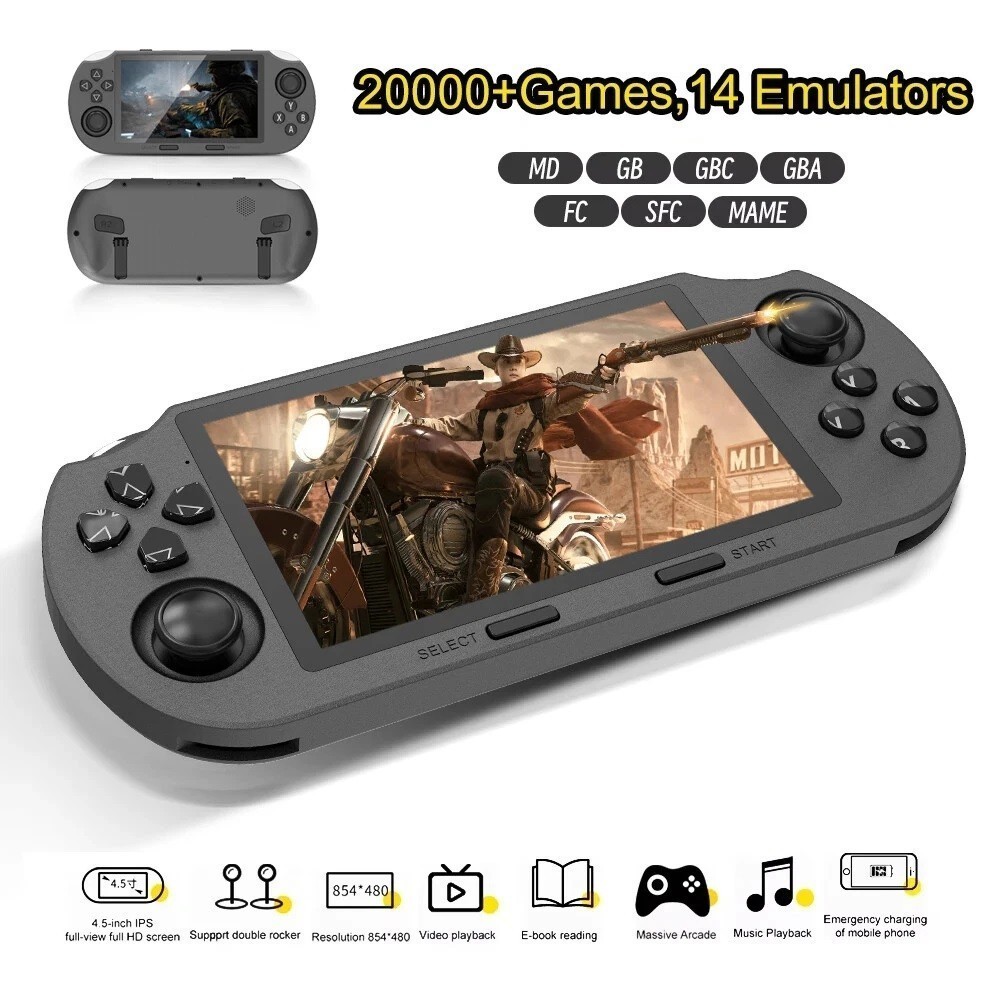
SF3000 Retro Handheld Game Console – 4.5-Inch IPS Display
$94.00
Add to cart
Blackview PlayPop 8 AI Motion Gaming Console for Families
$349.99
Add to cart4K HDMI Retro Game Console – Plug and Play, 20,000+ Games
$40.00
Add to cartSimilar items you might like

Blackview PlayPop 8 AI Motion Gaming Console – 8GB RAM, 128GB Storage
$379.99
Add to cart
R36S Retro Handheld Game Console, 64GB, 3.5-Inch IPS Screen
$86.90
Add to cart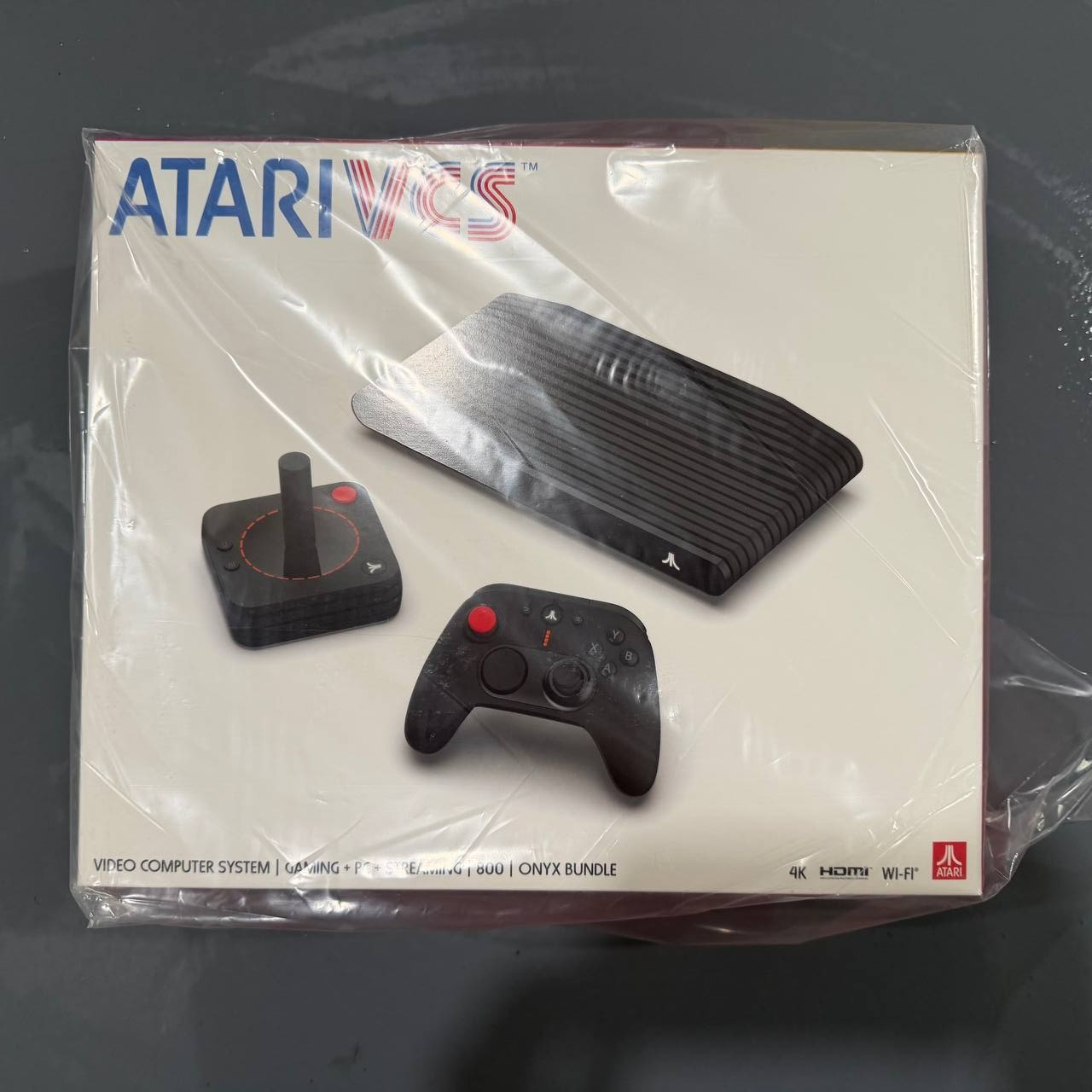
New Sealed Atari VCS 800 Onyx All-In Bundle
$379.99
Add to cart
Budget Desktop PC – Intel Core i7 4th Gen, 16GB DDR3, SSD Options
$499.99
Add to cartProducts related to this item

Dell Latitude 5520 Business Laptop, 15.6" FHD Display, Intel Core i5-1135G7 vPRO, 16GB RAM, 512GB SSD, IR Camera, HDMI, Backlit Keyboard, Wi-Fi 6, RJ-45, Thunderbolt 4, Windows...
$2,279.30
Add to cart
RISC-V Single Board Computer with JH7110 Processor
$230.90
Add to cart
1.8M HDMI to VGA Cable HD 1080P HDMI Male to VGA Male Video Converter Adapter for PC Laptop
$17.00
Add to cart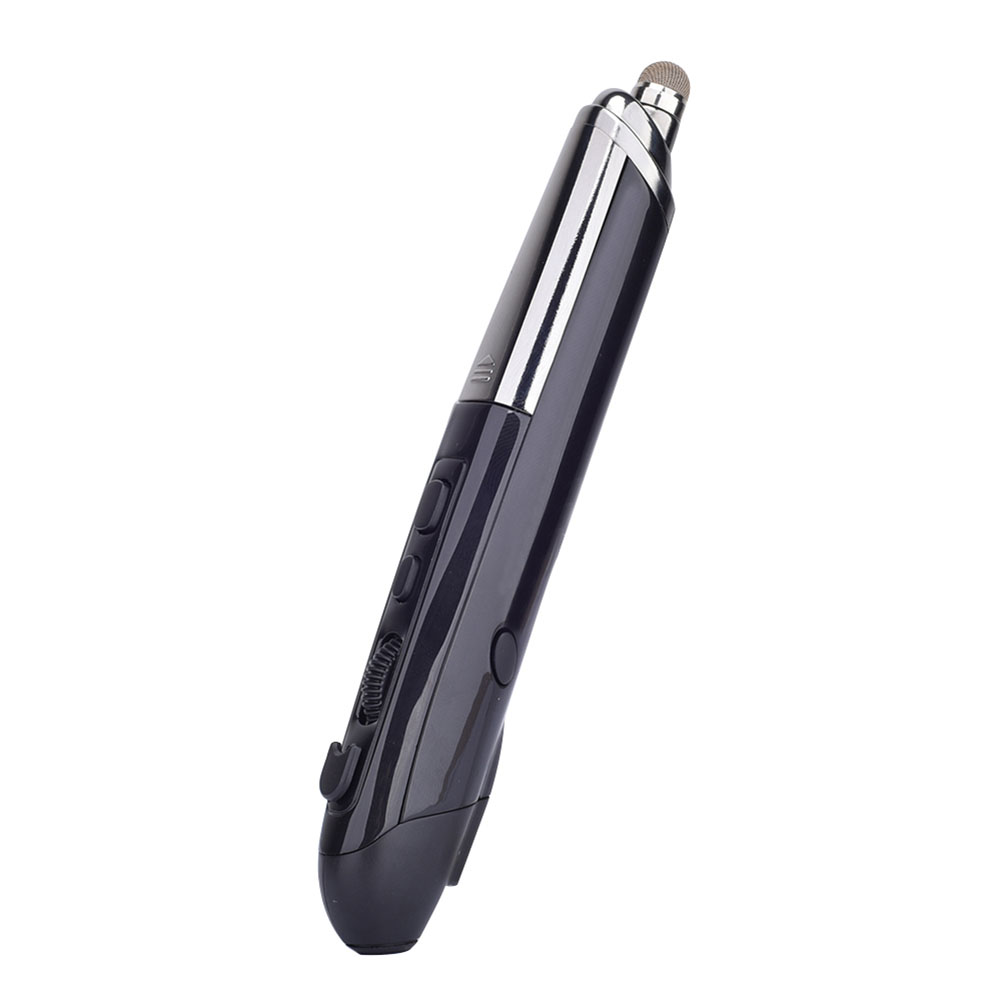
Professional Mini Wireless Mouse Pen Infrared Electronic Presentation Pointer for Business Office black
$49.10
Add to cartProducts you may also like
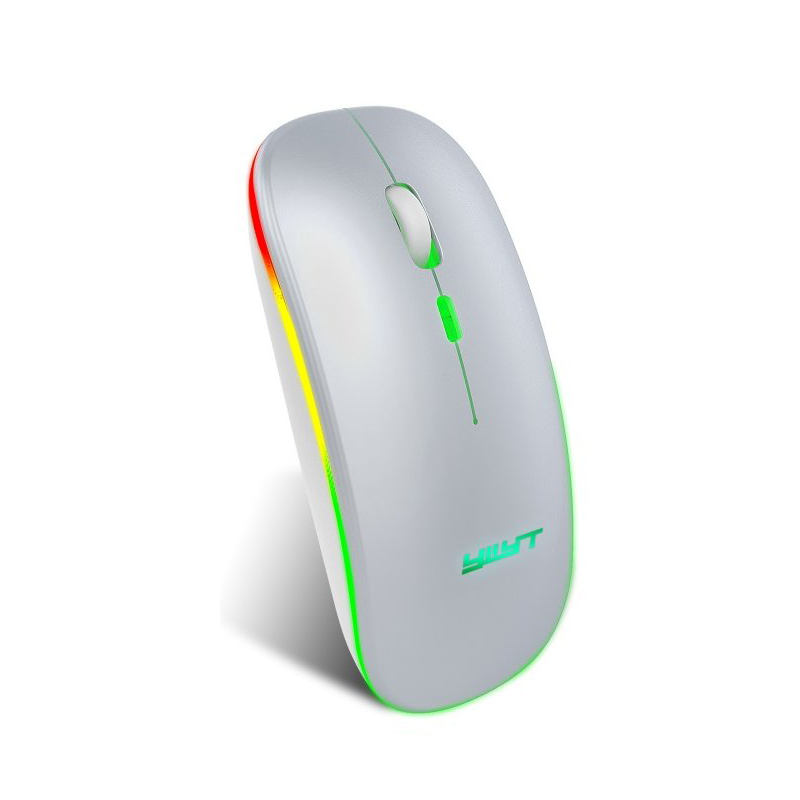
Ergonomic Gaming Mouse G852 Bluetooth + 2.4g dual mode Computer Mouse Gamer Mice With Backlight For PC Laptop white
$37.20
Add to cart
ASRock A320M-HDV AM4 Micro ATX AMD
$14,098.10
Add to cart
ASRock Rack X470D4U Micro ATX Server Motherboard
$940.00
Add to cart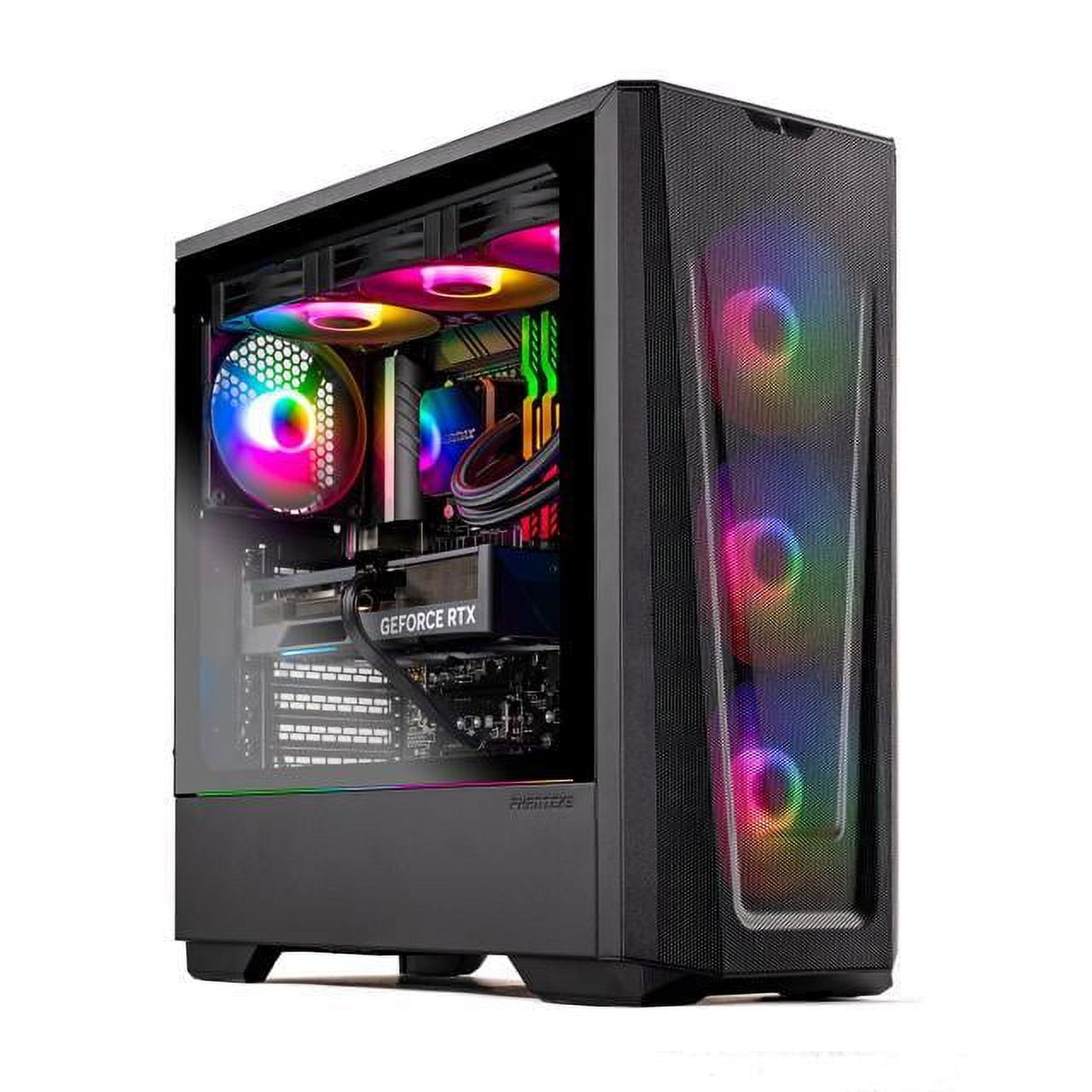
Skytech Eclipse Lite Gaming PC, Intel i7, RTX 4070, 1TB NVME, 32GB DDR5 RAM, Wi-Fi, Win 11 Home, New Condition
$3,747.50
Add to cartRecommended for You
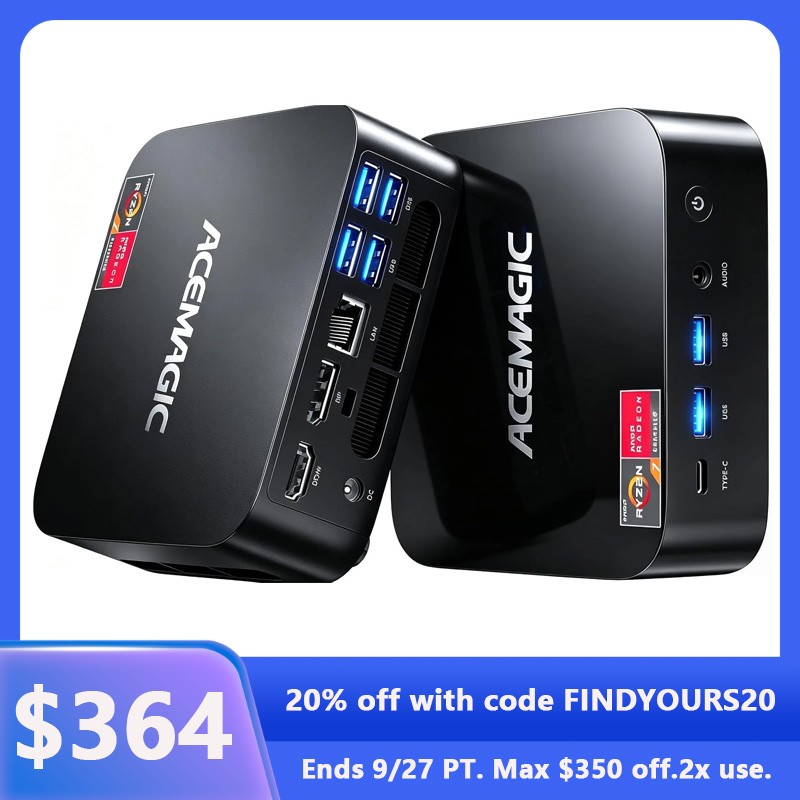
ACEMAGIC K1 Mini PC – AMD Ryzen 7 7730U, 16GB RAM, 512GB SSD
$1,125.70
Add to cart
Instant Gratification Skytech Archangel Gaming PC Desktop, AMD Ryzen 7 5700, NVIDIA RTX 4060, 1TB SSD
$2,350.00
Add to cart
Renewed Samsung Galaxy A10e - GSM Unlocked
Original price was: $888.10.$160.80Current price is: $160.80.
Add to cart
For Samsung A51 Phone Case PU Leather Shell All-round Protection Precise Cutout Wallet Design Cellphone Cover Black
$19.00
Add to cart



Greeny –
Only prints. Doesn’t scan or do anything else fancy. Ink ran out within the first month, and I barely used it!!!
RonaldG –
This printer can easily give you 5-10 years of service.
LGTV –
Excellent machinery. Very fast printing and prints with ease. I picked this out for my wife. Setup was a breeze for me. Once set up it prints fast and no waiting forever to print one page out like…
Shelley –
I love Brother, so I knew I’d love this printer. My issue is with the toner that it comes with. It says that you can get about 700 prints with the included toner cartridge, but I only got 483…
Kindafonda –
Works great! Indicator showed we needed new toner about a year later. And it takes some getting used to not having color print. But I’m happy not to always have to express those expensive…
RoyceK –
Had to get help setting it up…probably my fault. Copies adequate.
PetraM –
I love my new Brother Laser Printer. I would recommend a Laser Printer over a Jet Ink Printer anytime.
Jason –
This printer was easy to set up and print extremely quickly compared to my previous inkjet printers. My family of five uses this to print on almost every day, and is a great value for the money.