
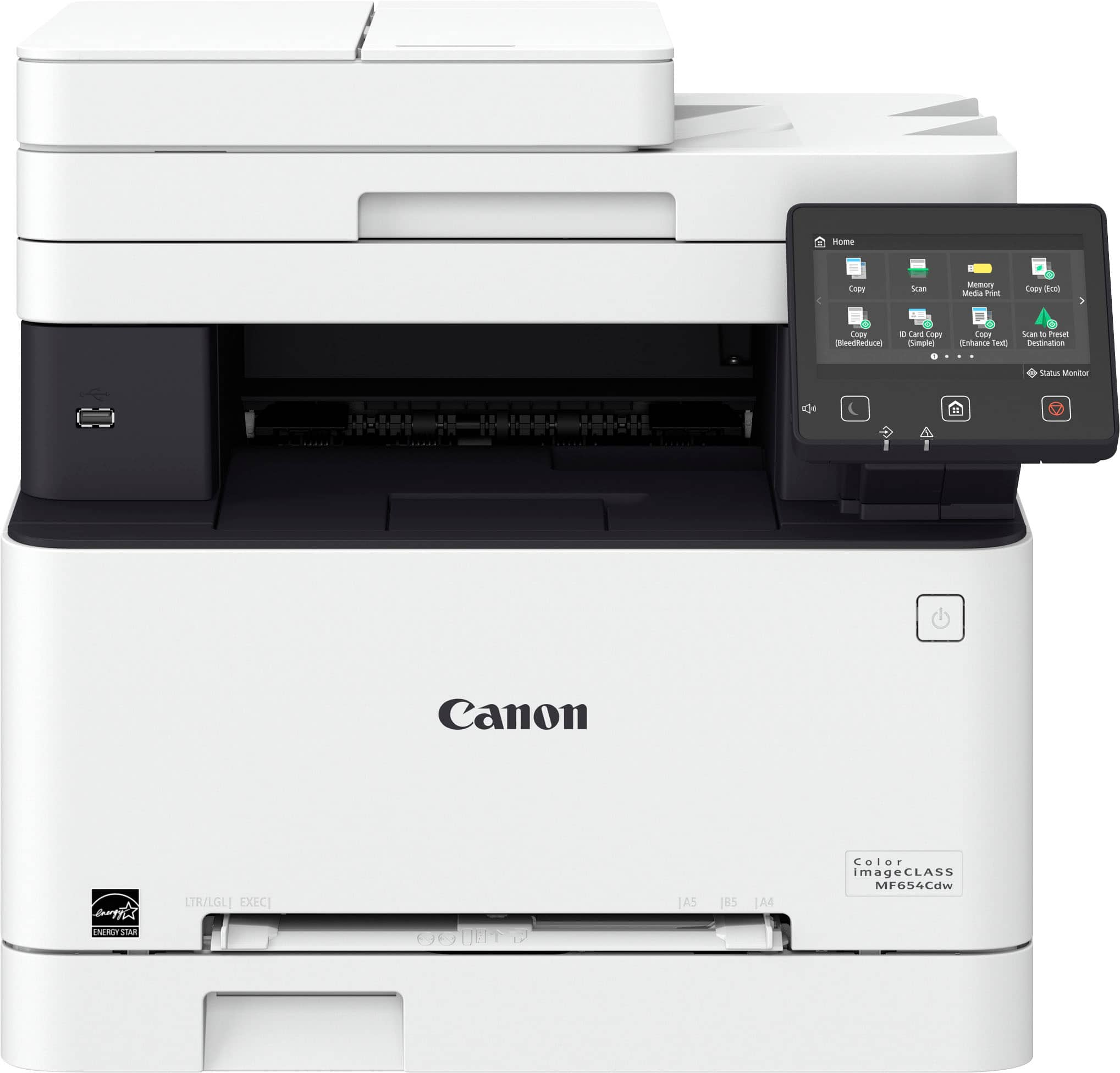
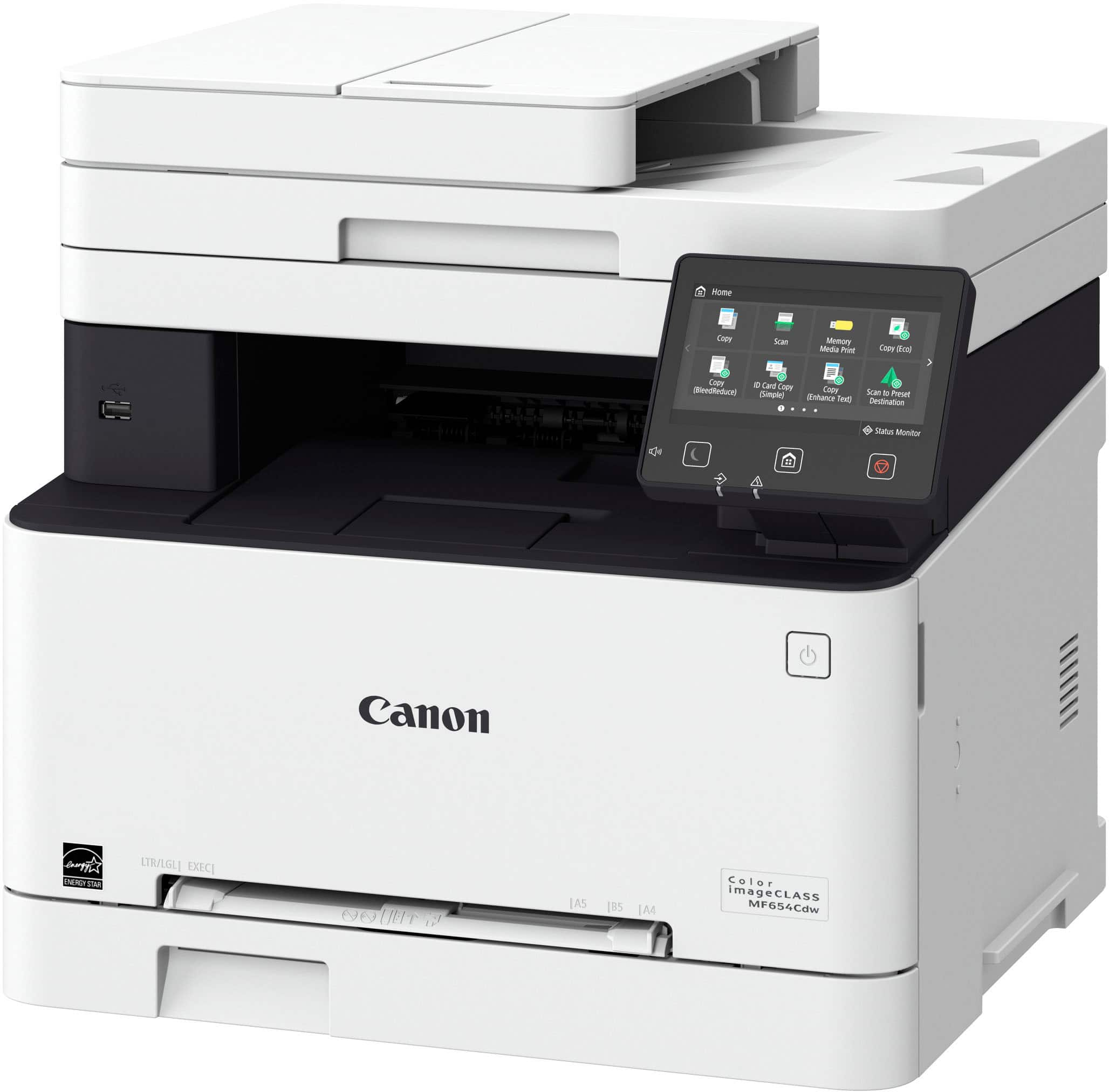
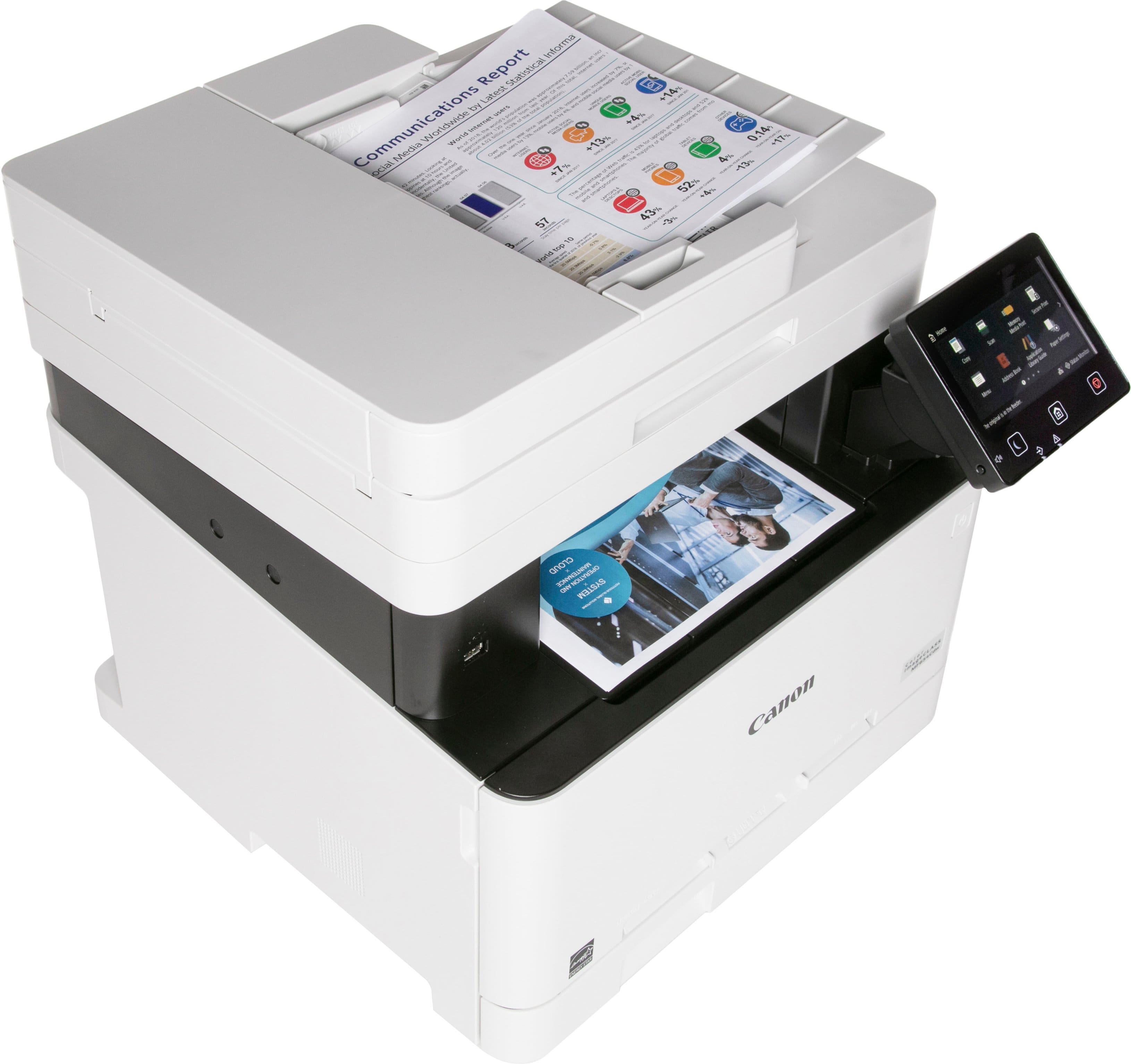
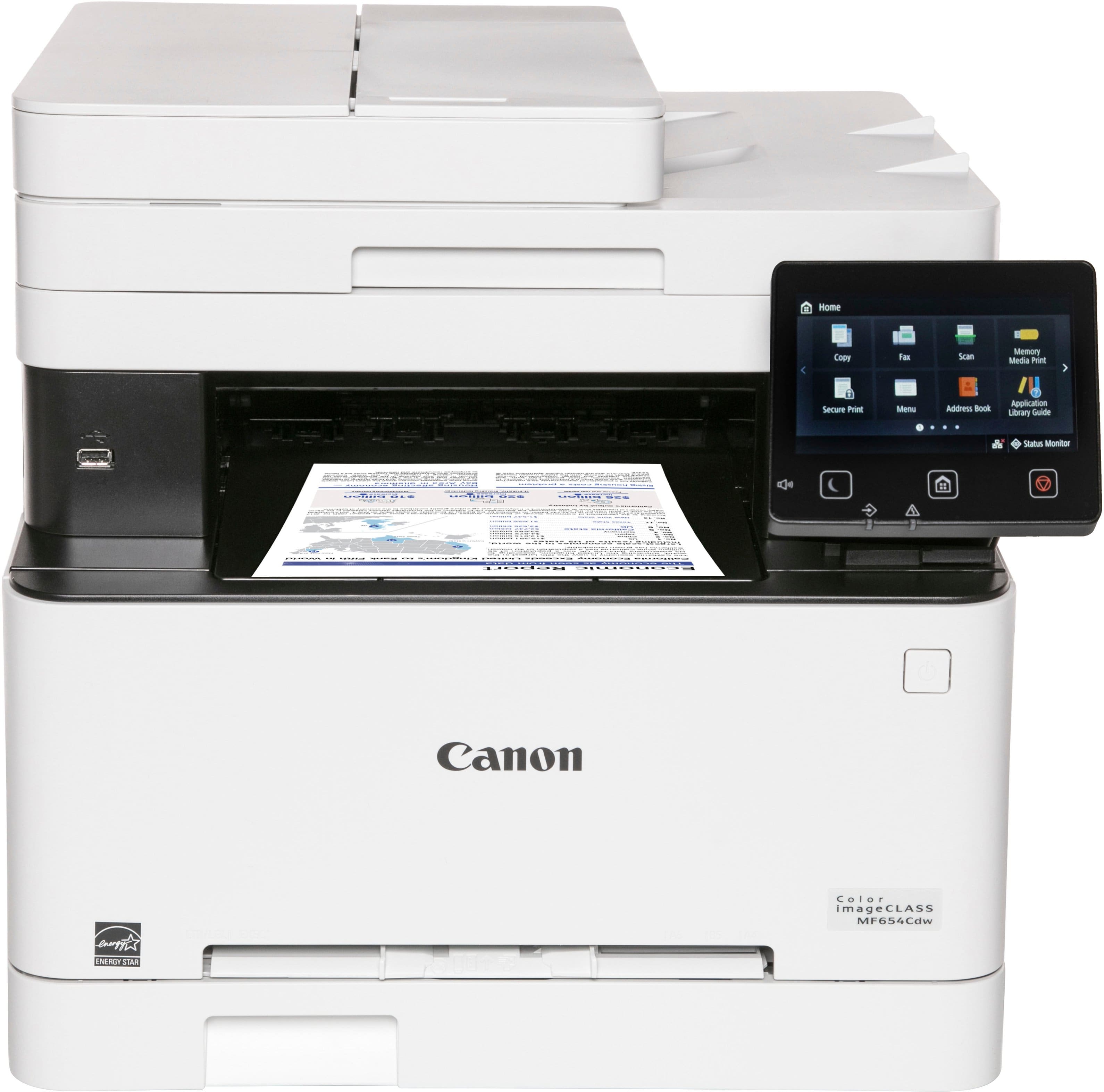
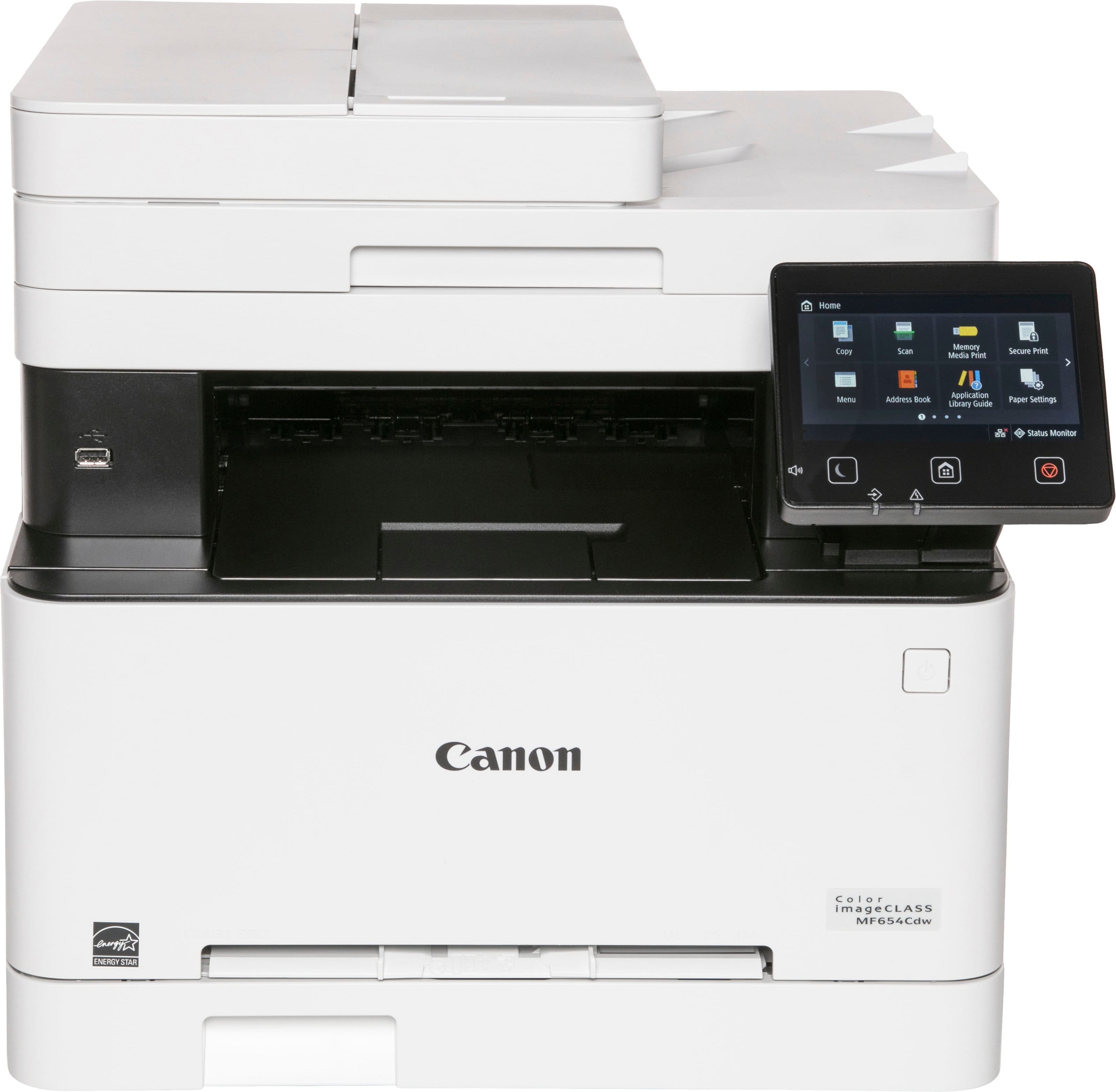
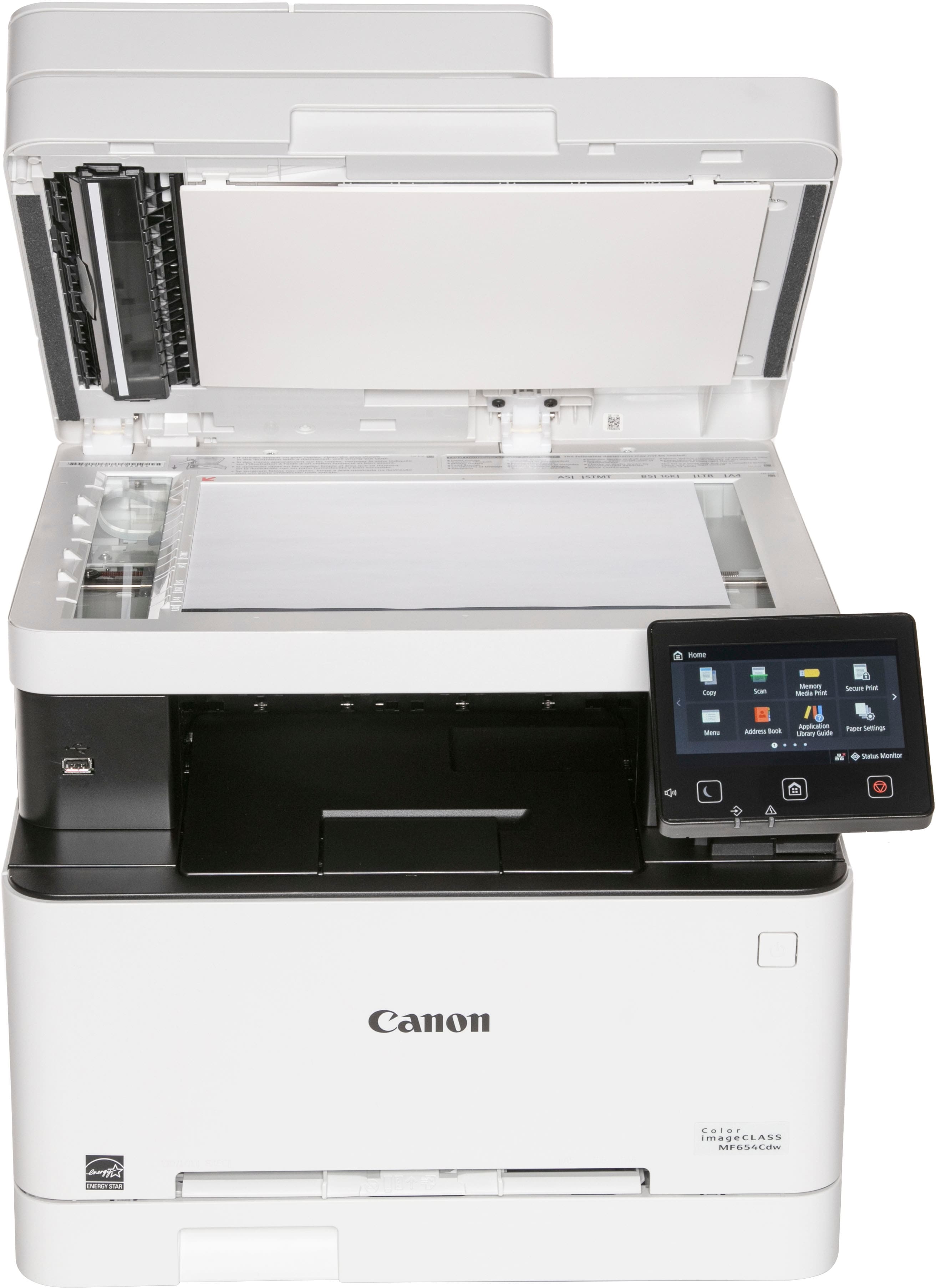
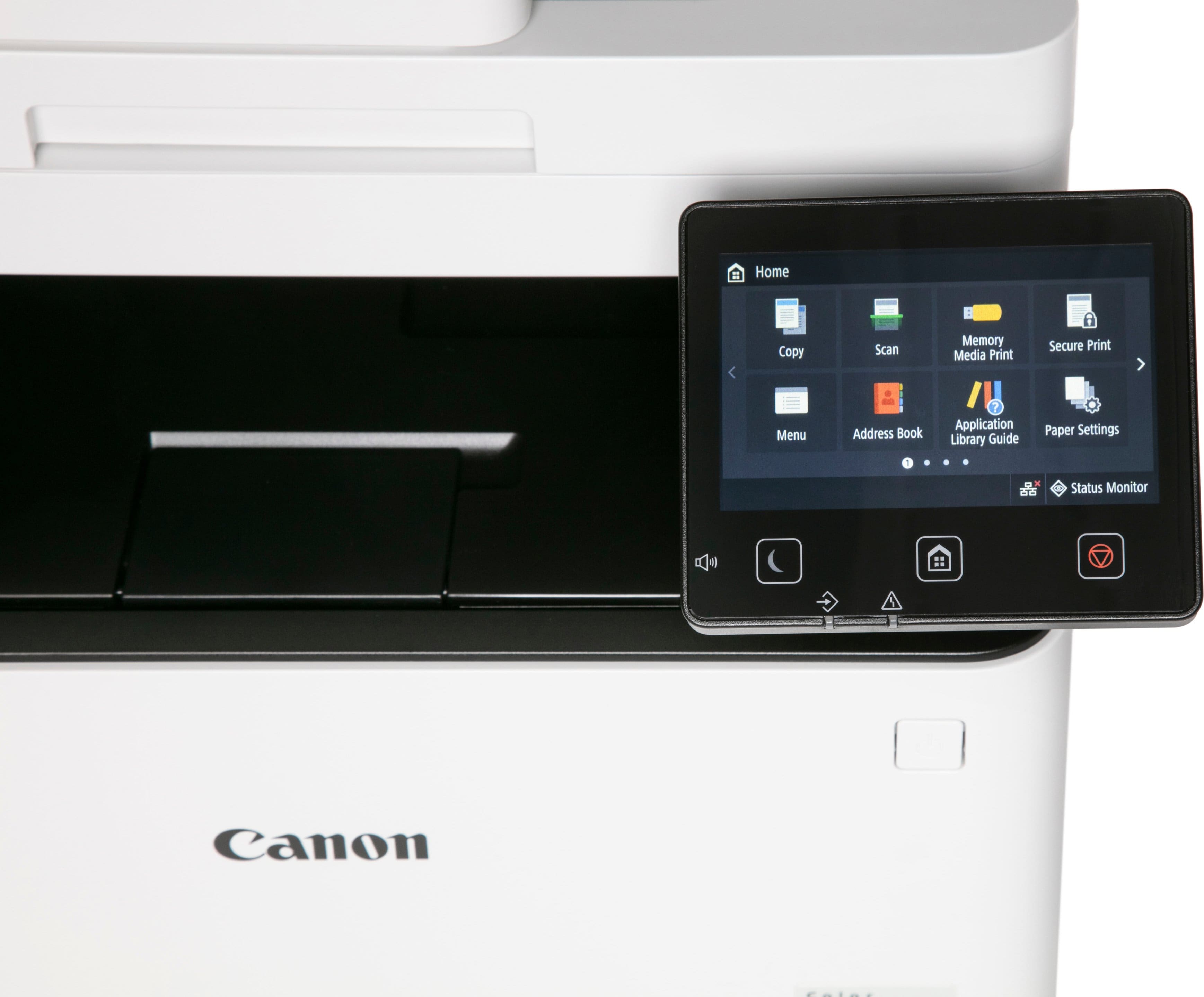
Canon Wireless Color Laser Printer – White
$705.00
- Designed for small and medium-size businesses
- Balances speedy performance and minimal maintenance
- Easy to set up
- Offers media versatility for various media types and sizes
- Can print on envelopes, banners, and more
- Customizable
- Wireless functionality
- Color all-in-one laser printer
Buy more, save more
Buy 2–4 of this item and save 5%.
Buy 5 or more of this item and save 10%.
Discount is automatic in your cart on regular-priced items. It cannot be combined with coupon codes or sale prices.
Buy 2–4 of this item and save 5%.
Buy 5 or more of this item and save 10%.
Discount is automatic in your cart on regular-priced items. It cannot be combined with coupon codes or sale prices.
Country suggested using IP or browser language; you can change it. Shipping is confirmed at checkout.
Description
Canon Wireless Color Laser Printer – White,
How to Use the Canon imageCLASS MF654Cdw Wireless Color All-In-One Laser Printer
Step 1: Unpacking and Setup
- Remove the printer from the packaging and place it on a flat surface.
- Remove any protective tape or materials from the printer.
- Connect the power cord to the printer and plug it into a power outlet.
- Turn on the printer by pressing the power button.
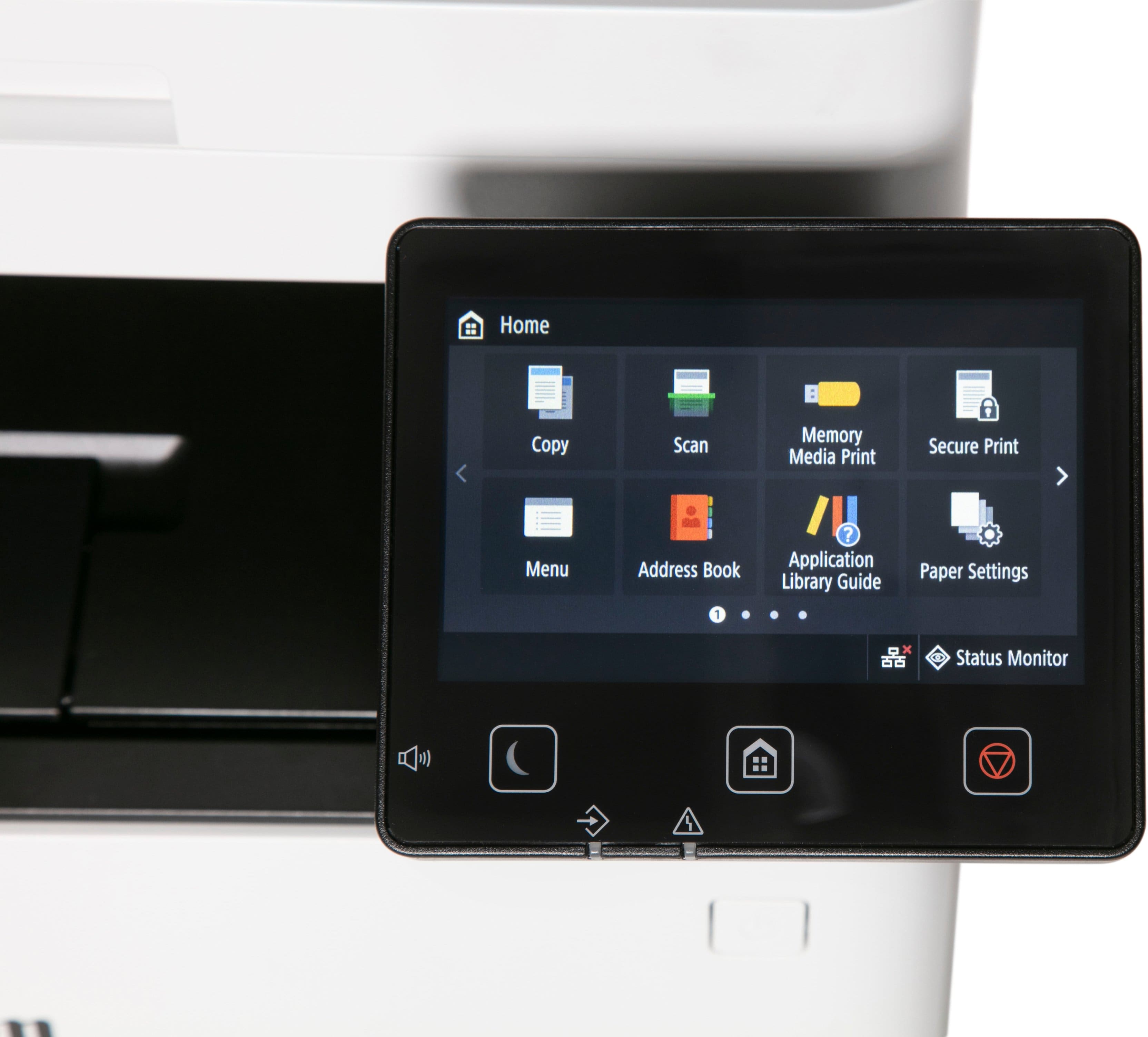
- Follow the on-screen instructions to select your language and set up the printer settings.
- Connect the printer to your wireless network using the provided Wi-Fi setup wizard.
Step 2: Loading Paper
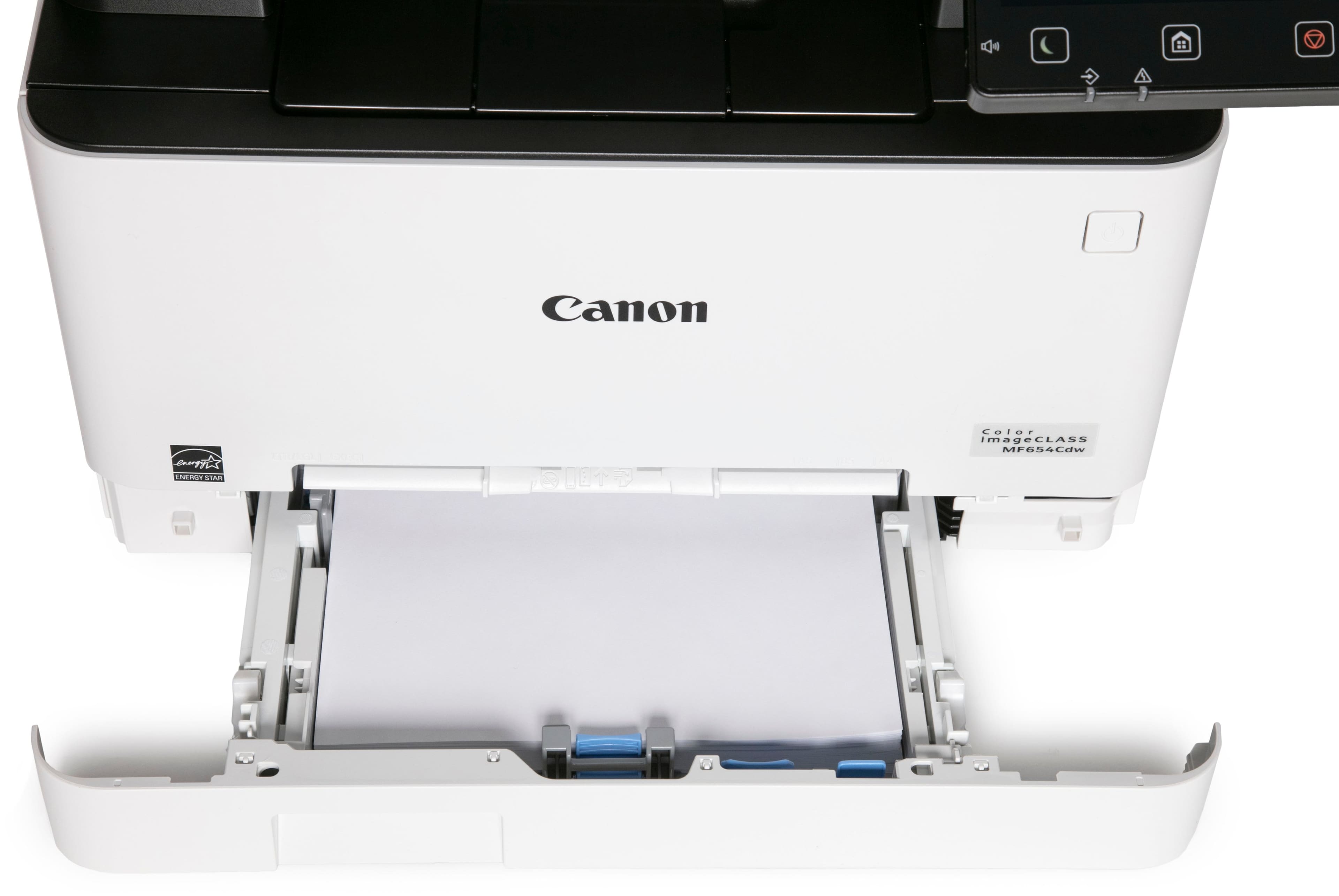
- Open the paper tray located at the front of the printer.
- Adjust the paper guides to match the size of the paper you are using.
- Load the stack of paper into the tray, making sure it is aligned properly.
- Close the paper tray securely.
Step 3: Installing Printer Software
- Insert the provided installation CD into your computer’s CD drive.
- Follow the on-screen instructions to install the necessary printer software.
- If your computer does not have a CD drive, you can download the software from Canon’s website.
Step 4: Printing
- Make sure the printer is turned on and connected to your computer.
- Open the document or image you want to print on your computer.
- Select “Print” from the File menu.
- In the print settings, choose the Canon imageCLASS MF654Cdw printer.
- Specify the number of copies and any other settings you desire.
- Click “Print” to start the printing process.
With these simple steps, you can easily set up and use the Canon imageCLASS MF654Cdw Wireless Color All-In-One Laser Printer for all your printing needs.
, , Canon
335 reviews for Canon Wireless Color Laser Printer – White
Only logged in customers who have purchased this product may leave a review.
Special deals for you

Canon imageFORMULA R40 Office Document Scanner For PC and Mac, Color Duplex Scanning, Easy Setup For Office Or Home Use, Includes Scanning Software
Original price was: $4,270.00.$538.20Current price is: $538.20.
Add to cart
Epson Workforce ES-C220 Compact Desktop Document Scanner with 2-Sided Scanning and Auto Document Feeder (ADF) for PC and Mac
Original price was: $3,244.40.$517.00Current price is: $517.00.
Add to cart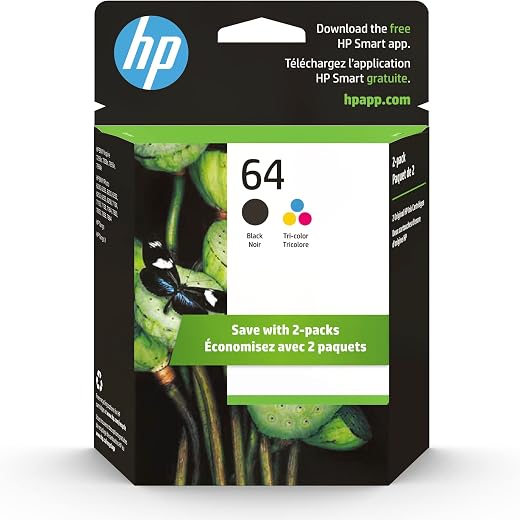
HP 64 Black/Tri-color Ink Cartridges (2-pack) | Works with HP ENVY Inspire 7950e; ENVY Photo 6200, 7100, 7800; Tango Series | Eligible for Instant Ink | X4D92AN
Original price was: $1,038.20.$121.90Current price is: $121.90.
Add to cart
TN660 Toner Cartridge Replacement Compatible for Brother TN 660 TN-660 TN630 High Yield to use with HL-L2380DW HL-L2320D HL-L2340DW DCP-L2540DW MFC-L2700DW MFC-L2720DW Printer...
Original price was: $1,512.00.$86.90Current price is: $86.90.
Add to cartPopular items in this category

Retro HDMI Game Console – 4K Output and Gamepad Controllers
$40.00
Add to cart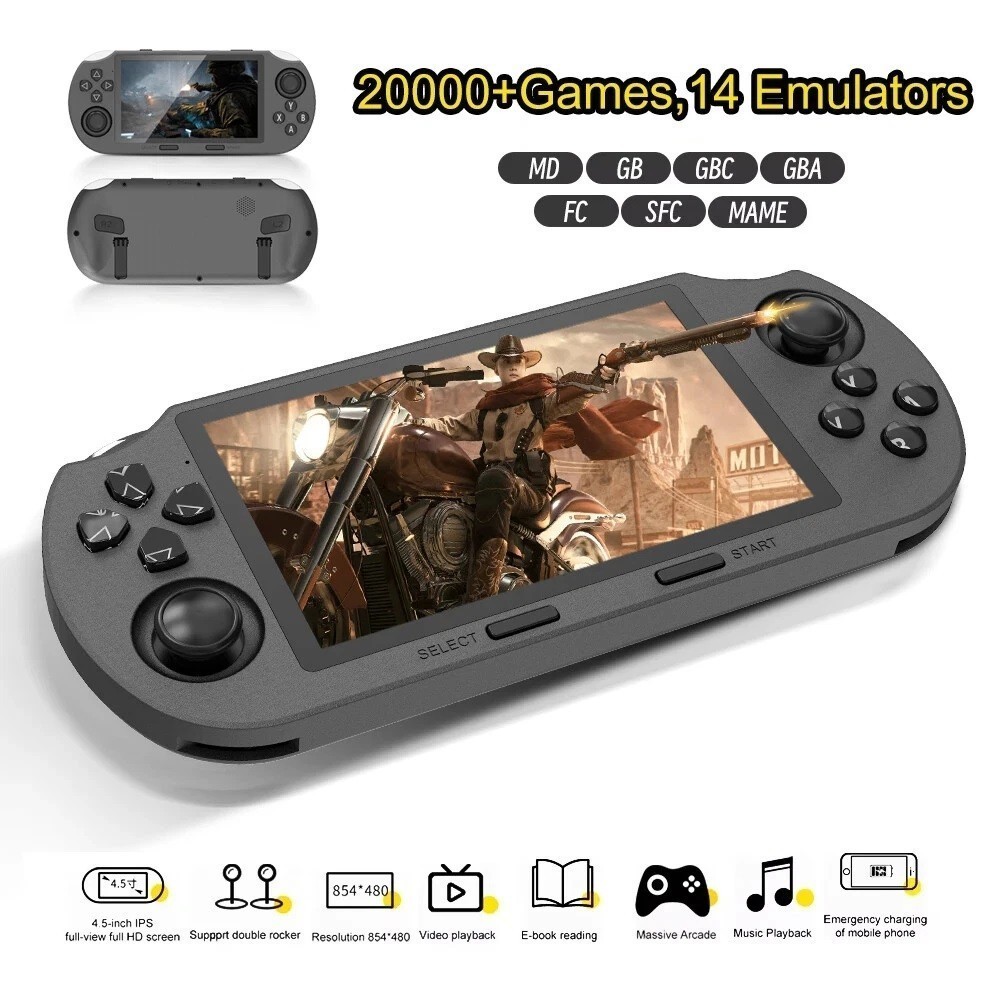
SF3000 Retro Handheld Game Console – 4.5-Inch IPS Display
$94.00
Add to cart
Blackview PlayPop 8 AI Motion Gaming Console for Families
$349.99
Add to cart4K HDMI Retro Game Console – Plug and Play, 20,000+ Games
$40.00
Add to cartSimilar items you might like

Blackview PlayPop 8 AI Motion Gaming Console – 8GB RAM, 128GB Storage
$379.99
Add to cart
R36S Retro Handheld Game Console, 64GB, 3.5-Inch IPS Screen
$86.90
Add to cart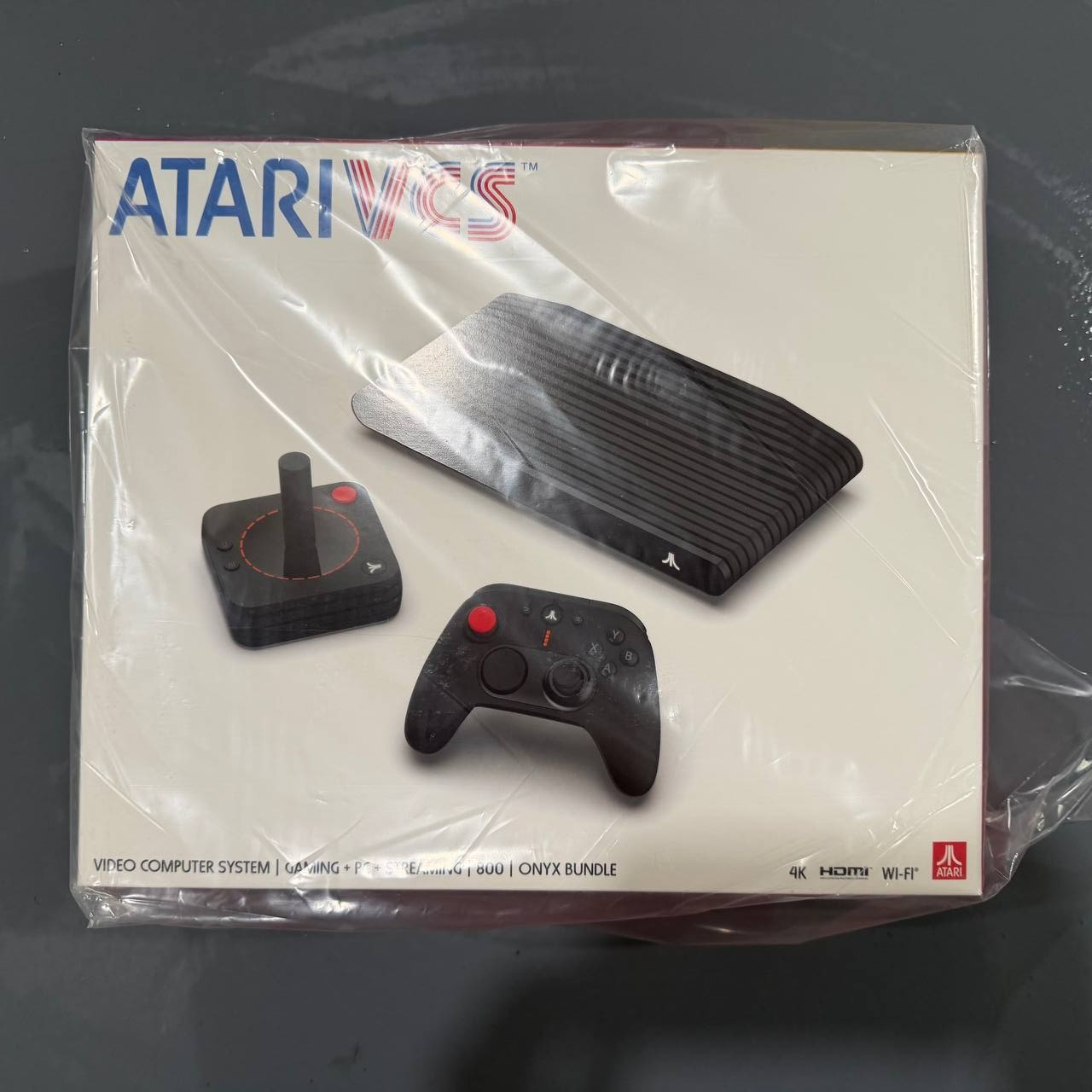
New Sealed Atari VCS 800 Onyx All-In Bundle
$379.99
Add to cart
Budget Desktop PC – Intel Core i7 4th Gen, 16GB DDR3, SSD Options
$499.99
Add to cartProducts related to this item
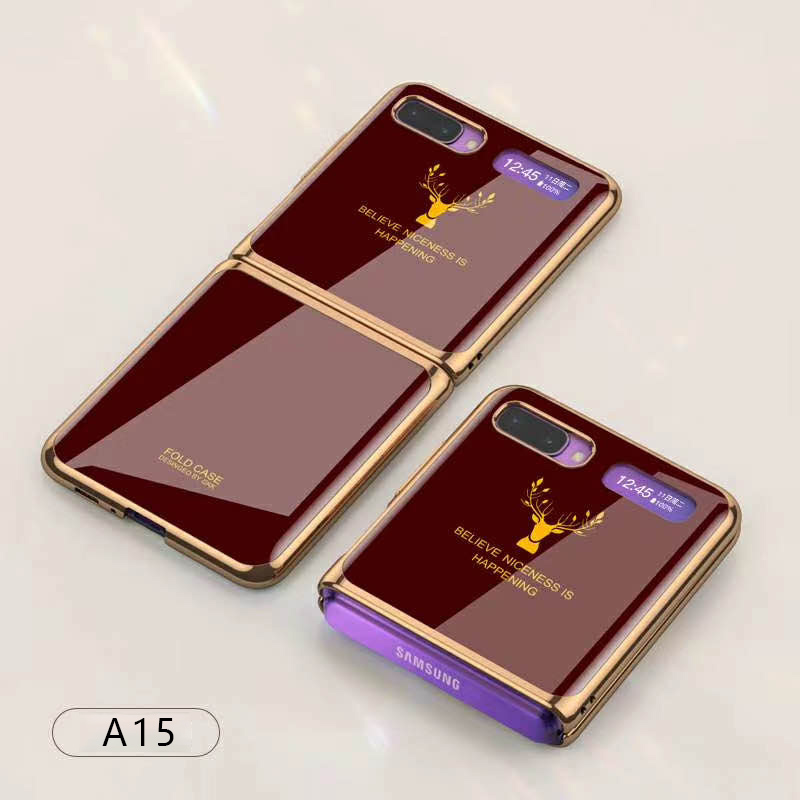
For Samsung Galaxy Z flip Foldable Cellphone Shell Electroplated Painted Folding Phone Case A15 wine red
$44.30
Add to cart
16GB PC3-10600 RAM for Apple MacBook
$152.90
Add to cart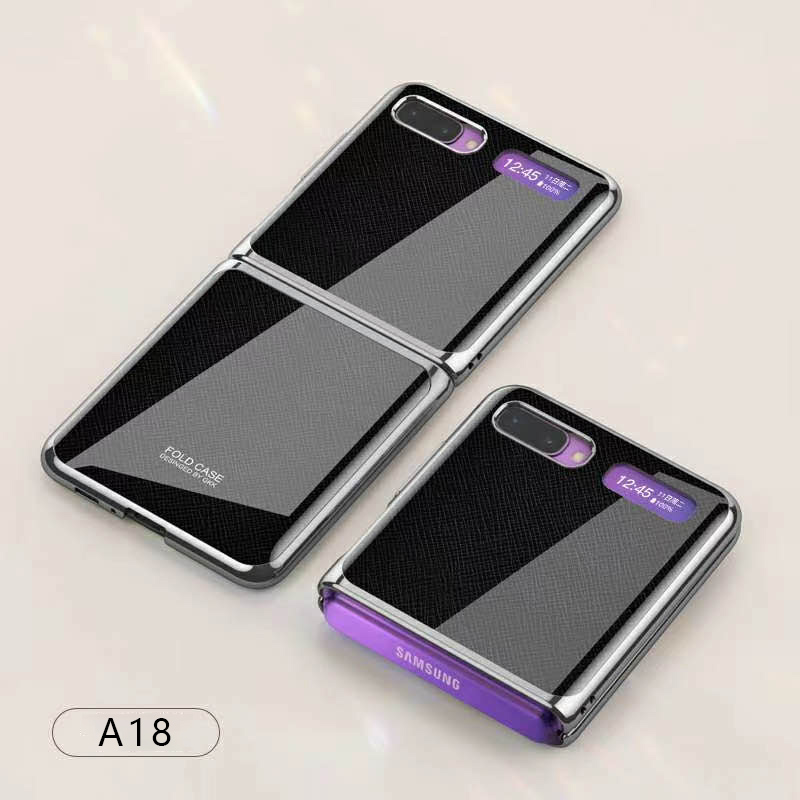
For Samsung Galaxy Z flip Foldable Cellphone Shell Electroplated Painted Folding Phone Case A18 cross pattern
$44.00
Add to cart
ASRock B550M Pro4 AM4 Motherboard
$22,141.00
Add to cartProducts you may also like

Generic 10M Security RCA Power Audio Video AV Cable For CCTV Camera, Reverse Camera
$20.80
Add to cart
PC DDR4 Memory Tray Case - Fits 100
$55.20
Add to cart
Intel BLKCD1IV128MK CD1IV128MK Compute Card Core i5-7Y57 Processor NEW BROWN BOX
$117.50
Add to cart
GIGABYTE B550M K AMD Motherboard with Dual M.2
$179.80
Add to cartRecommended for You

Mini Retro Video 500 Classic Games FC Game Console Player Handheld For Kid Adult
$16.40
Add to cart
Upgrade with Original Apple iPad Pro 11inch ( WLAN + A12X chip / Face ID / Retina screen ) Super Slim IOS Tablet PC Silver_256B
$4,504.50
Add to cart
Uncover Your True Potential with Original Apple iPad Air 10.5-inch A12 Chip TouchID Super Portablet IOS Table Gold 256GB
$2,706.10
Add to cart
GAMING DESKTOP PC Ryzen 7 4700LE, RX 580 8GB, 16GB DDR4 RAM, 512GB SSD, MSI A520
$1,527.50
Add to cart



LTJ1 –
I was constantly going to UPS to make copies and scan documents. I thought purchasing a printer like this one would cost me an arm and a leg. When I saw this on sale, I was surprised it was…
MHarris –
This printer works perfectly! The wireless printing and scanning work flawlessly. The print quality is exactly what I was looking for. I highly recommend this printer.
JosephD –
This multifunction define has everything you need. It’s a color laser with reasonable print speeds, it can print double-sided, has a good resolution scanner with ADF, has built in wired+wireless…
ManoloC –
This printer replaces our older 12 year old Samsung printer.
This model fit our requirements for an AIO color laser printer without breaking the bank.
We were not looking to print high quality…
ArdenD –
The printer works perfectly and the color quality is fantastic! Incredibly swift and stress free set up.
LauWood –
I started printing almost right out of the box. Setting it up and connecting it to my iMac was fast and easy. I printed different paper materials for wedding invitations and it did a great job….
KathyB –
Works great. Has many needed features. A printer that needs to be on your shopping list when you are looking for a business printer but worthy to be a home printer too!
esschantsy –
By far the best printer I have ever owned, it’s definitely a lot larger than a regular inkjet 3 in 1 printer but width wise works fine where I once had my old inkjet printer. Print quality is…