
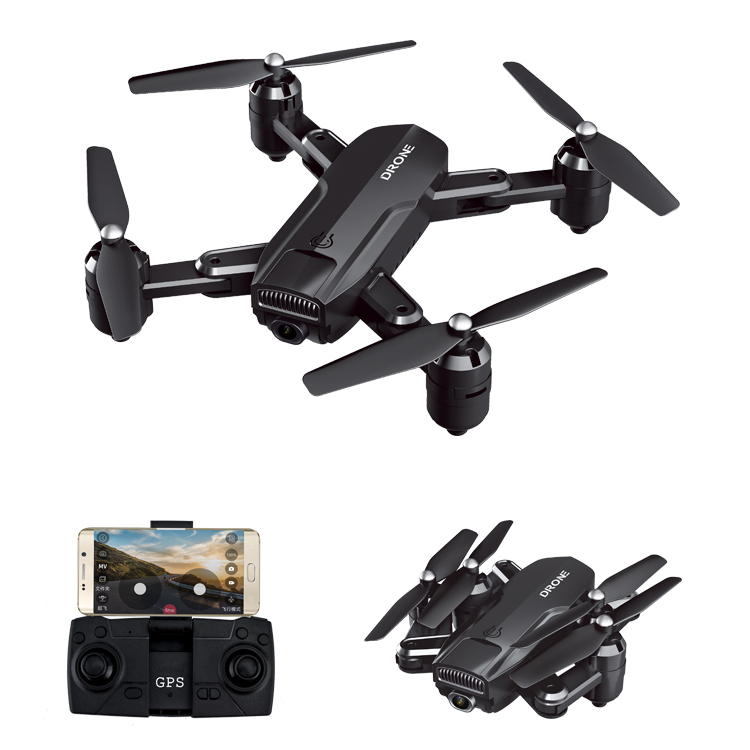
Foldable Selfie Drone with 1080 HD Camera
$235.30
- Dual cameras with optical flow positioning function
- Altitude hold mode for stable flight
- Wifi function for connecting to phone camera
- 5.0MP 1080P wide angle camera
- Headless mode for orientation problems
Buy more, save more
Buy 2–4 of this item and save 5%.
Buy 5 or more of this item and save 10%.
Discount is automatic in your cart on regular-priced items. It cannot be combined with coupon codes or sale prices.
Buy 2–4 of this item and save 5%.
Buy 5 or more of this item and save 10%.
Discount is automatic in your cart on regular-priced items. It cannot be combined with coupon codes or sale prices.
Country suggested using IP or browser language; you can change it. Shipping is confirmed at checkout.
Description
Foldable Selfie Drone with 1080 HD Camera,
How to Use the Drone ZD6-GPS WIFI FPV 1080 HD Camera Wide-angle Optical-Flow Foldable Selfie Drone Toys for Kids Children Boys Girls 4K
1. Charging the Drone
- Make sure the drone battery is disconnected before charging.
- Use the provided USB cable to connect the drone to a power source.
- Allow the drone to charge fully before use.
2. Assembling the Drone
- Unfold the drone carefully and ensure all parts are securely locked in place.
- Attach the propellers to their designated positions.
3. Powering On the Drone
- Press the power button on the drone to turn it on.
- Wait for the drone to initialize and stabilize.
4. Connecting to the Drone’s Wi-Fi
- On your mobile device, go to the Wi-Fi settings and find the drone’s Wi-Fi network.
- Connect to the drone’s Wi-Fi network.
5. Downloading and Opening the App
- Open your device’s app store and search for the drone’s companion app.
- Download and install the app on your device.
- Open the app once installed.
6. Using the App for Controls and Features
- Launch the app and grant necessary permissions.
- Follow the app’s instructions to connect to the drone.
- Use the virtual controls on the app’s interface to maneuver the drone.
- Explore the various features such as taking pictures, recording videos, and real-time transmission.
7. Engaging Altitude Hold Mode
- Ensure the drone is flying at a stable height and position.
- Activate Altitude Hold mode on the app or the drone’s physical controls.
8. Switching Between Cameras
- Access the app’s camera settings.
- Select the desired camera (front or bottom).
9. Activating Headless Mode
- Once the drone is in the air, activate Headless Mode through the app or the drone’s controls.
- Headless Mode ensures the drone moves in the direction relative to the controller.
10. Landing and Powering Off
- To land the drone, gently descend it to the ground.
- Power off the drone using the power button.
, ,
Only logged in customers who have purchased this product may leave a review.
Popular items in this category

Canon EOS R100 Mirrorless Camera – RF-S 18–45mm Lens, Professional Accessory Kit
$899.99
Add to cartCanon EOS R100 Mirrorless Camera – RF-S 18–45mm Lens, Professional Accessory Kit
$899.99
Add to cart
Alarm-Clock Wake-Up-Light Pixel Expression Home-Decoration Digital Electronic Cute Multi-Function
Price range: $17.51 through $20.00
Select optionsCanon EOS R100 Mirrorless Camera – RF-S 18–45mm Lens, Professional Accessory Kit
$899.99
Add to cartSimilar items you might like

Revitalize Your Routine 5K 96MP Digital Camera for Photography with 6X Optical Zoom,2026 Upgraded Autofo
$103.40
Add to cart
Supreme Professional Digital Camera 4K Camera Digital WIFI Camera with 16X Night 2409
$137.40
Add to cartCanon EOS R100 Mirrorless Camera – RF-S 18–45mm Lens, Professional Accessory Kit
$899.99
Add to cart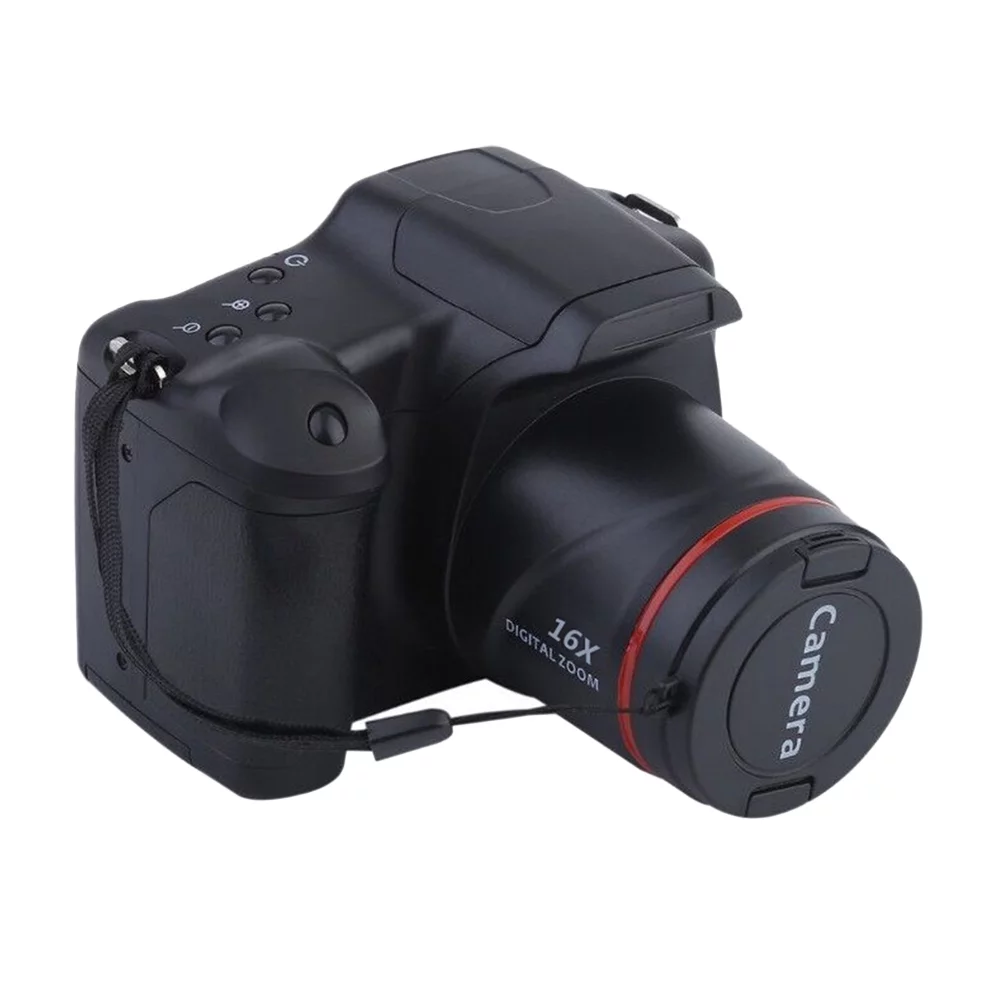
Guaranteed Satisfaction Professional Photography Camera Telephoto Digital Camera High-Definition Camera
$157.60
Add to cartProducts related to this item

2 Pcs Baby Bath Toy Inflatable Swim Ring Toy Plastic Mini Swim Circle Gift for Kids (Pink & Blue) Multicolor
$12.20
Add to cart
RCtown Brushless Drone, MJX Bugs 3 Quadcopter, Powerful Brushless Motors - 300 Meters Control Distance - Two batteries
$307.60
Add to cart
2M Type C 90 Degree Charging Cable for USB Type C Mobile Phone - Black
$26.70
Add to cart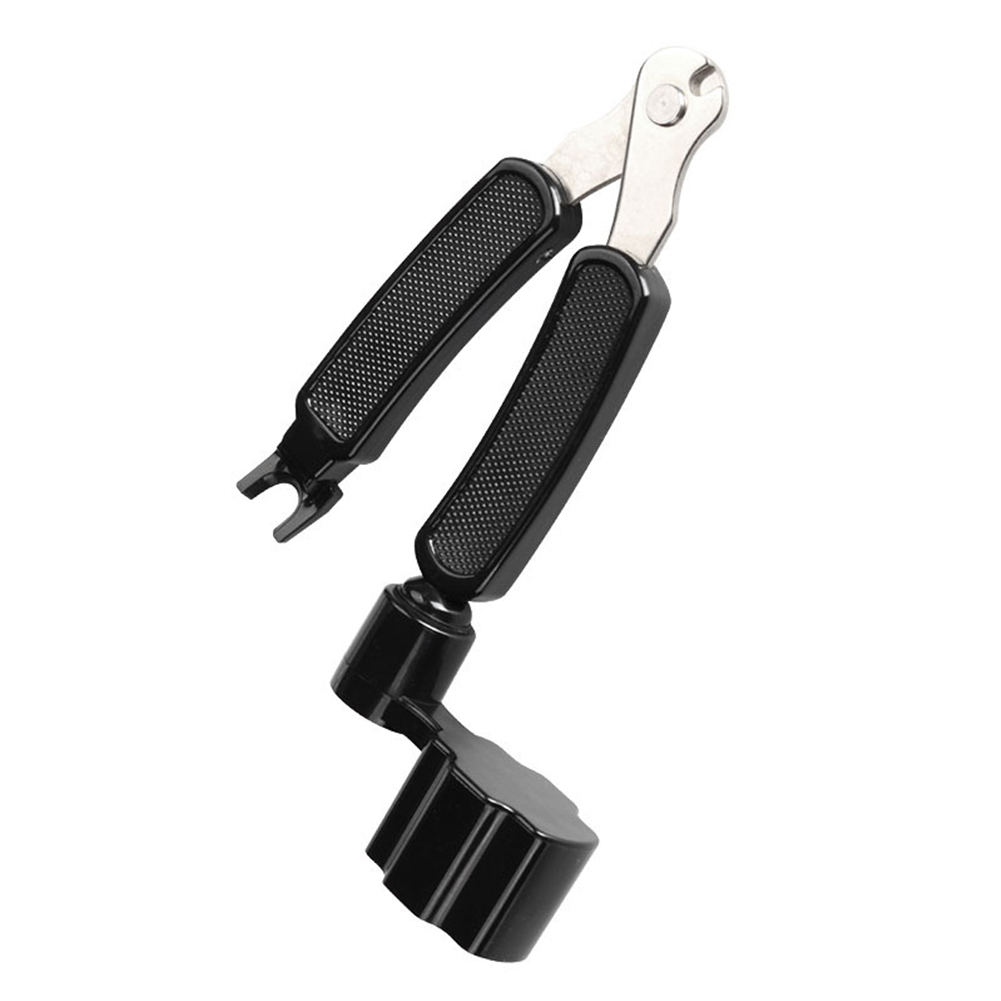
3 in 1 Multifunction Guitar Accessories Guitar Peg String Winder + String Pin Puller + String Cutter
$12.60
Add to cartProducts you may also like

E88 Dual-lens Uav Foldable Aerial Photography Quadcopter With Fixed Height And Stiff Remote Control Aircraft Single lens 4k bag black_1 battery
$70.80
Add to cart
HJ101 Wifi Camera Air Pressure Fixed Height Face Recognition Drone White 480P+ face recognition
$78.20
Add to cart
Creative Non-Stop Liquid Drinking Glass Lucky Bird Funny Duck Drink Water Desk Toy Perpetual Motion
$22.60
Add to cart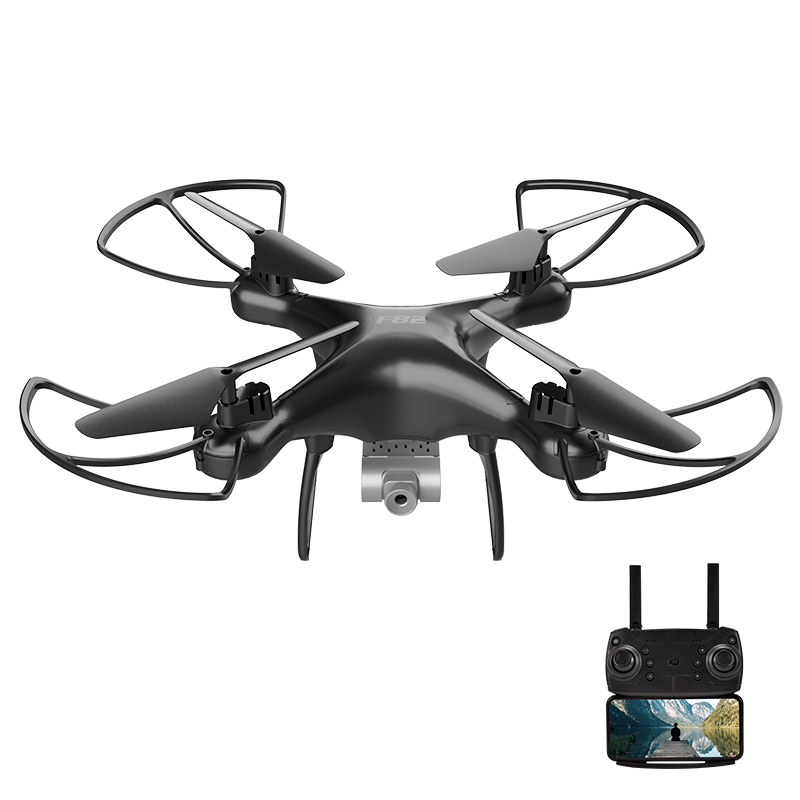
F82 Drone Long Endurance 20 Minutes 4k Dual-camera Real-time Image Transmission Aircraft Fixed Altitude Rc Aircraft Black dual camera 720P 2B
$113.60
Add to cartRecommended for You

For Eachine E58 WiFi FPV RC Quadcopter Spare Parts Gear Bearing Shaft RC Drone Parts Accessories
$8.30
Add to cart
1 Pair Creative Magic Thumb Tip LED Light Magic Trick Finger Lights for Dance Party Props - Blue/Green/Red Light
$8.00
Add to cart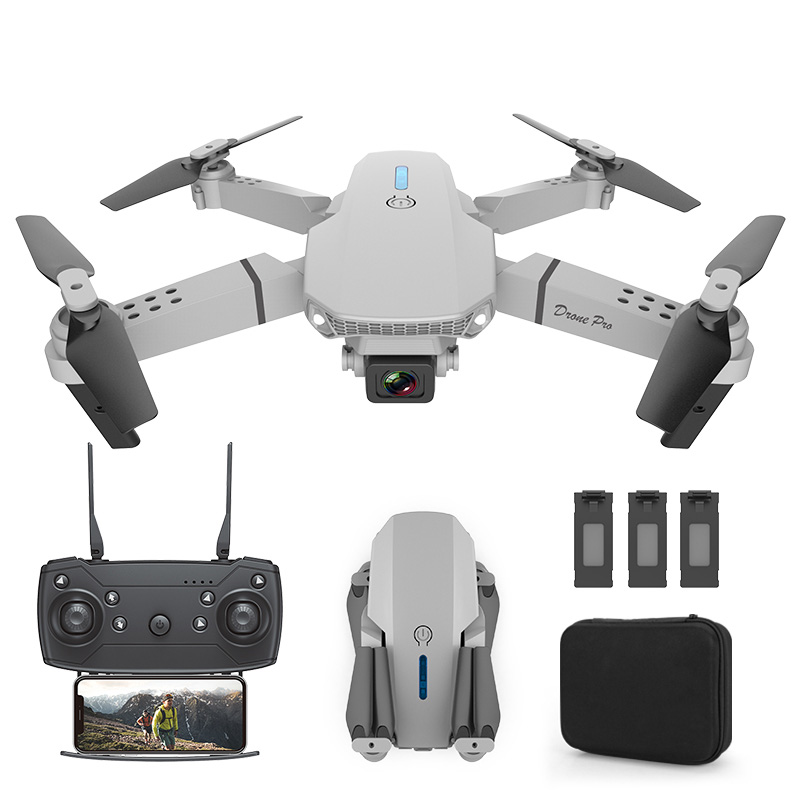
E88 Dual-lens Uav Foldable Aerial Photography Quadcopter With Fixed Height And Stiff Remote Control Aircraft Single lens 4k package white_3 battery
$87.70
Add to cart
Best Deal Canon EOS Rebel T7 DSLR Camera w/ 18-55mm IS II + 75-300mm III Dual Lens Pro Kit
$2,024.00
Add to cartRelated products
-
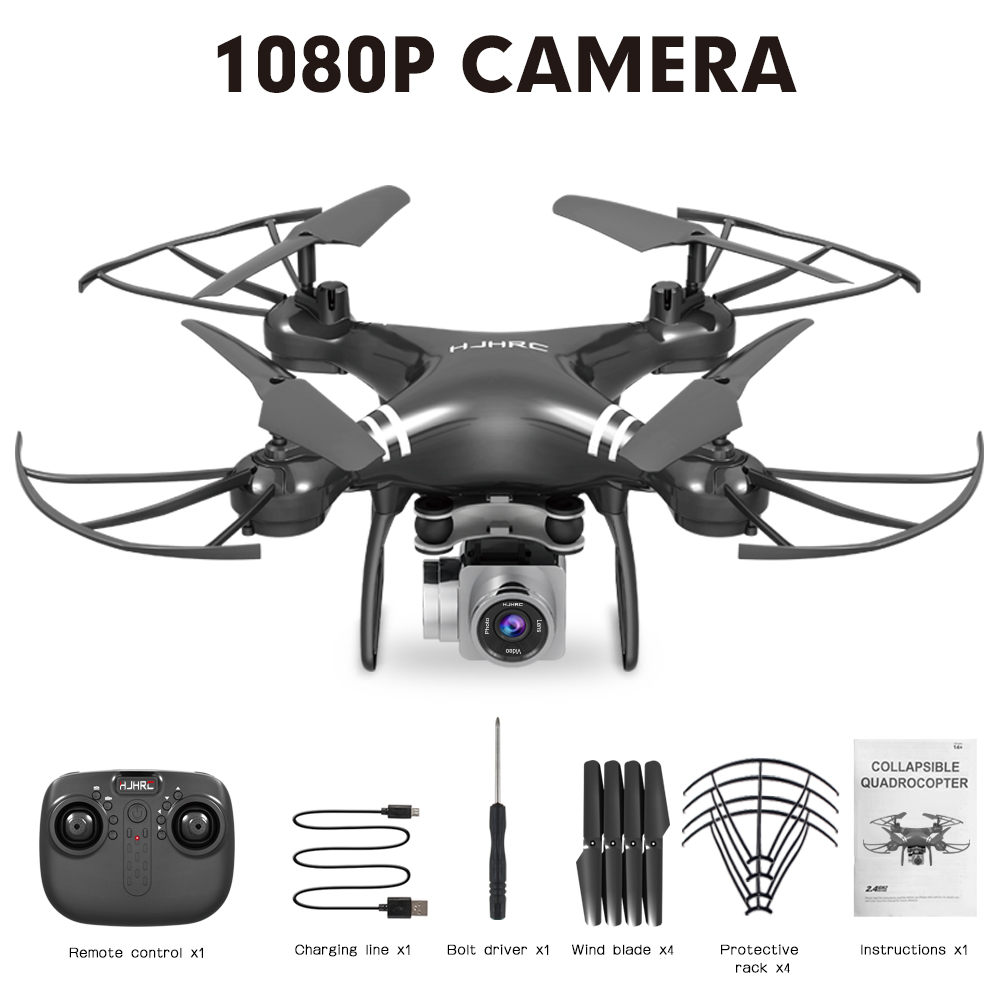
HJ101 Wifi Camera Air Pressure Fixed Height Face Recognition Drone Black 1080P+ face recognition
$81.20 -
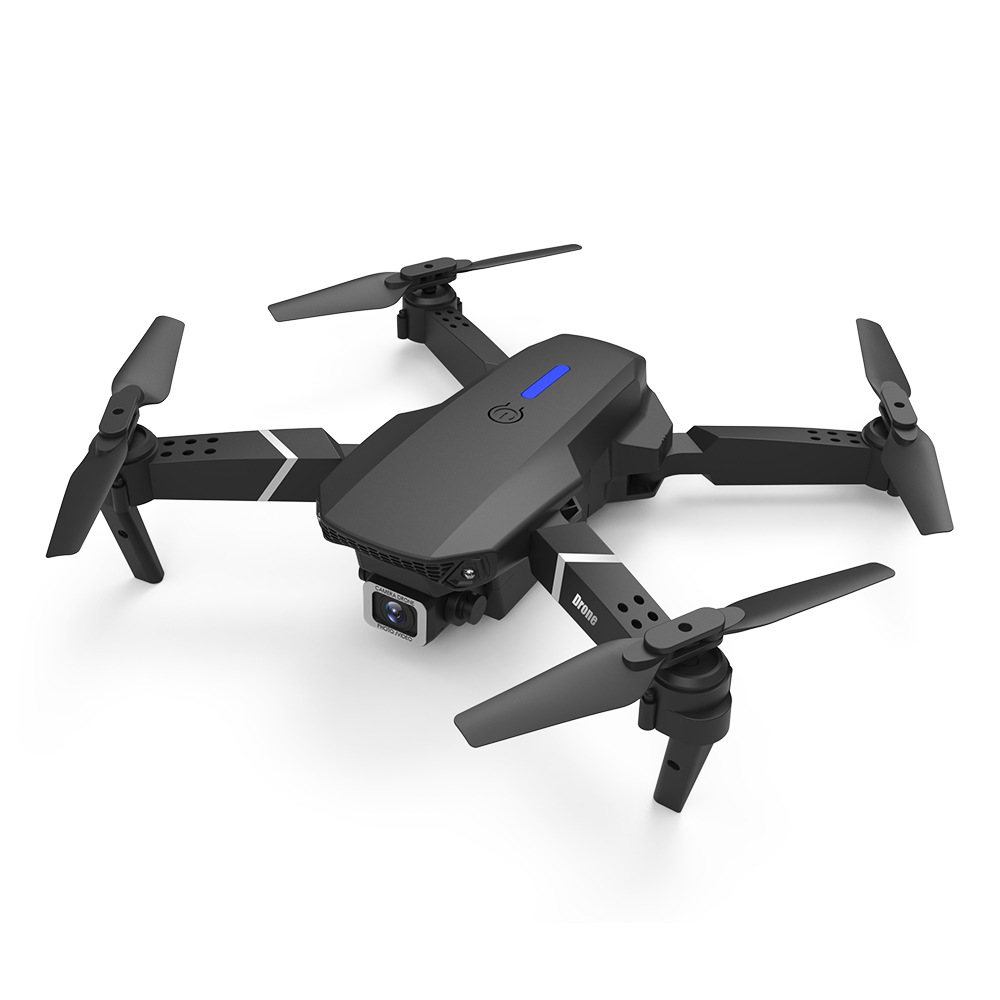
LS-E525 PRO Three Side Obstacle Avoidance HD RC Quadcopter 4K pixels single lens storage bag_1 battery package
$98.80 -
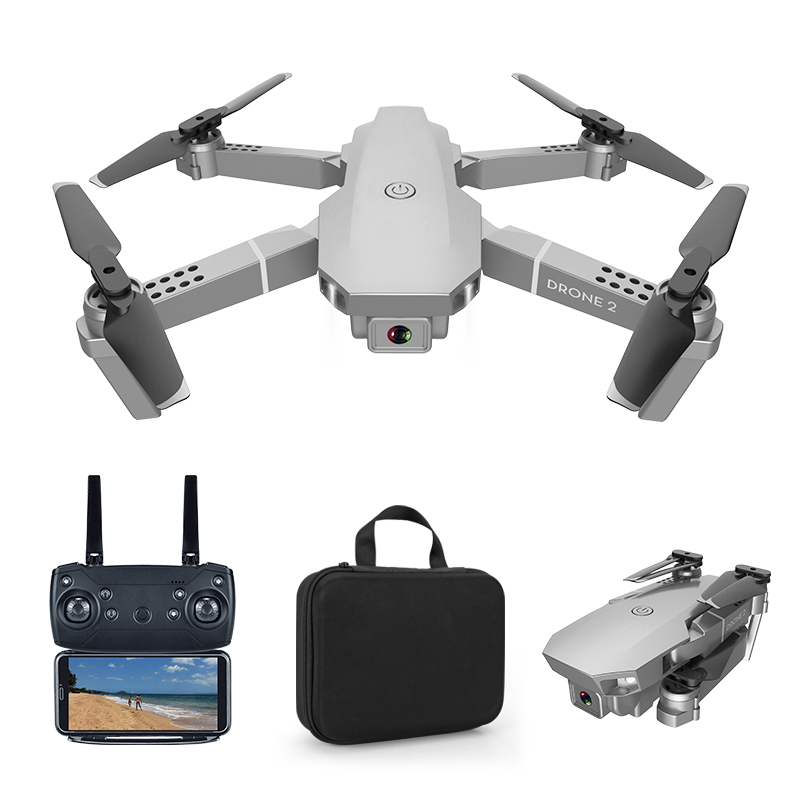
E68 pro 2.4G Selfie WIFI FPV With 4K HD Camera Foldable RC Quadcopter RTF Quadcopter height to maintain drone Toys Kid 1080P
$84.90 -

Computer Glasses Protective Vision Anti-Radiation Glasses Retro Anti-UV Unisex EyewearX7SC
$10.90

Reviews
There are no reviews yet.