
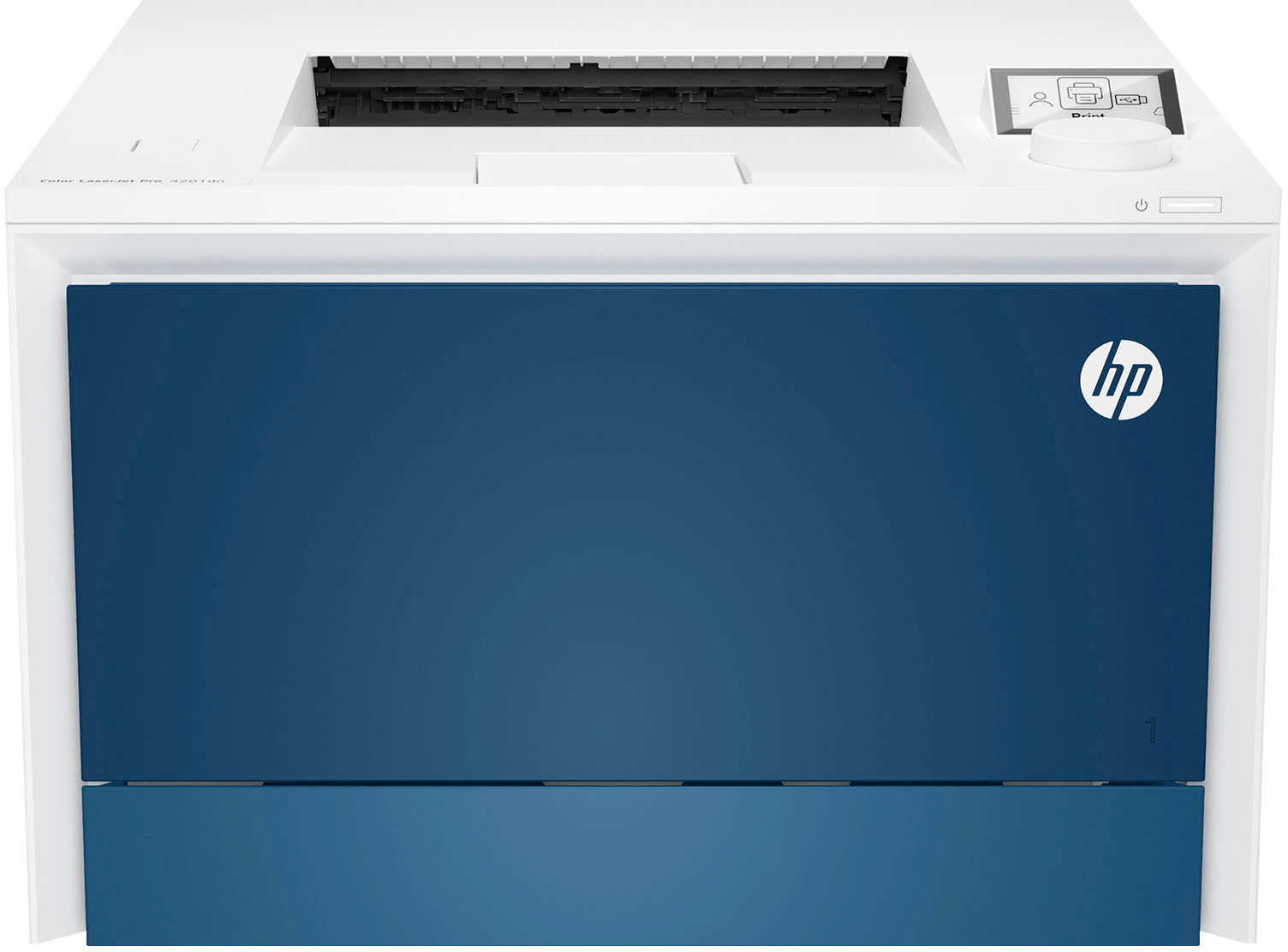
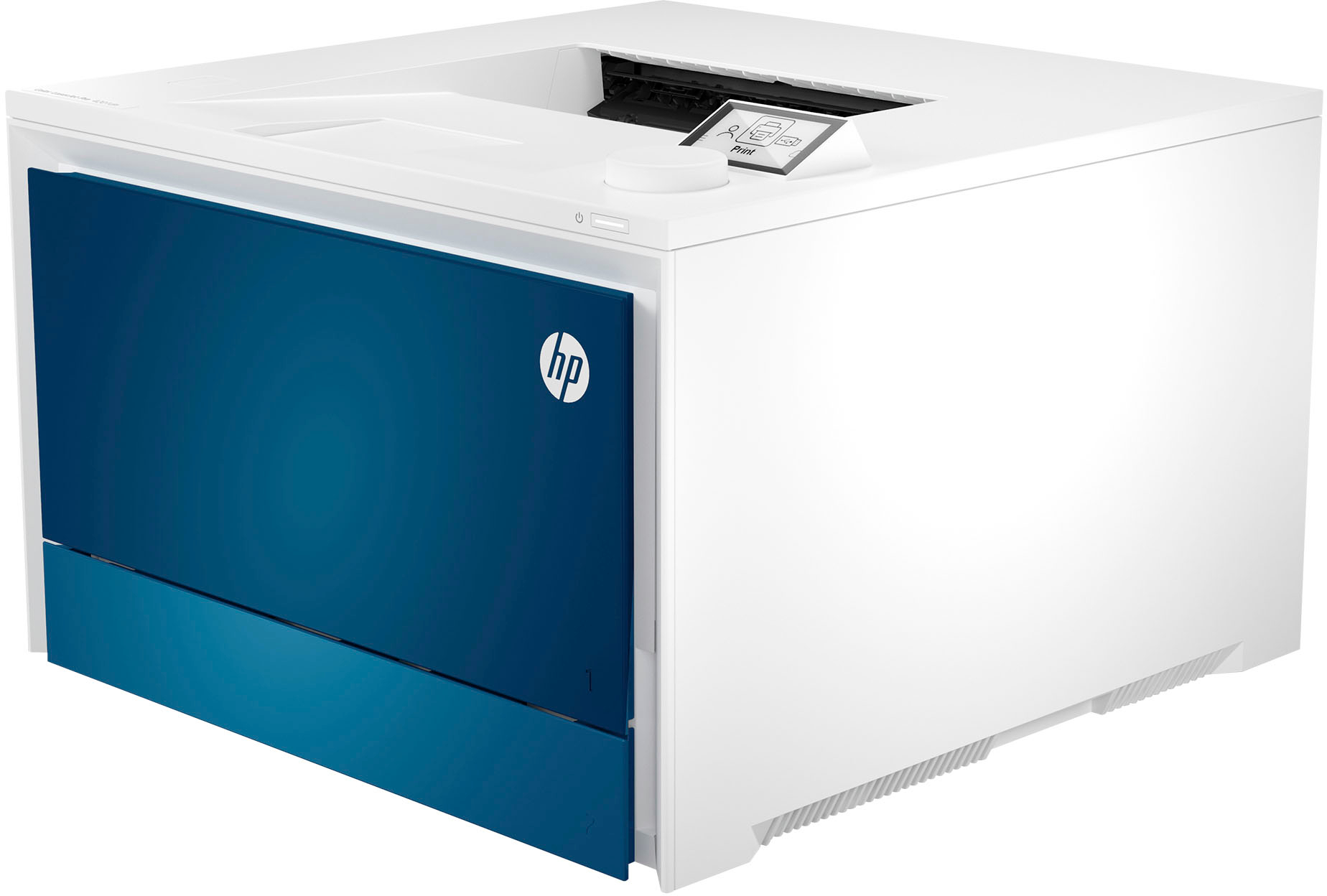
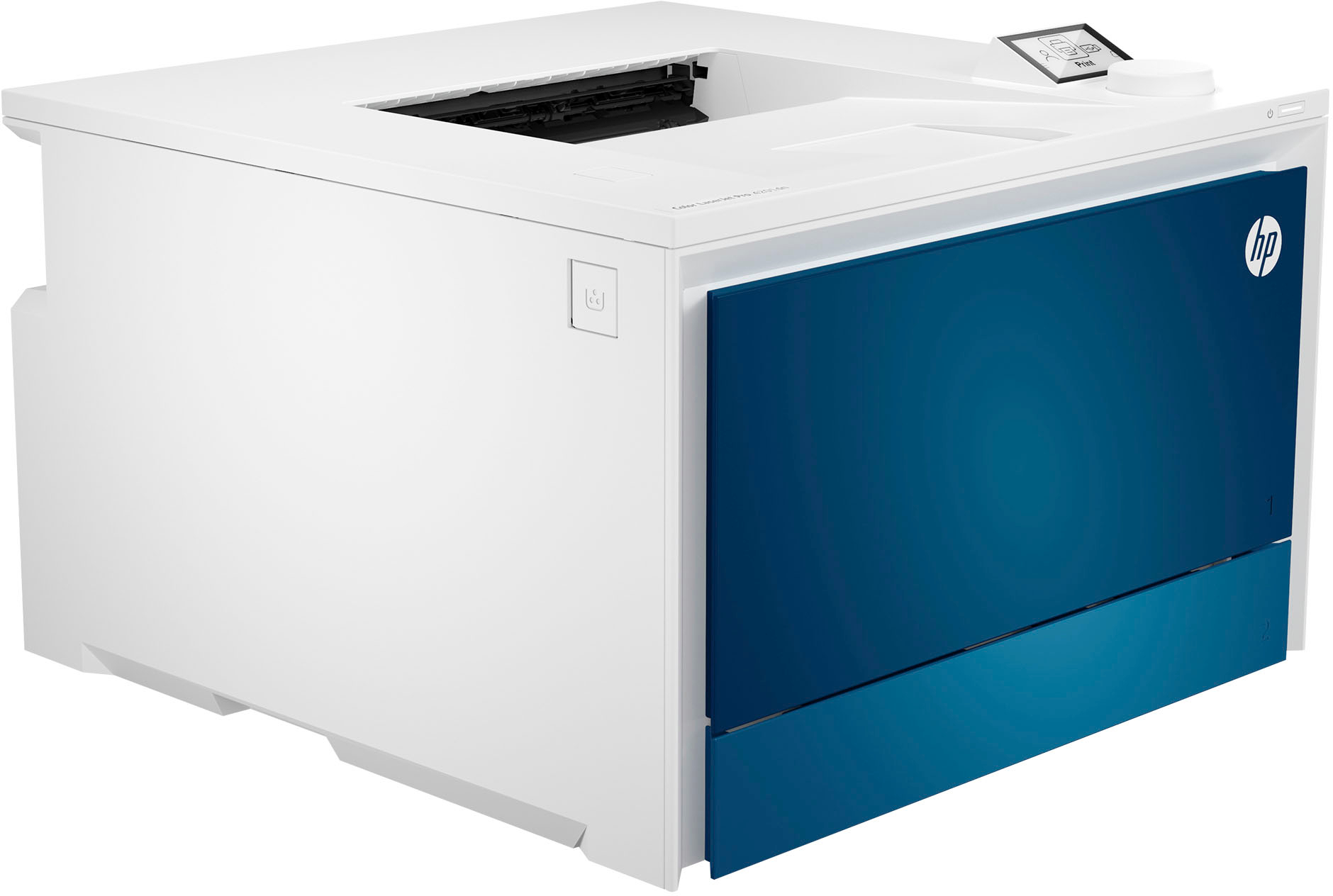
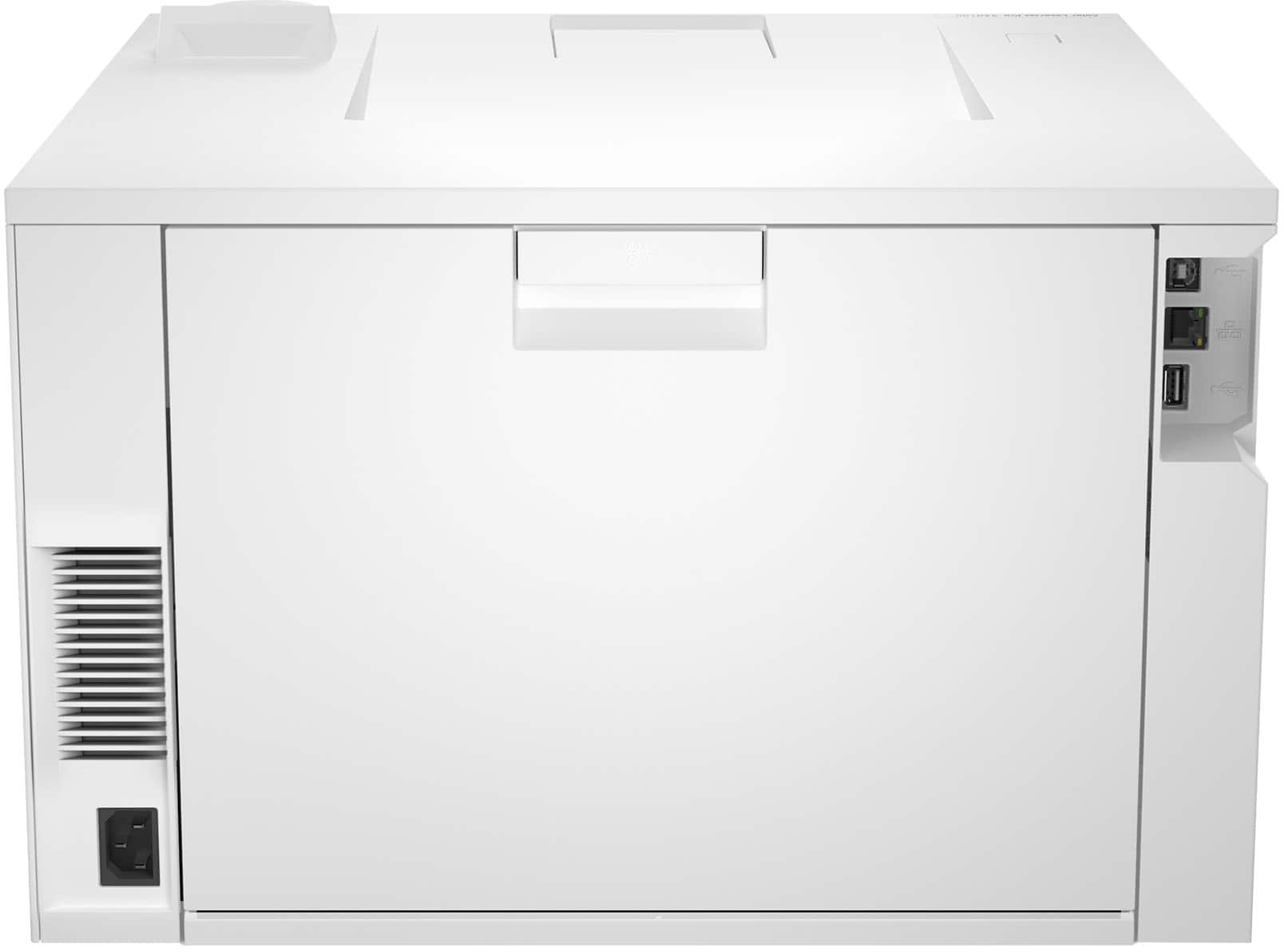
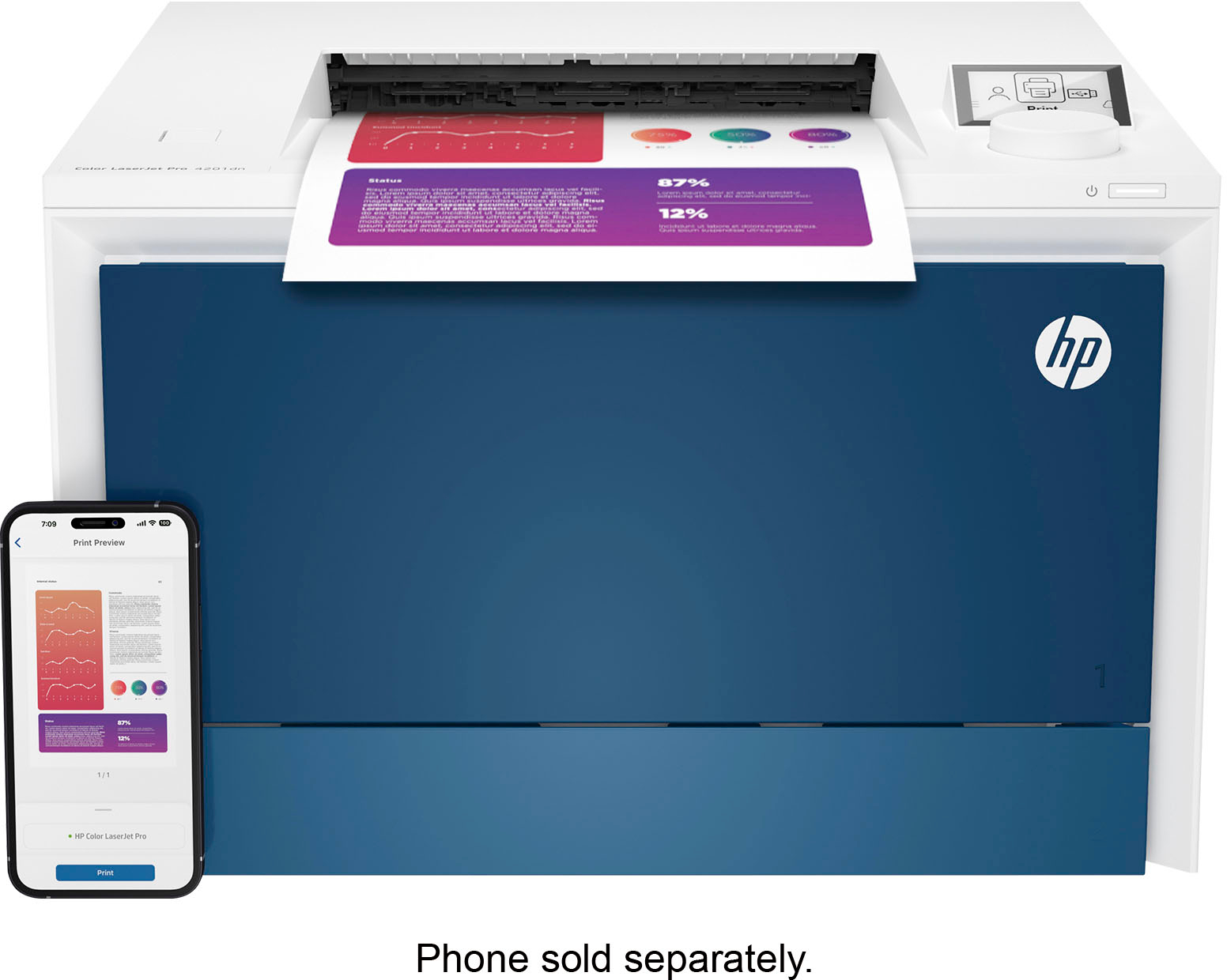
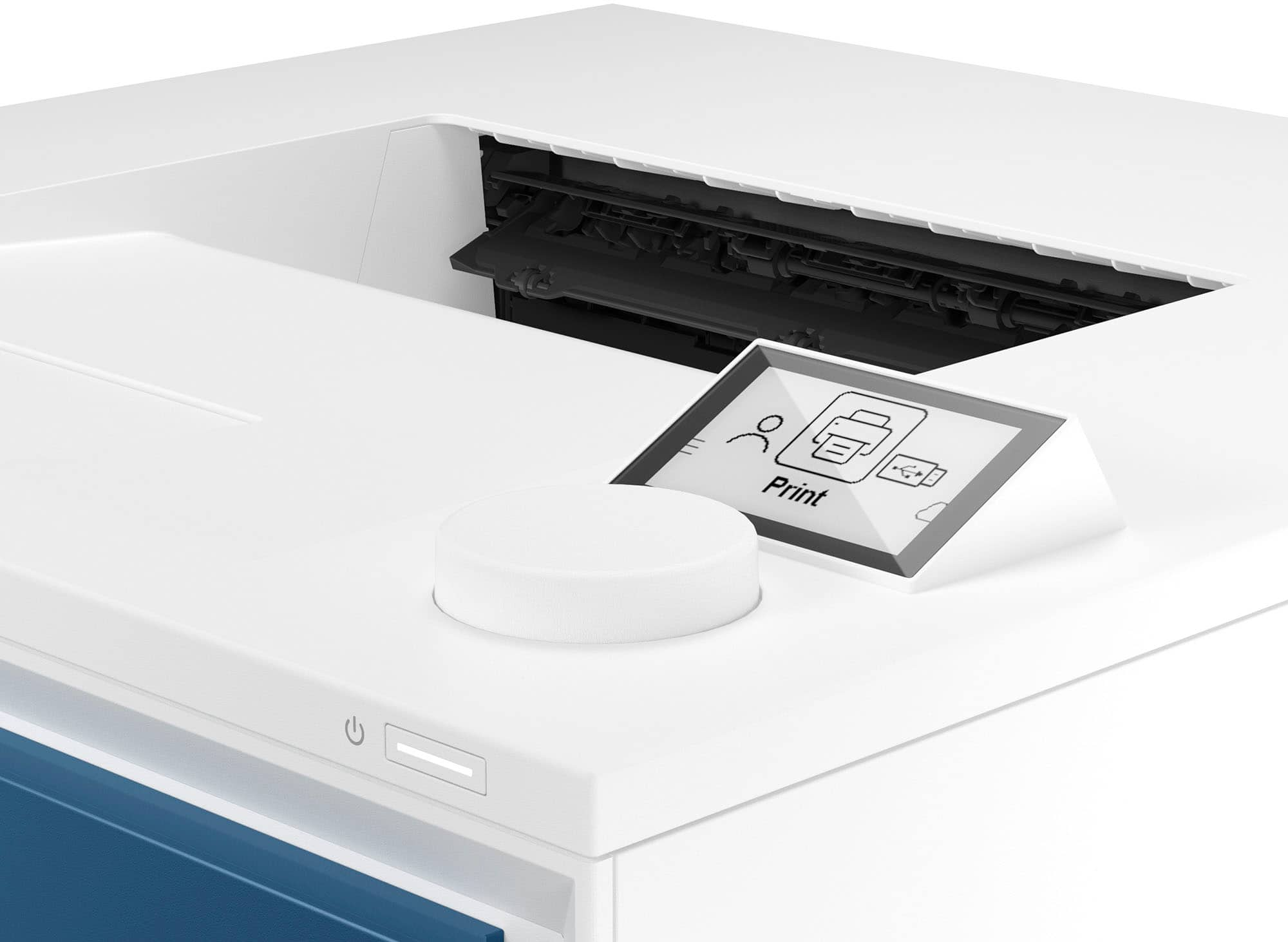
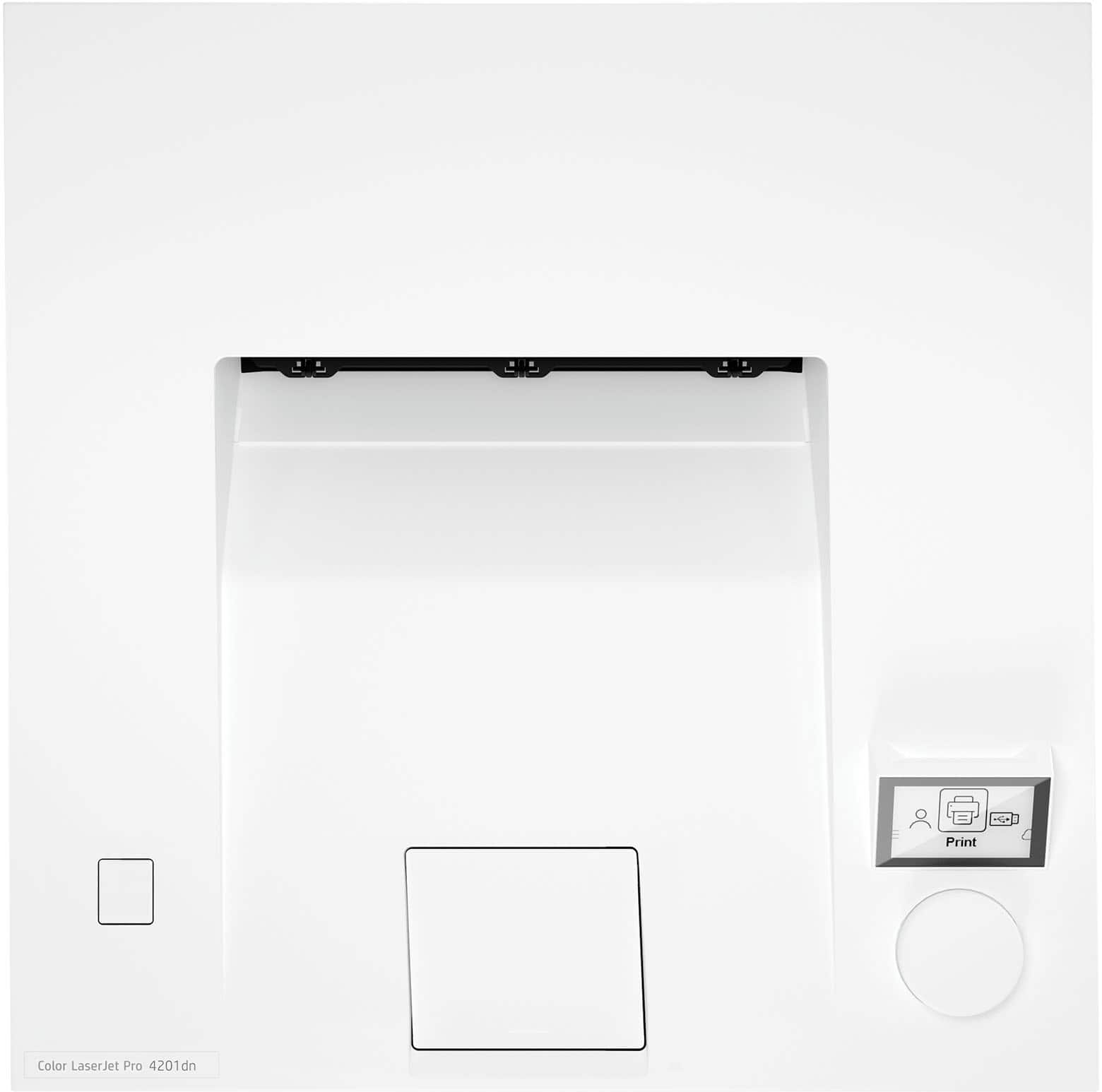
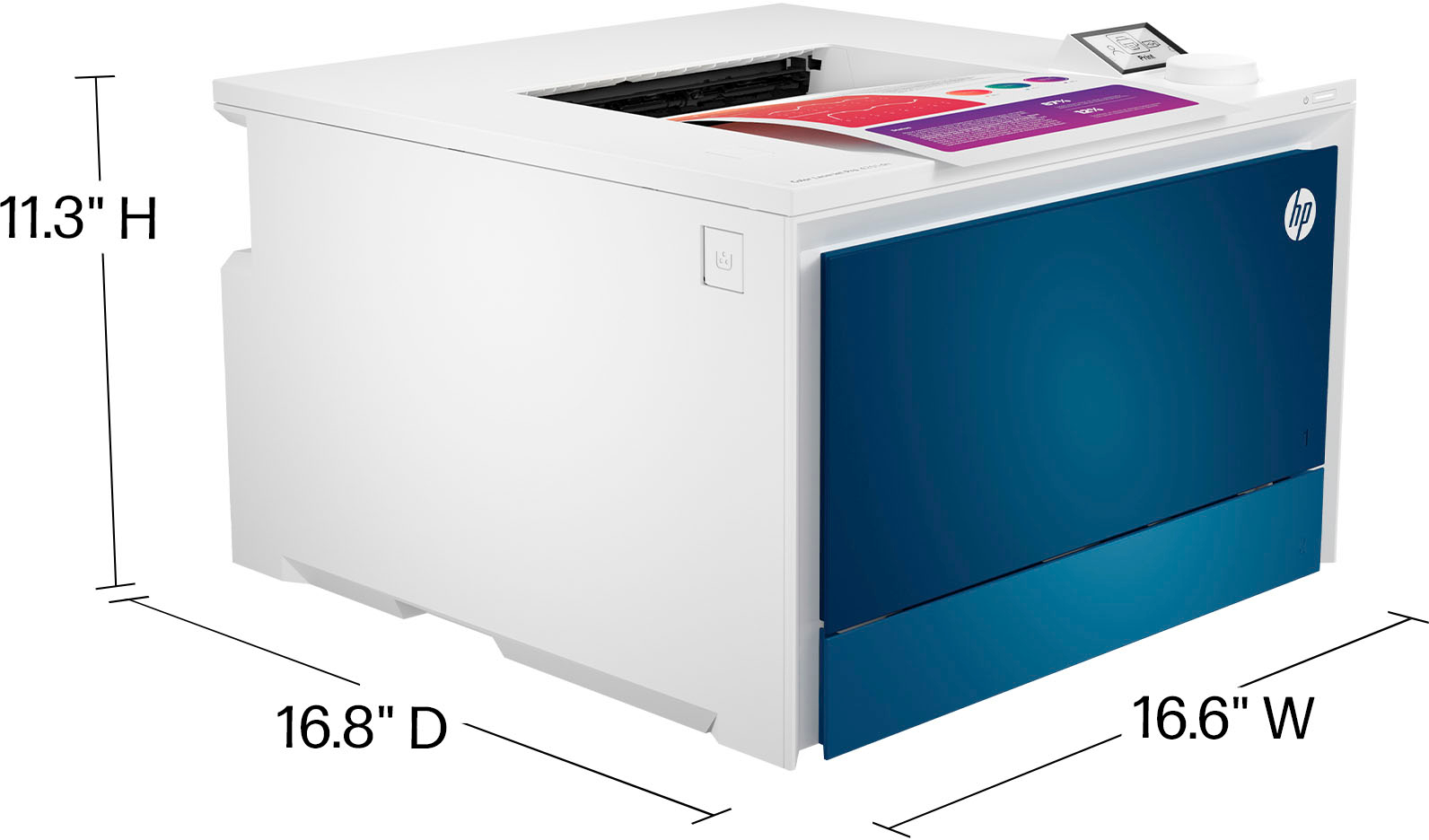
HP LaserJet Pro Color Laser Printer
$940.00
- Vibrant laser-quality color printing
- Powerful productivity for small teams
- Super fast and easy operation
- Advanced features for enhanced functionality
- White and blue design for a modern look
- LaserJet technology for high-quality print results
- Suitable for professional printing tasks
- Compact size for easy placement in small office spaces
Buy more, save more
Buy 2–4 of this item and save 5%.
Buy 5 or more of this item and save 10%.
Discount is automatic in your cart on regular-priced items. It cannot be combined with coupon codes or sale prices.
Buy 2–4 of this item and save 5%.
Buy 5 or more of this item and save 10%.
Discount is automatic in your cart on regular-priced items. It cannot be combined with coupon codes or sale prices.
Country suggested using IP or browser language; you can change it. Shipping is confirmed at checkout.
Description
HP LaserJet Pro Color Laser Printer,
HOW TO USE
1. Setting up the Printer
- Unbox the HP Color LaserJet Pro 4201dn Color Laser Printer.
- Remove all packaging materials and protective tapes from the printer.
- Plug in the power cord to an electrical outlet and connect it to the printer.
- Turn on the printer by pressing the power button.
- Open the printer tray and load paper into it.
- Connect the printer to your computer using a USB cable or set it up on a network if desired.
2. Installing Printer Drivers
- Insert the provided CD or download the latest printer drivers from the HP website.
- Follow the on-screen instructions to install the printer drivers on your computer.
3. Print Settings and Configuration
- Ensure the printer is connected and powered on.
- Open the document or image you want to print on your computer.
- Select “Print” from the File menu or use the shortcut Ctrl+P.
- In the print settings window, choose the HP Color LaserJet Pro 4201dn as the printer.
- Adjust any necessary print settings such as paper size, print quality, and orientation.
- Click “Print” to start printing your document.
4. Scanning and Copying
- Place the document or photo you want to scan or copy on the scanner glass.
- Press the “Scan” or “Copy” button on the printer control panel.
- Follow the on-screen instructions to adjust the scan or copy settings such as resolution and document type.
- Press the “Start” button to initiate the scanning or copying process.
- Retrieve your scanned or copied document once the process is complete.
5. Maintenance and Troubleshooting
- Regularly clean the printer exterior and scanner glass with a soft, lint-free cloth.
- Replace any empty or low ink cartridges following the instructions in the user manual.
- If you encounter any issues or error messages, consult the user manual or contact HP customer support for assistance.
, , HP
Only logged in customers who have purchased this product may leave a review.
Special deals for you

Canon imageFORMULA R40 Office Document Scanner For PC and Mac, Color Duplex Scanning, Easy Setup For Office Or Home Use, Includes Scanning Software
Original price was: $4,270.00.$538.20Current price is: $538.20.
Add to cart
Epson Workforce ES-C220 Compact Desktop Document Scanner with 2-Sided Scanning and Auto Document Feeder (ADF) for PC and Mac
Original price was: $3,244.40.$517.00Current price is: $517.00.
Add to cart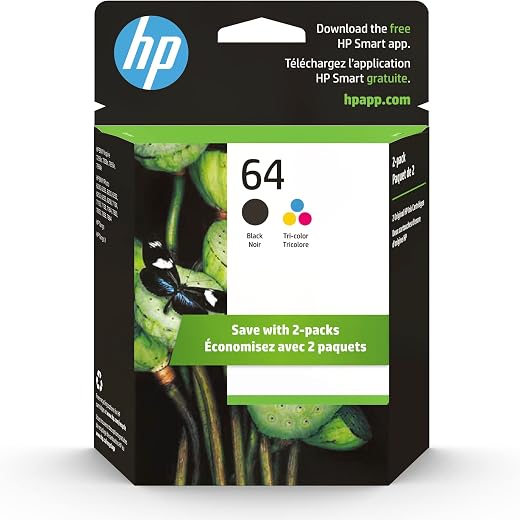
HP 64 Black/Tri-color Ink Cartridges (2-pack) | Works with HP ENVY Inspire 7950e; ENVY Photo 6200, 7100, 7800; Tango Series | Eligible for Instant Ink | X4D92AN
Original price was: $1,038.20.$121.90Current price is: $121.90.
Add to cart
TN660 Toner Cartridge Replacement Compatible for Brother TN 660 TN-660 TN630 High Yield to use with HL-L2380DW HL-L2320D HL-L2340DW DCP-L2540DW MFC-L2700DW MFC-L2720DW Printer...
Original price was: $1,512.00.$86.90Current price is: $86.90.
Add to cartPopular items in this category

Retro HDMI Game Console – 4K Output and Gamepad Controllers
$40.00
Add to cart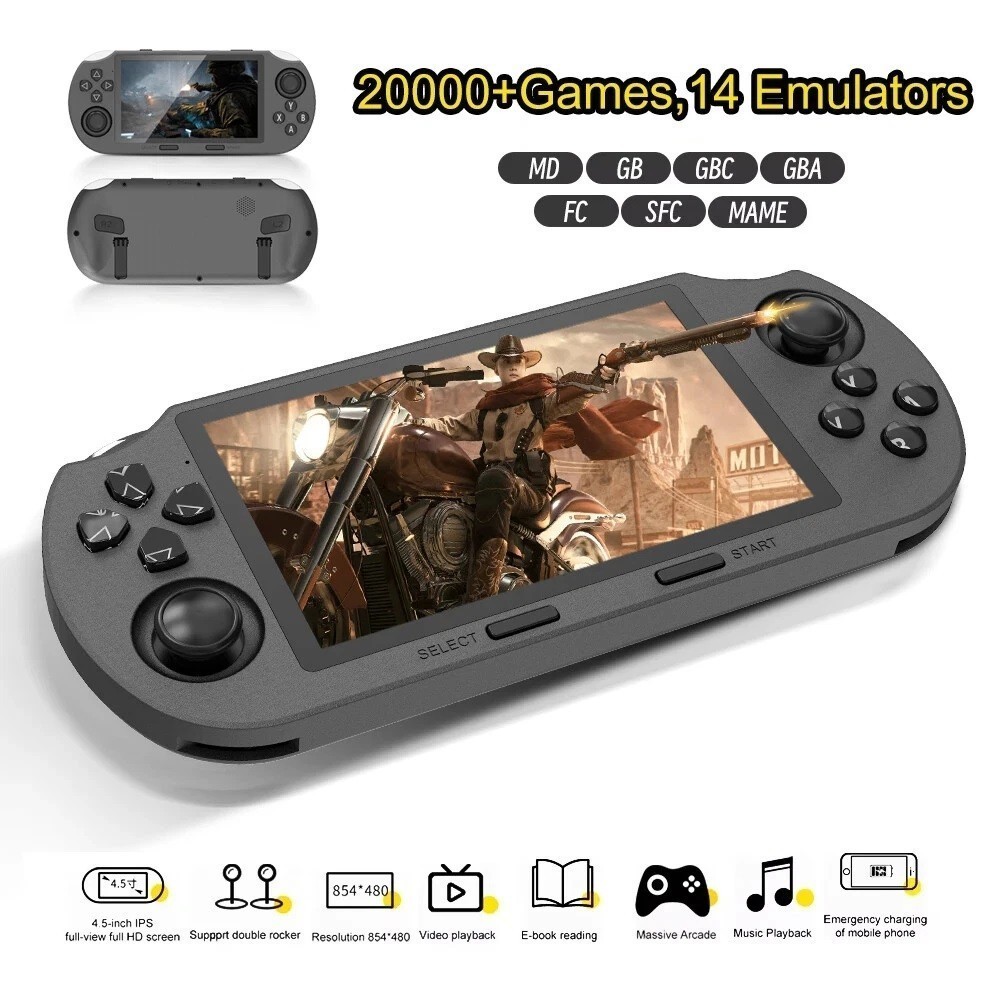
SF3000 Retro Handheld Game Console – 4.5-Inch IPS Display
$94.00
Add to cart
Blackview PlayPop 8 AI Motion Gaming Console for Families
$349.99
Add to cart4K HDMI Retro Game Console – Plug and Play, 20,000+ Games
$40.00
Add to cartSimilar items you might like

Blackview PlayPop 8 AI Motion Gaming Console – 8GB RAM, 128GB Storage
$379.99
Add to cart
R36S Retro Handheld Game Console, 64GB, 3.5-Inch IPS Screen
$86.90
Add to cart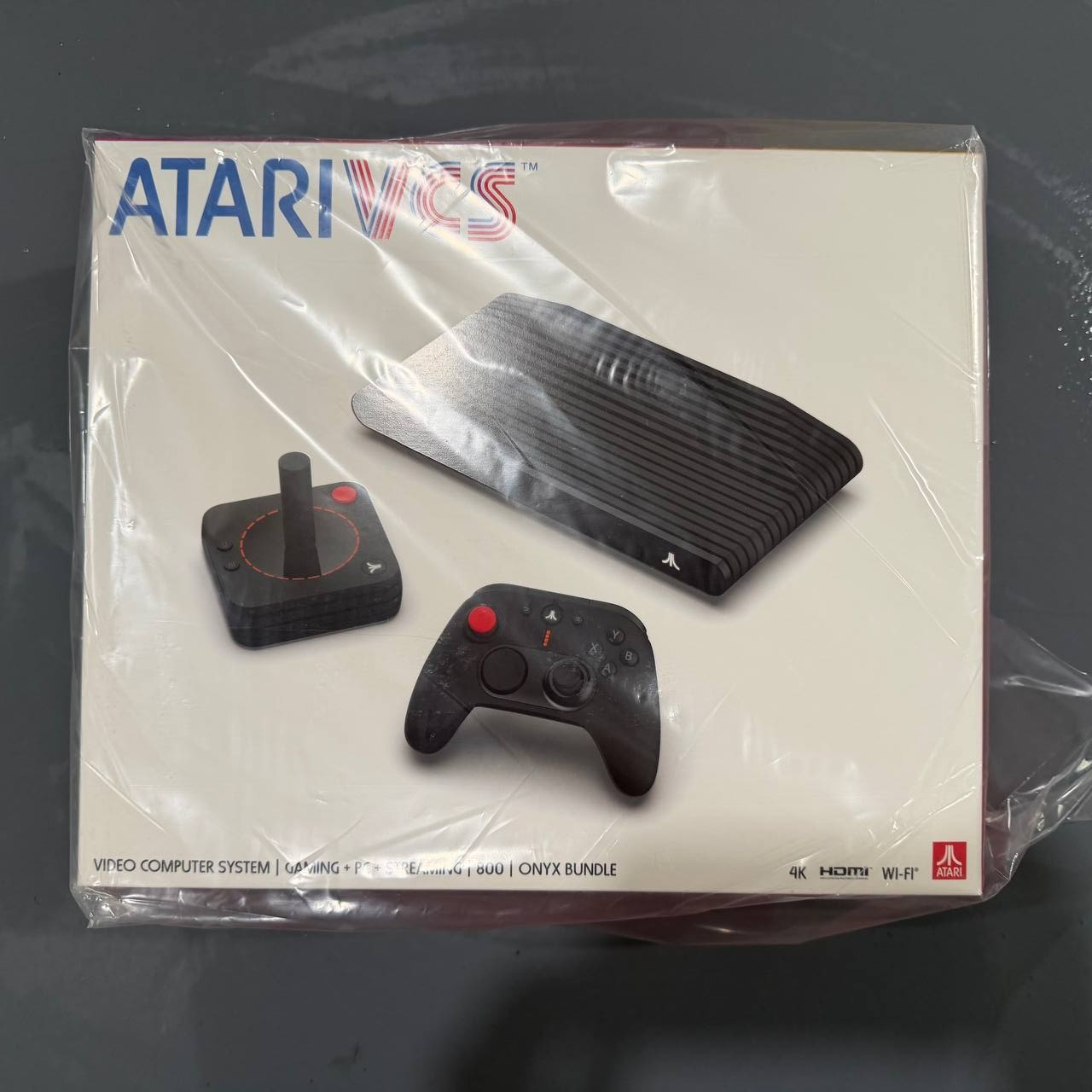
New Sealed Atari VCS 800 Onyx All-In Bundle
$379.99
Add to cart
Budget Desktop PC – Intel Core i7 4th Gen, 16GB DDR3, SSD Options
$499.99
Add to cartProducts related to this item

16GB PC3-10600 RAM for Apple MacBook
$152.90
Add to cart
ASUS TUF Gaming B550-PLUS WiFi II
$27,965.30
Add to cart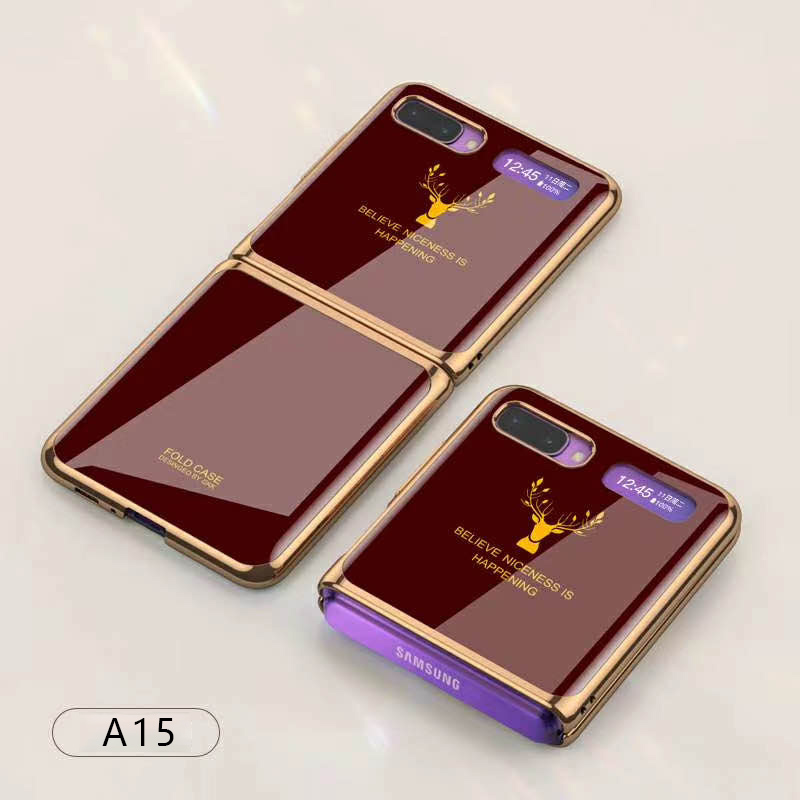
For Samsung Galaxy Z flip Foldable Cellphone Shell Electroplated Painted Folding Phone Case A15 wine red
$44.30
Add to cart
USB 3.0 to SATA 2.5" Hard Drive HDD SSD Adapter Converter Cable 22Pin
$28.30
Add to cartProducts you may also like

Generic 10M Security RCA Power Audio Video AV Cable For CCTV Camera, Reverse Camera
$20.80
Add to cart
ASUS WS C246 Pro Motherboard
$752.00
Add to cart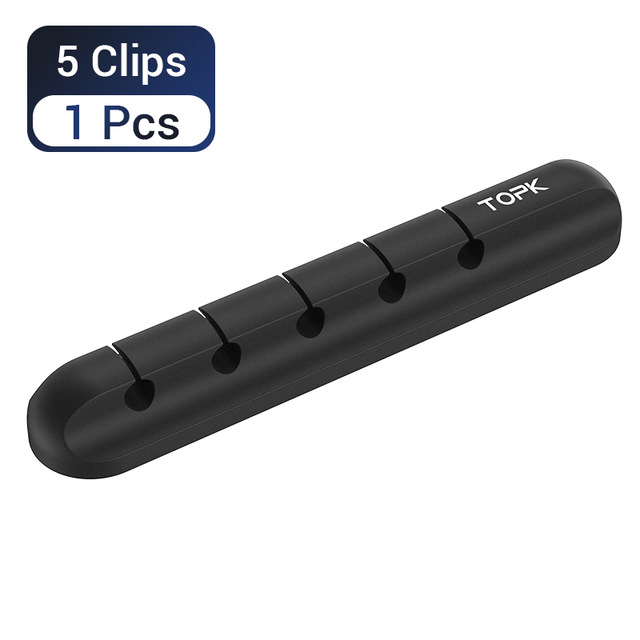
5-in-1 Cable Organizer Silicone USB Cable Desktop Tidy Wire Management Clips Cable Holder for TV Notebook Computer Office black
$12.80
Add to cart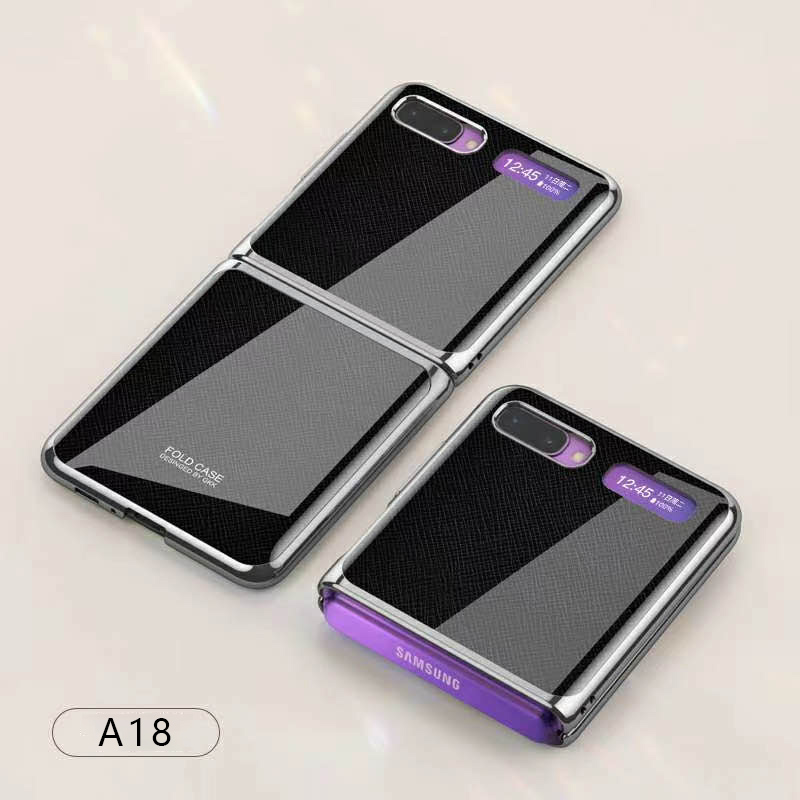
For Samsung Galaxy Z flip Foldable Cellphone Shell Electroplated Painted Folding Phone Case A18 cross pattern
$44.00
Add to cartRecommended for You

Premium Insignia™ - 4-foot Micro USB 3.0 Charge-and-Sync Cable - Black
$23.50
Add to cart
Prime Green EU Plug 5.0 inch Note80 Smartphone with MTK6572 Dual-core, 1GB RAM, 16GB ROM, Dual SIM, and 1500mAh Battery
$113.30
Add to cartInstant Gratification 5-in-1 Cable Organizer Silicone USB Cable Desktop Tidy Wire Management Clips Cable Holder for TV Notebook Computer Office black
$12.80
Add to cart
Discover the Secret Mini Phone BM25 with 0.66 Inch Display, 32MB RAM, 32MB ROM, 380mAh Battery, Dual SIM Support, Mobile Phone Dialer - Black
$46.50
Add to cart



Reviews
There are no reviews yet.