
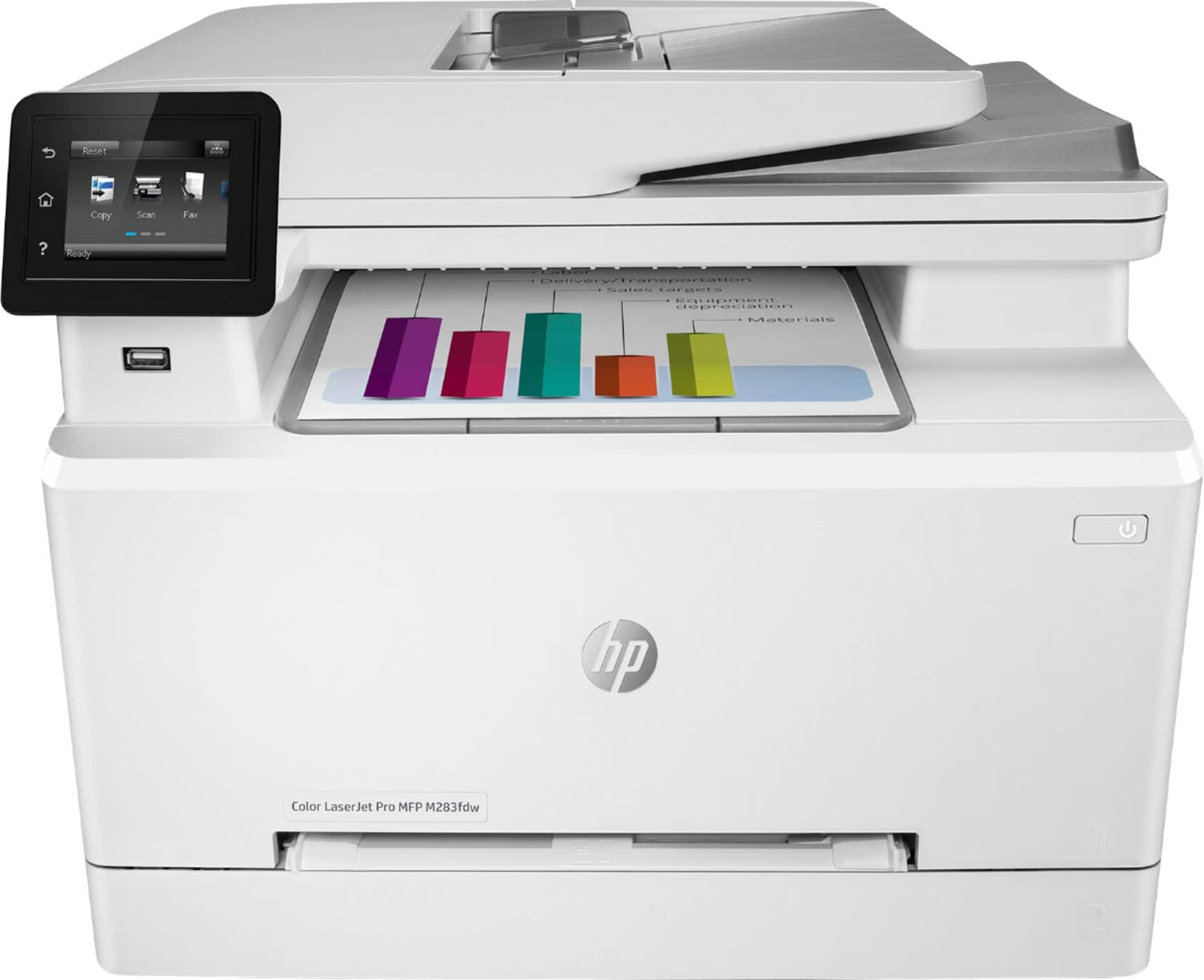
HP M283fdw Wireless Color Laser Printer
$1,292.50
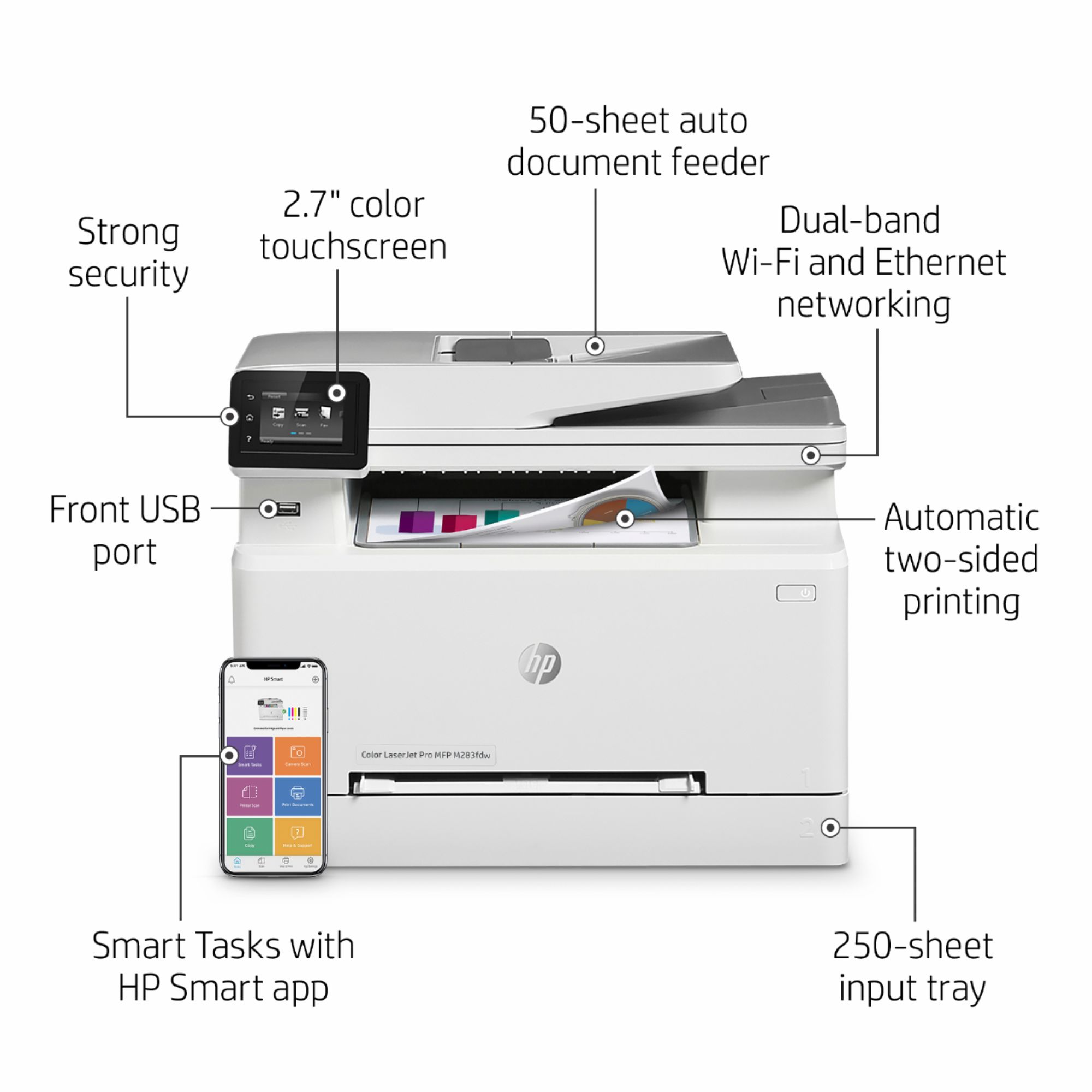
- HP LaserJet Pro M283fdw is an efficient wireless color printer with fax capability
- Smart Tasks feature in the HP Smart app helps save time
- Allows printing and scanning directly from your phone
- Offers seamless connections and strong security to prevent attacks
- Delivers high-quality color prints and enhances productivity
- Wireless capability provides convenience and flexibility
- All-in-one functionality includes printing, scanning, copying, and faxing
- Stylish white design adds elegance to your workspace
Buy more, save more
Buy 2–4 of this item and save 5%.
Buy 5 or more of this item and save 10%.
Discount is automatic in your cart on regular-priced items. It cannot be combined with coupon codes or sale prices.
Buy 2–4 of this item and save 5%.
Buy 5 or more of this item and save 10%.
Discount is automatic in your cart on regular-priced items. It cannot be combined with coupon codes or sale prices.
Country suggested using IP or browser language; you can change it. Shipping is confirmed at checkout.
Description
HP M283fdw Wireless Color Laser Printer,
How to Use the HP LaserJet Pro M283fdw Color All-In-One Laser Printer
Setting Up
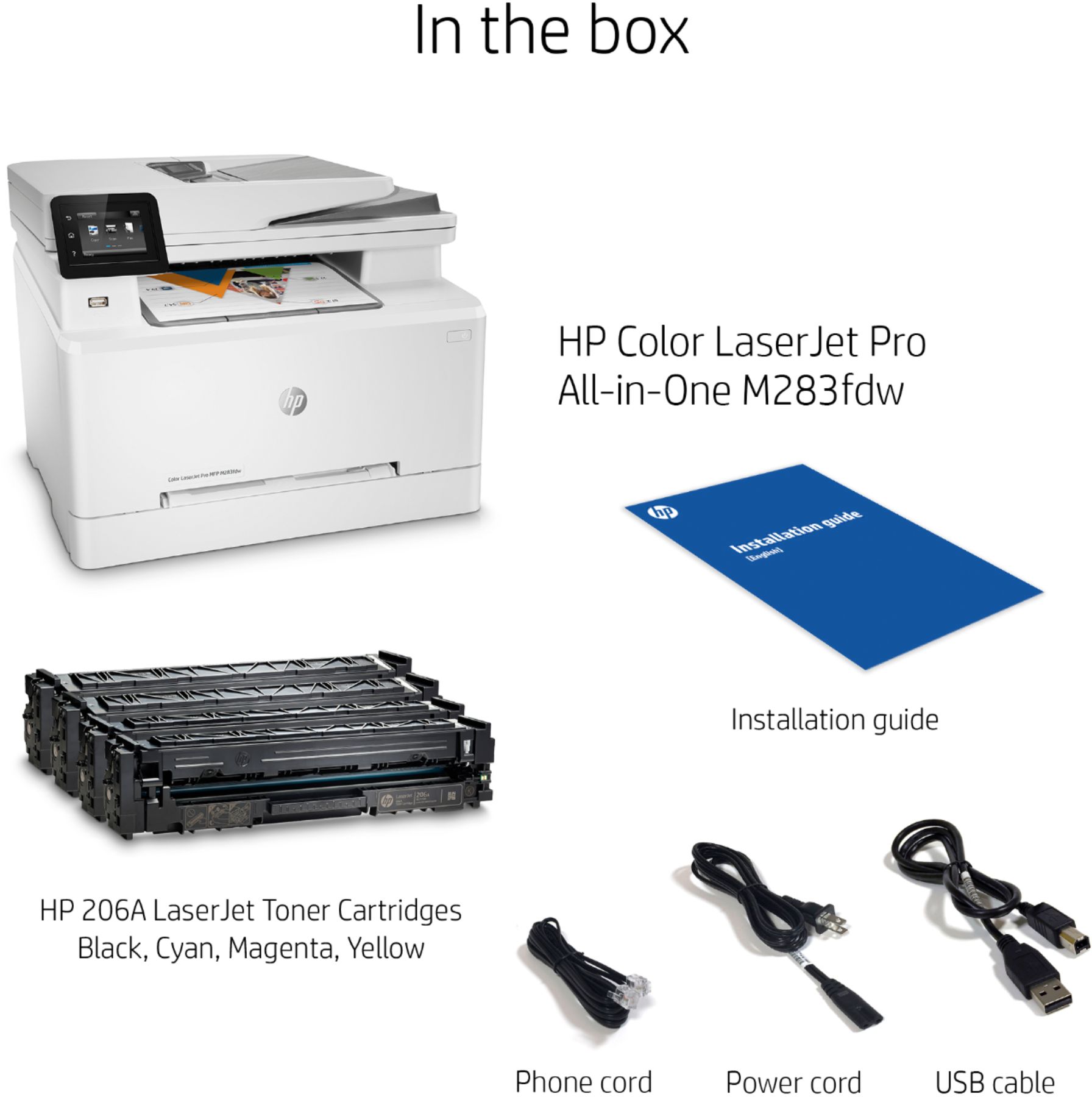
- Unbox the printer and remove all packaging materials.
- Connect the power cable to the printer and plug it into a power outlet.
- Turn on the printer by pressing the power button.
- Follow the on-screen instructions to select your language and set up the printer’s wireless connection.
Printing
- Make sure the printer is turned on and connected to your wireless network.
- Load the paper into the input tray of the printer.
- Open the document or file you want to print on your computer or mobile device.
- Select the print option and choose the HP LaserJet Pro M283fdw printer from the list.
- Specify the desired print settings such as color, paper size, and quality.
- Click or tap on the print button to start printing.
Scanning
- Ensure the printer is turned on and connected to your wireless network.
- Place the document or photo you want to scan on the scanner glass or into the automatic document feeder (ADF) if available.
- Open the HP Smart app on your mobile device or the HP software on your computer.
- Select the scanning option and choose the desired scan settings such as resolution and file format.
- Start the scanning process by clicking or tapping on the scan button.
- Save the scanned document or photo to your desired location.
Faxing
- Connect your telephone line to the printer’s fax port.
- Load the document you want to fax into the automatic document feeder (ADF).
- Open the HP Smart app on your mobile device or the HP software on your computer.
- Select the fax option and enter the recipient’s fax number.
- Configure any additional fax settings such as resolution and transmission speed if required.
- Start the faxing process by clicking or tapping on the send button.
Note: Ensure that you have set up the fax settings properly, including adding your personal information.
For more information and troubleshooting tips, please refer to the user manual that came with the printer or visit the HP support website.
, , HP
1607 reviews for HP M283fdw Wireless Color Laser Printer
Only logged in customers who have purchased this product may leave a review.
Special deals for you

Canon imageFORMULA R40 Office Document Scanner For PC and Mac, Color Duplex Scanning, Easy Setup For Office Or Home Use, Includes Scanning Software
Original price was: $4,270.00.$538.20Current price is: $538.20.
Add to cart
Epson Workforce ES-C220 Compact Desktop Document Scanner with 2-Sided Scanning and Auto Document Feeder (ADF) for PC and Mac
Original price was: $3,244.40.$517.00Current price is: $517.00.
Add to cart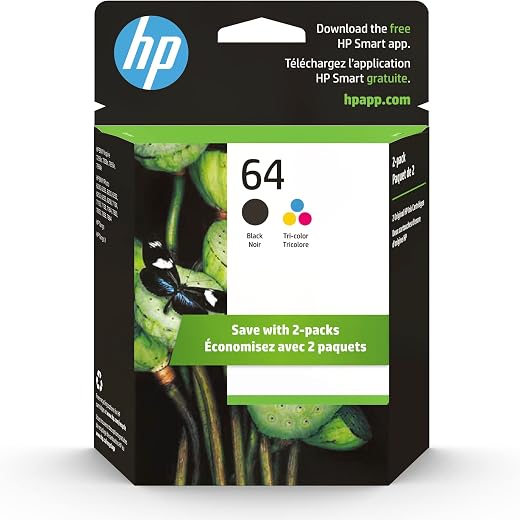
HP 64 Black/Tri-color Ink Cartridges (2-pack) | Works with HP ENVY Inspire 7950e; ENVY Photo 6200, 7100, 7800; Tango Series | Eligible for Instant Ink | X4D92AN
Original price was: $1,038.20.$121.90Current price is: $121.90.
Add to cart
TN660 Toner Cartridge Replacement Compatible for Brother TN 660 TN-660 TN630 High Yield to use with HL-L2380DW HL-L2320D HL-L2340DW DCP-L2540DW MFC-L2700DW MFC-L2720DW Printer...
Original price was: $1,512.00.$86.90Current price is: $86.90.
Add to cartPopular items in this category

Retro HDMI Game Console – 4K Output and Gamepad Controllers
$40.00
Add to cart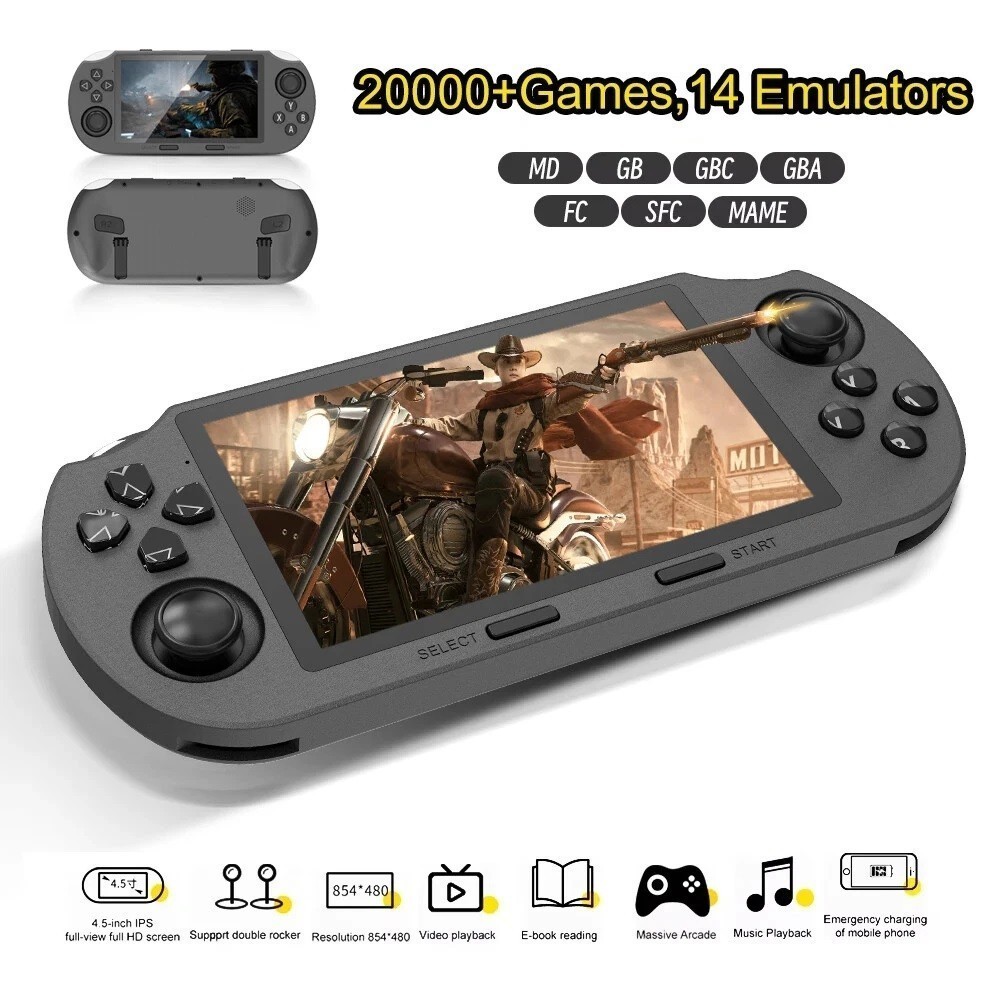
SF3000 Retro Handheld Game Console – 4.5-Inch IPS Display
$94.00
Add to cart
Blackview PlayPop 8 AI Motion Gaming Console for Families
$349.99
Add to cart4K HDMI Retro Game Console – Plug and Play, 20,000+ Games
$40.00
Add to cartSimilar items you might like

Blackview PlayPop 8 AI Motion Gaming Console – 8GB RAM, 128GB Storage
$379.99
Add to cart
R36S Retro Handheld Game Console, 64GB, 3.5-Inch IPS Screen
$86.90
Add to cart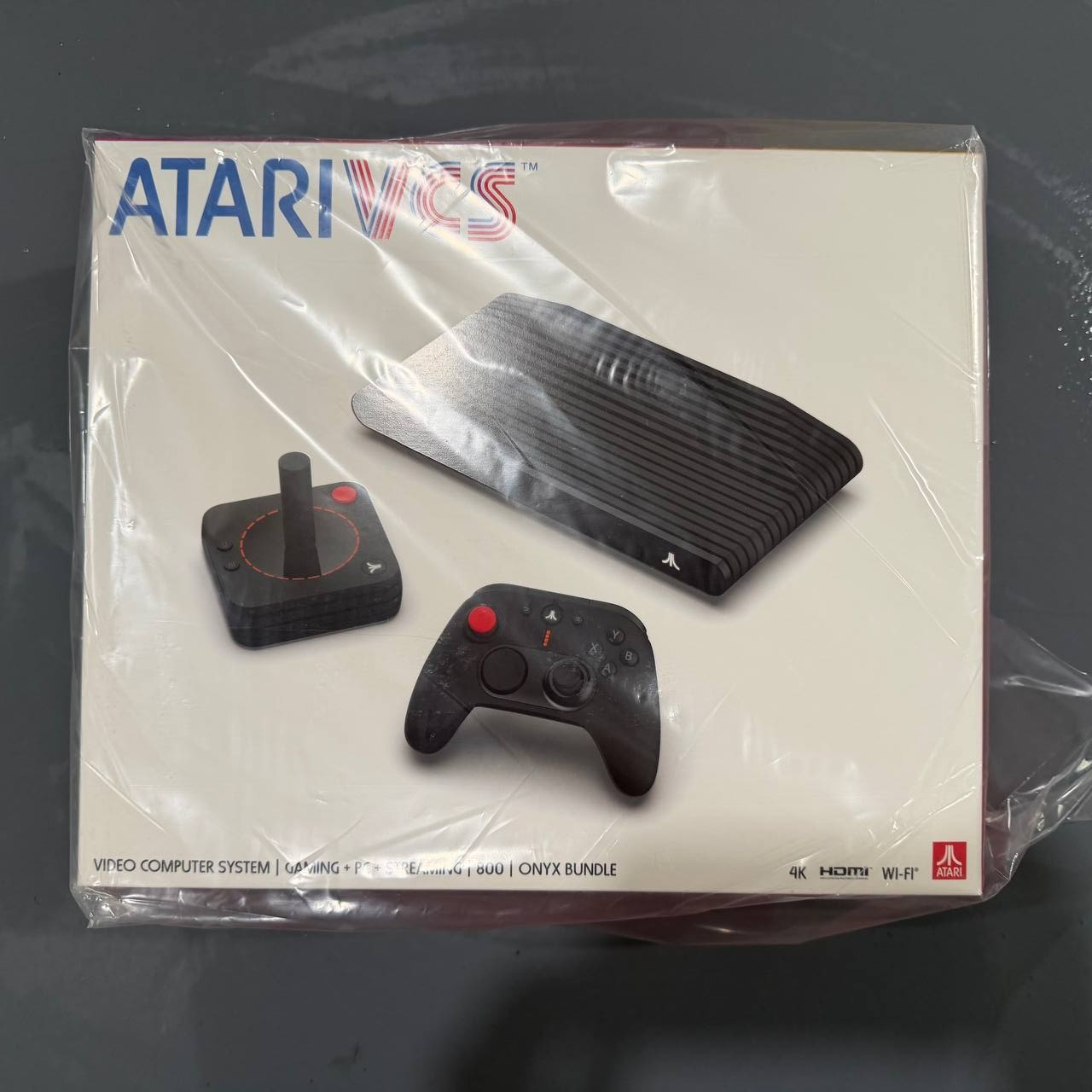
New Sealed Atari VCS 800 Onyx All-In Bundle
$379.99
Add to cart
Budget Desktop PC – Intel Core i7 4th Gen, 16GB DDR3, SSD Options
$499.99
Add to cartProducts related to this item

Dell Latitude 5520 Business Laptop, 15.6" FHD Display, Intel Core i5-1135G7 vPRO, 16GB RAM, 512GB SSD, IR Camera, HDMI, Backlit Keyboard, Wi-Fi 6, RJ-45, Thunderbolt 4, Windows...
$2,279.30
Add to cart
16GB PC3-10600 RAM for Apple MacBook
$152.90
Add to cart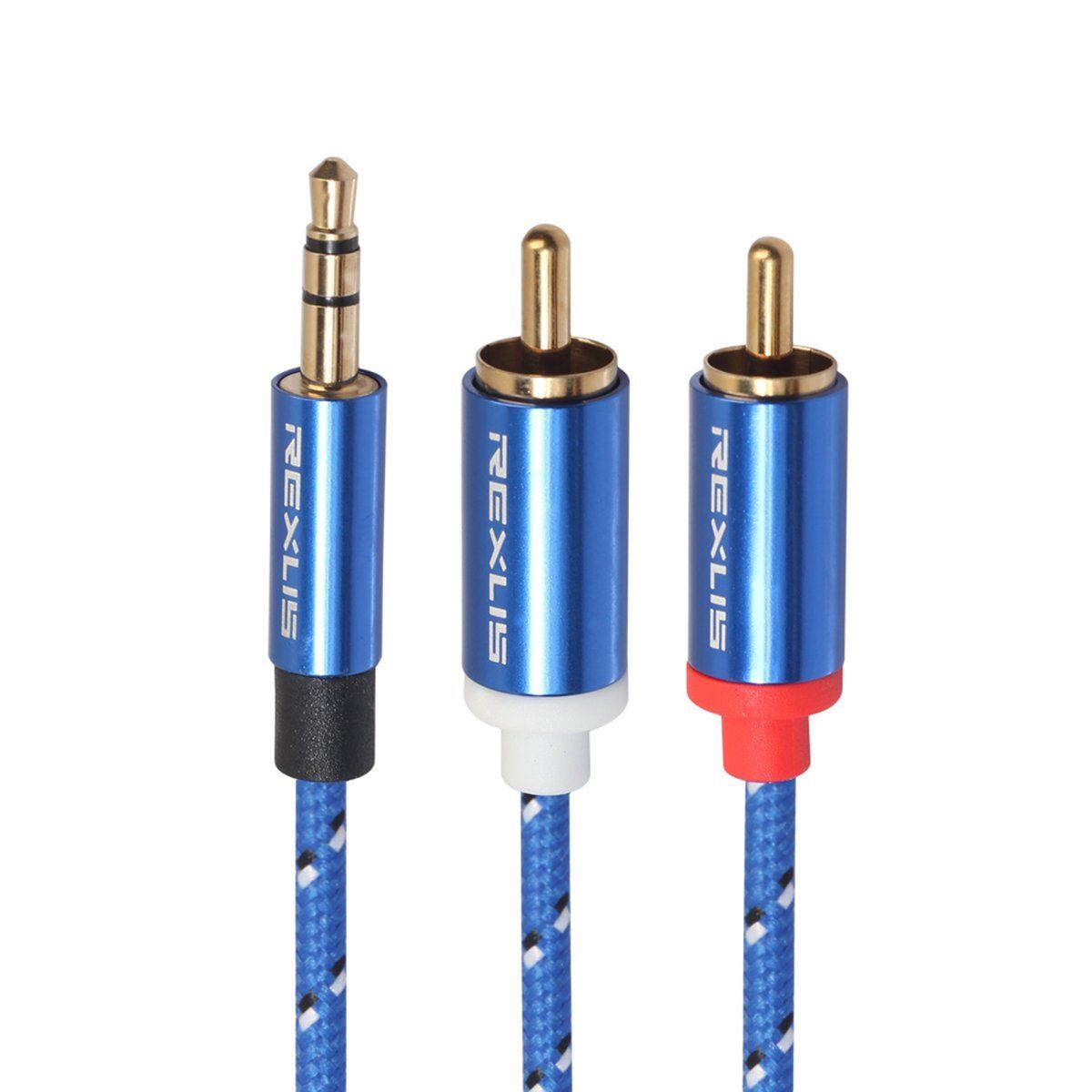
3.5mm to 2RCA Male Audio Auxiliary Aux Stereo Y Splitter Cable Cord
$21.30
Add to cart
PC DDR4 Memory Tray Case - Fits 100
$55.20
Add to cartProducts you may also like


Recommended for You

Join the Elite Club Wireless Optical Mouse M40 2.4G Colorful Luminous Rechargeable Mute Ultra-thin for PC Notebook Desktop Office black
$33.80
Add to cart
Elite 4K Video Camera Camcorder 56MP Dual Lens Vlogging Camera WiFi Camera &Microphone
$169.60
Add to cart
Pioneering HP 508A Black Toner Cartridge | Works with HP Color LaserJet Enterprise M552, M553, HP Color LaserJet Enterprise MFP M577 Series | CF360A
Original price was: $4,023.20.$514.40Current price is: $514.40.
Add to cart
Discover the Secret HP 27 inch All-in-One Desktop PC, Microsoft Office Lifetime License, Intel Ultra 7 155U, 64 GB DDR5 RAM, 2 TB SSD, FHD Touchscreen, Wireless KB & Mouse, Adjustable Height,...
$4,230.00
Add to cartRelated products
-

RISC-V Single Board Computer with JH7110 Processor
$230.90 -

USB 3.0 to SATA 2.5″ Hard Drive HDD SSD Adapter Converter Cable 22Pin
$28.30 -

Intel BLKCD1IV128MK CD1IV128MK Compute Card Core i5-7Y57 Processor NEW BROWN BOX
$117.50 -

EliteGroup Computer Systems GeForce6100PM-M2 (V2.0), Socket AM2+, AMD…
$235.00

Kakoo –
I was not a happy worker until I was able to get this printer. I’ve always loved the HPs and use them to death (or life, since they last so long)! Excellent print quality, print speed and scan…
AdamnLucy –
I love it. Is is super speedy when you don’t have time all day to wait around in the office. I also use it at home for fun with my kids. The kids love printing pic off this printer because they…
Jake –
Printer works great. Have printed about 500 sheets of paper with no issues so far. Have not tried to fac with it yet, but will utilize this option in the near future. The only issue I have is with…
KarlD –
This is a great printer, with a few exceptions. Mainly the tiny little display and control module. I can’t even read it w/o my glasses on. It wasn’t a really BIG DEAL until I went to do the fax…
CrystalH –
MUCH faster than the inkjet I was using for my bookkeeping business! It’s definitely a time-saver in all aspects of printing and scanning and will connect to HP Smart. I typically print around 125…
MABS –
This multi-functional printer is a great addition to any workspace. Its fast printing, scanning, and copying capabilities make tasks efficient. The print quality is impressive, producing sharp…
Ksmith –
Not much help for set-up is included. Set-up is a little wonky.
Once I got it figured out (it’s a good thing That I have a lot of experience), it has been a good machine. I am still learning the…
CarmenL –
We needed a printer that could scan and print in color and decided to purchase the HP-LaserJet Pro M283fdw Wireless Color All-In-One Laser Printer. The set was easy online and also on the…