
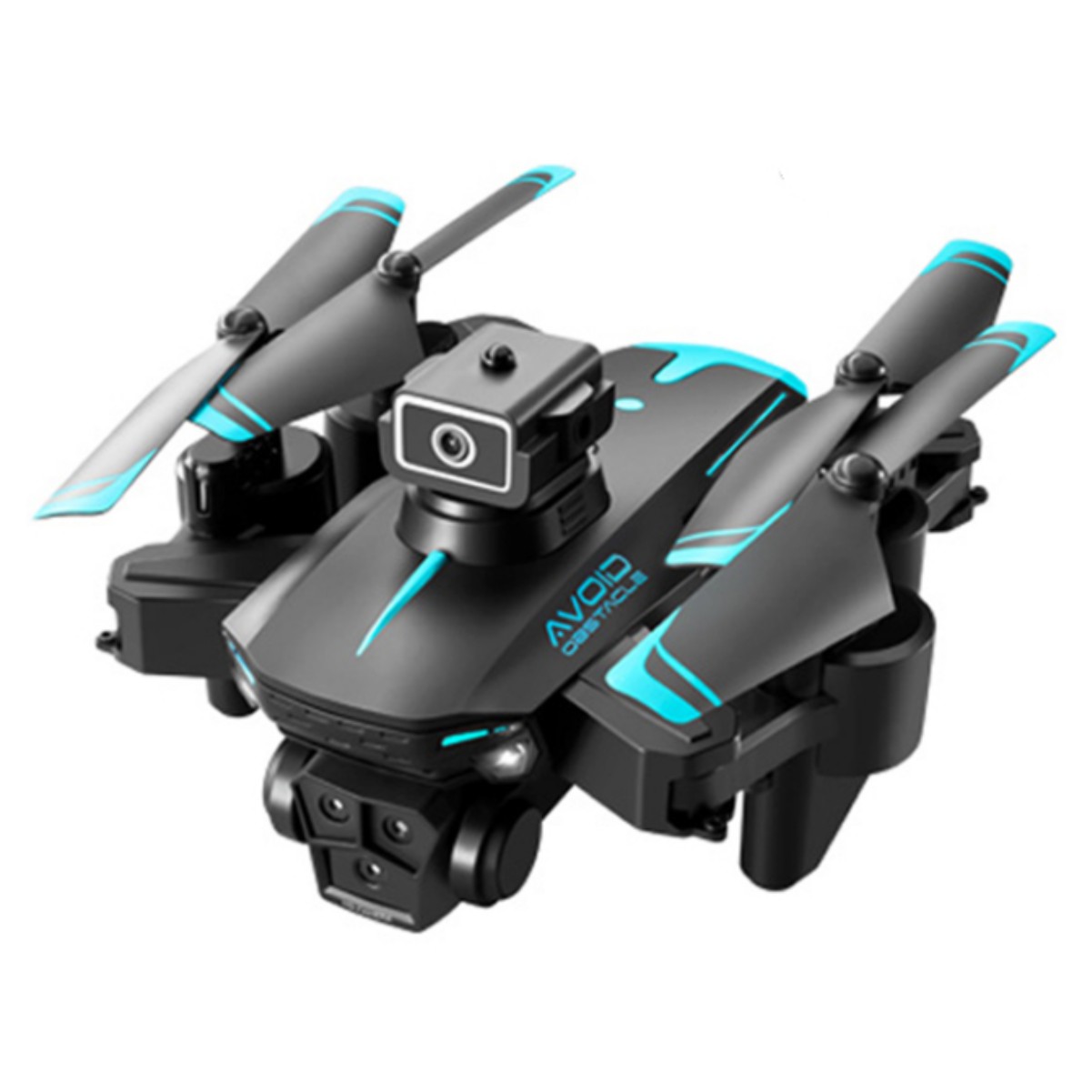
Ky605s Mini Drone with 3 Cameras
$84.50
- Supports horizontal, vertical, and overhead photography with 3 cameras
- Compact and easy to carry with folding size of 13 x 8.5 x 5.5cm
- 2.4GHz remote control with anti-interference technology
- Made with high-quality production and fine workmanship
- Durable construction for long-lasting performance
- Checked and tested by technical department for quality assurance
Buy more, save more
Buy 2–4 of this item and save 5%.
Buy 5 or more of this item and save 10%.
Discount is automatic in your cart on regular-priced items. It cannot be combined with coupon codes or sale prices.
Buy 2–4 of this item and save 5%.
Buy 5 or more of this item and save 10%.
Discount is automatic in your cart on regular-priced items. It cannot be combined with coupon codes or sale prices.
Country suggested using IP or browser language; you can change it. Shipping is confirmed at checkout.
Description
Ky605s Mini Drone with 3 Cameras,
How to Use the Ky605s Mini Drone
Charging the Drone
- Connect the charging cable to the drone’s charging port.
- Plug the other end of the cable into a power source.
- Wait for the battery to fully charge. The indicator light will turn solid green when charging is complete.
Installing the Batteries
- Open the battery compartment on the remote control.
- Insert the required number of AAA batteries (not included) into the compartment, following the polarity markings.
- Close the battery compartment securely.
Setting Up the Drone
- Remove the drone from its packaging.
- Extend the drone’s arms until they lock into place.
- Ensure the drone is on a flat and stable surface.
- Press the power button on the drone to turn it on. The indicator lights will start flashing.
- Turn on the remote control by pressing its power button.
- The drone and remote control will automatically pair. The indicator lights on both devices will stop flashing when connected.
Flying the Drone
- Use the joysticks on the remote control to control the drone’s movement.
- Push the throttle joystick upwards to take off.
- Use the direction joysticks to steer the drone.
- Experiment with different flight modes and camera angles to capture unique footage.
- When you’re finished flying, gently bring the drone back to the ground and power it off.
Important Safety Tips
- Only fly the drone in open and unobstructed areas.
- Keep a safe distance from people, animals, and buildings.
- Do not fly the drone in adverse weather conditions.
- Follow all local laws and regulations regarding drone usage.
- Always supervise children while operating the drone.
, ,
Only logged in customers who have purchased this product may leave a review.
Popular items in this category

Canon EOS R100 Mirrorless Camera – RF-S 18–45mm Lens, Professional Accessory Kit
$899.99
Add to cartCanon EOS R100 Mirrorless Camera – RF-S 18–45mm Lens, Professional Accessory Kit
$899.99
Add to cart
Alarm-Clock Wake-Up-Light Pixel Expression Home-Decoration Digital Electronic Cute Multi-Function
Price range: $17.51 through $20.00
Select optionsCanon EOS R100 Mirrorless Camera – RF-S 18–45mm Lens, Professional Accessory Kit
$899.99
Add to cartSimilar items you might like

Revitalize Your Routine 5K 96MP Digital Camera for Photography with 6X Optical Zoom,2026 Upgraded Autofo
$103.40
Add to cart
Supreme Professional Digital Camera 4K Camera Digital WIFI Camera with 16X Night 2409
$137.40
Add to cartCanon EOS R100 Mirrorless Camera – RF-S 18–45mm Lens, Professional Accessory Kit
$899.99
Add to cart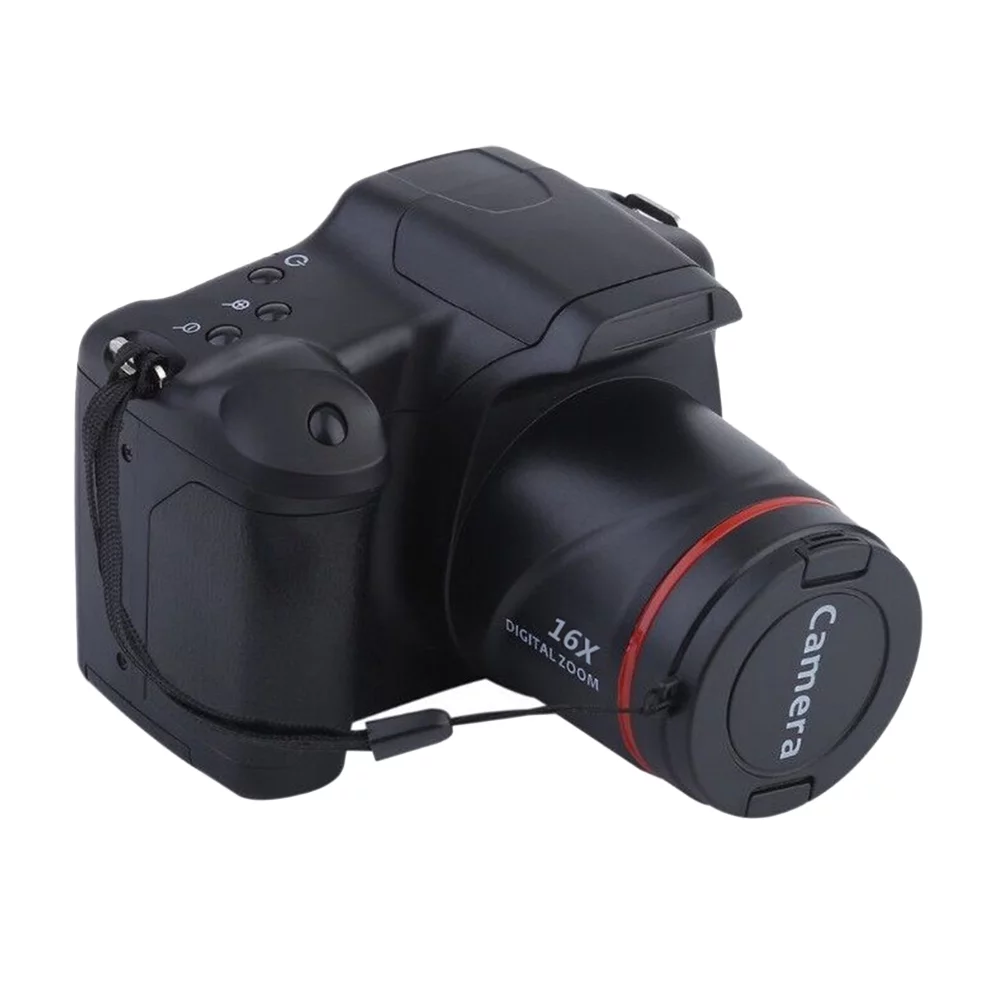
Guaranteed Satisfaction Professional Photography Camera Telephoto Digital Camera High-Definition Camera
$157.60
Add to cartProducts related to this item
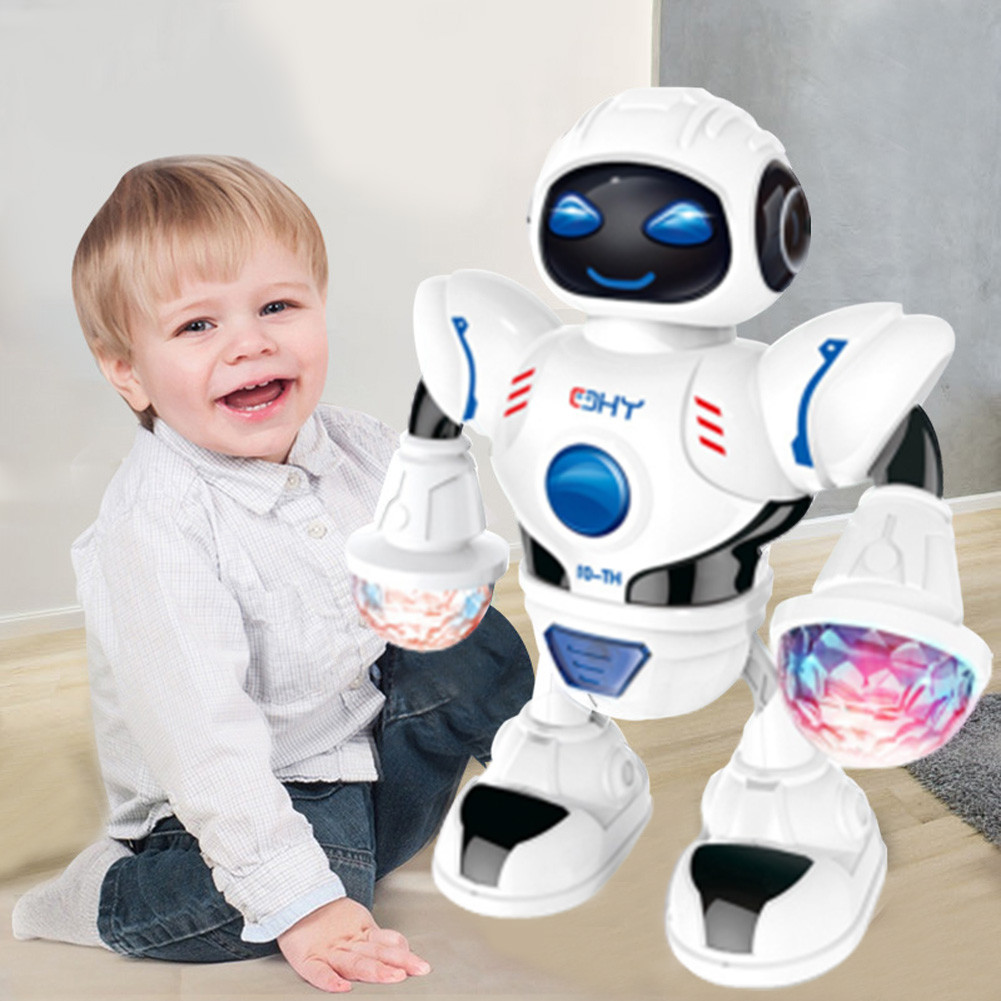
Smart Mini Robot Fun Robot Dancing Robot Toy Led Light Music Dance Robot white
$40.70
Add to cart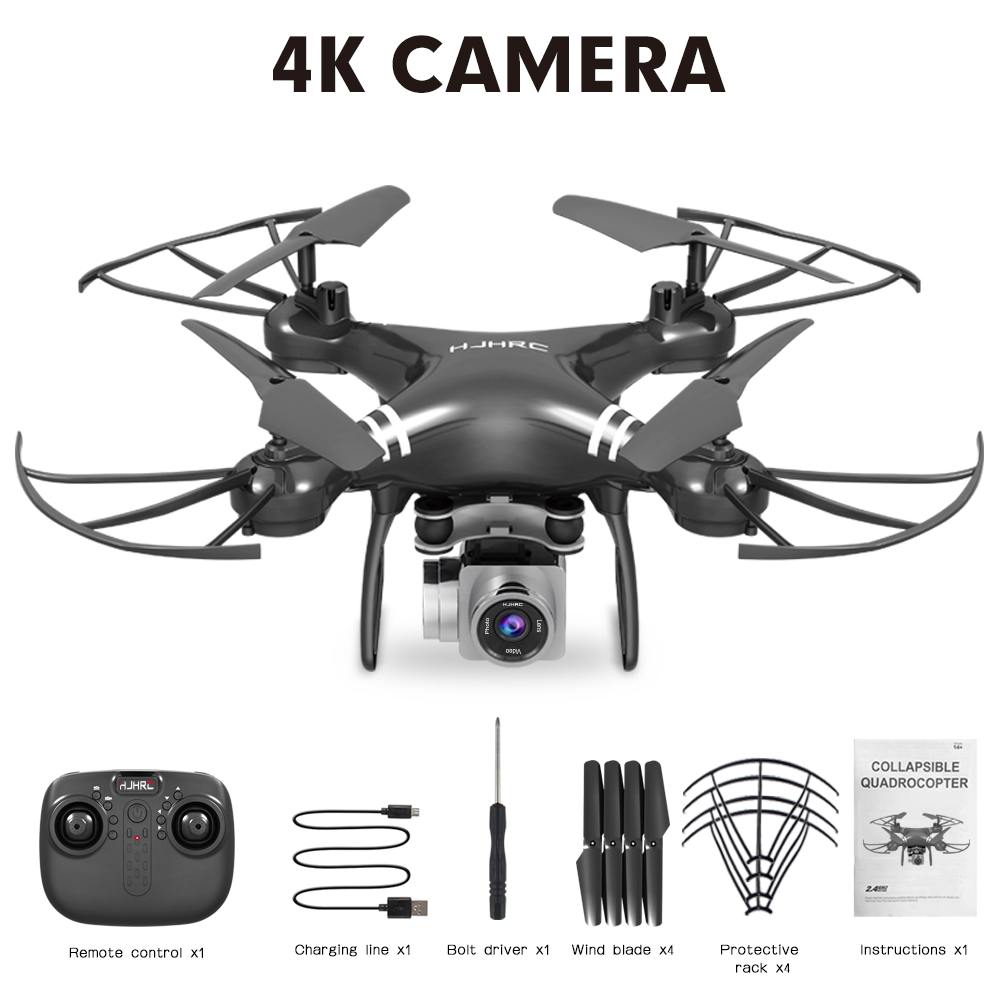
HJ101 Wifi Camera Air Pressure Fixed Height Face Recognition Drone Black 4K+ face recognition
$84.30
Add to cart
Magic YoYo T8 Magic Shadow Golden Aluminum Professional Yo-Yo T8
$26.20
Add to cart
RCtown Brushless Drone, MJX Bugs 3 Quadcopter, Powerful Brushless Motors - 300 Meters Control Distance - Two batteries
$307.60
Add to cartProducts you may also like

SYMA X25Pro Drone - GPS Positioning, One Key Takeoff/Landing, Headless Mode, Altitude Hold, FPV Real Time Graph Transmission
$252.20
Add to cart
Mavic 2 Propeller Guard Paddle Protector for DJI Mavic 2 Pro/Zoom Propellers Protector Accessories
$65.50
Add to cart
2 Pcs Baby Bath Toy Inflatable Swim Ring Toy Plastic Mini Swim Circle Gift for Kids (Pink & Blue) Multicolor
$12.20
Add to cart
6pcs 3L3R Acoustic Guitar Tuning Pegs Machine Head Tuners Chrome Guitar Parts
$31.70
Add to cartRecommended for You
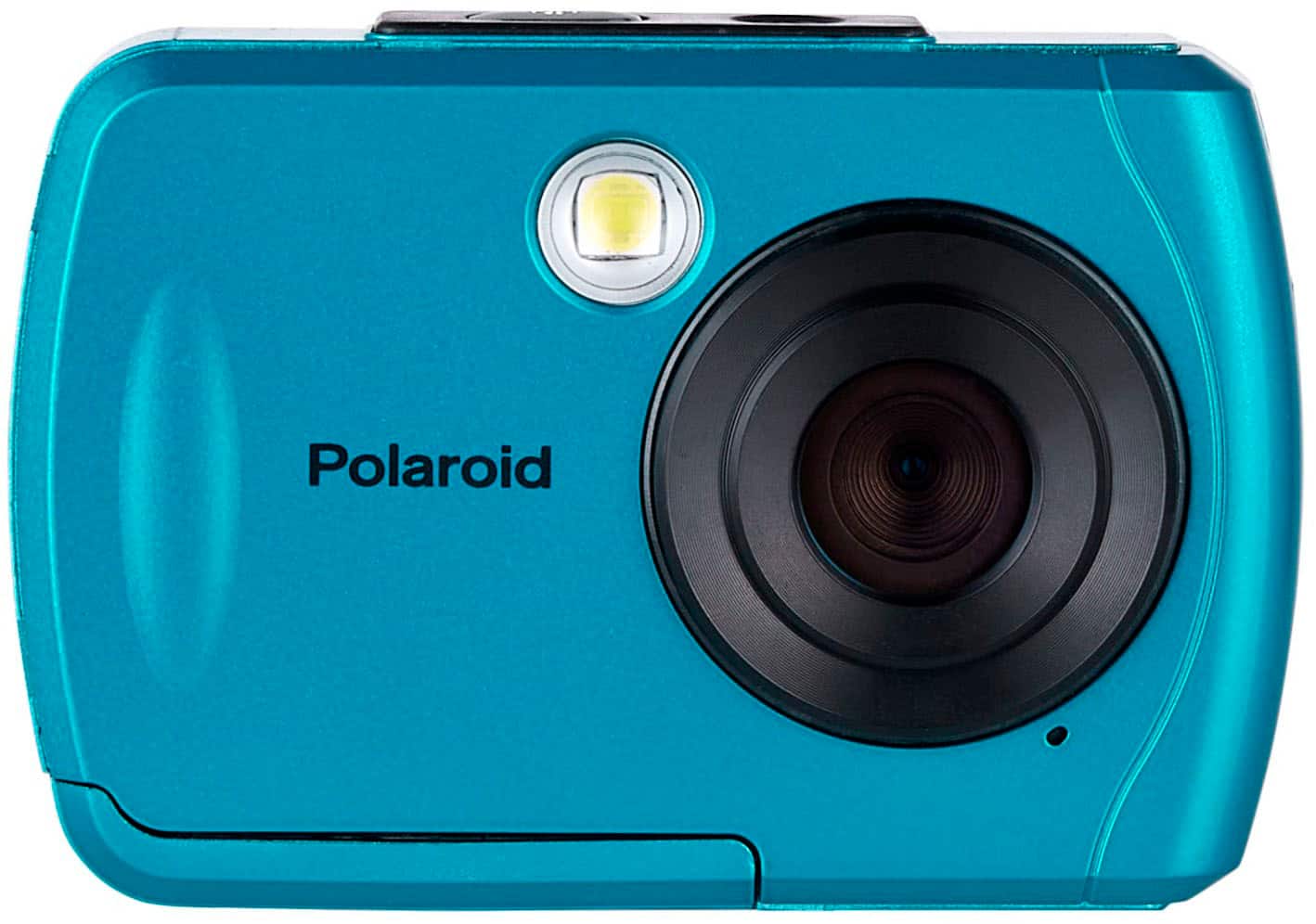
Enhance Your Everyday Polaroid Teal Waterproof Digital Camera - 16MP
$117.50
Add to cart
2M Type C 90 Degree Charging Cable for USB Type C Mobile Phone - Black
$26.70
Add to cart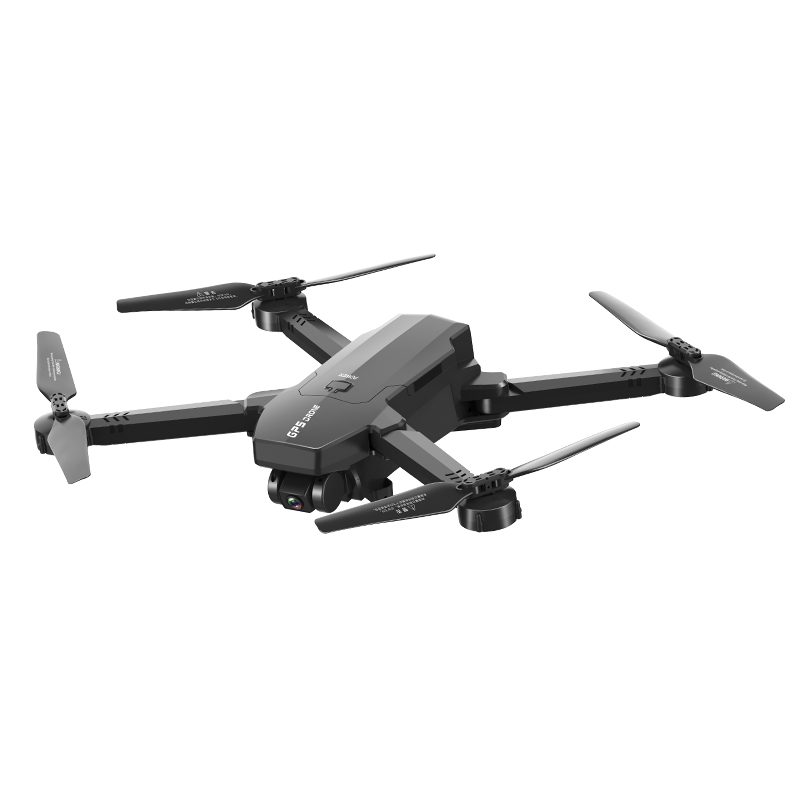
1906 GPS with 4K 5G WIFI HD Camera Optical Flow Positioning 25 Mins Flight Time Foldable RC Drone Quadcopter RTF With bag
$270.80
Add to cart
Flying Model Gliders RC Plane 2.4G 2CH Predator Z51 Remote Control RC Airplane Wingspan Foam Hand Throwing Glider Toy Planes
$89.80
Add to cartRelated products
-
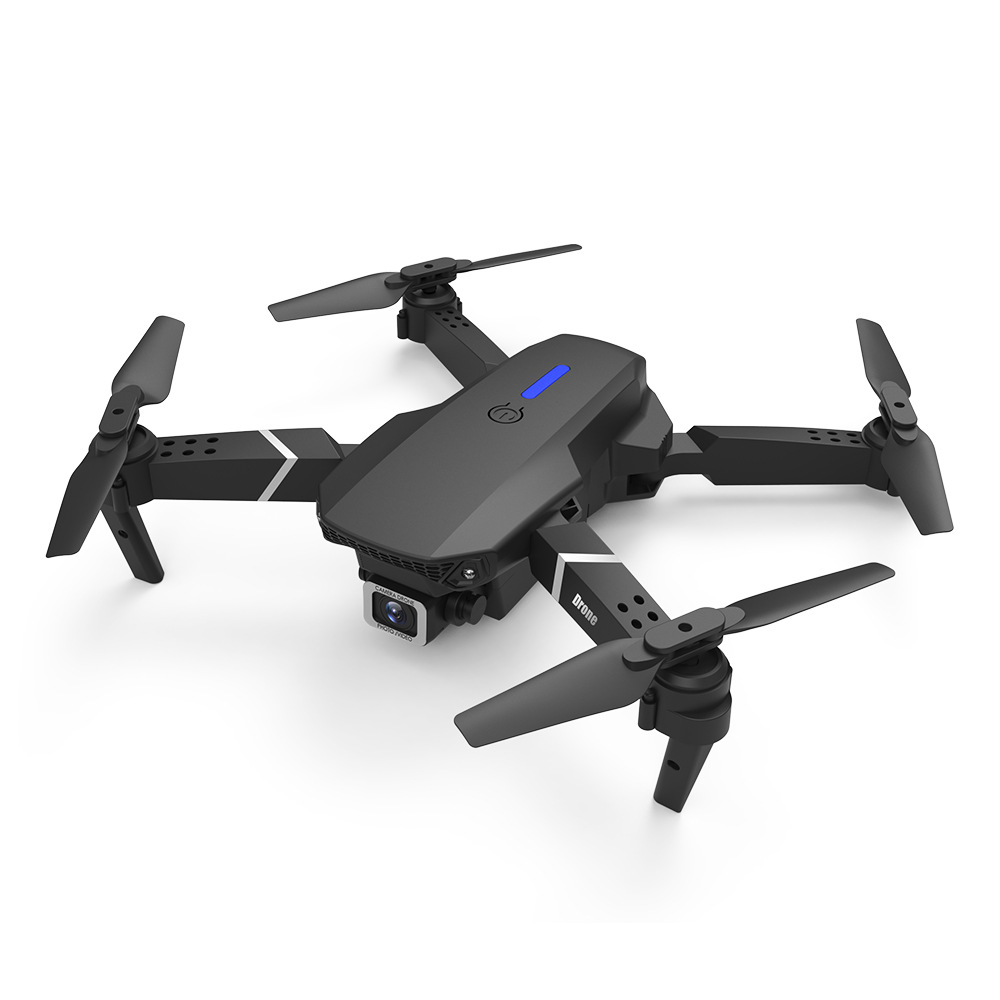
LS-E525 PRO Three Side Obstacle Avoidance HD RC Quadcopter 4K pixels single lens storage bag_1 battery package
$98.80 -
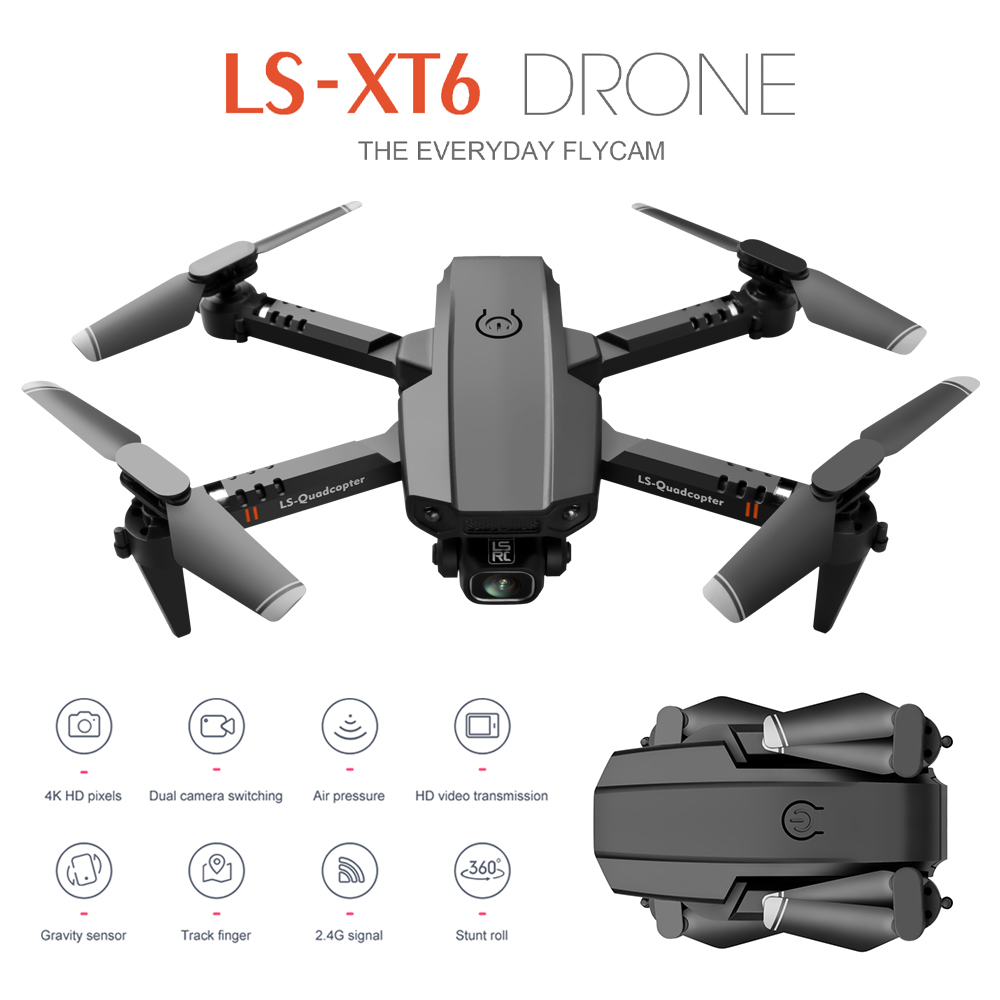
LS-XT6 Mini Drone 4K Aerial Folding Long-Endurance UAV Dual Lens Quadcopter Dual lens 4K 1B
$99.80 -
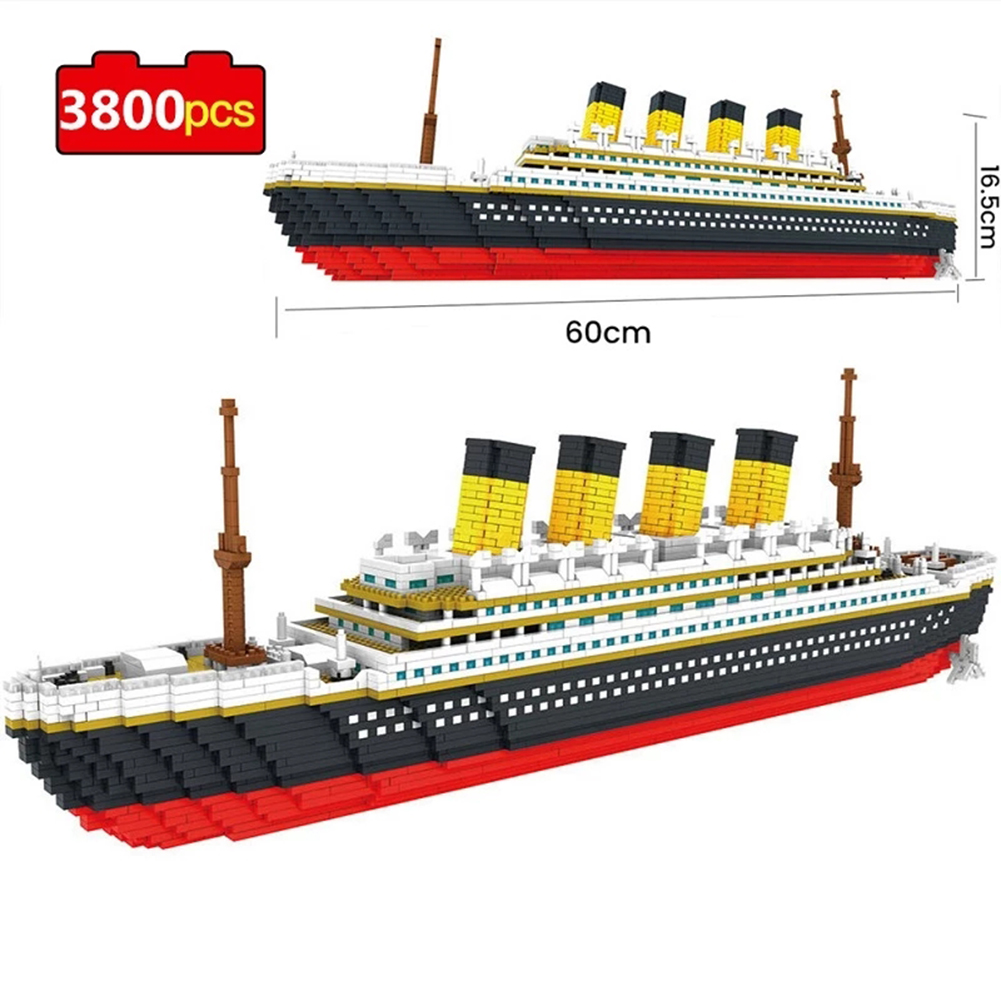
Large Titanic Building Block Cruise Ship Model Small Particles Assembled Bricks Stress Relief Educational Toy For Children Grown-up As shown
$107.90 -
Smart Mini Robot Fun Robot Dancing Robot Toy Led Light Music Dance Robot white
$40.70

 English
  French
  Spanish
  German
  Portuguese
  Arabic
Reviews
There are no reviews yet.