
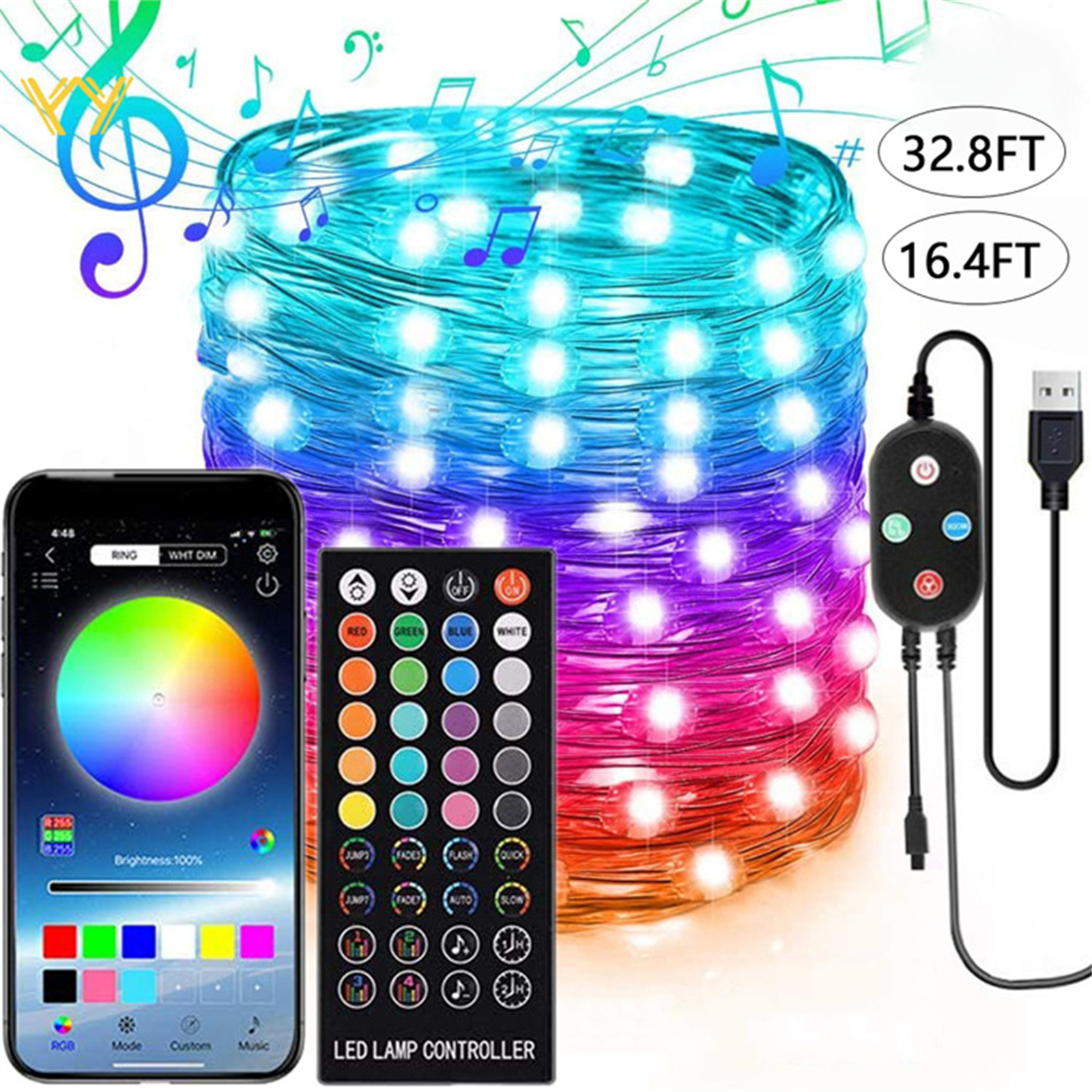
Masterpiece 5 Meters USB-Charging LED String Lights with App Remote Control and Memory Function – 50 Lights
$37.00
- Made of copper wire, easy to twist and bend
- Synchronized with music and microphone for changing speed based on rhythm
- Timer setting for power saving
- USB charging, no need for batteries
- Can be powered by power bank, computer, phone charger
- APP control, no remote required
Buy 2–4 of this item and save 5%.
Buy 5 or more of this item and save 10%.
Discount is automatic in your cart on regular-priced items. It cannot be combined with coupon codes or sale prices.
Description
5 Meters USB-Charging LED String Lights with App Remote Control and Memory Function – 50 Lights,
How to Use LED String Lights
Step 1: Unpacking and Assembling
Remove the LED string lights from the packaging and untangle the copper wires gently. Ensure that all the lights are intact and in good condition.
Take the USB end of the lights and connect it to a power source such as a power bank, computer, or phone charger.
Note: Make sure the power source is turned on and working properly.
Step 2: Download and Install the LED LAMP App
Go to the app store on your smartphone and search for the “LED LAMP” app.
Download and install the app onto your smartphone.
Step 3: Pairing the LED LAMP App with the Lights
Enable Bluetooth on your smartphone.
Open the “LED LAMP” app and follow the on-screen instructions to pair it with the LED string lights.
Once paired, you’ll be able to control the lights using the app.
Step 4: Controlling the LED String Lights
Open the “LED LAMP” app.
From the app, you can adjust various settings, such as:
- Choosing the lighting mode (steady, flashing, fading, etc.)
- Adjusting the brightness of the lights
- Syncing the lights with music and microphone
- Setting a timer to turn off the lights automatically
Step 5: Enjoying the LED String Lights
Place the LED string lights in your desired location, such as on a wall, around a window, or over a bed frame.
Use the “LED LAMP” app to customize the lighting effects and create a unique ambiance.
Enjoy the beautiful and mesmerizing glow of the LED string lights!
, ,
Only logged in customers who have purchased this product may leave a review.
Special deals for you


Popular items in this category



Similar items you might like



Products related to this item
Products you may also like

Recommended for You


Related products
-
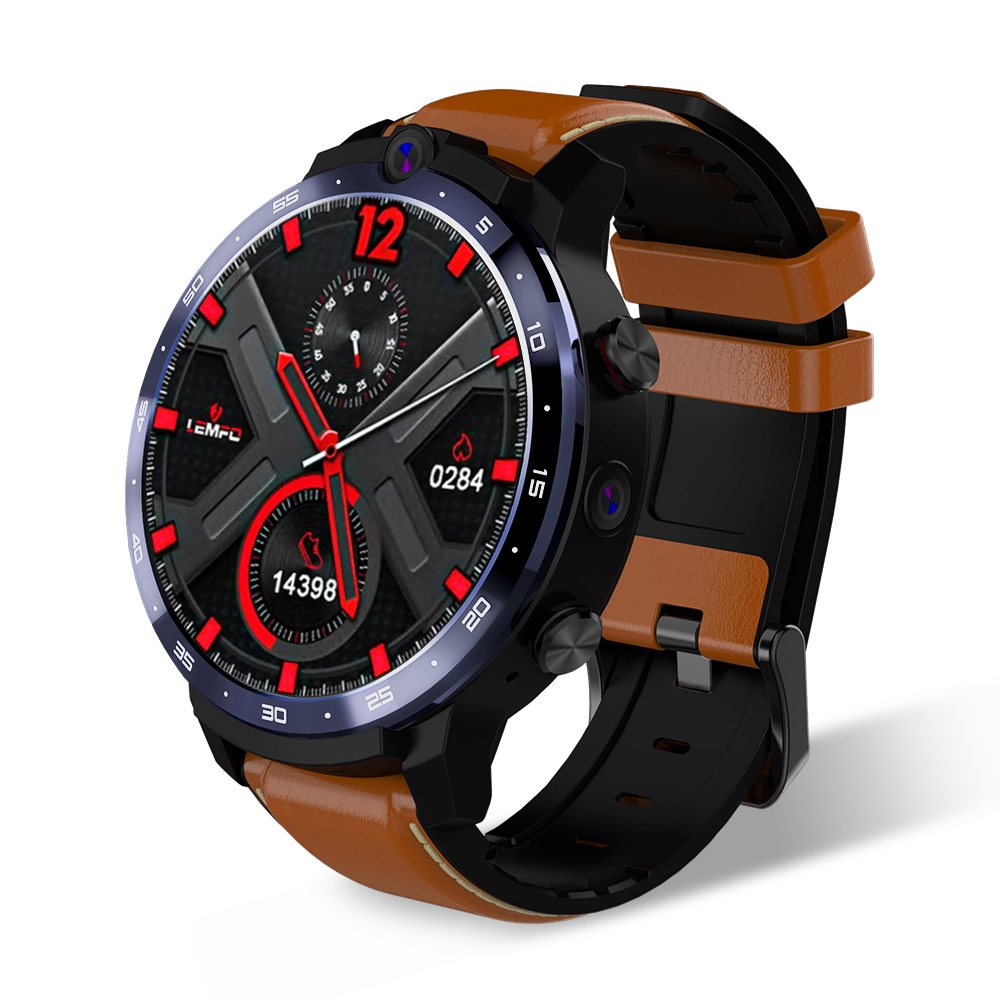
Original LEMFO LEM12 Face ID 1.6 Inch Dual Camera LTE 4G Smart Watch Android 7.1 3GB 32GB 1800mah Battery Men Smartwatch brown
$485.60 -
Multi-function Camera Recorder Pen Intelligent Hd Super Long Standby Multi-function video recorder pen
$146.80 -
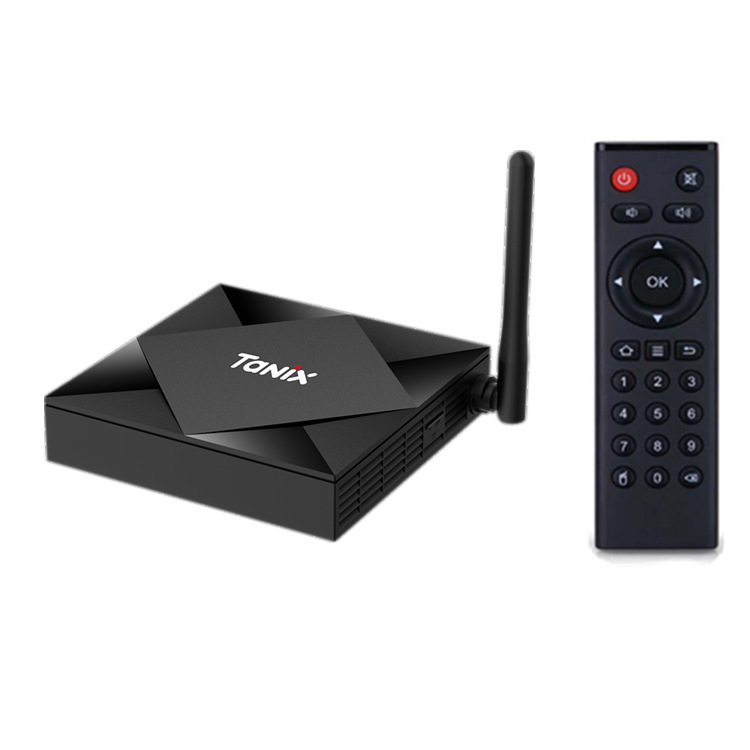
TX6S TV BOX Android 10 Smart tv box 4GB RAM 32GB 64GB ROM TVBox Allwinner H616 Quad Core Box H.265 4K Media player 2GB 8GB black_4GB + 32GB
$137.10 -

Hearing Aid Bone Conduction Headphones Headset Elderly Earphones for Hearing Difficulties black
$90.50

Reviews
There are no reviews yet.