

Masterpiece ACER DSV0008 X1161P 3D DLP Projector with case and HDMI adapter
$117.50
- ACER DSV0008 3D DLP Projector X1161P with case & HDMI adapter
- Suitable for home theater use
- Maximum resolution of 1600 x 1200, native resolution of 1920 x 1080
- Lamp life of 6000 hours
- Connectivity options include VGA/SVGA D-Sub
- Includes a remote control
- Black color
- Custom bundle available
Buy more, save more
Buy 2–4 of this item and save 5%.
Buy 5 or more of this item and save 10%.
Discount is automatic in your cart on regular-priced items. It cannot be combined with coupon codes or sale prices.
Buy 2–4 of this item and save 5%.
Buy 5 or more of this item and save 10%.
Discount is automatic in your cart on regular-priced items. It cannot be combined with coupon codes or sale prices.
Country suggested using IP or browser language; you can change it. Shipping is confirmed at checkout.
Description
ACER DSV0008 X1161P 3D DLP Projector with case and HDMI adapter,
How to Use the ACER DSV0008 3D DLP Projector X1161P
Table of Contents
- Getting Started
- Connecting the Projector
- Adjusting Projection Settings
- Operating the Projector
- Powering Off the Projector
1. Getting Started
- Remove the ACER DSV0008 3D DLP Projector X1161P from its case.
- Place the projector on a stable surface or mount it securely.
- Ensure the projector is plugged into a power source.
- Insert batteries into the remote control.
2. Connecting the Projector
- Connect the projector to your video source device (e.g., computer, DVD player) using the VGA/SVGA D-Sub cable.
- If you wish to use HDMI, connect the HDMI adapter to the projector and the HDMI cable to your video source device.
- Ensure all connections are secure.
3. Adjusting Projection Settings
- Press the power button on the projector or the remote control to turn on the projector.
- Use the remote control to navigate the projector’s menu options.
- Adjust settings such as brightness, contrast, aspect ratio, and 3D function, as desired.
4. Operating the Projector
- Select the input source (VGA, HDMI) on the projector or the remote control.
- Play the content on your video source device.
- If necessary, position the projector to achieve the desired projection size and focus.
5. Powering Off the Projector
- Press the power button on the projector or the remote control to turn off the projector.
- Allow the projector to cool down before packing it back into its case.
- Connect the projector to your video source device (e.g., computer, DVD player) using the VGA/SVGA D-Sub cable.
- If you wish to use HDMI, connect the HDMI adapter to the projector and the HDMI cable to your video source device.
- Ensure all connections are secure.
3. Adjusting Projection Settings
- Press the power button on the projector or the remote control to turn on the projector.
- Use the remote control to navigate the projector’s menu options.
- Adjust settings such as brightness, contrast, aspect ratio, and 3D function, as desired.
4. Operating the Projector
- Select the input source (VGA, HDMI) on the projector or the remote control.
- Play the content on your video source device.
- If necessary, position the projector to achieve the desired projection size and focus.
5. Powering Off the Projector
- Press the power button on the projector or the remote control to turn off the projector.
- Allow the projector to cool down before packing it back into its case.
- Select the input source (VGA, HDMI) on the projector or the remote control.
- Play the content on your video source device.
- If necessary, position the projector to achieve the desired projection size and focus.
5. Powering Off the Projector
- Press the power button on the projector or the remote control to turn off the projector.
- Allow the projector to cool down before packing it back into its case.
, , Acer
| Brand | Acer |
|---|---|
| Type | 3D Projector |
| Lamp Life | 6000 Hours |
| Display Technology | DLP |
| Maximum Resolution | 1600 x 1200 |
| Bundle Description | Remote |
| Custom Bundle | Yes |
| Color | |
| Model | X1161P, DSV0008 |
| Connectivity | VGA/SVGA D-Sub |
| Native Resolution | 1920 x 1080 |
| UPC | 0884483891900 |
Only logged in customers who have purchased this product may leave a review.
Special deals for you

Canon imageFORMULA R40 Office Document Scanner For PC and Mac, Color Duplex Scanning, Easy Setup For Office Or Home Use, Includes Scanning Software
Original price was: $4,270.00.$538.20Current price is: $538.20.
Add to cart
Epson Workforce ES-C220 Compact Desktop Document Scanner with 2-Sided Scanning and Auto Document Feeder (ADF) for PC and Mac
Original price was: $3,244.40.$517.00Current price is: $517.00.
Add to cart
HP 64 Black/Tri-color Ink Cartridges (2-pack) | Works with HP ENVY Inspire 7950e; ENVY Photo 6200, 7100, 7800; Tango Series | Eligible for Instant Ink | X4D92AN
Original price was: $1,038.20.$121.90Current price is: $121.90.
Add to cart
TN660 Toner Cartridge Replacement Compatible for Brother TN 660 TN-660 TN630 High Yield to use with HL-L2380DW HL-L2320D HL-L2340DW DCP-L2540DW MFC-L2700DW MFC-L2720DW Printer...
Original price was: $1,512.00.$86.90Current price is: $86.90.
Add to cartPopular items in this category

Retro HDMI Game Console – 4K Output and Gamepad Controllers
$40.00
Add to cart
SF3000 Retro Handheld Game Console – 4.5-Inch IPS Display
$94.00
Add to cart
Blackview PlayPop 8 AI Motion Gaming Console for Families
$349.99
Add to cart4K HDMI Retro Game Console – Plug and Play, 20,000+ Games
$40.00
Add to cartSimilar items you might like

Blackview PlayPop 8 AI Motion Gaming Console – 8GB RAM, 128GB Storage
$379.99
Add to cart
R36S Retro Handheld Game Console, 64GB, 3.5-Inch IPS Screen
$86.90
Add to cart
New Sealed Atari VCS 800 Onyx All-In Bundle
$379.99
Add to cart
Budget Desktop PC – Intel Core i7 4th Gen, 16GB DDR3, SSD Options
$499.99
Add to cartProducts related to this item
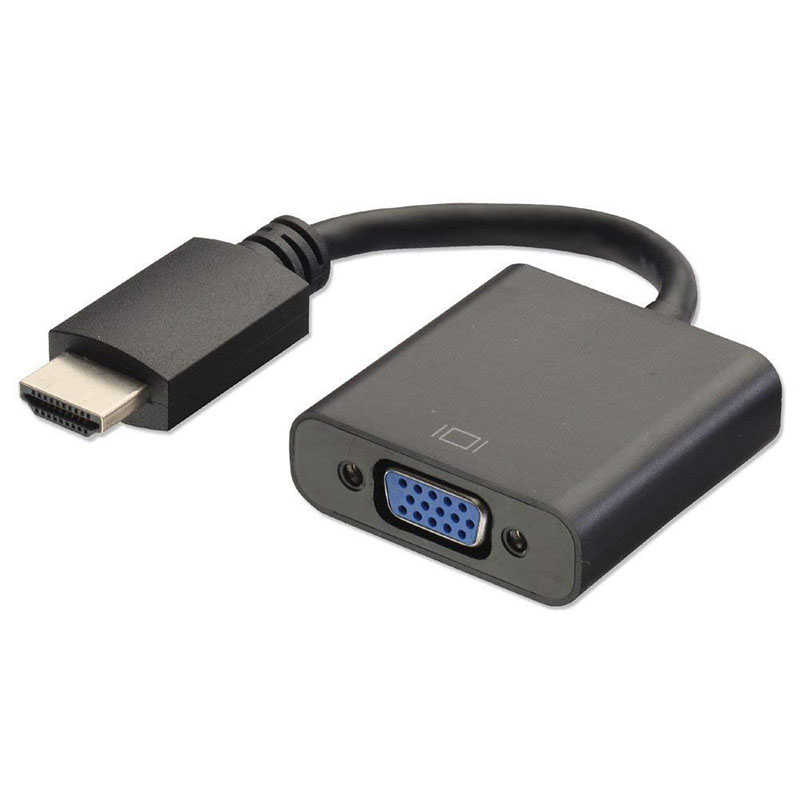
HDMI to VGA Converter Adapter Cable (Black)
$12.40
Add to cart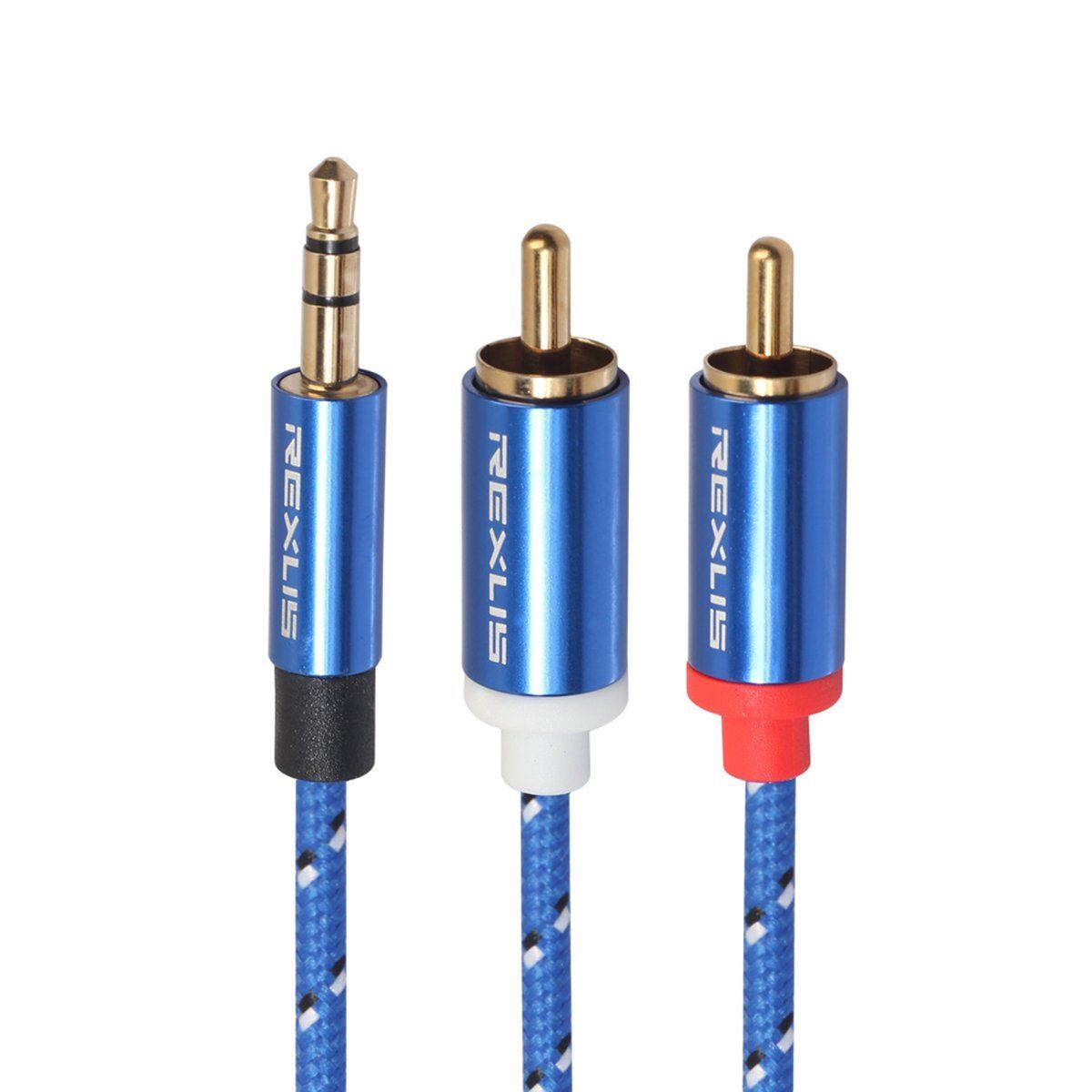
3.5mm to 2RCA Male Audio Auxiliary Aux Stereo Y Splitter Cable Cord
$21.30
Add to cart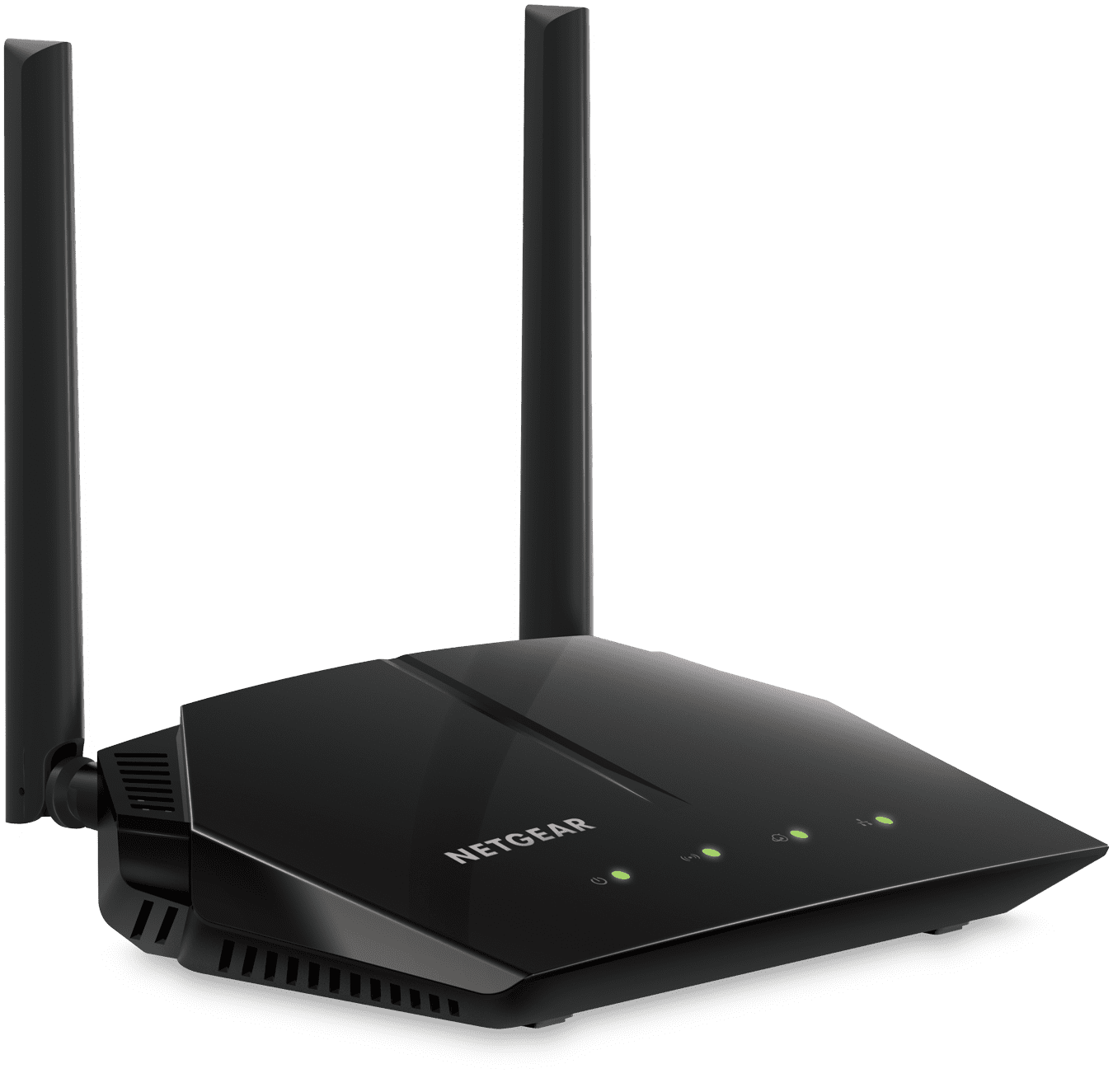
NETGEAR - AC1000 WiFi Router with 1Gbps Speed (R6080)
$97.50
Add to cart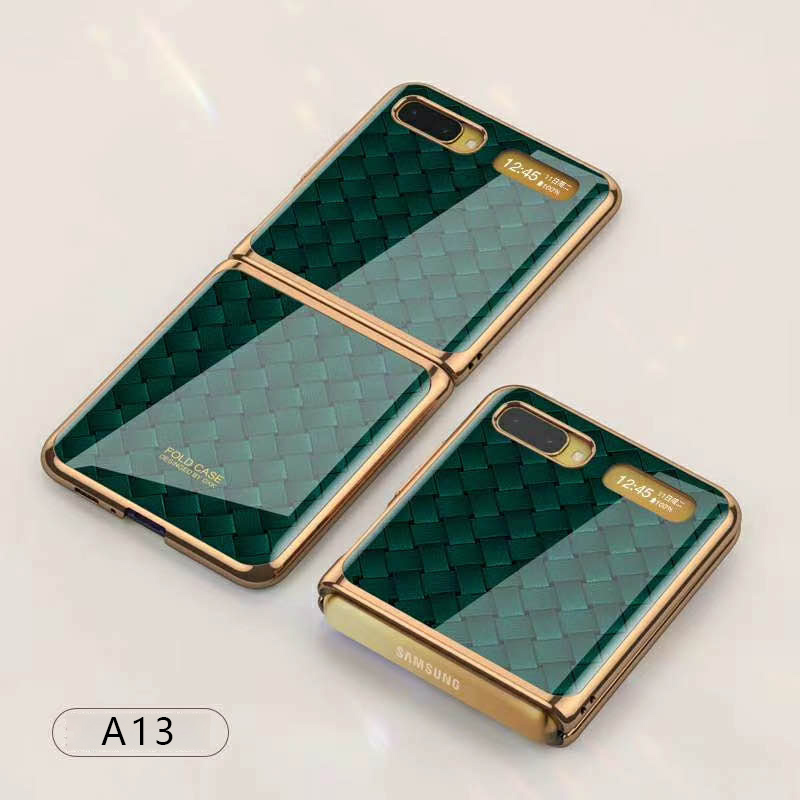
For Samsung Galaxy Z flip Foldable Cellphone Shell Electroplated Painted Folding Phone Case A13 woven green pattern
$44.00
Add to cartProducts you may also like
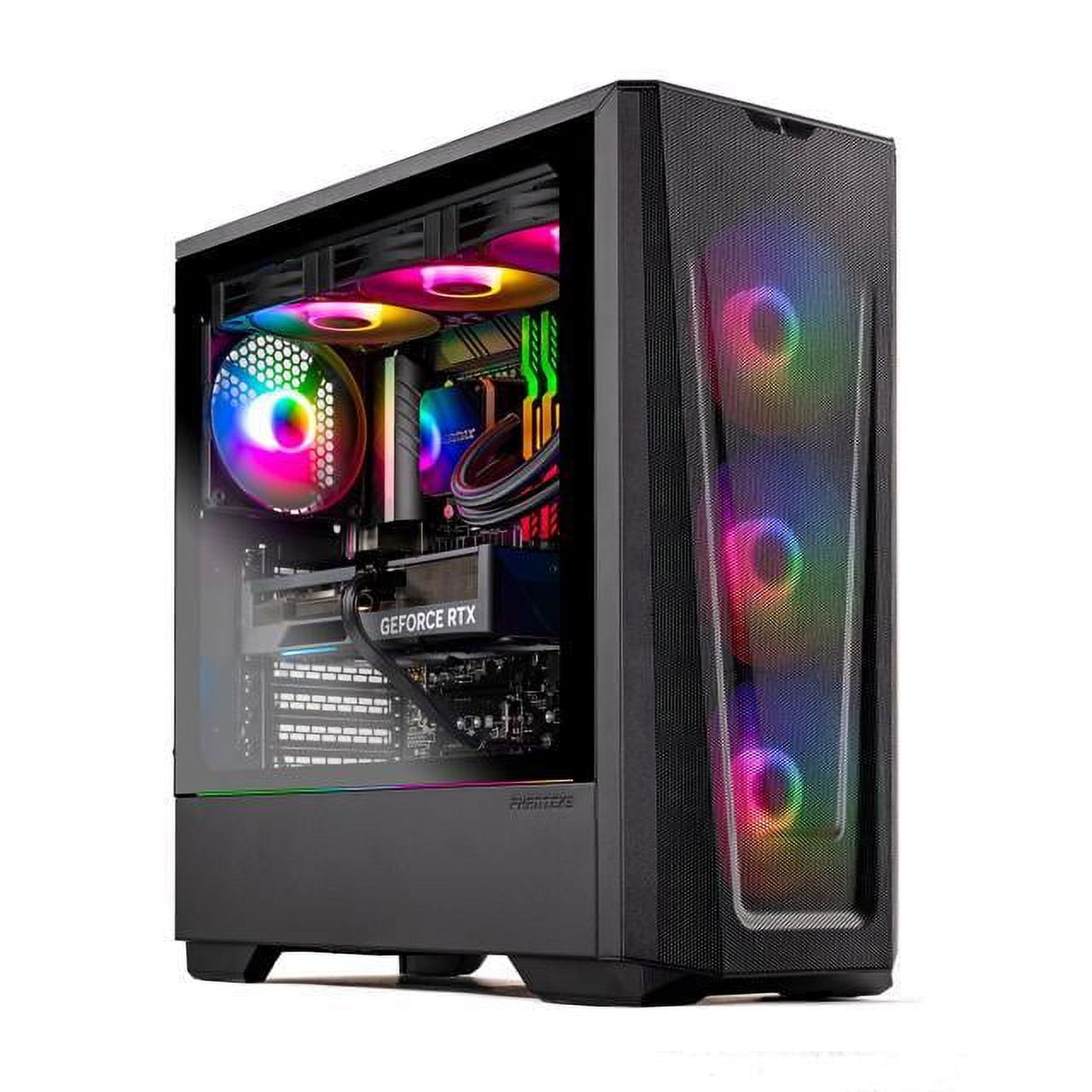
Skytech Eclipse Lite Gaming PC, Intel i7, RTX 4070, 1TB NVME, 32GB DDR5 RAM, Wi-Fi, Win 11 Home, New Condition
$3,747.50
Add to cart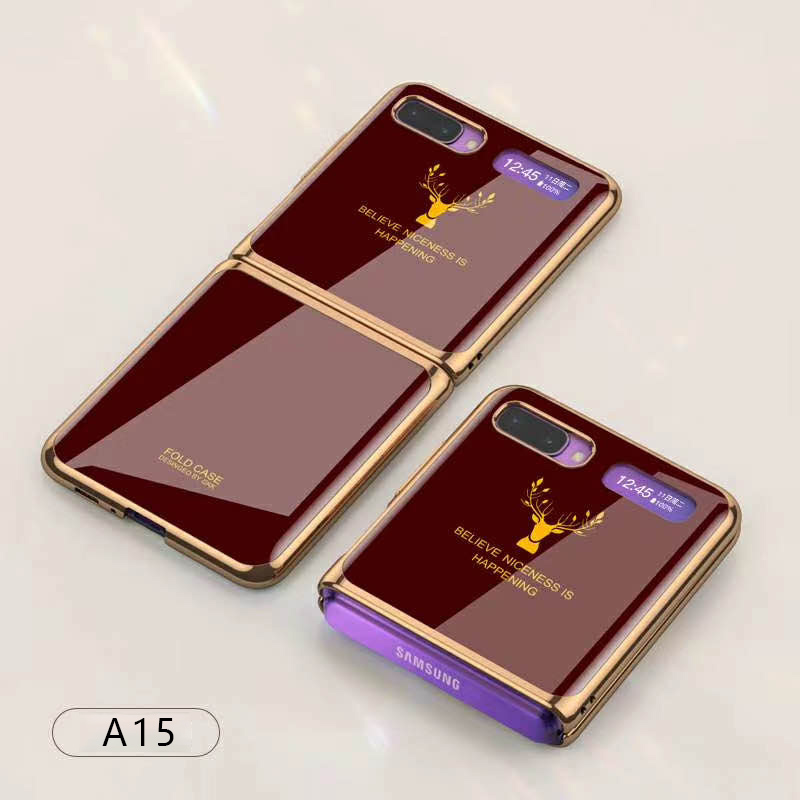
For Samsung Galaxy Z flip Foldable Cellphone Shell Electroplated Painted Folding Phone Case A15 wine red
$44.30
Add to cart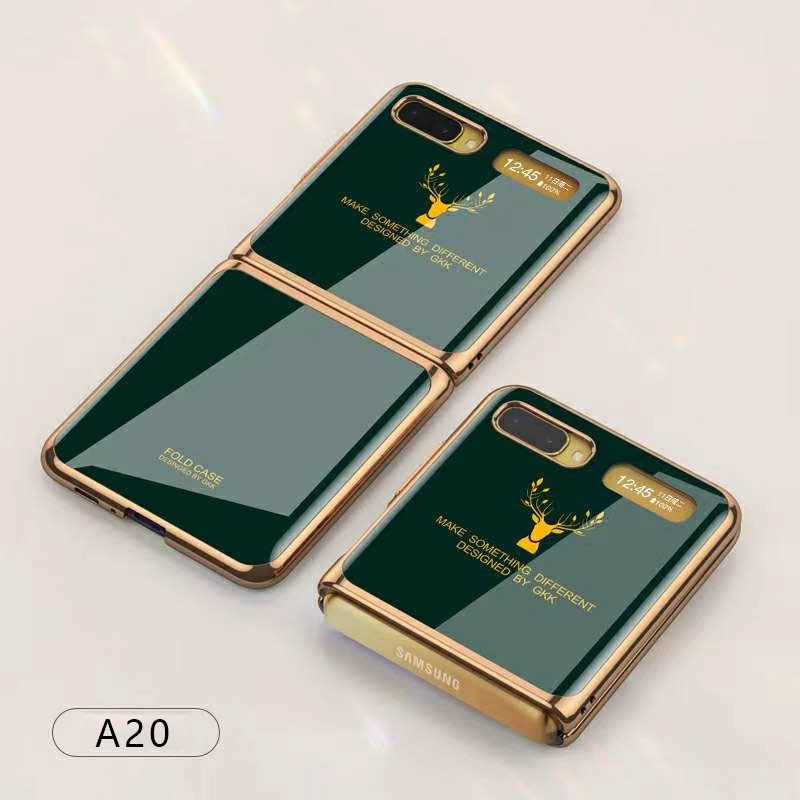
For Samsung Galaxy Z flip Foldable Cellphone Shell Electroplated Painted Folding Phone Case A20 emerald
$44.30
Add to cart
16GB PC3-10600 RAM for Apple MacBook
$152.90
Add to cartRecommended for You

Treasure USB C Charging Cable Data Transmission Cable 140W Power Delivery Cord Type C 8K Audio Video Fasting Charging Zinc Alloy Head Data Cable For Laptops Tablets Smartphones C male to...
$36.40
Add to cart
Wireless Bluetooth Headphones FM Radio Sport Music Stereo Earpics Micro SD Card Slot Headset black
$33.00
Add to cart
S300 Hidden Camera Detectors Infrared Scanning Light Anti-Spy Detector Tracker Hidden Camera Finder With USB C Port For Home Office Black-Type C interface
$19.00
Add to cart
3.5mm Jack Sound Card Intelligent Input AI Intelligent Voice to Text Translator Search Converter Support 24 Languages USB Adapter black
$46.30
Add to cart



Reviews
There are no reviews yet.