




Refurbished NETGEAR RAX50 Nighthawk WiFi Router
$164.50
- NETGEAR RAX50-100NAR Nighthawk WiFi Router Certified Refurbished
- Provides up to 4 times more network capacity than WiFi 5
- Tri-band WiFi 6 for ultimate performance
- Works with all internet providers
- Easy to set up and manage with the Nighthawk app
- USB connections for sharing storage drive and creating personal cloud storage
- Netgear Armor provides cybersecurity protection with a 30-day free trial
- Loaded with advanced technology like MU-MIMO, Dynamic QoS, and Beamforming
Buy more, save more
Buy 2–4 of this item and save 5%.
Buy 5 or more of this item and save 10%.
Discount is automatic in your cart on regular-priced items. It cannot be combined with coupon codes or sale prices.
Buy 2–4 of this item and save 5%.
Buy 5 or more of this item and save 10%.
Discount is automatic in your cart on regular-priced items. It cannot be combined with coupon codes or sale prices.
Country suggested using IP or browser language; you can change it. Shipping is confirmed at checkout.
Description
Refurbished NETGEAR RAX50 Nighthawk WiFi Router,
How to Use the NETGEAR RAX50-100NAR Nighthawk 6-Stream AX5400 WiFi Router
Step 1: Unboxing and Setup
- Unbox the router and check that all the components are included.
- Connect the router to your modem using the included Ethernet cable.
- Plug in the power adapter and turn on the router.
Step 2: Connecting to the WiFi Network
- On your device, go to the WiFi settings.
- Select the network name (SSID) of the router, which can be found on the router or in the user manual.
- Enter the WiFi password when prompted.
- Wait for your device to connect to the WiFi network.
Step 3: Managing and Customizing WiFi Settings
- Download and install the Nighthawk app on your smartphone or tablet.
- Open the app and follow the instructions to set up an account.
- Once logged in, you can access and manage your WiFi settings.
Step 4: Additional Features and Settings
- USB Connections:
- Connect a storage drive to the USB ports for sharing files and creating a personal cloud storage.
- Netgear Armor Powered By Bitdefender:
- Activate the 30-day free trial to protect your devices from viruses, malware, and data theft.
- Quick Set Up:
- Use the included quick set up guide for a faster and easier installation process.
- Wired Ethernet Ports:
- Connect wired devices, such as computers or game consoles, to the Ethernet ports for a stable and reliable connection.
- Loaded With Advanced Technology:
- Explore the advanced features like OFDMA, MU-MIMO, Dynamic QoS, and Smart Connect for optimized performance.
- Enable voice control with Amazon Alexa or Google Assistant.
Step 5: Troubleshooting and Support
If you encounter any issues or have questions, refer to the user manual or visit the NETGEAR support website for assistance.
, , NETGEAR
| Seller Notes | “Certified Refurbished. Comprehensive, two-year warranty included provided by Allstate (US only)” |
|---|---|
| Brand | NETGEAR |
| Type | Not Available |
| Model | RAX50-100NAS |
| Color | |
| MPN | RAX50-100NAS |
| Connectivity | RJ-45 (Ethernet) |
| CountryRegion of Manufacture | China |
| Item Height | 9.000 |
| Item Length | 3.000 |
| Item Width | 12.000 |
| UPC | 606449144895 |
Only logged in customers who have purchased this product may leave a review.
Special deals for you

Canon imageFORMULA R40 Office Document Scanner For PC and Mac, Color Duplex Scanning, Easy Setup For Office Or Home Use, Includes Scanning Software
Original price was: $4,270.00.$538.20Current price is: $538.20.
Add to cart
Epson Workforce ES-C220 Compact Desktop Document Scanner with 2-Sided Scanning and Auto Document Feeder (ADF) for PC and Mac
Original price was: $3,244.40.$517.00Current price is: $517.00.
Add to cart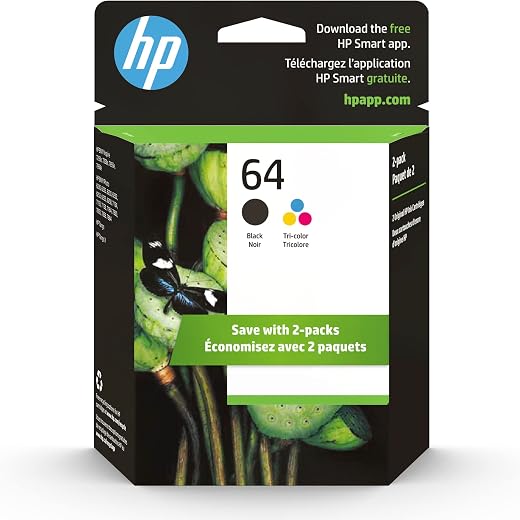
HP 64 Black/Tri-color Ink Cartridges (2-pack) | Works with HP ENVY Inspire 7950e; ENVY Photo 6200, 7100, 7800; Tango Series | Eligible for Instant Ink | X4D92AN
Original price was: $1,038.20.$121.90Current price is: $121.90.
Add to cart
TN660 Toner Cartridge Replacement Compatible for Brother TN 660 TN-660 TN630 High Yield to use with HL-L2380DW HL-L2320D HL-L2340DW DCP-L2540DW MFC-L2700DW MFC-L2720DW Printer...
Original price was: $1,512.00.$86.90Current price is: $86.90.
Add to cartPopular items in this category



Similar items you might like

Lenovo IP Conference Station PC – Core i5-1145G7E, 8GB RAM, 480GB SSD
$599.99
Add to cart
HP OmniStudio X All-in-One Computer 27" QHD Intel Core Ultra 7, 32 GB;1 TB SSD
$4,199.99
Add to cart
Campark AC12 5K 25fps Camcorder – 56MP Output and Rotating Screen
$275.90
Add to cart
Used Acer Chromebox CXI3 Mini Desktop – Grade B, Celeron 3867U
$93.90
Add to cartProducts related to this item

8GB PC3-10600 SODIMM Memory for Mac
$170.60
Add to cart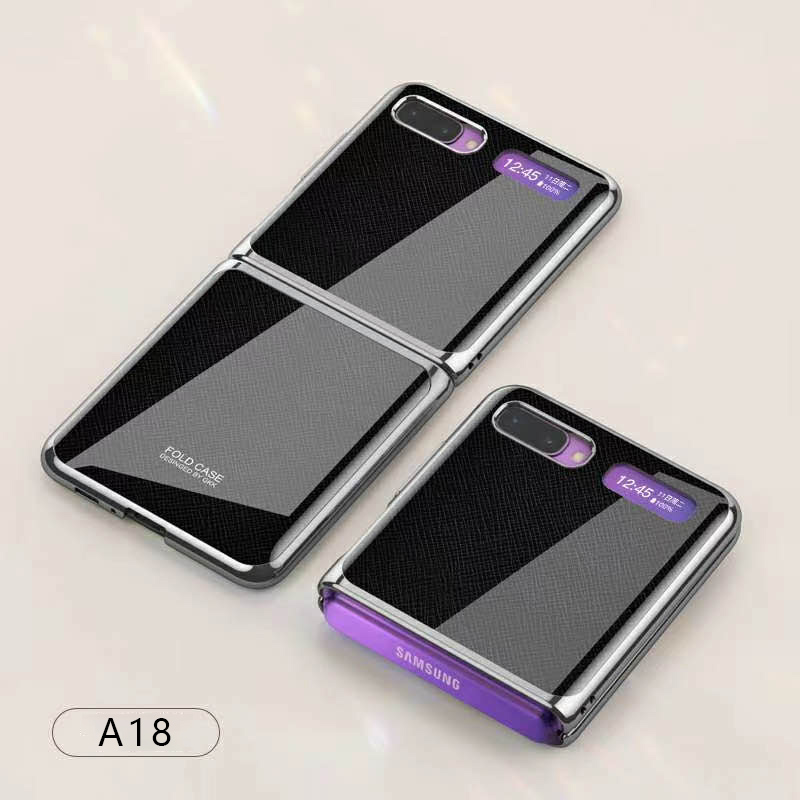
For Samsung Galaxy Z flip Foldable Cellphone Shell Electroplated Painted Folding Phone Case A18 cross pattern
$44.00
Add to cart
Dell Latitude 5520 Business Laptop, 15.6" FHD Display, Intel Core i5-1135G7 vPRO, 16GB RAM, 512GB SSD, IR Camera, HDMI, Backlit Keyboard, Wi-Fi 6, RJ-45, Thunderbolt 4, Windows...
$2,279.30
Add to cart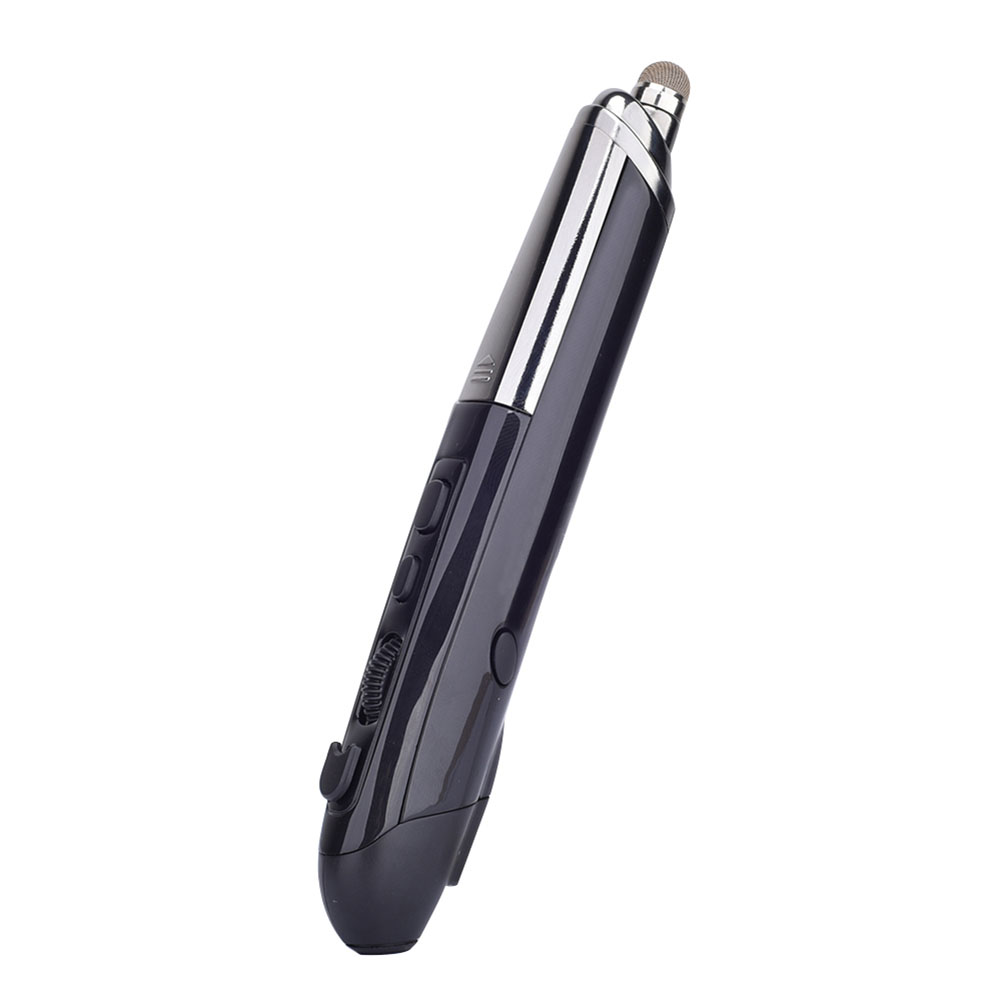
Professional Mini Wireless Mouse Pen Infrared Electronic Presentation Pointer for Business Office black
$49.10
Add to cartProducts you may also like

16GB PC3-10600 RAM for Apple MacBook
$152.90
Add to cart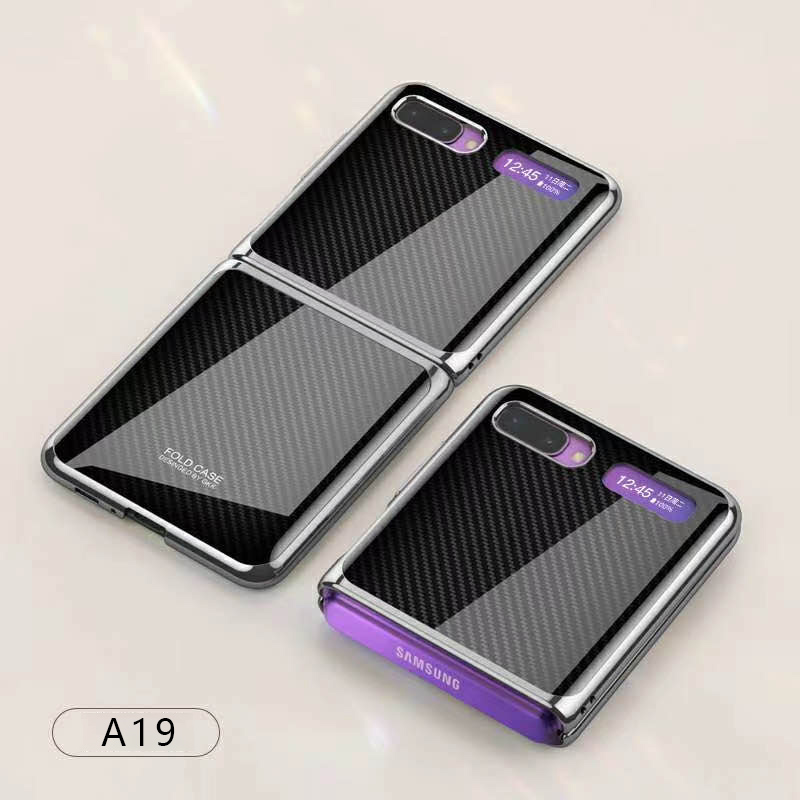
For Samsung Galaxy Z flip Foldable Cellphone Shell Electroplated Painted Folding Phone Case A19 carbon fiber pattern
$44.00
Add to cart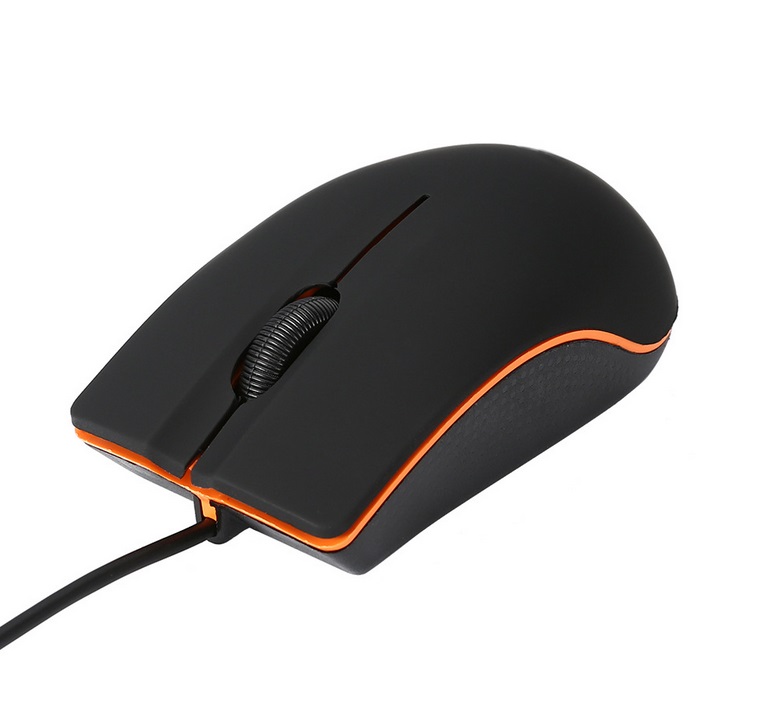
Wired Optical Gaming Mouse Office Home Desktop Business Computer USB Mouse black
$14.30
Add to cart
ASUS WS C246 Pro Motherboard
$752.00
Add to cartRecommended for You

Untapped Blackmagic Design URSA Mini Pro 4.6K G2 Digital Cinema Camera
$7,038.30
Add to cart
Discover the Secret with Brother TN227 4 High Yield Color Toner Set (BK/C/M/Y) (1) TN227BK, (1) TN227C, (1) TN227M, (1) TN227Y
Original price was: $4,672.00.$799.00Current price is: $799.00.
Add to cart
Mastery Original Apple iPad Air 10.5-inch ( A12 Chip TouchID Super Portable IOS Tablet Deep Gray 256GB
$2,705.80
Add to cart
Unlock Your Potential Kuulee Men's Casual Sport Jogger Drawstring Pants Sweatpants with Pockets
$62.40
Add to cart



 English
  French
  Spanish
  German
  Portuguese
  Arabic
Reviews
There are no reviews yet.