
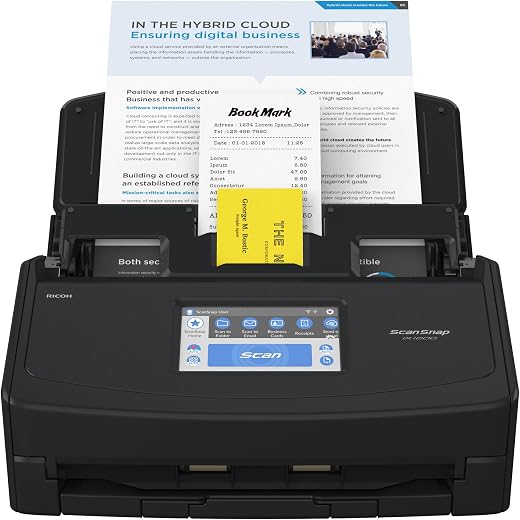


ScanSnap iX1600 Wireless or USB High-Speed Cloud Enabled Document, Photo & Receipt Scanner with Large Touchscreen and Auto Document Feeder for Mac or PC, Black
$935.00
Buy more, save more
Buy 2–4 of this item and save 5%.
Buy 5 or more of this item and save 10%.
Discount is automatic in your cart on regular-priced items. It cannot be combined with coupon codes or sale prices.
Buy 2–4 of this item and save 5%.
Buy 5 or more of this item and save 10%.
Discount is automatic in your cart on regular-priced items. It cannot be combined with coupon codes or sale prices.
Country suggested using IP or browser language; you can change it. Shipping is confirmed at checkout.
Description
ScanSnap iX1600 Wireless or USB High-Speed Cloud Enabled Document, Photo & Receipt Scanner with Large Touchscreen and Auto Document Feeder for Mac or PC, Black,
- Optimized user experience: ScanSnap iX1600 features an intuitive 4.3 inch touch screen for complete end to end scanning and data utilization
- Customize your preference: The scanner supports up to 30 customizable profiles; Customize the profile on the touch screen based on your scanning needs and personalize scanning icons using color, icons or letters
- Scan anywhere you want whenever you want: Wi-Fi compatibility allows you to directly connect to your smart devices or cloud services without a PC, and allows for flexible placement wherever its convenient
- Great for both individuals and teams: Personalized icons for multiple users make it easy to use the touch screen at a glance
- Preserve Photo Memories: Scan 4″ x 6″ photos in under a second with intelligent features such as auto facial orientation and red-eye reduction
, , ScanSnap
| Weight | 5 lbs |
|---|---|
| Product Dimensions | 6.3 x 11.5 x 6 inches |
| Item Weight | 7.5 pounds |
| Item model number | PA03770-B635 |
| Date First Available | January 19, 2021 |
| Manufacturer | PFU Limited |
| Country of Origin | Indonesia |
3539 reviews for ScanSnap iX1600 Wireless or USB High-Speed Cloud Enabled Document, Photo & Receipt Scanner with Large Touchscreen and Auto Document Feeder for Mac or PC, Black
Only logged in customers who have purchased this product may leave a review.
Special deals for you
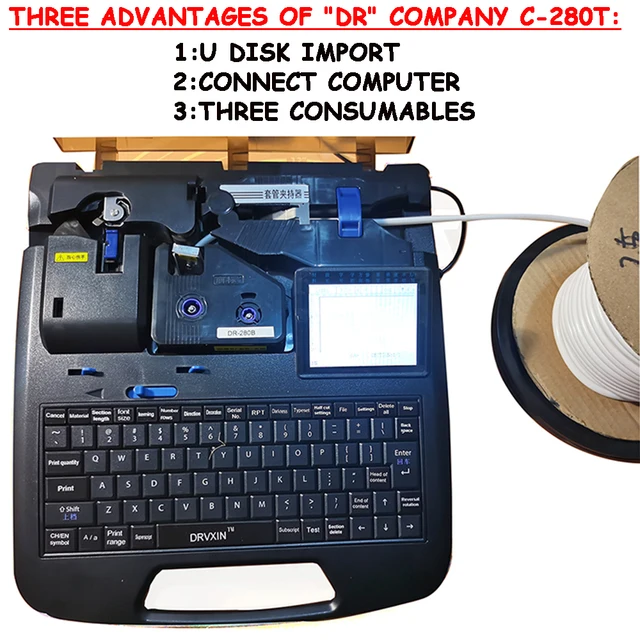
New C-280T Wire Pipe Numbering Machine U Disk Import Connect Computer For Heat-shrinkable Tube Tape Label typewriter printing
Original price was: $604.02.$600.31Current price is: $600.31.
Add to cart
Wire Marker ID Printer Pvc Pipe Marking Machine USB Drive Import USB Connection PC Computer Electronic Engraving Machine C-280T
Original price was: $600.12.$596.23Current price is: $596.23.
Add to cart
WAINLUX K6 3000mW Mini CNC Laser Engraver
Original price was: $128.37.$127.16Current price is: $127.16.
Add to cart
Lville Android 13 Tablet - 10 inch Octa-Core Tablet with 8GB RAM, 128GB ROM, 1TB TF Expandable Storage, Bluetooth 5.0, WiFi 6, Fast Charging, Dual Camera - Black
Original price was: $4,270.00.$235.00Current price is: $235.00.
Add to cartPopular items in this category

Exclusive Access Modern Two-Wheel 3000W Electric Motorcycle with Racing Design for Adults
$2,133.00
Add to cart
Unlock Your Potential Hiseeu 4MP/5MP PTZ IP Camera Outdoor Security AI Human Detection H.265X Wireless WiFi Video Surveillance Cameras iCsee P2P
$16.10
Add to cart
Empowering Solutions Hiseeu 4MP+4MP Dual Lens Wifi PTZ IP Camera 2.8+12mm 8X Zoom CCTV Video Surveillance Camera Color Night Vision Ai Human Cam
$16.10
Add to cart
Best HD Auto Zoom Photochromic Reading Glasses for Business with Near Far Anti-blue Light for Presbyopia
$16.10
Add to cartSimilar items you might like

Best Deal Adjustable Intensity Electric Muscle Stimulation Neck Therapy Device with 6 Modes - Portable Pain Relief Tool with Ergonomic Design
$16.10
Add to cart
Uncover Your True Potentialy Men's Anti-Blue Light TR90 Reading Glasses with High Definition, Ultralight Sport Design and Non-Slip Feature - Ideal for Presbyopia and Hyperopia up to +3.5 Diopters
$16.10
Add to cart
Your Perfect Match Outdoor Driving and Fishing Sunglasses with Photochromic Polarized Lenses, UV400 Protection, Anti-Glare, and Case
$16.10
Add to cart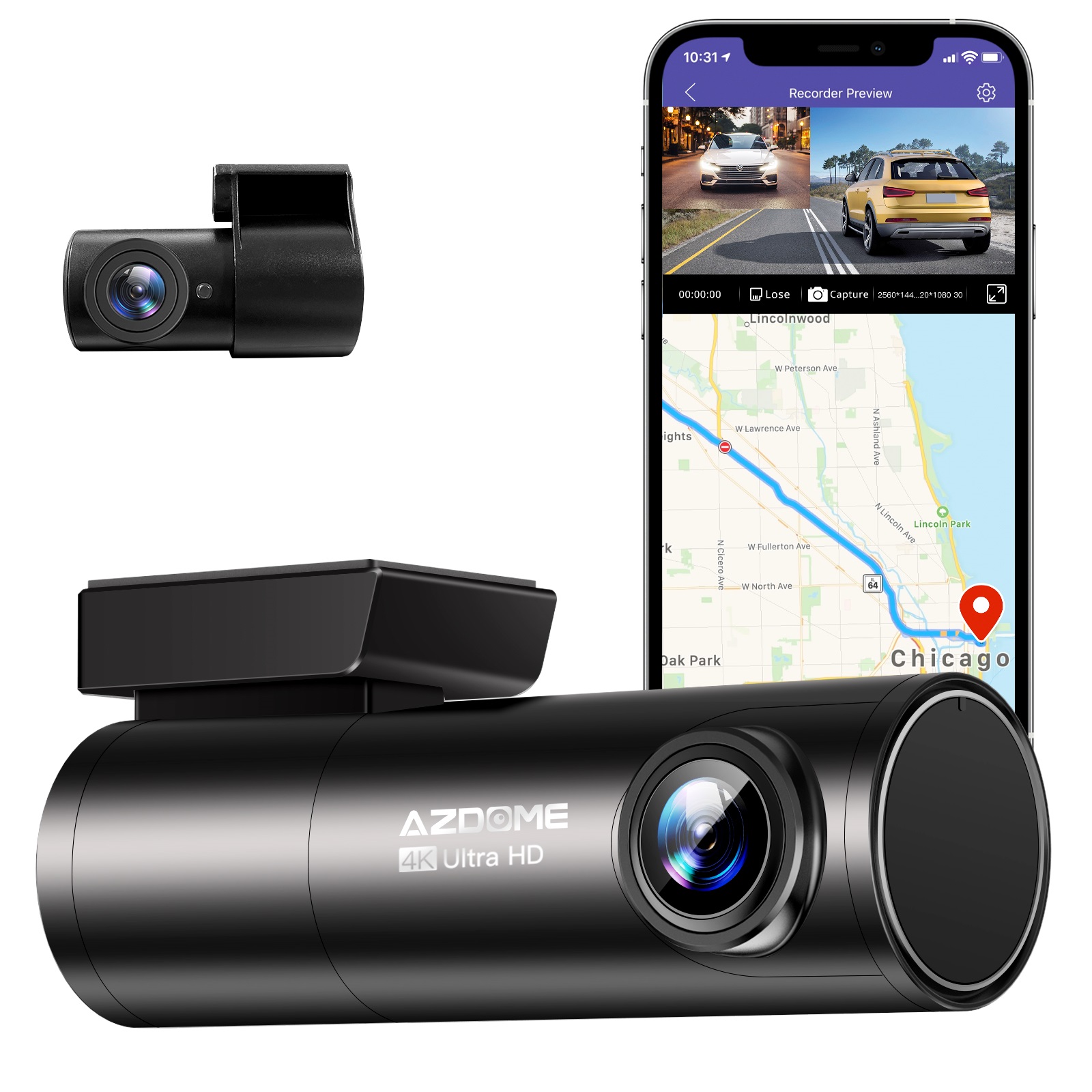
Instant Gratification Azdome HD 1080P Dash Cam Wifi Gps Recorder G-sensor Dashcam Black
$247.10
Add to cartProducts related to this item
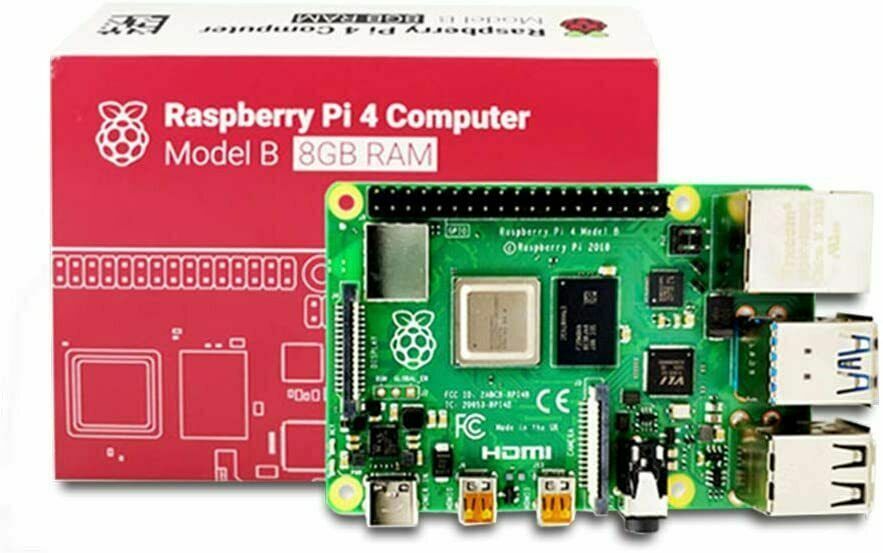
Raspberry Pi 4 8GB DDR4 RAM Single Board Computer - RPI4-MODBP-8GB
$46,998.00
Add to cart
2017 5th Generation Apple iPad 9.7" Retina Display 128GB Space Gray Wi-Fi
$62,578.60
Add to cart
12 Tablets 10" Android Tablet with Quad-Core T618, 2+32GB, Dual Camera, and 6000mah Battery
$751.90
Add to cart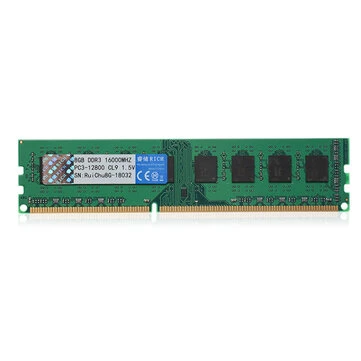
RuiChu 8GB DDR3 1600MHz RAM Memory Stick for Desktop PC Computer
$16.10
Add to cartProducts you may also like

Apple 10.2" iPad 9th Gen 64GB Space Gray Wi-Fi Tablet (MK2K3LL/A)
$434.80
Add to cart
JUHOR DDR4 RAM Memory - 8GB or 16GB - High-Performance Memory for Computers and Laptops - 2666MHz Speed - Low-Voltage 1.2V RAMs
$16.10
Add to cart
SGIN 10.1" WIFI Tablet Android 12 FHD 64GB Tablet with Quad-Core 1.6GHz Processor and Dual Camera
$209.10
Add to cart
Excellent Space Gray Apple iPad Air 4th Generation 64GB (WiFi only)
$874.20
Add to cartRecommended for You

(Brand New) 2020 10th Gen Amazon Fire HD 8 Tablet - 32GB Storage, Wi-Fi, Alexa, 8 Inch Display - PLUM
$16,447.90
Add to cart
GoPro HERO9 Black - E-Commerce Packaging - Waterproof Action Camera with LCD Screens, 5K Ultra HD Video, 20MP Photos, Live Streaming, Webcam - Front and Touch Rear Screens Included
$585.20
Add to cart
Kids Voice Changing and Recording Microphone with Colorful Light Musical Toys
$39.70
Add to cart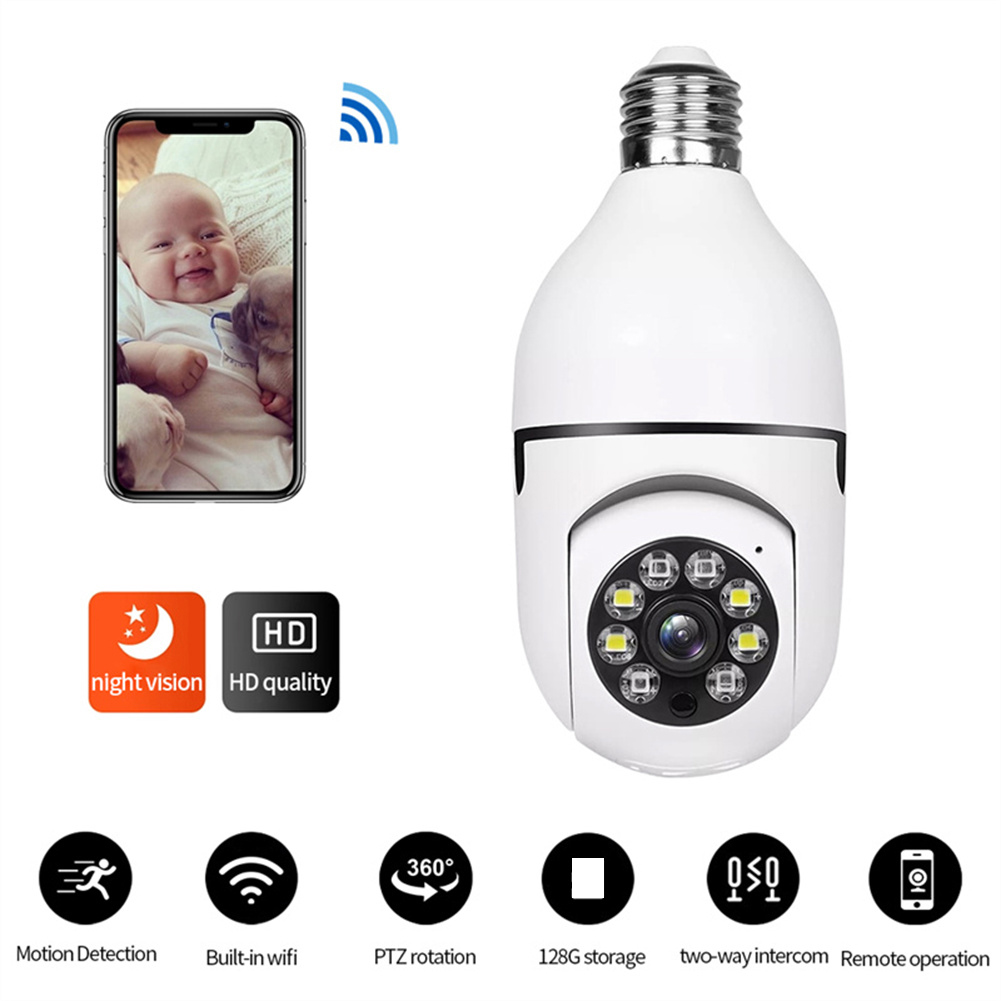
Exceptional Light Bulb Security Camera 4X Digital Zoom Wifi Outdoor Indoor Light Bulb Camera Motion Detection Easy Installation For E27 Socket White
$49.30
Add to cartRelated products
-
Raspberry Pi 4 8GB DDR4 RAM Single Board Computer – RPI4-MODBP-8GB
$46,998.00 -

10.1″ Android 11.0 Tablet with WIFI, 32GB HD, Quad-Core Processor, Dual Camera, and Netflix Support
$148.00 -

Grade A Condition Apple iPad Mini A1432, 7.9in, Wi-Fi or Cellular Unlocked, 16GB/32GB
$93.90 -

ALLEGIANCE Gaming PC: 18 Core Intel (i9/Xeon), RTX 3060 TI, +128GB RAM, 2TB SSD
$2,350.00

Kathy K. –
I bought this scanner in March 2023 and have reduces hundreds of paper reciepts and documents that I stored in my file cabinet. I can load documents and receipts in the feeder of any width and they scan flawlessly and I have not had to clean once in almost two months and I use it every day.
The software is great and I can store all the scanned household and business documents and receipts in organized folders.
I highly recommend this scanner
m –
This scanner replaced a ScanSnap s1300i that I have had for 8-10 years. The s1300i is still fully operational, but I wanted a scanner that would handle more paper volume. Now I wish I had bought the bigger scanner originally. The iX1600 Deluxe is a dream to use, quiet and efficient. I do not have to remove paperwork from in front of the new scanner before I use it because it has an output tray that overcomes that problem. I am extremely happy with my new scanner. Just get it, you will not be sorry you did.
William E. –
Très satisfait pour numérisation photo à la maison. Le mode recto-verso est pratique pour les cartes postales. Le système d’alimentation sépare bien les documents. Pour scanner des photos “Polaroid” il faut désactiver la détection de plusieurs feuille “Ultra-sons”. Suggestion pour les utilisateurs; ajuster la définition à 600 dpi pour numérisation des photos, la définition de 300 dpi est bien mais on voit la différence lorsqu’on zoom. Pour les documents texte 300 dpi est très bien. Le mode de correction des couleurs fanées donne de bon résultat sans avoir à passer trop de temps à faire des corrections dans un logiciel spécialisé. Le traitement de l’image est fait dans le scanner ce qui est moins flexible que d’autre modèle faisant le traitement dans après numérisation dans l’ordinateur, mais c’est rapide.
philbw –
Very impressed at how well and how quickly the SnapScan ix1600 scanned thousands of old photos. It performed well with all kinds of sizes and materials including thick Polaroids, and school photos glued to paper. Even photos from the early 1900s scanned easily as long as they were rectangular.
Alerts you if dust is on mirror and when photos are stuck together accidentally.
We scanned to a Windows PC running iCloud Photos. ICloud automatically uploaded the newly scanned jpeg files. Separately uploaded the files from iCloud to Amazon photos for extra safekeeping.
Caution: Avoid scanning folded documents such as greeting cards because they may not slide through properly and wrinkle the sheets. Works fine if you flatten it into a single sheet. The creases slide through fine. Oval pictures also don’t feed straight are best put in a carrier.
The time consuming part is removing the original photos from old albums and organizing piles of photos that were never in albums. We arranged piles into similar sized groups such as 4×5 and placed around 15 photos at a time in the scanner without using any special carrier. Just set the guides for that particular size so they fed smoothly.
Especially precious photos like large letter size pics are best loaded one at a time.
Well built machine.
agm –
I had bought a Fujitsu scanner many years ago, and it was never reliable in what I hoped it would handle: batch scanning loose papers. This scanned 40 pages of tiny Japanese text in a minute, and the included ABBYY OCR software’s accuracy is superior to Acrobat Pro’s. (ABBYY has been pioneers in OCR since 1983, so this is not entirely surprising.) I then loaded a stack of slightly curled 4 by 6 glossy color photographs from the 1980s, which yielded color scans just as effortlessly. I can’t believe that this thing works as well as it does, and I think it is worth every cent I paid for it. I love the wireless connection too, and the scanner’s sleek, small footprint on my desk is a plus.
LP –
I had a Fujitsu S1500 for over 12 years. It was a beast to scan quickly and accurately – configurable and ran continuously for 8 of those 12 years supporting my business. This iX1600 as a replacement has the same familiar feel to the UX (albeit a touchscreen vs a scan button) for configuration.
The set up is cleaner than updates were for the S1500. It scans significantly faster even at a higher resolution (if desired). The receipt feeder that is a nice addition.The heft and familiar feel should make it as much of a beast as the S1500 was.
AZTransplant –
I added this device to my sprawling nest of technologies to tackle a large amount of digitation of paper copies.
Pros: Stunningly fast scans. So much so, initially I though something was wrong. I haven’t had a jam yet, which is in contrast to the near guarantee with every multifunction device I ever used in the last 30 years. The one time I reached out to support, I got a response the following day; which, circa 2023, is darn near a miracle.
Neutral: Setup is a little clunky. The device absolutely would not work with a USB hub, but plugged directly into my central machine, no problem. The included (well, downloaded) software is most certainly functional, but strays far enough away from UI/UX standards to present a minor learning curve.
Negative: This device does not have WIA / TWAIN drivers. This was confirmed with the company. Meaning, if you want to scan something, you are using *their* software, period. Forget about using the device with another application that normally would work with scanners. For my work, it didn’t matter: for that kind of scans I was putting directly into an app, I was using a flatbed anyway. This device was just for stuffing a huge packet of paper in the machine, hitting the button, and having a large PDF spit out. Easy-peasy. But if one needs this functionality for your scanner, you will be disappointed.
Dettabra –
Scanner is good. However if you want to scan with more than 4 users/computers you have to pay a license to use. This is ridiculous. I will have to pay license to use scanner that I bought.
Everyone is trying to get to subscription business these days to squeeze more and more from consumers and businesses. We should collectively refuse any software or products with subscription requirements.
PNW-Z –
I do really like it. It behave like a photocopier with the auto feed and there is an auto feed part for receipts. I put in half a dozen sheets and 4 receipts at the same time and they all fed through. The only issue I’ve had is with really long receipts. After about four tries I actually held the back end of the receipt up. Took a few tries but finally went through all the way.
philbw –
If I could give this scanner 6 stars I would. I have experience with Fujitsu scanners. Our company has had two humble ScanSnap S1500s in service for over a decade, each having scanned 50,000+ documents on all original parts (and still going). We also experimented with a Fujitsu N7100 network scanner (I think we paid $1700 for that scanner new). I like this scanner better than all of them.
First of all, the old S1500s only worked with ScanSnap Manager and the older Fujitsu software. This one works with both the old software and their flagship ScanSnap Home software. I honestly thought I’d hate the new software and was planning to just use ScanSnap Manager again. I begrudgingly gave ScanSnap Home a chance and I must say, it’s substantially better. First of all, the older software was made up of multiple parts that all had to work together. ScanSnap Home has one clean interface that acts as a document manager, a scanner config, and so on.
The flexibility is where this thing really shines. At first glance the touchscreen appears to be laid out how they think you’ll want it. In reality you can customize every button, change it’s icon, change it’s action, etc You can have ScanSnap Home manage the docs or have it scan elsewhere and not even show the document in ScanSnap Home. I have my scanner setup here at home in a dual role. I use the default ScanSnap Home button to scan to my local NAS (as a directory on my computer, not direct [more on that later]) . I have other buttons that scan to various OneDrive locations that sync with SharePoint. For those documents it just scans direct, and I don’t have it showing on my computer. Everything just works perfectly.
Setup was a breeze. I initially set it up with a USB cable then decided to put it on the Wifi just for fun. I figured I’d setup the mobile app but never got around to it. Then one day the USB cable was unplugged and I went to scan something, not even thinking about it, and it just worked. My computer found the scanner over the network without any additional configuration. Even over Wifi and uploading to either my NAS or OneDrive scanning is pretty much instant. I’ve scanned 50 page documents and after the last page went through it was fully OCR’d and available to open within about a second.
Here’s the only downsides (which I didn’t dock points for because this is not an expensive scanner by comparison). Although you can (with a firmware update) scan direct to a network share without the use of a computer the scanner doesn’t perform any OCR on it’s own. Our expensive N7100 could perform OCR on it’s own but honestly it was slower. To really leverage this scanner’s true capabilities, you should use it with a computer. The ScanSnap Home software is able to perform OCR on the incoming documents faster than anything I’ve ever used. On that note, you do have to check a box in the settings for the PDF files to actually have it save the PDF as searchable.
My suggestion for when you get it is to bypass the manual altogether and just dive in. Pretty much everything is self-explanatory. If you go to Settings / Scan Settings in ScanSnap Home you’ll be pretty much good to go.