
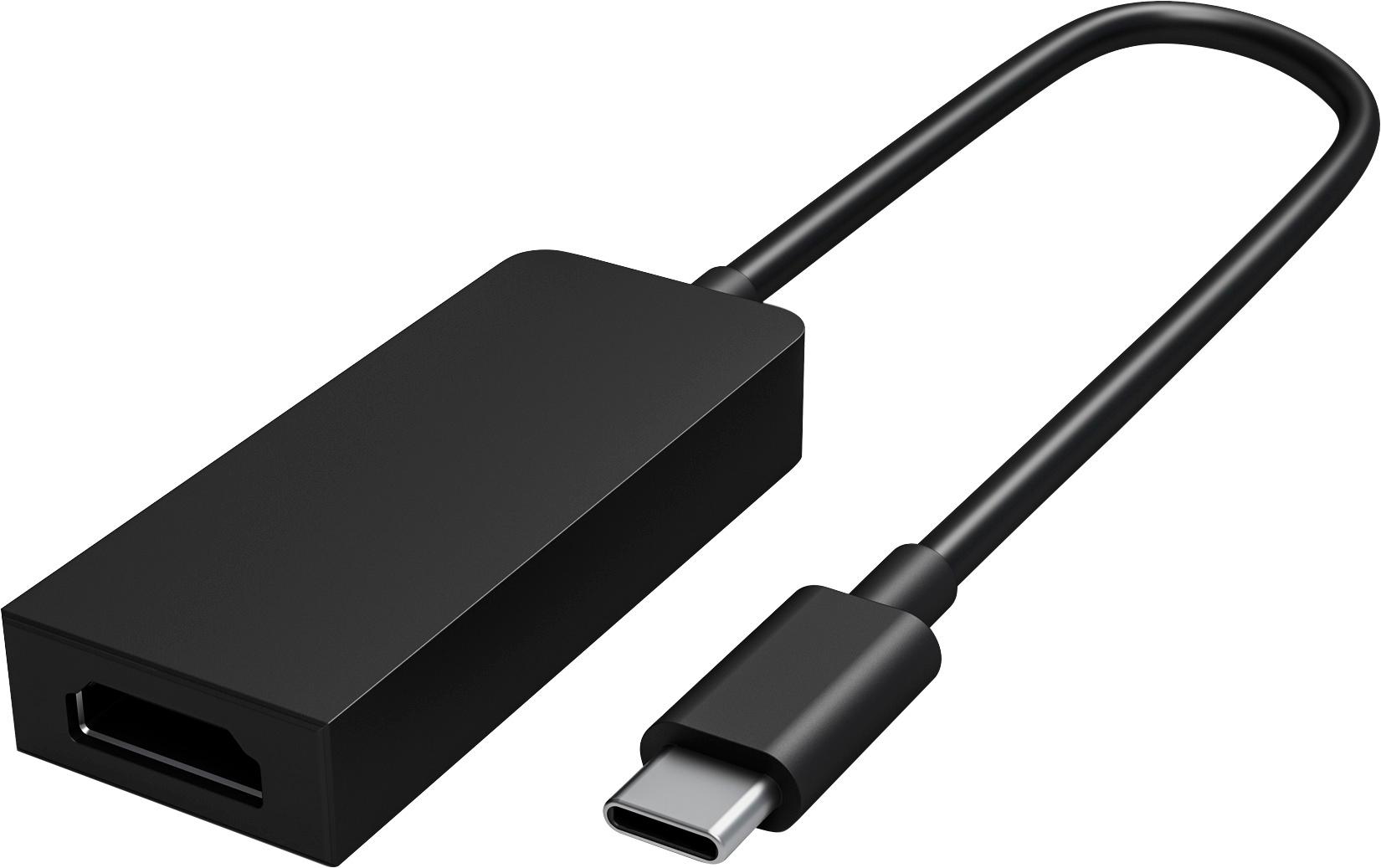

Black Microsoft USB-C to HDMI External Video Adapter, The Microsoft USB-C to HDMI External Video Adapter in sleek black is the ultimate solution for effortlessly connecting your USB-C enabled device to an HDMI display. Whether you want to enjoy the crystal-clear visuals of a high-definition movie or deliver a compelling presentation to a larger audience, this adapter offers seamless connectivity and exceptional clarity.
With the USB-C to HDMI adapter, you can confidently mirror or extend your device’s screen onto a larger display, ensuring every detail is larger than life. The adapter supports stunning 4K resolution, ensuring your visuals come to life with vivid colors and unparalleled sharpness.
Equipped with the latest USB-C technology, this adapter offers lightning-fast data transfer and true plug-and-play functionality. Simply connect the adapter to your USB-C port, and you’re ready to immerse yourself in a world of high-quality visuals and immersive audio.
Designed for versatility and portability, this adapter is compact and lightweight, making it ideal for on-the-go professionals or those who want a seamless multimedia experience at home. Rest assured knowing that Microsoft’s impeccable build quality and durability guarantee a long-lasting and reliable connection.
Say goodbye to tangled wires or complicated setup processes. The Microsoft USB-C to HDMI External Video Adapter in black effortlessly transforms your USB-C device into a multimedia powerhouse, delivering a seamless visual experience every time. Upgrade your productivity, entertainment, and creativity with this versatile adapter and immerse yourself in a world of stunning visuals., , Microsoft



EvanK –
Steep price to pay at $50, but it is the only adapter that works consistently with the Microsoft Surface Dock 2. Whoda thunk? I just wish it was a full cable instead of an adapter.
ninbura –
I’ve tried several other USB-C to HDMI adapters and this one always seems to be the most consistent. With other adapters I get the occasional flicker, or weirdness after sleep/restart. This guy is…
BenGates –
This works perfect! Love the ability to use any HDMI cable. I had bought a USB c to HDMI cable that was not compatible with my surface book. Replaced it with this and couldn’t be happier.
Sheps –
An adapter like this shouldn’t cost $30. Does what it’s supposed to.
jlzxmai –
Works perfect with my Surface Book 3! Since both products are from Microsoft, the driver was recognized instantly and connection is fast! A little pricey for what it does, but I rest easy knowing…
RayH –
Turns my surface pro into a desktop bybextending the monitor.
Latincyber –
Great adapter that allows me to connect my Surface Laptop 3 to my 4K monitor. It outputs at 4K60 HDR.
Mike –
I purchased this adapter along with a USB-C to VGA adapter to replace the ones my company provided with the Surface Pro 7 they issued me. With the third-party adapters, the extended desktop across…