
Best Laptop Accessories for Working From Home: A Practical Buying Guide

WORK FROM HOME · BUYING GUIDE
Best Laptop Accessories for Working From Home
A laptop can do the job, but the right accessories can make work more comfortable and dependable. The key is to build around your actual workflow rather than buying a large bundle of gadgets you rarely use.
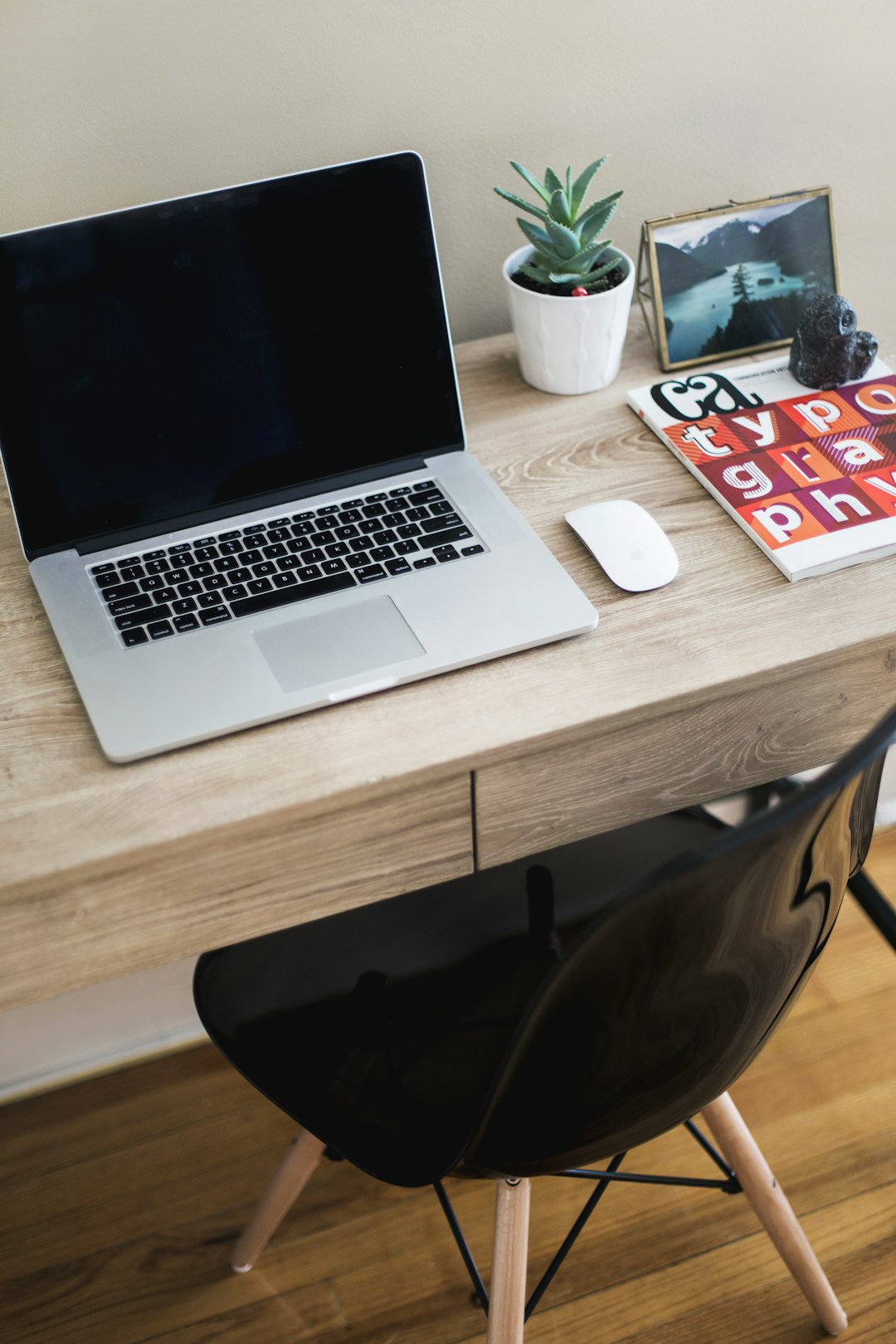
1. Choose a comfortable pointing device
A mouse or trackball can reduce repetitive movement for people who spend hours navigating documents and web apps. Focus on shape, size and connection method before extra features.
2. Add a keyboard only when it solves a problem
A separate keyboard can improve desk positioning, especially with a laptop stand. Check layout, key feel and whether Bluetooth or USB fits your setup.
3. Consider a laptop stand
Raising the screen can make a workspace easier to arrange. Make sure the stand matches your laptop dimensions and can support its weight securely.
4. Simplify your cables
USB-C hubs, charging cables and cable organizers can reduce clutter. Check exactly which ports your laptop provides before choosing a hub.
5. Improve calls
For frequent video meetings, a good headset, microphone or webcam may be more useful than another desk accessory. Choose based on your meeting platform and connection options.
6. Protect portability
A sleeve, compact charger and organized travel pouch make it easier to move between home, office and client locations.
Home-office checklist
- Confirm laptop ports and connector types.
- Check accessory compatibility before checkout.
- Prioritize comfort for your daily workload.
- Compare total delivered cost.
- Keep returns and warranty information accessible.
Browse GradeZO Electronics & Gadgets for current workspace technology and accessories.
