
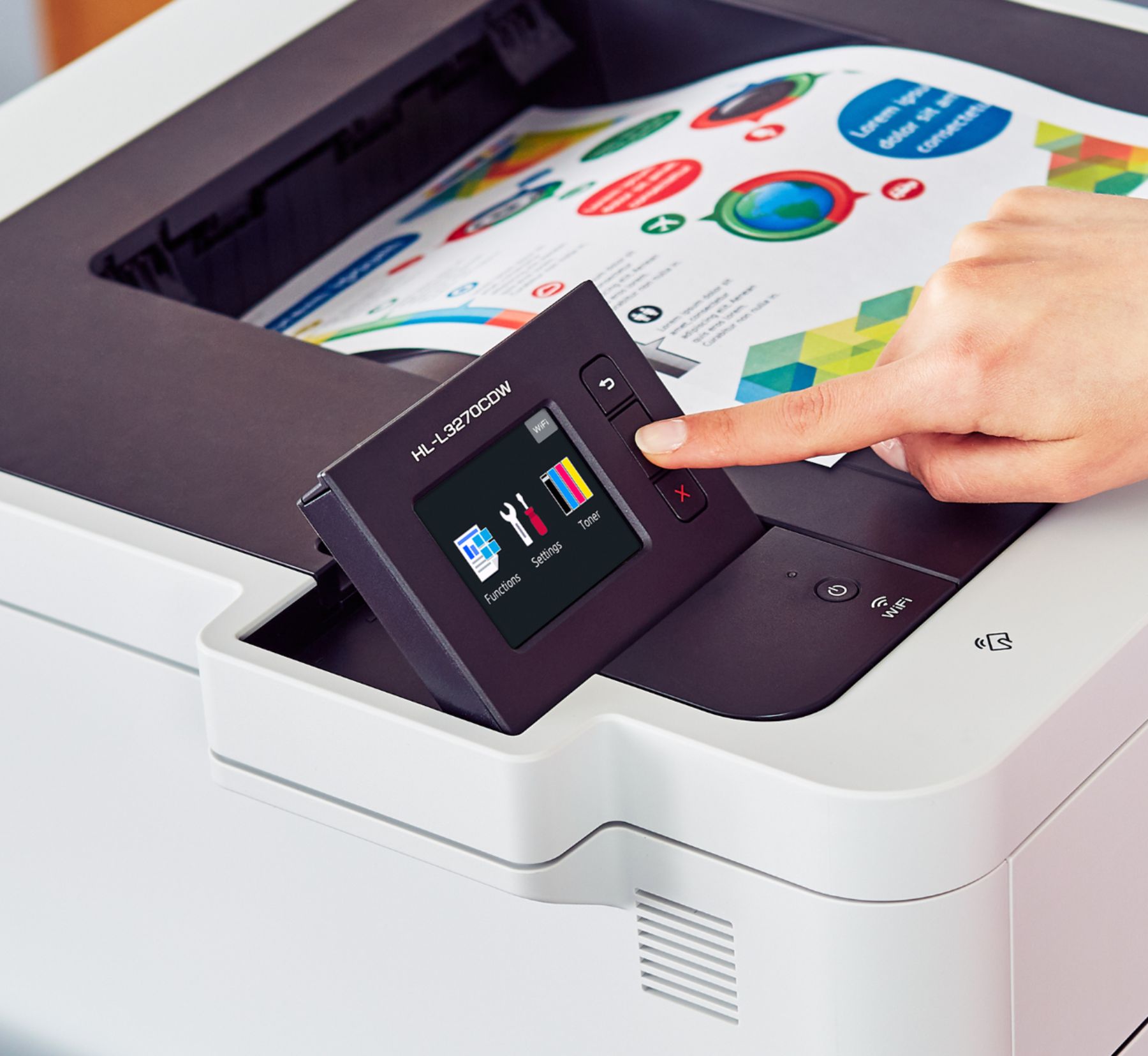
Brother Wireless Laser Printer – White
$634.50
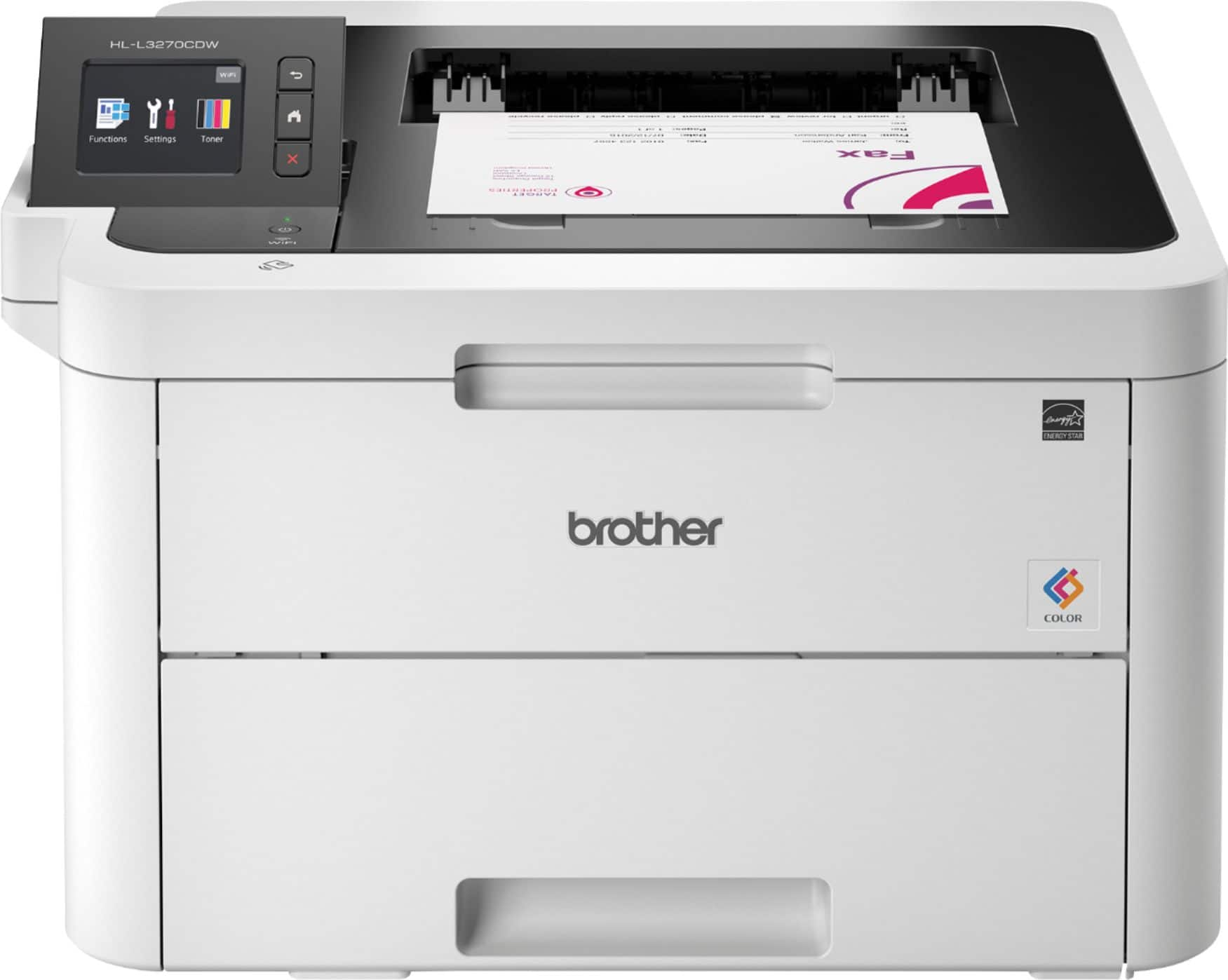
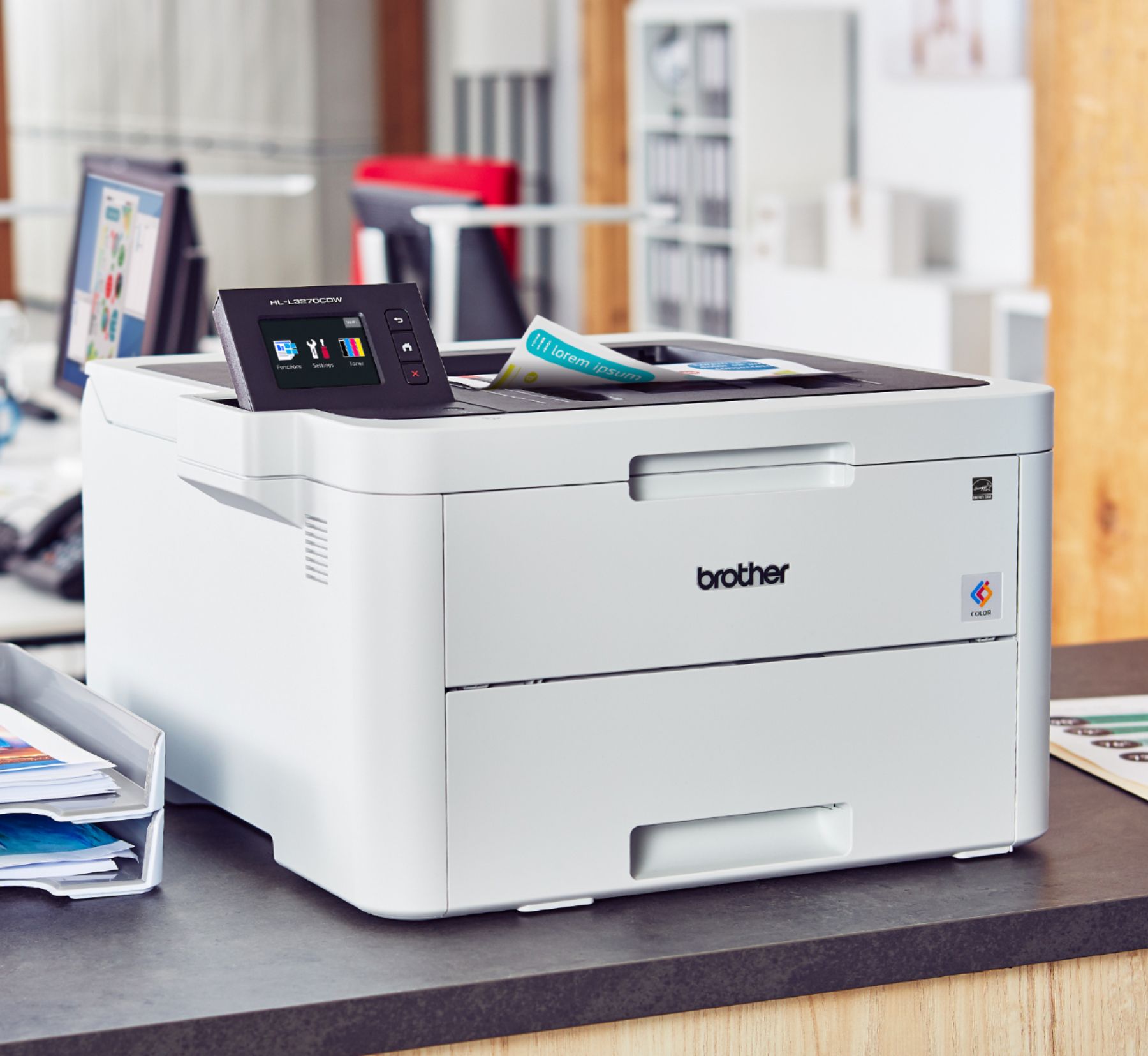
- Brother HL-L3270CDW Wireless Color Laser Printer
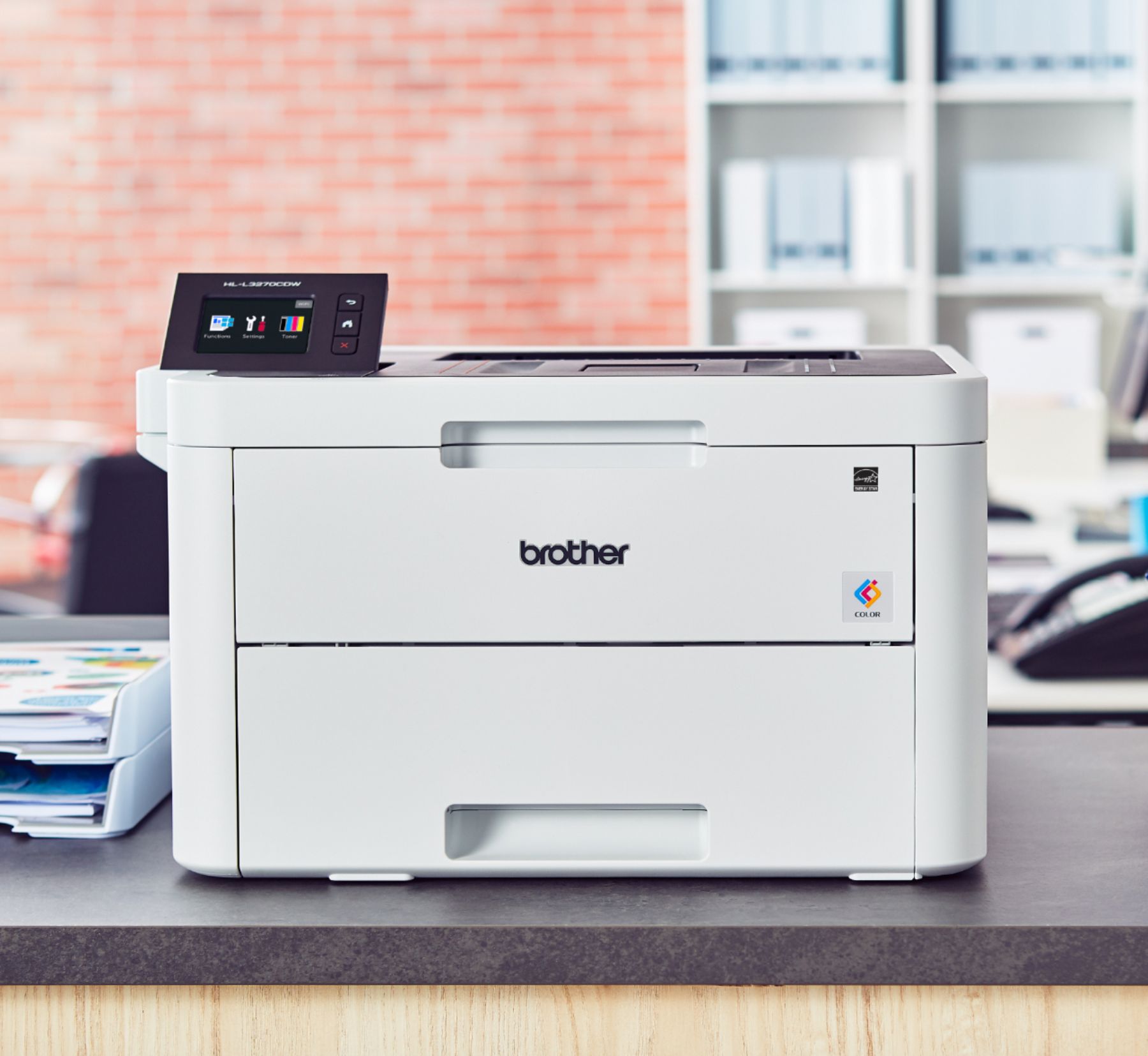
- Compact and reliable printer for home or small office use
- Quick print speeds of up to 25 pages per minute
- Manual feed slot for various paper types and sizes
- Wireless, Ethernet, and USB interfaces for versatile connectivity options
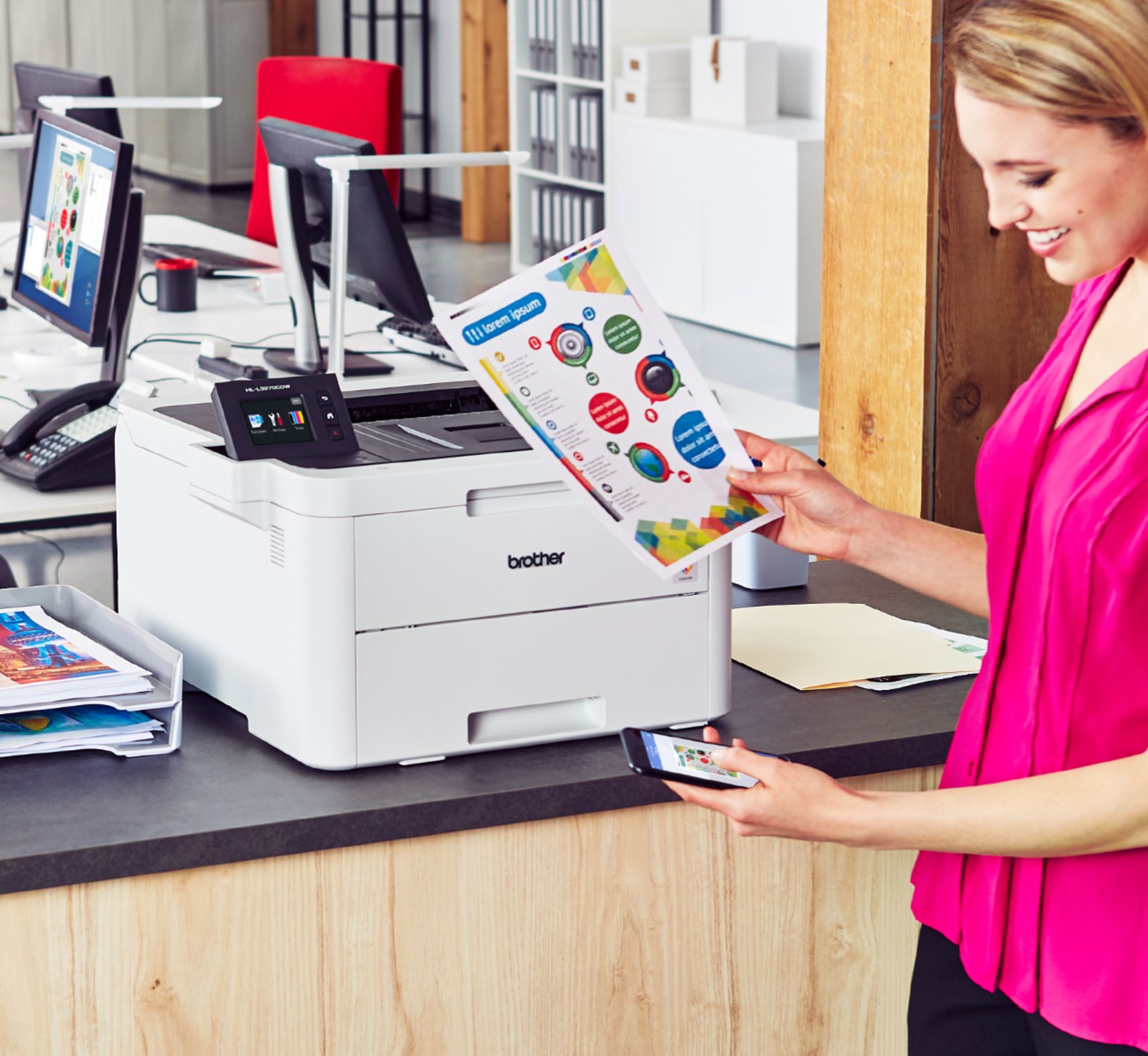
- Print wirelessly from mobile devices
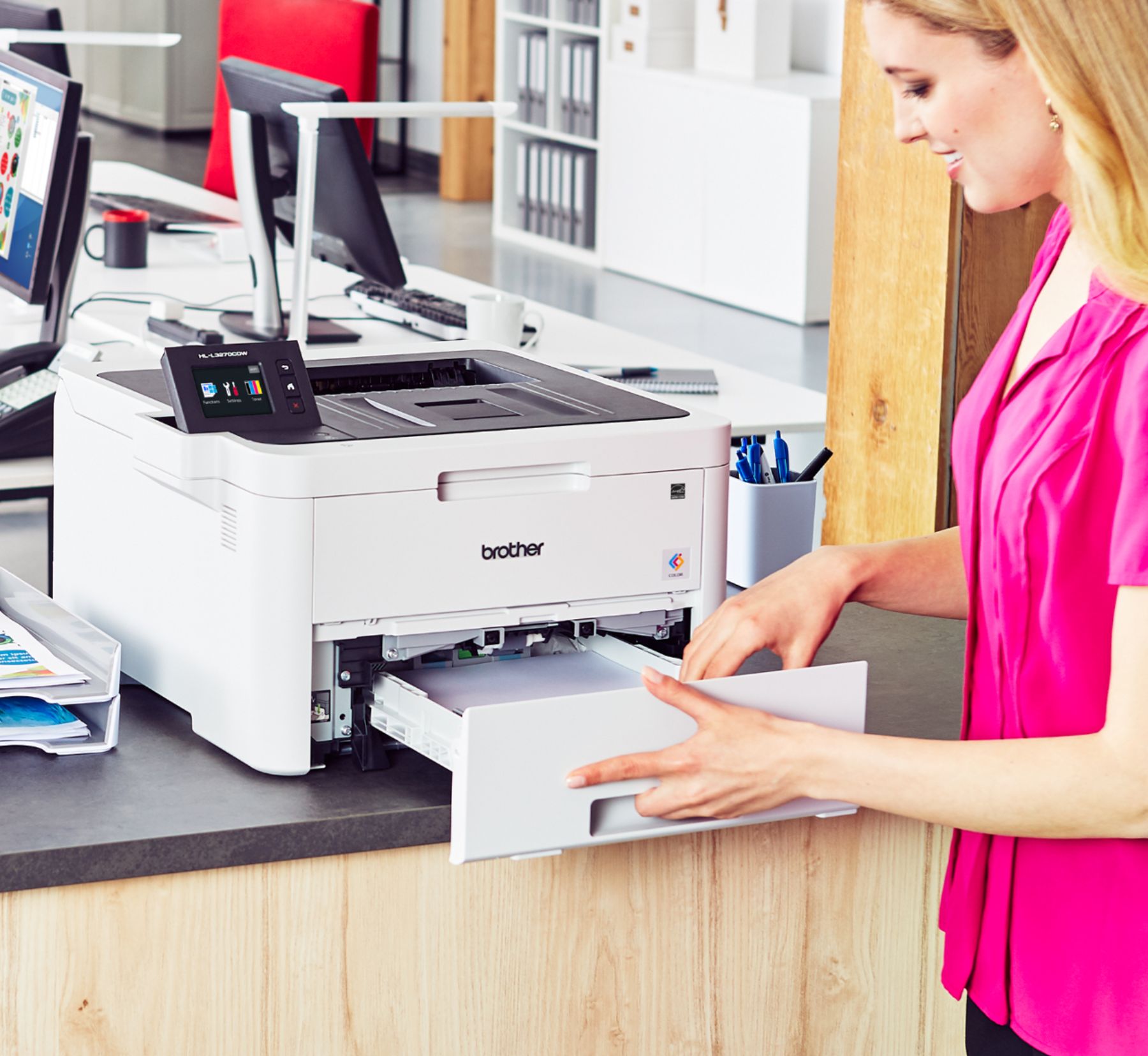
- 250-sheet adjustable paper tray for efficient printing
- Automatic two-sided printing to save on paper costs
Buy more, save more
Buy 2–4 of this item and save 5%.
Buy 5 or more of this item and save 10%.
Discount is automatic in your cart on regular-priced items. It cannot be combined with coupon codes or sale prices.
Buy 2–4 of this item and save 5%.
Buy 5 or more of this item and save 10%.
Discount is automatic in your cart on regular-priced items. It cannot be combined with coupon codes or sale prices.
Country suggested using IP or browser language; you can change it. Shipping is confirmed at checkout.
Description
Brother Wireless Laser Printer – White,
How to Use the Brother HL-L3270CDW Wireless Color Laser Printer
Setting up the Printer
- Remove all packaging materials from the printer.
- Plug in the power cord and turn on the printer.
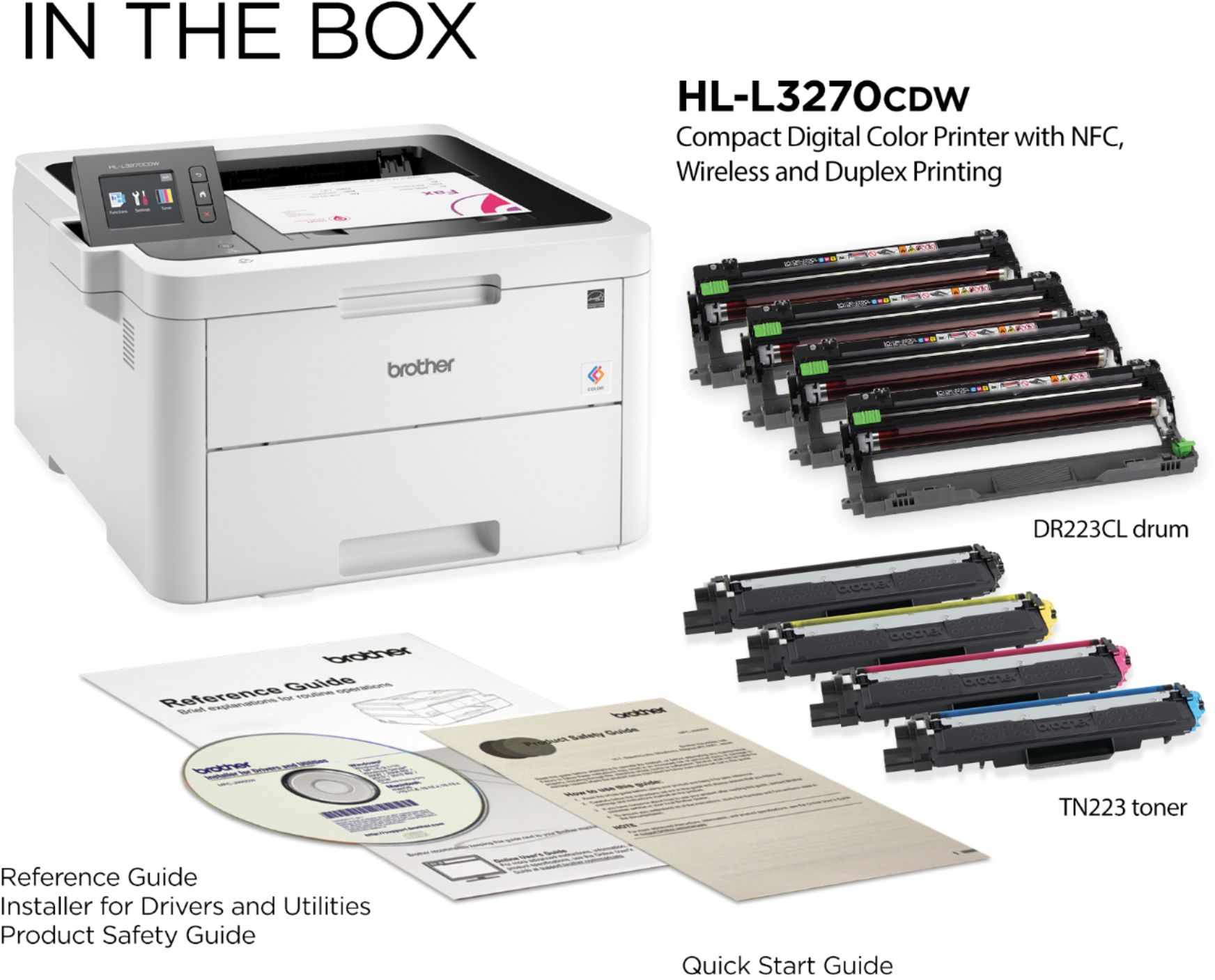
- Open the front cover and install the toner cartridges.
- Load paper into the paper tray or manual feed slot.
- Connect the printer to your computer or mobile device using a wireless connection, Ethernet cable, or USB cable.
Printing
- Printing from a Computer:
- Make sure the printer is connected properly to your computer.
- Open the document or file you want to print.
- Select “Print” from the File menu or press Ctrl+P.
- Select the Brother HL-L3270CDW as the printer.
- Choose your preferred print settings and click “Print” to start printing.
- Printing from a Mobile Device:
- Ensure the printer is connected to the same Wi-Fi network as your mobile device.
- Install the Brother iPrint&Scan app from the App Store or Google Play Store.
- Open the document or file you want to print in the app.
- Select the “Print” option and choose the Brother HL-L3270CDW as the printer.
- Adjust any desired print settings and tap “Print” to initiate the print job.
Additional Features
- Copying: Place the document you want to copy on the scanner glass or in the automatic document feeder, then use the copy functions on the printer’s control panel to make copies.
- Scanning: To scan a document or image, place it on the scanner glass or in the automatic document feeder, then use the scanning options on the printer’s control panel or through the Brother iPrint&Scan app to scan and save the file.
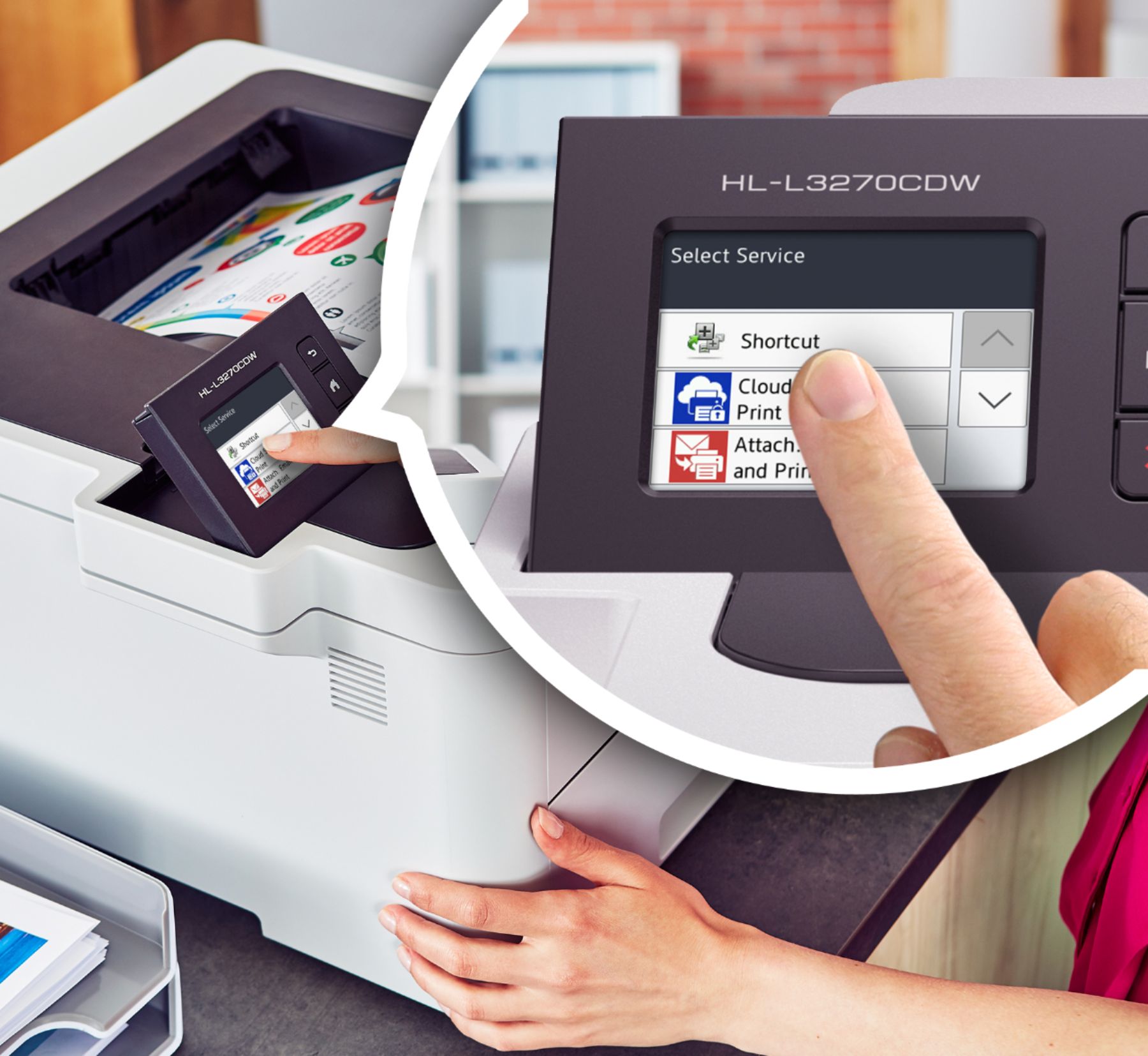
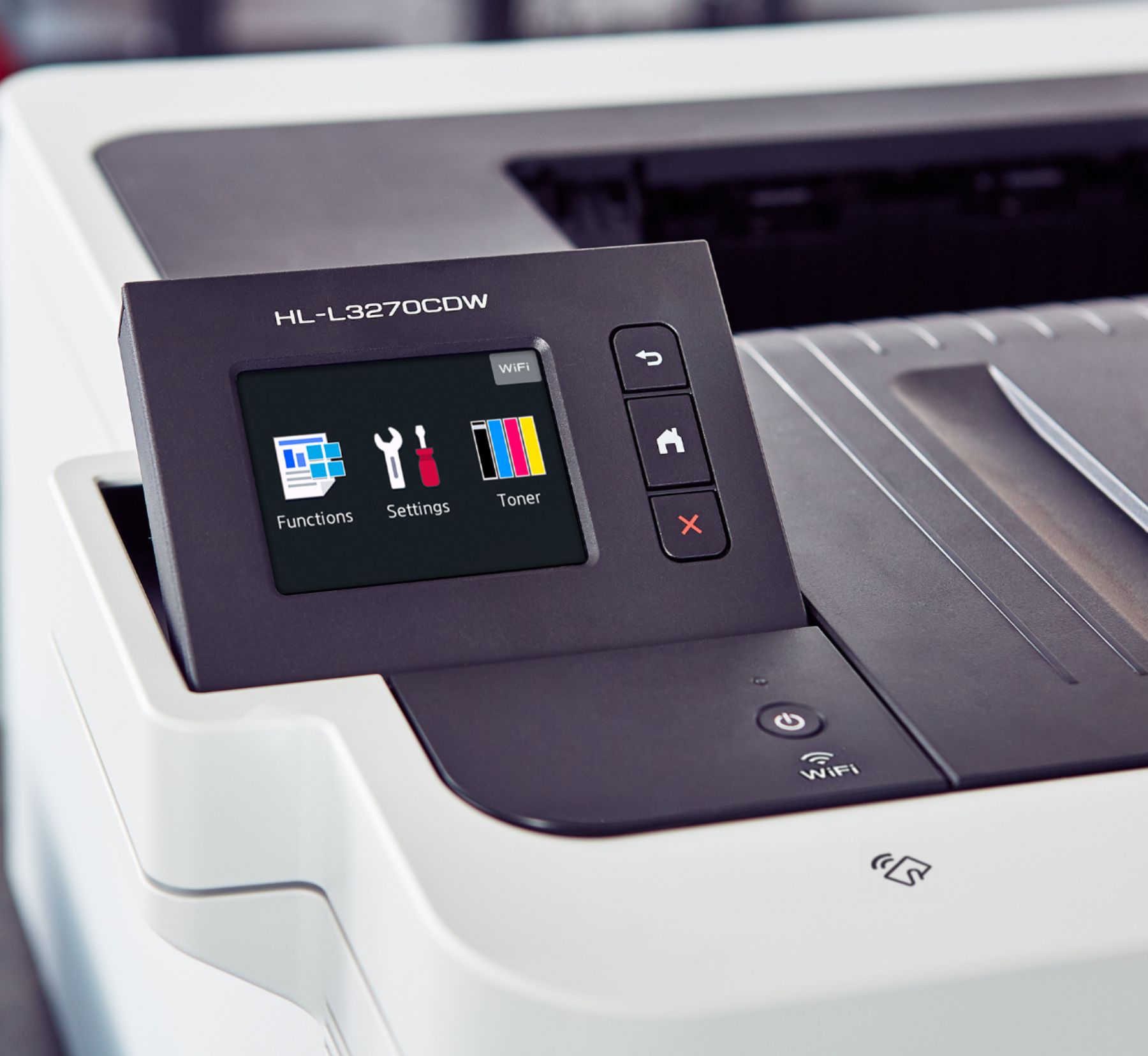
- Other Settings: Explore the printer’s control panel and user manual for additional features and settings, such as adjusting print quality, paper size, and print density.
Note: Refer to the user manual for detailed instructions and troubleshooting tips.
, , Brother
729 reviews for Brother Wireless Laser Printer – White
Only logged in customers who have purchased this product may leave a review.
Special deals for you

Canon imageFORMULA R40 Office Document Scanner For PC and Mac, Color Duplex Scanning, Easy Setup For Office Or Home Use, Includes Scanning Software
Original price was: $4,270.00.$538.20Current price is: $538.20.
Add to cart
Epson Workforce ES-C220 Compact Desktop Document Scanner with 2-Sided Scanning and Auto Document Feeder (ADF) for PC and Mac
Original price was: $3,244.40.$517.00Current price is: $517.00.
Add to cart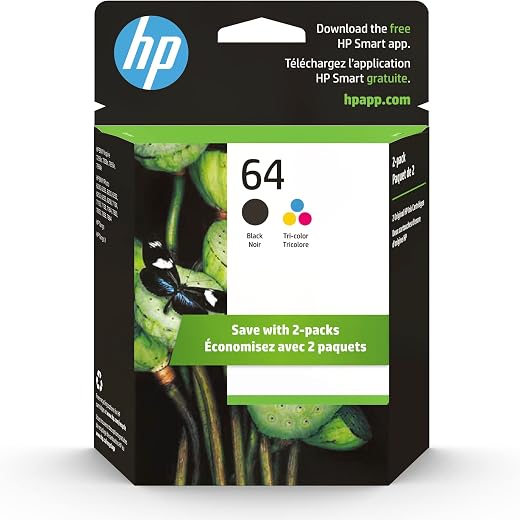
HP 64 Black/Tri-color Ink Cartridges (2-pack) | Works with HP ENVY Inspire 7950e; ENVY Photo 6200, 7100, 7800; Tango Series | Eligible for Instant Ink | X4D92AN
Original price was: $1,038.20.$121.90Current price is: $121.90.
Add to cart
TN660 Toner Cartridge Replacement Compatible for Brother TN 660 TN-660 TN630 High Yield to use with HL-L2380DW HL-L2320D HL-L2340DW DCP-L2540DW MFC-L2700DW MFC-L2720DW Printer...
Original price was: $1,512.00.$86.90Current price is: $86.90.
Add to cartPopular items in this category

Retro HDMI Game Console – 4K Output and Gamepad Controllers
$40.00
Add to cart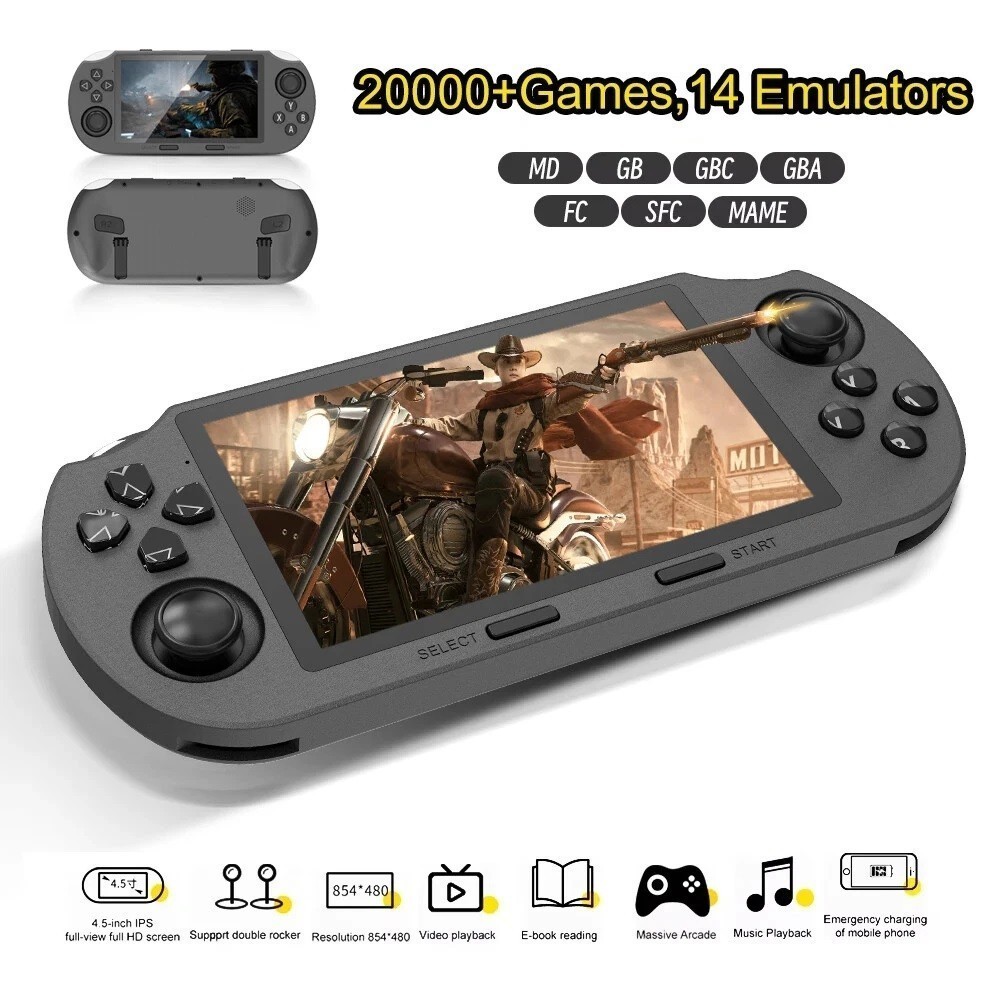
SF3000 Retro Handheld Game Console – 4.5-Inch IPS Display
$94.00
Add to cart
Blackview PlayPop 8 AI Motion Gaming Console for Families
$349.99
Add to cart4K HDMI Retro Game Console – Plug and Play, 20,000+ Games
$40.00
Add to cartSimilar items you might like

Blackview PlayPop 8 AI Motion Gaming Console – 8GB RAM, 128GB Storage
$379.99
Add to cart
R36S Retro Handheld Game Console, 64GB, 3.5-Inch IPS Screen
$86.90
Add to cart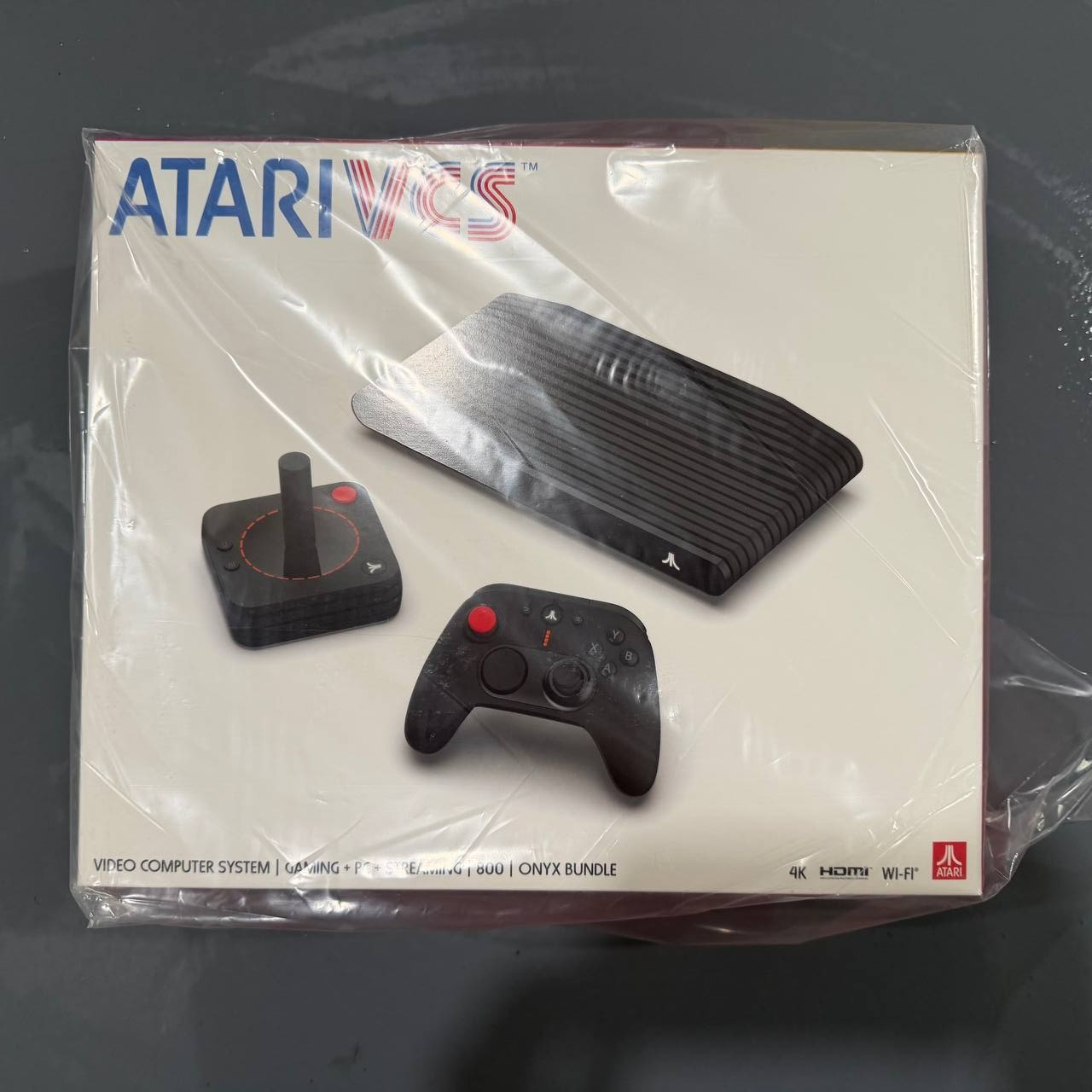
New Sealed Atari VCS 800 Onyx All-In Bundle
$379.99
Add to cart
Budget Desktop PC – Intel Core i7 4th Gen, 16GB DDR3, SSD Options
$499.99
Add to cartProducts related to this item
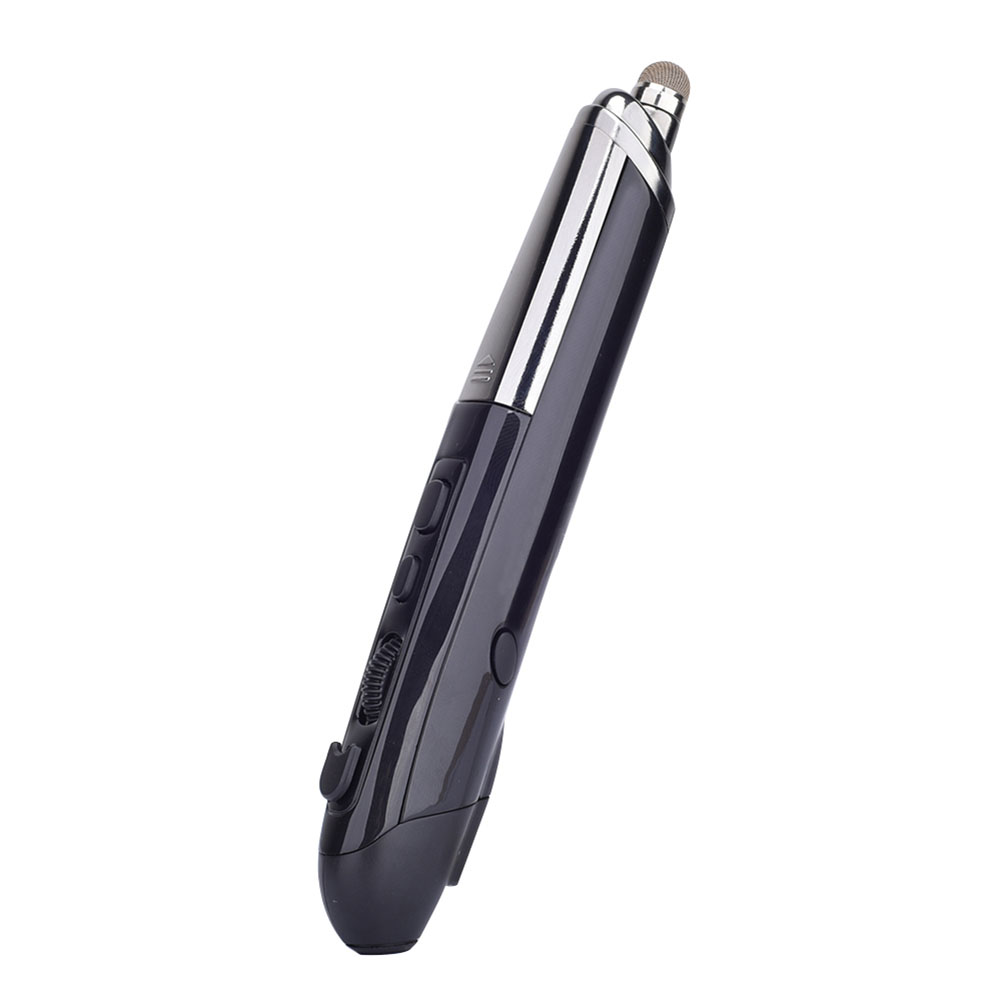
Professional Mini Wireless Mouse Pen Infrared Electronic Presentation Pointer for Business Office black
$49.10
Add to cart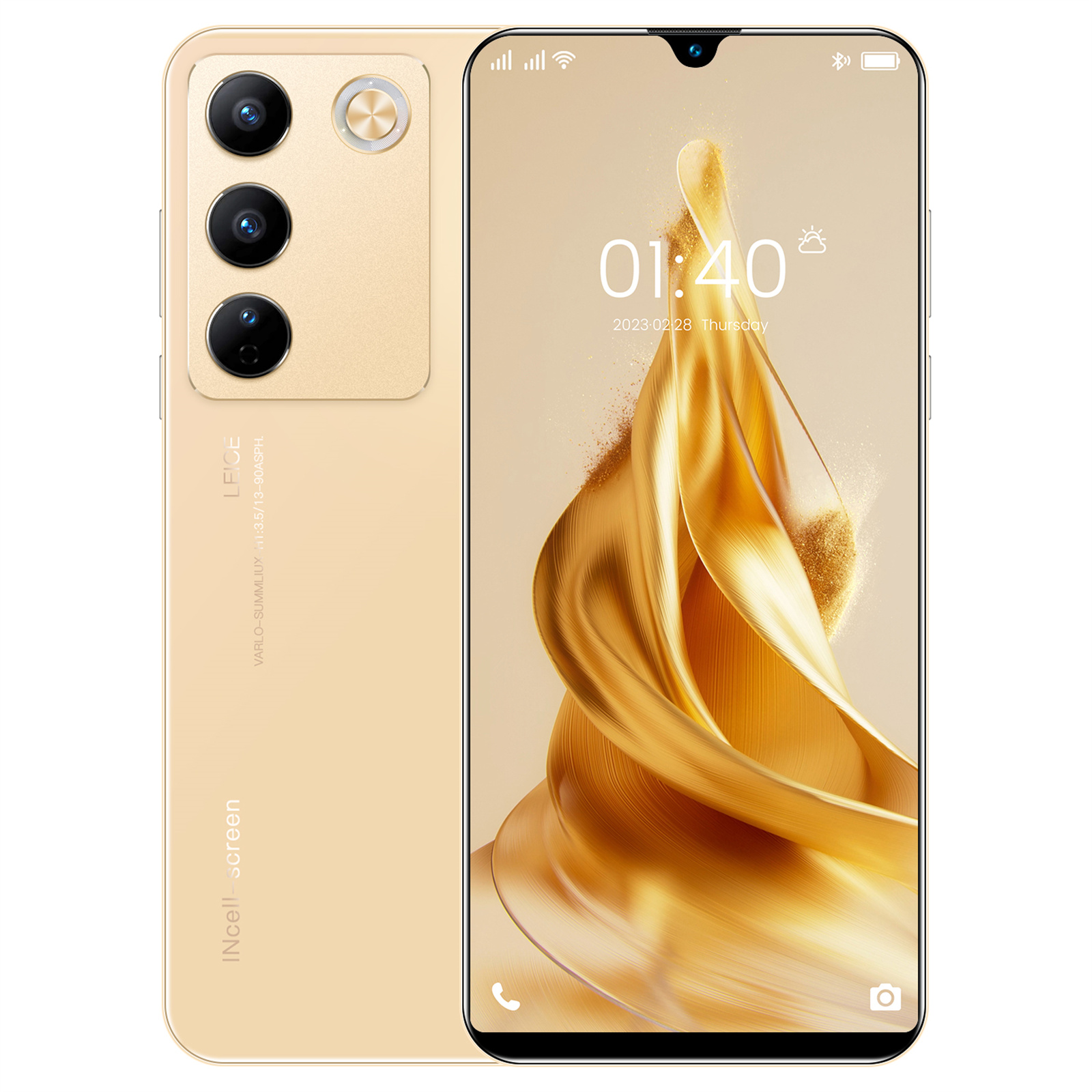
6.49" X23 Smartphone, Quad-Core, 2GB RAM, 16GB ROM, Unlocked - Gold
$163.70
Add to cart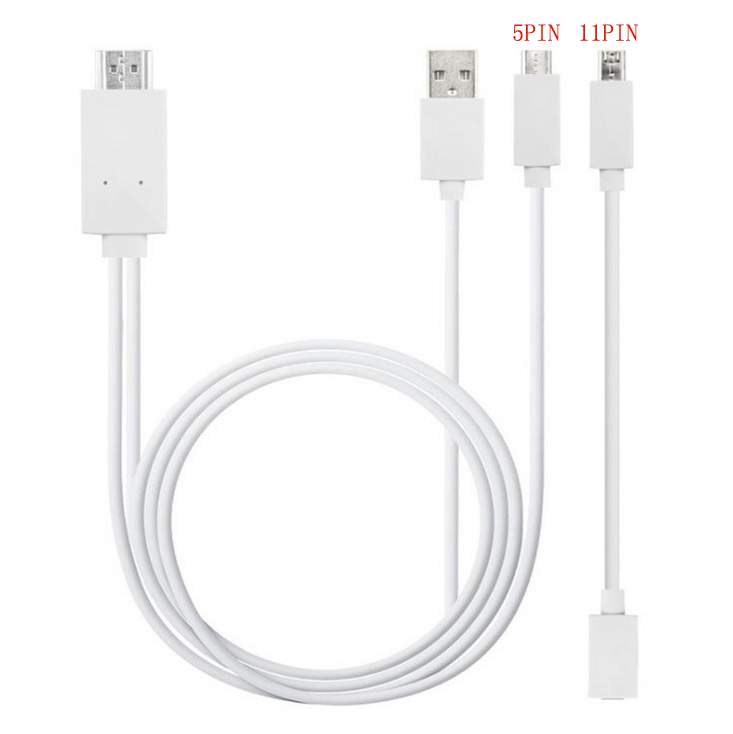
Micro USB to HDMI 1080P HD TV Cable Adapter for Android Samsung Phones 11PIN 5PIN+11PIN white
$26.10
Add to cart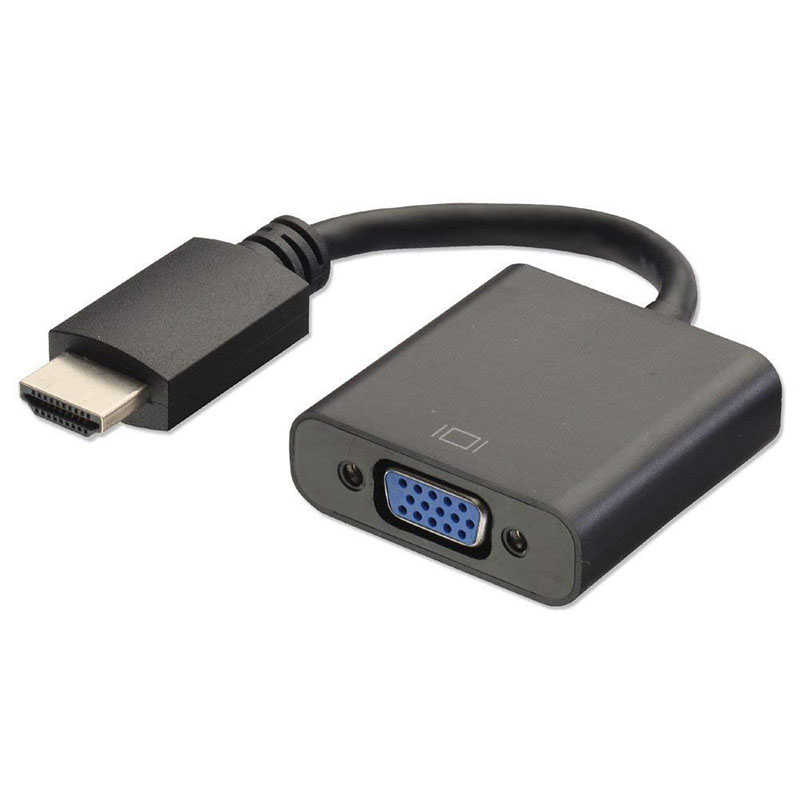
HDMI to VGA Converter Adapter Cable (Black)
$12.40
Add to cartProducts you may also like


Recommended for You

Join the Elite Club SGIN 15.6 Inch Laptop 8GB DDR4 512GB SSD Computer with Intel Core i3 2.4 GHz HD
$465.30
Add to cart
Revamp 2 In 4 Out USB Switcher Computer Share Adapter Plug and Play USB Devices Printer Compatible for Windows Linux Mac OS black
$61.20
Add to cart
Revitalize Your Lifestyle Smart Battery Flying Action Camera - HOVERAir X1 PROMAX, HD Video, 4K, WiFi
$324.30
Add to cart
Find Your Perfect Match Fanxiang PS5 Gaming SSD - Internal PCIe 4x4 NVMe Solid State Drive, 7300MBS, 4TB or 2TB
$157.40
Add to cart


Sackimoto –
So, I do not print a lot by any means. Maybe an average of 10 documents a week. That said, I justified this behemoth for that very reason… inkjets tend to leak, clog, etc. when they’re not used…
Txstatesal –
Brother did sooo well with the HL-L3270 (minus choosing a name but I’ll forgive it). This printer outdoes any office printer I’ve come across in my life.
So my main office just got upgraded to…
LadyDi –
I bought this printer for craft purposes, but I was really disappointed with the quality of the prints from this printer. I enclosed a picture below of how it prints. The first is the Brother 3270…
LisaW –
I read several reviews that were not so great about this printer and how hard it was to set up. I ordered it anyway because the price was right and I love this printer! I had it set up in about…
gbull19 –
We had a Xerox printer that constantly jammed and finally broke while attempting to pull a paper from the jam. We wanted to spend money on a good printer that was a good value so we were not…
BWBW –
Coincidentally right after the 2month return period ended I started having issues with black ink splotches showing up along the side of the page. Customer support says it is an issue with the…
Craig –
Have had for 2-3 months and it’s worked great! Fast, easy to setup with the wifi, works great on multiple devices via wifi (MacBook Pro, iPhone, etc). Setup was super easy.