


Canon MF455dw Wireless Laser Printer
$517.00
- Designed for small and medium-size businesses
- Offers speedy performance and minimal maintenance
- Easy to set up
- Offers media versatility to print on various media types and sizes
- Can print on envelopes and posters
- Customizable features
- Wireless connectivity
- Includes fax capabilities
Buy more, save more
Buy 2–4 of this item and save 5%.
Buy 5 or more of this item and save 10%.
Discount is automatic in your cart on regular-priced items. It cannot be combined with coupon codes or sale prices.
Buy 2–4 of this item and save 5%.
Buy 5 or more of this item and save 10%.
Discount is automatic in your cart on regular-priced items. It cannot be combined with coupon codes or sale prices.
Country suggested using IP or browser language; you can change it. Shipping is confirmed at checkout.
Description
Canon MF455dw Wireless Laser Printer,
How to Use the Canon – imageCLASS MF455dw Wireless Black-and-White All-In-One Laser Printer with Fax – White
1. Unboxing and Setup
- Remove the printer from the packaging.
- Plug in the power cord and turn on the printer.
- Follow the on-screen instructions to set up the necessary settings.
- Connect the printer to a wireless network using the provided instructions.
- Install the printer drivers on your computer using the included CD or by downloading them from the Canon website.
2. Printing
- Load the desired media type and size into the paper tray or multipurpose tray.
- Open the document you want to print on your computer.
- Select “Print” from the document’s menu or press Ctrl + P.
- Choose the Canon – imageCLASS MF455dw as the printer.
- Configure any additional print settings, such as paper size and quality.
- Click “Print” to start the printing process.
3. Copying
- Place the document you want to copy face-down on the printer’s glass or face-up in the document feeder.
- Use the printer’s control panel to select the desired copy settings (paper size, quantity, etc.).
- Press the “Copy” button to start the copying process.
4. Scanning
- Place the document you want to scan face-down on the printer’s glass or face-up in the document feeder.
- On the printer’s control panel, select the scan function.
- Choose the desired scan settings, such as scan type and resolution.
- Press the “Start” button to begin the scanning process.
- Save the scanned document to a location on your computer.
5. Faxing
- Connect a telephone line to the printer’s fax port.
- Load the document you want to fax into the document feeder.
- On the printer’s control panel, select the fax function.
- Enter the recipient’s fax number using the keypad.
- Configure any additional fax settings, such as resolution and transmission mode.
- Press the “Start” button to send the fax.
, , Canon
89 reviews for Canon MF455dw Wireless Laser Printer
Only logged in customers who have purchased this product may leave a review.
Special deals for you

Canon imageFORMULA R40 Office Document Scanner For PC and Mac, Color Duplex Scanning, Easy Setup For Office Or Home Use, Includes Scanning Software
Original price was: $4,270.00.$538.20Current price is: $538.20.
Add to cart
Epson Workforce ES-C220 Compact Desktop Document Scanner with 2-Sided Scanning and Auto Document Feeder (ADF) for PC and Mac
Original price was: $3,244.40.$517.00Current price is: $517.00.
Add to cart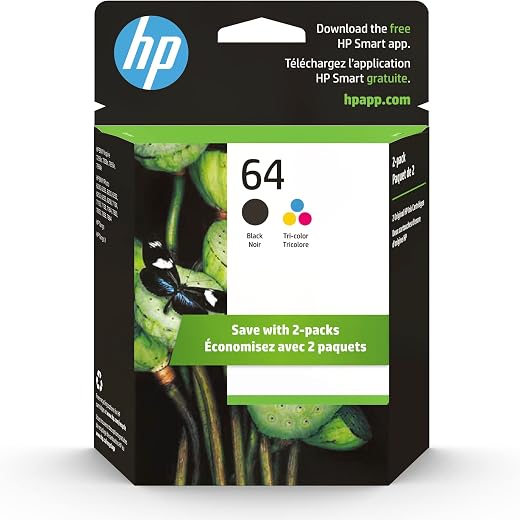
HP 64 Black/Tri-color Ink Cartridges (2-pack) | Works with HP ENVY Inspire 7950e; ENVY Photo 6200, 7100, 7800; Tango Series | Eligible for Instant Ink | X4D92AN
Original price was: $1,038.20.$121.90Current price is: $121.90.
Add to cart
TN660 Toner Cartridge Replacement Compatible for Brother TN 660 TN-660 TN630 High Yield to use with HL-L2380DW HL-L2320D HL-L2340DW DCP-L2540DW MFC-L2700DW MFC-L2720DW Printer...
Original price was: $1,512.00.$86.90Current price is: $86.90.
Add to cartPopular items in this category

Retro HDMI Game Console – 4K Output and Gamepad Controllers
$40.00
Add to cart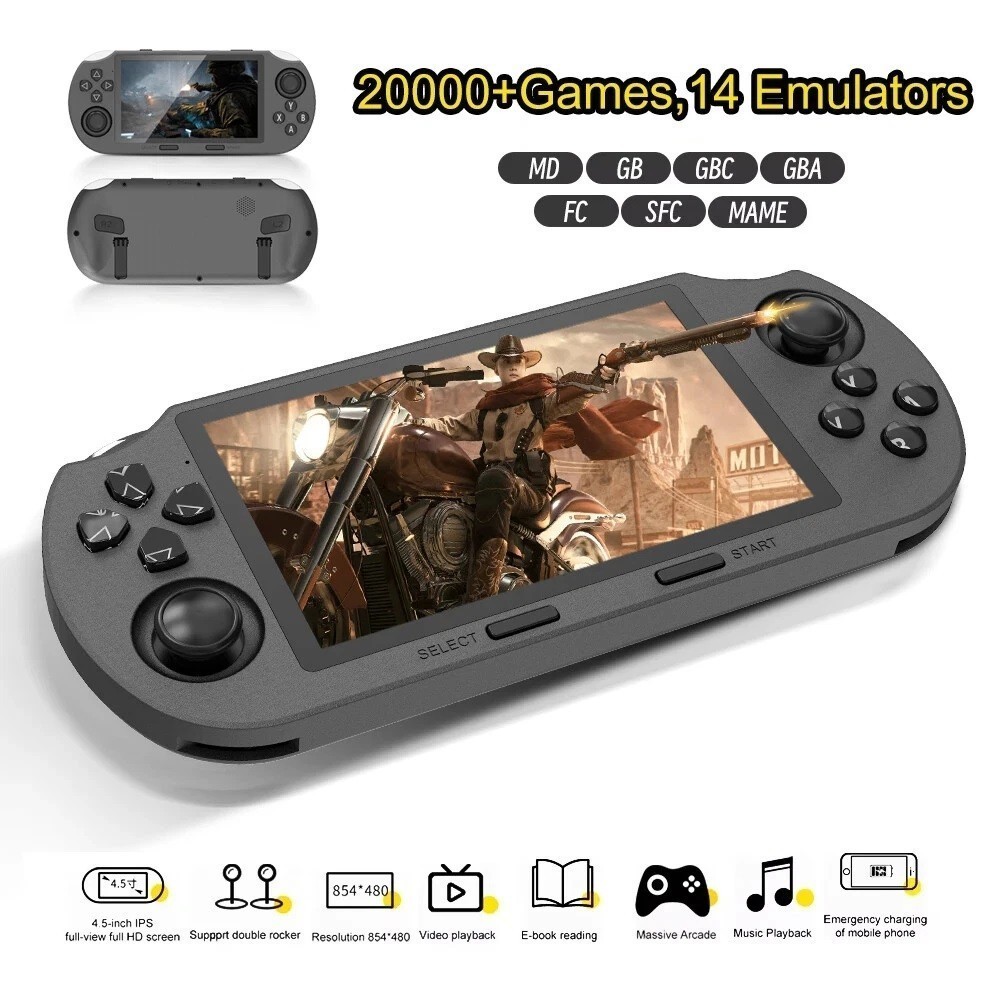
SF3000 Retro Handheld Game Console – 4.5-Inch IPS Display
$94.00
Add to cart
Blackview PlayPop 8 AI Motion Gaming Console for Families
$349.99
Add to cart4K HDMI Retro Game Console – Plug and Play, 20,000+ Games
$40.00
Add to cartSimilar items you might like

Blackview PlayPop 8 AI Motion Gaming Console – 8GB RAM, 128GB Storage
$379.99
Add to cart
R36S Retro Handheld Game Console, 64GB, 3.5-Inch IPS Screen
$86.90
Add to cart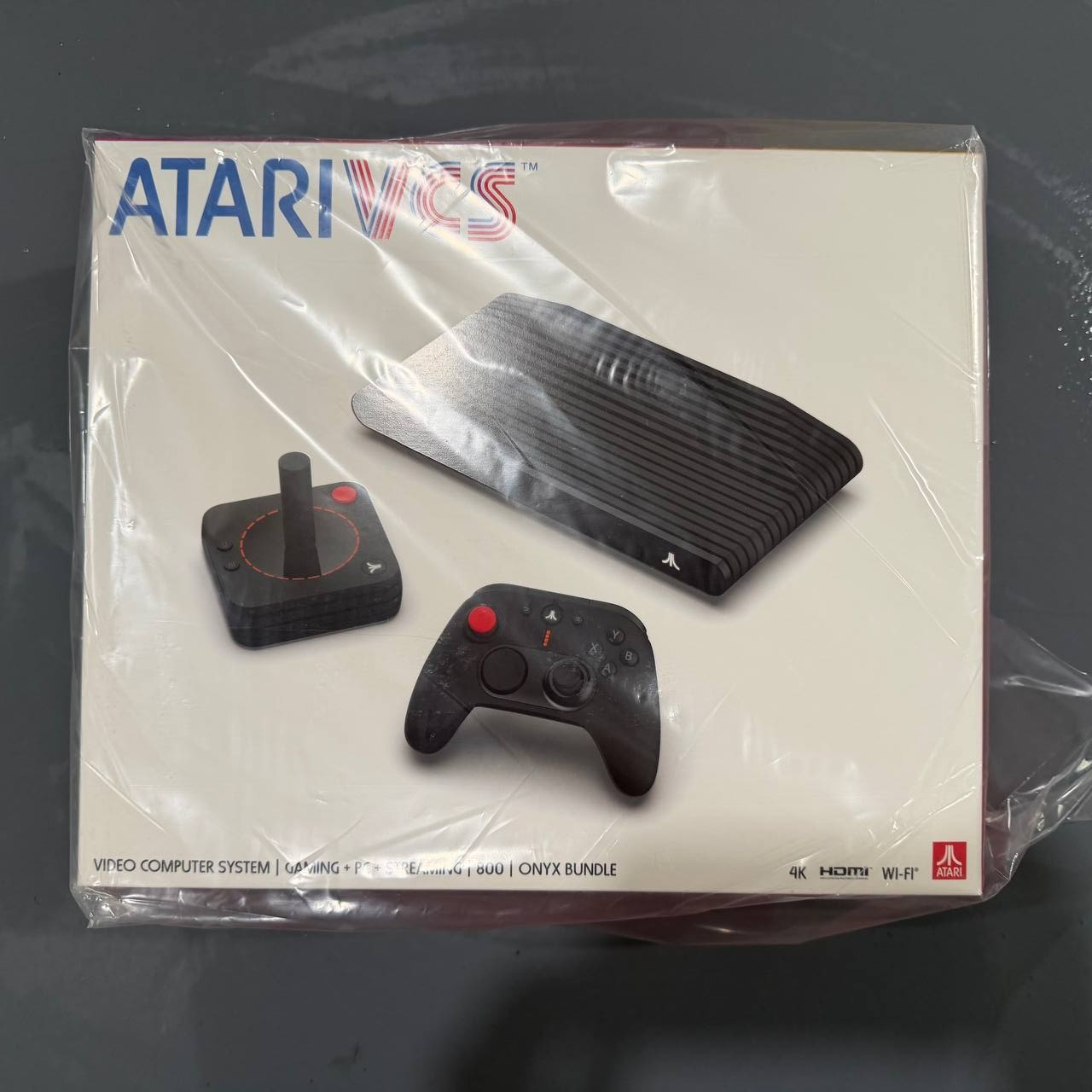
New Sealed Atari VCS 800 Onyx All-In Bundle
$379.99
Add to cart
Budget Desktop PC – Intel Core i7 4th Gen, 16GB DDR3, SSD Options
$499.99
Add to cartProducts related to this item
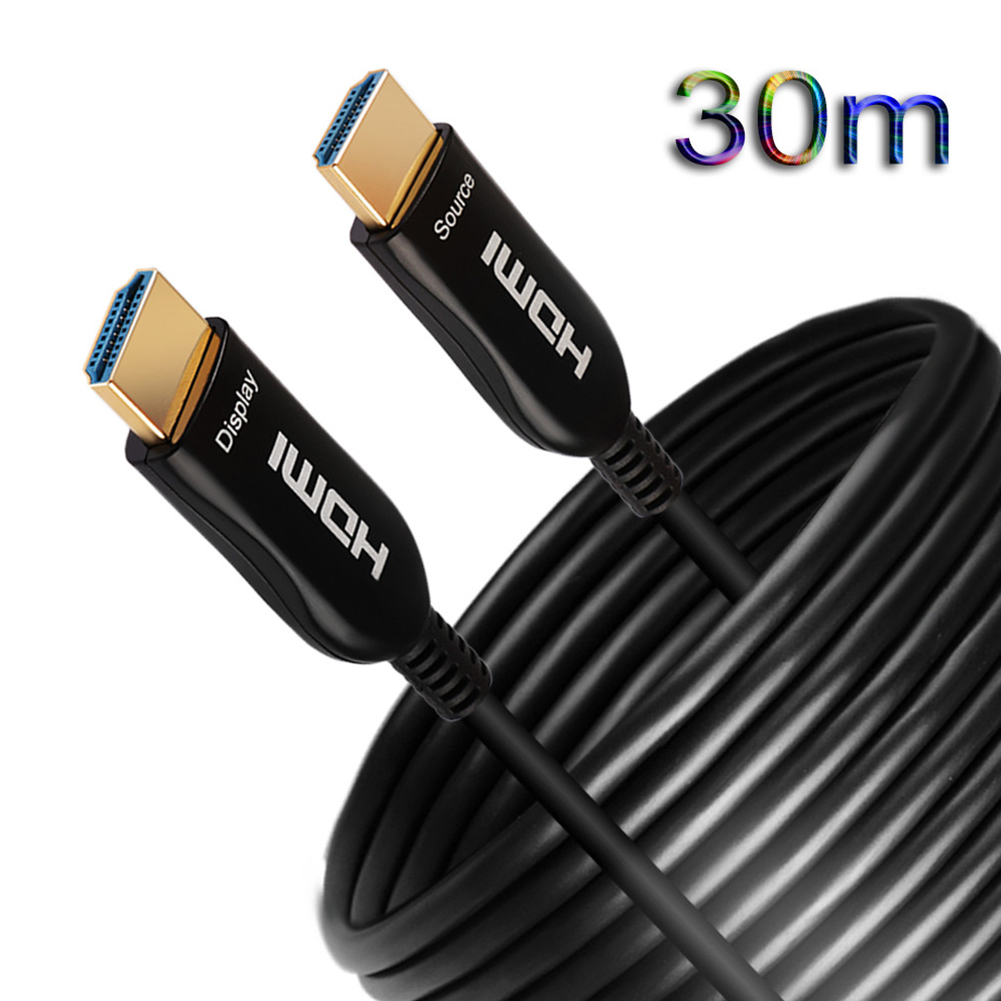
4K 60HZ HDMI Cable 2.0 Fiber HDMI 2M 5M10M 20M 30M 50M HDMI Cable for 4K 3D HDR LCD TV Laptop PS3 Projector
$162.30
Add to cart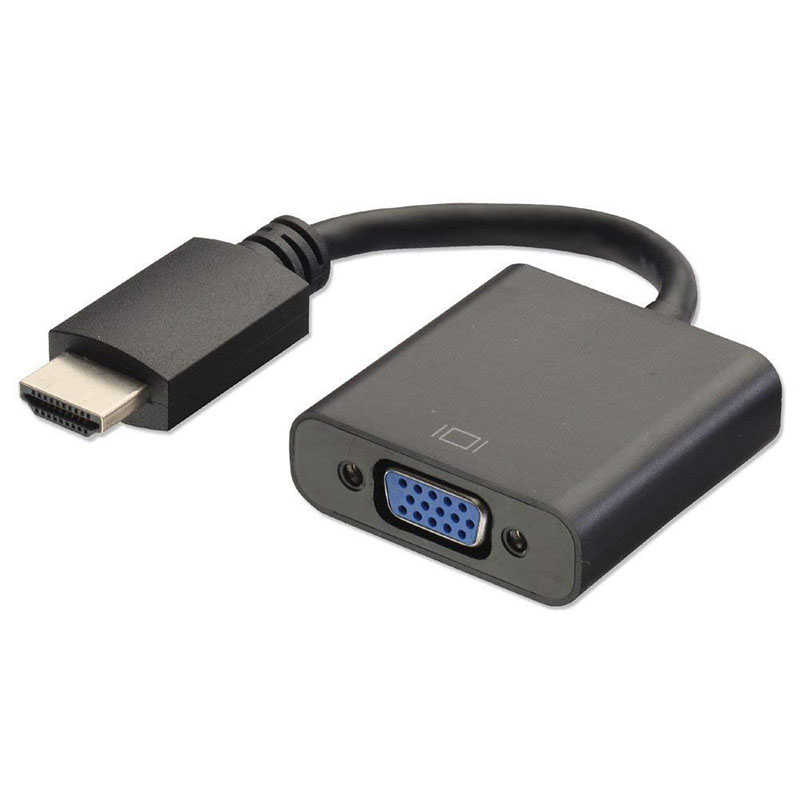
HDMI to VGA Converter Adapter Cable (Black)
$12.40
Add to cart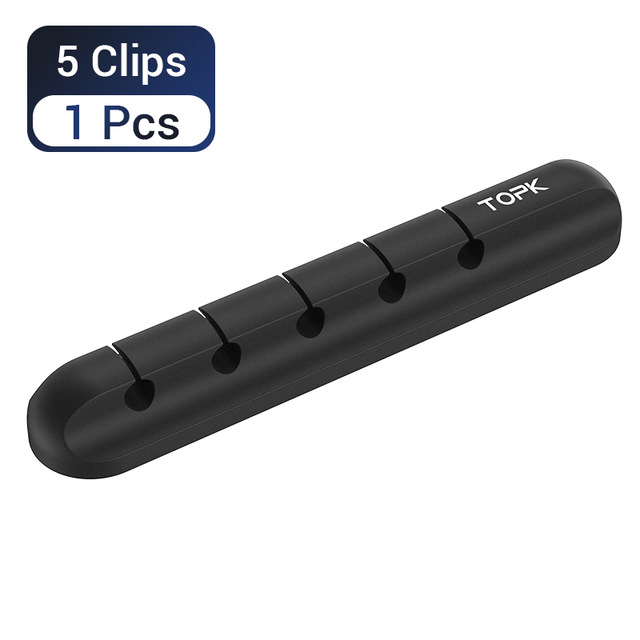
5-in-1 Cable Organizer Silicone USB Cable Desktop Tidy Wire Management Clips Cable Holder for TV Notebook Computer Office black
$12.80
Add to cart
ASRock Rack X470D4U Micro ATX Server Motherboard
$940.00
Add to cartProducts you may also like

TYAN Tomcat 845GVL Motherboard with Accessories
$411.30
Add to cart
8GB DDR4 RAM Upgrade
$227.80
Add to cart
EliteGroup Computer Systems GeForce6100PM-M2 (V2.0), Socket AM2+, AMD...
$235.00
Add to cart
Dell Latitude 5520 Business Laptop, 15.6" FHD Display, Intel Core i5-1135G7 vPRO, 16GB RAM, 512GB SSD, IR Camera, HDMI, Backlit Keyboard, Wi-Fi 6, RJ-45, Thunderbolt 4, Windows...
$2,279.30
Add to cartRecommended for You

Join the Elite Club with Lenovo Legion Pro 7 Gaming Laptop 2024 Newest, 16" WQXGA 240Hz Display, Intel Core i9-13900HX, RTX 4080, 16GB DDR5 RAM, 1TB SSD, Wi-Fi 6, Backlit Keyboard, Windows 11 Pro, with...
$5,780.70
Add to cart
Irresistible Deals USB Extension Cable 6ft, VCZHS USB 3.0 Extension Cable USB3.0 Cable A Male to A Female for USB Flash Drive, Card Reader, Hard Drive, Keyboard,Playstation, Xbox, Oculus VR,...
$16.40
Add to cart
Unlock Your Potential HP 215A Black Toner Cartridge | Works with HP Color LaserJet Pro M155, HP Color LaserJet Pro MFP M182, M183 Series | W2310A
$152.50
Add to cart
ATGames SEGA Genesis Classic 2017 – 81 Games, Two Wired Controllers
$79.99
Add to cart



IamARC –
The Canon printer, scanner, copy, fax, and etc… It was so amazing I also bought another one for a family member when their printer broke and tight on funds to help them out. This is black &…
EYEIIEYE –
Great printer, easy set up, Prints easy from phone or mac pro.
Cannot go wrong with Cannon.
EJoe –
Great printer, I work with a similar model the Imageclass D1620 at my office. That model was great for my office work but I needed something for my home office and this unit is great, plus it…
ChickenSoup –
Great value. Once driver downloaded, installed. Scan, print, no issue. LED screen is reasonable and logically straight froward.
NumbersShaman –
This is the best printer I have had in years.
I am a sole proprietor and need a fast, reliable, good quality printer.
After trying MANY brands, I chose this Canon about one month ago and I am glad…
DandG –
So far so good, great printer for stacks of documents through the feeder! Having some difficulty figuring out how to scan documents to my computer.
NancyN –
Canon always a good reliable product.
However, it took 3 phone calls to Canon to figure out how to work some features. Geek squad not much help and did not return to help as they were asked.
RussellD –
Amazing laser jet printer. My Mom is 82 and does not use the printer much, but there are times she does need a fax or printer, or copier. This is black print only, but what a great machine. Prints…