
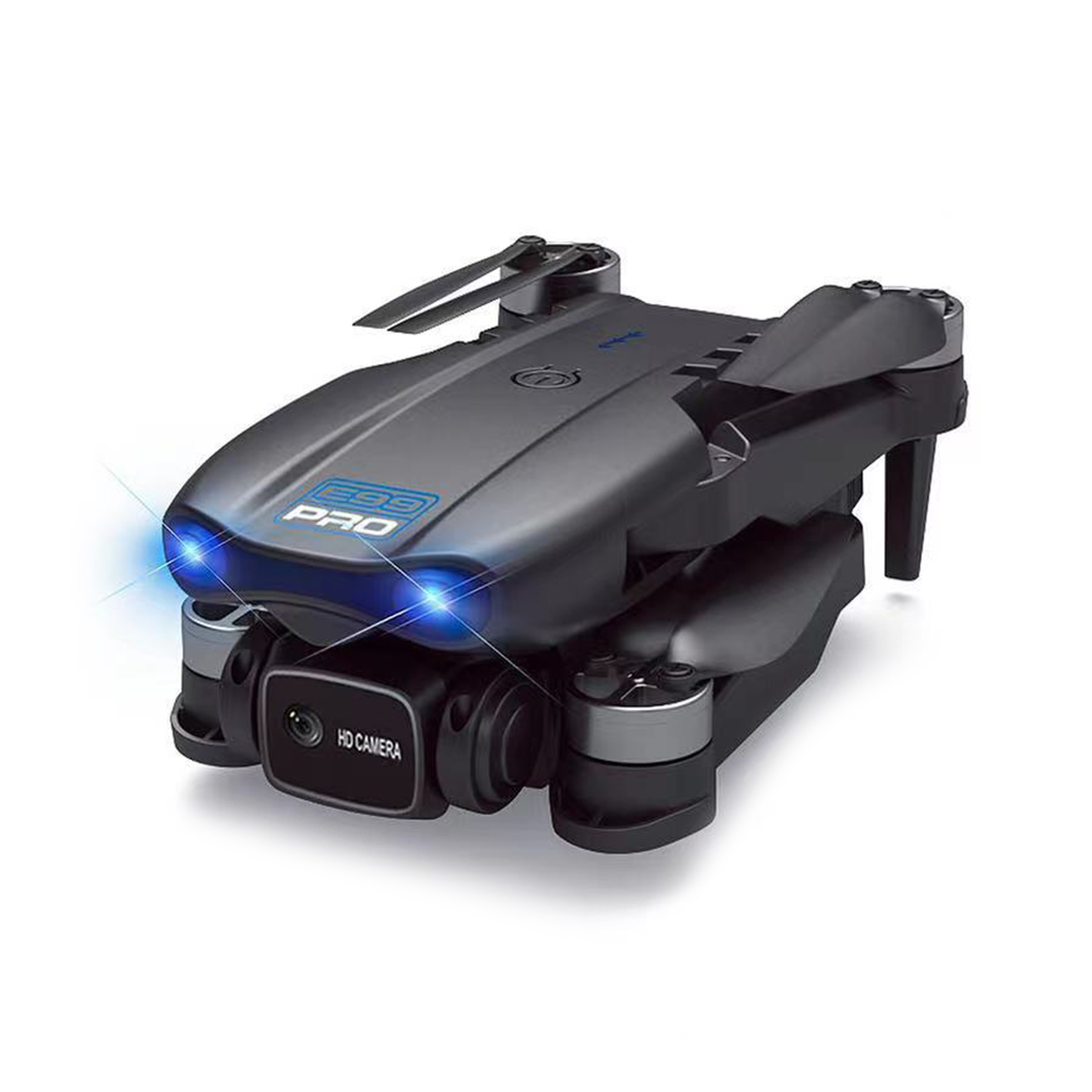
Foldable RC Drone with 4k Camera
$76.90
- Made of high strength and resistant engineering plastics
- Lightweight and durable resistance
- 3-level flight speed for more fun flying
- 4 Channel for various flight maneuvers
- Size: 25 x 20 x 5.5 cm (arms not folded), 12.5 x 8 x 5.5 cm (arms folded)
- Multiple functions including LED Light, Headless Mode, One-Key Automatic Return, Altitude Hold Mode, WiFi FPV, Trajectory Flight, Camera/Video
Buy more, save more
Buy 2–4 of this item and save 5%.
Buy 5 or more of this item and save 10%.
Discount is automatic in your cart on regular-priced items. It cannot be combined with coupon codes or sale prices.
Buy 2–4 of this item and save 5%.
Buy 5 or more of this item and save 10%.
Discount is automatic in your cart on regular-priced items. It cannot be combined with coupon codes or sale prices.
Country suggested using IP or browser language; you can change it. Shipping is confirmed at checkout.
Description
Foldable RC Drone with 4k Camera,
How to Use the E58E88 998MAX RC Drone
Preparation
- Charge the drone’s battery fully using the provided charger.
- Insert the batteries into the remote control.
- Download and install the drone’s mobile app on your smartphone.
Assembly
- Unfold the arms of the drone until they click into place.
- Attach the camera to the bottom of the drone until it clicks securely.
Taking Off
- Ensure that the drone is on a flat surface.
- Turn on the drone by pressing the power button on the fuselage until the lights turn on.
- Turn on the remote control by pressing and holding the power button until the indicator light turns on.
- Calibrate the drone by placing it on a level surface and rotating it horizontally three times and vertically three times.
- Press and hold the take-off/landing button on the remote control until the drone takes off.
Controlling the Drone
Use the remote control’s joysticks to maneuver the drone:
- For ascend and descend, push the left joystick up or down.
- For forward, backward, left, and right flight, push the right joystick in the desired direction.
- For left and right sideward flight, push the left joystick in the desired direction.
- For 360-degree rolling, use the right joystick’s trim buttons.
Other Functions
- To change the flight speed, use the speed switch on the remote control.
- To activate headless mode, press the headless mode button.
- To automatically return the drone to its take-off point, press the return button.
- To use WiFi FPV and access live video feed from the drone’s camera, connect your smartphone to the drone’s WiFi network.
- To control the drone using the mobile app, launch the app and follow the on-screen instructions.
- To record photos or videos, press the camera button on the remote control or in the mobile app.
- To fly the drone along a predetermined path, activate trajectory flight in the mobile app and draw the desired flight path on the screen.
, ,
Only logged in customers who have purchased this product may leave a review.
Popular items in this category

Canon EOS R100 Mirrorless Camera – RF-S 18–45mm Lens, Professional Accessory Kit
$899.99
Add to cartCanon EOS R100 Mirrorless Camera – RF-S 18–45mm Lens, Professional Accessory Kit
$899.99
Add to cart
Alarm-Clock Wake-Up-Light Pixel Expression Home-Decoration Digital Electronic Cute Multi-Function
Price range: $17.51 through $20.00
Select optionsCanon EOS R100 Mirrorless Camera – RF-S 18–45mm Lens, Professional Accessory Kit
$899.99
Add to cartSimilar items you might like

Revitalize Your Routine 5K 96MP Digital Camera for Photography with 6X Optical Zoom,2026 Upgraded Autofo
$103.40
Add to cart
Supreme Professional Digital Camera 4K Camera Digital WIFI Camera with 16X Night 2409
$137.40
Add to cartCanon EOS R100 Mirrorless Camera – RF-S 18–45mm Lens, Professional Accessory Kit
$899.99
Add to cart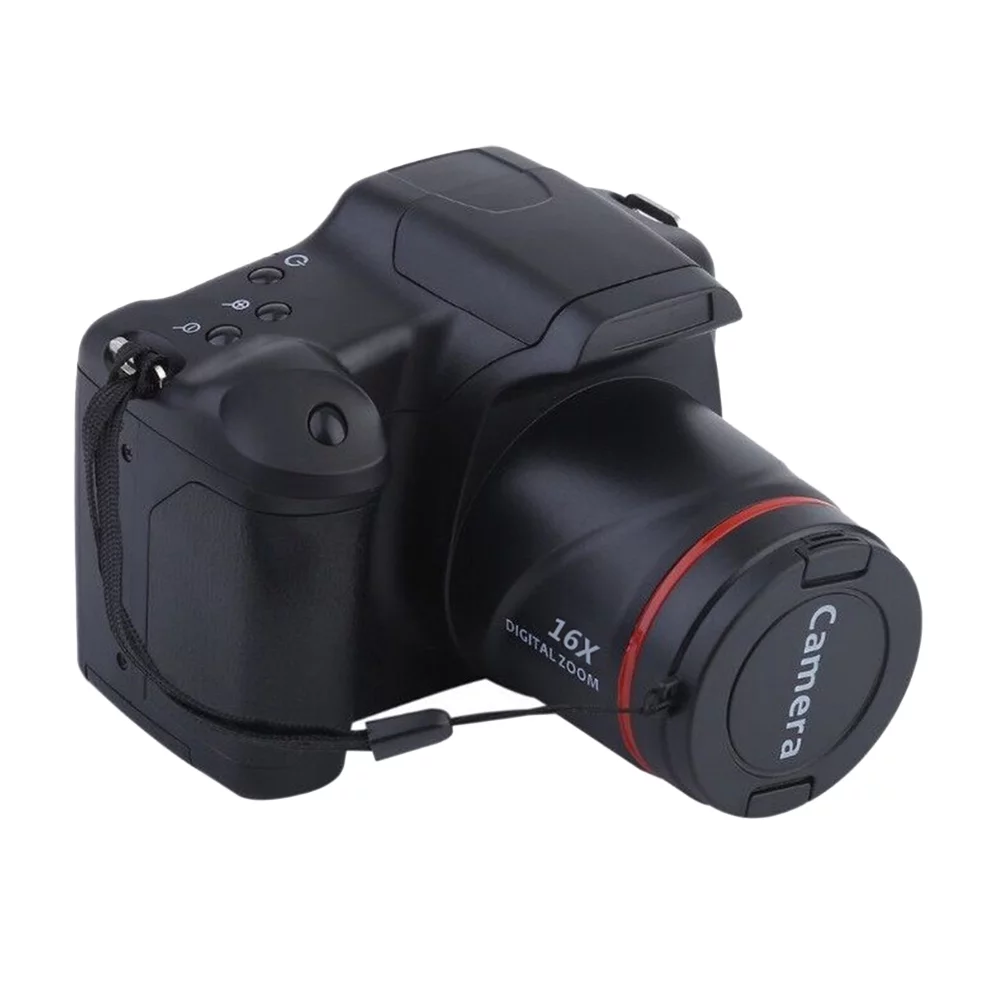
Guaranteed Satisfaction Professional Photography Camera Telephoto Digital Camera High-Definition Camera
$157.60
Add to cartProducts related to this item
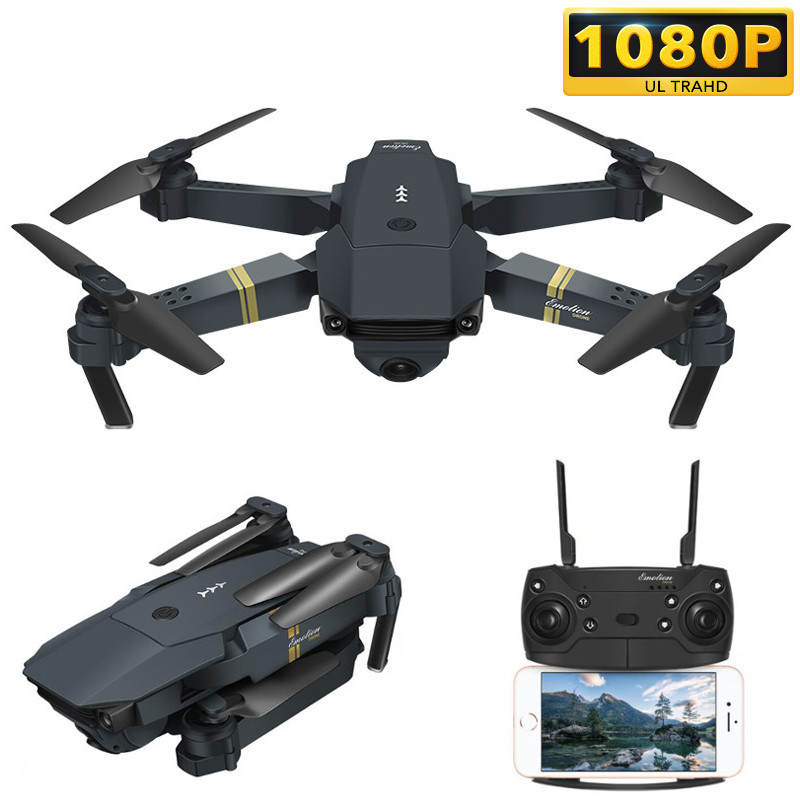
Foldable Arm RC Quadcopter Drone E58 WIFI FPV with Wide Angle 1080P HD Camera High Hold Mode RTF XS809HW H37 1 battery
$100.30
Add to cart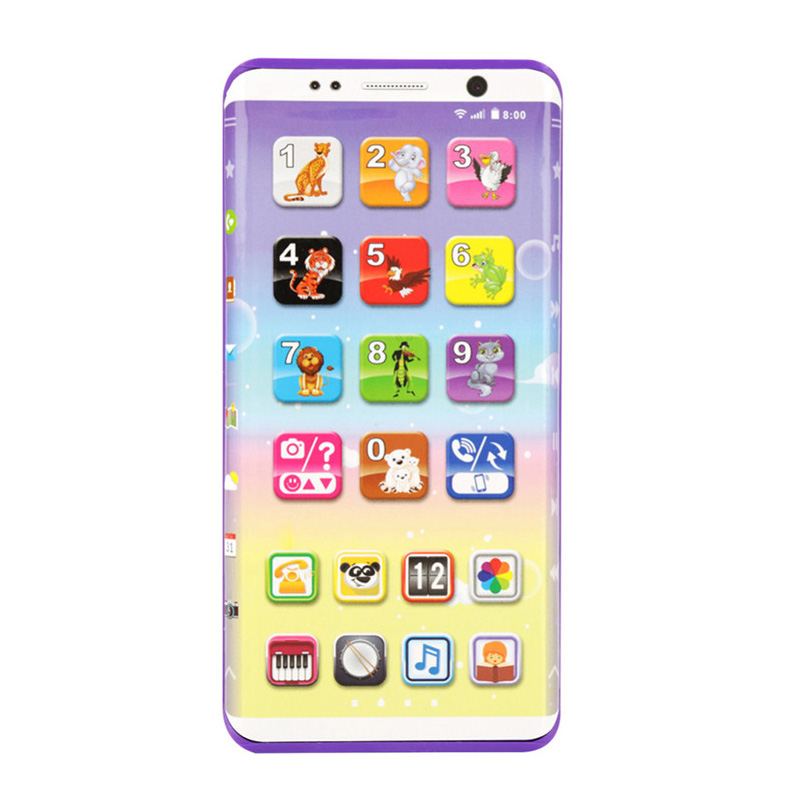
Educational Kids Phone Toys Kids Smart Phone Toys with USB Port Touch Screen
$27.50
Add to cart
Wireless Guitar Transmitter Receiver 2.4G Built-in Rechargeable Lithium Battery 30M Transmission Range for Electric Guitar
$74.50
Add to cart
Unisex Outdoor Retro Style Sun Glasses Stylish Metal Frame Oval Color Lens UV400 Sunglasses for Men Women - Gold frame red lens
$15.50
Add to cartProducts you may also like
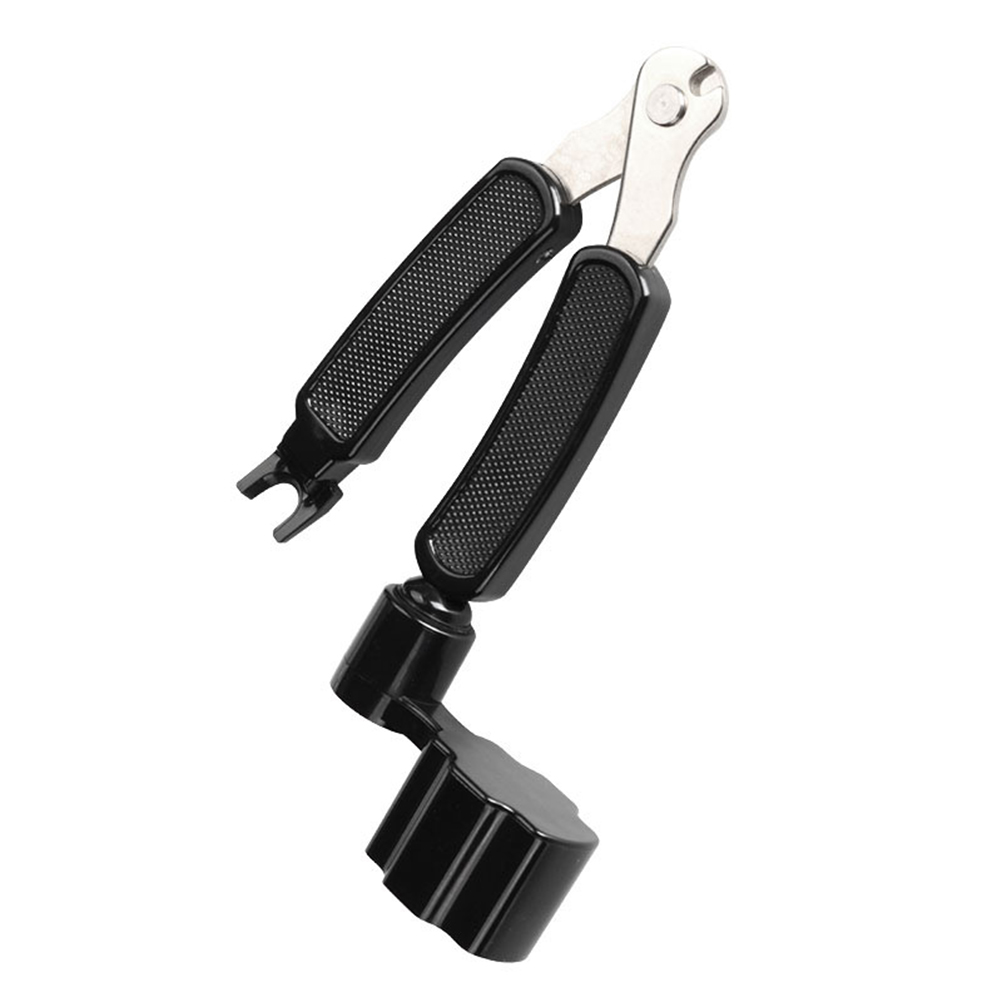
3 in 1 Multifunction Guitar Accessories Guitar Peg String Winder + String Pin Puller + String Cutter
$12.60
Add to cart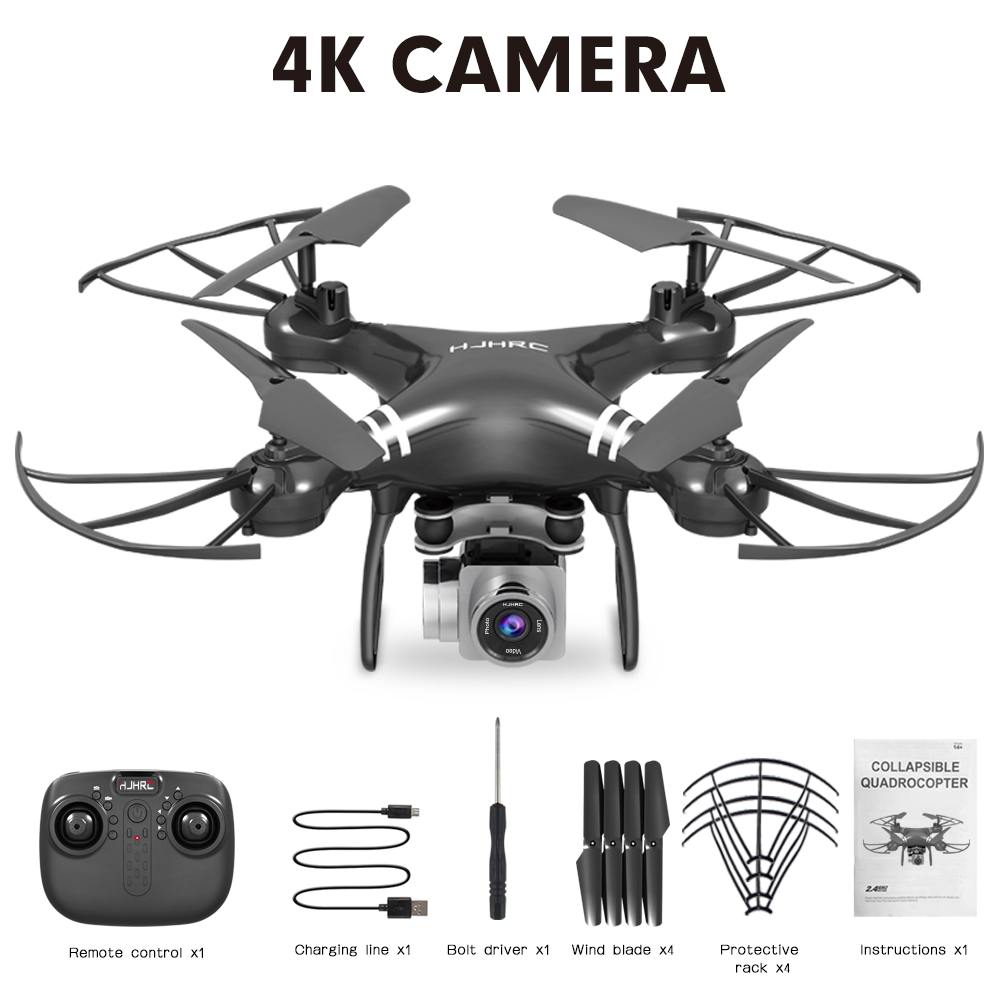
HJ101 Wifi Camera Air Pressure Fixed Height Face Recognition Drone Black 4K+ face recognition
$84.30
Add to cart
NIHUI NH010 Mini Drone 2.4G 6-Axis Gyro Headless Mode Remote Control Quadcopter (Red)
$38.50
Add to cart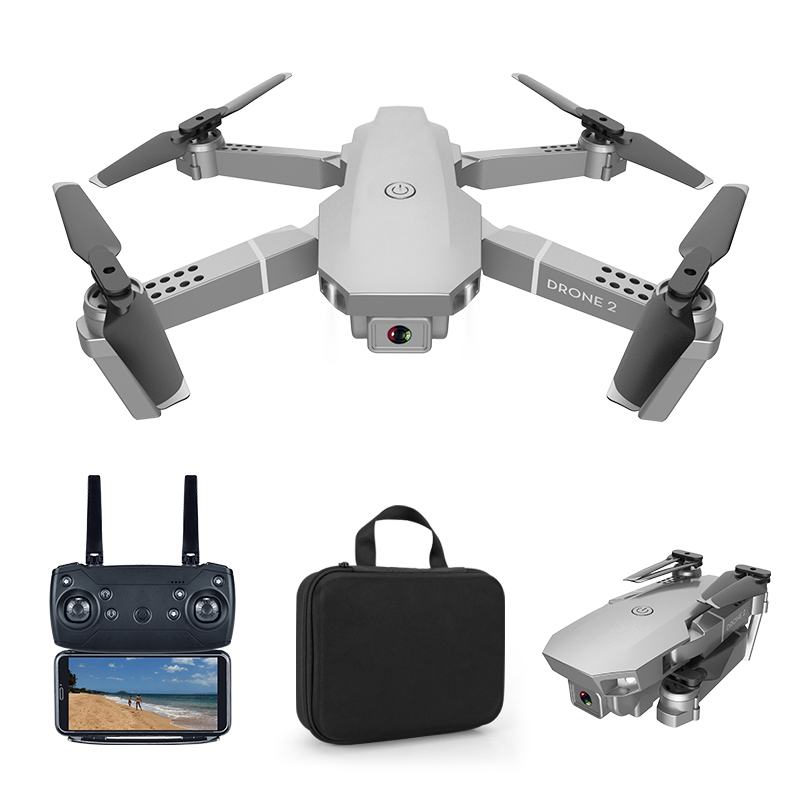
E68 pro 2.4G Selfie WIFI FPV With 4K HD Camera Foldable RC Quadcopter RTF Quadcopter height to maintain drone Toys Kid 1080P
$84.90
Add to cartRecommended for You

Smart Mini Robot Fun Robot Dancing Robot Toy Led Light Music Dance Robot white
$40.70
Add to cart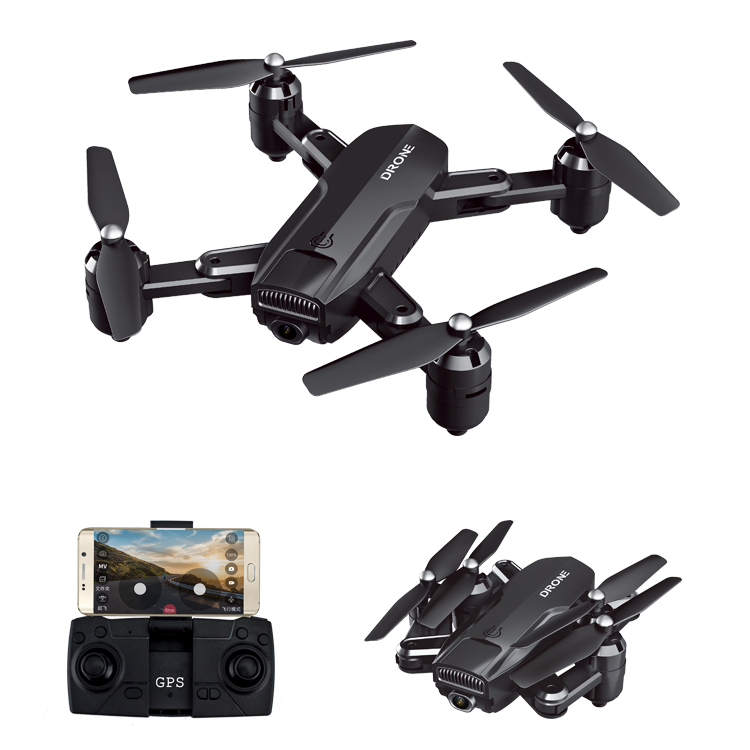
Foldable Selfie Drone with 1080 HD Camera
$235.30
Add to cart
Prime HD 16MP Digital Camera with 3.0 Inch TFT LCD Screen, 16X Zoom, 1080P Video, Anti-Shake, Mic - US
$69.30
Add to cart
Engines Motors Gear Set for JJRC H31 RC Drone Quadcopter Spare Part
$24.10
Add to cartRelated products
-

Computer Glasses Protective Vision Anti-Radiation Glasses Retro Anti-UV Unisex EyewearX7SC
$10.90 -
E68 pro 2.4G Selfie WIFI FPV With 4K HD Camera Foldable RC Quadcopter RTF Quadcopter height to maintain drone Toys Kid 1080P
$84.90 -
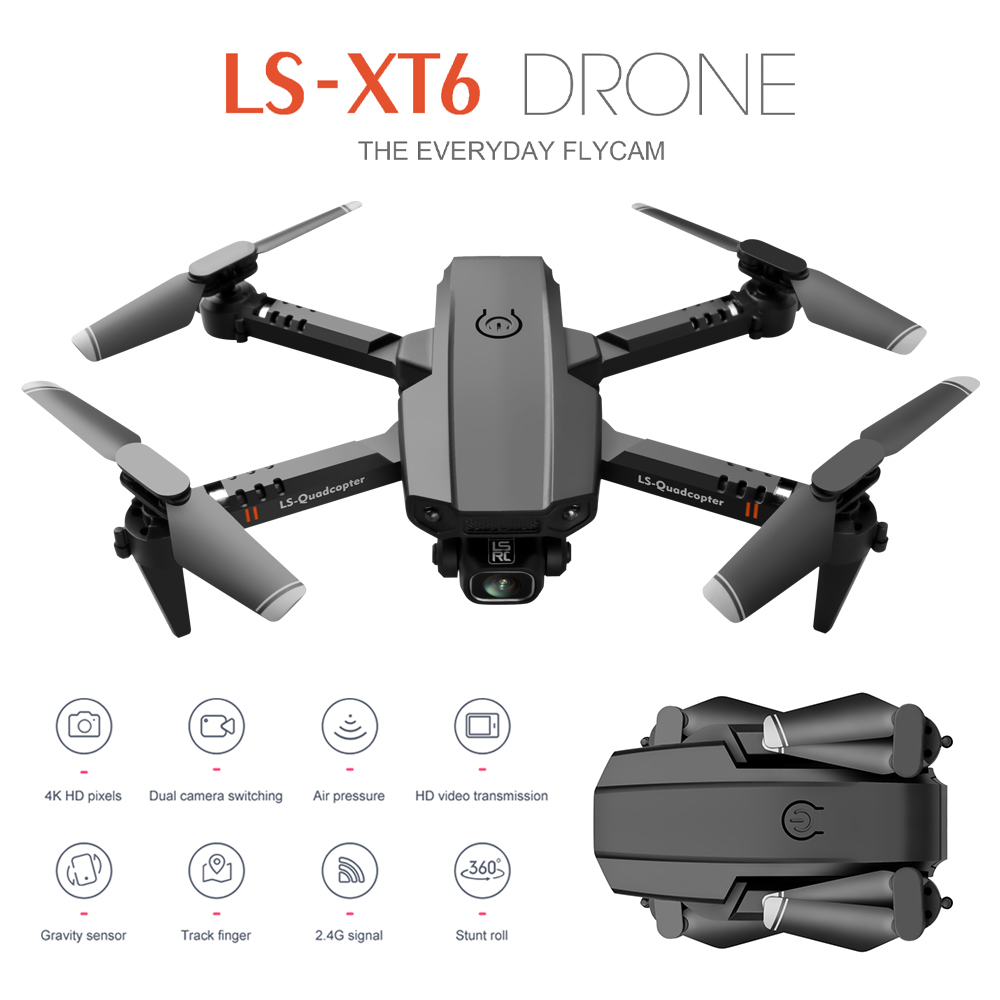
LS-XT6 Mini Drone 4K Aerial Folding Long-Endurance UAV Dual Lens Quadcopter Dual lens 4K 1B
$99.80 -
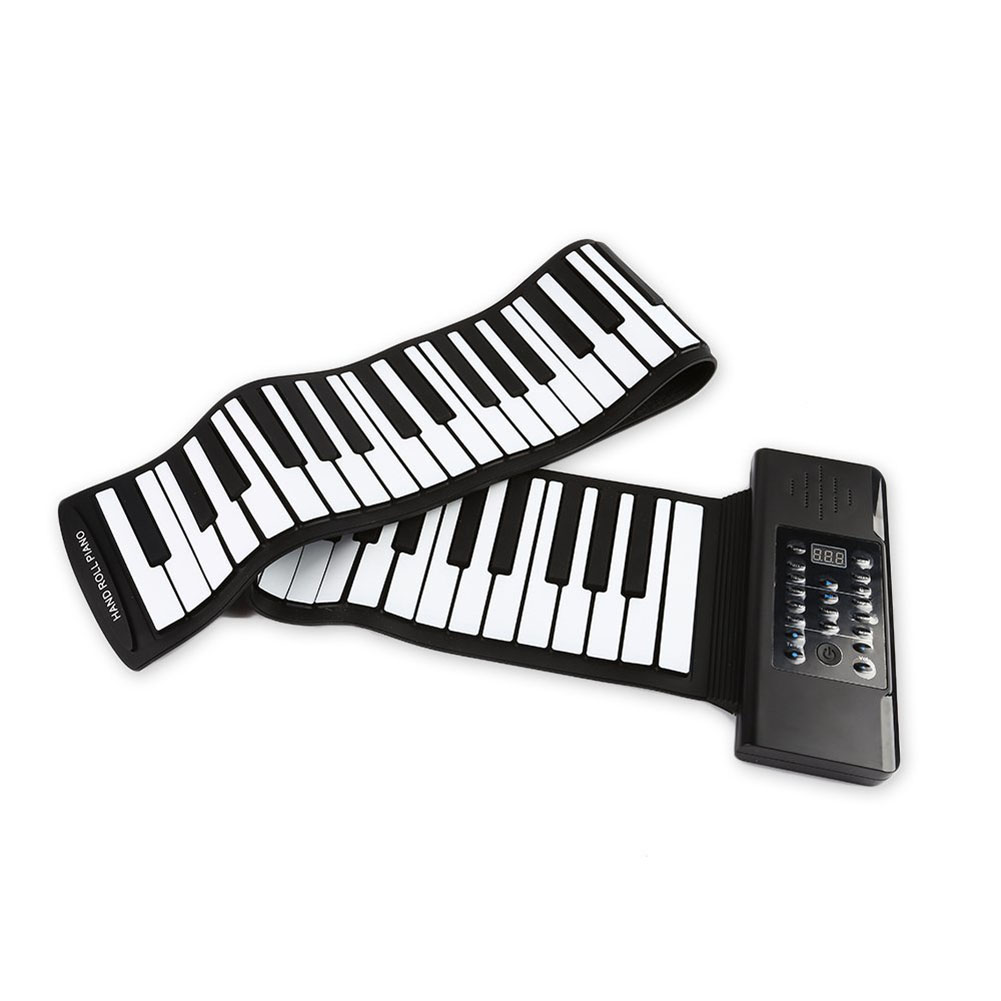
61 Keys 88 Keys Roll Up Piano Flexible Soft Electronic Digital Piano Roll Up Keyboard Piano Portable Piano for Beginner 88 Keys Black
$201.70

 English
  French
  Spanish
  German
  Portuguese
  Arabic
Reviews
There are no reviews yet.