
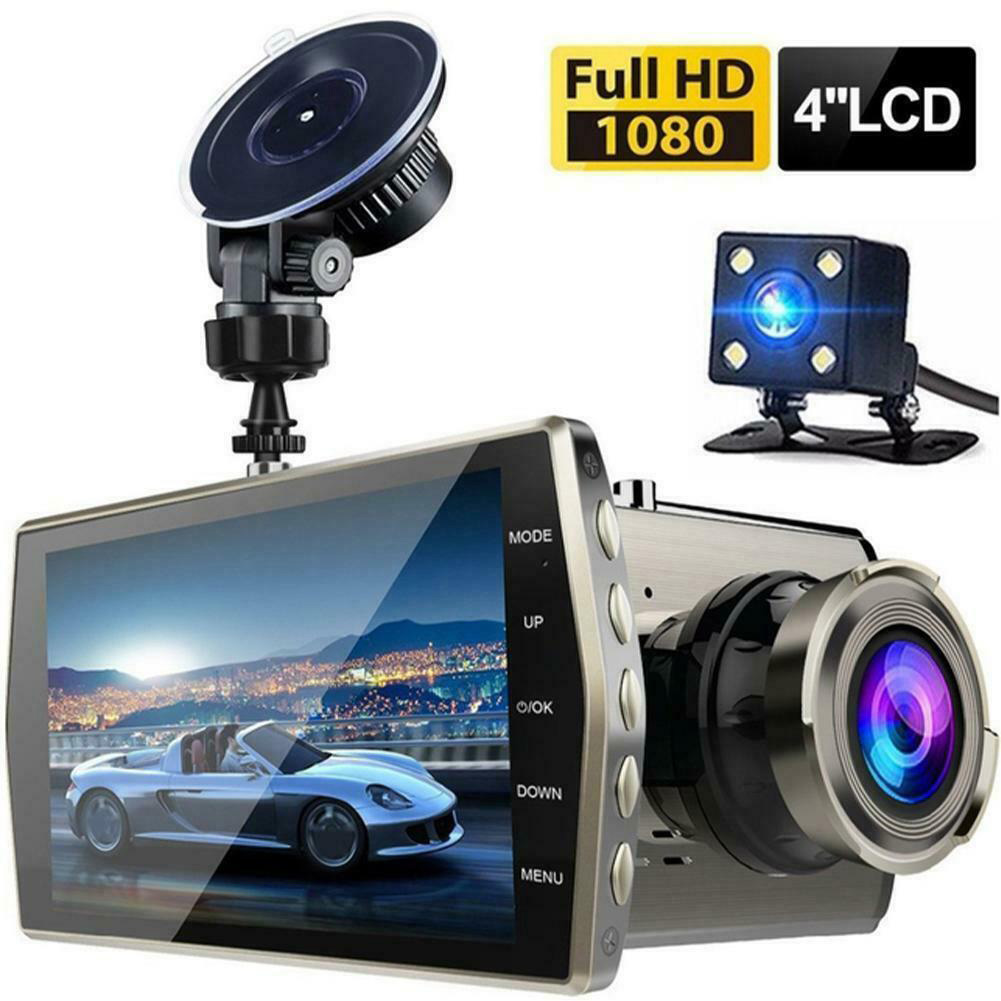
HD Screen Car Dash Cam with Night Vision
$77.70
- 1080p FHD and 12 million photo resolution for HD quality pictures and videos
- Captures license plates and details clearly even in low light or rainy conditions
- High gloss 170° wide-angle lens with intelligent processing technologies
- Comes with a 120° waterproof rear camera for recording from the rear
- Bracket and suction cup for secure installation on the windshield
Buy more, save more
Buy 2–4 of this item and save 5%.
Buy 5 or more of this item and save 10%.
Discount is automatic in your cart on regular-priced items. It cannot be combined with coupon codes or sale prices.
Buy 2–4 of this item and save 5%.
Buy 5 or more of this item and save 10%.
Discount is automatic in your cart on regular-priced items. It cannot be combined with coupon codes or sale prices.
Country suggested using IP or browser language; you can change it. Shipping is confirmed at checkout.
Description
HD Screen Car Dash Cam with Night Vision,
How to Use the 4.0-inch Hd Screen Wide-angle Lens 6E Car Dash Cam 1080p Night Vision Vehicle Driving Recorder
Installation
- Place the suction cup on the windshield
- Attach the bracket to the dash cam
- Securely mount the dash cam on the suction cup
Power On/Off
- Connect the dash cam to the car’s power source
- To power on, press and hold the power button
- To power off, press and hold the power button again
Recording Mode
- Ensure the dash cam is powered on
- By default, the dash cam will start recording automatically when the car starts
- To manually start recording, press the record button
- To stop recording, press the record button again
Night Vision Mode
- Enable night vision mode by pressing the night vision button
- This feature enhances the visibility of recordings in low-light conditions
- Press the night vision button again to disable this mode
Playback
- Connect the dash cam to a computer using the provided USB cable
- Access the recorded files in the dash cam’s memory
- Copy the desired files to your computer for playback
Additional Features
- Use the wide-angle lens for capturing a larger field of view
- Adjust the camera angle by rotating the bracket
- The waterproof rear camera will automatically record footage from behind
- Review the captured footage for evidence or security purposes
, ,
Only logged in customers who have purchased this product may leave a review.
Special deals for you
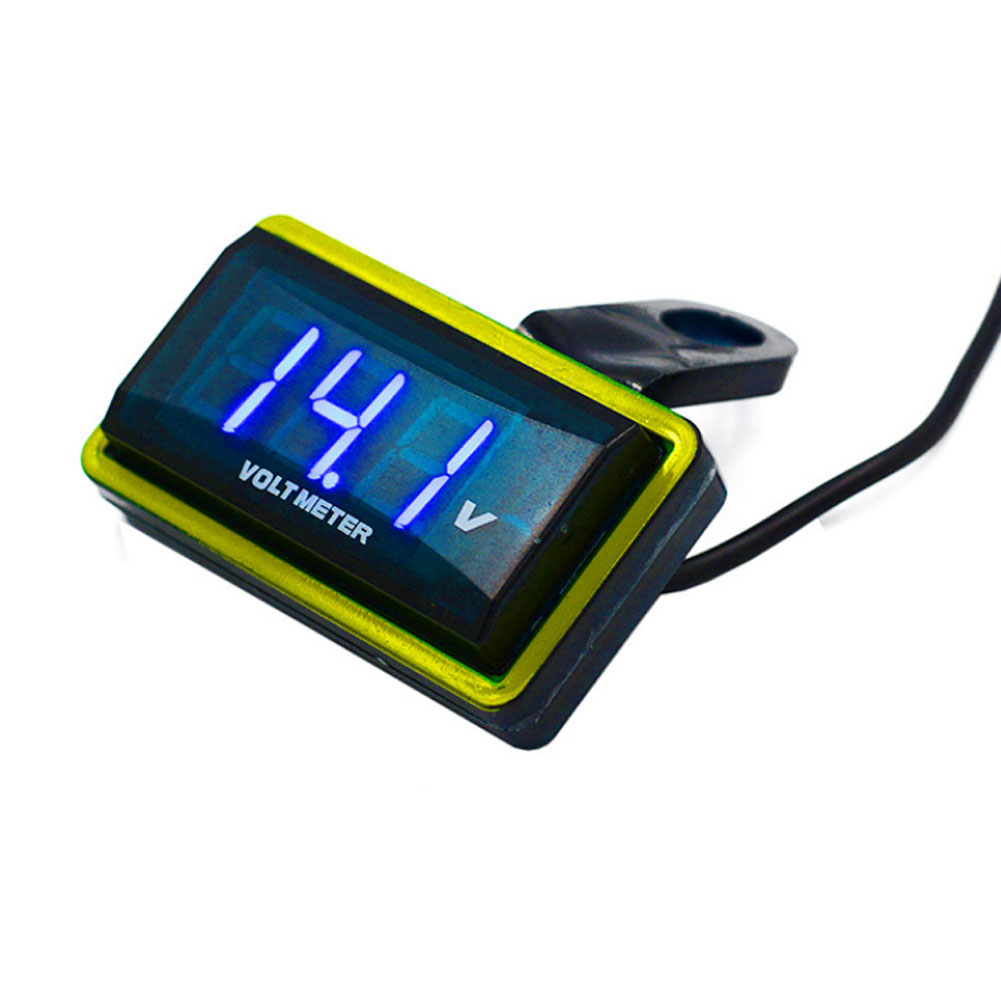
12V Car Voltmeter with Digital LED Display
Original price was: $20,030.60.$20.60Current price is: $20.60.
Add to cartPopular items in this category

Meterk 6-Tooth Wood Carving Disc – 16mm Bore Angle-Grinder Attachment
Price range: $12.08 through $26.62
Select options
Motorcycle accessories
$6.33
Add to cart
ECO OBD2 Plug-In Vehicle Module – Fuel-Saving Claims Not Verified
Price range: $2.67 through $14.61
Select options
Motorcycle-Style Leather Jacket – Black, Brown and Dark Brown
$26.88
Select optionsSimilar items you might like


Products related to this item
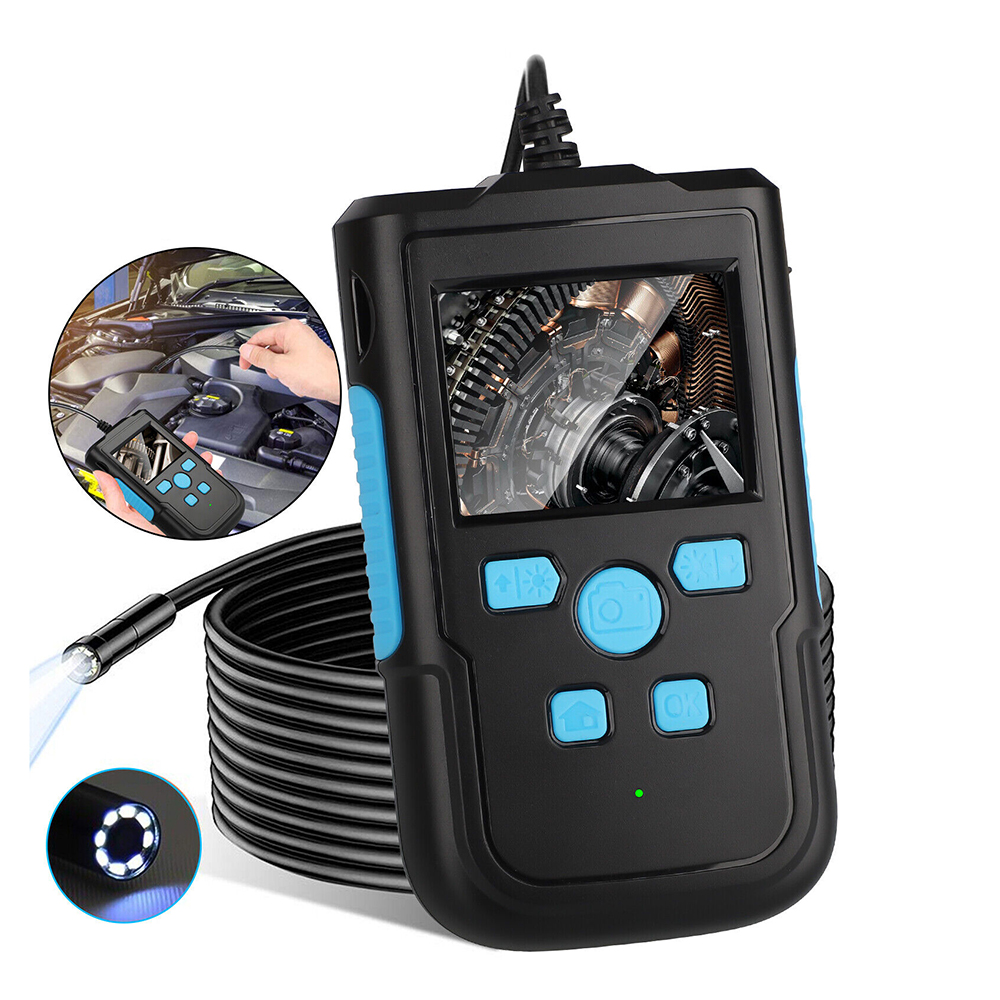
1080P HD Industrial Endoscope Camera 2.4-inch Screen Pipeline Borescope Video Inspection Camera 8mm-2m Black
$82.00
Add to cart
Car Paint Repairing Pen Car Scratches Fixing Pen Car Beauty Pen
$8.90
Add to cart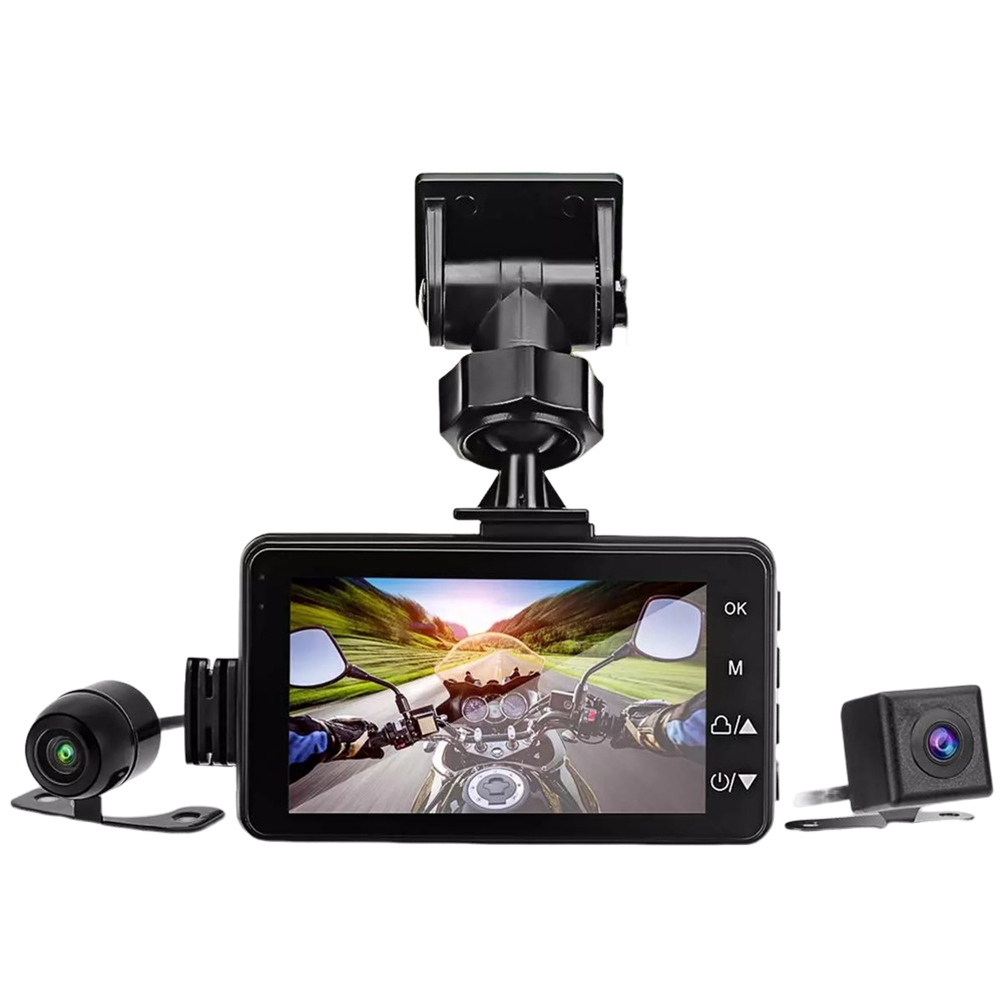
Motorcycle Dash Cam Dual Video Recorder
$95.70
Add to cart
Guaranteed Satisfaction 4-Piece Armor All Complete Car Cleaning and Care Kit
$37.40
Add to cartProducts you may also like

3M Squeegee 3D Carbon Fiber Vinyl Film Wrap Tool Car Sticker Styling Tools Water Wiper Scraper Window Wash Tools
$11.50
Add to cart
Pioneering Pack of 10 Auto Drive Multi-Purpose Microfiber Cleaning Towels in Assorted Colors
$12.40
Add to cart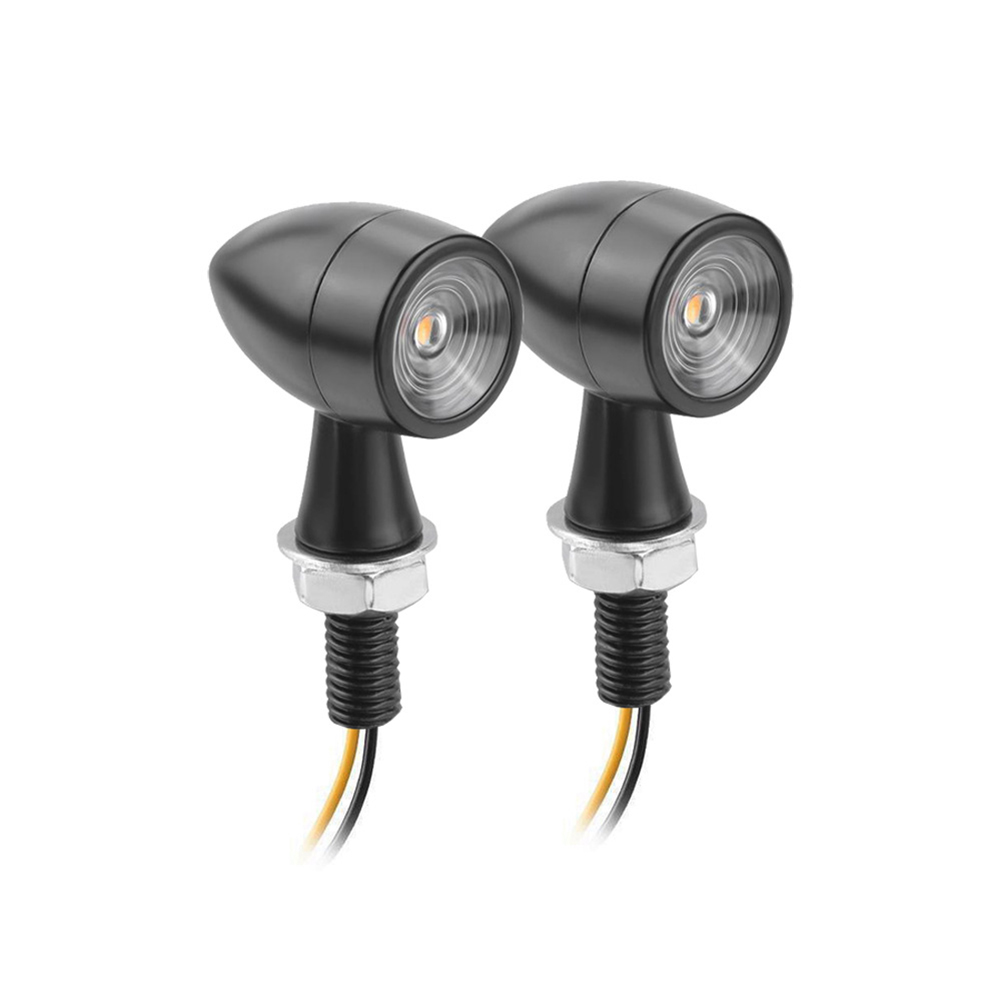
Unbeatable US 1 Pair Aluminum + Pc Lens Motorcycle Led Mini Turn Signal Waterproof Anti-scratch Retro Style Metal Signal Light 2 packs
$63.30
Add to cart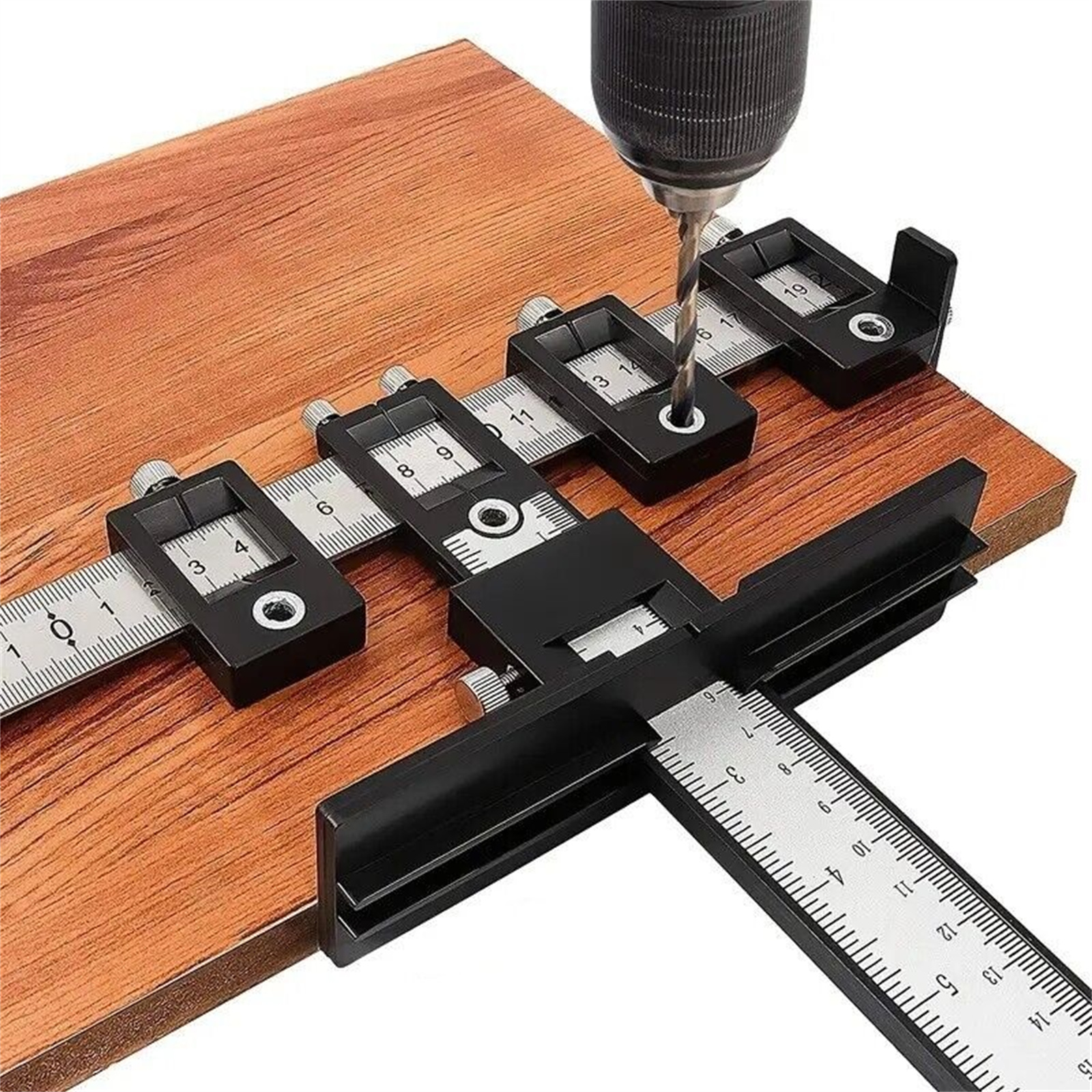
Sensational Savings Cabinet Hardware Jig Tool Adjustable Punch Locator Wood Drilling Dowelling Guide For Doors Drawer Handles Knobs Installation black
$39.90
Add to cartRecommended for You
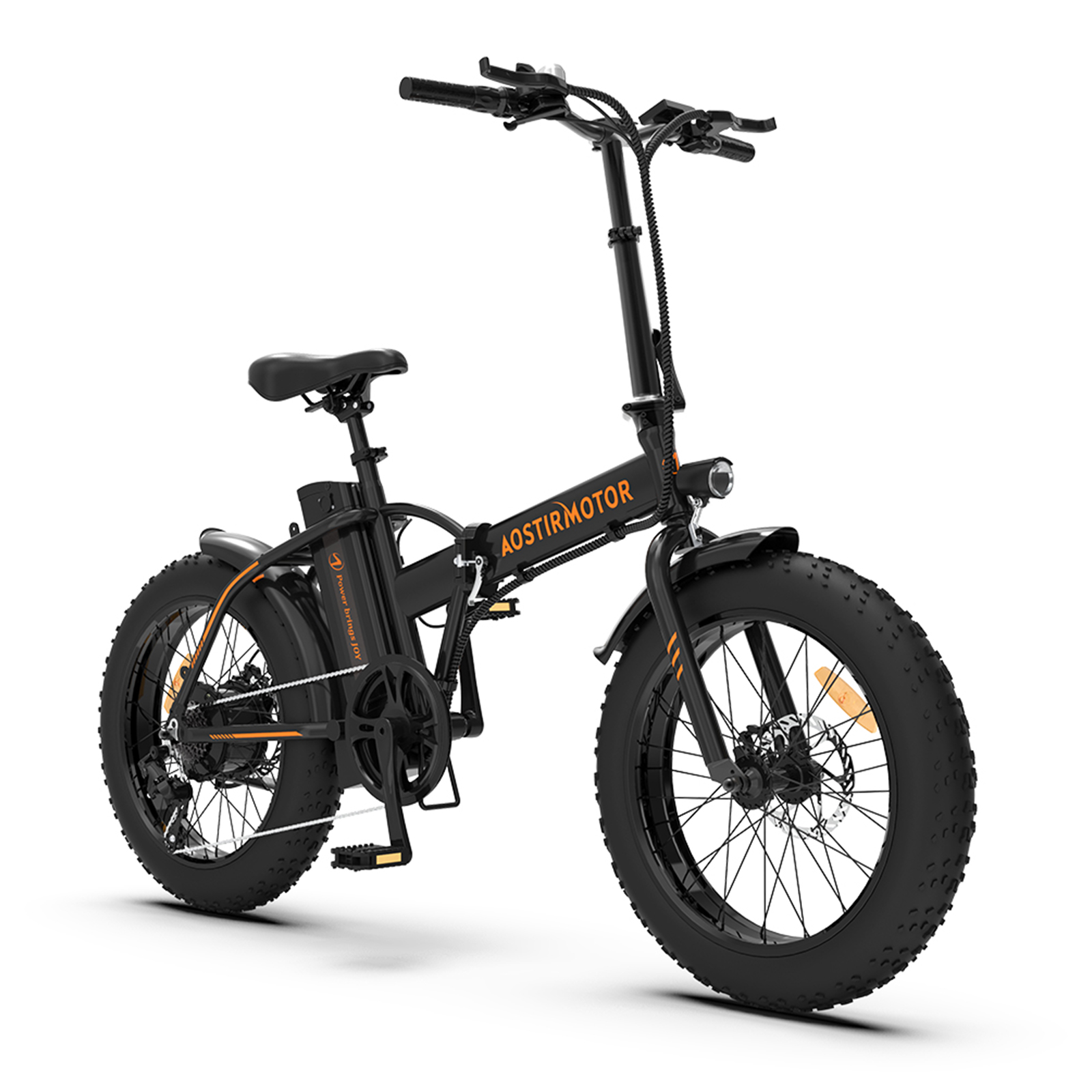
Unbeatable US Aostirmotor Folding Electric Bicycle 20 Inch Fat Tire 500w Motor Mountain Bike with 36v 13ah Lithium Battery Black
$2,822.40
Add to cart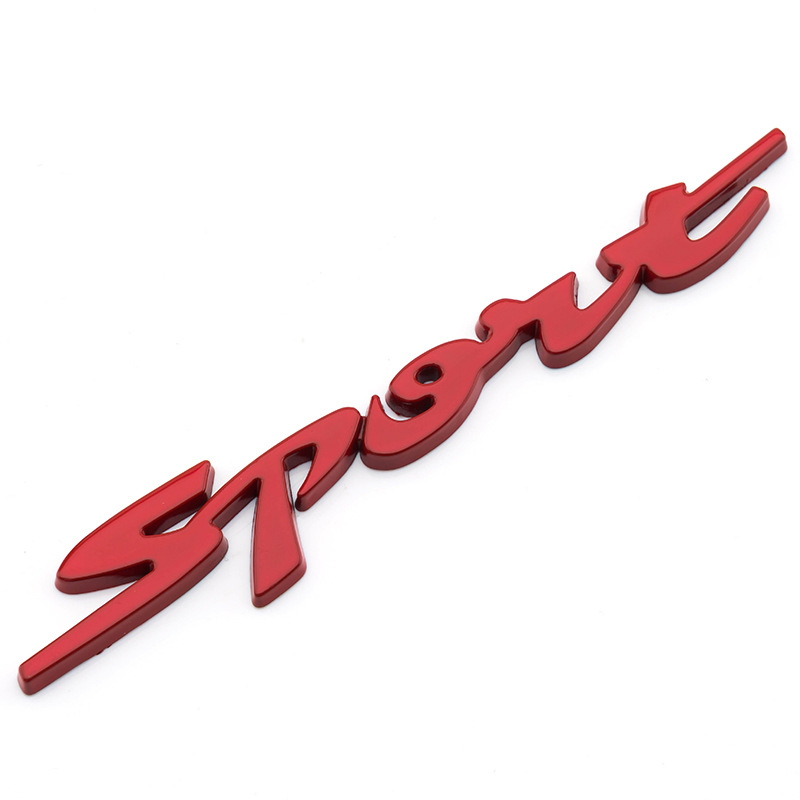
Car Sticker 3D Sport Emblem Racing Car Sticker Badge Door Side Logo Adhesive Tail For Trunk Cars Car Styling Accessories red
$12.30
Add to cart
Off-Road Dirt Bike – Multiple Engine / Motor Options
$1,768.50
Add to cart
JAC Refine M4 Manual 7-Seater Business MPV
$40,500.00
Add to cartRelated products
-
Car Sticker 3D Sport Emblem Racing Car Sticker Badge Door Side Logo Adhesive Tail For Trunk Cars Car Styling Accessories red
$12.30 -
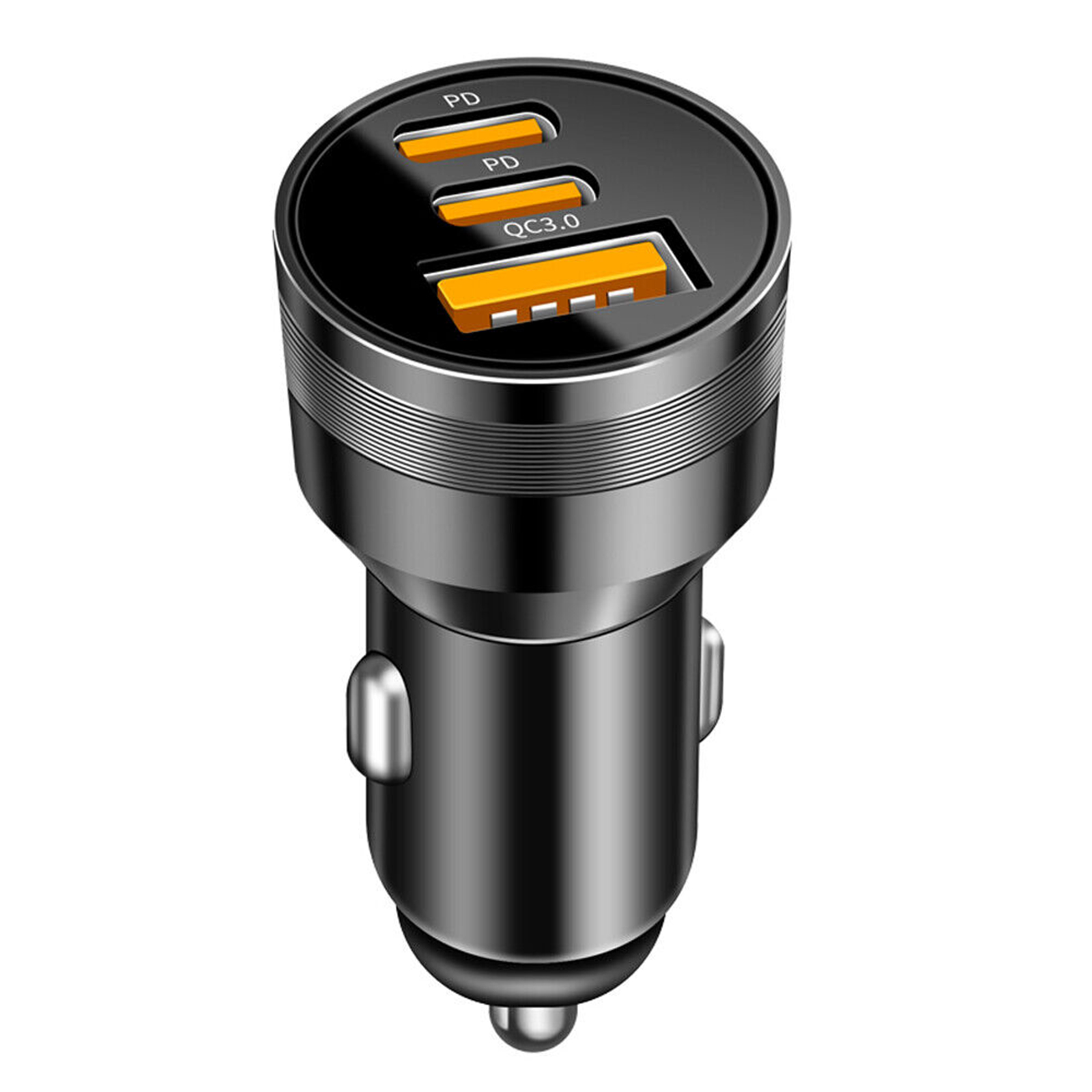
78W PD USB C Car Charger Dual PD QC3.0 Fast Power Charging Block Cigarette Lighter Socket Splitter Power Adapter black
$21.60 -
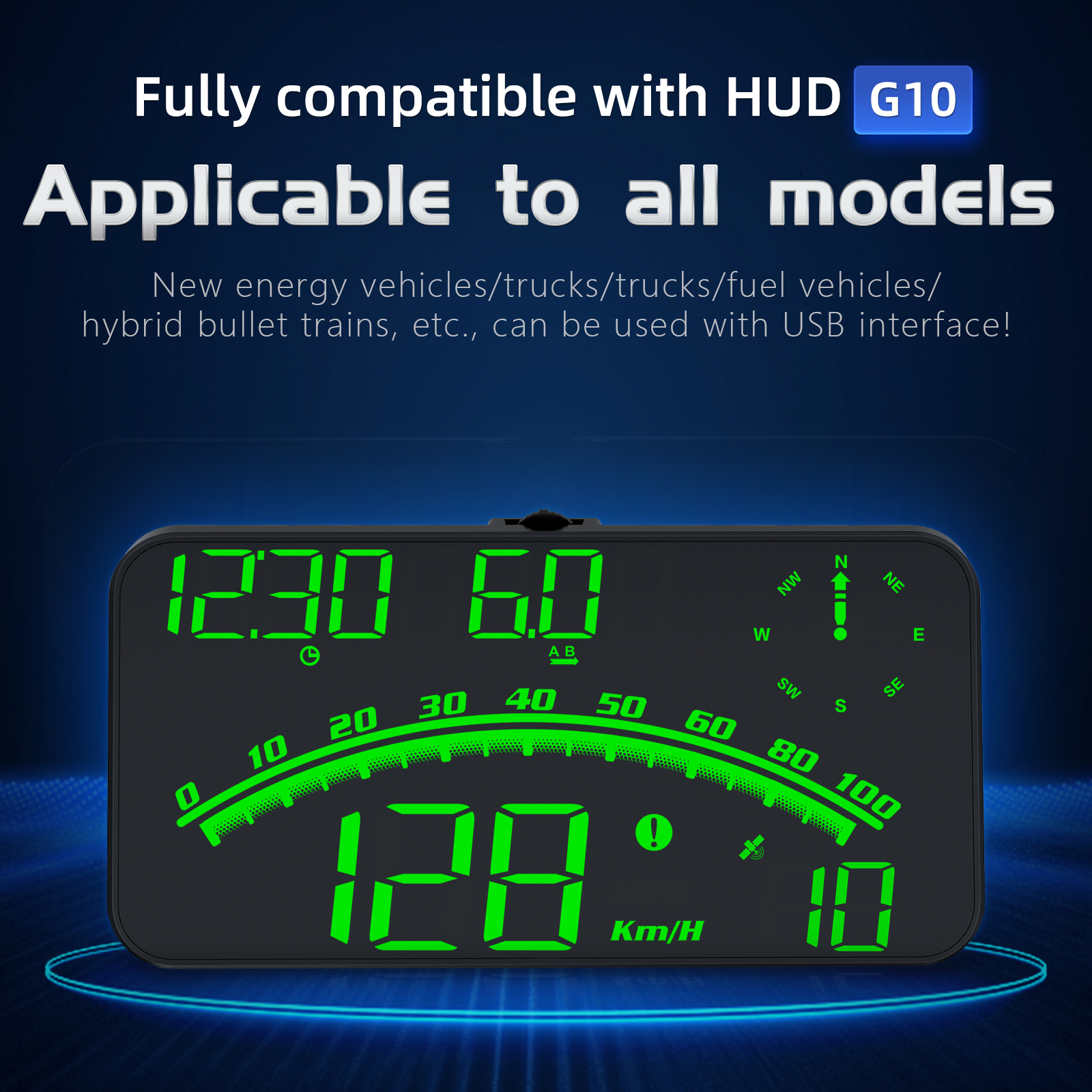
G10 Hud Gps Head Up Display Speedometer Overspeed Led Monitor Green Light
$70.10 -
SALE 12V Car Voltmeter with Digital LED Display
Original price was: $20,030.60.$20.60Current price is: $20.60.

 English
  French
  Spanish
  German
  Portuguese
  Arabic
Reviews
There are no reviews yet.