
Home Security Camera Privacy: Placement, Local Storage and Cloud Access
A practical guide to camera placement, footage storage, access controls and privacy-conscious settings, with product-specific Reolink E1 Outdoor Pro details.

A home security camera should help you understand what is happening around your property without collecting more footage than you need. Resolution and night vision are important, but placement, recording storage, account security and retention settings matter just as much.
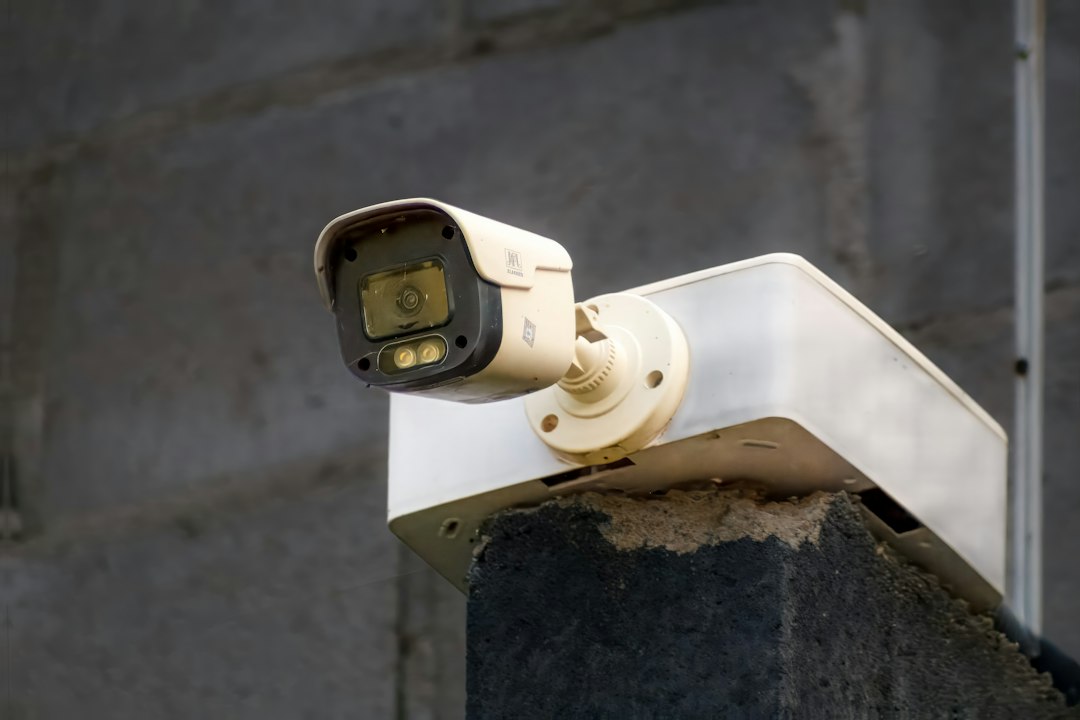
Plan the camera view before drilling
Start with the area you actually need to monitor: an entrance, driveway, garage door, gate or vulnerable side path. Aim the camera to cover that area while avoiding unnecessary views into neighbours’ windows, gardens or shared spaces. A wider field of view is not automatically better if it captures a large area irrelevant to your security needs.
Check daylight glare, shadows, night lighting, reflections and whether plants, gates or parked vehicles will block the view. If a camera supports privacy masks or detection zones, use them to exclude areas that should not be monitored. Test the view in daylight and at night before relying on it.
Understand resolution, field of view and PTZ
Higher resolution can provide more detail, but the result also depends on lens quality, field of view, frame rate, lighting, compression and subject distance. A 4K camera may use more bandwidth and storage than a lower-resolution model, so check the whole system rather than comparing megapixels alone.
Pan-tilt-zoom cameras can look in different directions, but a moving lens can leave other areas outside the frame at a particular moment. For critical entrances, consider whether a fixed camera or more than one camera would provide more consistent coverage.
Local storage, network recorder or cloud?
MicroSD: A card inside the camera can keep recordings on the device. Check the supported capacity, card type, endurance rating, overwrite behaviour and whether the camera continues recording if the internet connection is lost.
NVR or home hub: A recorder or dedicated hub stores footage in a separate location. Confirm supported camera models, number of channels, drive capacity, retention period and whether remote viewing requires an online account.
Cloud recording: Cloud storage can make footage available away from home and can help if a camera is stolen, but it may depend on a subscription, internet connectivity and the provider’s retention and access policies. Read the privacy policy and check what happens if the subscription expires.
Local storage does not automatically make a system private. Remote access, account recovery, firmware updates, router security and sharing permissions still matter. Use a unique password, enable multi-factor authentication where offered, remove access for people who no longer need it and keep firmware current.
A real example: Reolink E1 Outdoor Pro
GradeZO lists the Reolink E1 Outdoor Pro 4K 8MP PTZ camera in its Security Cameras category. The listing states 4K 8MP video, 3× optical zoom, 355° pan and 50° tilt, dual-band Wi-Fi, auto tracking and two-way audio.
Reolink’s support information lists several recording and connection options for the E1 Outdoor Pro, including microSD, NVR, Reolink Home Hub and FTP. It states support for microSD cards up to 512GB. Confirm the exact firmware, region, storage accessory and feature compatibility for the unit you intend to buy; model variants and software support can change.
Privacy and legal responsibilities
Rules for domestic CCTV are not the same in every country. In the UK, government guidance says that if a home camera captures people outside the boundary of the owner’s private domestic property—such as neighbours’ homes, shared spaces or public areas—data-protection law may apply. The owner may need to explain the recording, secure the footage and respond appropriately to requests from people captured.
Even where local law is less prescriptive, good practice is to minimise the area recorded, avoid capturing audio unless genuinely needed, restrict access to the smallest practical group and delete footage when it is no longer useful. Put up signs where local rules require them and seek local advice if the camera covers a shared entrance or public space.
Set a sensible recording and retention routine
- Choose motion-based recording, continuous recording or scheduled recording according to the risk and available storage.
- Set detection zones to reduce irrelevant alerts from trees, roads or neighbouring properties.
- Review whether audio recording is necessary and lawful in your location.
- Set a retention period that matches the reason you record; avoid keeping footage indefinitely by default.
- Check that recordings can be exported and played back before relying on the system for an incident.
- Review users, passwords, app permissions and firmware periodically.
Frequently asked questions
Is local storage safer than cloud storage?
Neither option is automatically safer. Local storage can reduce dependence on a remote account but can be lost if the camera or card is stolen. Cloud storage may protect footage from a stolen device but introduces account and provider risks. Compare access controls, encryption, recovery options, costs and retention.
Does a 4K camera always provide clearer evidence?
Not necessarily. Lens quality, lighting, distance, motion blur, placement, compression and frame rate all affect usable detail. Choose a camera for the scene you need to cover and test recorded footage in the conditions where it will operate.
Can I point a camera at a public pavement?
That depends on the law where the camera is used. In the UK, capturing beyond the private property boundary can trigger data-protection obligations. Check your local law and narrow the camera view wherever possible.
Sources and further reading
- UK Government: Guidance on the use of domestic CCTV
- Information Commissioner’s Office: Home CCTV systems
- Reolink Support: E1 Outdoor Pro specifications, storage and setup
Legal guidance above is specific to the UK where stated. Check local privacy and surveillance requirements before installing a camera.
