
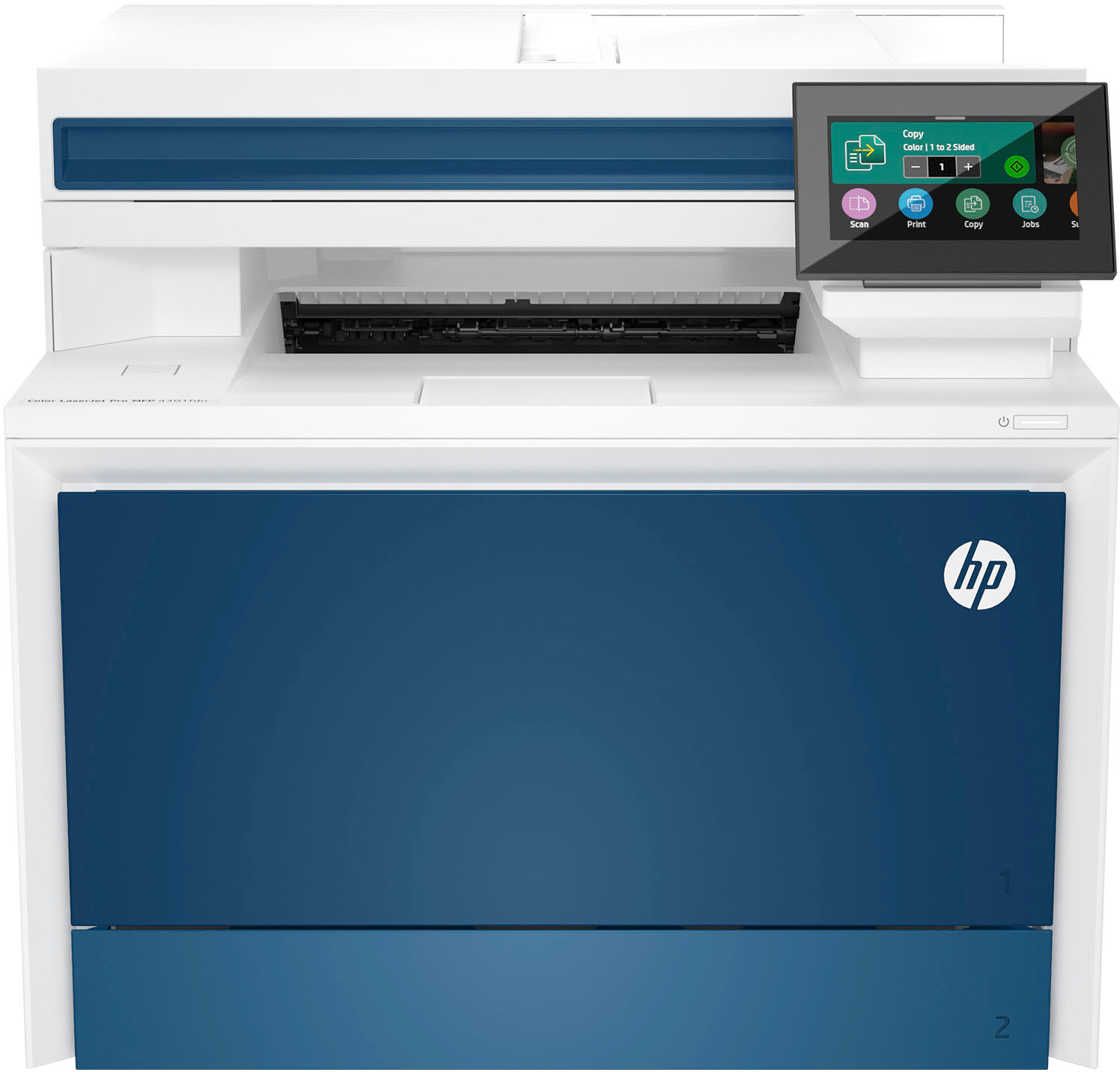
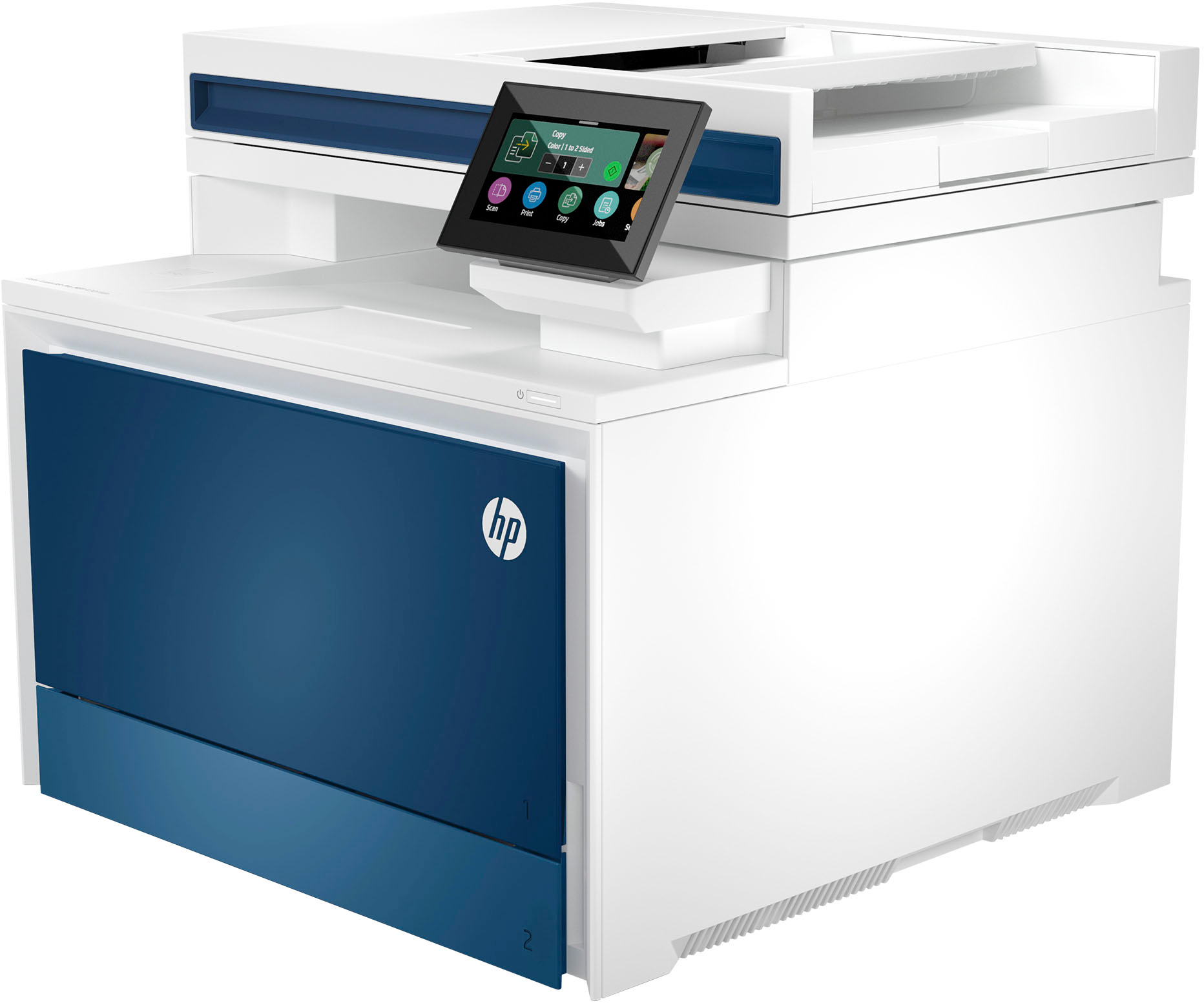
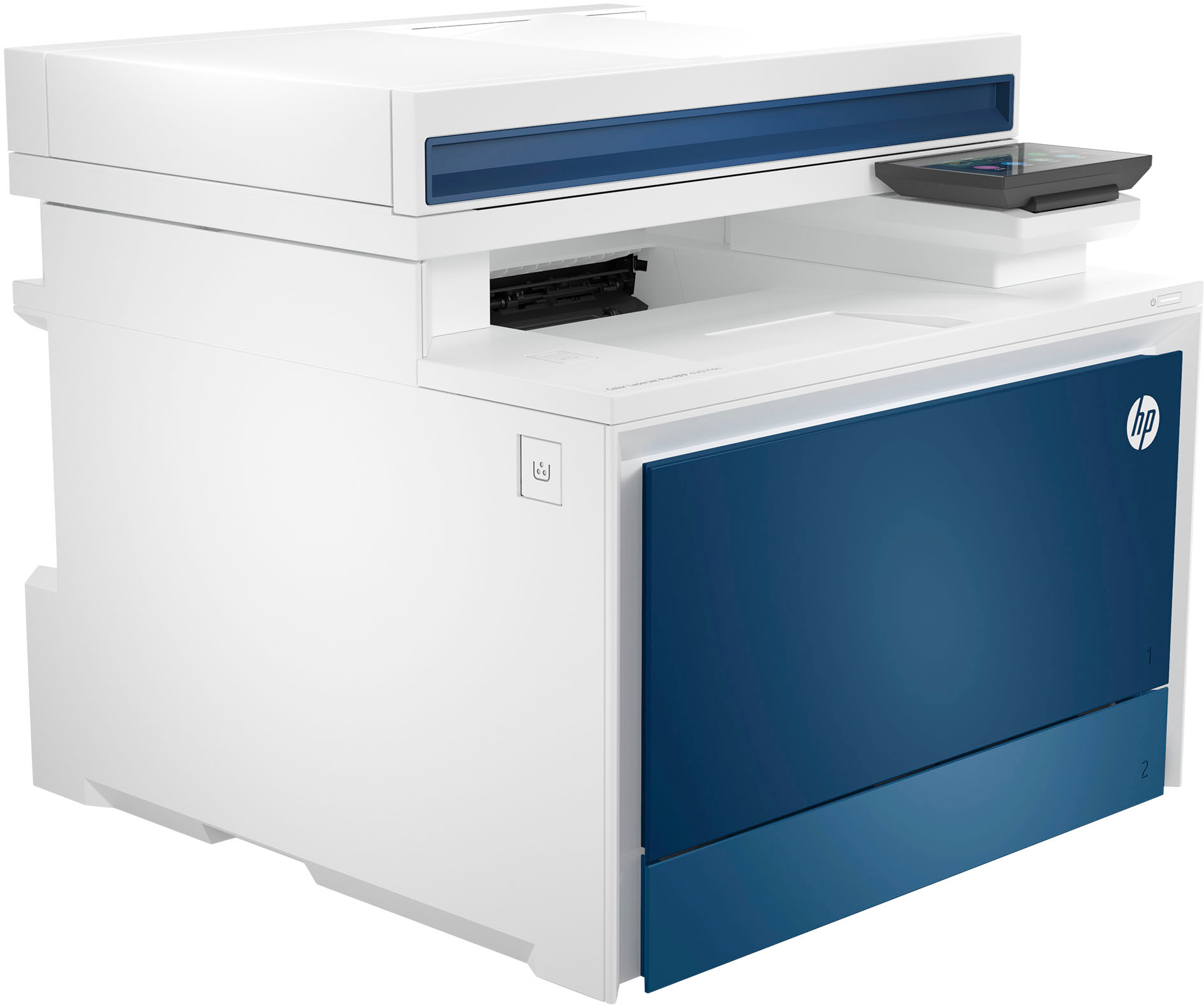
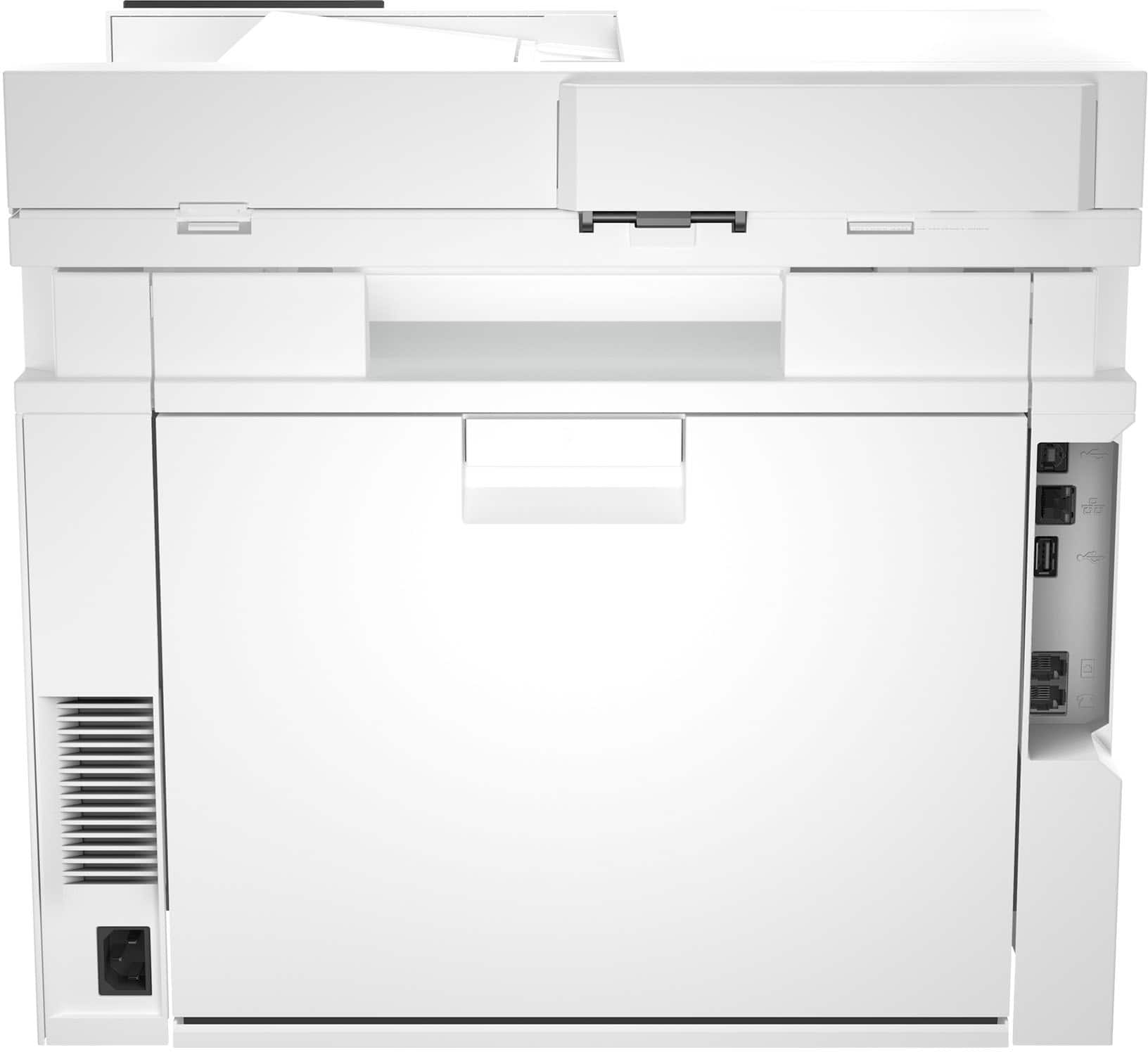
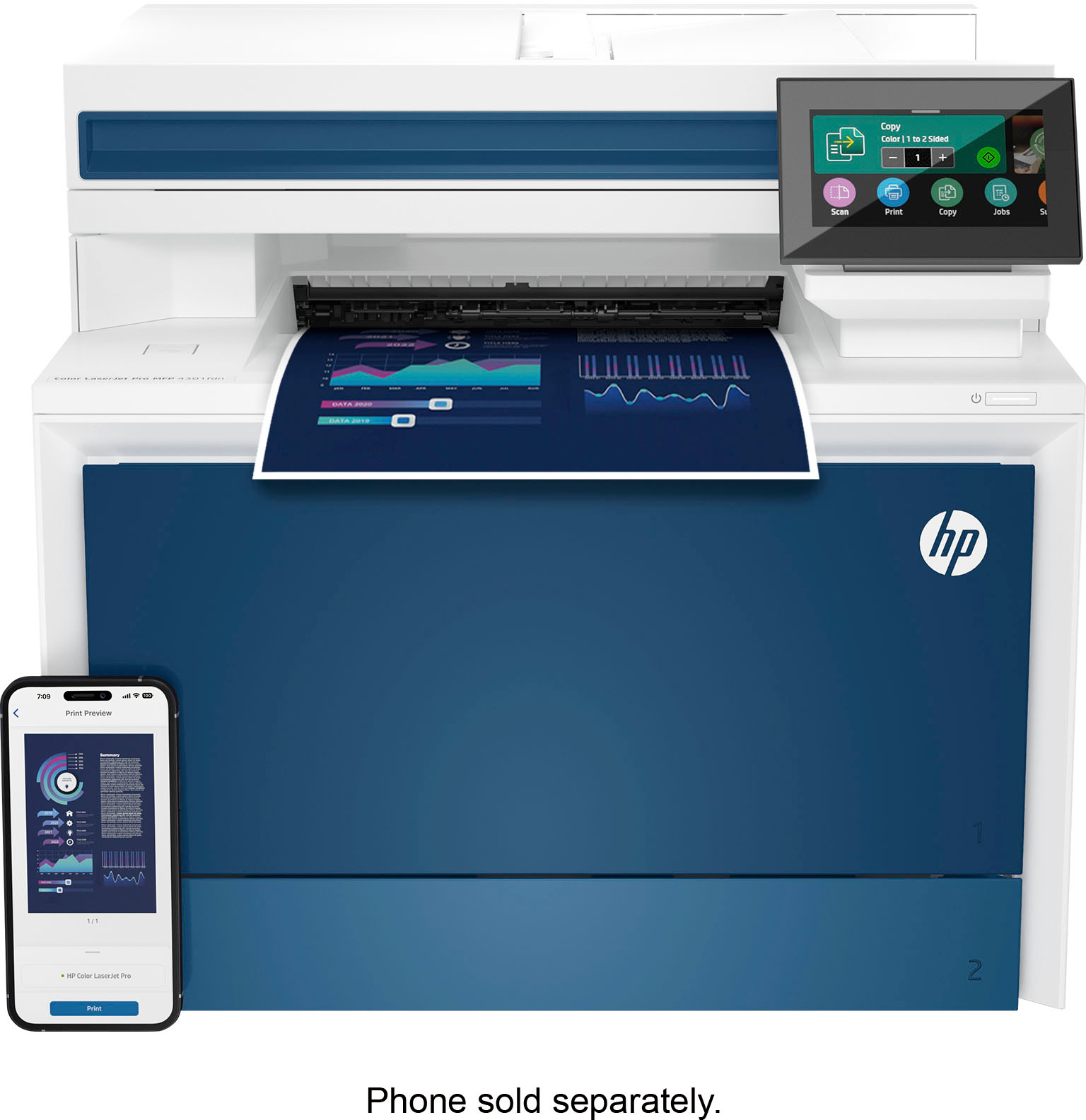
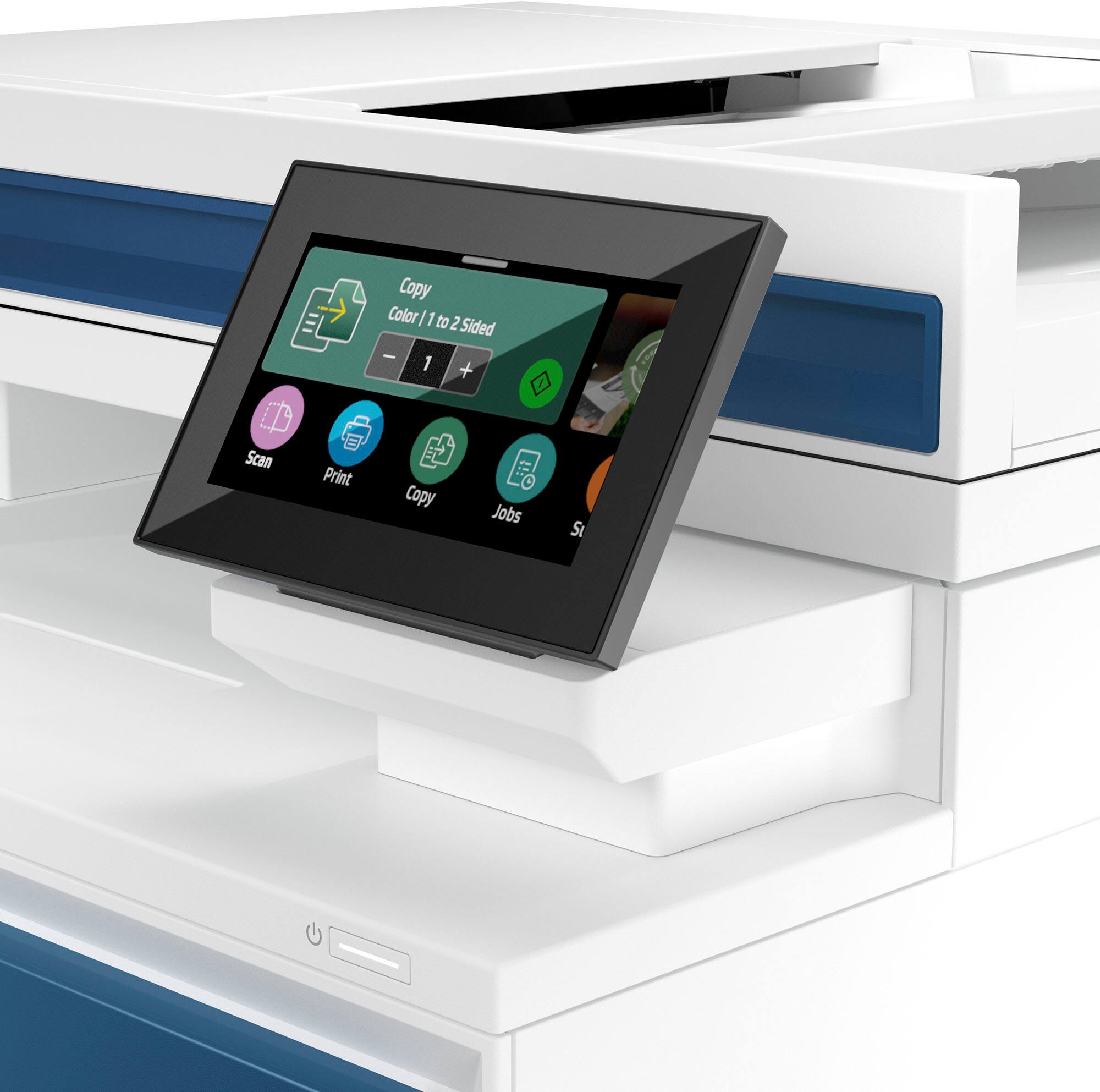
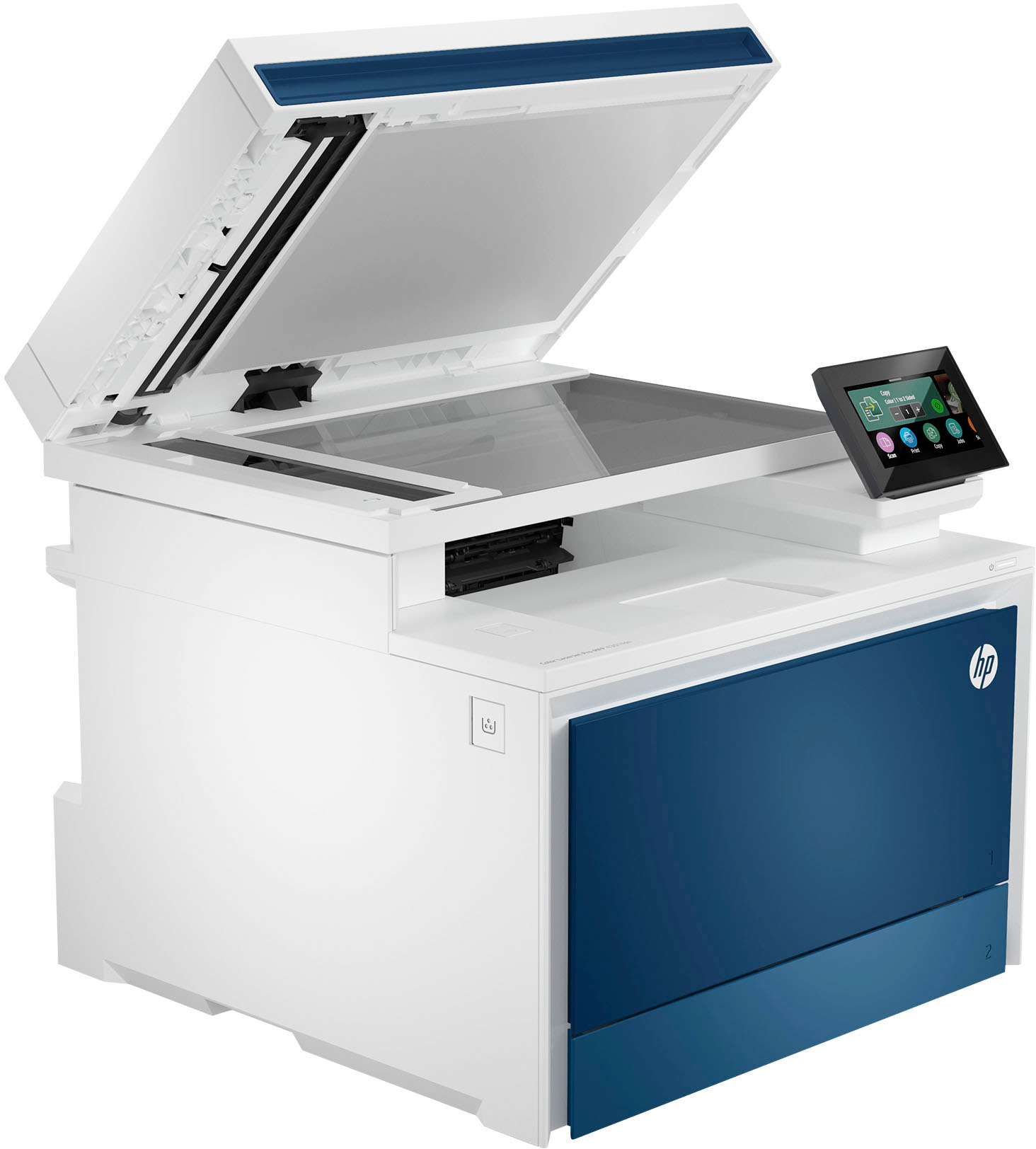
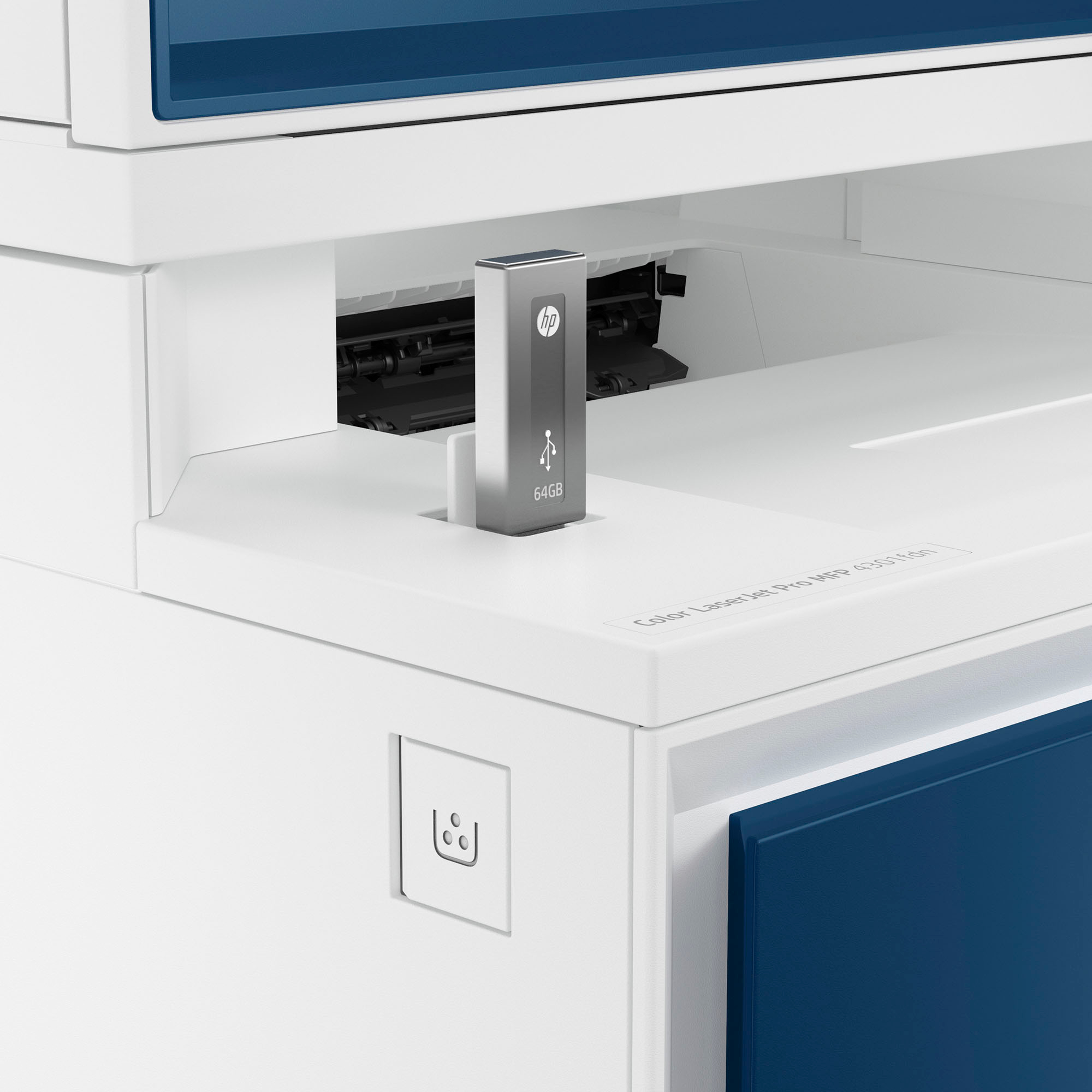
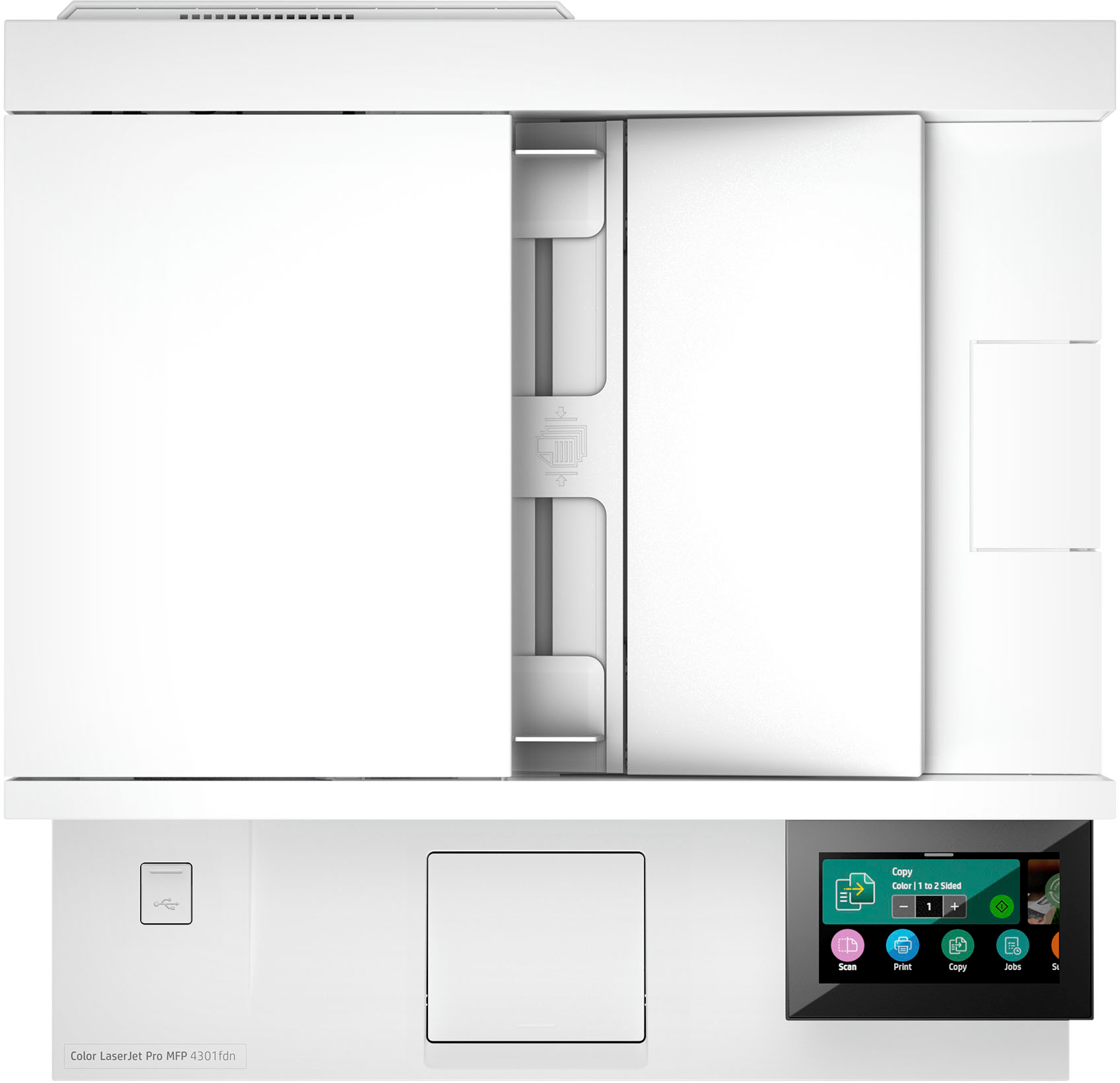
HP LaserJet Pro 4301fdn Printer
$1,245.50
- High-speed, multi-feature printer
- Ideal for up to 10 users
- Super fast and super easy
- Advanced features for small teams
- Dual-sided scanning capability
- Saves time by scanning both sides with a single pass
Buy more, save more
Buy 2–4 of this item and save 5%.
Buy 5 or more of this item and save 10%.
Discount is automatic in your cart on regular-priced items. It cannot be combined with coupon codes or sale prices.
Buy 2–4 of this item and save 5%.
Buy 5 or more of this item and save 10%.
Discount is automatic in your cart on regular-priced items. It cannot be combined with coupon codes or sale prices.
Country suggested using IP or browser language; you can change it. Shipping is confirmed at checkout.
Description
HP LaserJet Pro 4301fdn Printer,
How to Use the HP LaserJet Pro 4301fdn Color All-in-One Laser Printer
Table of Contents
- Powering on the Printer
- Installing the Printer Drivers
- Printing a Document
- Scanning a Document
- Copying a Document
- Faxing a Document
Powering on the Printer
- Make sure the printer is plugged into a power source.
- Press the power button located on the front of the printer.
- Wait for the printer to power on and initialize.
Installing the Printer Drivers
- Insert the CD-ROM that came with the printer into your computer’s CD/DVD drive.
- Follow the on-screen instructions to install the printer drivers.
- If you don’t have the CD-ROM, you can download the drivers from the HP website.
Printing a Document
- Open the document you want to print on your computer.
- Select “Print” from the file menu or press Ctrl+P.
- Select the HP LaserJet Pro 4301fdn printer from the list of available printers.
- Choose your desired print settings and click “Print”.
Scanning a Document
- Place the document you want to scan face-down on the scanner glass.
- Open the HP Easy Scan software on your computer.
- Click on the “Scan” button.
- Choose your desired scan settings and click “Scan”.
Copying a Document
- Place the document you want to copy face-down on the scanner glass.
- Press the “Copy” button on the printer’s control panel.
- Adjust the copy settings such as number of copies, paper size, and color.
- Press the “Start” button to begin the copying process.
Faxing a Document
- Place the document you want to fax face-up in the document feeder tray.
- Enter the recipient’s fax number using the keypad on the printer’s control panel.
- Press the “Fax” button.
- Follow the on-screen instructions to send the fax.
, , HP
4 reviews for HP LaserJet Pro 4301fdn Printer
Only logged in customers who have purchased this product may leave a review.
Special deals for you

Wire Marker ID Printer Pvc Pipe Marking Machine USB Drive Import USB Connection PC Computer Electronic Engraving Machine C-280T
Original price was: $600.12.$596.23Current price is: $596.23.
Add to cart
Acer KB272 EBI 27" IPS Full HD (1920 x 1080) Zero-Frame Gaming Office Monitor | AMD FreeSync Technology | Up to 100Hz Refresh | 1ms (VRB) | Low Blue Light | Tilt | HDMI & VGA...
Original price was: $4,726.80.$340.70Current price is: $340.70.
Add to cart
UGREEN 2 in 1 Out HDMI-compatible KVM Switch 4K@60Hz USB 2.0 Switcher for Printer, Monitor, and Mouse - Share 2 PCs with 1 Device Splitter
Original price was: $147.60.$110.70Current price is: $110.70.
Add to cart
UGREEN HDMI KVM Switch 4K@60Hz USB 2.0 Switcher 2 in 1 Out for Printer Monitor Keyboard Mouse 2 PCs Sharing 1 Device Splitter
Original price was: $91.70.$86.40Current price is: $86.40.
Add to cartPopular items in this category

Mini Desktop Stapler – ABS Body, Stainless-Steel Core, 24/6 and 26/6 Staples
$8.58
Add to cart
Cute Plastic Office Pen – Everyday School and Stationery Supply
$5.46
Add to cart
Storage Box Student Dormitory Desk Miscellaneous Desk Stationery Multi-Layer Shelf
Price range: $8.79 through $11.52
Select options
3D printer accessories mute motherboard
$56.30
Add to cartSimilar items you might like

D257 Notebook Motherboard
$29.38
Add to cartCanon EOS R100 Mirrorless Camera – RF-S 18–45mm Lens Kit Bundle
$849.99
Add to cart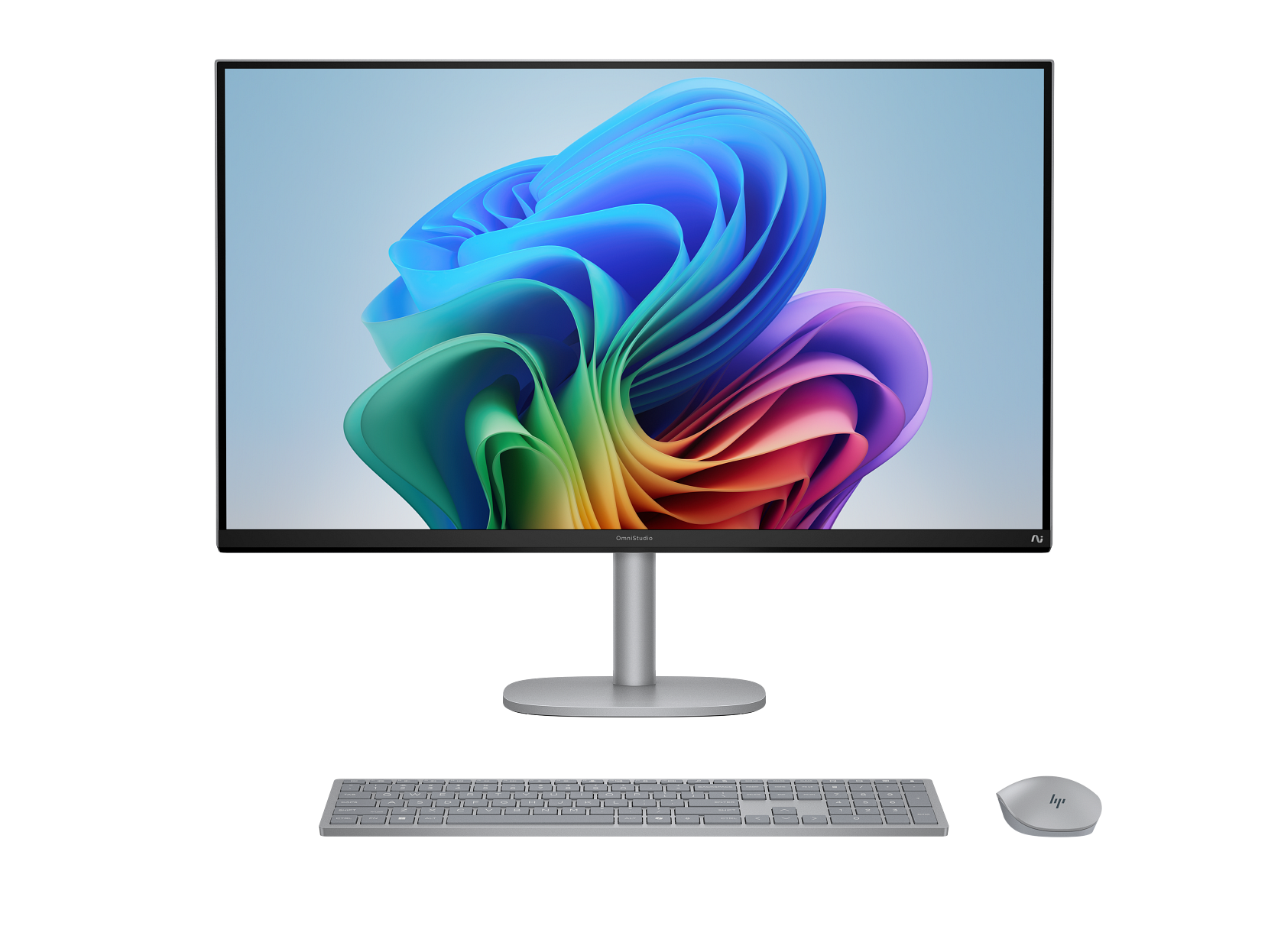
HP OmniStudio X All-in-One Computer 31.5" 4K UHD Intel Core Ultra 7, 16 GB;1 TB
$4,206.50
Add to cart
Fuji Instax Mini White Instant Photo Paper Set - 10-200 Sheets for Instax Mini Printer Cameras 7s, 8, 9, 25, 50s, 70, 90, 11, 12
$62.20
Add to cartProducts related to this item

For Samsung A51 Phone Case PU Leather Shell All-round Protection Precise Cutout Wallet Design Cellphone Cover Rose gold
$19.00
Add to cart
18W 3.1A Car Charger Fast Charger 3.0 Universal Dual USB Adapter for Samsung Xiaomi 8 Mobile Phone black_Car charger +type-c data cable
$23.70
Add to cart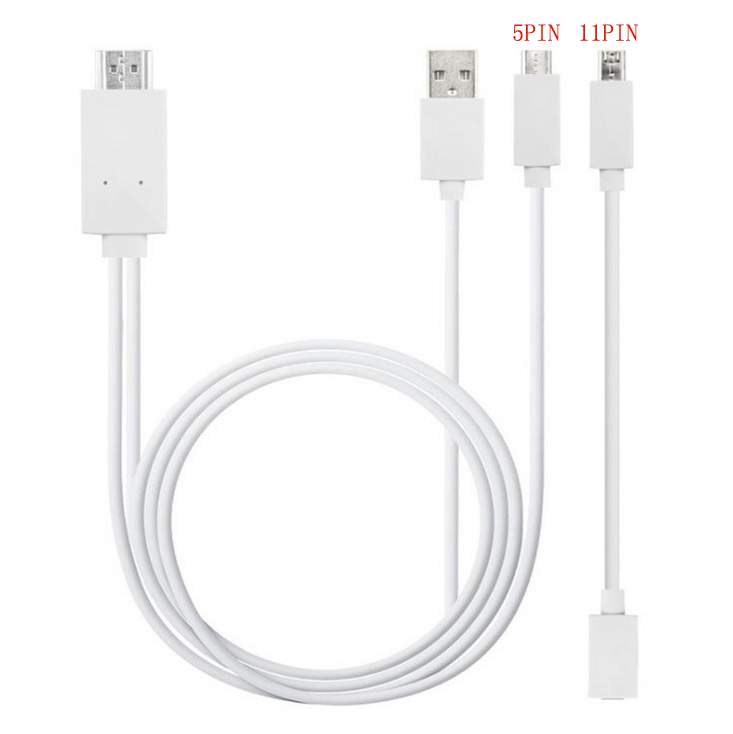
Micro USB to HDMI 1080P HD TV Cable Adapter for Android Samsung Phones 11PIN 5PIN+11PIN white
$26.10
Add to cart
18W 3.1A Car Charger Fast Charger 3.0 Universal Dual USB Adapter for Samsung Xiaomi 8 Mobile Phone white_Car charger + IOS data cable
$25.90
Add to cartProducts you may also like

MUCAI X99 P4 Motherboard LGA 2011 3 Supports Intel Xeon processor four channel DDR4 RAM NVME M.2/SATA 3.0
$189.00
Add to cart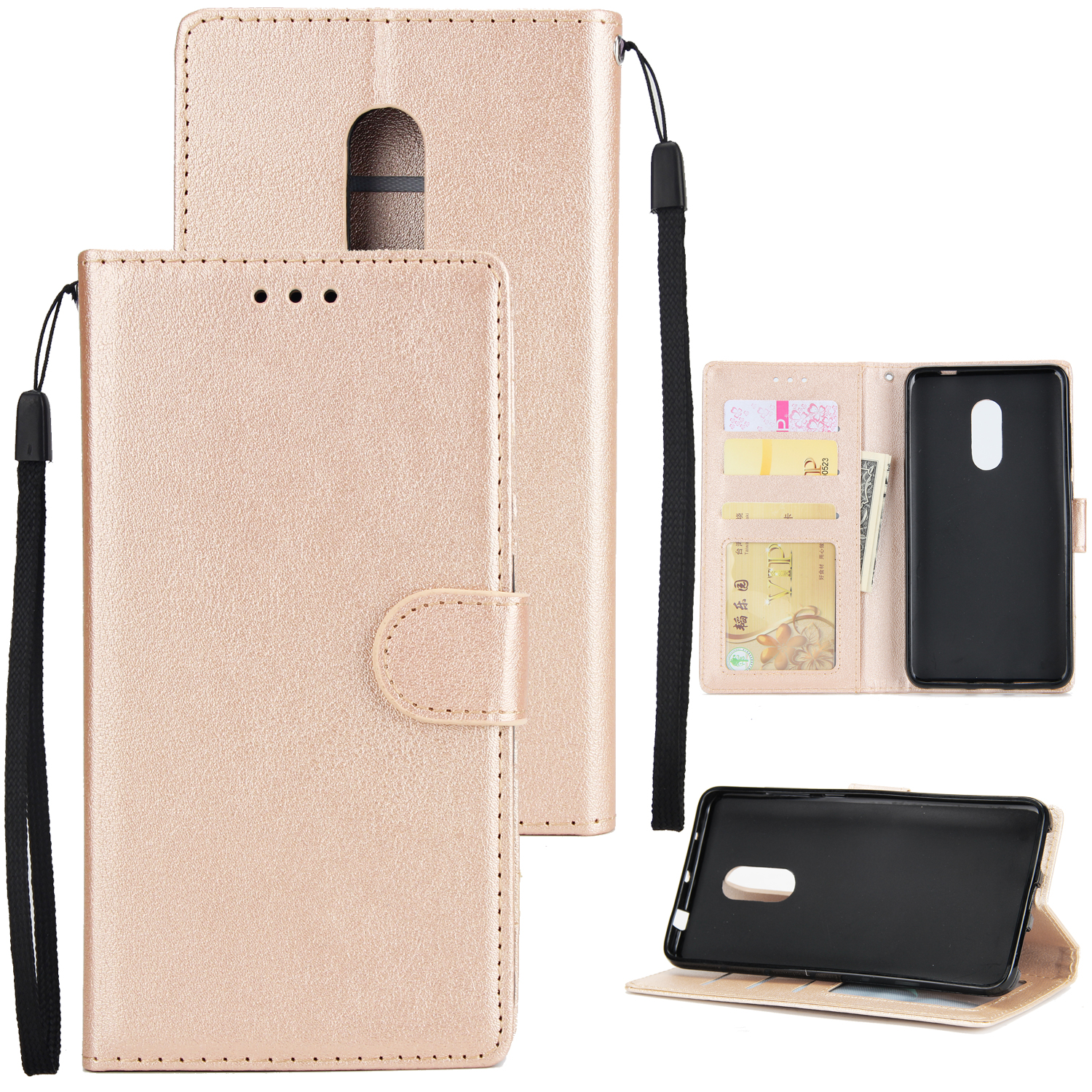
Ultra Slim PU Full Protective Cover Non-slip Shockproof Cell Phone Case with Card Slot for Xiaomi Redmi note 4 Golden
$19.70
Add to cart
imice X6 High configuration USB Wired Gaming Mouse Computer Gamer 6400 DPI Optical Mice for Laptop PC Game Black
$64.70
Add to cart
Dell Latitude 5520 Business Laptop, 15.6" FHD Display, Intel Core i5-1135G7 vPRO, 16GB RAM, 512GB SSD, IR Camera, HDMI, Backlit Keyboard, Wi-Fi 6, RJ-45, Thunderbolt 4, Windows...
$2,279.30
Add to cartRecommended for You

M80 2.4G Wireless Rechargeable Charging Mouse Ultra-Thin Silent Office Notebook Opto-electronic Mouse black
$28.10
Add to cart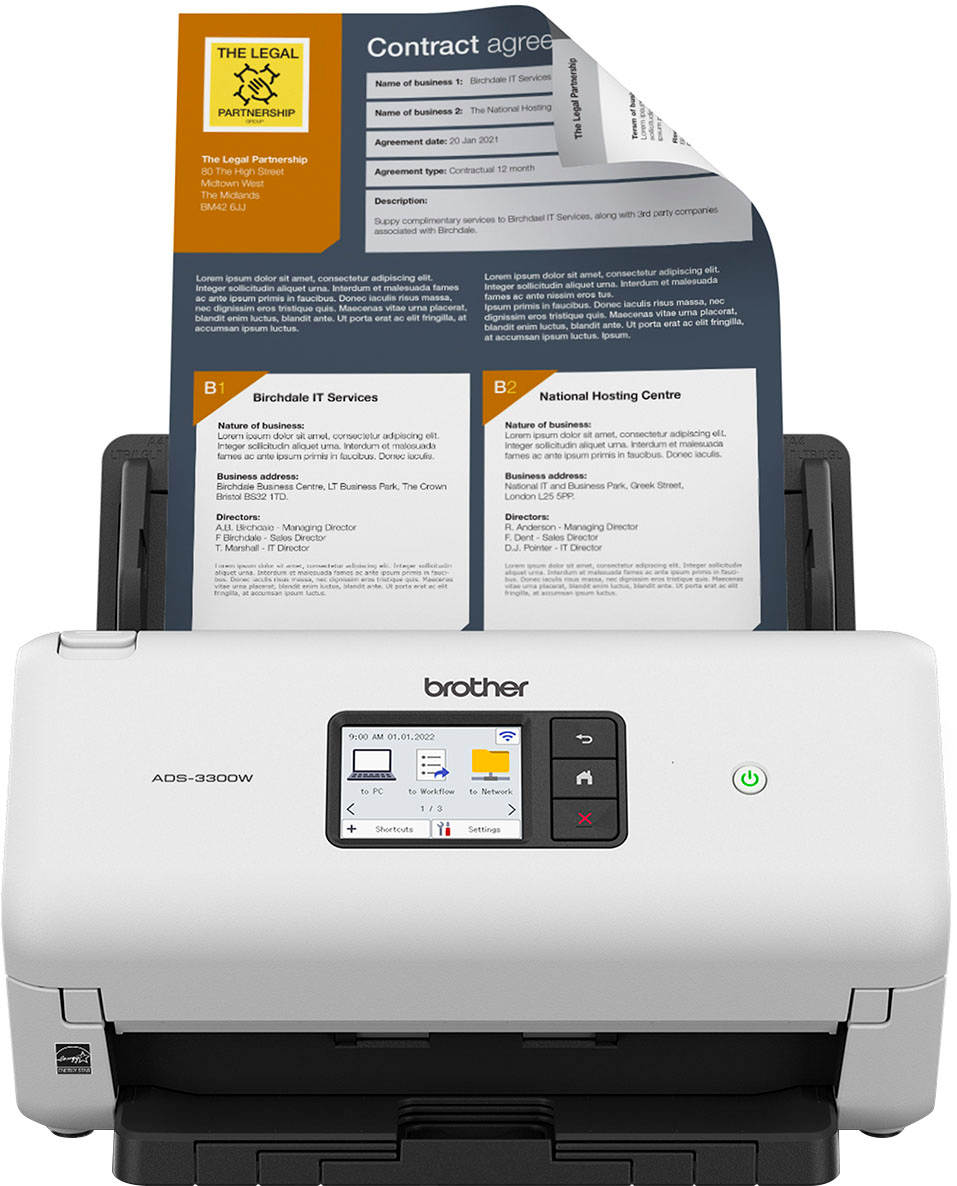
Wireless High-Speed Desktop Scanner - Brother ADS-3300W
$869.50
Add to cart
Bluedio T-elf mini TWS Earbuds Bluetooth 5.0 Sports Headset Wireless Earphone with Charging box for phones Black
$79.80
Add to cart
Lenovo Ideapad 1 15.6" HD Laptop - Athlon Silver 7120U, 4GB Memory, 128GB SSD, Cloud Grey
$178.60
Add to cartRelated products
-
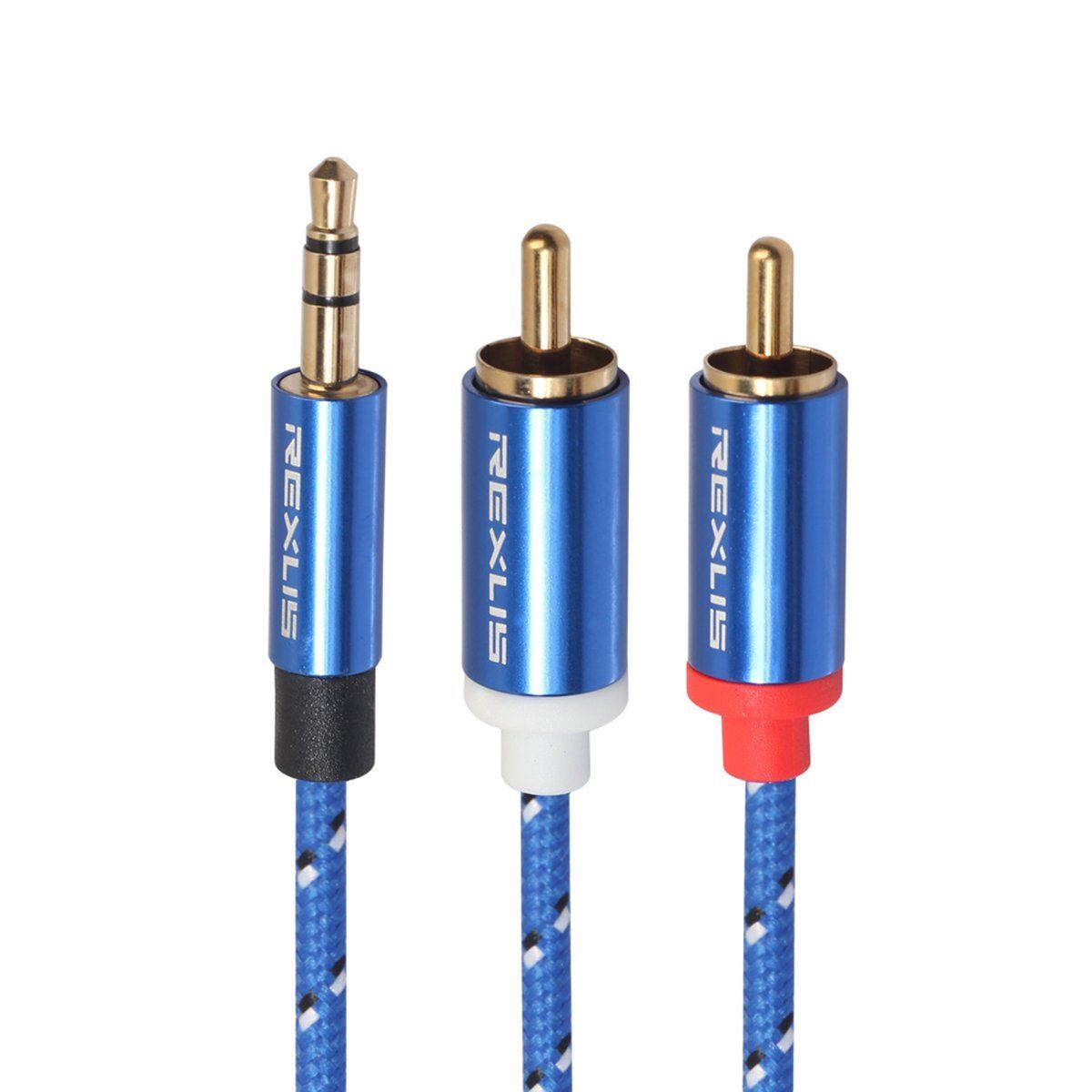
3.5mm to 2RCA Male Audio Auxiliary Aux Stereo Y Splitter Cable Cord
$21.30 -

USB 3.0 to SATA 2.5″ Hard Drive HDD SSD Adapter Converter Cable 22Pin
$28.30 -
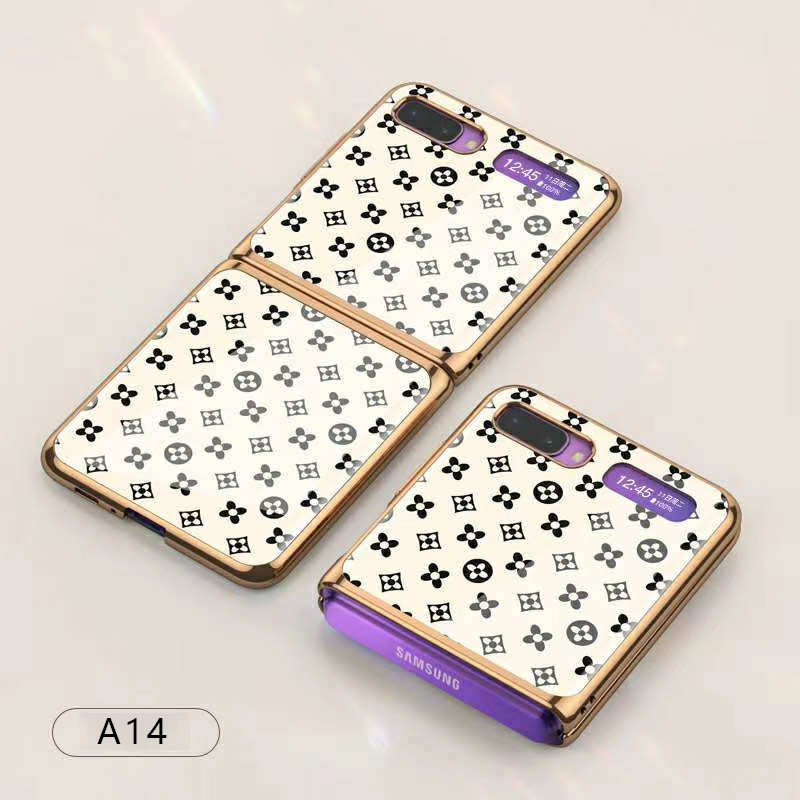
For Samsung Galaxy Z flip Foldable Cellphone Shell Electroplated Painted Folding Phone Case A14 grass white
$44.30 -
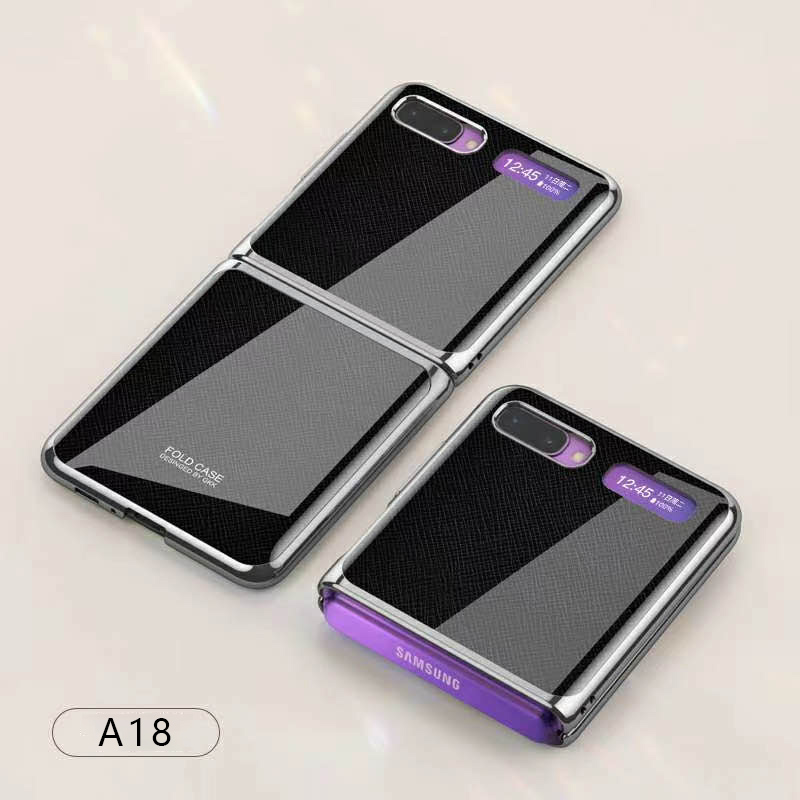
For Samsung Galaxy Z flip Foldable Cellphone Shell Electroplated Painted Folding Phone Case A18 cross pattern
$44.00

Mike –
Nice machine. Easy setup and works great. Arrived pretty fast too.
JJSM –
HP is the most trusted technology manufacturer in the market and has never failed to provide quality products.
StephanieG –
nice machine, came with all ink needed, easy instructions and connected to WiFi immediately
BruceM –
This has been a very good printer. The document feeder is a game changer for our home office – makes it very easy and efficient to scan multiple pages. Works great printing from our PCs and…