
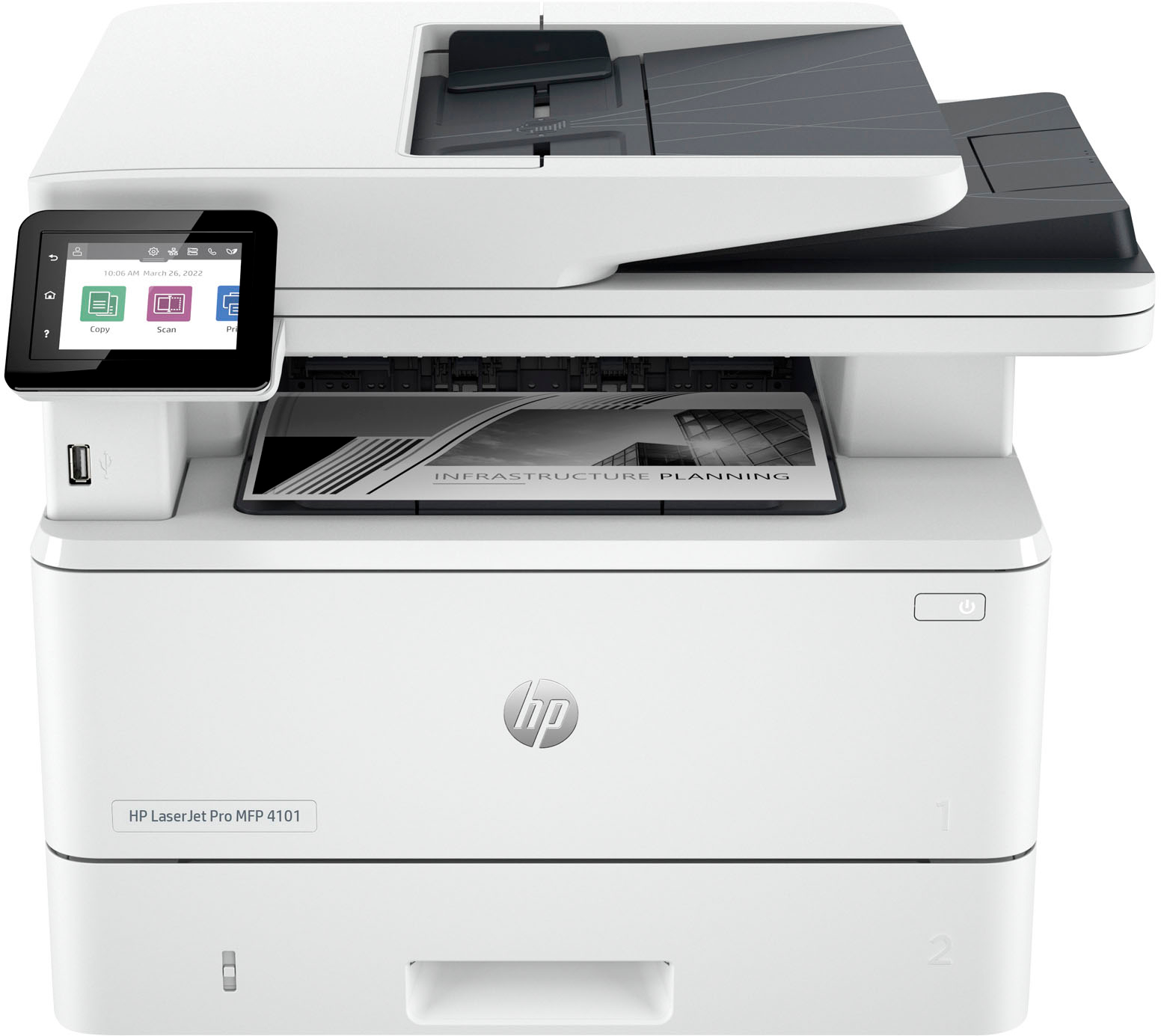
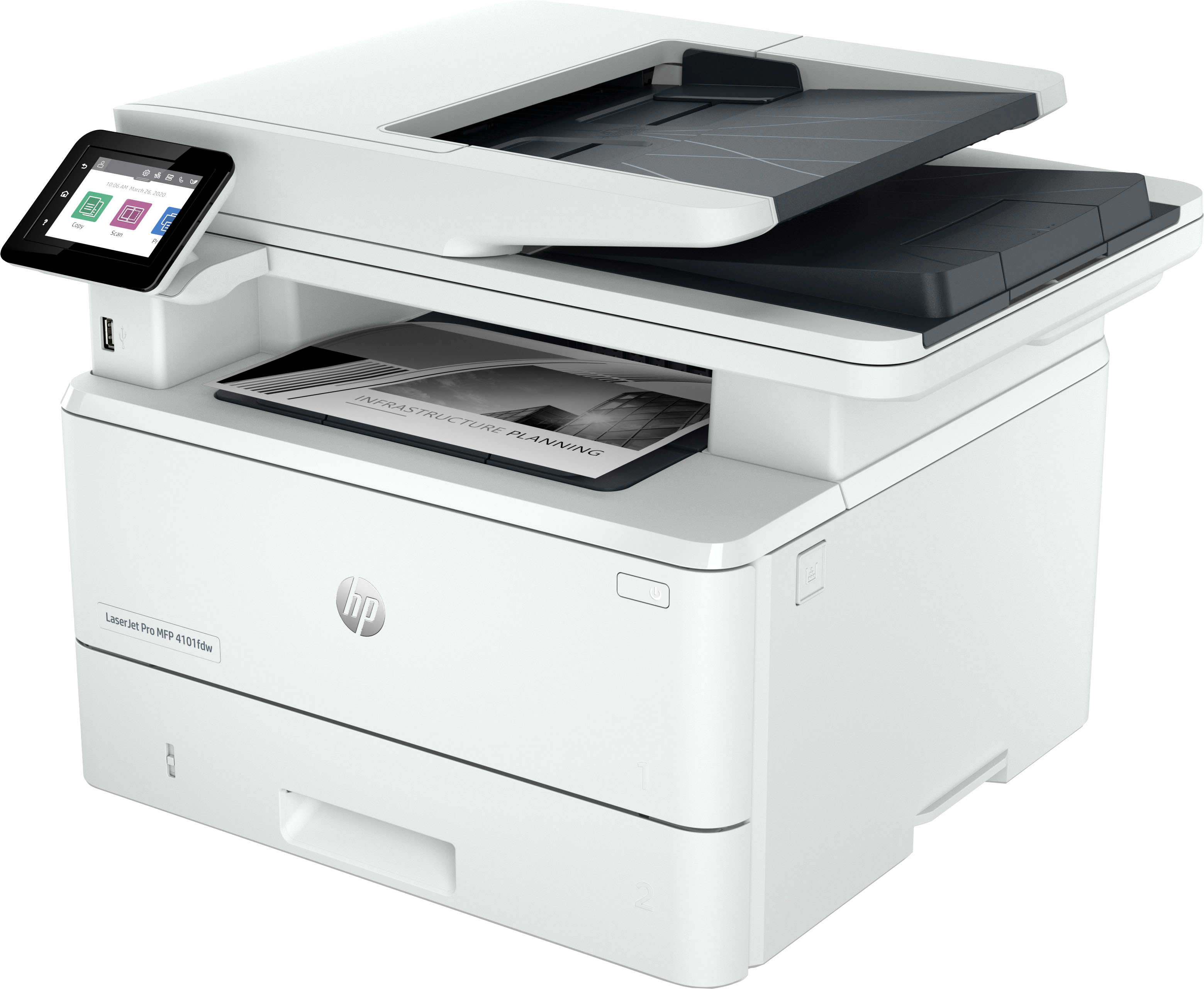
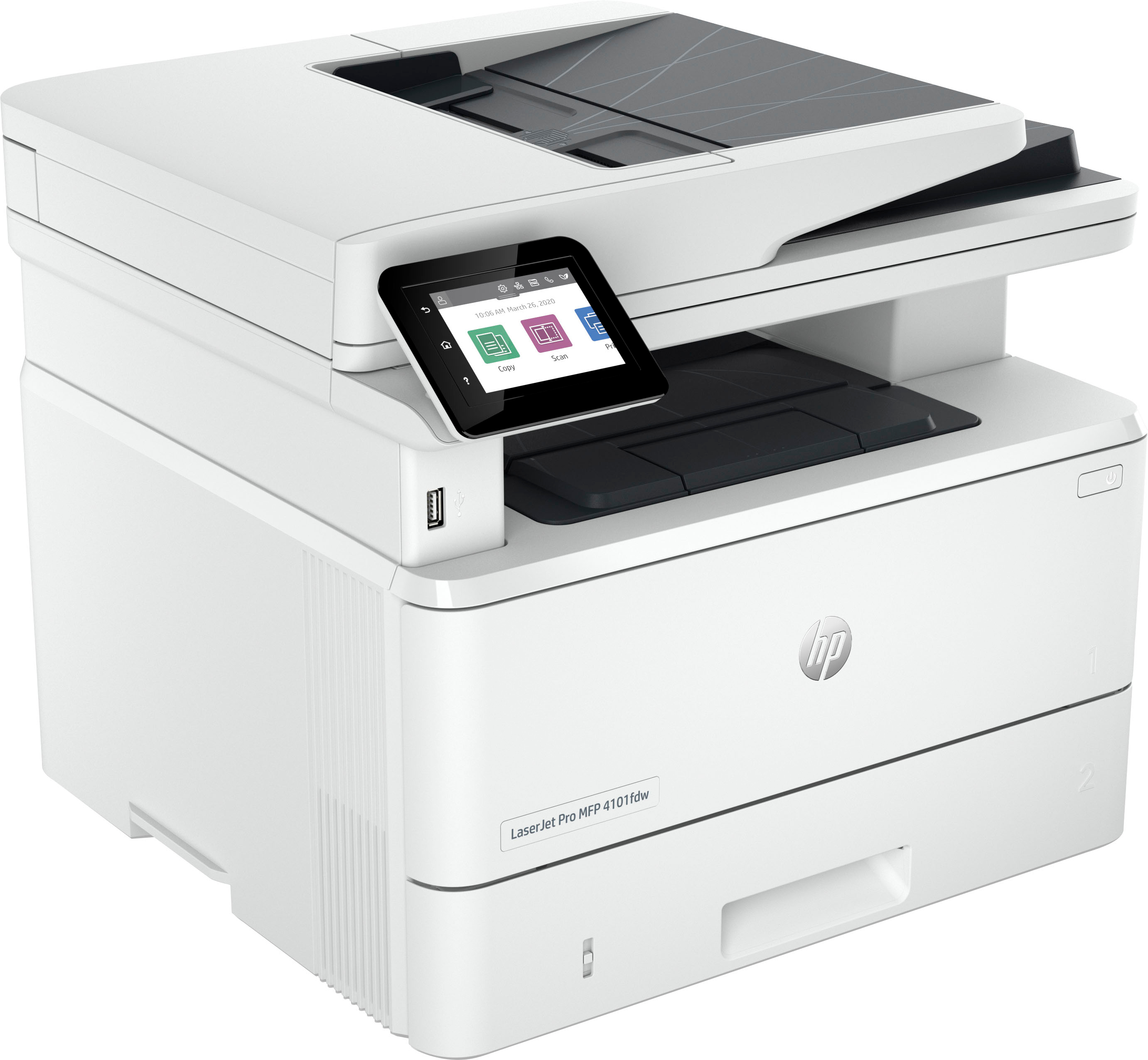


HP LaserJet Pro MFP 4101fdw Printer
$916.50
- HP LaserJet Pro MFP 4101fdw all-in-one laser printer
- Wireless capabilities for convenient printing from anywhere in the office
- Integrated fax for easy communication
- Fast printing speed for increased productivity
- Reliable hardware for consistent performance
- Effortless everyday use for seamless workflow
- Designed for maximum productivity
- Suitable for business use
Buy more, save more
Buy 2–4 of this item and save 5%.
Buy 5 or more of this item and save 10%.
Discount is automatic in your cart on regular-priced items. It cannot be combined with coupon codes or sale prices.
Buy 2–4 of this item and save 5%.
Buy 5 or more of this item and save 10%.
Discount is automatic in your cart on regular-priced items. It cannot be combined with coupon codes or sale prices.
Country suggested using IP or browser language; you can change it. Shipping is confirmed at checkout.
Description
HP LaserJet Pro MFP 4101fdw Printer,
How to Use the HP LaserJet Pro MFP 4101fdw
Set up the Printer
- Unpack the printer from the box and remove any packaging materials.
- Connect the power cable to the printer and plug it into a power outlet.
- Turn on the printer by pressing the power button located on the control panel.
- Insert the paper into the input tray and adjust the paper guides to fit the size of the paper.
- Connect the printer to your computer or network using the wireless setup or Ethernet cable.
Install the Printer Software
- Visit the HP support website and search for the LaserJet Pro MFP 4101fdw printer.
- Download the printer software and driver package compatible with your operating system.
- Double-click on the downloaded file to begin the installation process.
- Follow the on-screen instructions to complete the software installation.
- Restart your computer after the installation is finished.
Print Documents
- Open the document you want to print on your computer.
- Select “Print” from the File menu or press Ctrl + P.
- Choose the HP LaserJet Pro MFP 4101fdw printer from the list of available printers.
- Adjust the print settings, such as paper size and quality, if needed.
- Click on the “Print” button to start printing your document.
Use the Fax Function (optional)
- Place the document you want to fax in the document feeder or on the scanner glass.
- Press the “Fax” button on the control panel.
- Enter the recipient’s fax number using the numeric keypad.
- Adjust any necessary fax settings, such as resolution and contrast.
- Press the “Start” button to send the fax.
Additional Features
- Scan Documents: Open the scanner lid and place the document on the glass. Press the “Scan” button on the control panel.
- Copy Documents: Place the document in the document feeder or on the scanner glass. Press the “Copy” button on the control panel.
- Connect to Mobile Devices: Download the HP Smart app on your smartphone or tablet to print, scan, and manage the printer wirelessly.
, , HP
87 reviews for HP LaserJet Pro MFP 4101fdw Printer
Only logged in customers who have purchased this product may leave a review.
Special deals for you

Canon imageFORMULA R40 Office Document Scanner For PC and Mac, Color Duplex Scanning, Easy Setup For Office Or Home Use, Includes Scanning Software
Original price was: $4,270.00.$538.20Current price is: $538.20.
Add to cart
Epson Workforce ES-C220 Compact Desktop Document Scanner with 2-Sided Scanning and Auto Document Feeder (ADF) for PC and Mac
Original price was: $3,244.40.$517.00Current price is: $517.00.
Add to cart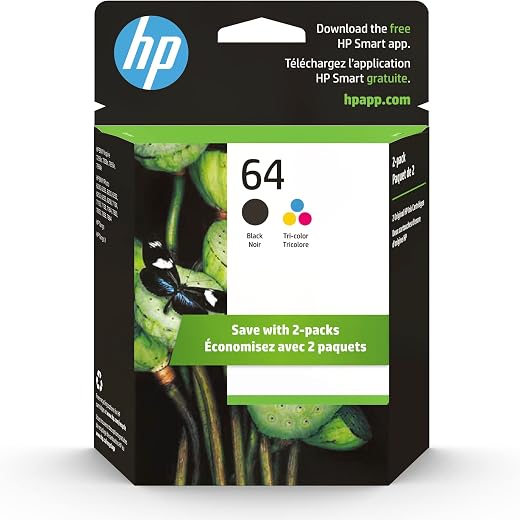
HP 64 Black/Tri-color Ink Cartridges (2-pack) | Works with HP ENVY Inspire 7950e; ENVY Photo 6200, 7100, 7800; Tango Series | Eligible for Instant Ink | X4D92AN
Original price was: $1,038.20.$121.90Current price is: $121.90.
Add to cart
TN660 Toner Cartridge Replacement Compatible for Brother TN 660 TN-660 TN630 High Yield to use with HL-L2380DW HL-L2320D HL-L2340DW DCP-L2540DW MFC-L2700DW MFC-L2720DW Printer...
Original price was: $1,512.00.$86.90Current price is: $86.90.
Add to cartPopular items in this category

Retro HDMI Game Console – 4K Output and Gamepad Controllers
$40.00
Add to cart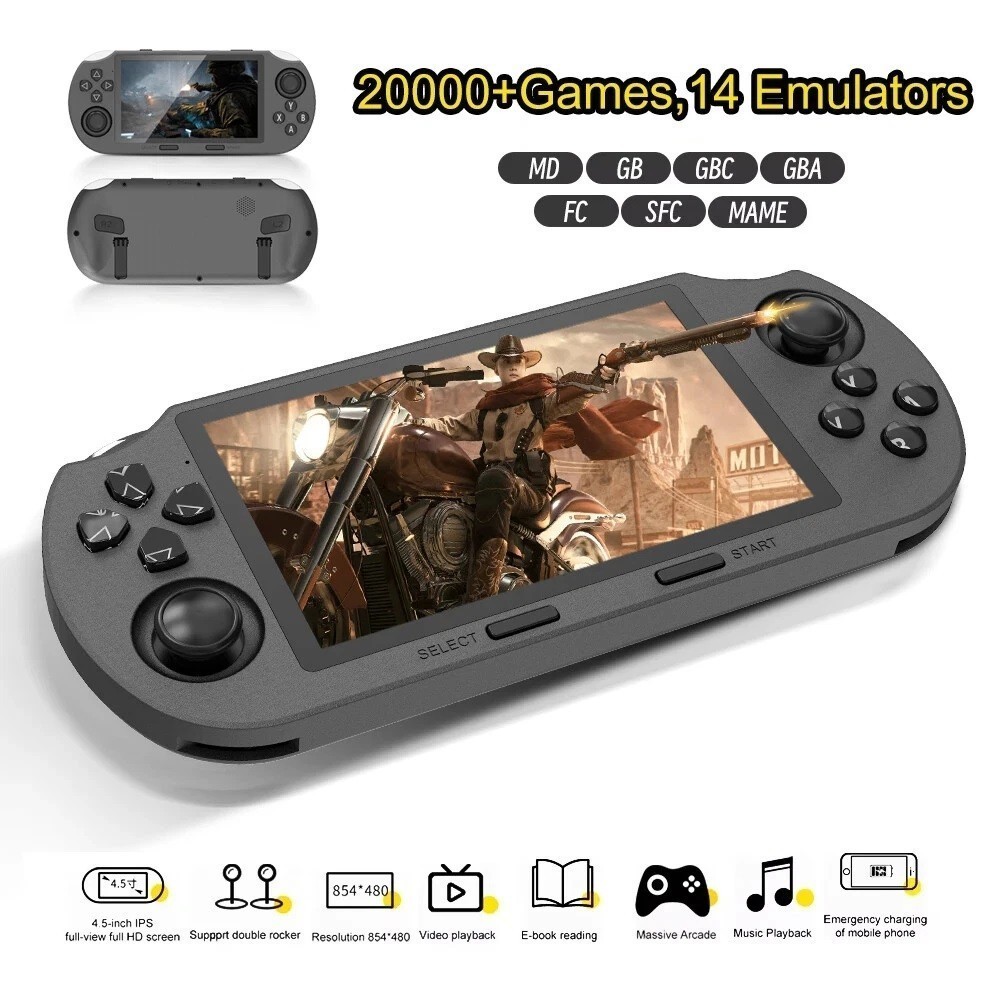
SF3000 Retro Handheld Game Console – 4.5-Inch IPS Display
$94.00
Add to cart
Blackview PlayPop 8 AI Motion Gaming Console for Families
$349.99
Add to cart4K HDMI Retro Game Console – Plug and Play, 20,000+ Games
$40.00
Add to cartSimilar items you might like

Blackview PlayPop 8 AI Motion Gaming Console – 8GB RAM, 128GB Storage
$379.99
Add to cart
R36S Retro Handheld Game Console, 64GB, 3.5-Inch IPS Screen
$86.90
Add to cart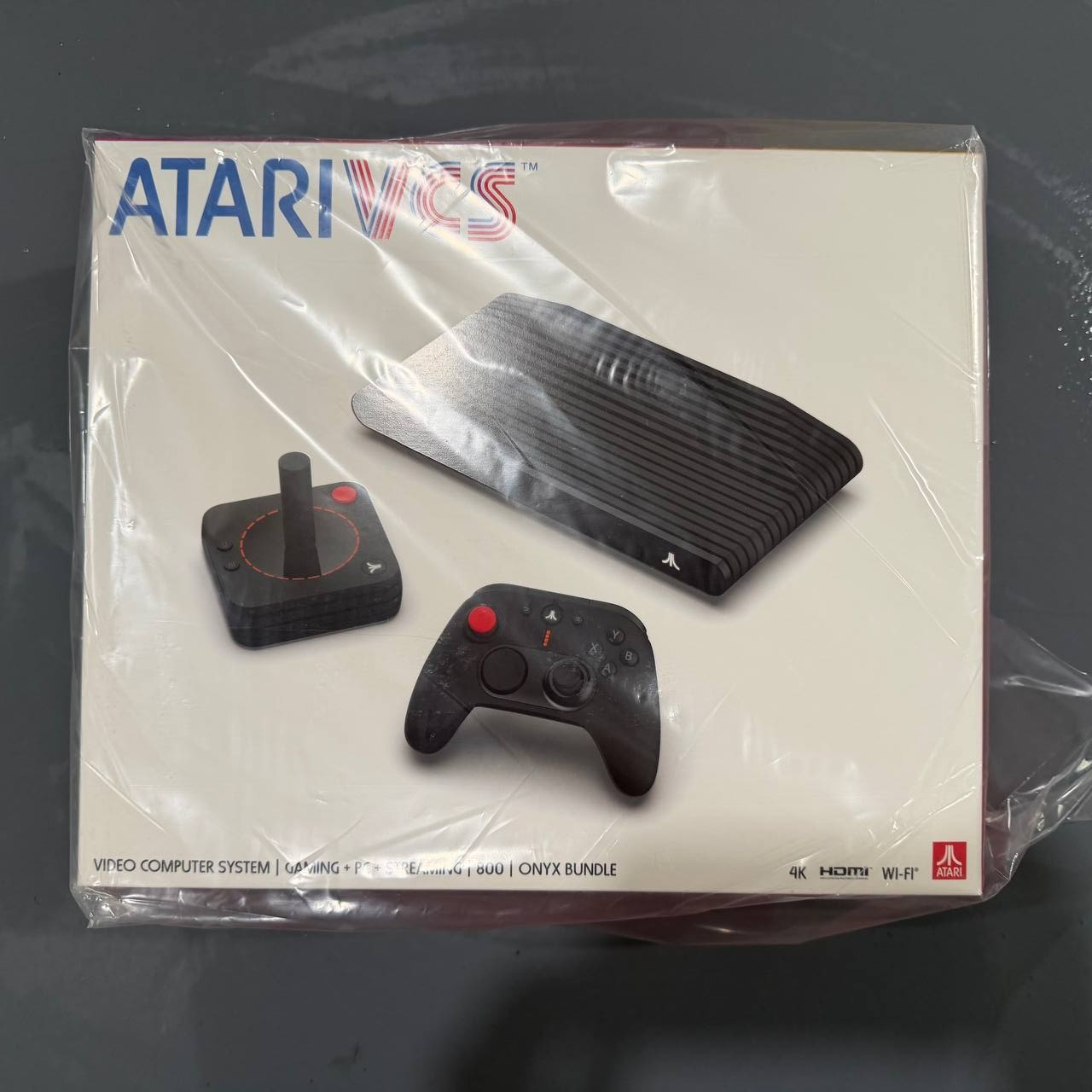
New Sealed Atari VCS 800 Onyx All-In Bundle
$379.99
Add to cart
Budget Desktop PC – Intel Core i7 4th Gen, 16GB DDR3, SSD Options
$499.99
Add to cartProducts related to this item



Products you may also like

For Samsung Galaxy Z flip Foldable Cellphone Shell Electroplated Painted Folding Phone Case A14 grass white
$44.30
Add to cart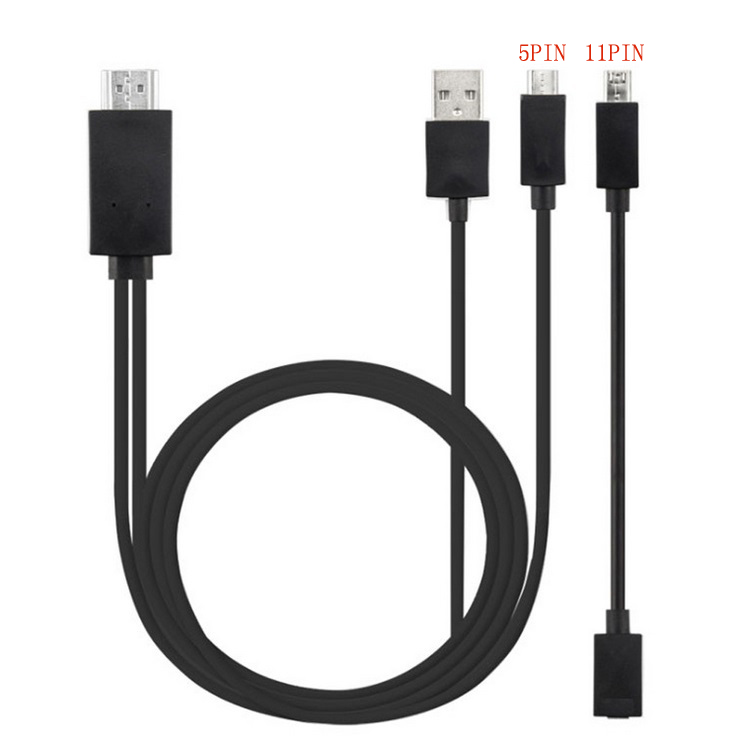
Micro USB to HDMI 1080P HD TV Cable Adapter for Android Samsung Phones 11PIN 5PIN+11PIN black
$26.10
Add to cart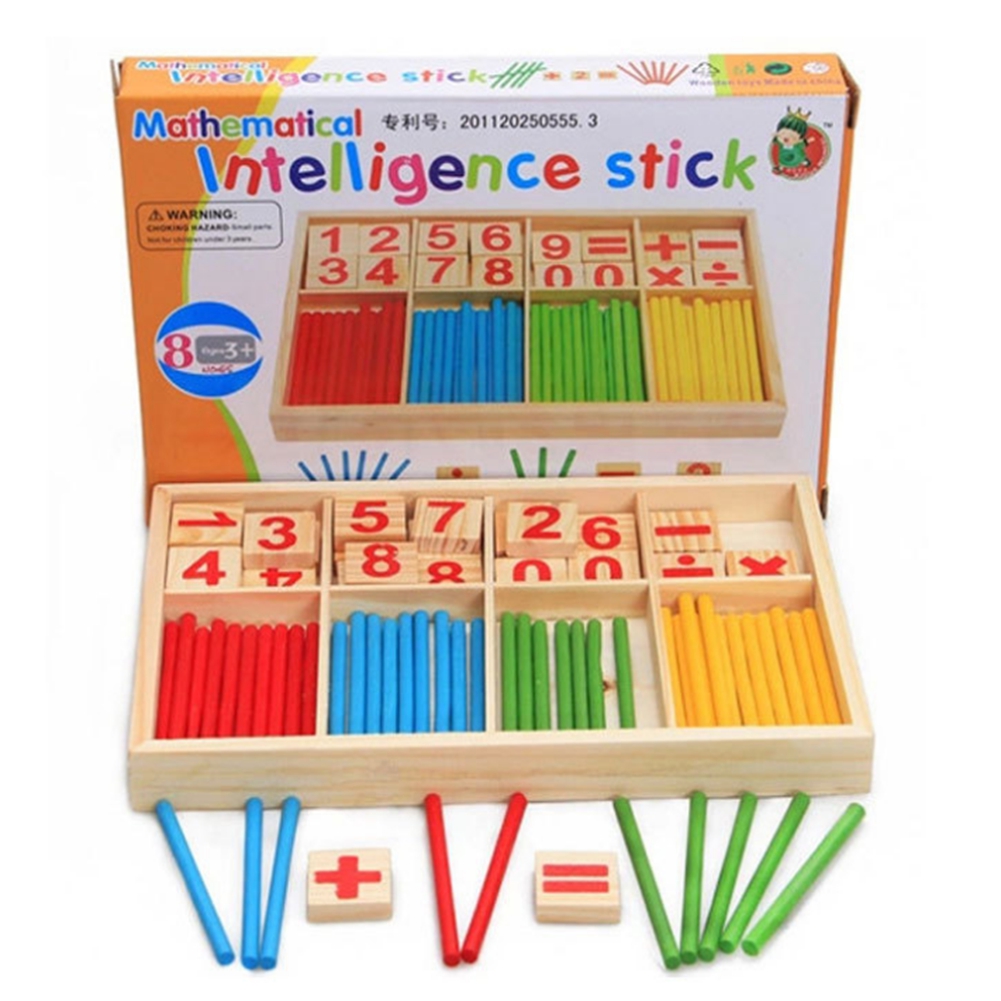
Preschool Educational Toys Wooden Mathematical Intelligence Stick Block Counting Sticks for Girls and Boys
$23.70
Add to cart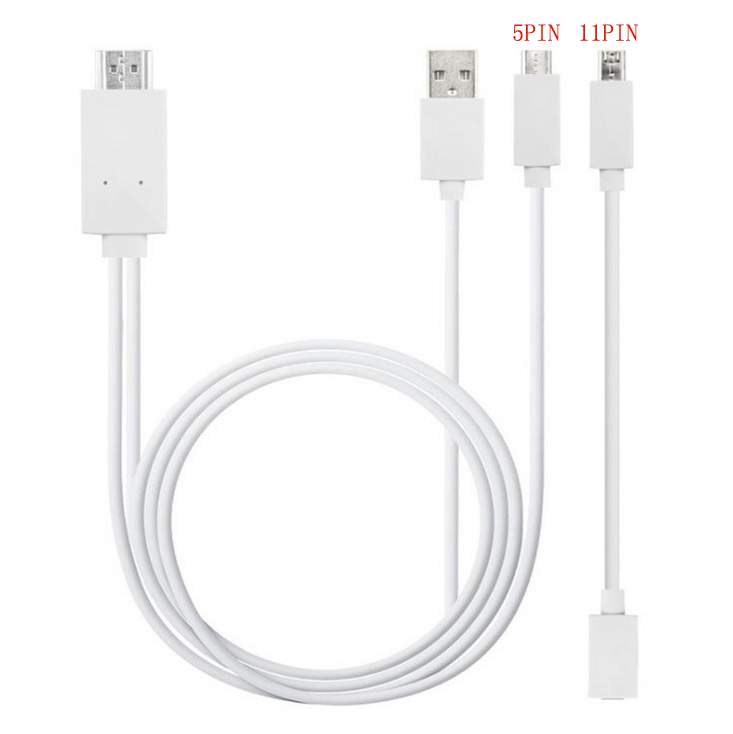
Micro USB to HDMI 1080P HD TV Cable Adapter for Android Samsung Phones 11PIN 5PIN+11PIN white
$26.10
Add to cartRecommended for You

Genuine Apple 2022 MacBook Air Laptop with M2 chip: 13.6-inch Liquid Retina Display, 8GB RAM, 512GB SSD Storage; Starlight with AppleCare+ (3 Years)
Original price was: $17,883.50.$2,791.80Current price is: $2,791.80.
Add to cart
Treasure Apple 2021 iMac All in one Desktop Computer with M1 chip: 8-core CPU, 8-core GPU, 24-inch Retina Display, 8GB RAM, 512GB SSD Storage, Matching Accessories. Works with...
$2,314.60
Add to cart
Revamp DOOGEE Blade 10 Pro 6.56" Rugged Smartphone with Android 14 - 16GB RAM, 256GB Storage (2024 Model)
$326.70
Add to cart
Exclusivity Original HUAWEI Wireless Bluetooth Mouse IR Sensor Supports TOG Home Office Bussiness Mice For Matebook Computer Laptop PC Game Silver
$113.70
Add to cart



NBCTeach05 –
My current LaserJet printer still works, but I can no longer find printer cartridges for it. I hated to do it, but I realized that it was time to replace it. There are a lot of options on the…
Villageanne –
I was not expecting this All In One Laser Jet Pro to be so quick. It was easy to set up and took up less space than my previous one. I sent sent the 60 pages data sheets from my laptop to the…
SwigglesMilam –
The HP Laser Jet Pro MFP 4101 fdw was super easy to unbox and install. Weighing at just under 28 lbs. and being just 16.54” W x 15.35” D x 12.72” H, it the right size for a home office, small…
hitsuyoo –
This is basically an insta-printer. What I mean by that, is simple. You pulll it out of the box, plug it in and go. There’s no ink to install or any real work. Just connect to your PC and get your…
Michael –
Great printer. Fast and versatile. Very sharp documents. Easy set up. Unfortunately HP toner is expensive.
Debbi –
Unpacked the printer and the first thing I noticed is it came with a cable to connect my computer directly to the printer if I wanted. I have a wireless connection, but I like the direct connect…
yogidang –
Being a relative older person, I’m able to remember many ways of printing throughout the years. I’ve been a small business owner for many decades and I still giggle thinking about those old dot…
Causha –
The power of the big office printers in this little machine. But at what cost?
So I bought this printer when it was on sale. It was still pricey compared to the cheaper printers.
Setting up this…