
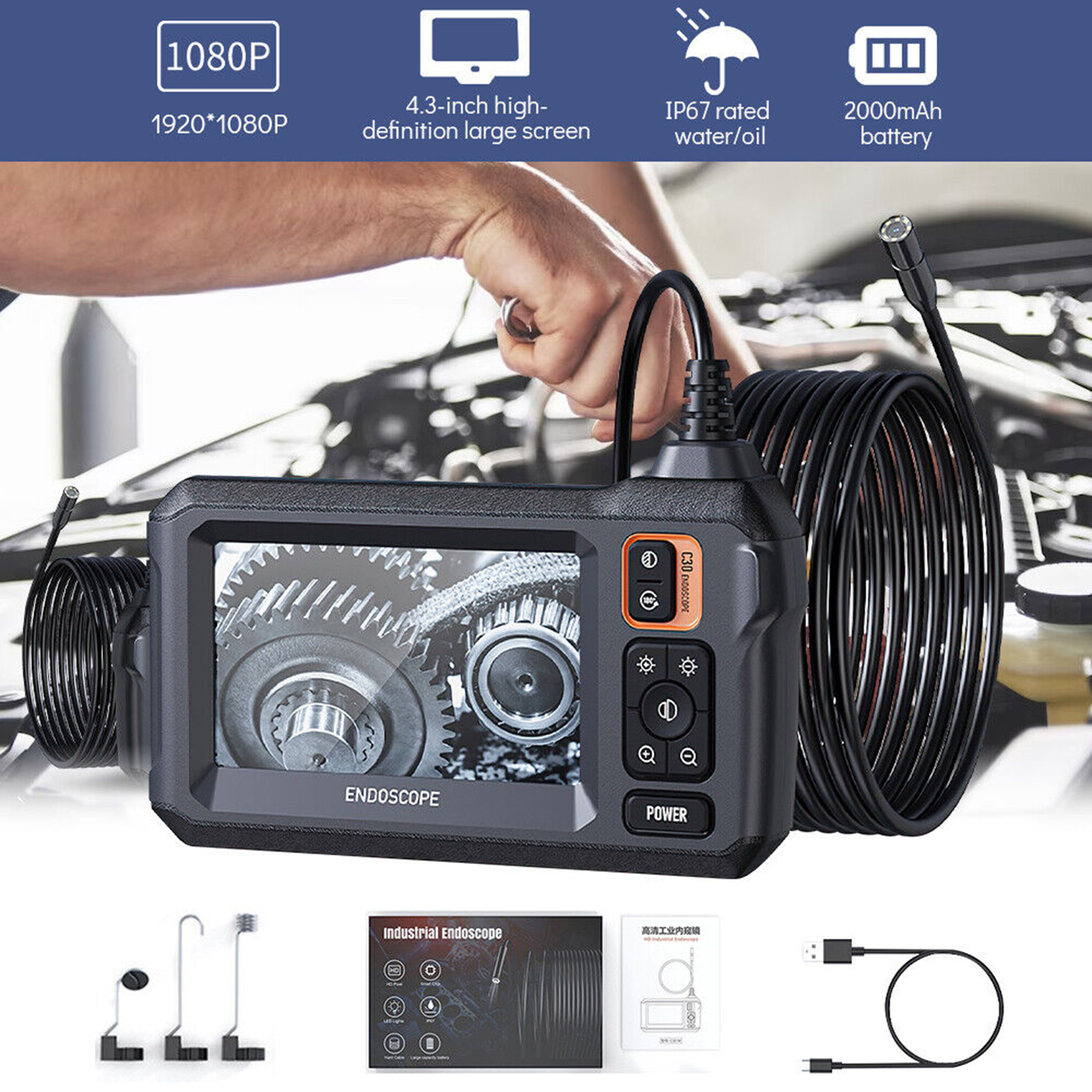
Industrial Endoscope with 4.3-Inch Screen and 8 LED Lights – 8mm Lens Inspection Camera for Pipe Automotive Black
$89.10
- 2.7cm lens with 170° viewing angle
- 2.7cm short lens allows for navigation in narrow areas
- 2000mah battery with 3.5 hours of usage time
- 8 LED lights, IP67 waterproof grade
- 4.3-inch high-definition screen
- Flexible cable that can be bent and maintain its shape
- Suitable for car maintenance, home appliance maintenance, sewer inspection, etc
Buy more, save more
Buy 2–4 of this item and save 5%.
Buy 5 or more of this item and save 10%.
Discount is automatic in your cart on regular-priced items. It cannot be combined with coupon codes or sale prices.
Buy 2–4 of this item and save 5%.
Buy 5 or more of this item and save 10%.
Discount is automatic in your cart on regular-priced items. It cannot be combined with coupon codes or sale prices.
Country suggested using IP or browser language; you can change it. Shipping is confirmed at checkout.
Description
Industrial Endoscope with 4.3-Inch Screen and 8 LED Lights – 8mm Lens Inspection Camera for Pipe Automotive Black,
How to Use the Borescope 4.3-Inch Screen Industrial Endoscope
Step 1: Charging the Endoscope
- Connect the provided USB cable to the endoscope and the other end to a power source.
- Allow the endoscope to charge until the battery is fully charged. This may take a few hours.
Step 2: Powering On the Endoscope
- Locate the power button on the endoscope.
- Press and hold the power button for a few seconds until the device turns on.
Step 3: Adjusting the LED Lights
- Once the endoscope is powered on, you can adjust the brightness of the LED lights by pressing the dedicated LED adjustment buttons on the device.
- Press the “+” button to increase the brightness and the “-” button to decrease it.
Step 4: Navigating the 4.3-Inch Screen
- The endoscope is equipped with a 4.3-inch high-definition screen.
- To navigate the screen, use the arrow buttons located on the device.
- Press the up arrow button to move up, the down arrow button to move down, the left arrow button to move left, and the right arrow button to move right.
Step 5: Using the Flexible Cable
- The endoscope comes with a flexible cable that can be bent and maintain its shape.
- Bend the cable according to your needs to reach tight or hard-to-reach areas.
- Ensure the cable is securely connected to the endoscope to avoid any disconnections during use.
Step 6: Operating in Different Environments
- The endoscope has an IP67 waterproof grade, making it resistant to water and dust.
- You can confidently use the endoscope in various environments, including sewers, pipelines, automotive maintenance, and home appliance maintenance.
With these simple steps, you can use the Borescope 4.3-Inch Screen Industrial Endoscope to easily inspect and navigate hard-to-reach areas for different purposes. Enjoy exploring the capabilities of this versatile tool!
, ,
Only logged in customers who have purchased this product may leave a review.
Special deals for you
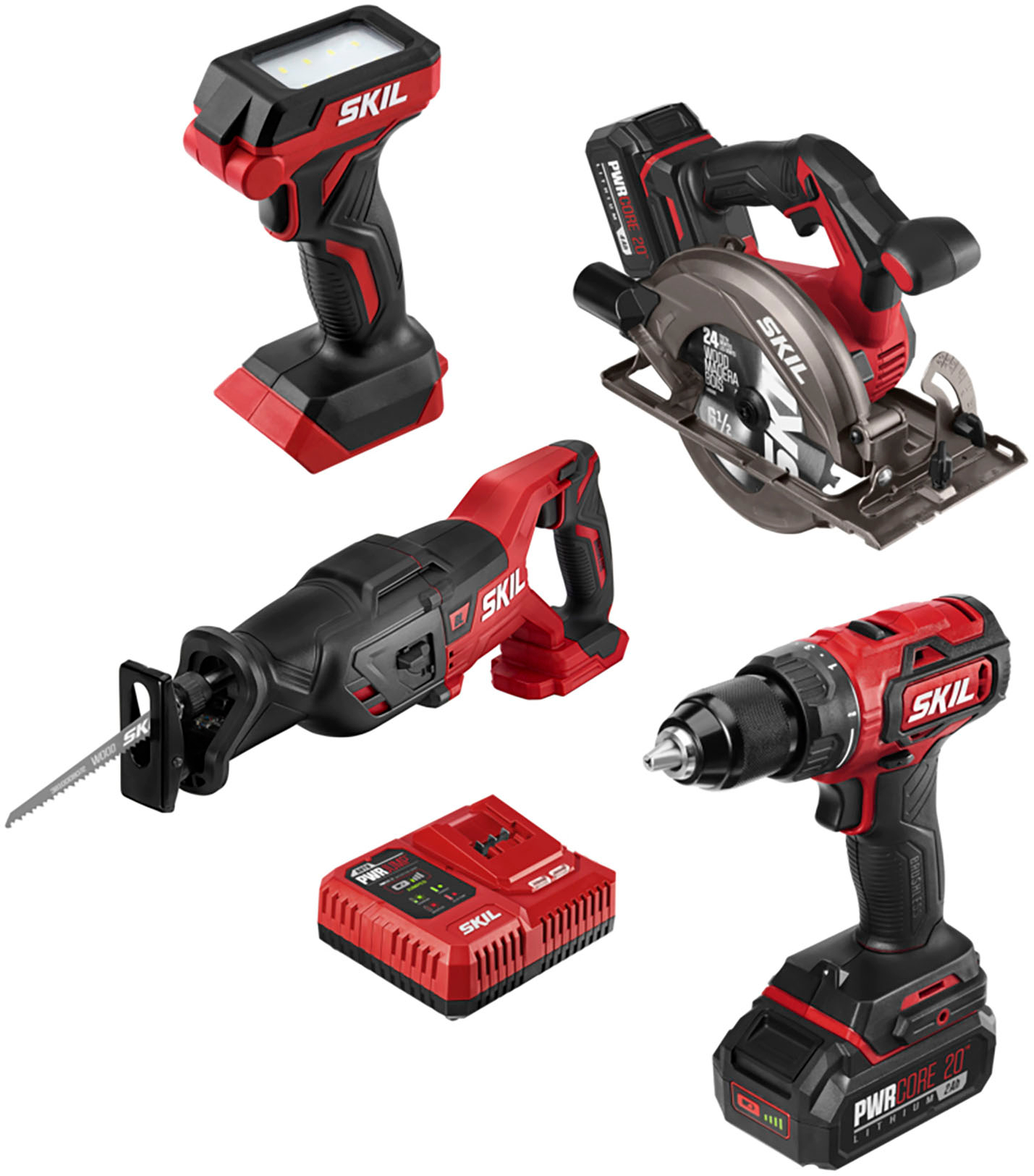
Revitalize Your Routine Skil - PWR CORE 20 Brushless 20V 4-Tool Bundle: Includes Drill Driver, Reciprocating Saw, Circular Saw, and LED Light - Red/Black
Original price was: $170,194.50.$961.10Current price is: $961.10.
Add to cart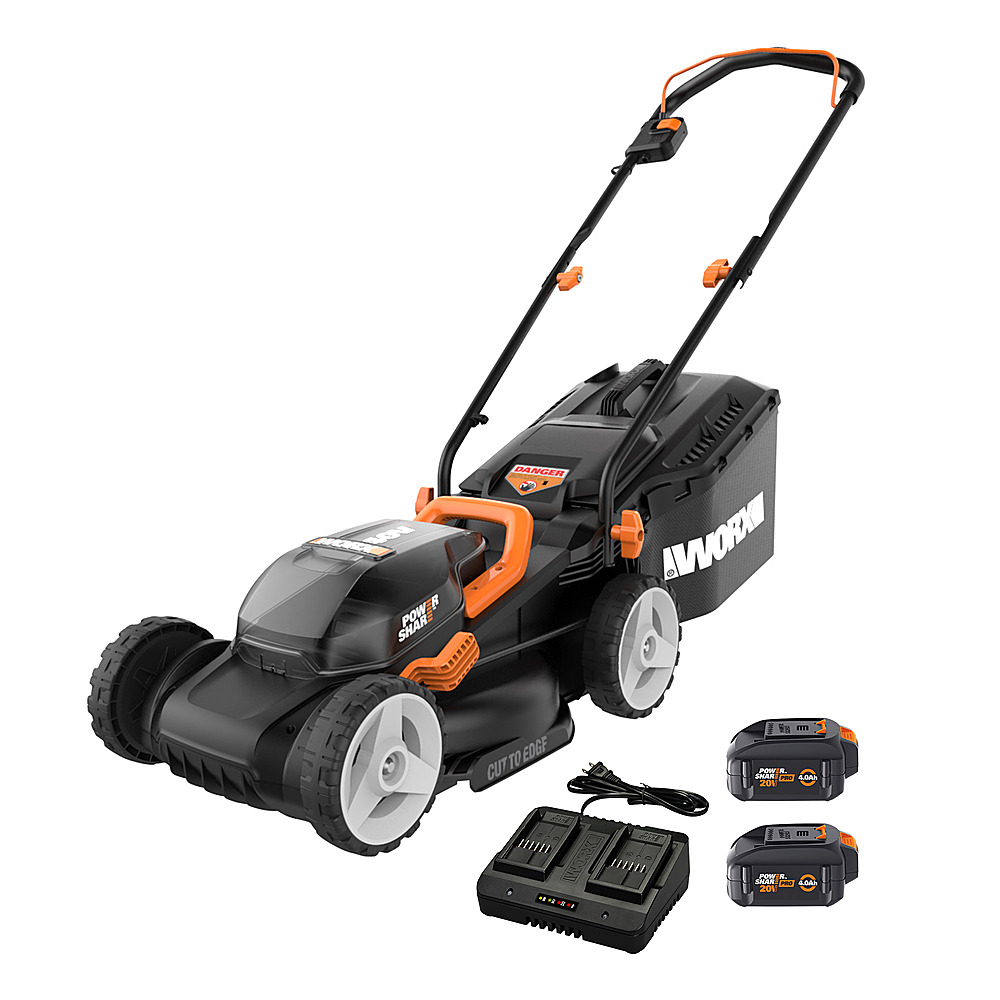
Revitalize Your Lifestyle WORX - WG779 40V 14" Lawn Mower with Grass Collection Bag and Mulcher, including 2 x 4.0 Ah Batteries and 1 x Charger - Black
Original price was: $118,743.60.$646.20Current price is: $646.20.
Add to cartPopular items in this category
USB Rechargeable Reflective Vest Backpack with LED Turn Signal Light Remote Control Outdoor Sport Safety Bag Gear for Cycling
Price range: $16.57 through $90.45
Select options
winter gloves
$10.68
Select options
Gloves women winter suede gloves
Price range: $7.65 through $7.77
Select options
Couple knitted gloves touch screen gloves
Price range: $2.55 through $3.84
Select optionsSimilar items you might like

FNIRSI DSO153 2-in-1 Mini Digital Oscilloscope & Signal Generator
$16.10
Add to cart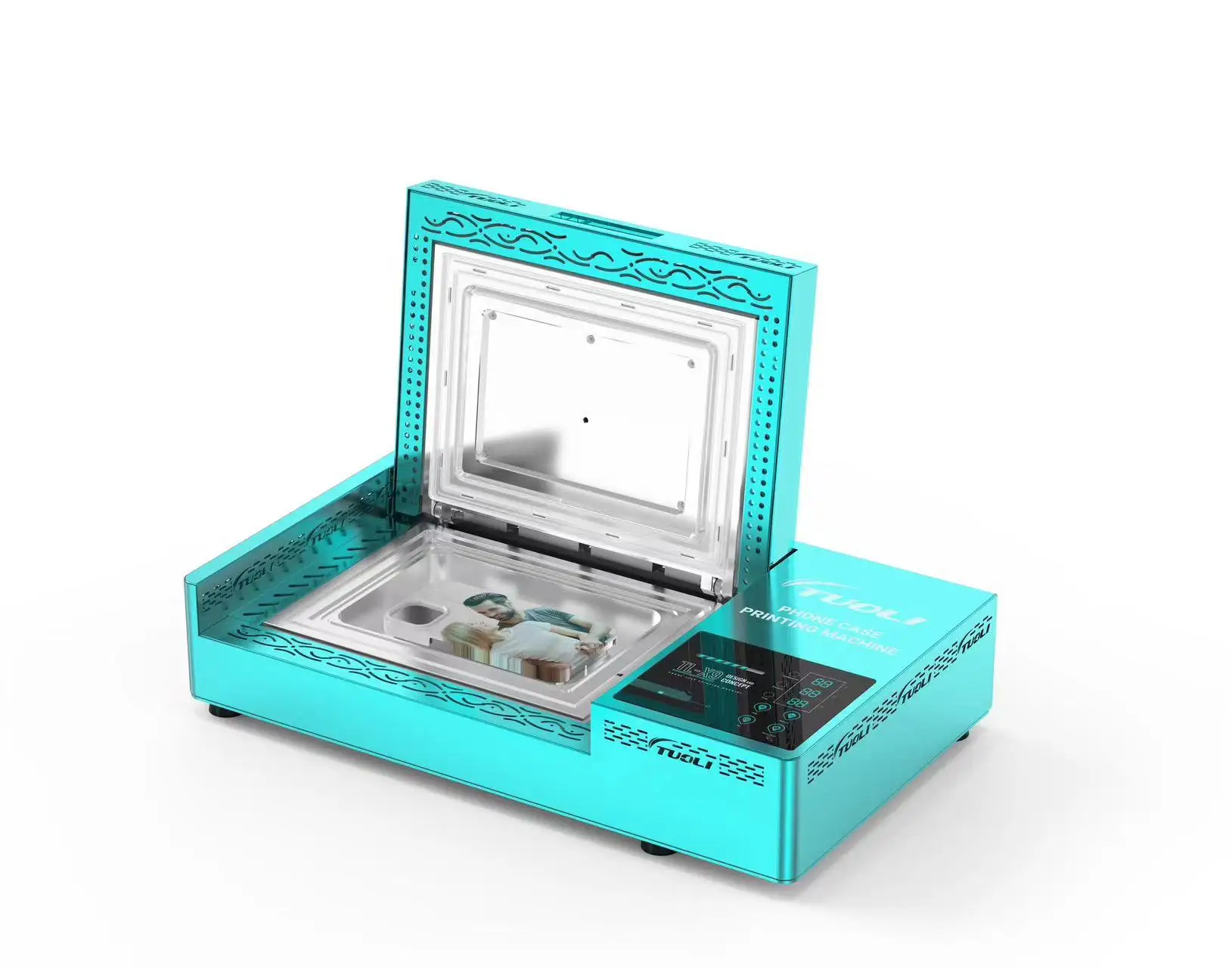
TUOLI TL-X9 Phone Case Printing Machine
$594.00
Add to cart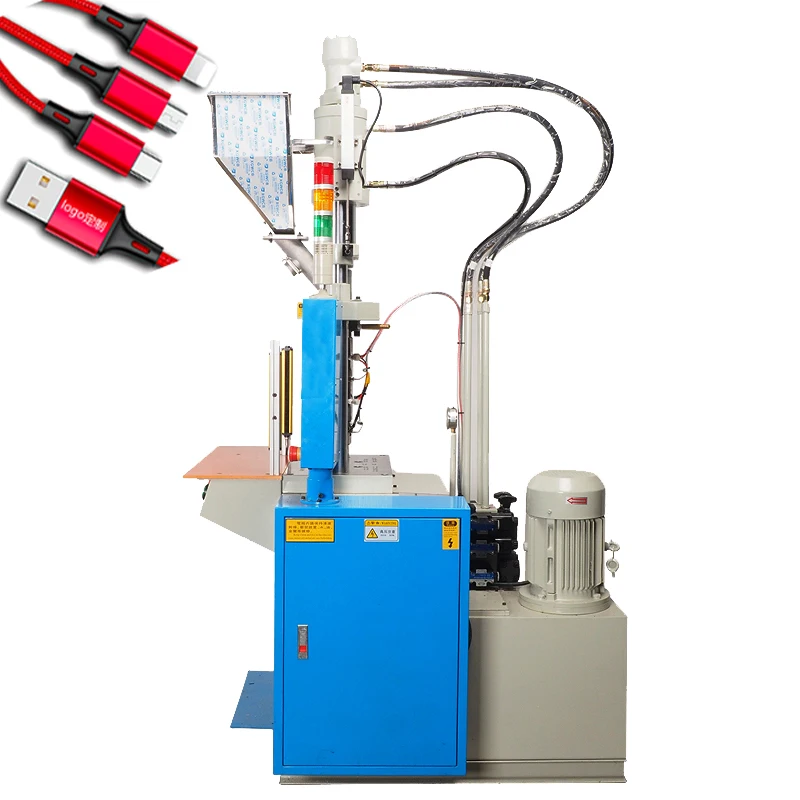
Vertical Injection Molding Machine for Micro-USB Cable Production
$7,557.30
Add to cart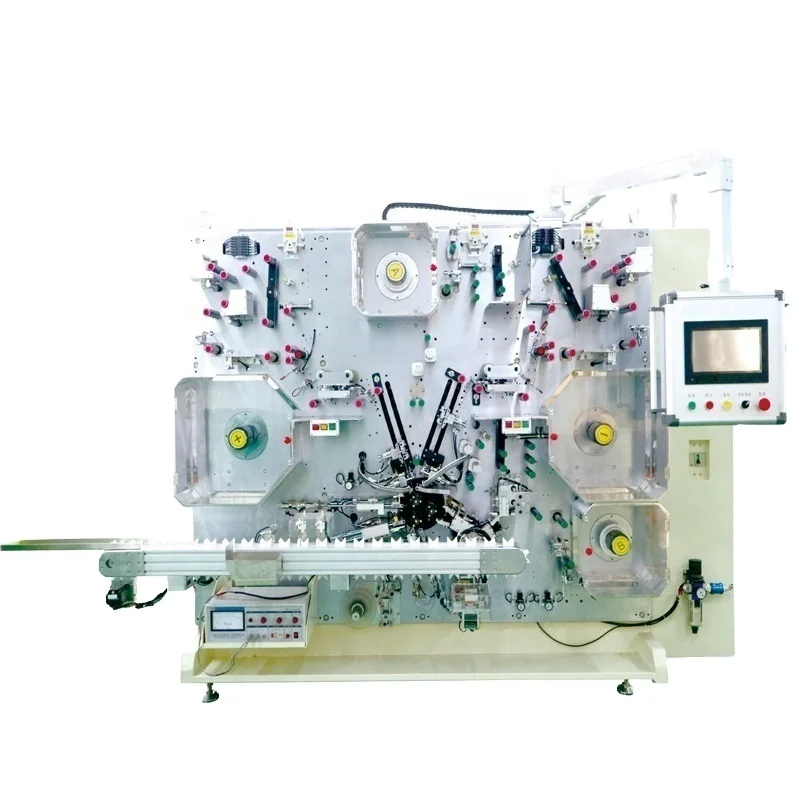
Gelon Turnkey Battery Production Line for Cylindrical and Pouch Cells
$1,215,000.00
Add to cartProducts related to this item

8m Outdoor Misting Cooling System Set With 9 Brass Nozzles 3/4 Adapter For Court Yard 8m Set
$66.80
Add to cart
0.1-24V DC Generator Set Micro Fan Blade Wind Turbines Small DIY Motor
$19.80
Add to cart
1.0X-3.5X 5 Lens Adjustable Magnifying Glass with Headband & 2 LED Lights Magnifier Jewelry Repair Tools white
$43.40
Add to cart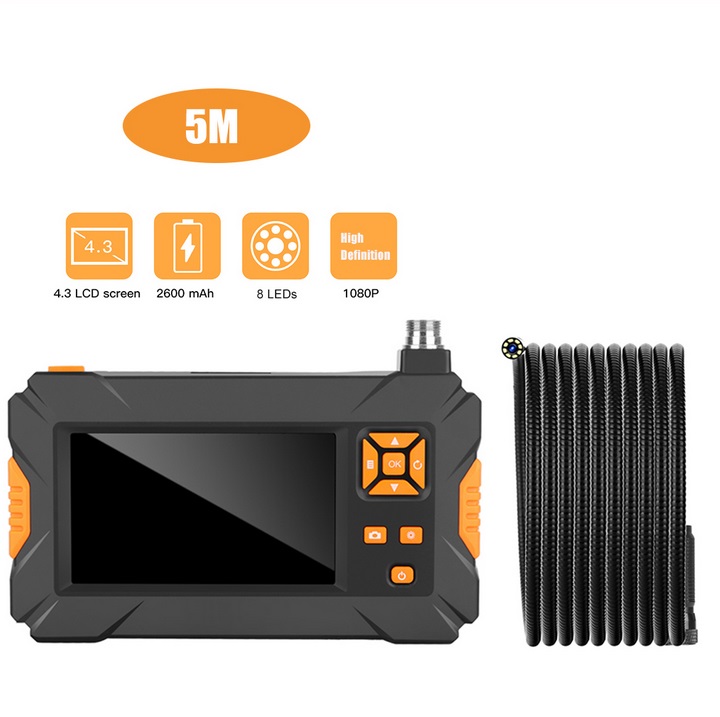
P30 Handheld Endoscope 4.3inch HD 1080P Display Screen IP67 Industrial Borescope 5 meters
$173.70
Add to cartProducts you may also like
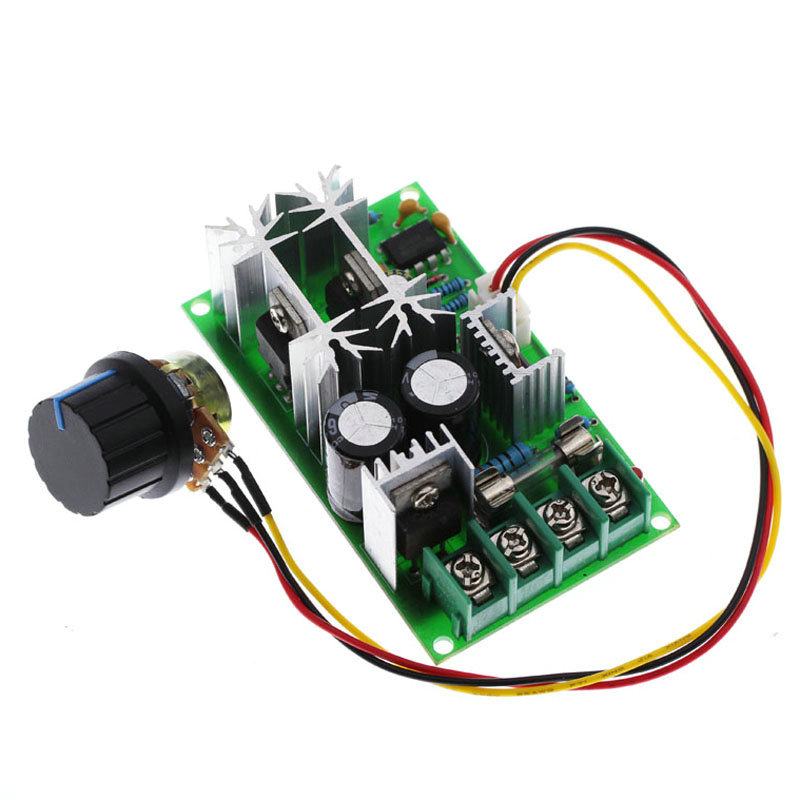
20A PWM DC Motor Speed Controller 12V 24V 36V 48V /w Potentiometer Knob Switch green
$24.40
Add to cart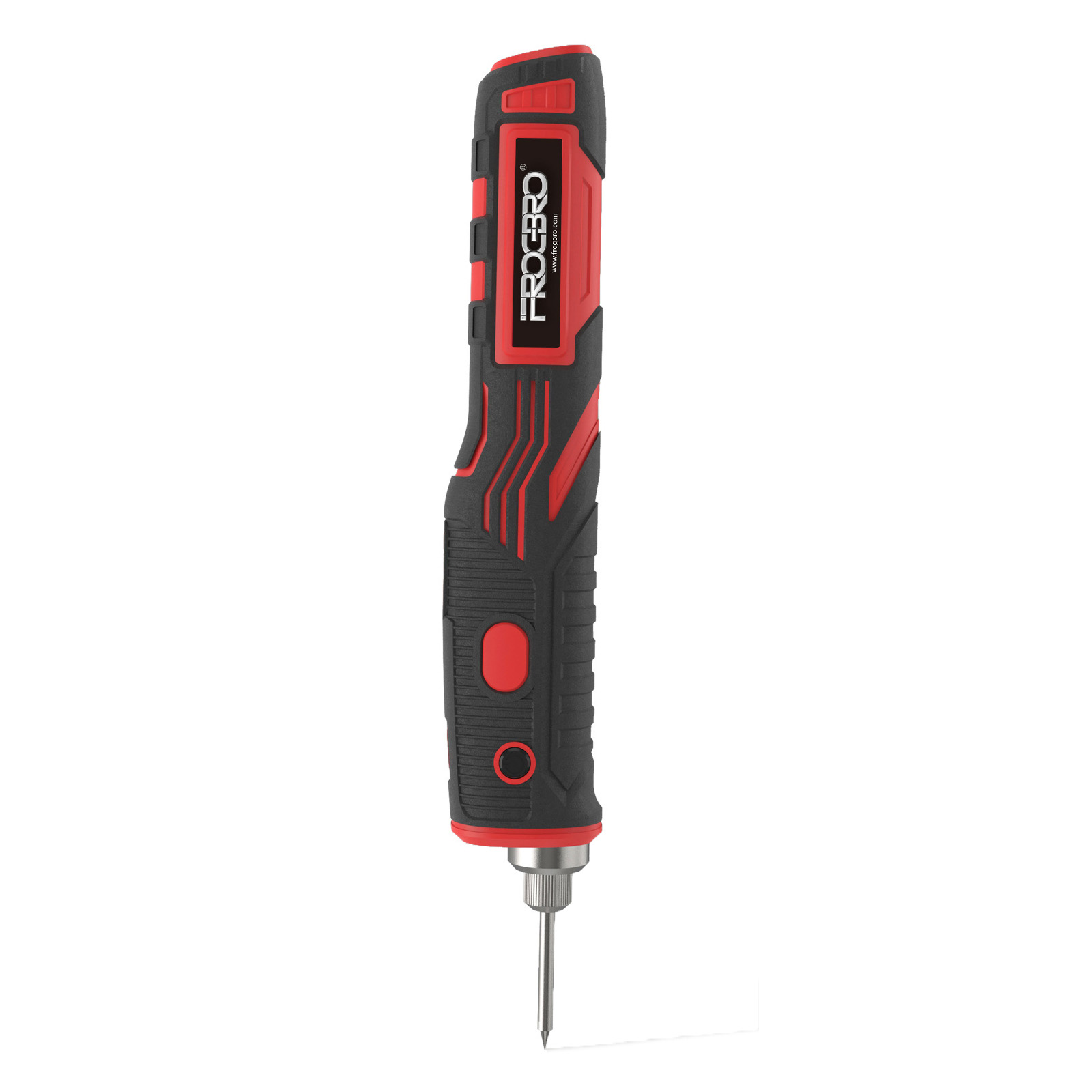
1800mah Wireless Soldering Iron Rechargeable Portable Soldering Tool Outdoor Electronic Repair Standard without adapter
$66.10
Add to cart
Coaxial-cable Wire Stripper Wire Stripping Pliers Knife Practical Electrician Tool gray
$12.90
Add to cart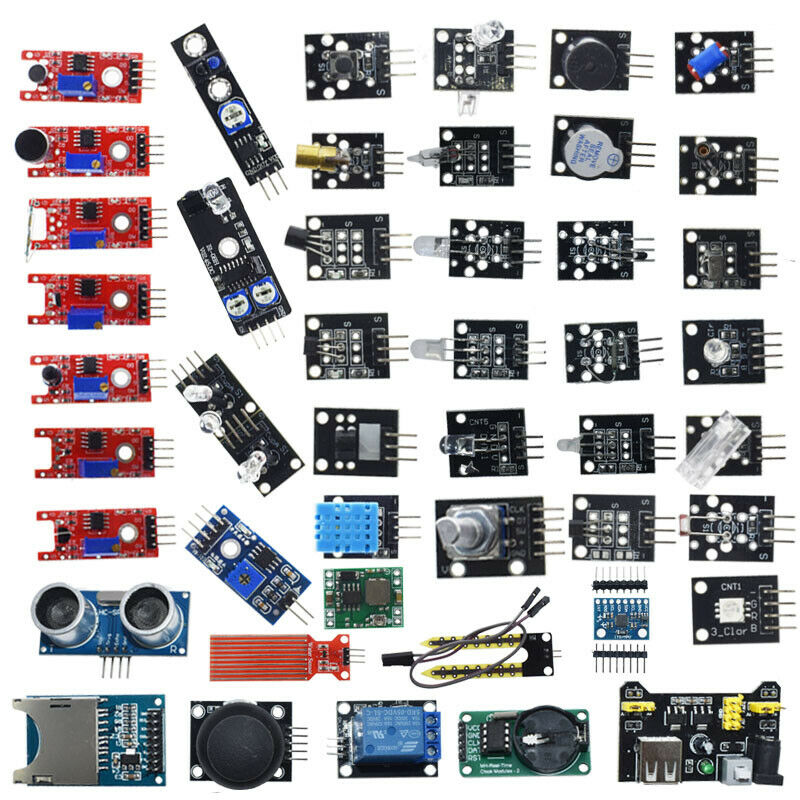
For Arduino 45 in 1 Sensors Modules Starter Kit Better Than 37in1 Sensor Kit 37 in 1 Sensor Kit UNO R3 MEGA2560 opp bag
$55.80
Add to cartRecommended for You

Prime Unused Industrial Scientific Hydrogen Sulphide Sensor with Part Number 1704-1898
$57.60
Add to cart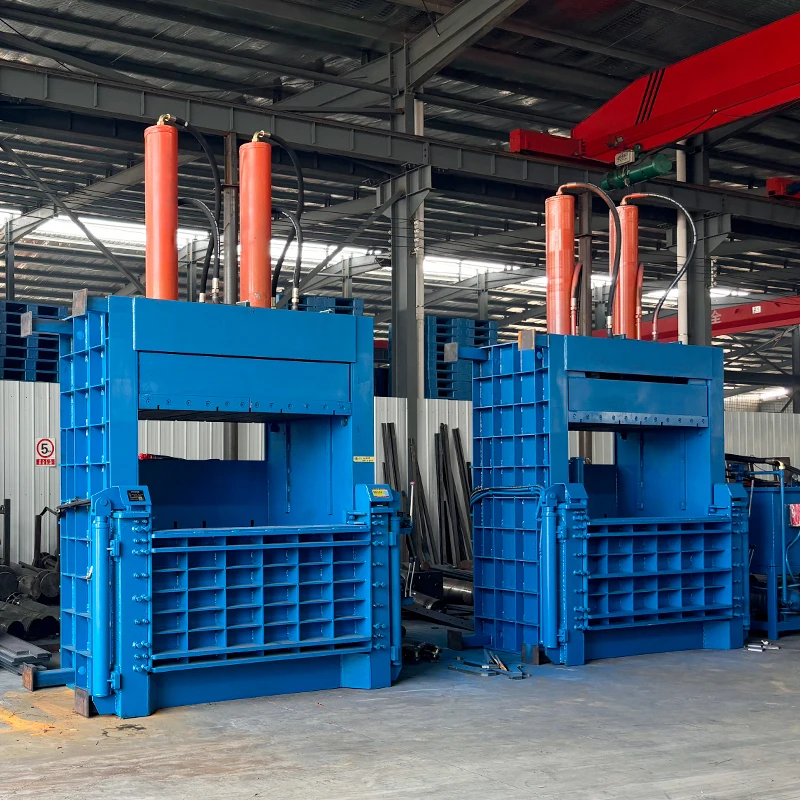
Sensational Savings Hydraulic Plastic Cardboard Baler Compactor Prices Pet Bottle Press Baler Machine for Sale
$1,417.50
Add to cart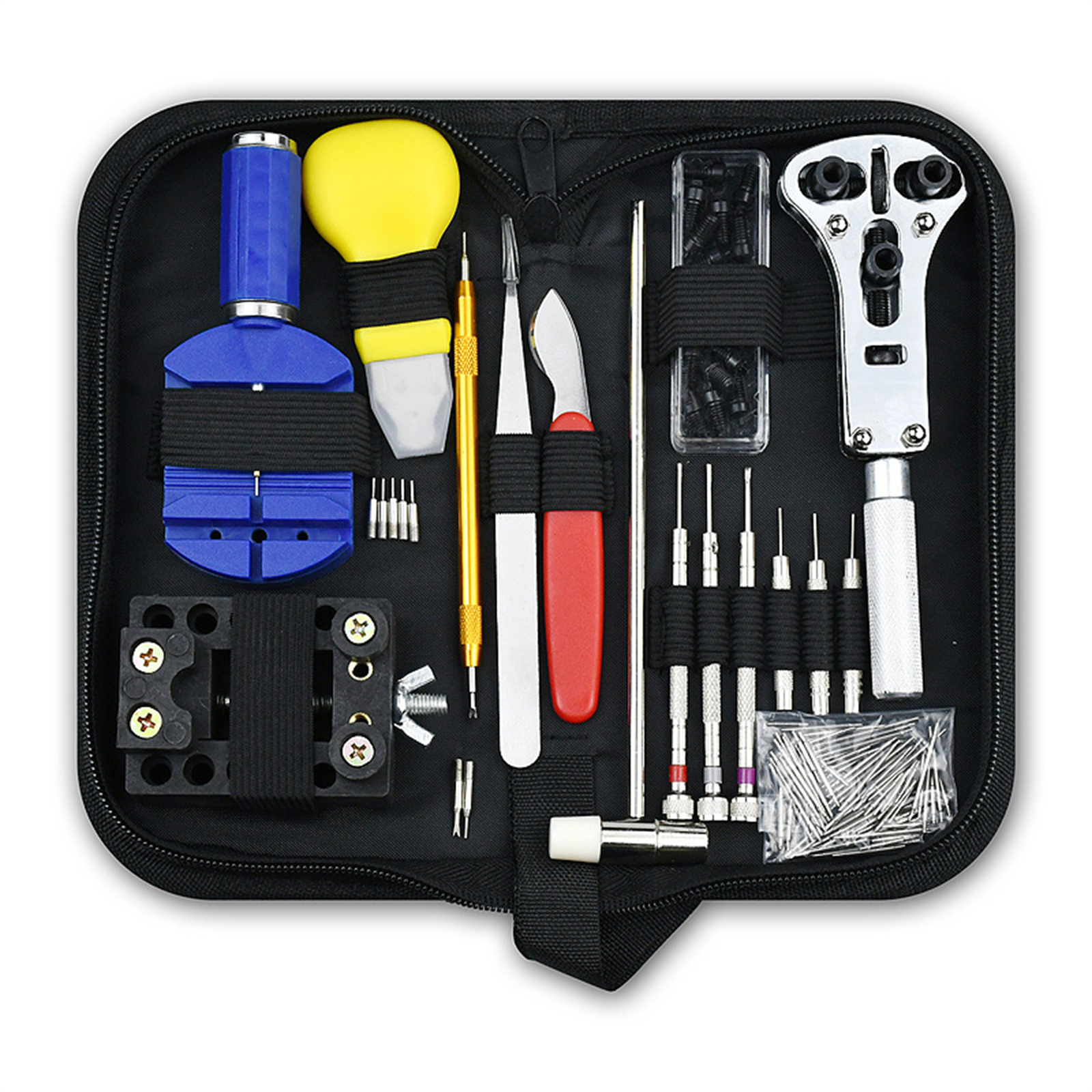
147pcs Watch Repair Kit With Storage Case Included Adjustable Case Remover Link Pin Spring Bar For Watchmaker 47pcs/Set
$65.10
Add to cart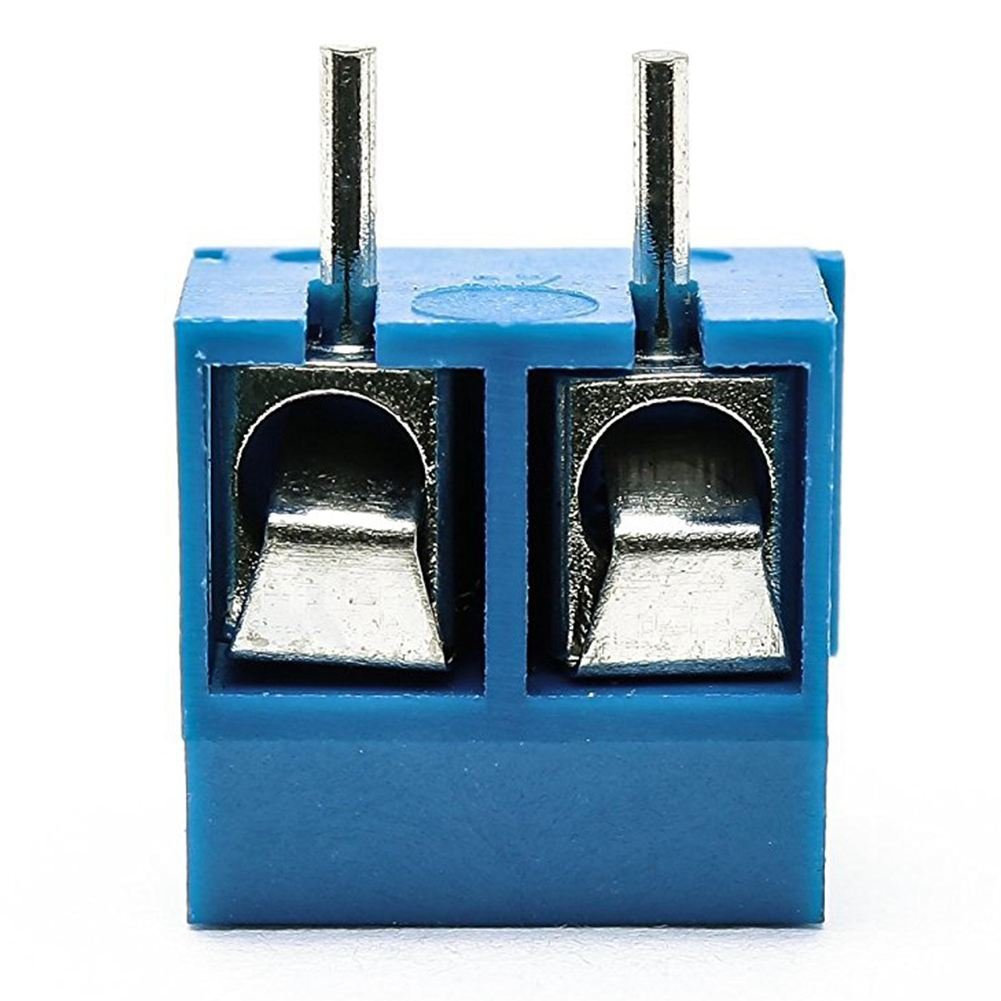
100 Pcs KF301-2P Screw 2Pin 5.0mm Straight Pin PCB Screw Terminal Block Connector 2P
$29.50
Add to cartRelated products
-
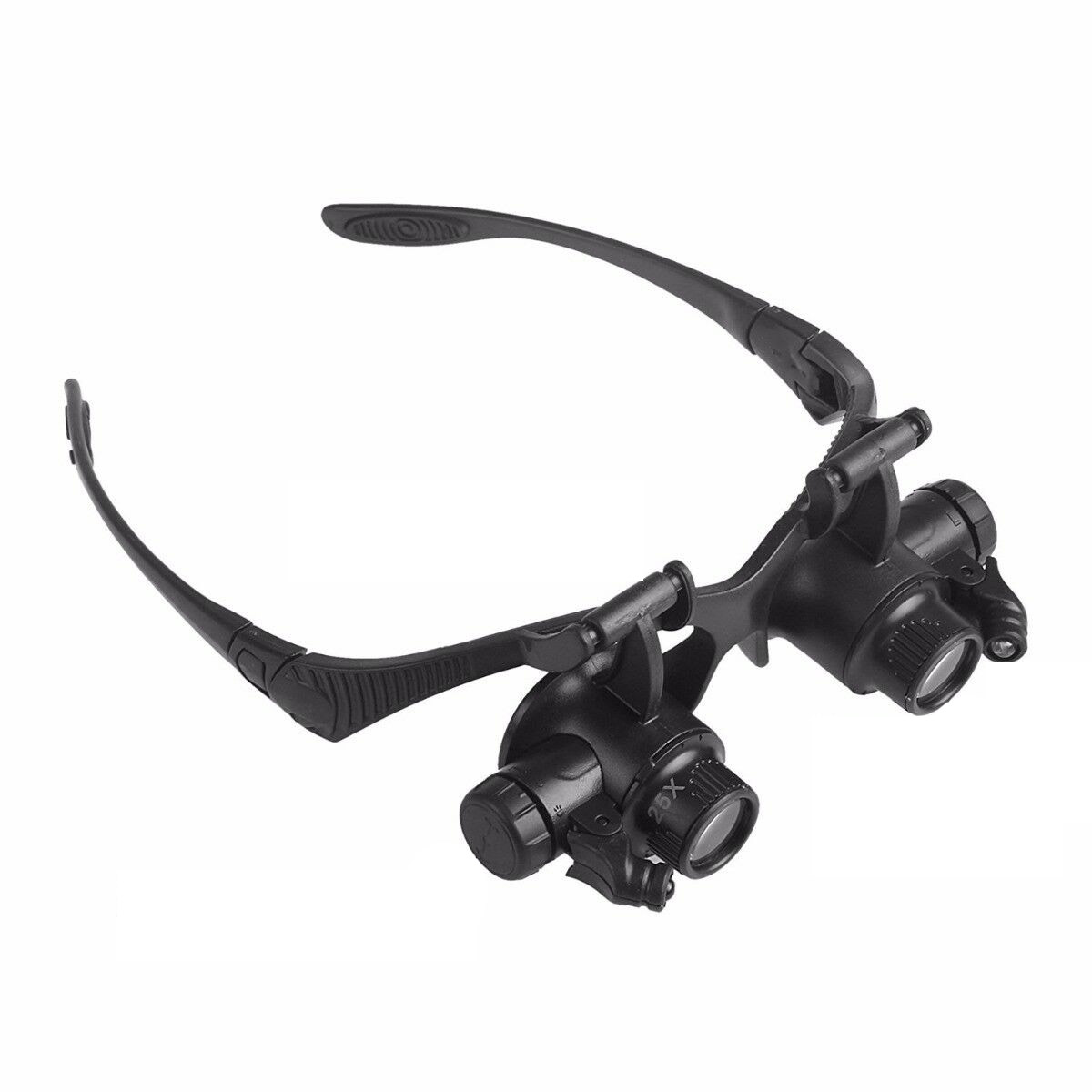
Double Eye Magnifier Glasses Jewelry Watch Repair Loupe Glasses with LED Light and 8 Lens black
$36.50 -
147pcs Watch Repair Kit With Storage Case Included Adjustable Case Remover Link Pin Spring Bar For Watchmaker 47pcs/Set
$65.10 -
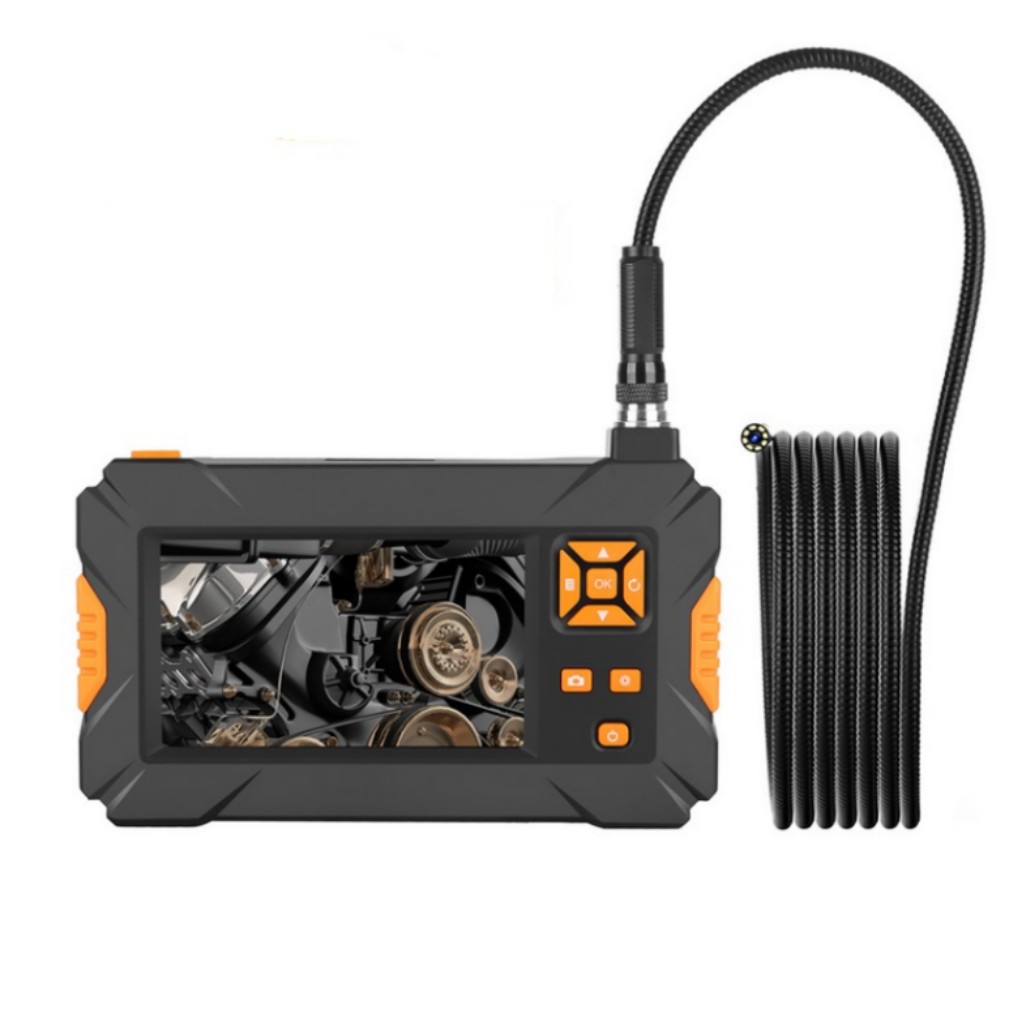
P30 Handheld Endoscope 4.3inch HD 1080P Display Screen IP67 Industrial Borescope 3 meters
$152.00 -
Spot Welder Machine 1200a 0.1-0.25mm 30 Levels Handheld Digital Display Welding Machine for Lithium Battery
$114.50

Reviews
There are no reviews yet.