


MSI GF63 Thin Gaming Laptop, 15.6″ FHD 144Hz, Intel i5-12450H, 8GB RAM, 512GB SSD, NVIDIA RTX 4050
$144,523.00
- MSI Thin GF63 15.6″ FHD 144Hz Gaming Laptop
- Intel Core i5-12450H processor
- 8GB RAM
- 512GB SSD storage
- NVIDIA GeForce RTX 4050 with 6GB dedicated graphics
- 15.6″ FHD IPS-Level display with 144Hz refresh rate
- Ample storage space with fast data access and quick boot times
- Windows 11 Home operating system
Buy more, save more
Buy 2–4 of this item and save 5%.
Buy 5 or more of this item and save 10%.
Discount is automatic in your cart on regular-priced items. It cannot be combined with coupon codes or sale prices.
Buy 2–4 of this item and save 5%.
Buy 5 or more of this item and save 10%.
Discount is automatic in your cart on regular-priced items. It cannot be combined with coupon codes or sale prices.
Country suggested using IP or browser language; you can change it. Shipping is confirmed at checkout.
Description
MSI GF63 Thin Gaming Laptop, 15.6″ FHD 144Hz, Intel i5-12450H, 8GB RAM, 512GB SSD, NVIDIA RTX 4050,
How to Use the MSI Thin GF63 Gaming Laptop
Getting Started
- Make sure the laptop is fully charged or connected to a power source.
- Press the power button to turn on the laptop.
Setting Up
- Follow the on-screen instructions to set up the Windows 11 operating system.
- Connect to a Wi-Fi network by clicking on the network icon in the taskbar and selecting your desired network.
Using the Keyboard
- The keyboard is backlit, press the Fn key and the spacebar to toggle the backlight on or off.
- Use the QWERTY layout to type on the keyboard.
- The keyboard has anti-ghosting technology for accurate and precise typing.
Connecting External Devices
- Use the HDMI port to connect the laptop to an external display.
- Connect USB devices to the USB Type-A and USB Type-C ports.
- For audio output, connect headphones or speakers to the audio jack.
Using the Touchpad
- Use gestures on the touchpad to navigate and interact with the operating system.
- Click or tap on the touchpad to select items or perform actions.
Gaming Performance
- Install your favorite games and launch them from the desktop or start menu.
- Adjust the in-game graphics settings to optimize performance.
- Experience smooth gameplay with the NVIDIA GeForce RTX 4050 graphics.
Storage and File Management
- All your files are stored in the 512GB SSD. Use File Explorer to organize and access your files.
- Use the NVMe SSD technology for fast data access and quick boot times.
Battery Life
- The laptop has a 3-cell lithium polymer battery with a capacity of 51 Wh.
- To conserve battery life, adjust power settings in the Windows 11 operating system.
Shutting Down
- Save any work you have open.
- Click on the Start menu, select the Power icon, and choose Shut Down.
, , MSI
| Weight | 9 lbs |
|---|---|
| Release Year | 2023 |
| Series | Thin |
| UPC | 0824142324974 |
| Processor | Intel Core i5 12th Gen. |
| Screen Size | 15.6 in |
| Graphics Processing Type | Dedicated Graphics |
| Color | |
| RAM Size | 8 GB |
| MPN | GF63 12VE-437US |
| SSD Capacity | 512 GB |
| Item Length | 9.99 in |
| Most Suitable For | Gaming |
| GPU | NVIDIA GeForce RTX 4050 |
| Processor Speed | 4.40 GHz |
| Brand | MSI |
| Type | Notebook/Laptop |
| Maximum Resolution | 1920 x 1080 |
| Item Height | 0.85 in |
| Model | MSI GF63 Thin |
| Connectivity | DisplayPort, HDMI, USB 3.0, USB-C, USB 3.2, Gigabit Ethernet, USB 3.1 |
| Hard Drive Capacity | 512 GB |
| Operating System | Windows 11 Home |
| Features | Bluetooth, Built-in Webcam, Widescreen Display, Wi-Fi, 10/100 LAN Card, Multi-Touch Trackpad, Backlit Keyboard, Built-in Microphone |
| Storage Type | SSD (Solid State Drive) |
| Item Width | 14.13 in |
| Item Weight | 4.10 lbs |
Only logged in customers who have purchased this product may leave a review.
Special deals for you
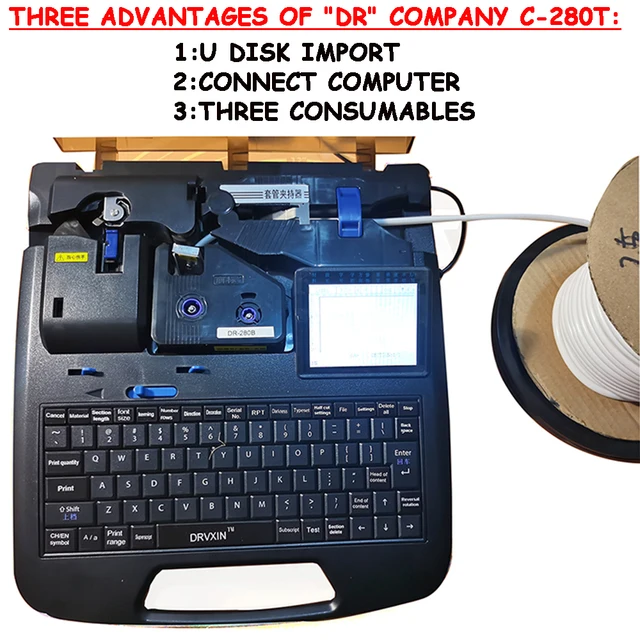
New C-280T Wire Pipe Numbering Machine U Disk Import Connect Computer For Heat-shrinkable Tube Tape Label typewriter printing
Original price was: $604.02.$600.31Current price is: $600.31.
Add to cart
Wire Marker ID Printer Pvc Pipe Marking Machine USB Drive Import USB Connection PC Computer Electronic Engraving Machine C-280T
Original price was: $600.12.$596.23Current price is: $596.23.
Add to cart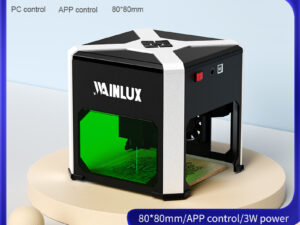
WAINLUX K6 3000mW Mini CNC Laser Engraver
Original price was: $128.37.$127.16Current price is: $127.16.
Add to cart
Lville Android 13 Tablet - 10 inch Octa-Core Tablet with 8GB RAM, 128GB ROM, 1TB TF Expandable Storage, Bluetooth 5.0, WiFi 6, Fast Charging, Dual Camera - Black
Original price was: $4,270.00.$235.00Current price is: $235.00.
Add to cartPopular items in this category


Products related to this item

Baseus ioTa 450W 288Wh 90000mAh Power Bank - High-capacity External Battery Charger with Multiple Ports for Fast Charging Mobile Phones, Laptops, Cameras, and Drones
$16.10
Add to cart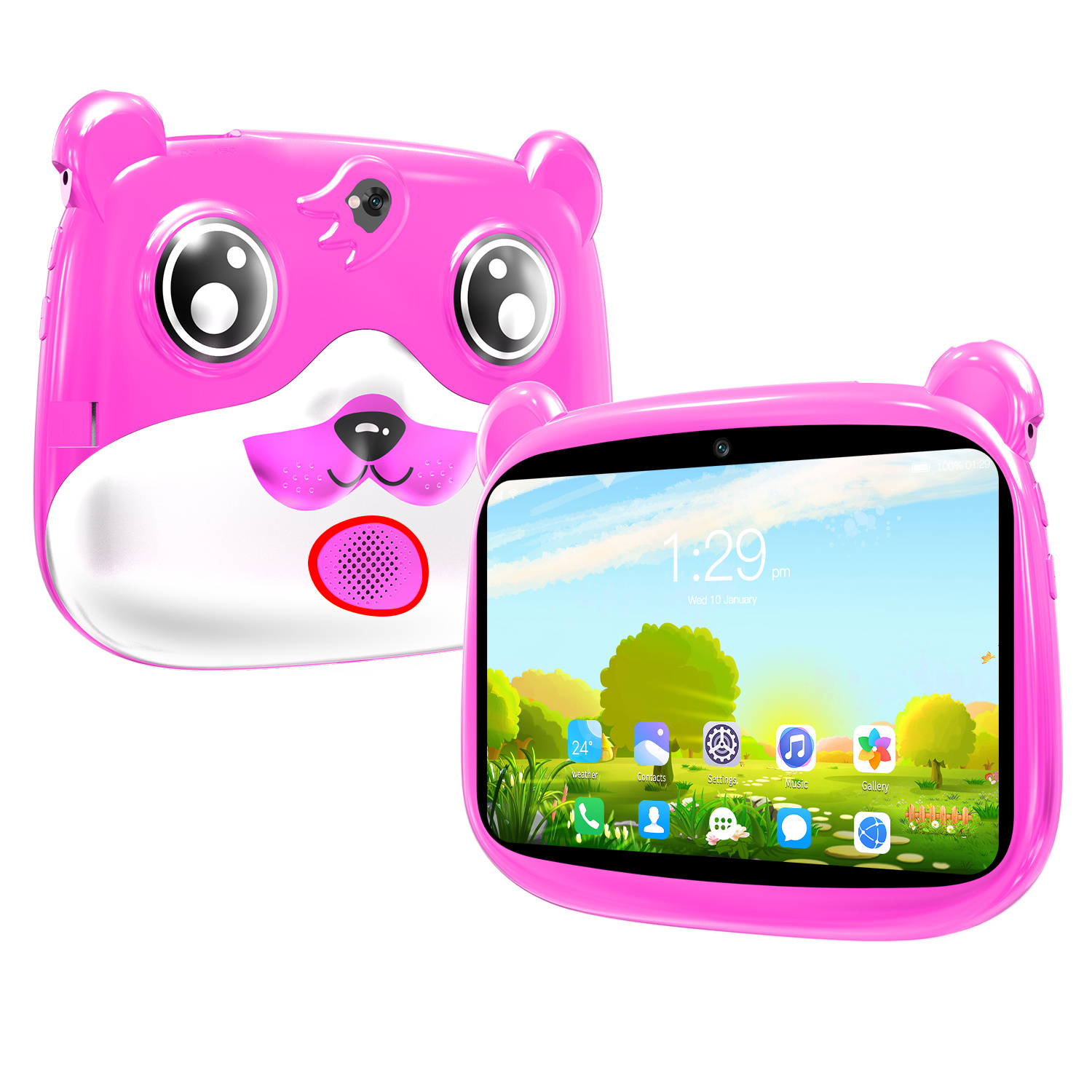
Pink 7-inch Kids Tablet with Quad Core, 16GB Storage, Android 5.1, Dual Camera, 1280 x 800 HD Screen, Wireless Wifi, and US Plug
$132.10
Add to cart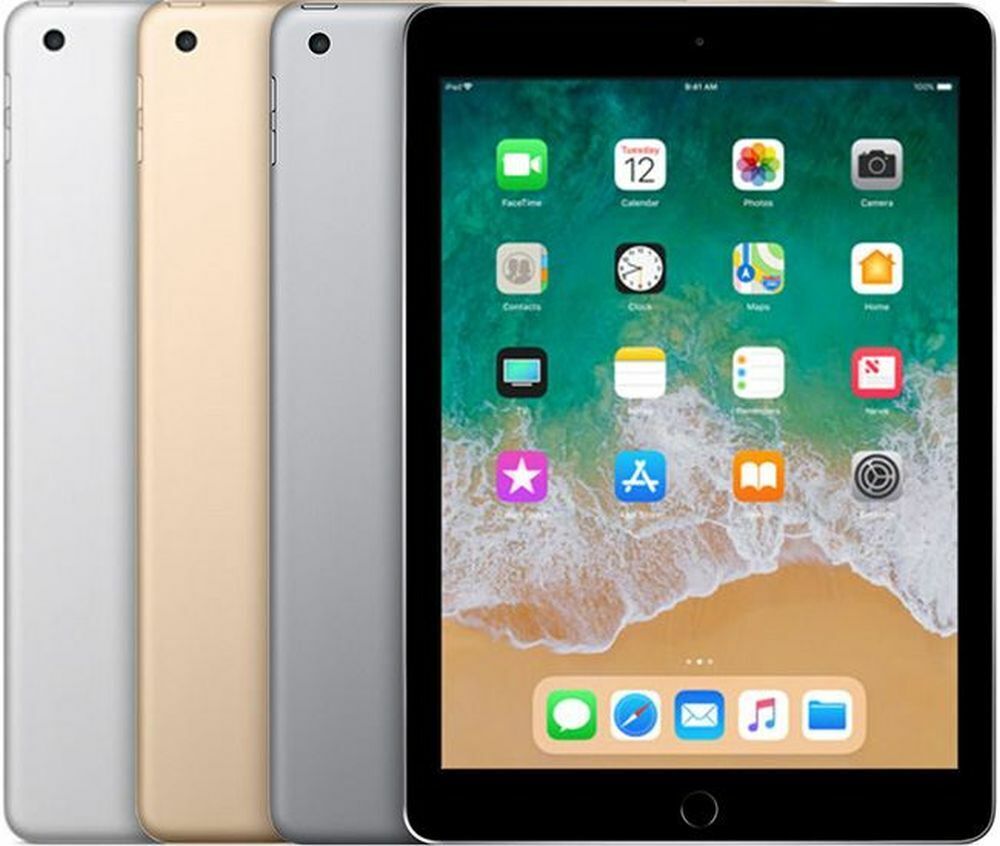
Excellent 2018 Apple iPad 6 (6th Generation) - Gray, 32GB, Wi-Fi, 9.7
$282.00
Add to cart
Apple iPad 7th Generation 2019 MW742LL/A (Wi-Fi) 32GB Space Gray, New in Open Box
$62,578.60
Add to cartProducts you may also like
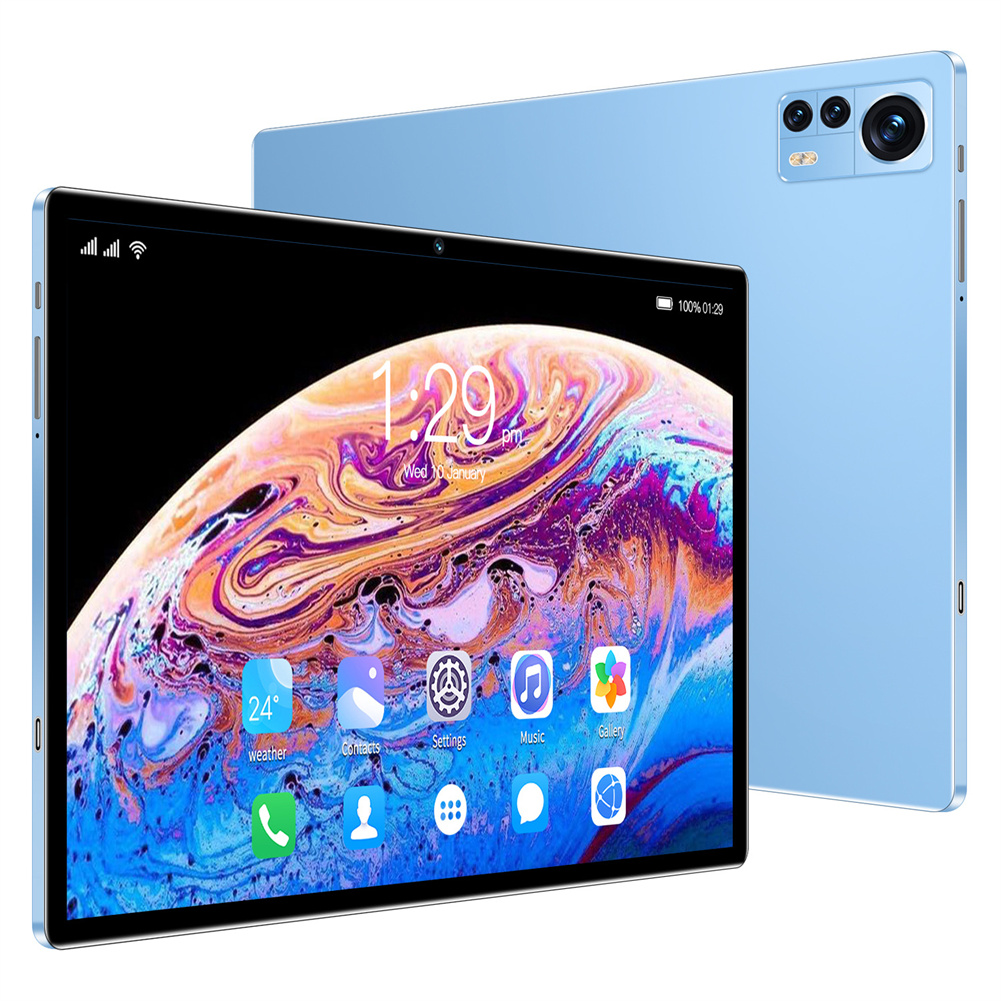
Blue EU Plug X12 Smart Tablet with 10.1-inch HD Capacitive Touch Screen, 5000mah Battery, and Wifi Connectivity
$261.20
Add to cart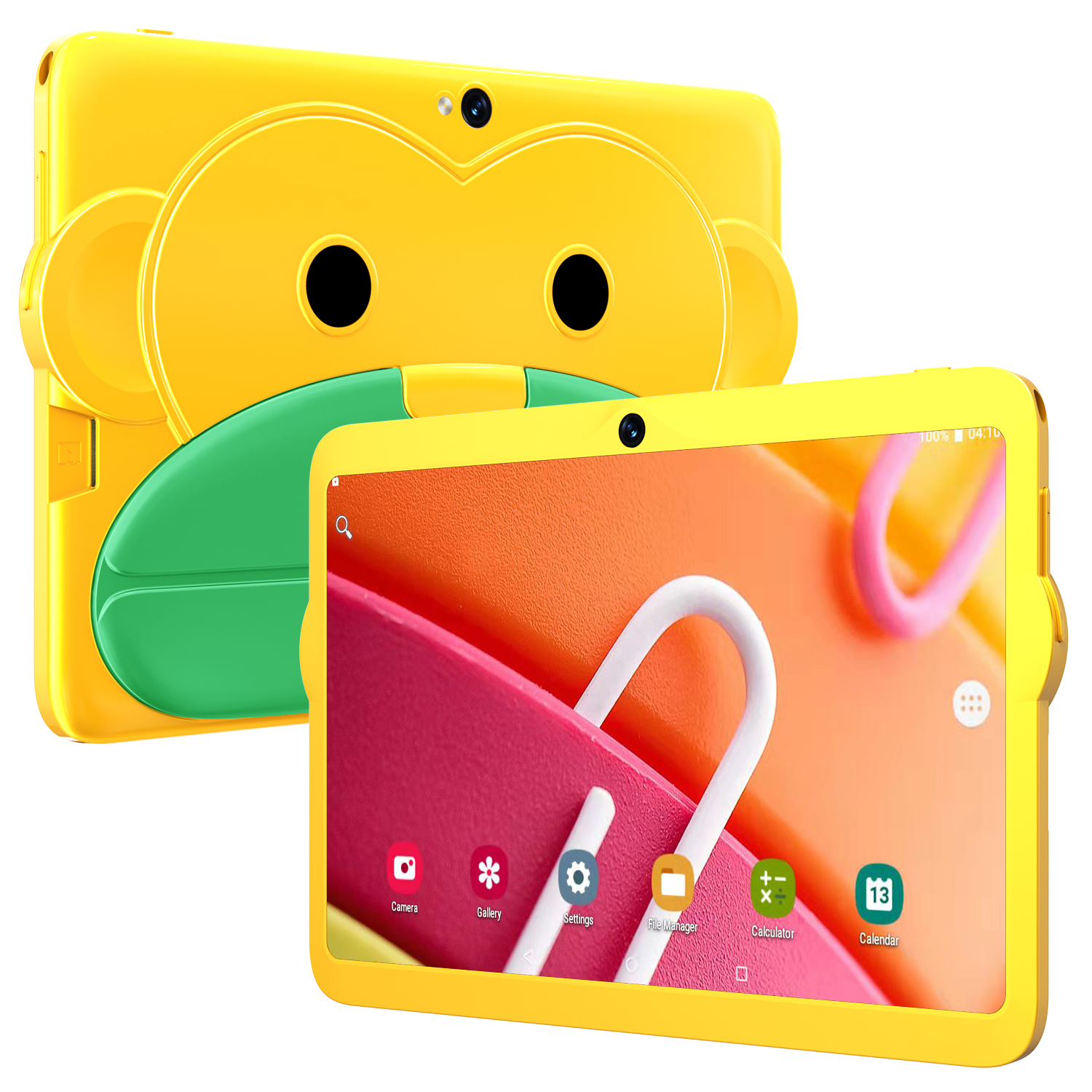
Yellow US Plug Kids Tablet - 7.1 Inch, MT6592 Octa Core, 2GB RAM, 16GB ROM, Android 5.1, 1280 x 800 Screen, 3000mah Battery
$125.70
Add to cart
Apple iPad 7th Generation (2019) - 32GB WiFi Version - Multiple Color Options
$223.40
Add to cart
Sealed Fire Max 11 Tablet with Vivid 11" Display, 64GB Storage, 4GB RAM, and Octa-Core Processor
$31,018.40
Add to cartRecommended for You

Unbeatable Dell Inspiron 15 3520 3000 15.6" Touchscreen FHD Laptop Computer, 12th Gen Intel 10-Core i5-1235U (Beat i7-1195G7), 4GB DDR4 RAM, 1TB PCIe SSD, 802.11AC WiFi, Bluetooth, Windows...
Original price was: $13,614.00.$2,206.70Current price is: $2,206.70.
Add to cart
Unbeatable Led Display Wireless X13 Bluetooth Earphones Car Sports Hanging Ear Type Long Standby Time Noise Cancelling Headset X13 black
$33.30
Add to cart
MSI MPG ARTYMIS 343CQR 3440 x 1440 (UWQHD) 165Hz 1ms 34" Curved Gaming Monitor
$824.90
Add to cart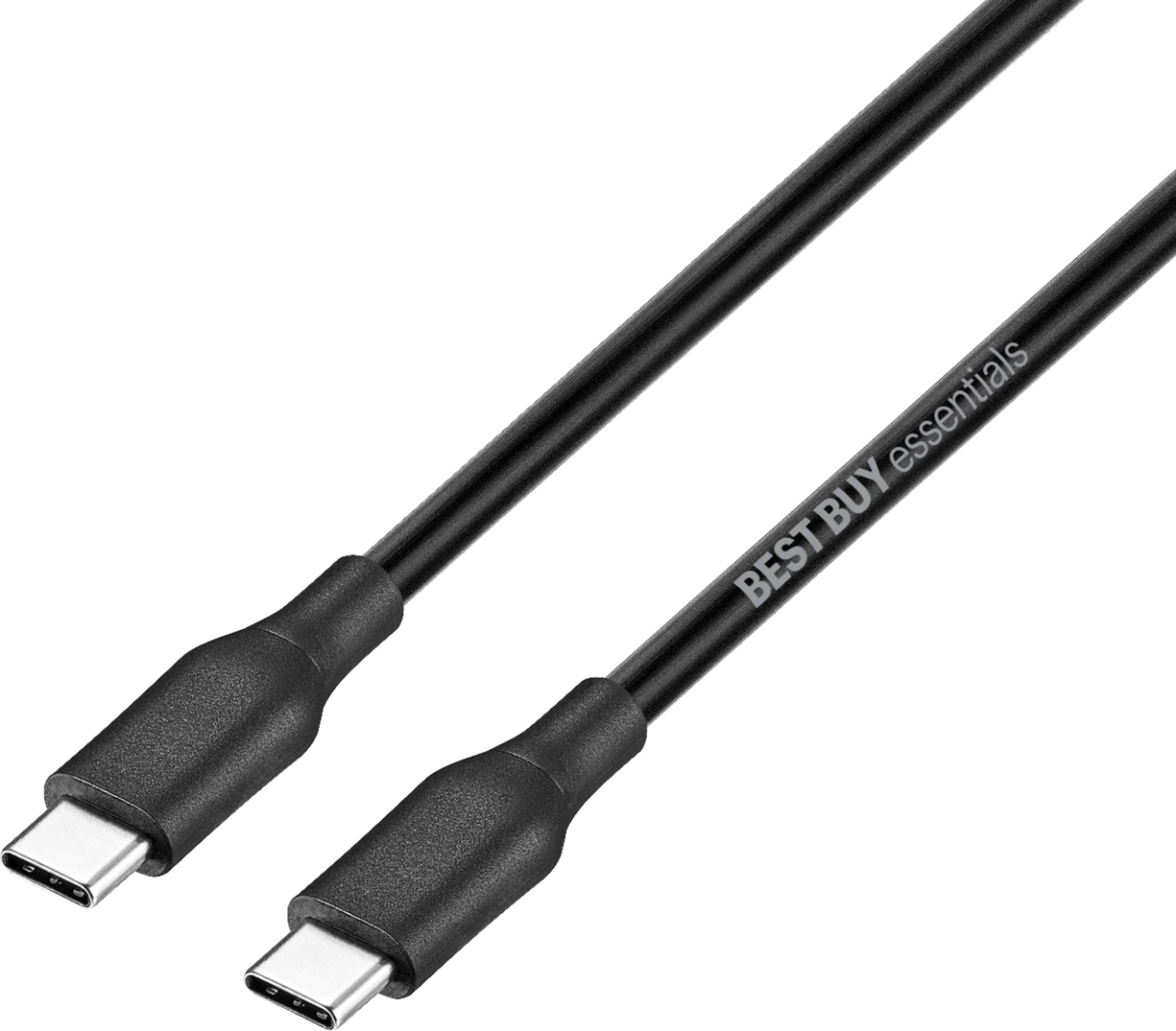
Top pick essentials™ - Black 9' USB-C to USB-C Charge-and-Sync Cable from Best Buy
Original price was: $1,597.80.$14.10Current price is: $14.10.
Add to cartRelated products
-
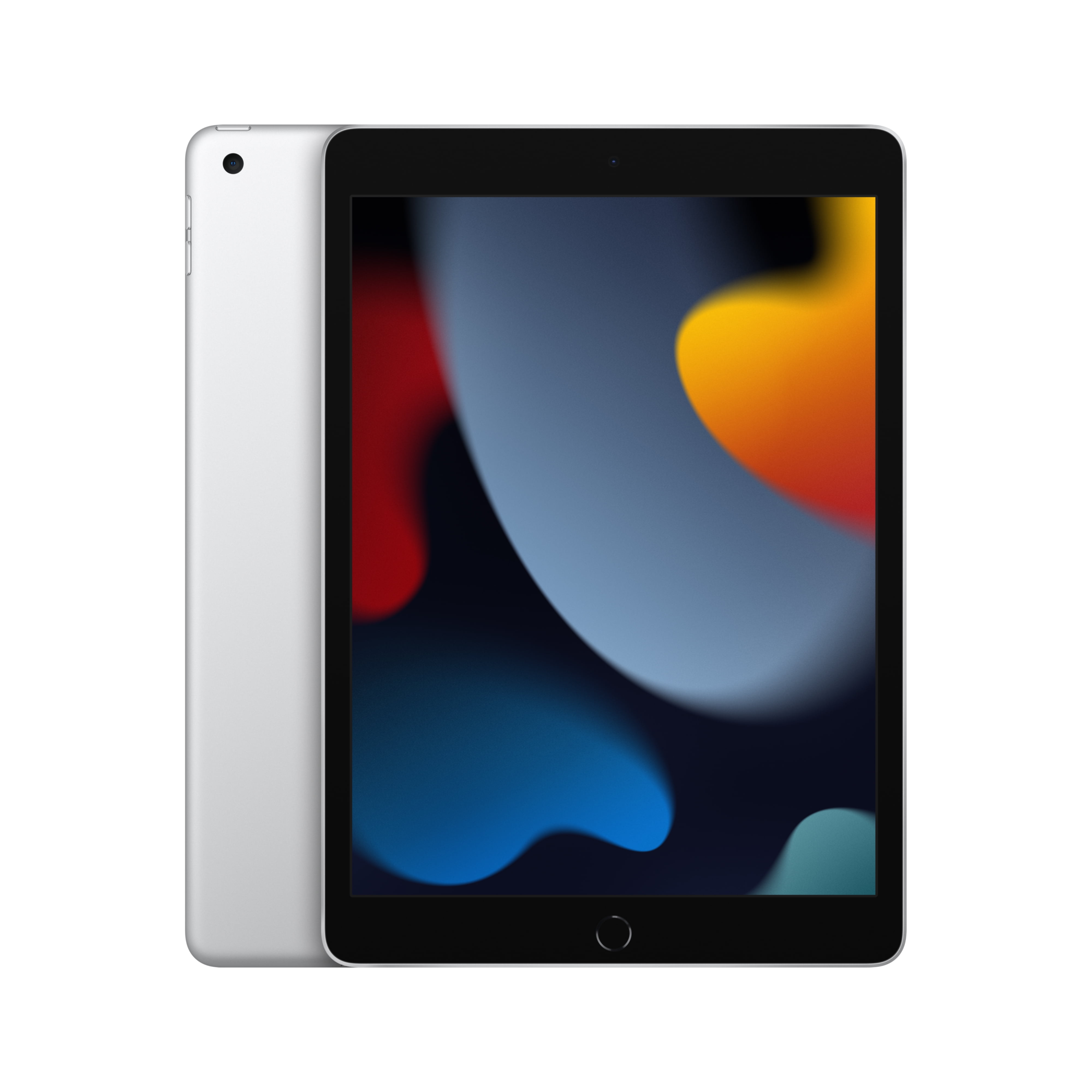
Choosing the Perfect iPad: The 2021 Apple 10.2-inch Model – Silver (9th Generation) Buying Guide
$249.00 -
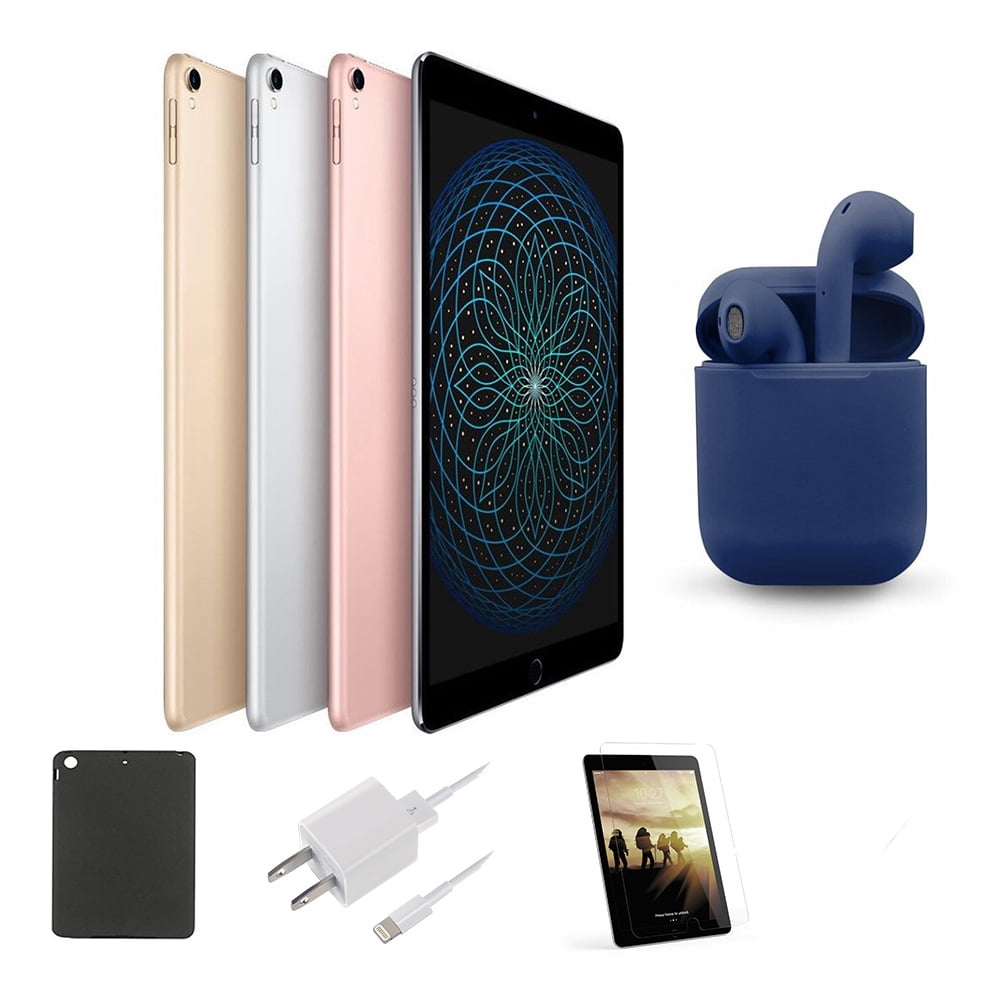
Restored | Apple iPad Pro | 10.5-inch Retina | 256GB | Wi-Fi Only | Latest OS | Bundle: Case, Pre-Installed Tempered Glass, Rapid Charger, Bluetooth/Wireless Airbuds By…
$349.00 -
SALE WAINLUX K6 3000mW Mini CNC Laser Engraver
Original price was: $128.37.$127.16Current price is: $127.16. -
Excellent 2018 Apple iPad 6 (6th Generation) – Gray, 32GB, Wi-Fi, 9.7
$282.00

Reviews
There are no reviews yet.