

Cordless Brushless Electric Impact Driver Wrench with Screwdriver
$102.50
- 520N.M high torque with stepless speed change switch
- Powerful and multi-purpose electric wrench
- Tungsten steel shaft for high hardness and wear resistance
- Suitable for construction site shelves, maintenance, woodworking, etc
- Brushless motor that doesn’t generate sparks and doesn’t wear
- Comes with LED work light
Buy more, save more
Buy 2–4 of this item and save 5%.
Buy 5 or more of this item and save 10%.
Discount is automatic in your cart on regular-priced items. It cannot be combined with coupon codes or sale prices.
Buy 2–4 of this item and save 5%.
Buy 5 or more of this item and save 10%.
Discount is automatic in your cart on regular-priced items. It cannot be combined with coupon codes or sale prices.
Country suggested using IP or browser language; you can change it. Shipping is confirmed at checkout.
Description
Cordless Brushless Electric Impact Driver Wrench with Screwdriver,
How to Use the Brushless Electric Wrench Impact Driver Cordless Electric Screwdriver Wrench
Preparation
- Charge the wrench to ensure it has enough power for operation.
- Check the torque settings and adjust if necessary.
Attaching the Screwdriver Bit
- Select the appropriate screwdriver bit for your task.
- Insert the selected screwdriver bit firmly into the chuck of the wrench.
- Tighten the chuck securely to ensure the bit is held in place.
Using the Wrench
- Hold the wrench firmly with one hand on the handle and the other hand on the body for stability.
- Position the screwdriver bit onto the screw that needs to be tightened or loosened.
- Press the power button to activate the wrench.
- Apply gentle pressure on the screwdriver bit to engage it with the screw.
- Gradually increase the speed using the stepless speed change switch as needed.
Adjusting the Torque Settings
- Locate the torque adjustment settings on the wrench.
- Using the screwdriver bit, turn the torque adjustment dial to the desired setting. Higher numbers indicate higher torque.
Using the LED Work Light
- The wrench is equipped with an LED work light to provide illumination in dark or dimly lit areas.
- To activate the LED work light, press the dedicated light button.
Safe Operation
- Always wear appropriate safety gear, such as goggles and gloves, when using the wrench.
Maintenance
- After use, clean the wrench and remove any dust or debris.
- Store the wrench in a dry and secure place to prevent damage.
, ,
Only logged in customers who have purchased this product may leave a review.
Special deals for you
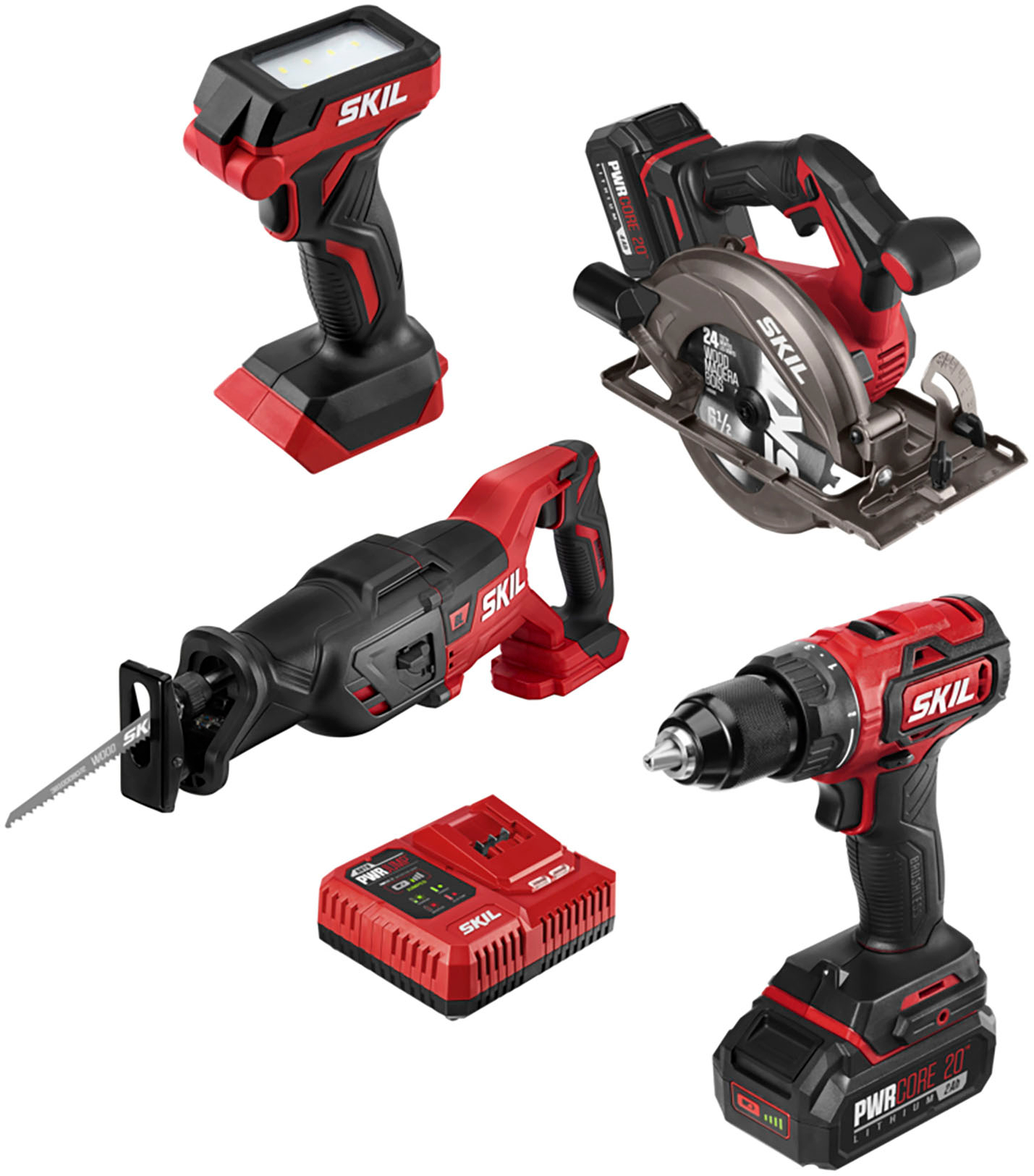
Revitalize Your Routine Skil - PWR CORE 20 Brushless 20V 4-Tool Bundle: Includes Drill Driver, Reciprocating Saw, Circular Saw, and LED Light - Red/Black
Original price was: $170,194.50.$961.10Current price is: $961.10.
Add to cart
Revitalize Your Lifestyle WORX - WG779 40V 14" Lawn Mower with Grass Collection Bag and Mulcher, including 2 x 4.0 Ah Batteries and 1 x Charger - Black
Original price was: $118,743.60.$646.20Current price is: $646.20.
Add to cartPopular items in this category
USB Rechargeable Reflective Vest Backpack with LED Turn Signal Light Remote Control Outdoor Sport Safety Bag Gear for Cycling
Price range: $16.57 through $90.45
Select options
winter gloves
$10.68
Select options
Gloves women winter suede gloves
Price range: $7.65 through $7.77
Select options
Couple knitted gloves touch screen gloves
Price range: $2.55 through $3.84
Select optionsSimilar items you might like

FNIRSI DSO153 2-in-1 Mini Digital Oscilloscope & Signal Generator
$16.10
Add to cart
TUOLI TL-X9 Phone Case Printing Machine
$594.00
Add to cart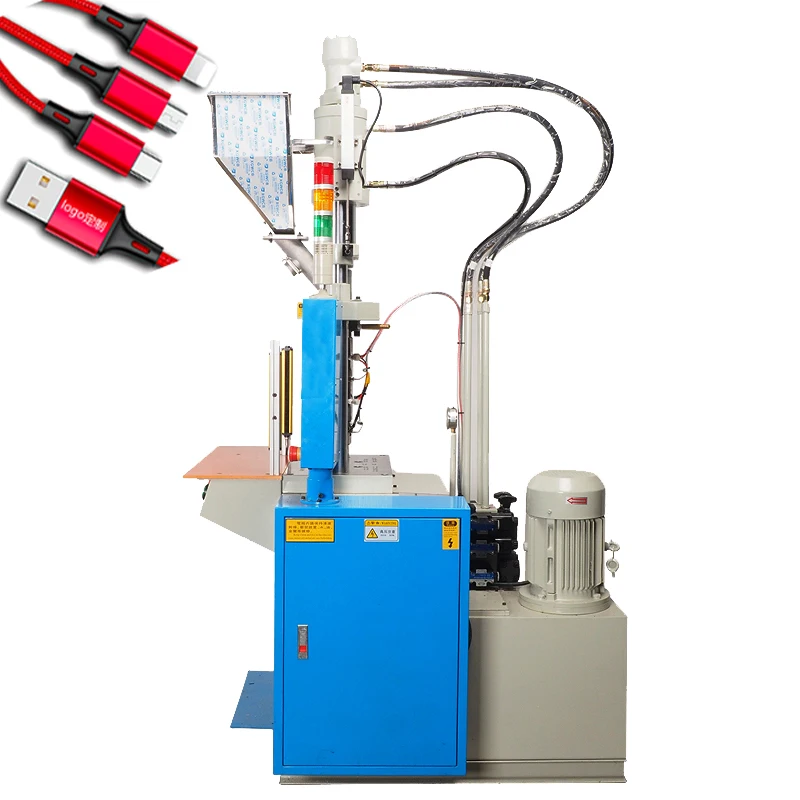
Vertical Injection Molding Machine for Micro-USB Cable Production
$7,557.30
Add to cart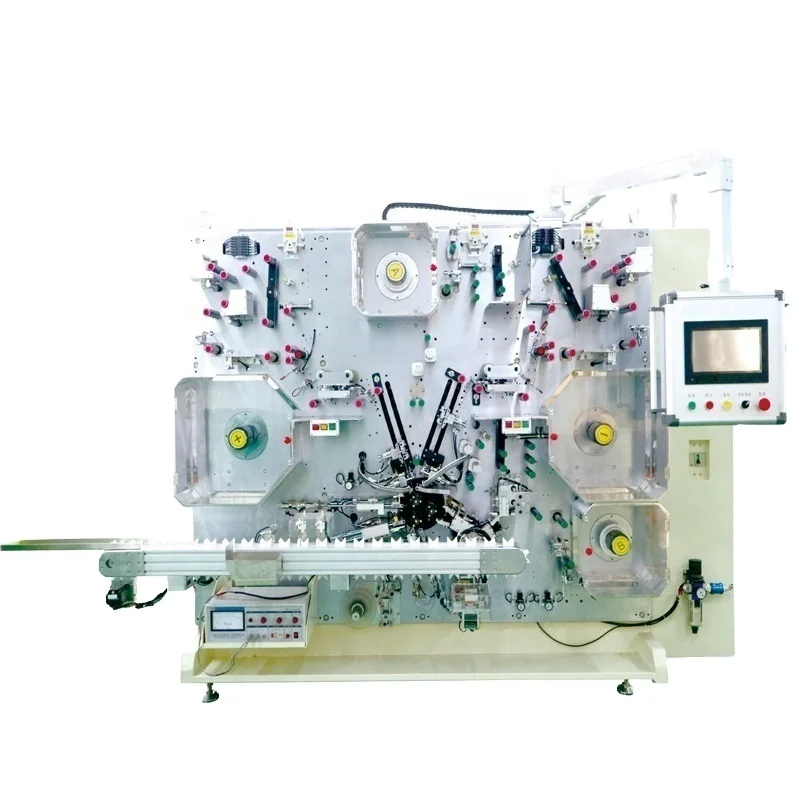
Gelon Turnkey Battery Production Line for Cylindrical and Pouch Cells
$1,215,000.00
Add to cartProducts related to this item
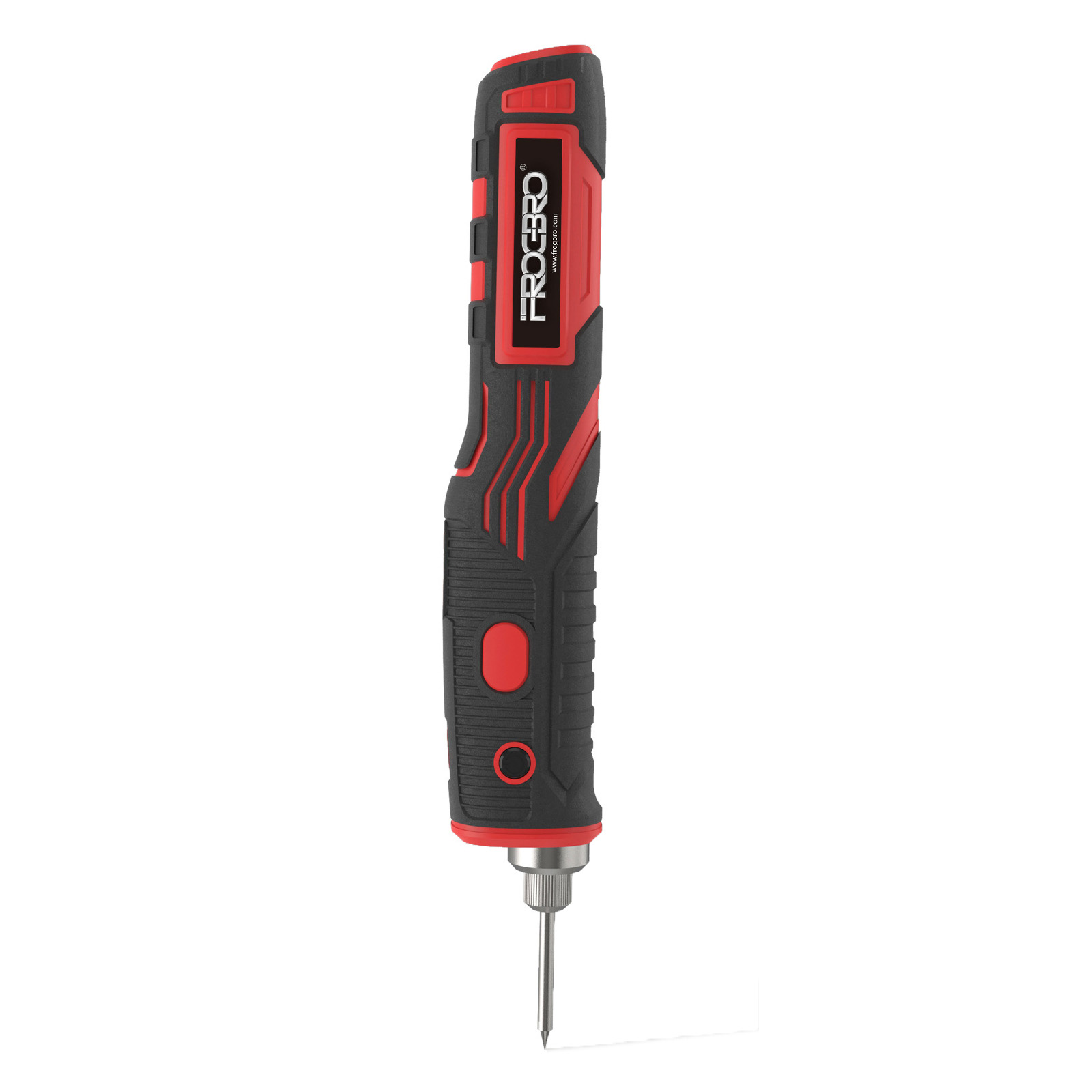
1800mah Wireless Soldering Iron Rechargeable Portable Soldering Tool Outdoor Electronic Repair Standard without adapter
$66.10
Add to cart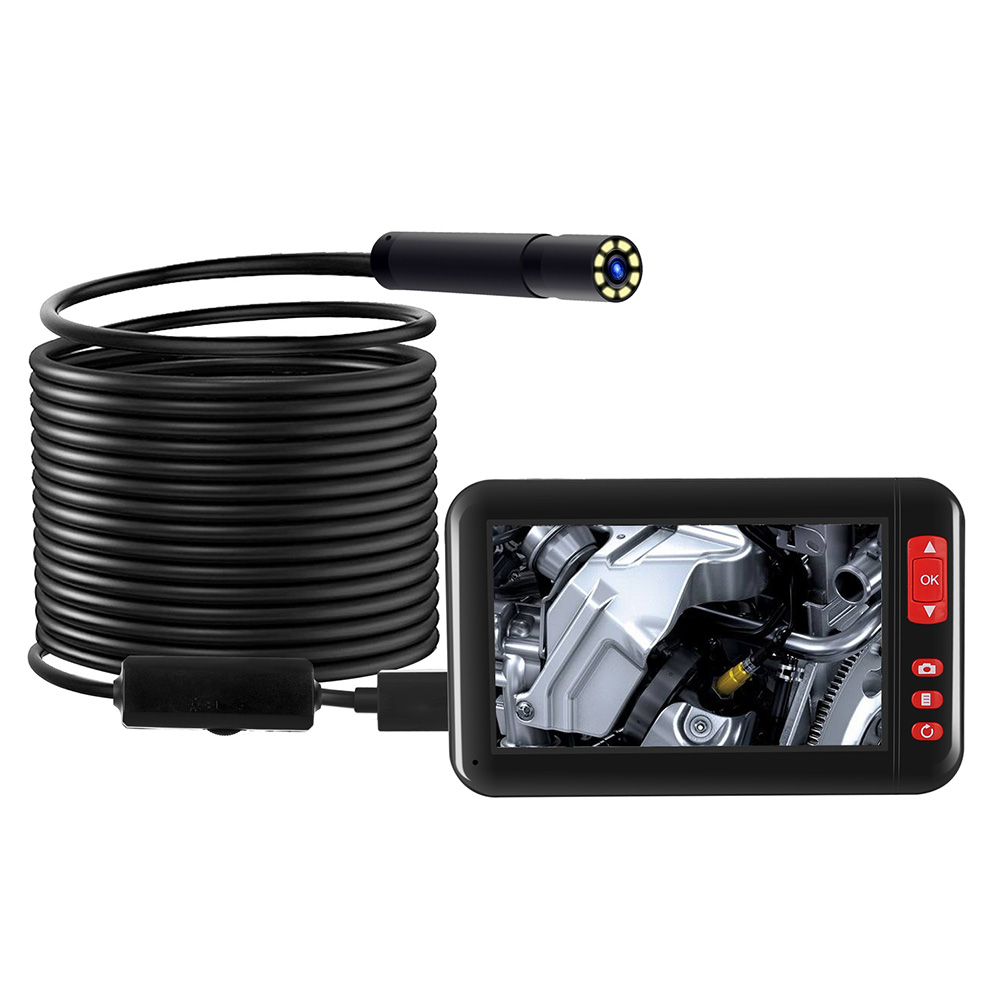
Industrial Endoscope Borescope Inspection Camera with 4.3inch HD 1080P Display Screen, 8 LEDs, 8mm Lens, Built-in 2000mAh Rechargeable Lithium Battery, and 5m Cable
$104.50
Add to cart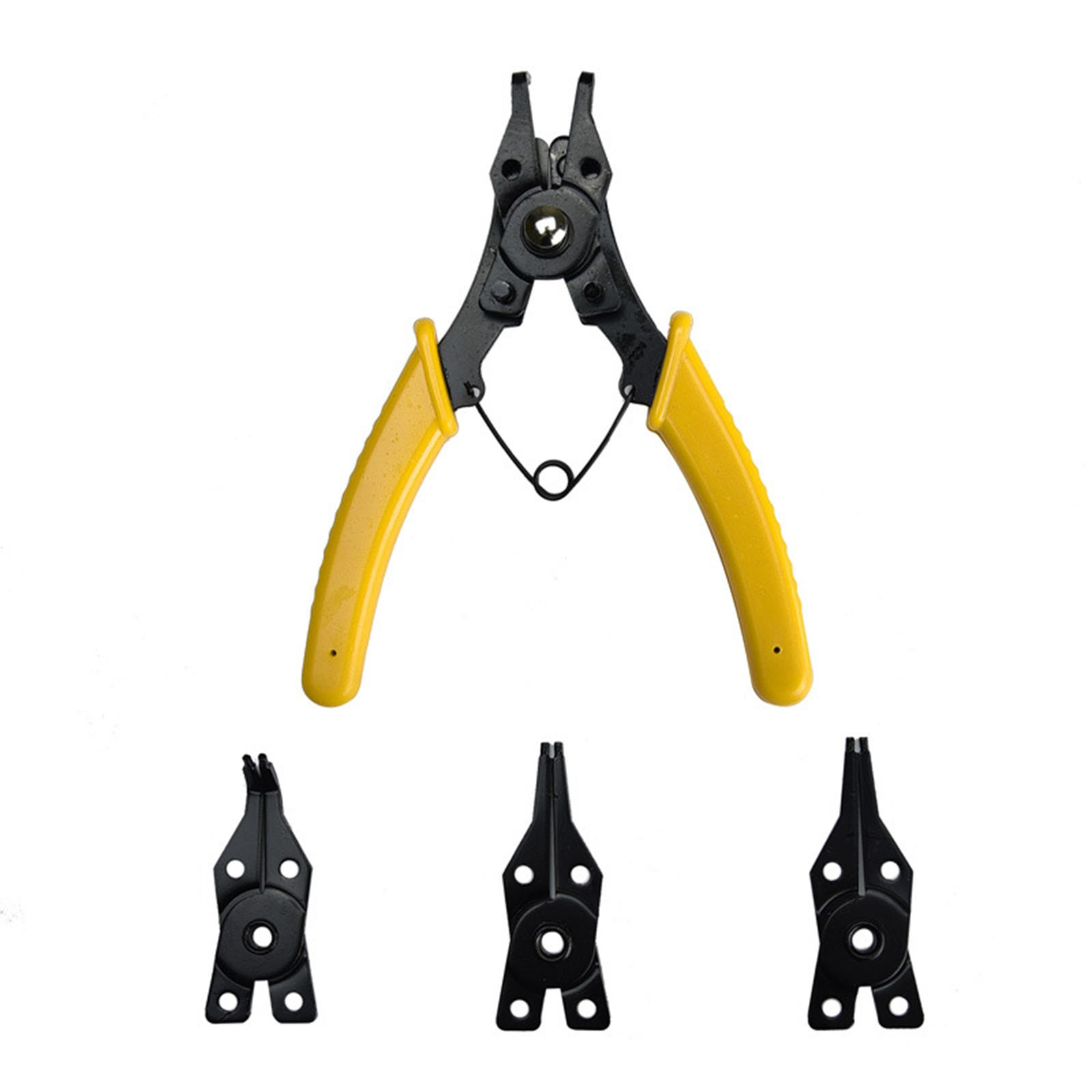
4-in-1 Multifunctional Snap-Ring Pliers Multi Crimp Tool Ring Remover Retaining Circlip Pliers Yellow
$20.90
Add to cart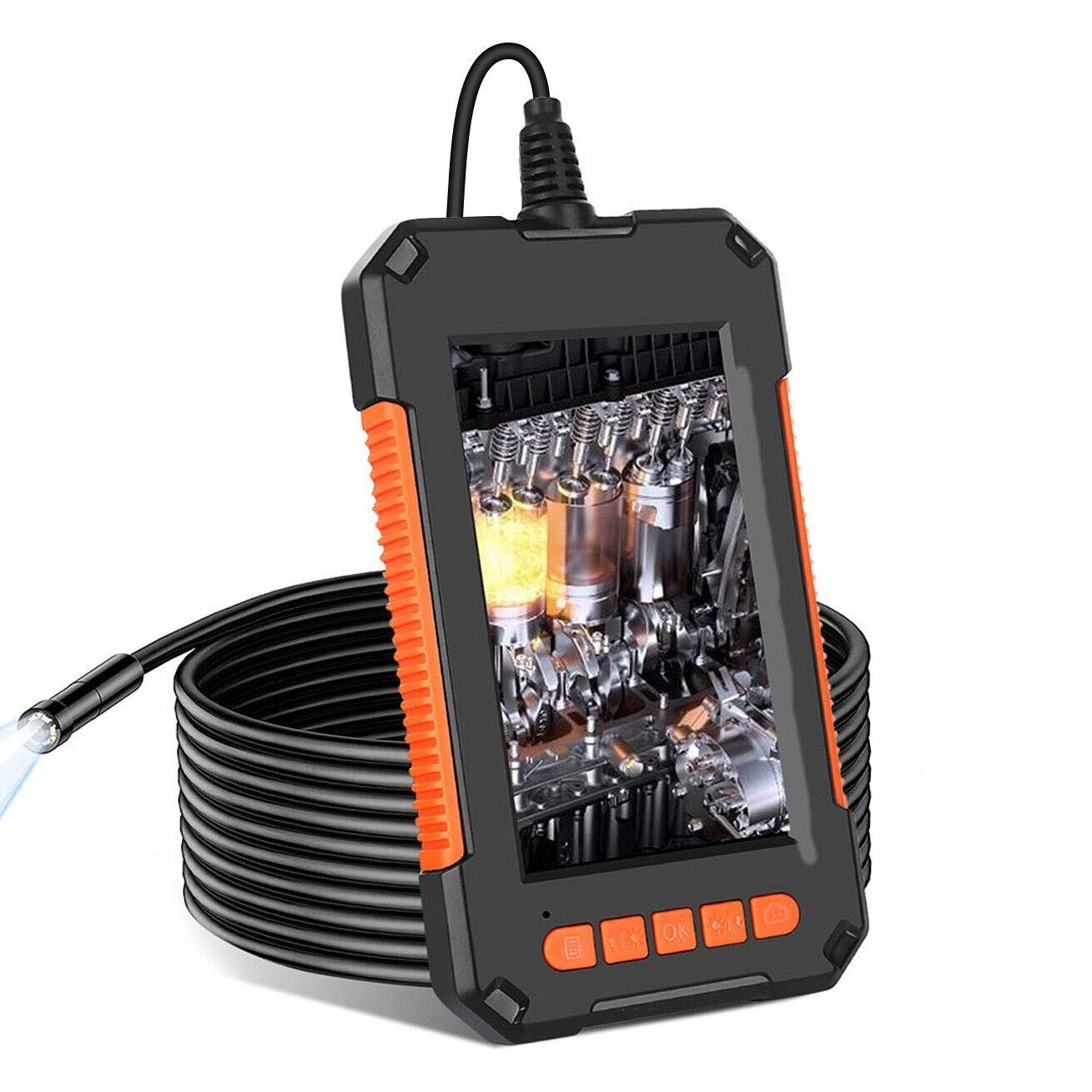
8mm 1080P HD Industrial Endoscope 2 Million Hand-held Portable Pipeline Borescope Camera Inspection Tool 5M
$130.50
Add to cartProducts you may also like
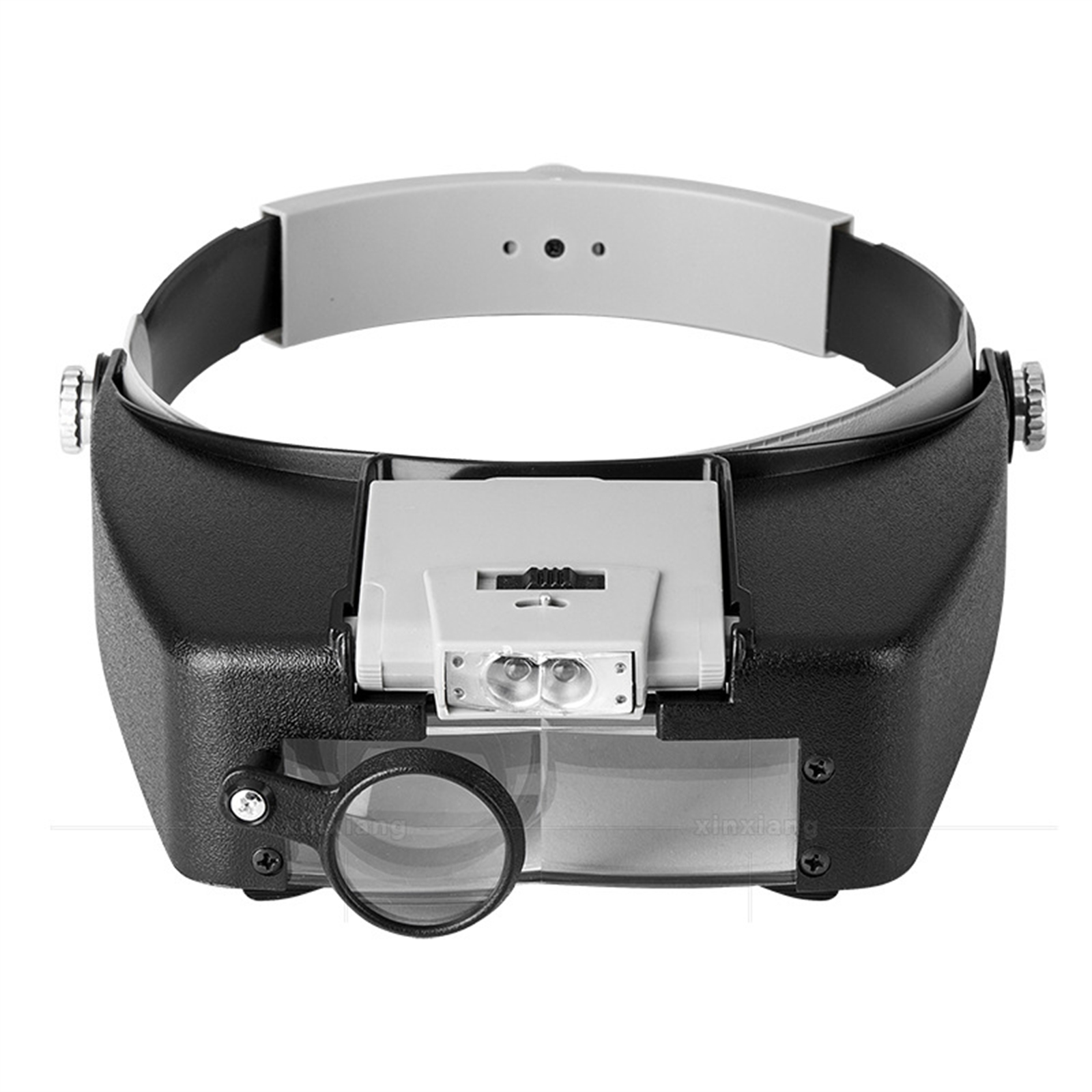
Microscope Led Light 10x Helmet Style Magnifying Glass Headband Magnifier Glass with Lamp Grey
$39.10
Add to cart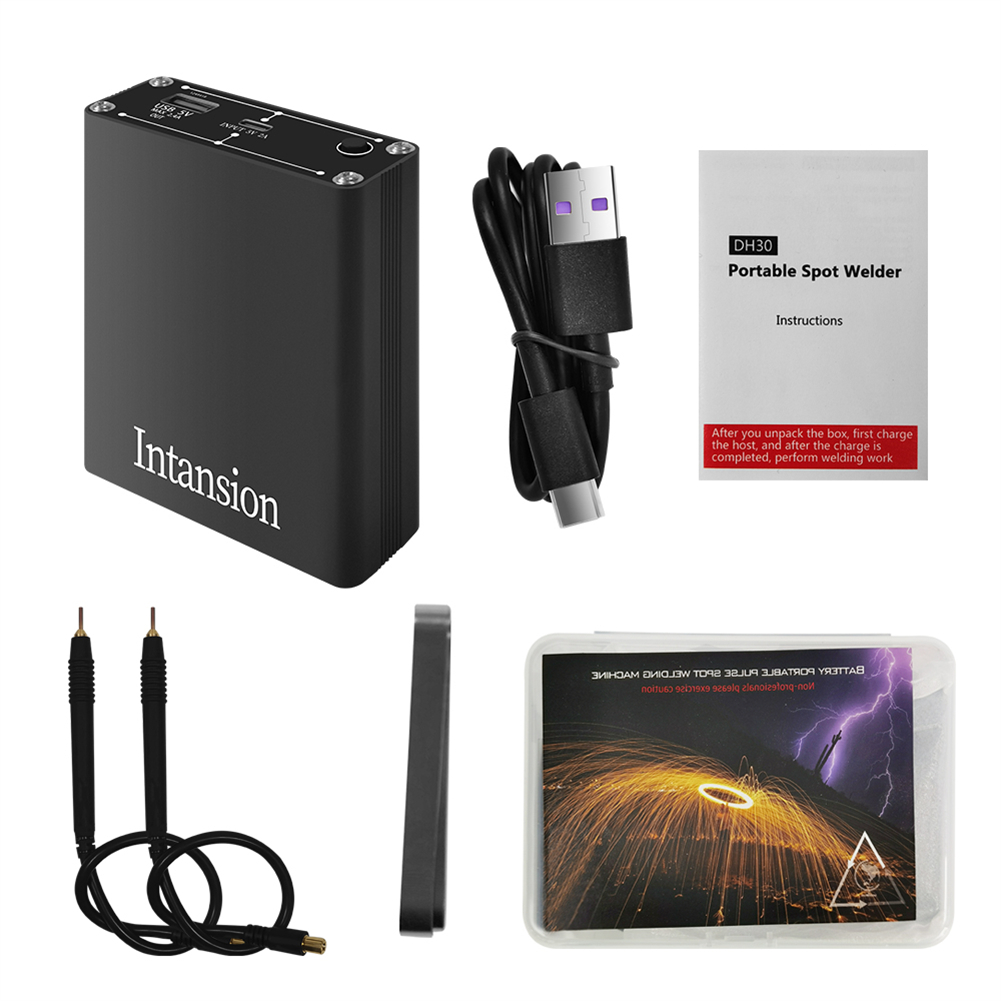
Handheld Portable Spot Welder 9-speed Adjustable Oled Screen Display Mini Spot Welding Machine With 5300mah Rechargeable Lithium Battery As shown
$177.80
Add to cart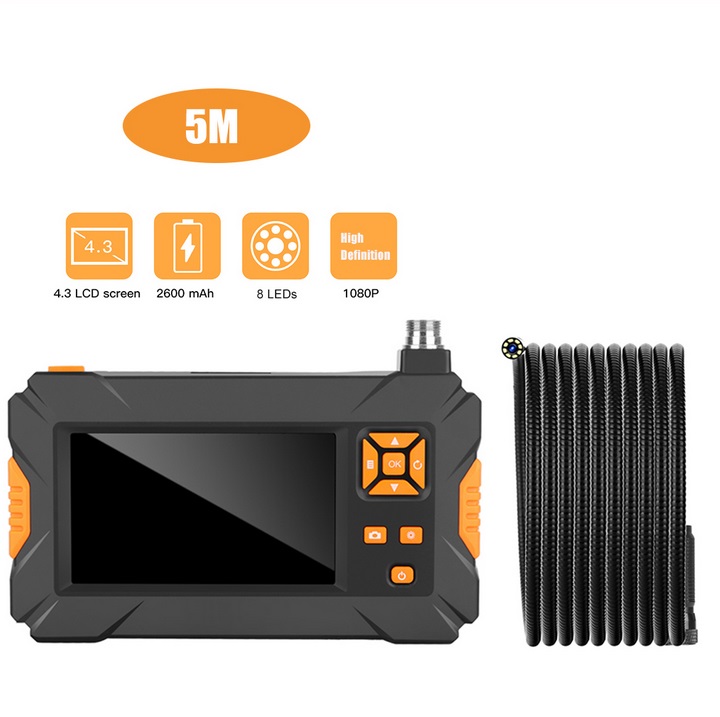
P30 Handheld Endoscope 4.3inch HD 1080P Display Screen IP67 Industrial Borescope 5 meters
$173.70
Add to cart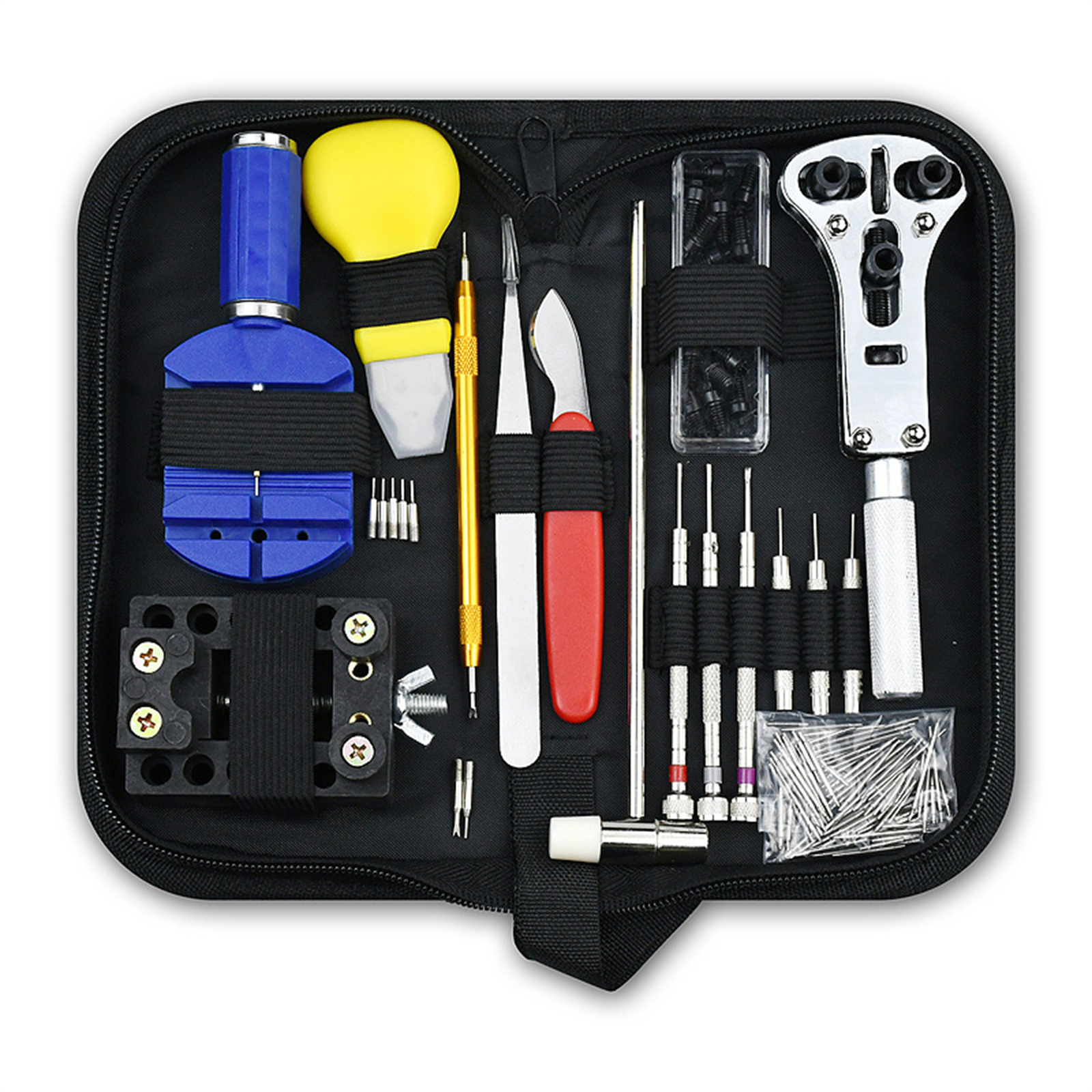
147pcs Watch Repair Kit With Storage Case Included Adjustable Case Remover Link Pin Spring Bar For Watchmaker 47pcs/Set
$65.10
Add to cartRecommended for You

Treasure Mini Electric Forklift Truck Machine 2ton 3ton 4ton Automatic Electric Forklift Lithium With High Quality for Sale
$1,887.30
Add to cart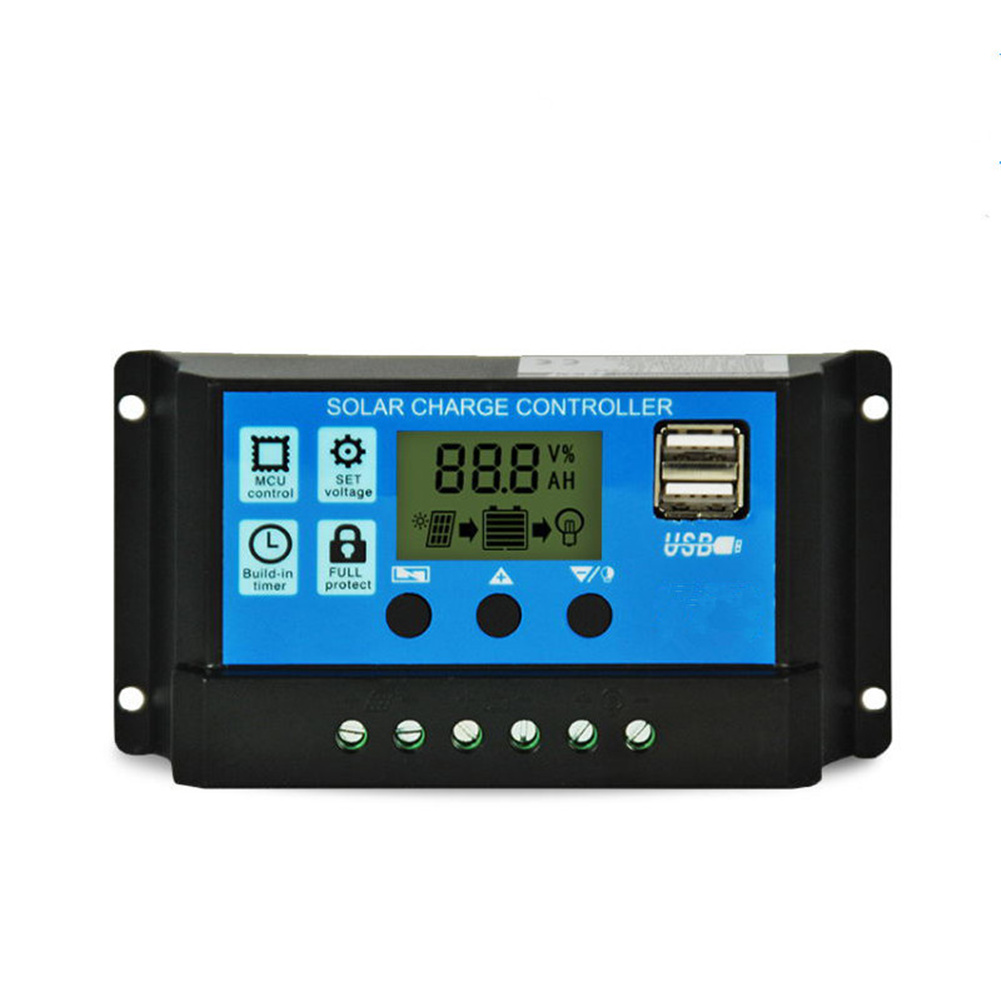
MPPT Solar Panel Regulator Charge Controller Auto Focus Tracking 30-100A 12V/24V 60A
$53.90
Add to cart
TAS5630 2.1 Class D 300W+150W+150W Tone Adjust Amplifier Completed Board(Blue Board) TAS5630 amplifier
$109.00
Add to cart
Irresistible Adjustable Hand Grip Strength Trainer with Mechanical Counter for Gym Fitness - KALOAD Power Strengthener
$6.90
Add to cartRelated products
-
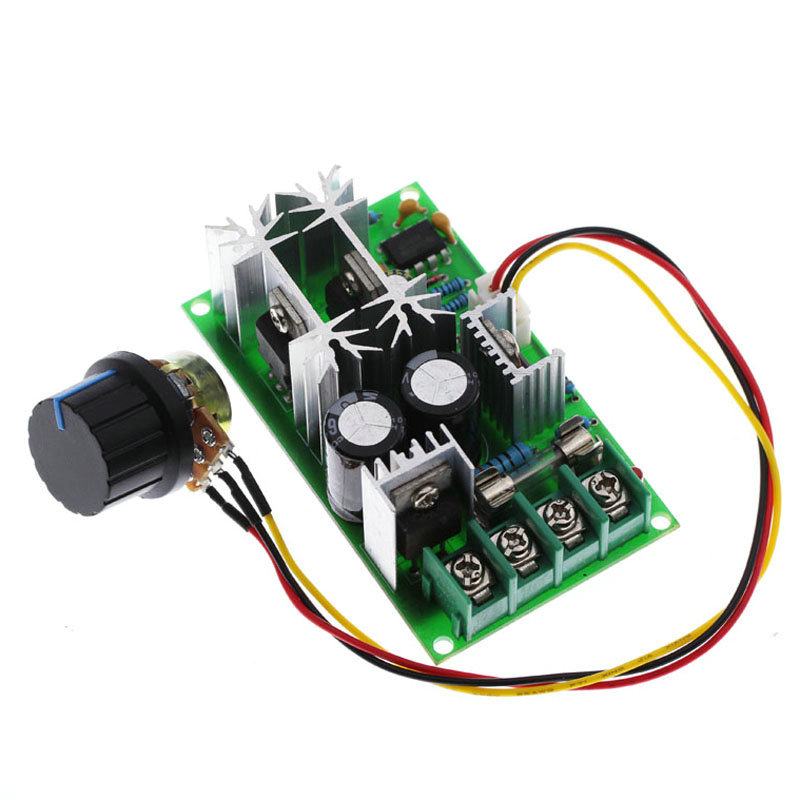
20A PWM DC Motor Speed Controller 12V 24V 36V 48V /w Potentiometer Knob Switch green
$24.40 -
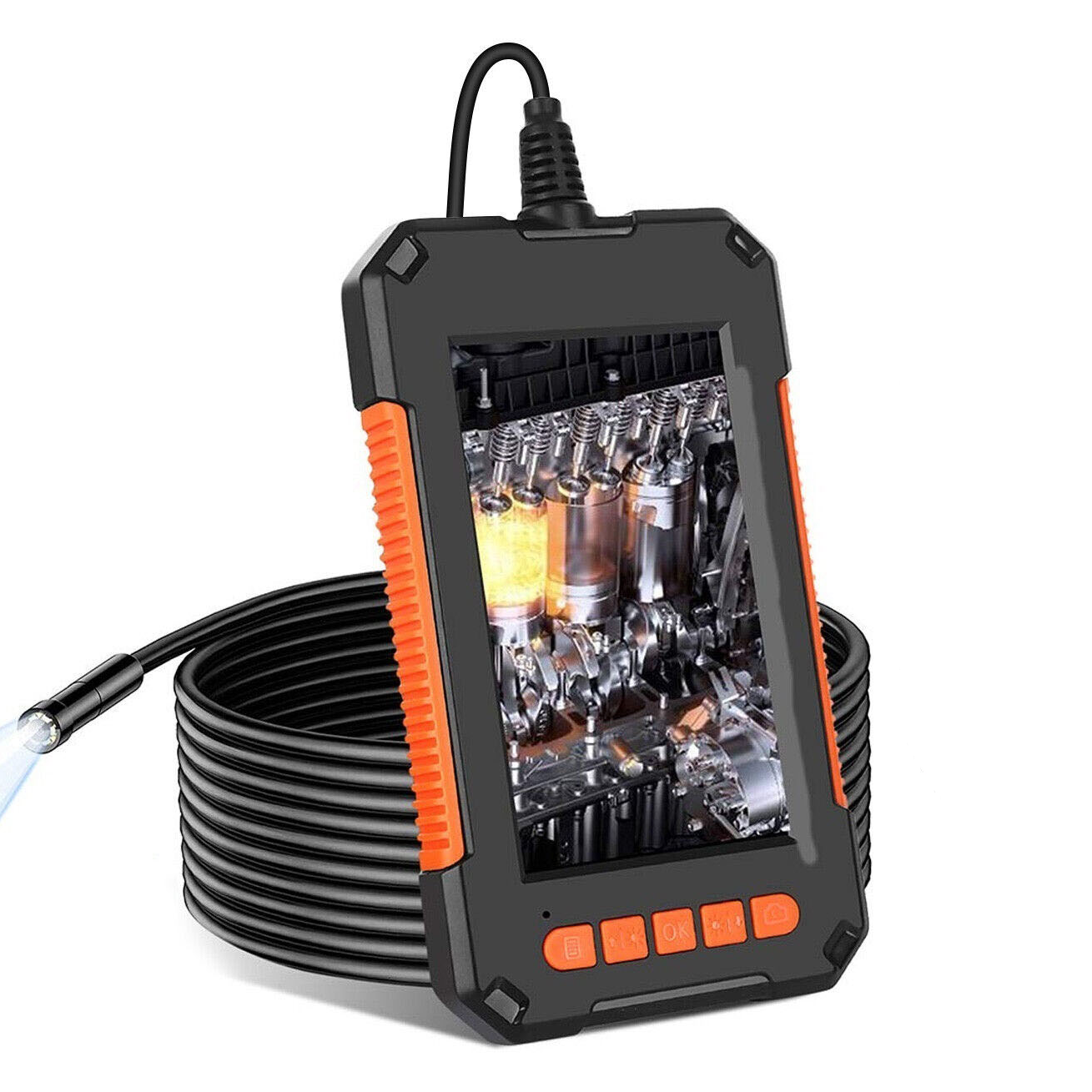
8mm 1080P HD Industrial Endoscope 2 Million Hand-held Portable Pipeline Borescope Camera Inspection Tool 10M
$139.80 -
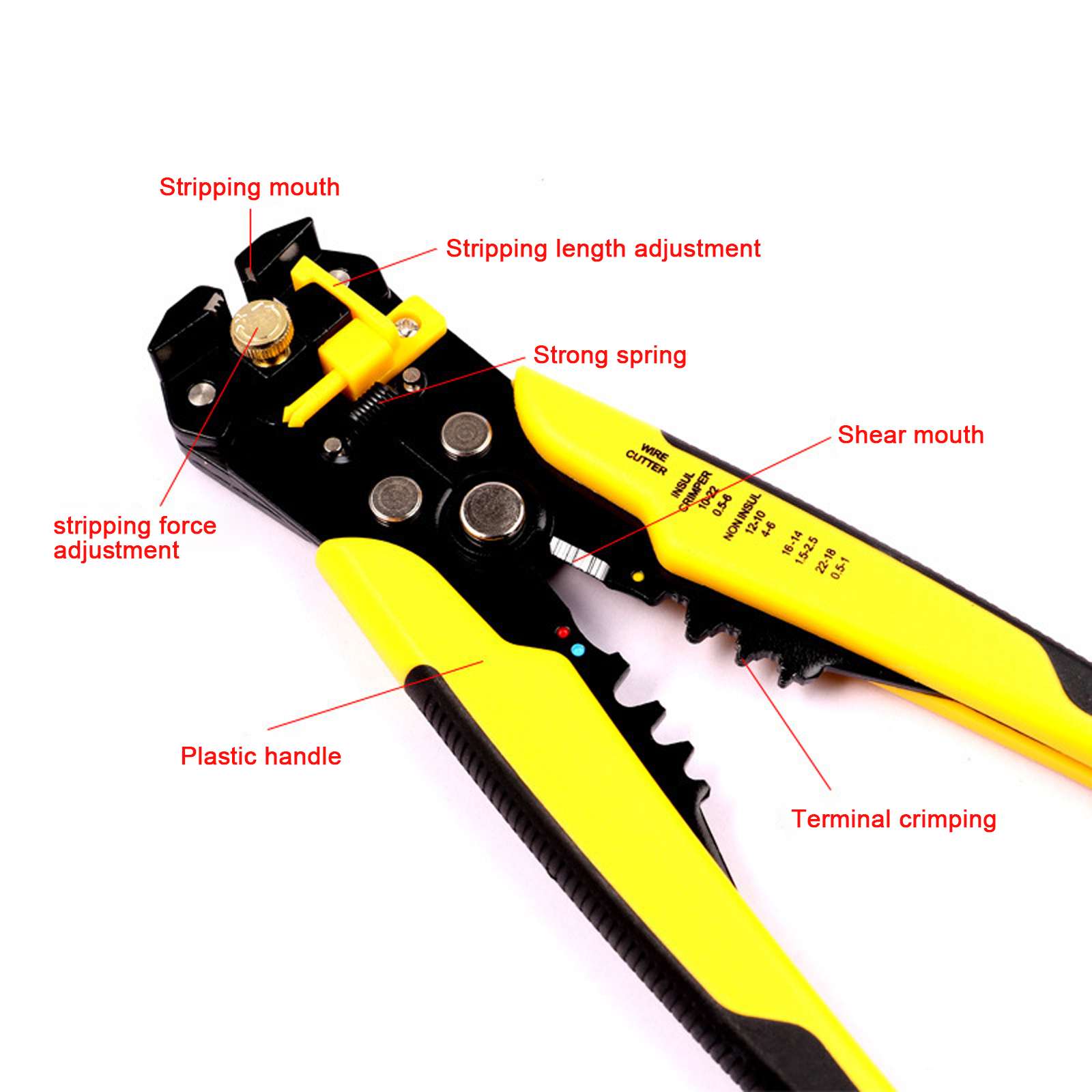
3 In 1 Automatic Wire Stripper Multifunctional Wire Crimper Cutter Crimping Tool for Electrical Wire Stripping Cable Cutting
$42.30 -
8mm 1080P HD Industrial Endoscope 2 Million Hand-held Portable Pipeline Borescope Camera Inspection Tool 5M
$130.50

Reviews
There are no reviews yet.