
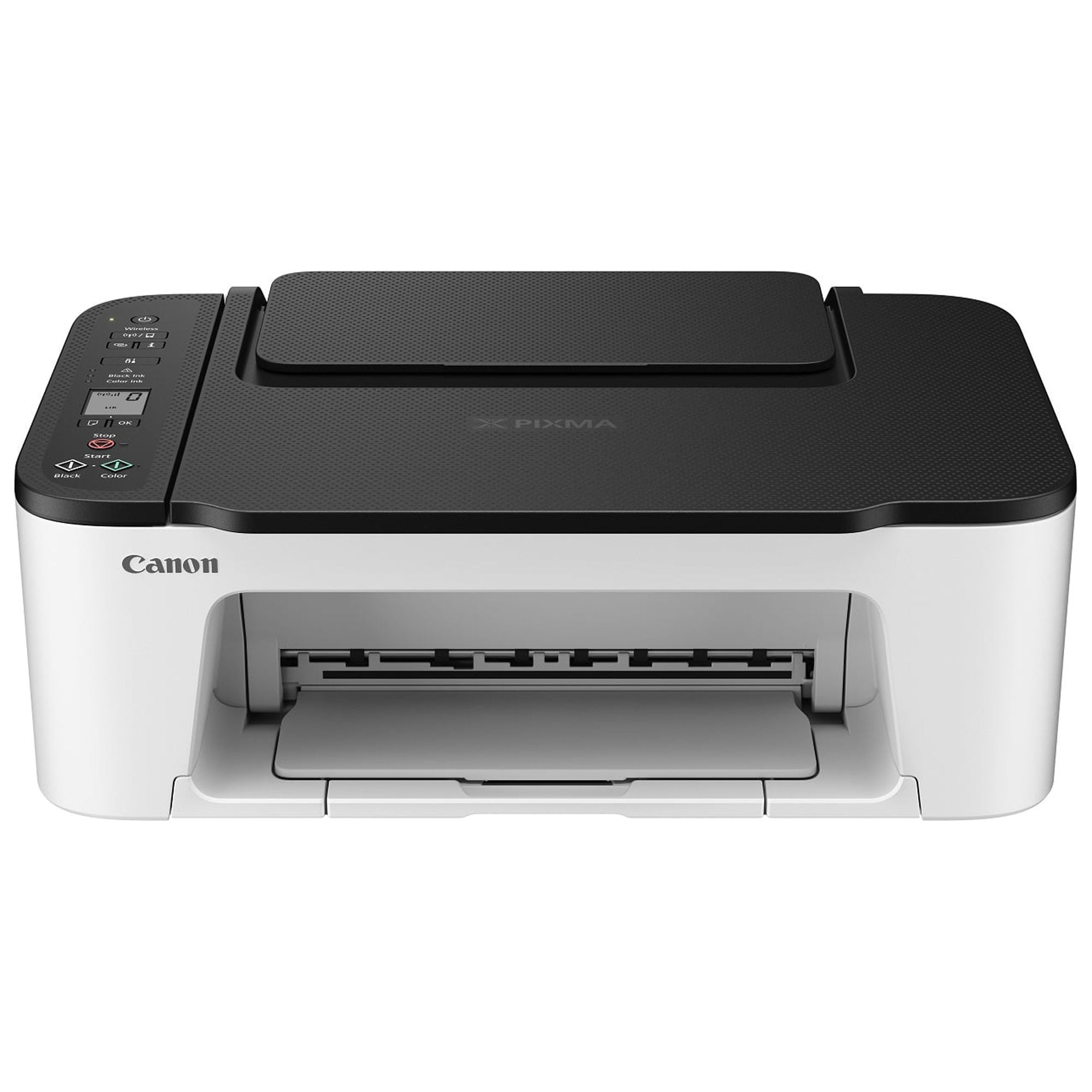
Canon PIXMA TS3522 Wireless Color Printer
$122.50
- Canon PIXMA TS3522 All-in-One Wireless Color Inkjet Printer
- Print, copy, and scan features
- Mechanical and electrical failure coverage
- Covers item failures from normal use or wear and tear
- 24/7 customer support
- Easy online claims and fast repairs or replacements
- No need to register the protection plan, plan details sent to email after purchase
- Award-winning protection backed by Allstate
Buy more, save more
Buy 2–4 of this item and save 5%.
Buy 5 or more of this item and save 10%.
Discount is automatic in your cart on regular-priced items. It cannot be combined with coupon codes or sale prices.
Buy 2–4 of this item and save 5%.
Buy 5 or more of this item and save 10%.
Discount is automatic in your cart on regular-priced items. It cannot be combined with coupon codes or sale prices.
Country suggested using IP or browser language; you can change it. Shipping is confirmed at checkout.
Description
Canon PIXMA TS3522 Wireless Color Printer,
How to Use the Canon PIXMA TS3522 All-in-One Wireless Color Inkjet Printer
- Unboxing and Setup
- Remove the printer from the box and remove all packaging materials.
- Connect the power cord to the printer and plug it into a power outlet.
- Turn on the printer by pressing the power button.
- Insert the starter ink cartridges included in the box.
- Load paper into the rear paper tray.
- Follow the on-screen prompts to complete the initial setup process.
- Connecting to a Wireless Network
- Press the Wi-Fi button on the printer.
- Select “Wireless Connect” on the printer’s LCD screen.
- Go to the Wi-Fi settings on your computer, tablet, or smartphone.
- Select the printer’s SSID to connect to it.
- Enter the network password, if prompted.
- Wait for the connection to be established.
- Printing
- Ensure that the printer is turned on and connected to the same Wi-Fi network as your device.
- Open the document or photo you want to print on your device.
- Select the print option and choose the Canon PIXMA TS3522 printer.
- Select print settings such as paper size, print quality, and color options.
- Click or tap on the print button to start printing.
- Copying
- Place the original document or photo you want to copy on the scanner glass.
- Press the “Copy” button on the printer.
- Select the copy settings such as number of copies, paper size, and color options.
- Press the start button to begin copying.
- Scanning
- Place the document or photo you want to scan on the scanner glass.
- Press the “Scan” button on the printer.
- Select the scan settings such as scan type (color or black and white) and resolution.
- Press the start button to begin scanning.
- After scanning, the scanned image will be saved to your device or computer.
, , Canon
5320 reviews for Canon PIXMA TS3522 Wireless Color Printer
Only logged in customers who have purchased this product may leave a review.
Special deals for you

Canon imageFORMULA R40 Office Document Scanner For PC and Mac, Color Duplex Scanning, Easy Setup For Office Or Home Use, Includes Scanning Software
Original price was: $4,270.00.$538.20Current price is: $538.20.
Add to cart
Epson Workforce ES-C220 Compact Desktop Document Scanner with 2-Sided Scanning and Auto Document Feeder (ADF) for PC and Mac
Original price was: $3,244.40.$517.00Current price is: $517.00.
Add to cart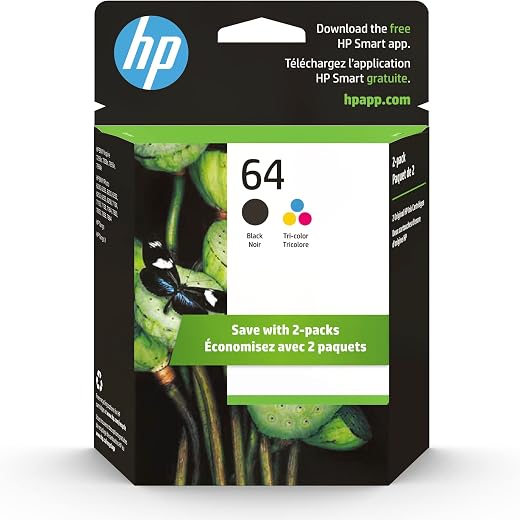
HP 64 Black/Tri-color Ink Cartridges (2-pack) | Works with HP ENVY Inspire 7950e; ENVY Photo 6200, 7100, 7800; Tango Series | Eligible for Instant Ink | X4D92AN
Original price was: $1,038.20.$121.90Current price is: $121.90.
Add to cart
TN660 Toner Cartridge Replacement Compatible for Brother TN 660 TN-660 TN630 High Yield to use with HL-L2380DW HL-L2320D HL-L2340DW DCP-L2540DW MFC-L2700DW MFC-L2720DW Printer...
Original price was: $1,512.00.$86.90Current price is: $86.90.
Add to cartPopular items in this category



Similar items you might like

Lenovo IP Conference Station PC – Core i5-1145G7E, 8GB RAM, 480GB SSD
$599.99
Add to cart
HP OmniStudio X All-in-One Computer 27" QHD Intel Core Ultra 7, 32 GB;1 TB SSD
$4,199.99
Add to cart
Campark AC12 5K 25fps Camcorder – 56MP Output and Rotating Screen
$275.90
Add to cart
Used Acer Chromebox CXI3 Mini Desktop – Grade B, Celeron 3867U
$93.90
Add to cartProducts related to this item


Products you may also like


Recommended for You
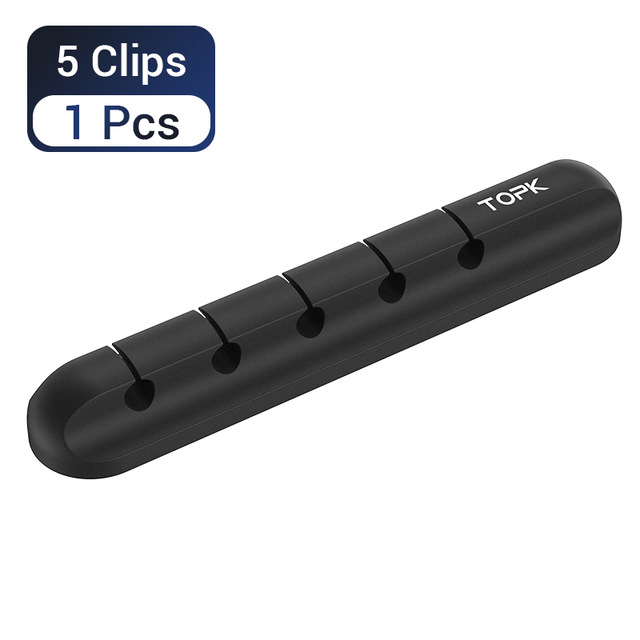
Irresistible 5-in-1 Cable Organizer Silicone USB Cable Desktop Tidy Wire Management Clips Cable Holder for TV Notebook Computer Office black
$12.80
Add to cart
Best Lian Li Gaming PC GAMING PC + 27" 200Hz MONITOR | Ryzen 7 5700X | RTX 5060 8GB
$2,820.00
Add to cart
Maximize Your Experience Cooler Master - Hyper 212 Halo 120mm CPU Cooler with Gen 2 RGB Lighting - Black Edition
Original price was: $13,846.00.$72.80Current price is: $72.80.
Add to cart
Irresistible Deals Digital Camera 4K 48MP 60FPS WiFi Autofocus Vlogging for YouTube with Microphone
$415.20
Add to cart


 English
 French
 Spanish
 German
 Portuguese
 Arabic
Woow –
The Print quality is so much better. Im definitely satisfied with this purchase. Easy setup using Printer cord to laptop and the ethernet cable to my router/modem and it setup in seconds unplugged…
Msnyclady –
I had a printer like this before, but unfortunately it was damaged during a move. I like that it’s easy to setup remotely and prints from a smartphone, MacBook or tablet. The colors are vibrant…
tami –
Love the printer easy set-up compact looks great
But I didn’t receive the photo paper that was supposed to be in the box as per the description which was disappointing
Other than that I’m happy…
Frank –
My son came over for me and set up this printer. He followed the instructions in the booklet that came in the box. He wire connected it to my desktop computer since that was the way my other…
defaultForRating –
It was bigger than I expected it to be, and I really wish I could put the paper inside the printer, but that is not the fault of cannon. I just couldn’t afford a printer that would allow me to do…
Lora –
It arrived used and already opened. I thought it was just the box but very clearly when I opened it even the ink had been opened before I got it. I paid for a new machine and this was a returned…
MeBe –
Easy set up! This printer is awesome! One of the best ones I have ever had, and definitely the best one that is wireless. I love it! Highly recommend! I love that it prints, copies, and scans….
Teeyana –
Love the printer only thing I dislike is if you want to print front and back you have to print one side and literally put it back in the printer to print on the other side instead of it do the…
Marillee –
My computer is old with windows 8 it will work with a cable but not wireless the print is beautiful I used photo glossy 4×8. It is bare bones so no sd slot or usb ports no extra cables it does…
RickyBigBosMan –
This Canon printer is so cool and was really is too install and sit-up for my WiFi and my phone and computer and now I’m able to do work on one device and move it to another device and keep…