
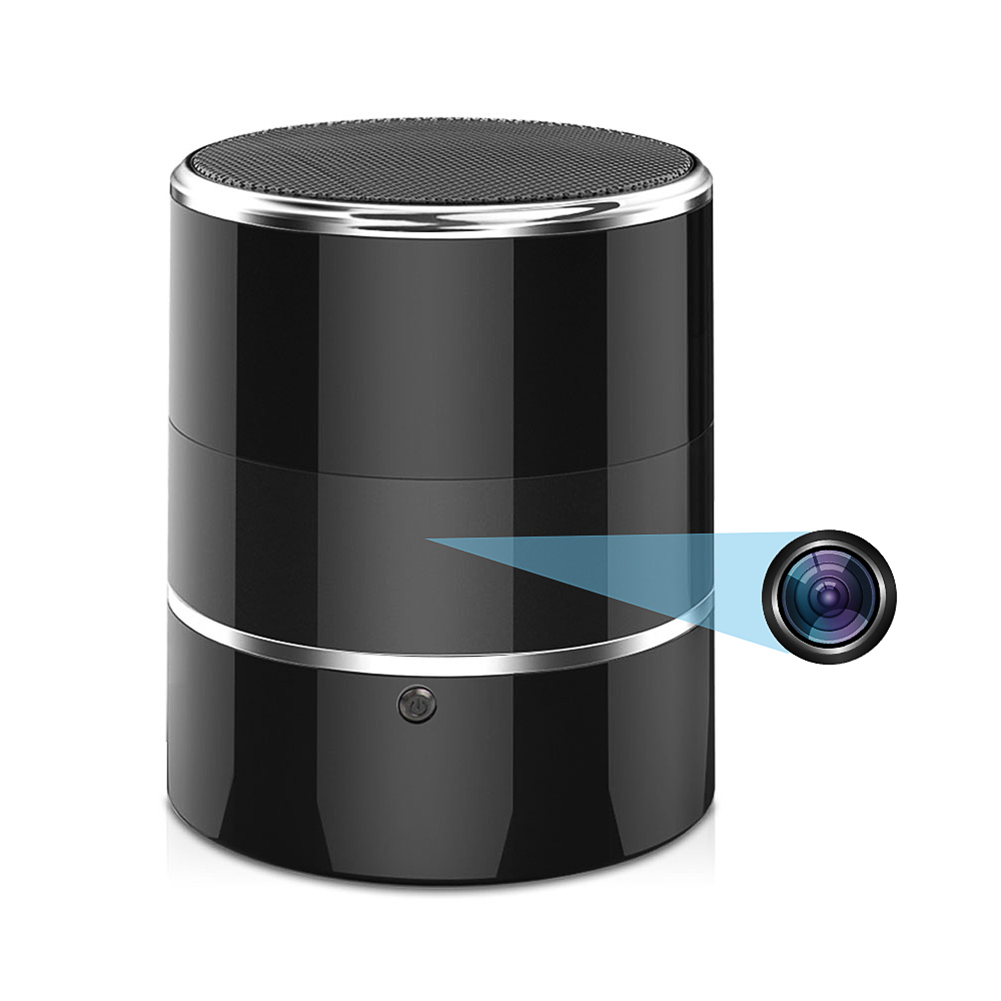
Black FY8 Mini Wifi Camera: 1080p Rotatable Video Recorder with Audio, Wireless Portable Smart Bluetooth Music Speaker and Recorder
$164.50
- Full HD 1080P video and image quality
- Remote control of lens rotation through the “AC18” app
- Enhances home security while away
- Disguised as a speaker, difficult to detect
- Can be placed inconspicuously in any room
- Offers good privacy and concealment
Buy more, save more
Buy 2–4 of this item and save 5%.
Buy 5 or more of this item and save 10%.
Discount is automatic in your cart on regular-priced items. It cannot be combined with coupon codes or sale prices.
Buy 2–4 of this item and save 5%.
Buy 5 or more of this item and save 10%.
Discount is automatic in your cart on regular-priced items. It cannot be combined with coupon codes or sale prices.
Country suggested using IP or browser language; you can change it. Shipping is confirmed at checkout.
Description
Black FY8 Mini Wifi Camera: 1080p Rotatable Video Recorder with Audio, Wireless Portable Smart Bluetooth Music Speaker and Recorder,
How to Use the Mini Wifi Camera
Step 1: Charging
- Connect the camera to a power source using the provided USB cable.
- Allow the device to charge until the battery is full.
Step 2: Downloading the App
- Go to the App Store or Google Play Store on your smartphone.
- Search for the “AC18” app and download it.
- Install the app on your smartphone.
Step 3: Connecting to Wifi
- Make sure your smartphone is connected to a stable Wifi network.
- Open the AC18 app on your smartphone.
- Follow the on-screen instructions to connect the camera to the Wifi network.
Step 4: Camera Setup
- Place the camera in the desired location.
- Ensure that the camera is connected to a power source.
- Open the AC18 app and login if necessary.
- Click on the camera icon to access the live feed.
Step 5: Rotating the Camera
- In the AC18 app, use the on-screen controls to rotate the camera lens.
- Adjust the viewing angle up to 240° for optimal coverage.
Step 6: Recording and Playback
- To start recording, click on the record button in the AC18 app.
- All recordings will be saved to the internal storage of the camera.
- To access recorded videos, go to the AC18 app and navigate to the playback section.
Step 7: Additional Features
- This product also functions as a Bluetooth music speaker.
- To use the speaker, connect your smartphone via Bluetooth and play music.
Step 8: Maintenance
- Periodically check the camera for any software updates and install them if available.
- Clean the lens and body of the camera using a soft, non-abrasive cloth.
With these simple instructions, you can easily set up and use the Mini Wifi Camera. Enjoy its various features and keep your home secure!
, ,
Only logged in customers who have purchased this product may leave a review.
Popular items in this category
Tire Pressure Monitoring System Sensors Cigarette Lighter USB port Auto Security Alarm Systems Tire Pressure
$29.61
Add to cart
Join the Elite Club with Outdoor WiFi Camera with Dual Lens, 4K Resolution, 8MP, Wireless, PTZ Security, Night Vision, AI Humanoid Detection, Auto Tracking, Two-Way Audio, ONVIF H.265+, IP Cameras
$16.10
Add to cart
Best Offer Intelligent Thermostatic Radiator Valve with Zigbee Connectivity for Smart Home Control via APP, Voice, Alexa and Google Home
$16.10
Add to cart
Sensational Savings Wireless Smart Camera with WiFi Connectivity, 1080p Resolution, IR Night Vision, AI Motion Detection, Wide Angle View, Dual Storage, and Enhanced Security Features
$16.10
Add to cartSimilar items you might like

Join the Elite Club with ESCAM QF005 3MP WiFi IP Camera with Dual Light Source, Motion Detection, Two-way Intercom, Night Vision, and Memory Card Support for Home Security Monitoring
$16.10
Add to cart
Exceptional Smart Home Zigbee 3.0 Human Presence Sensor with Microwave Radar Detection - Sonoff SNZB-06P - Compatible with IFTTT, Alexa, and Google Home
$16.10
Add to cart
Discover the Secret Hiseeu 4K 32-Channel NVR for IP Camera Security Surveillance System with H.265+ Support, 5MP DVR, Network Video Audio Recorder, Humanoid Detection, and EU Plug
$16.10
Add to cart
Limited-Time Offer HD WiFi PTZ Camera with ICSEE App for Remote Monitoring, Night Vision, Motion Detection, Two-Way Audio, Alarm Alerts, Video Playback, and Home Security Surveillance
$16.10
Add to cartProducts related to this item
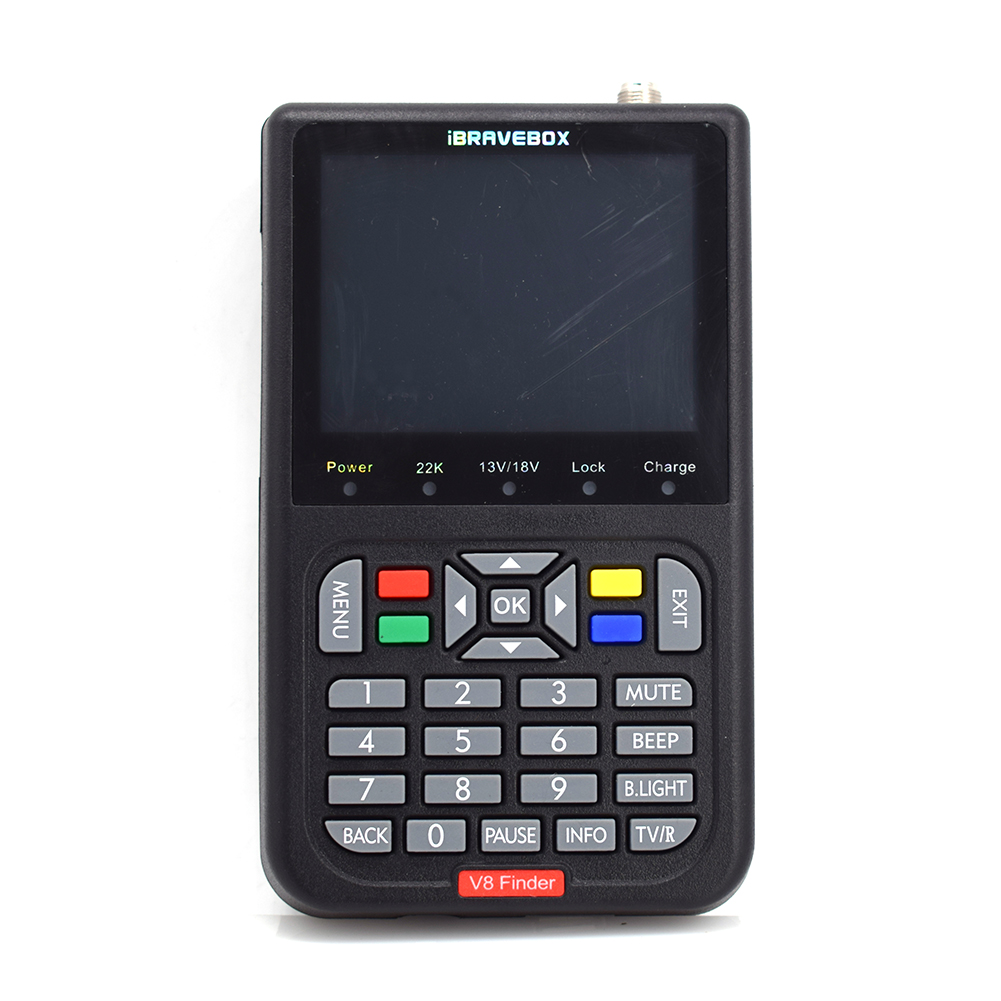
Empowering Solutions iBRAVEBOX V8 Finer HD DVB-S2 Satellite Finder with MPEG-2 MPEG-4 Better Finder Meter - Black
$159.00
Add to cart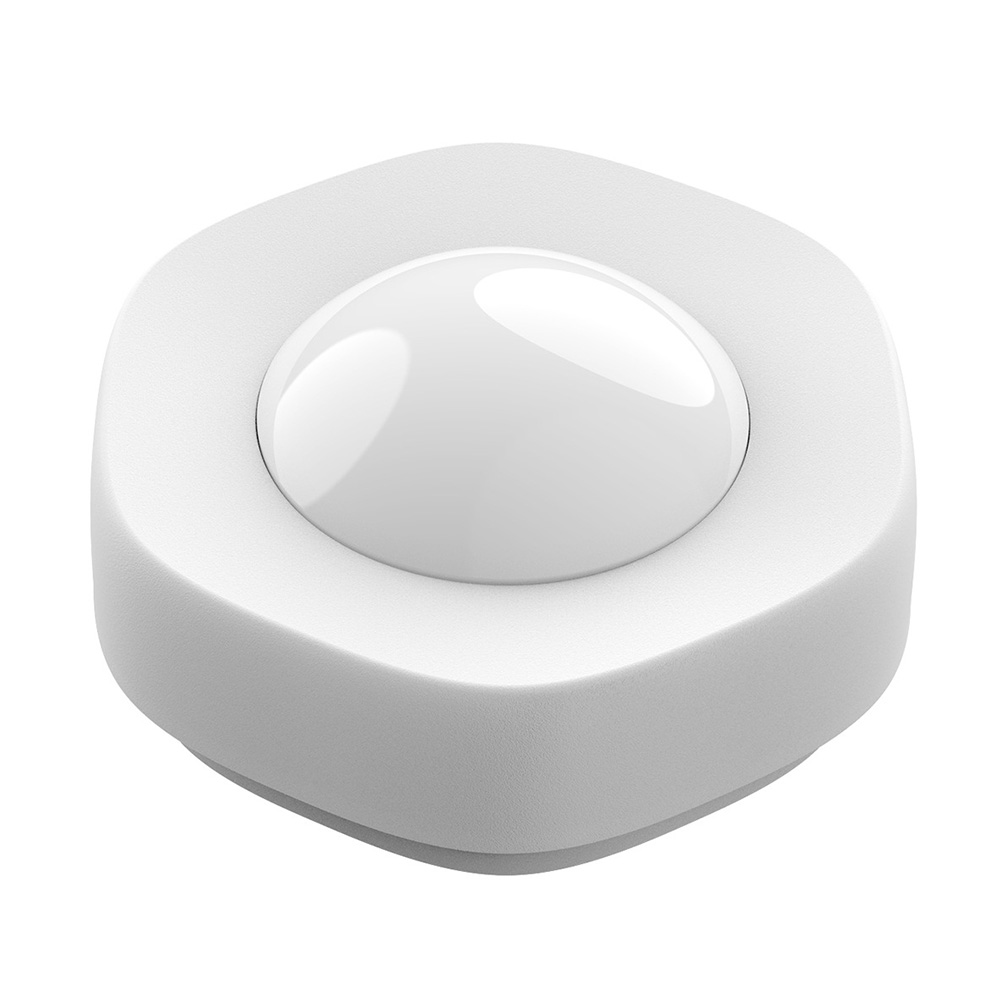
Smart Wireless WIFI Motion Sensor Human Body Detector - White
$60.70
Add to cart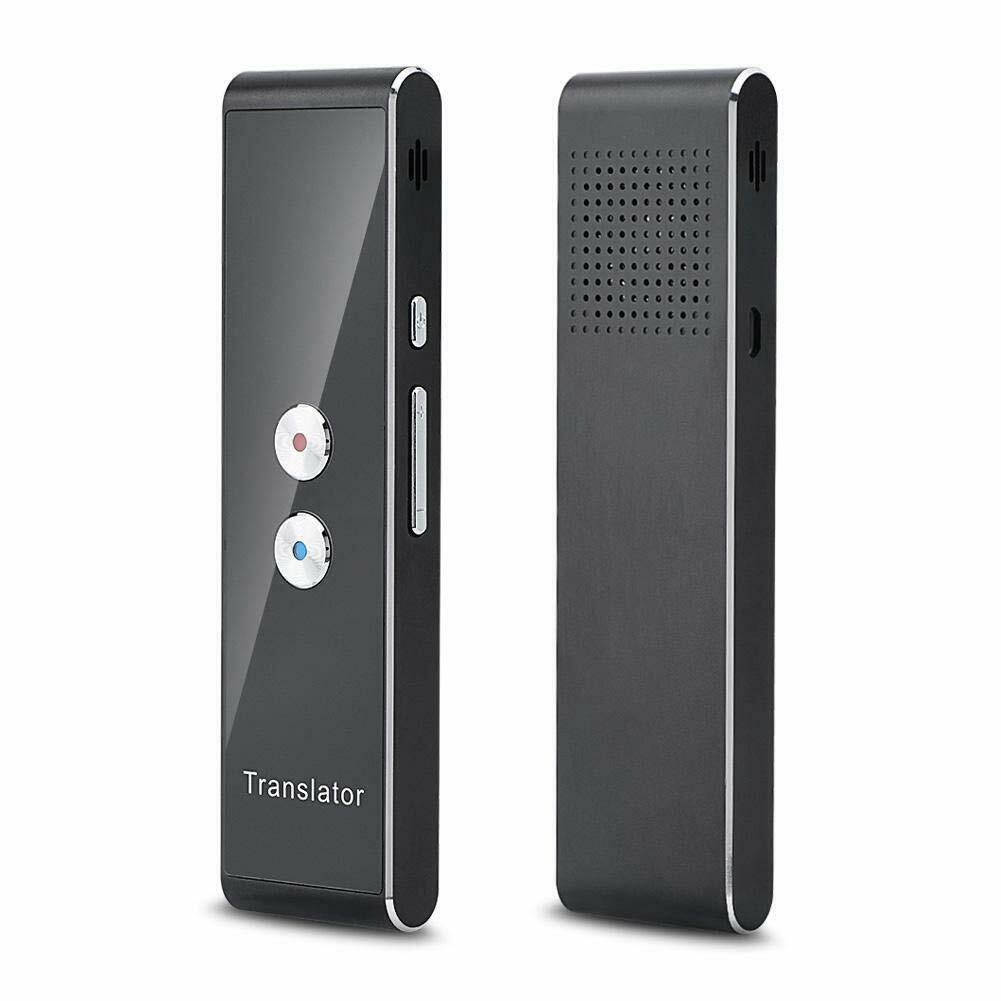
Unlock Your Potential Silver Smart Instant Real Time Voice Translator for 40 Languages
$61.90
Add to cart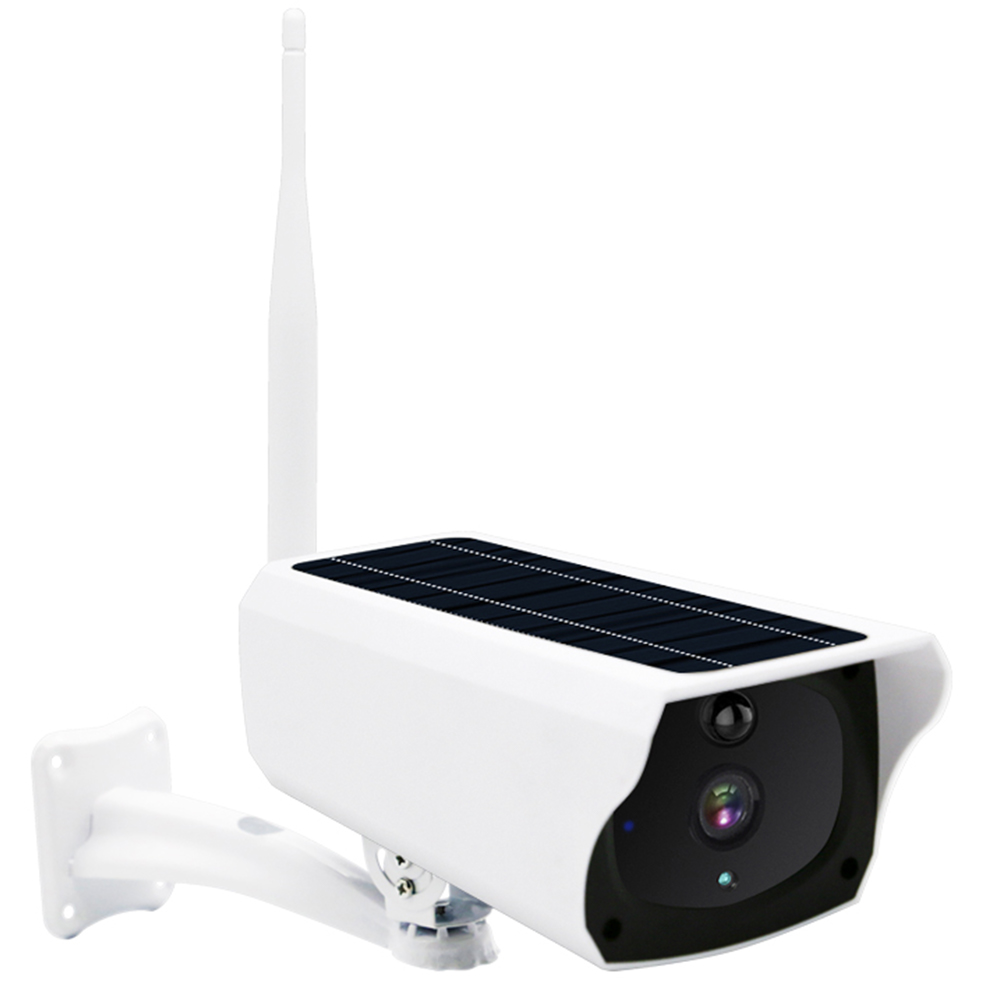
Classic Deal Outdoor Solar Security Camera: AI Motion Detection, Color Night Vision, IP66 Waterproof, 2 Way Audio, 3MP HD with Built-in Battery
$150.90
Add to cartProducts you may also like
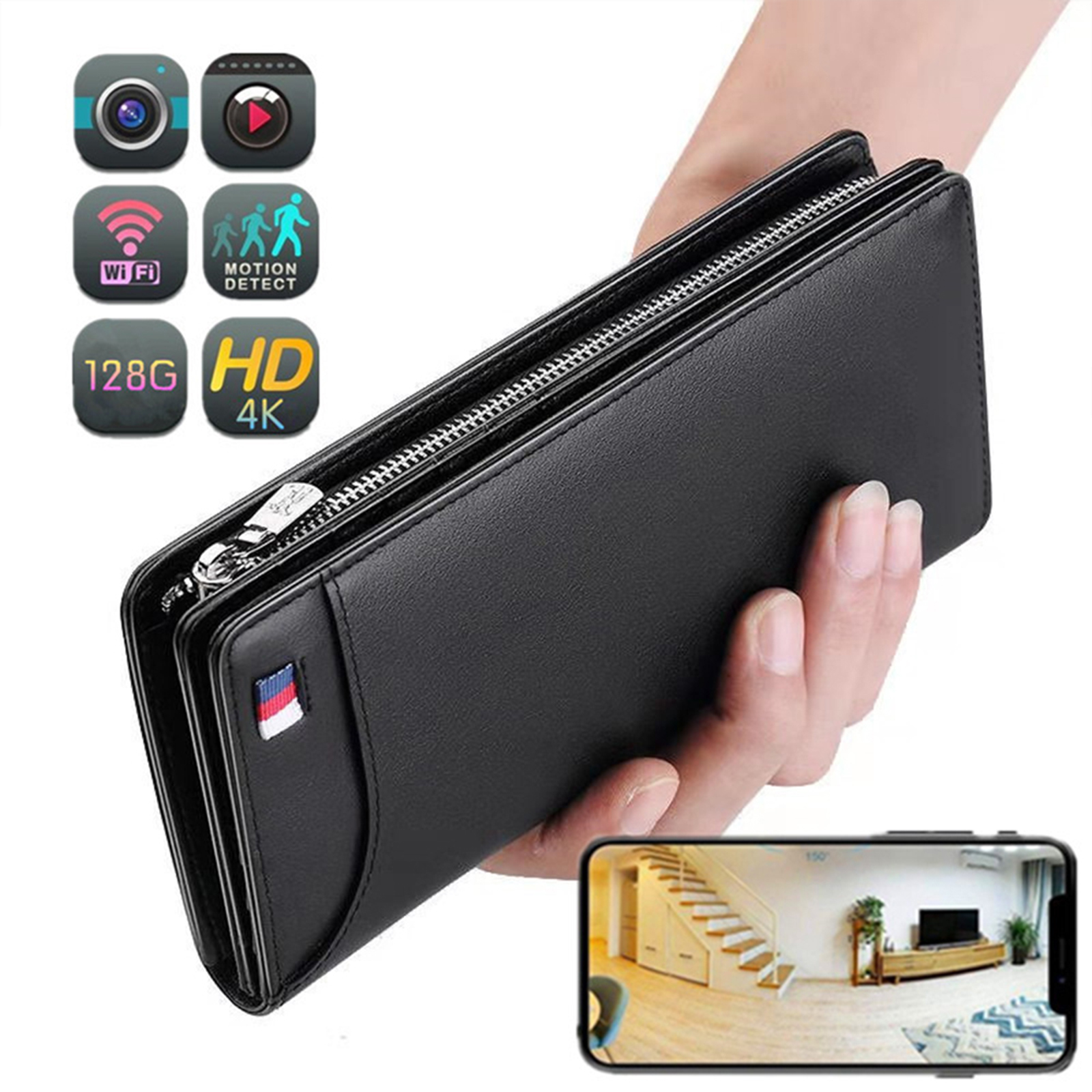
Portable Mini Wi-Fi Camera with 4K Resolution, 1080p HD, Motion Detection, Wireless Connectivity, and 64GB Storage - Ideal for Home Security (Black)
$155.80
Add to cart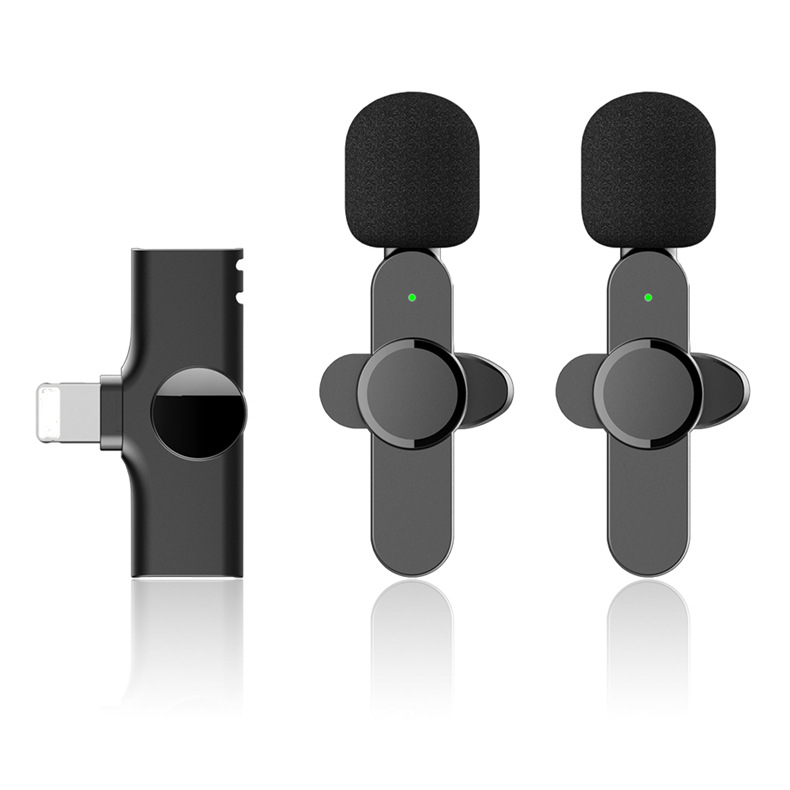
One for Two Wireless Clip-on Lavalier Microphones Plug-and-Play Mic for Interview, Vlog, Live Streaming, and Video Recording (Black)
$50.30
Add to cart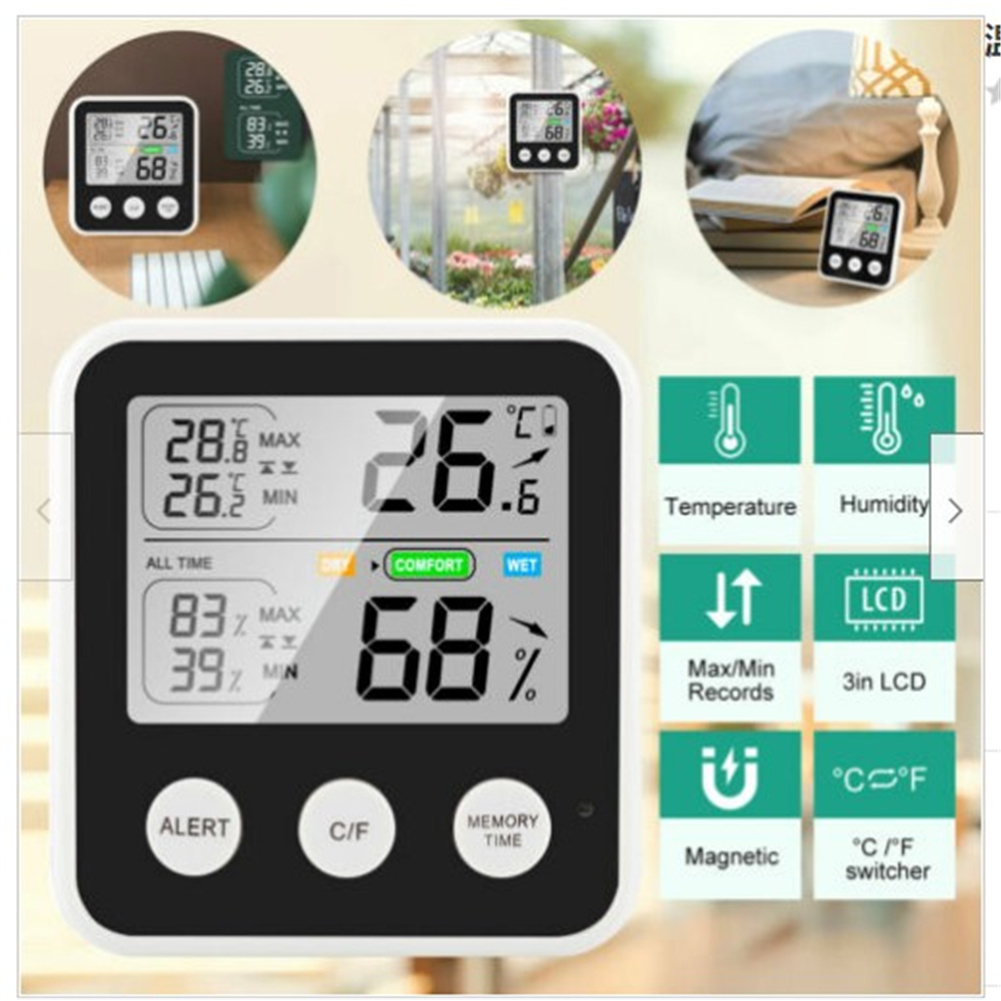
TS-9909-B Digital LCD Hygrometer Thermometer with High Precision for Indoor and Outdoor Temperature and Humidity Measurement
$36.90
Add to cart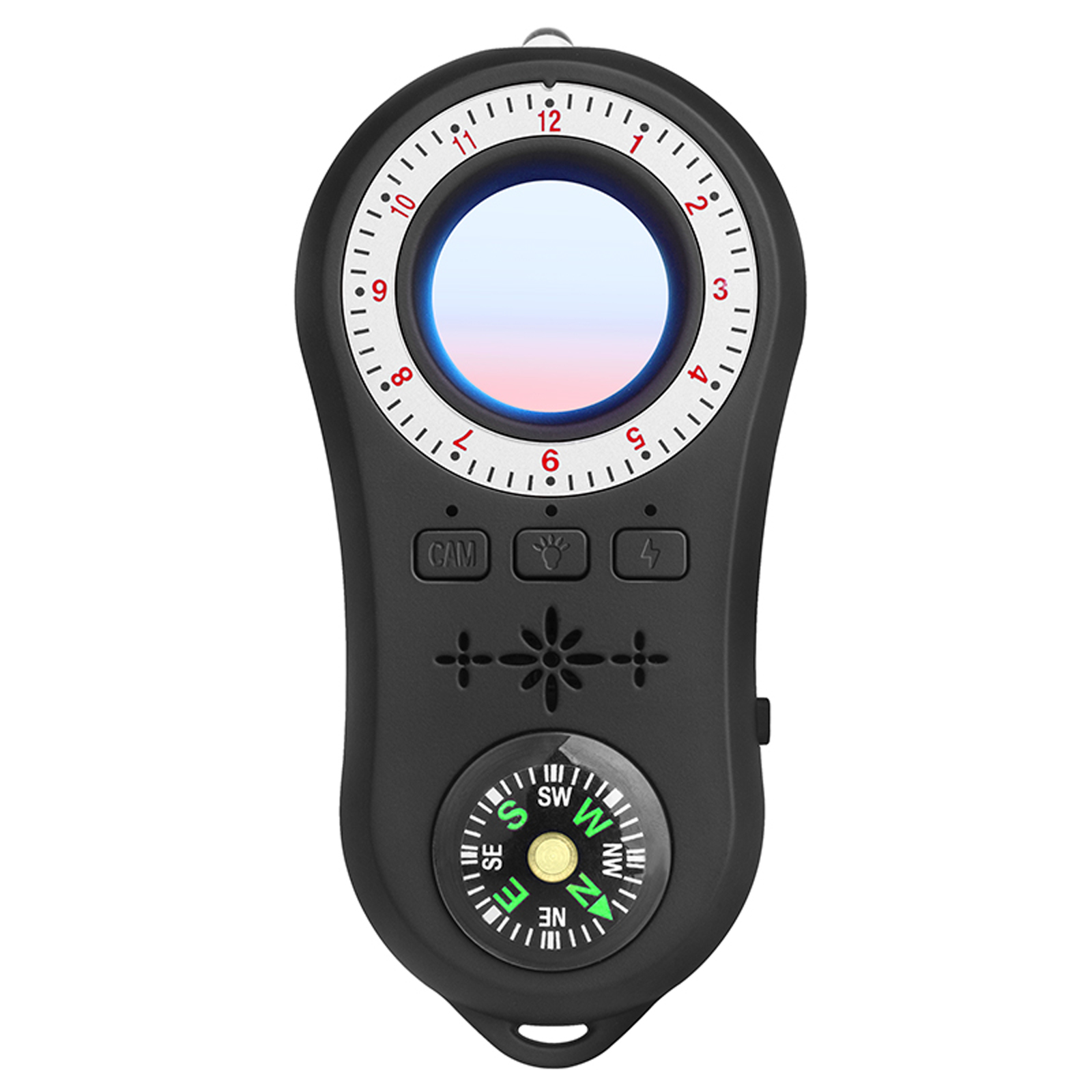
Multi-functional Infrared Detector with Vibration Alarm and Compass for Hotel Security in Black
$59.30
Add to cartRecommended for You
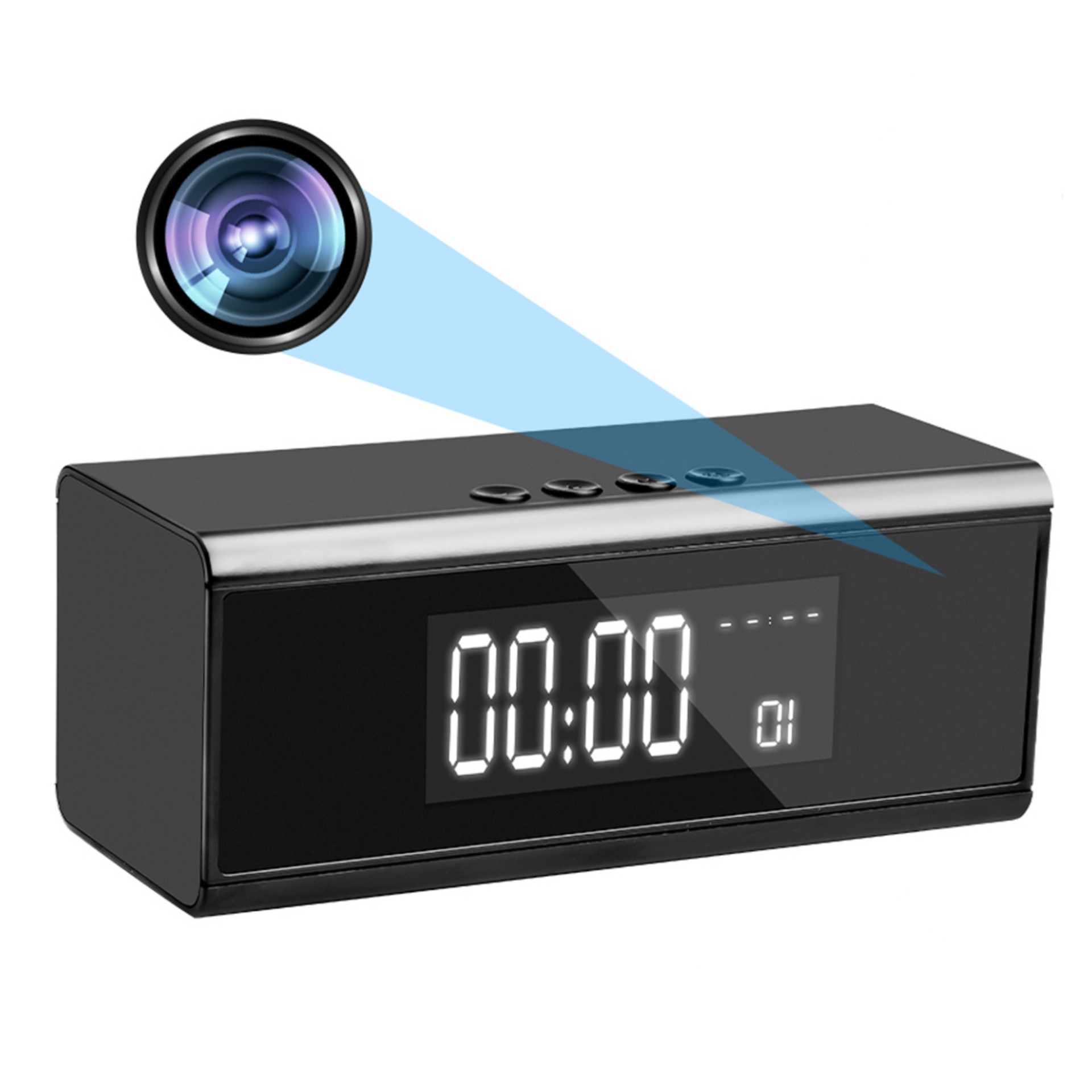
Black 4K HD Bluetooth Speaker Camera with Motion Detection for Home Security Surveillance and Nanny Cam
$169.60
Add to cart
Sensational Savings 8 Channel POE NVR Security Surveillance System with 8MP 4K Cameras, Face Detection, and Audio Recording - Hiseeu H5NVR-P-8 (EU Plug)
$16.10
Add to cart
Perfection MOES Tuya 4MP+4MP HD Security Camera with Smart Dual Lens, WIFI, Night Vision, Two-Way Audio, Motion Alerts, Pan Tilt, and Wireless Security System
$16.10
Add to cart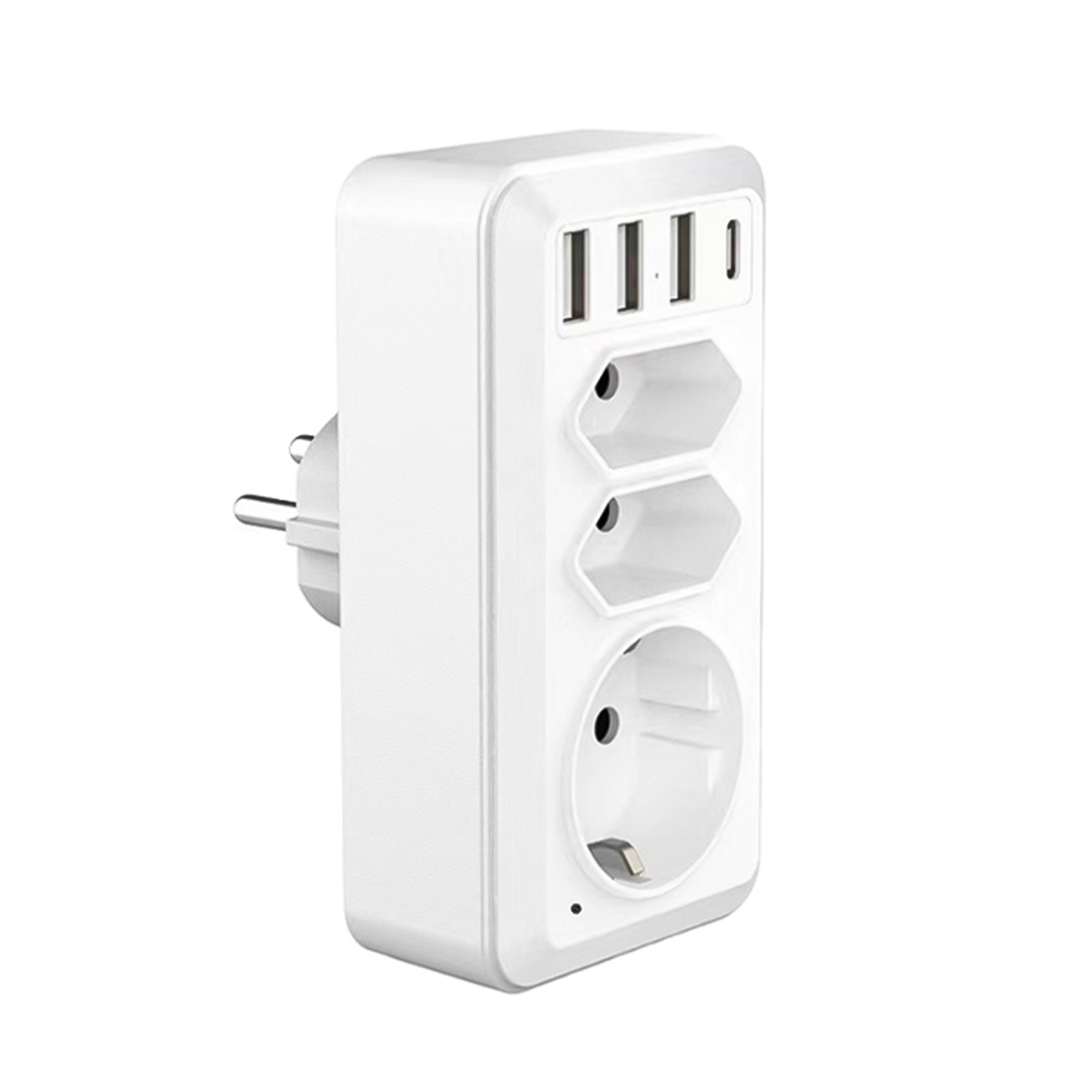
White EU Plug Portable Home Security Cam with USB Type-C Interface - HD WiFi Camera Wall Socket Camcorder
$139.40
Add to cartRelated products
-
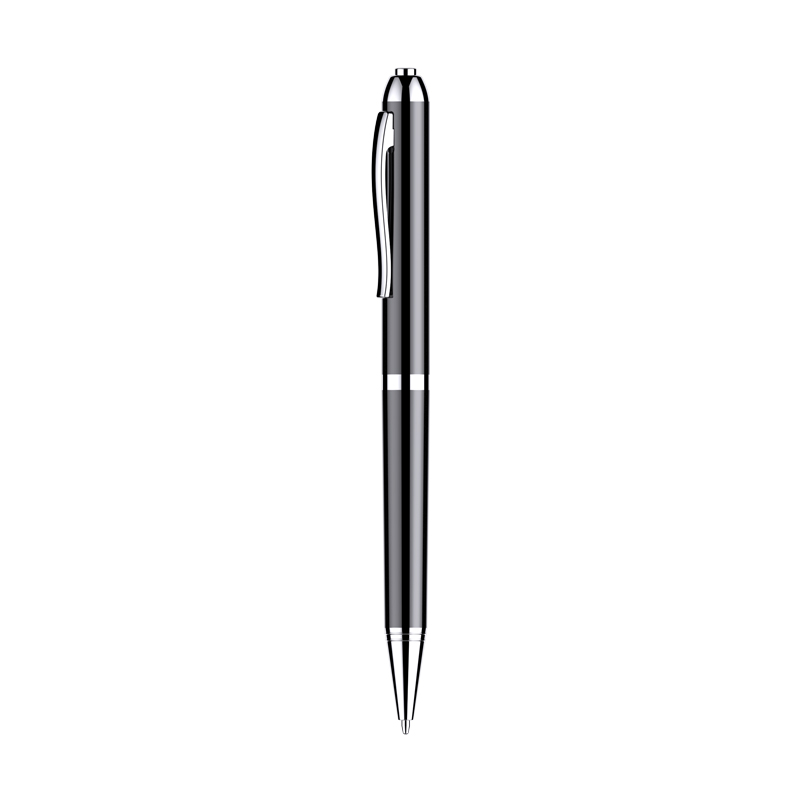
HD Noise Reduction Business Meeting Recording Pen Q90b with LED Light Player for Student Class – 16GB
$50.40 -
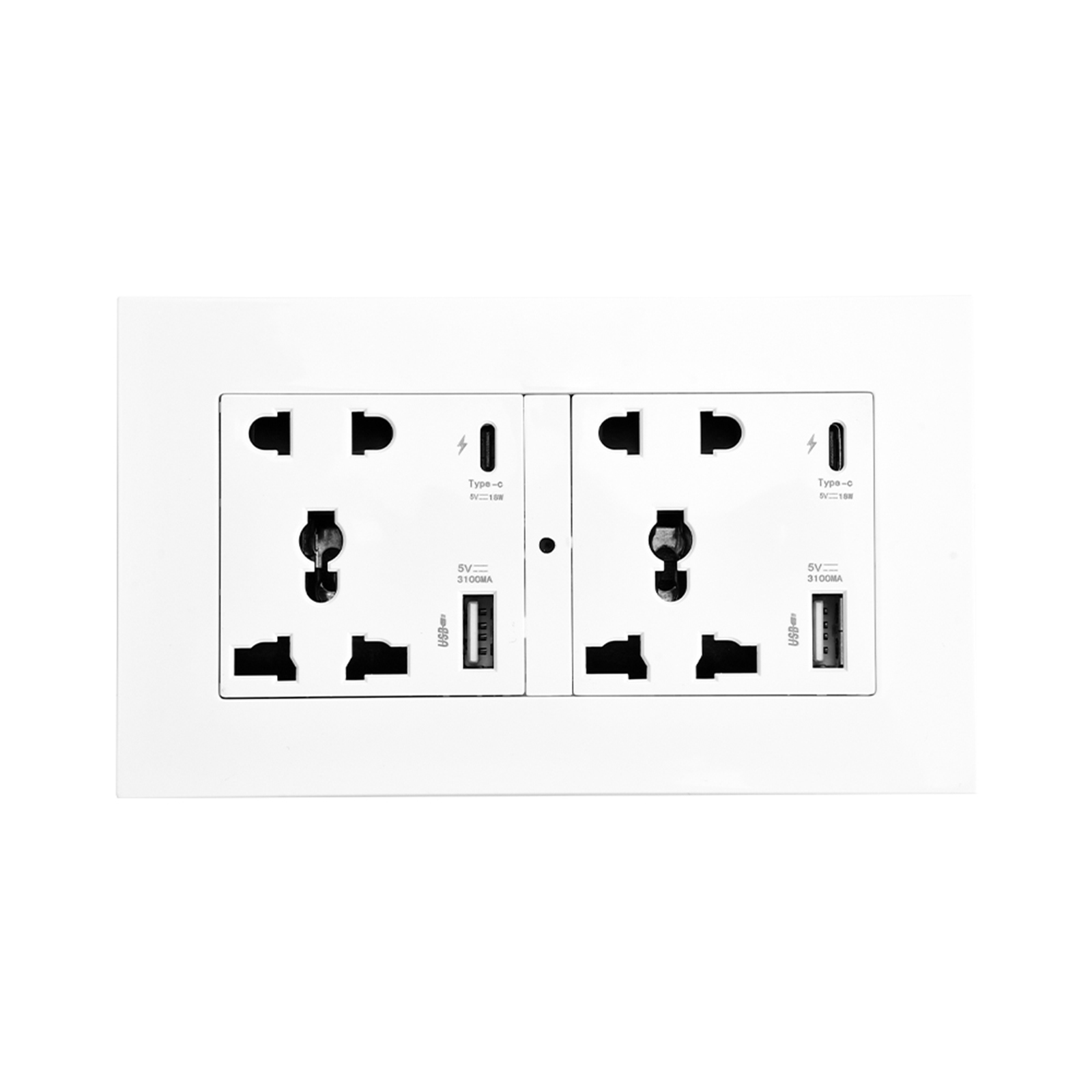
Q29 Dual Type-C Fast Charging Wall Socket WiFi Camera with 1080P Video, Night Vision, and Remote Monitoring
$137.20 -
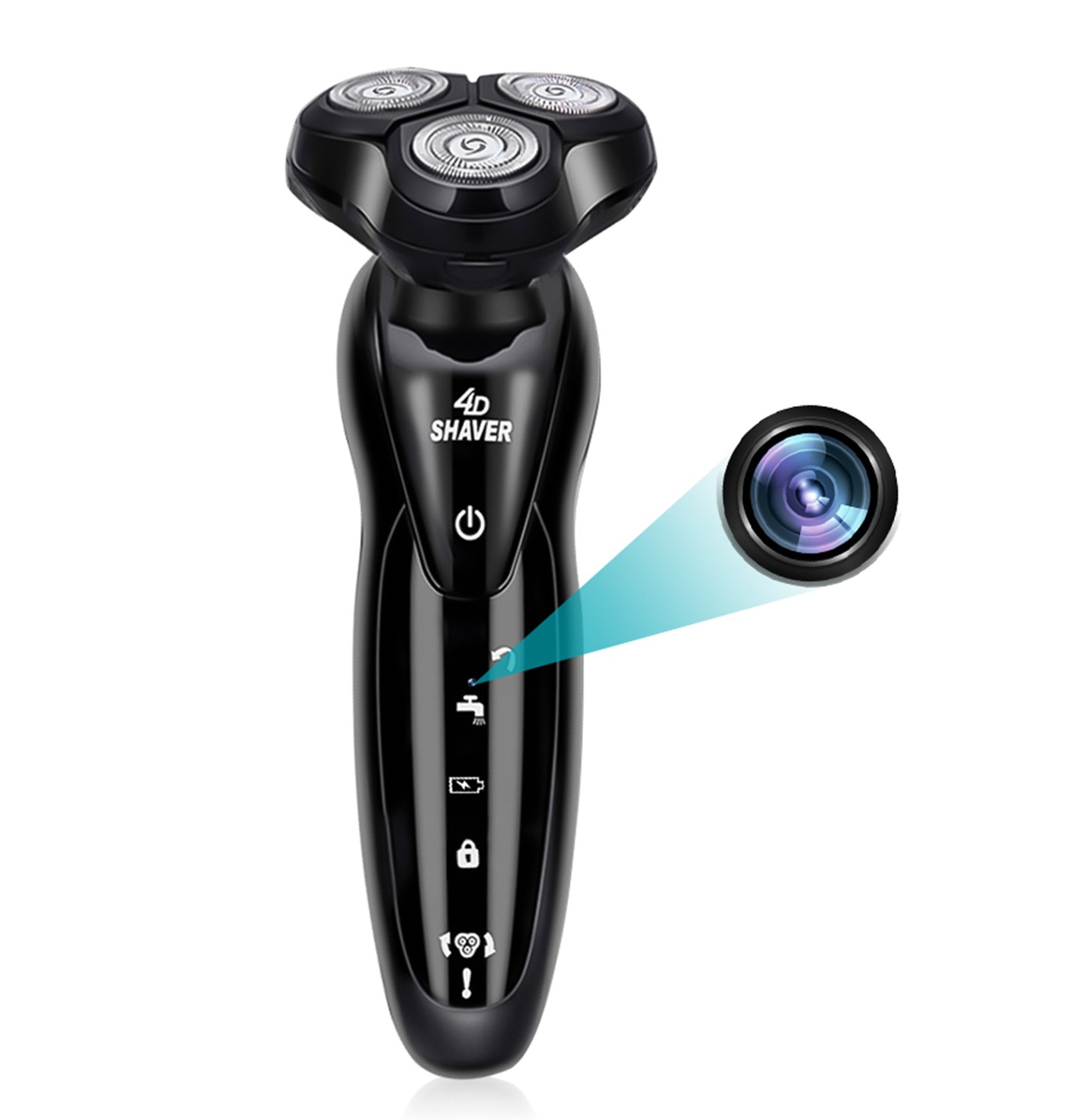
Mini Camera Shaver with Wifi and 4D Technology – HD Camcorder with 1080p Resolution, 64GB Memory Card, and Portable Home Security Surveillance Features
$255.40 -
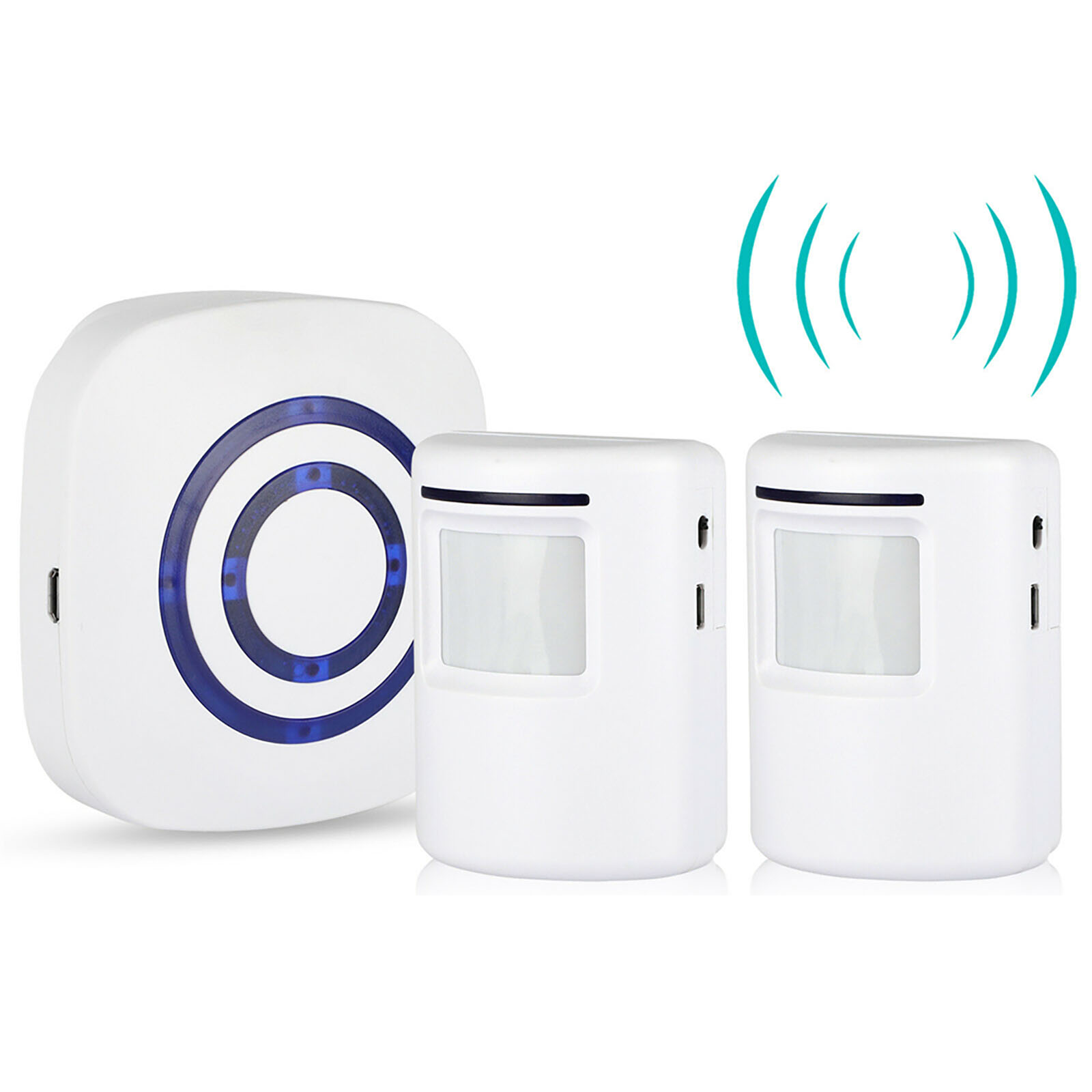
US Plug Wireless Plug-in Receiver Motion Sensor Doorbell Home Security Alarm System
$55.80

Reviews
There are no reviews yet.