
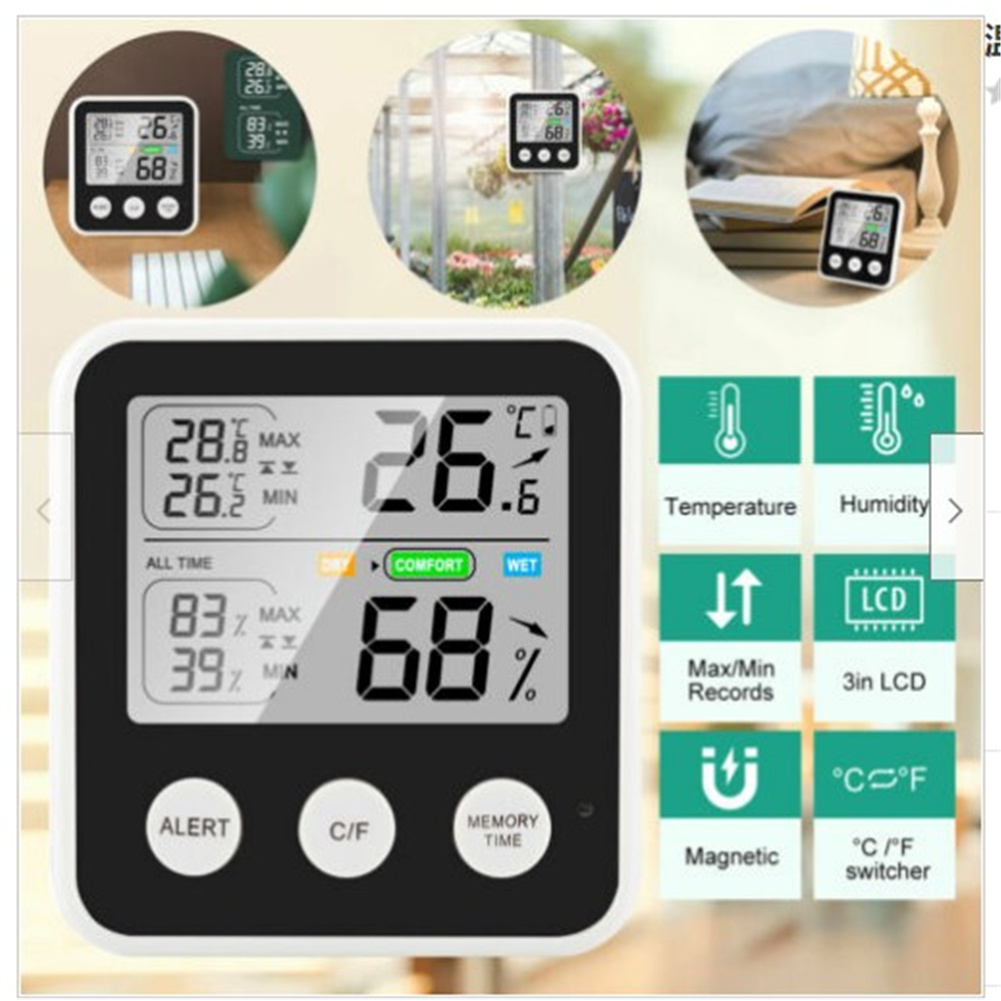
TS-9909-B Digital LCD Hygrometer Thermometer with High Precision for Indoor and Outdoor Temperature and Humidity Measurement
$36.90
- High precision and fast refresh for accurate readings every 10 seconds
- Large 3″ LCD display for easy readability
- All time/24 hours recording with maximum and minimum memory function
- Easy switch between Fahrenheit and Celsius
- Rear case with two highly magnetic magnets for attachment to metal objects
- Low battery reminder function
Buy more, save more
Buy 2–4 of this item and save 5%.
Buy 5 or more of this item and save 10%.
Discount is automatic in your cart on regular-priced items. It cannot be combined with coupon codes or sale prices.
Buy 2–4 of this item and save 5%.
Buy 5 or more of this item and save 10%.
Discount is automatic in your cart on regular-priced items. It cannot be combined with coupon codes or sale prices.
Country suggested using IP or browser language; you can change it. Shipping is confirmed at checkout.
Description
TS-9909-B Digital LCD Hygrometer Thermometer with High Precision for Indoor and Outdoor Temperature and Humidity Measurement,
How to Use the Thermometer High Precision Digital LCD Hygrometer Temperature Humidity Meter
Step 1: Unboxing and Preparation
- Remove the thermometer from its packaging.
- Insert the required batteries into the designated battery compartment.
Step 2: Power On
- Press the power button located on the front of the thermometer.
Step 3: Setting Temperature Unit
- Press the temperature unit button to switch between Fahrenheit and Celsius.
Step 4: Monitoring Indoor Temperature and Humidity
- Place the thermometer in the desired location, ensuring it is not exposed to direct sunlight or draft.
- The LCD display will show the current temperature and humidity readings.
Step 5: Recording Maximum and Minimum Readings
- To view the maximum recorded temperature and humidity, press the MAX/MIN button.
- To view the minimum recorded temperature and humidity, press the MAX/MIN button again.
Step 6: Monitoring Outdoor Temperature and Humidity
- Extend the included outdoor sensor cable and place it in the desired outdoor location.
- The thermometer will automatically detect and display the outdoor temperature and humidity readings on the LCD display.
Step 7: Attaching the Thermometer to Metal Objects
- Utilize the two highly magnetic magnets on the rear case of the display unit to securely attach the thermometer to any metal object.
Step 8: Low Battery Reminder
- If the battery power is low, a low battery indicator will appear on the LCD display, indicating the need for battery replacement.
, ,
Only logged in customers who have purchased this product may leave a review.
Popular items in this category
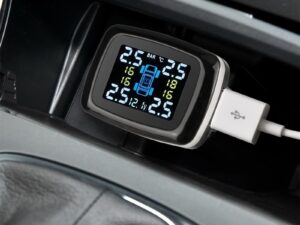
Tire Pressure Monitoring System Sensors Cigarette Lighter USB port Auto Security Alarm Systems Tire Pressure
$29.61
Add to cart
Join the Elite Club with Outdoor WiFi Camera with Dual Lens, 4K Resolution, 8MP, Wireless, PTZ Security, Night Vision, AI Humanoid Detection, Auto Tracking, Two-Way Audio, ONVIF H.265+, IP Cameras
$16.10
Add to cart
Best Offer Intelligent Thermostatic Radiator Valve with Zigbee Connectivity for Smart Home Control via APP, Voice, Alexa and Google Home
$16.10
Add to cart
Sensational Savings Wireless Smart Camera with WiFi Connectivity, 1080p Resolution, IR Night Vision, AI Motion Detection, Wide Angle View, Dual Storage, and Enhanced Security Features
$16.10
Add to cartSimilar items you might like

Join the Elite Club with ESCAM QF005 3MP WiFi IP Camera with Dual Light Source, Motion Detection, Two-way Intercom, Night Vision, and Memory Card Support for Home Security Monitoring
$16.10
Add to cart
Exceptional Smart Home Zigbee 3.0 Human Presence Sensor with Microwave Radar Detection - Sonoff SNZB-06P - Compatible with IFTTT, Alexa, and Google Home
$16.10
Add to cart
Discover the Secret Hiseeu 4K 32-Channel NVR for IP Camera Security Surveillance System with H.265+ Support, 5MP DVR, Network Video Audio Recorder, Humanoid Detection, and EU Plug
$16.10
Add to cart
Limited-Time Offer HD WiFi PTZ Camera with ICSEE App for Remote Monitoring, Night Vision, Motion Detection, Two-Way Audio, Alarm Alerts, Video Playback, and Home Security Surveillance
$16.10
Add to cartProducts related to this item
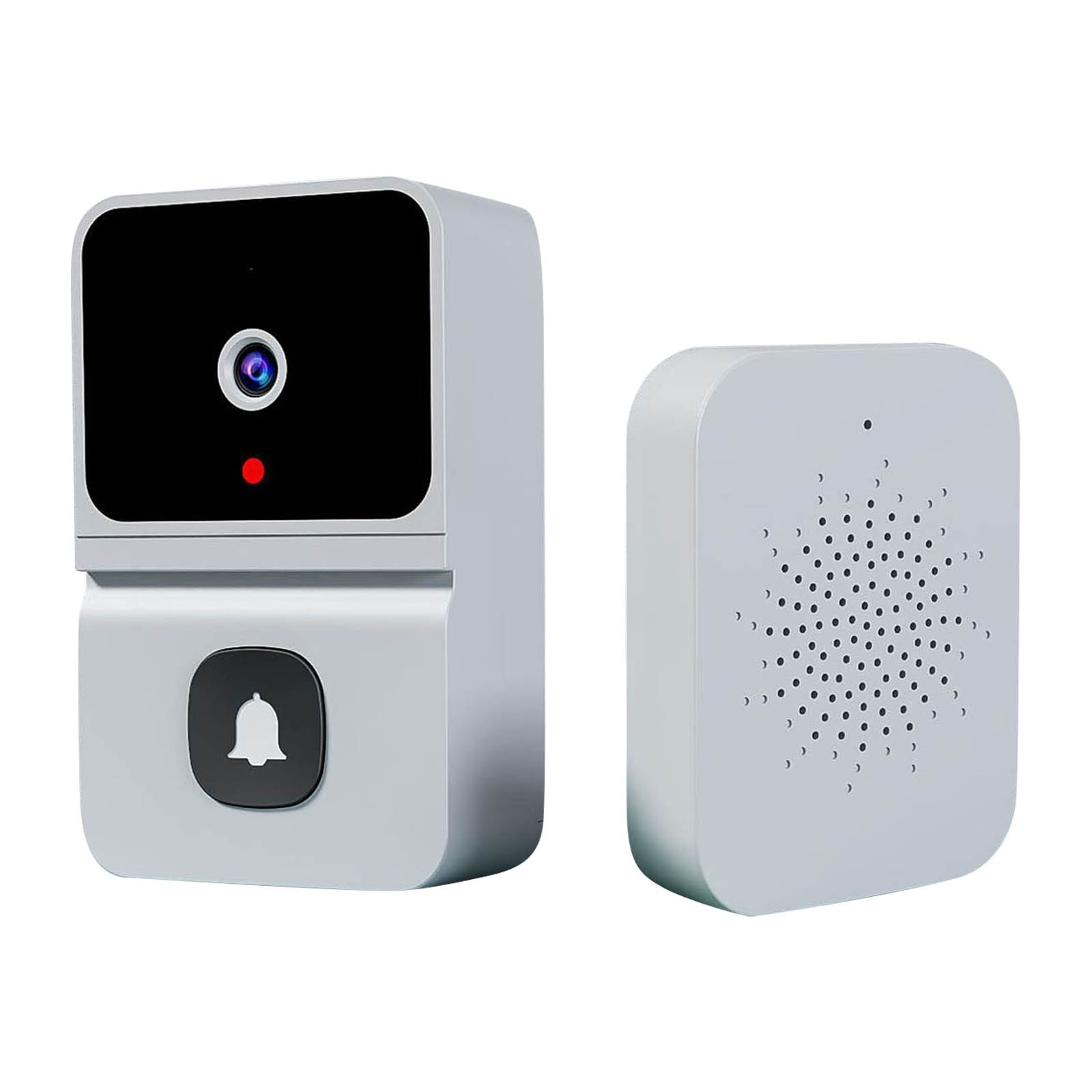
Wireless HD Video Doorbell Camera Z30 with Chime, Night Vision, 2.4ghz Wifi, Smart Door Bell, Two-Way Audio, in White
$47.00
Add to cart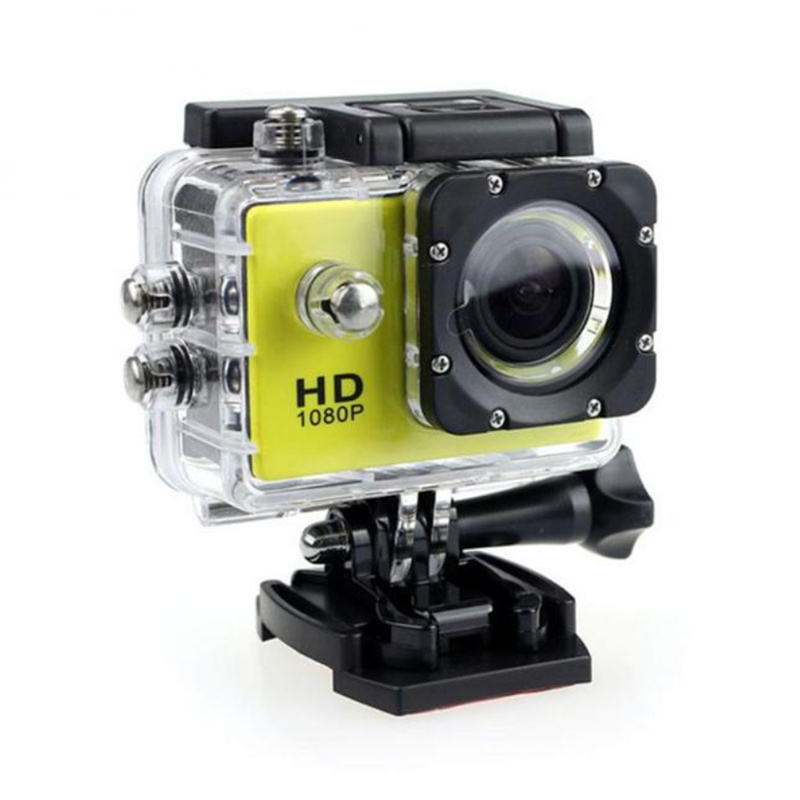
Yellow Multifunctional 4K HD SJ4000 Underwater DV Camera - Waterproof Diving Camcorder for Outdoor Action (30m)
$54.00
Add to cart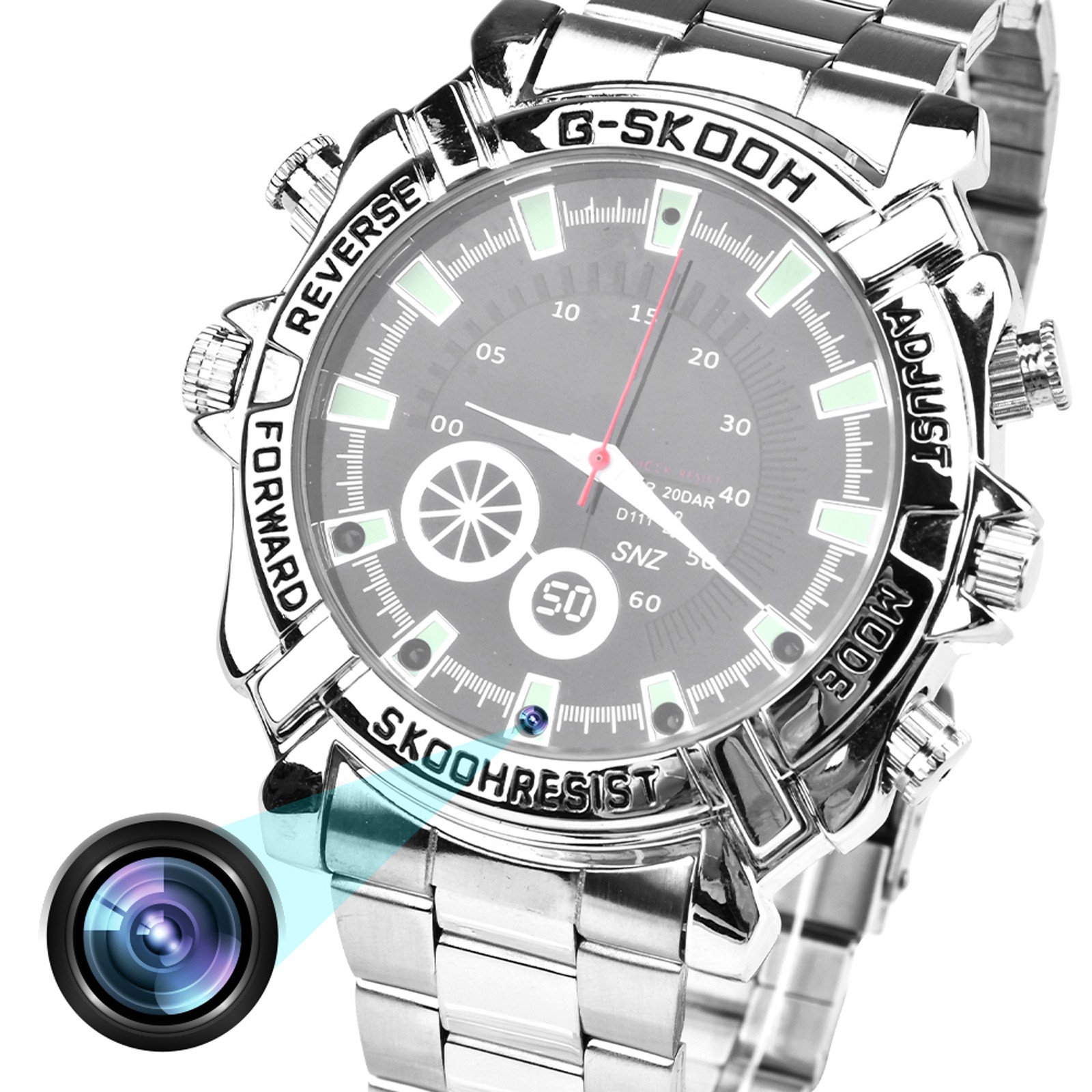
W2 Camera Watch: 1080P Video Recording Watch with Night Vision, Action Camera for Sports and Meetings, 16G Storage
$88.90
Add to cart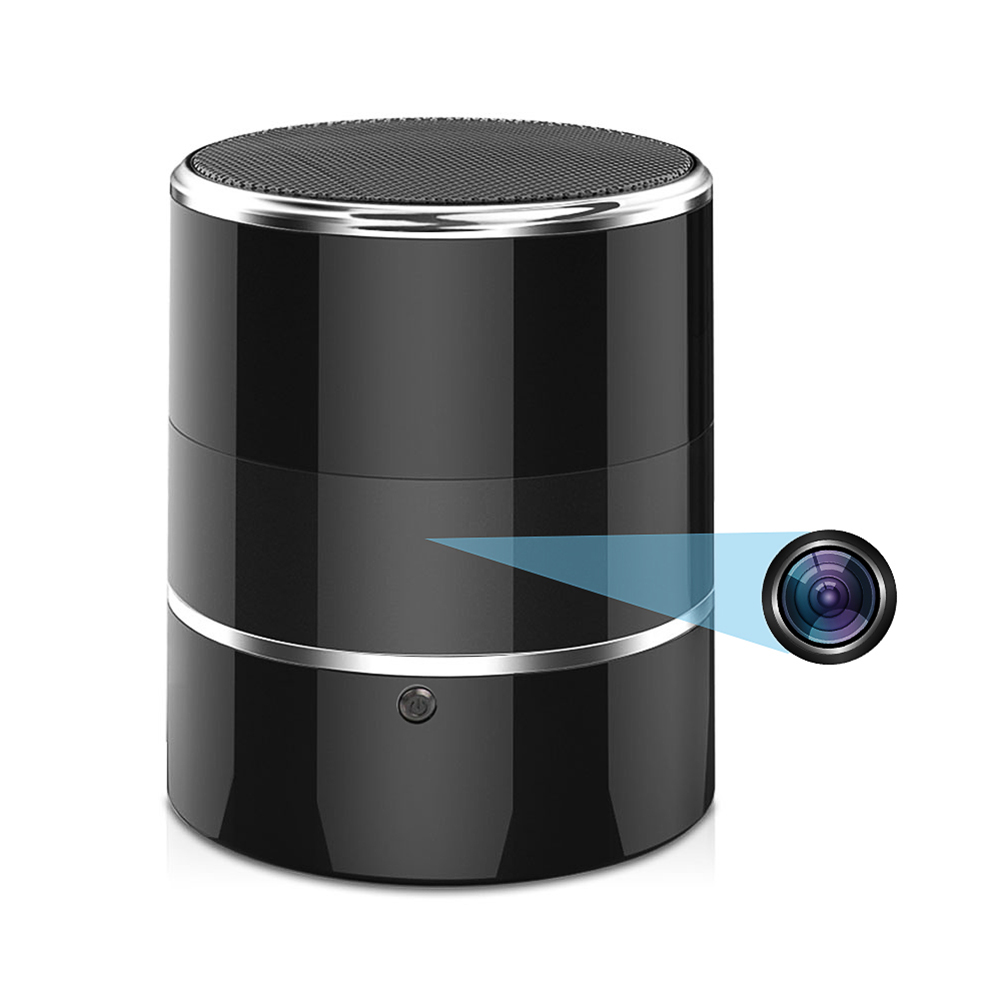
Black FY8 Mini Wifi Camera: 1080p Rotatable Video Recorder with Audio, Wireless Portable Smart Bluetooth Music Speaker and Recorder
$164.50
Add to cartProducts you may also like
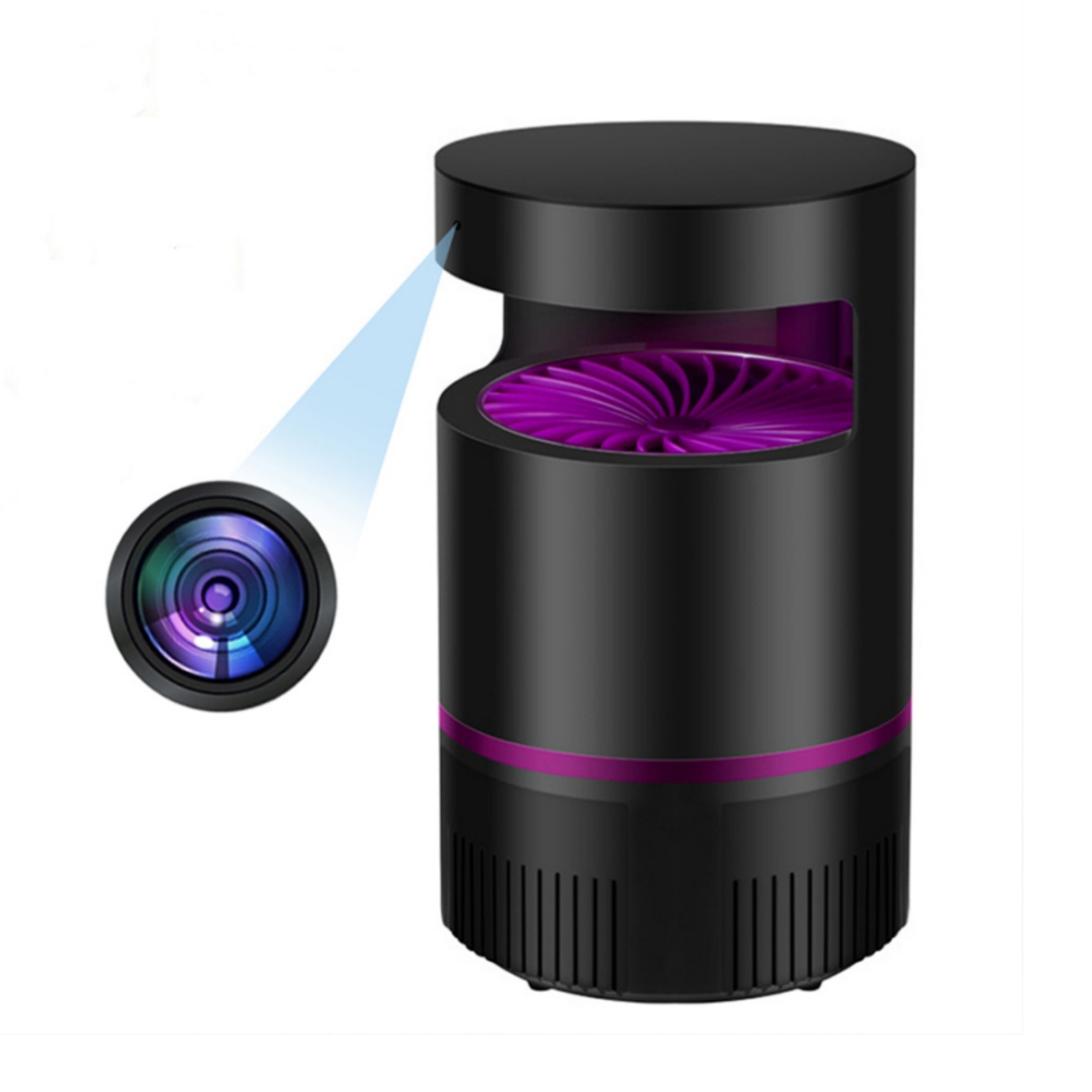
Wireless Remote Control Spy Camera with Electric Bug Zapper and Wide Angle Motion Detection - 1080p Resolution
$139.70
Add to cart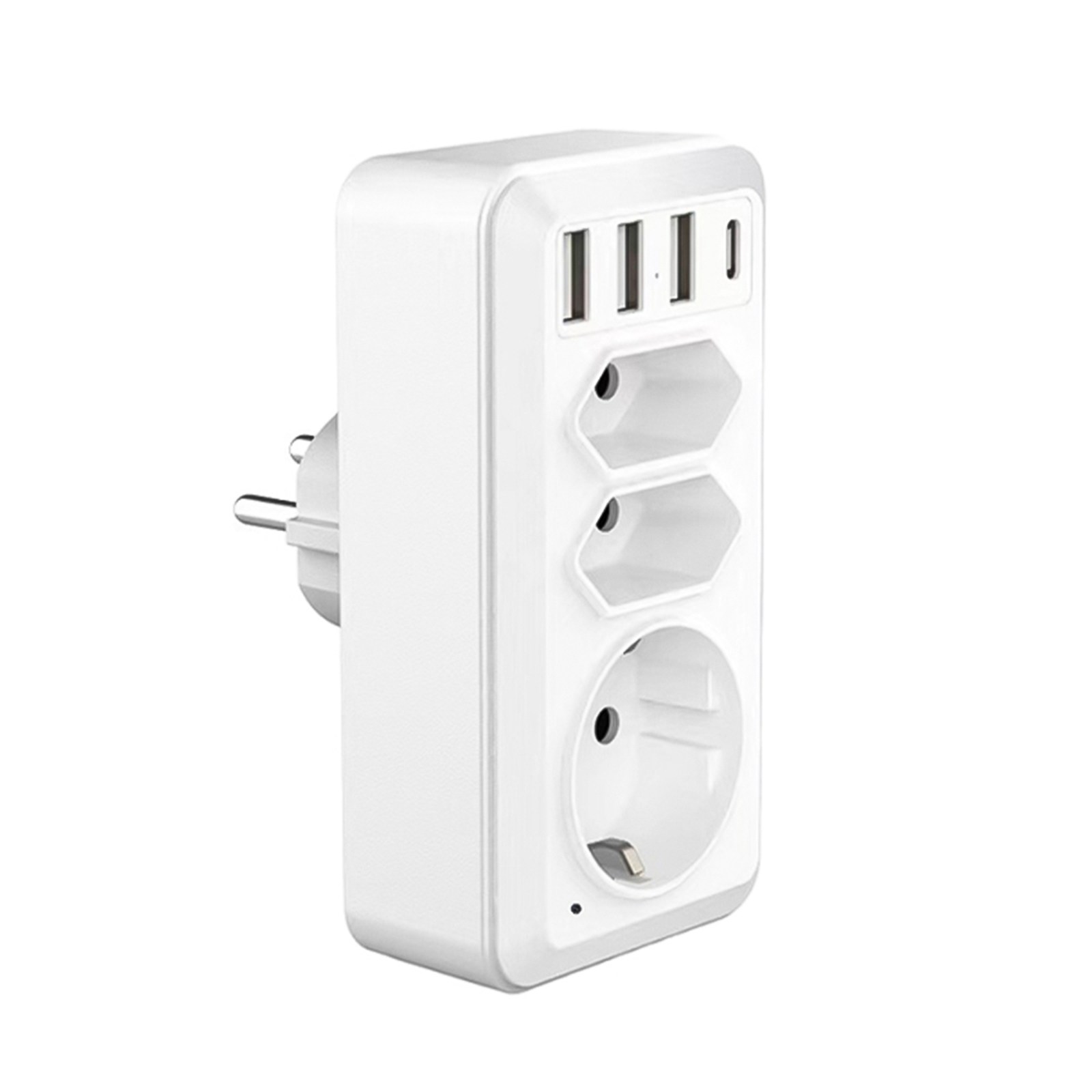
White EU Plug Portable Home Security Cam with USB Type-C Interface - HD WiFi Camera Wall Socket Camcorder
$139.40
Add to cart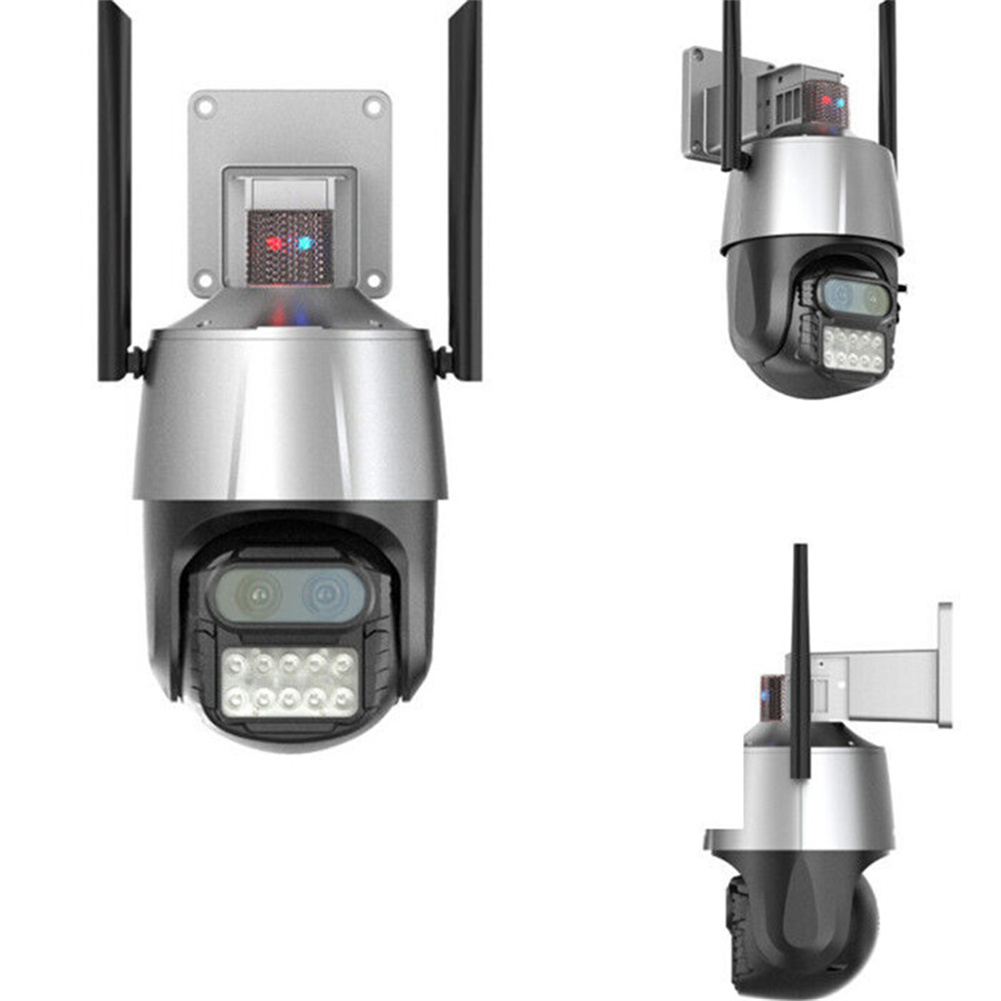
Sensational Savings Grey US Plug Wireless HD Surveillance Camera with 8MP Dual Lens, 8x Zoom, Wi-Fi Connectivity, Binoculars, Waterproof Dome, and Monitor
$165.50
Add to cart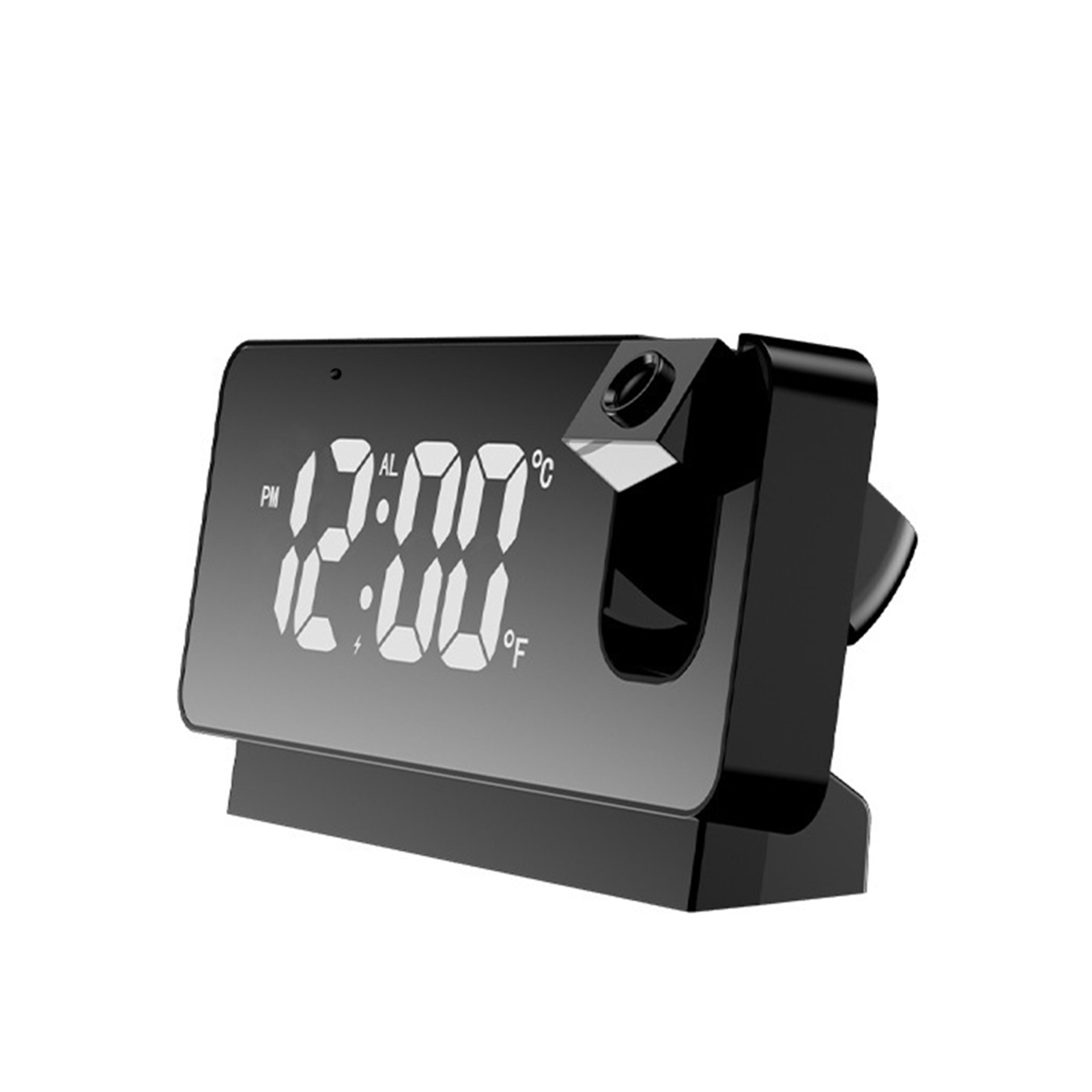
Black Ceiling Projection Alarm Clock with HD 1080P Digital Camera and Wifi Connectivity for Home Security
$127.00
Add to cartRecommended for You

Revitalize Your Routine Home Security System with Hiseeu 16CH NVR, 4MP/8MP PTZ PoE Cameras, Color Night Vision, Two-way Audio, Human Detection - Outdoor IP Camera Solution
$16.10
Add to cart
Untapped Compact GPS Tracker with Extended Battery Life, Magnetic Mount, SOS Function, and Voice Recording Capability
$26.90
Add to cart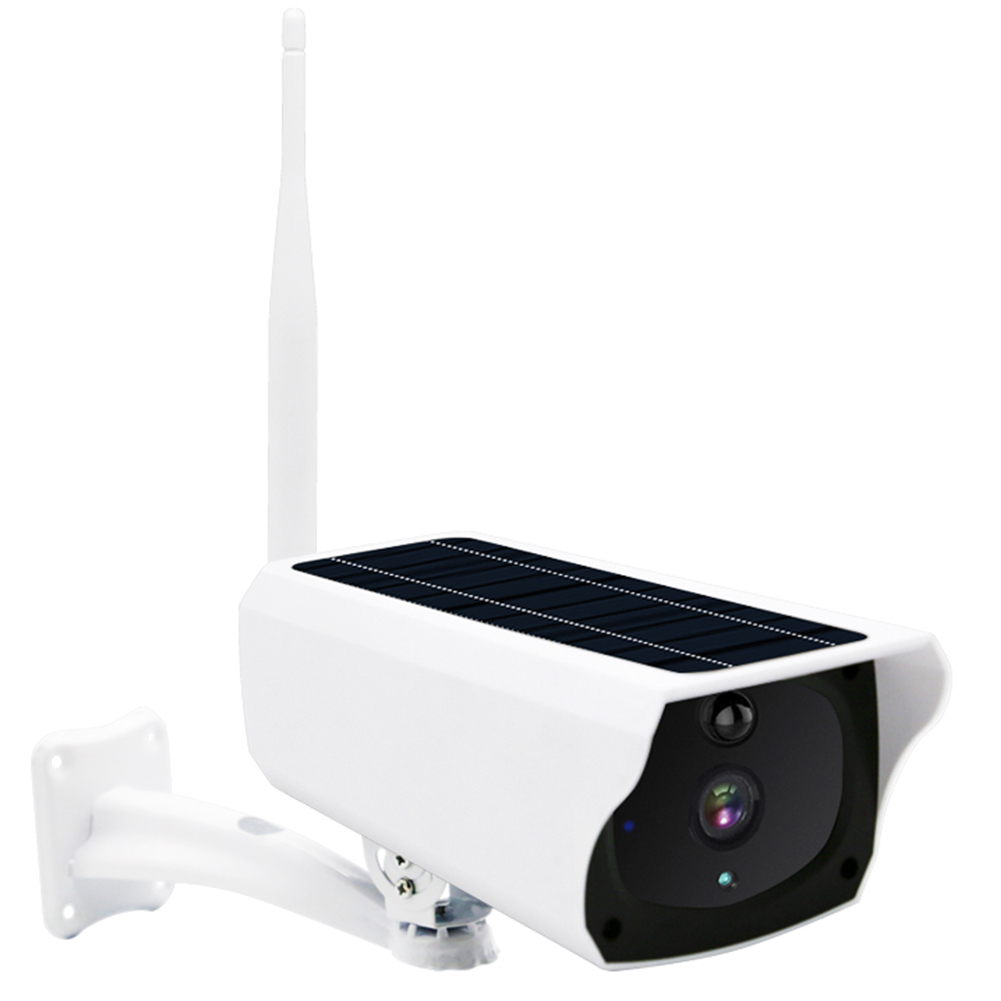
Classic Deal Outdoor Solar Security Camera: AI Motion Detection, Color Night Vision, IP66 Waterproof, 2 Way Audio, 3MP HD with Built-in Battery
$150.90
Add to cart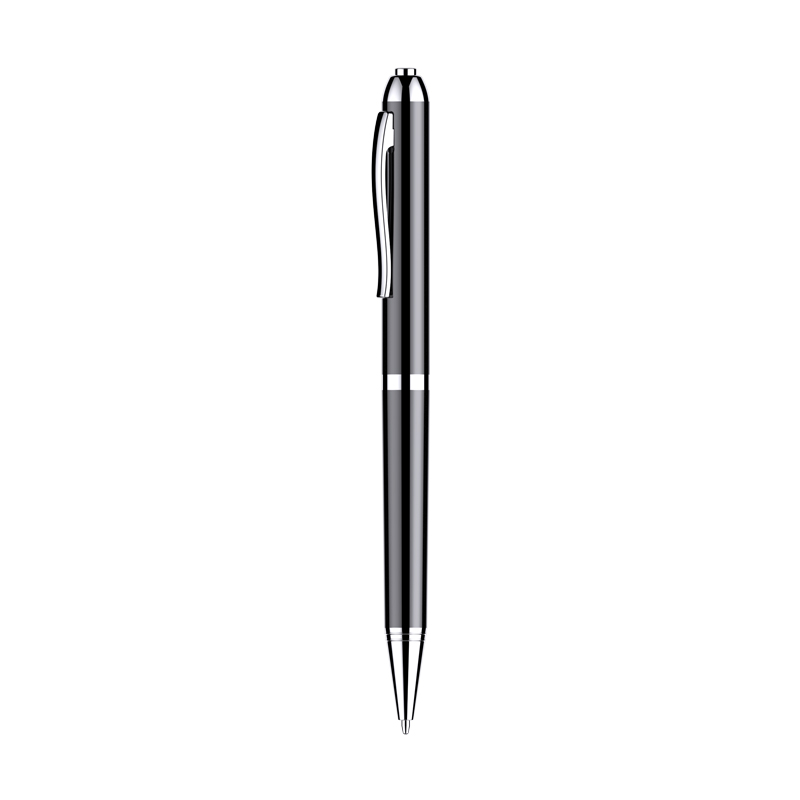
HD Noise Reduction Business Meeting Recording Pen Q90b with LED Light Player for Student Class - 16GB
$50.40
Add to cartRelated products
-
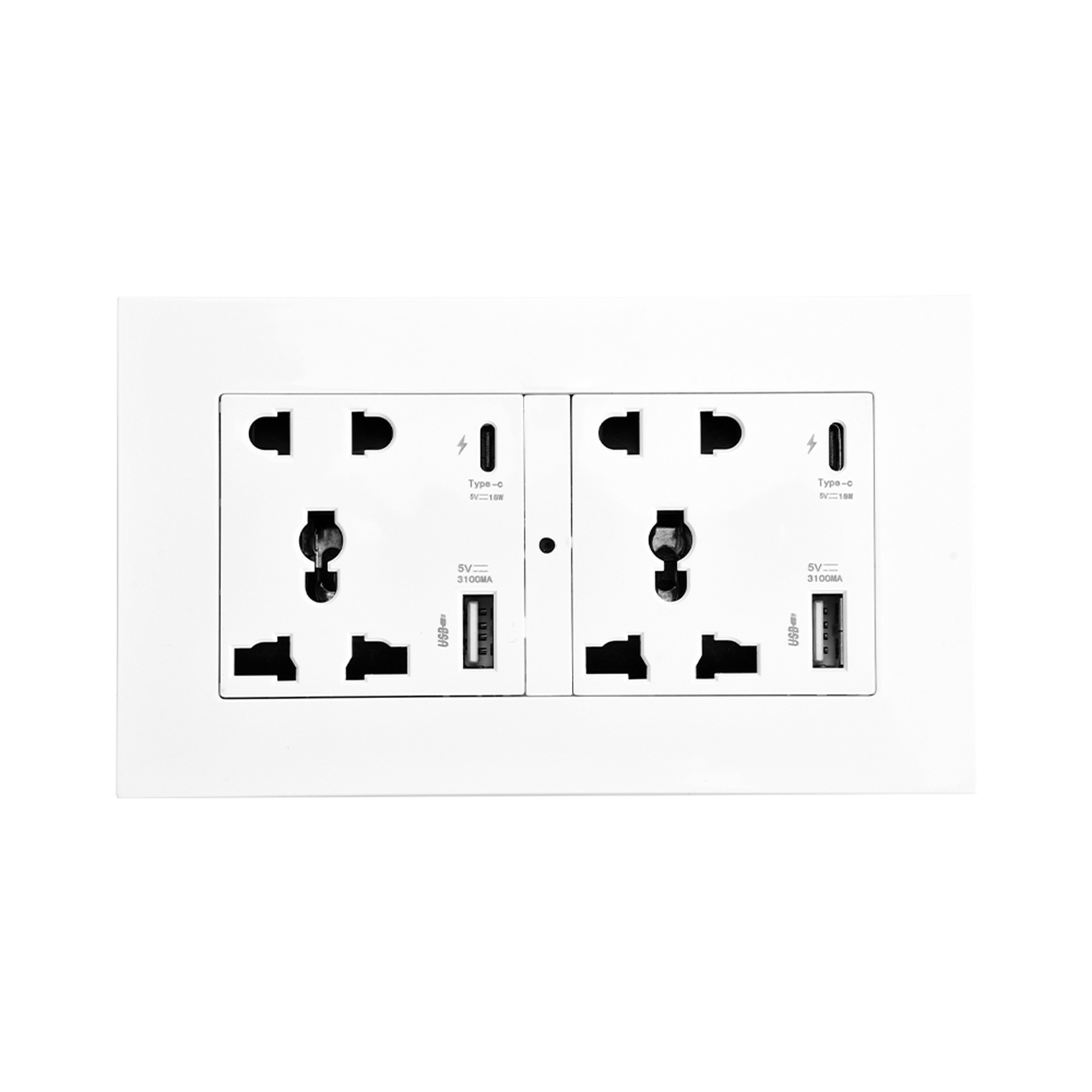
Q29 Dual Type-C Fast Charging Wall Socket WiFi Camera with 1080P Video, Night Vision, and Remote Monitoring
$137.20 -
Black FY8 Mini Wifi Camera: 1080p Rotatable Video Recorder with Audio, Wireless Portable Smart Bluetooth Music Speaker and Recorder
$164.50 -
Wireless HD Video Doorbell Camera Z30 with Chime, Night Vision, 2.4ghz Wifi, Smart Door Bell, Two-Way Audio, in White
$47.00 -

MECO(TM) Wireless Security Entry Alarm System for Home Doors and Windows – Quick Installation with FREE Batteries! (Pack of 6)
$30.50

Reviews
There are no reviews yet.