
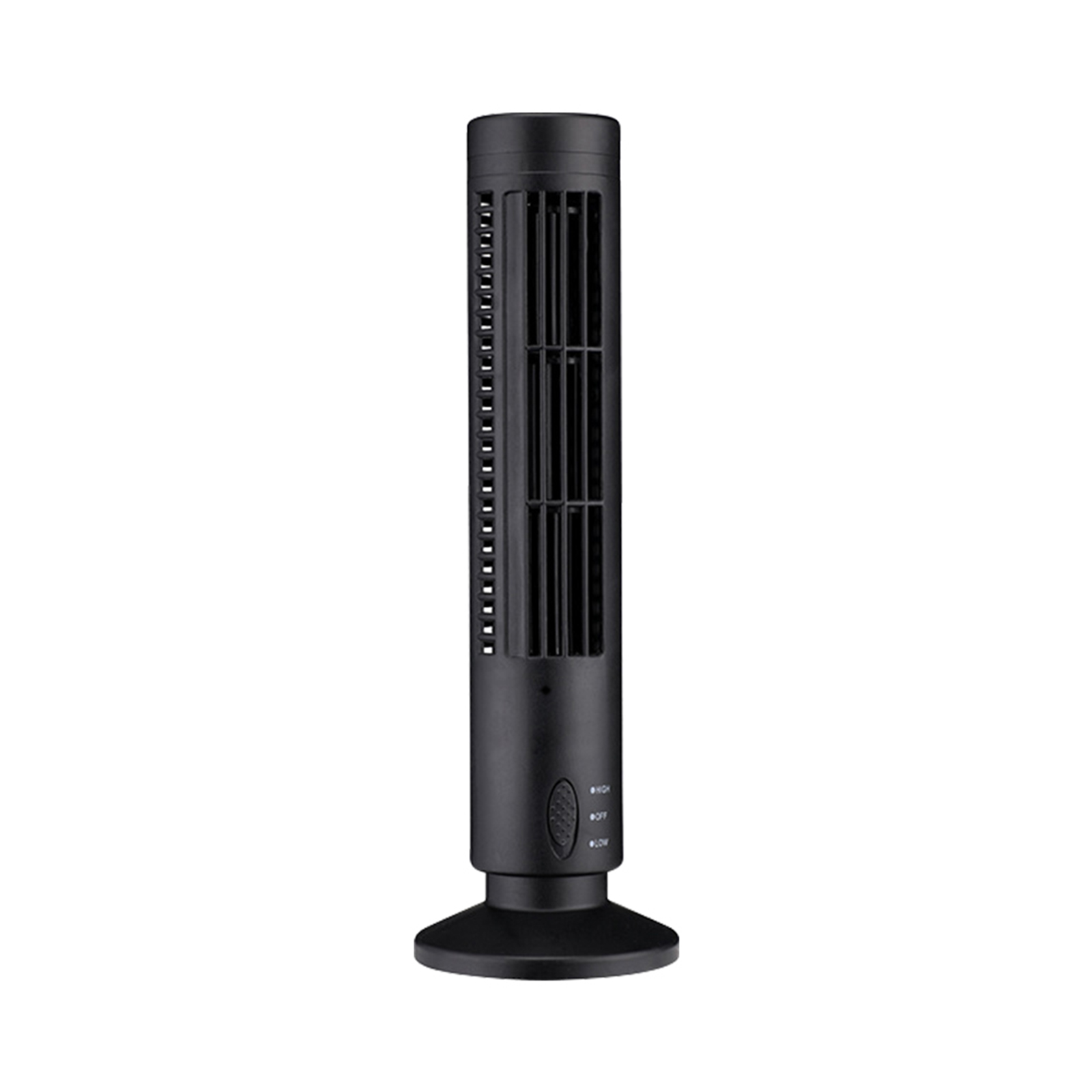
Black USB Tower Fan Camcorder with 1080p HD Wifi, Motion Detection for Home Security and Nanny Cam
$143.50
- Mini fan with hidden camera capability
- Disguised appearance makes it difficult to detect as a camera
- Can be placed discreetly without attracting attention
- Allows remote access through smartphone connection and wifi
- Free camera app for viewing and recording HD video on the phone
Buy more, save more
Buy 2–4 of this item and save 5%.
Buy 5 or more of this item and save 10%.
Discount is automatic in your cart on regular-priced items. It cannot be combined with coupon codes or sale prices.
Buy 2–4 of this item and save 5%.
Buy 5 or more of this item and save 10%.
Discount is automatic in your cart on regular-priced items. It cannot be combined with coupon codes or sale prices.
Country suggested using IP or browser language; you can change it. Shipping is confirmed at checkout.
Description
Black USB Tower Fan Camcorder with 1080p HD Wifi, Motion Detection for Home Security and Nanny Cam,
[HOW TO USE]
Step 1: Set up the Mini Camera USB Tower Fan
Before using the camera, you need to set it up properly:
- Place the mini camera USB tower fan in the desired location.
- Connect the USB cable to a power source to turn on the fan functionality.
Step 2: Connect the Mini Camera to Wi-Fi
You need to connect the camera to your Wi-Fi network to access it remotely:
- Download and install the free camera app on your smartphone.
- Turn on the mini camera USB tower fan and wait for the LED indicator to start blinking.
- Open the camera app on your smartphone.
- Select the option to connect a new device and follow the on-screen instructions.
- Choose your Wi-Fi network from the available list and enter the password, if required.
- Wait for the camera to connect to the Wi-Fi network. The LED indicator will stop blinking when successfully connected.
Step 3: Access and Control the Camera
Once the camera is set up and connected to Wi-Fi, you can access and control it using your smartphone:
- Open the camera app on your smartphone.
- Select the option to view live video or recorded footage.
- Use the smartphone screen to adjust camera settings, such as motion detection sensitivity or video recording quality.
- To start recording a video, simply tap the record button on the app.
- To view recorded footage, access the app’s playback feature and select the desired video.
Step 4: Additional Features
The mini camera USB tower fan comes with additional features that you can explore:
- Motion Detection: Enable motion detection so that the camera starts recording when it detects any movement in its field of view. You can adjust the sensitivity of the motion detection feature using the camera app.
- Home Security: Use the camera as a home security device by placing it in strategic locations within your home. Monitor your surroundings and receive alerts on your smartphone in case of any suspicious activity.
- Nanny Cam: Keep an eye on your children or babysitters by using the camera as a nanny cam. View live video feeds or recorded footage to ensure the safety and well-being of your loved ones.
, ,
Only logged in customers who have purchased this product may leave a review.
Popular items in this category

Tire Pressure Monitoring System Sensors Cigarette Lighter USB port Auto Security Alarm Systems Tire Pressure
$29.61
Add to cart
Join the Elite Club with Outdoor WiFi Camera with Dual Lens, 4K Resolution, 8MP, Wireless, PTZ Security, Night Vision, AI Humanoid Detection, Auto Tracking, Two-Way Audio, ONVIF H.265+, IP Cameras
$16.10
Add to cart
Best Offer Intelligent Thermostatic Radiator Valve with Zigbee Connectivity for Smart Home Control via APP, Voice, Alexa and Google Home
$16.10
Add to cart
Sensational Savings Wireless Smart Camera with WiFi Connectivity, 1080p Resolution, IR Night Vision, AI Motion Detection, Wide Angle View, Dual Storage, and Enhanced Security Features
$16.10
Add to cartSimilar items you might like

Join the Elite Club with ESCAM QF005 3MP WiFi IP Camera with Dual Light Source, Motion Detection, Two-way Intercom, Night Vision, and Memory Card Support for Home Security Monitoring
$16.10
Add to cart
Exceptional Smart Home Zigbee 3.0 Human Presence Sensor with Microwave Radar Detection - Sonoff SNZB-06P - Compatible with IFTTT, Alexa, and Google Home
$16.10
Add to cart
Discover the Secret Hiseeu 4K 32-Channel NVR for IP Camera Security Surveillance System with H.265+ Support, 5MP DVR, Network Video Audio Recorder, Humanoid Detection, and EU Plug
$16.10
Add to cart
Limited-Time Offer HD WiFi PTZ Camera with ICSEE App for Remote Monitoring, Night Vision, Motion Detection, Two-Way Audio, Alarm Alerts, Video Playback, and Home Security Surveillance
$16.10
Add to cartProducts related to this item
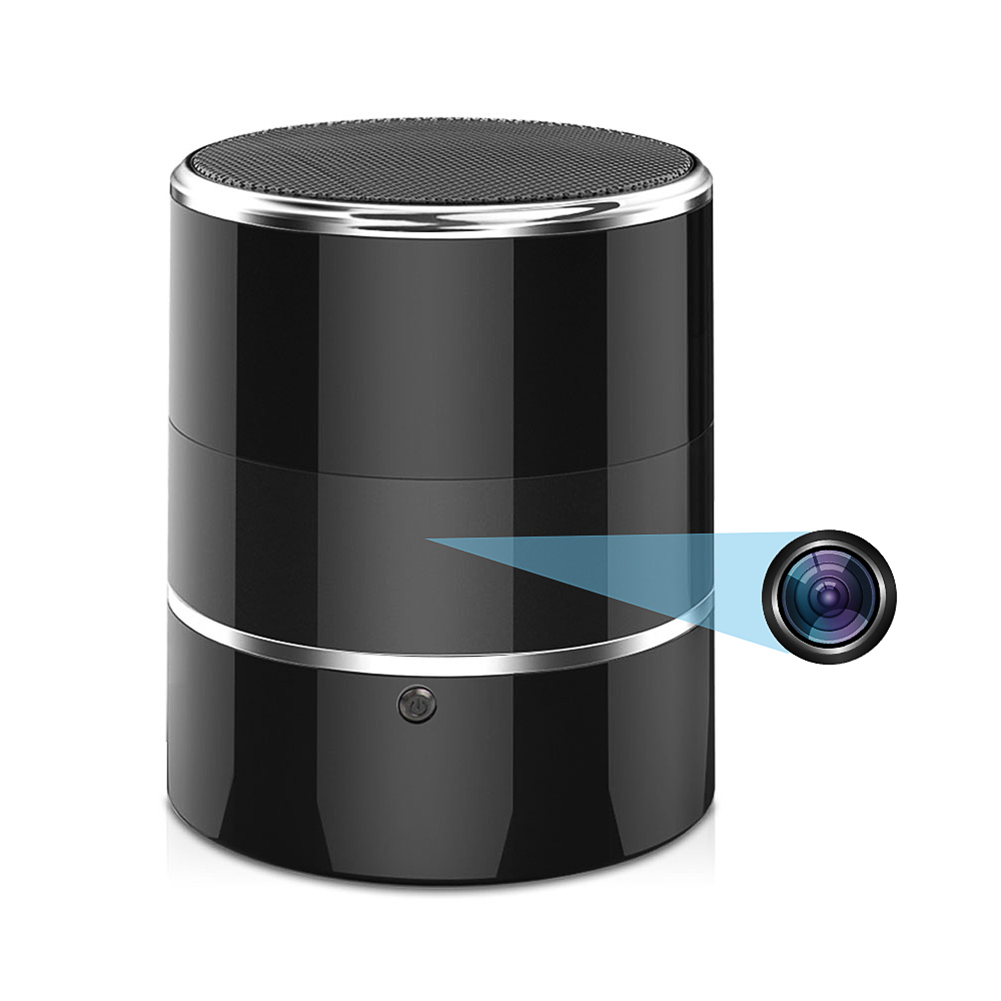
Black FY8 Mini Wifi Camera: 1080p Rotatable Video Recorder with Audio, Wireless Portable Smart Bluetooth Music Speaker and Recorder
$164.50
Add to cart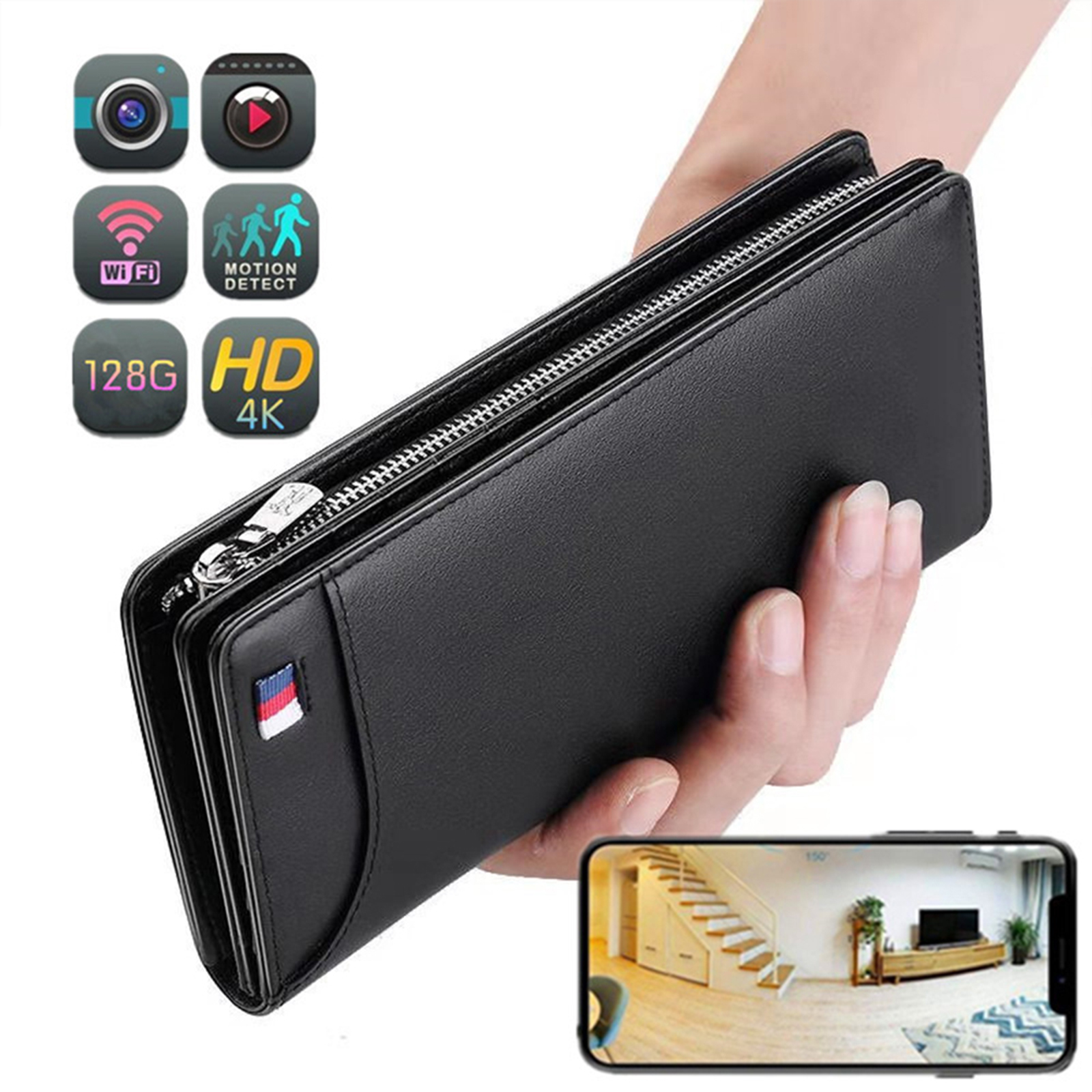
Portable Mini Wi-Fi Camera with 4K Resolution, 1080p HD, Motion Detection, Wireless Connectivity, and 64GB Storage - Ideal for Home Security (Black)
$155.80
Add to cart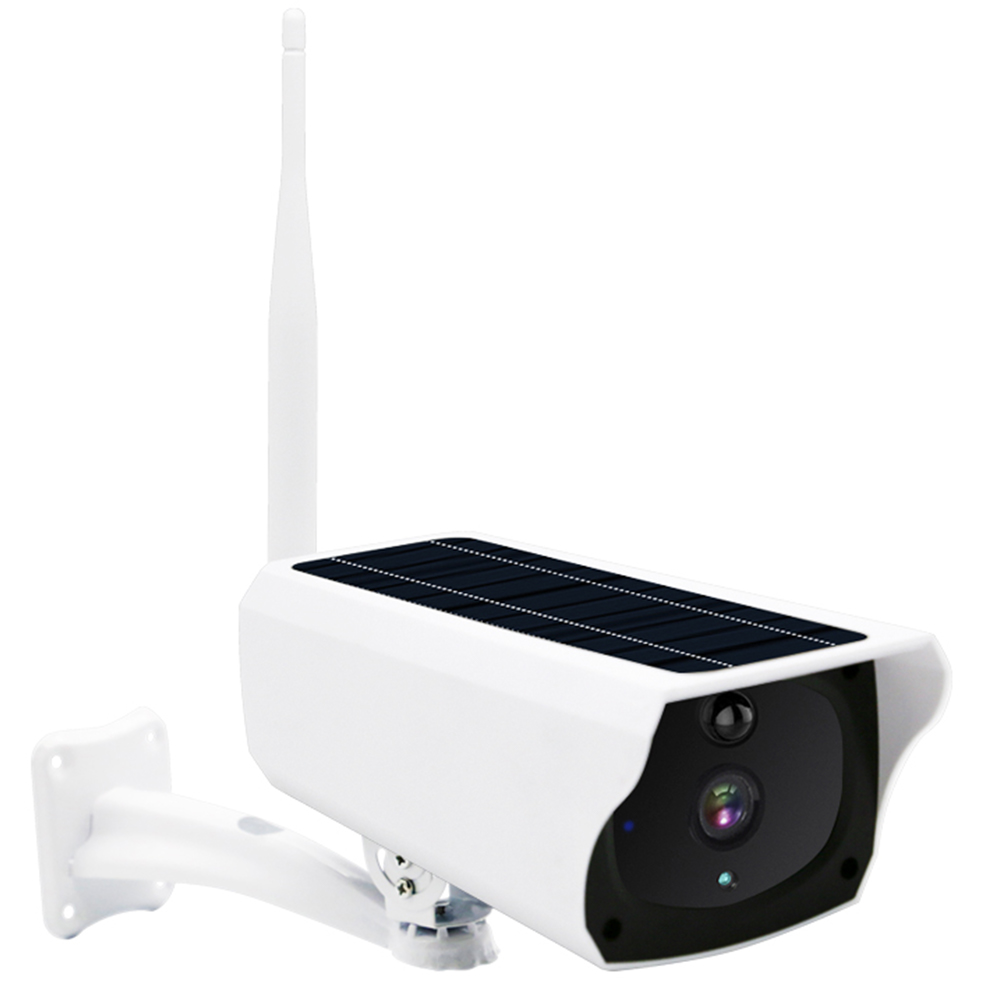
Classic Deal Outdoor Solar Security Camera: AI Motion Detection, Color Night Vision, IP66 Waterproof, 2 Way Audio, 3MP HD with Built-in Battery
$150.90
Add to cart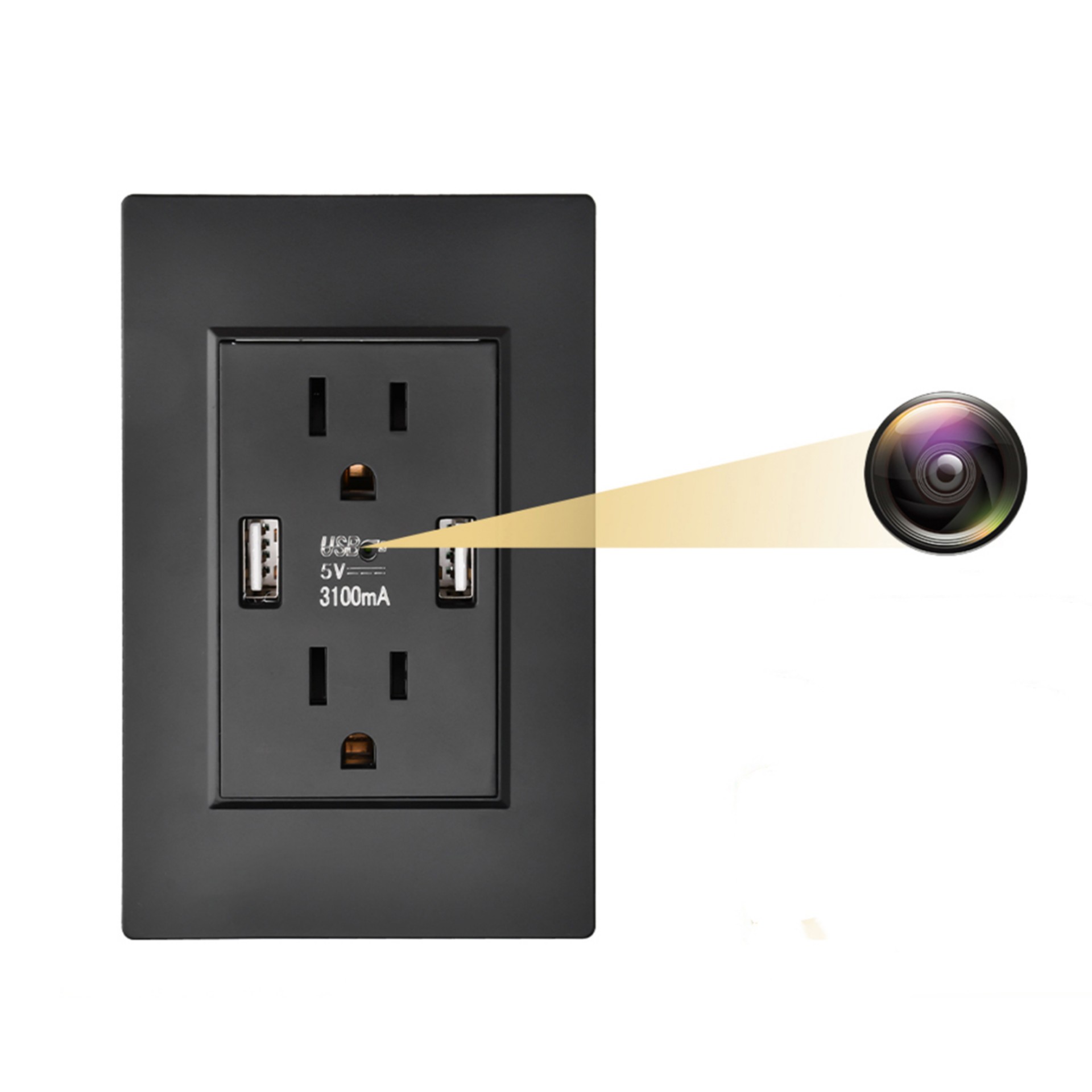
Black Q9 Wall Outlet Camera with USB Interface, Wifi Remote Monitoring, Night Vision and Motion Detection
$119.60
Add to cartProducts you may also like

White A10 Baby Monitor with Intelligent Video, Two-way Voice Calling, 100-degree Super Wide-angle Lens, 1080p Resolution High-definition Vision Camera
$177.70
Add to cart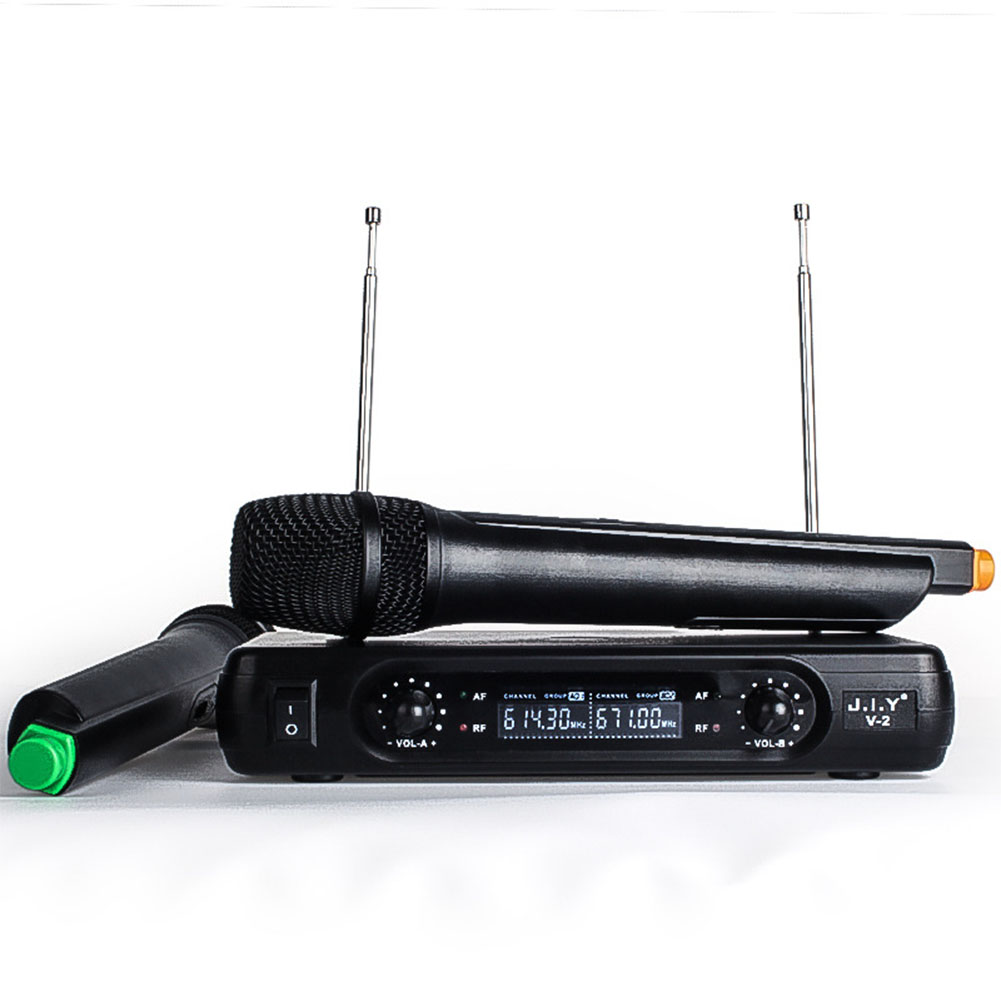
Game-Changer Wireless Karaoke Microphone Mixer Set with LCD Handheld Mic - Black (U.S Plug)
$97.60
Add to cart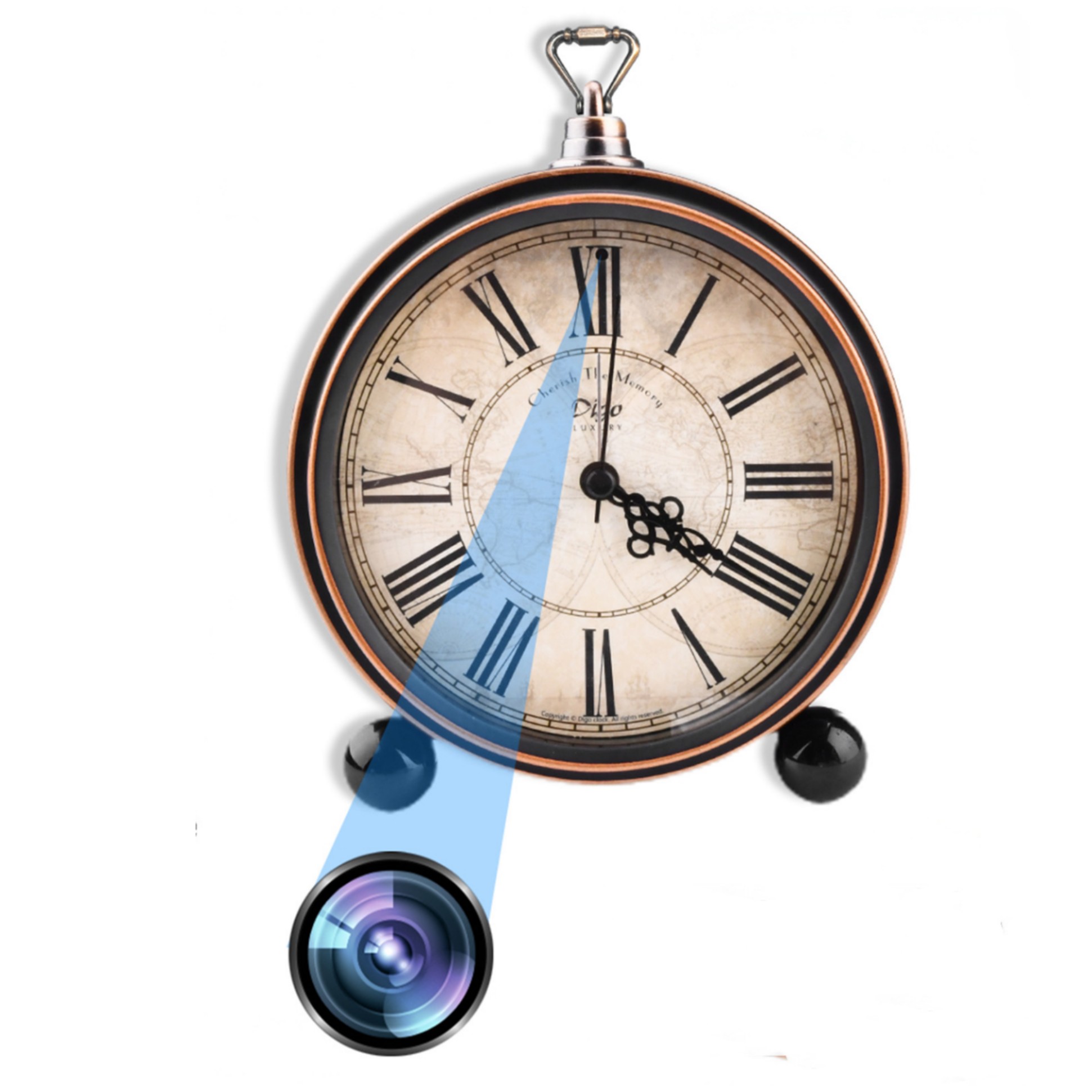
Maximize Your Experience Bronze Retro Roman Numeral Clock with Motion Detection Home Surveillance - 1080P HD Mini WiFi Camera
$132.90
Add to cart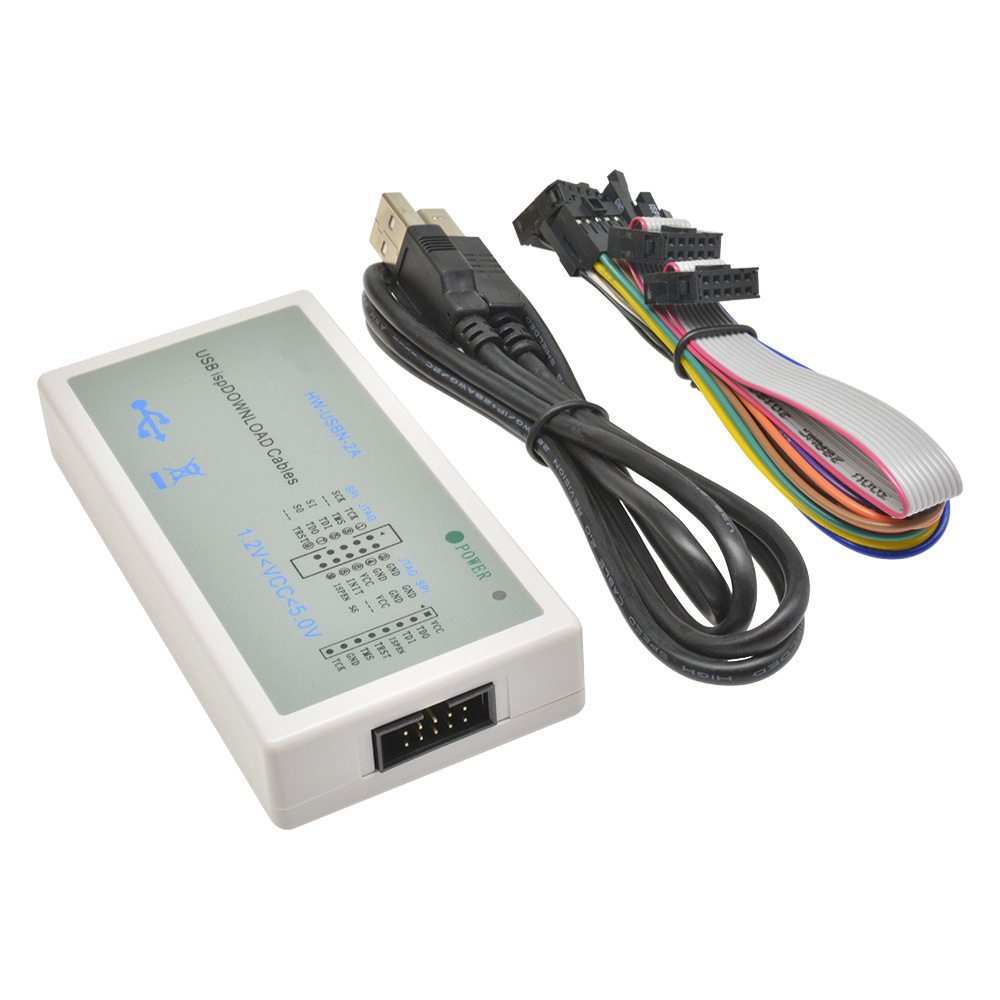
Spectacular Lattice FPGA CPLD USB Downloader Jtag ISP Programmer ispDownload Cable HW-USBN-2
$60.60
Add to cartRecommended for You
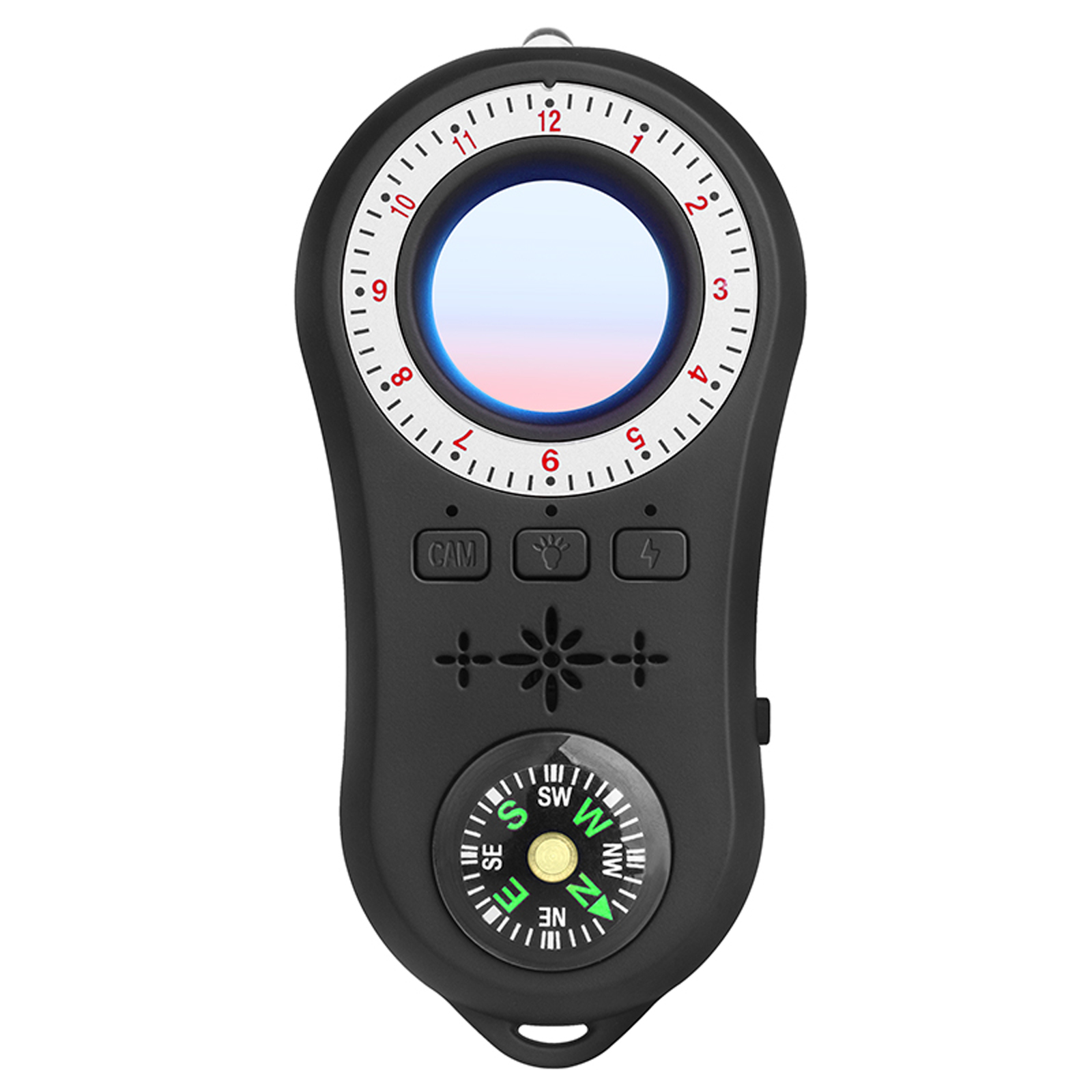
Multi-functional Infrared Detector with Vibration Alarm and Compass for Hotel Security in Black
$59.30
Add to cart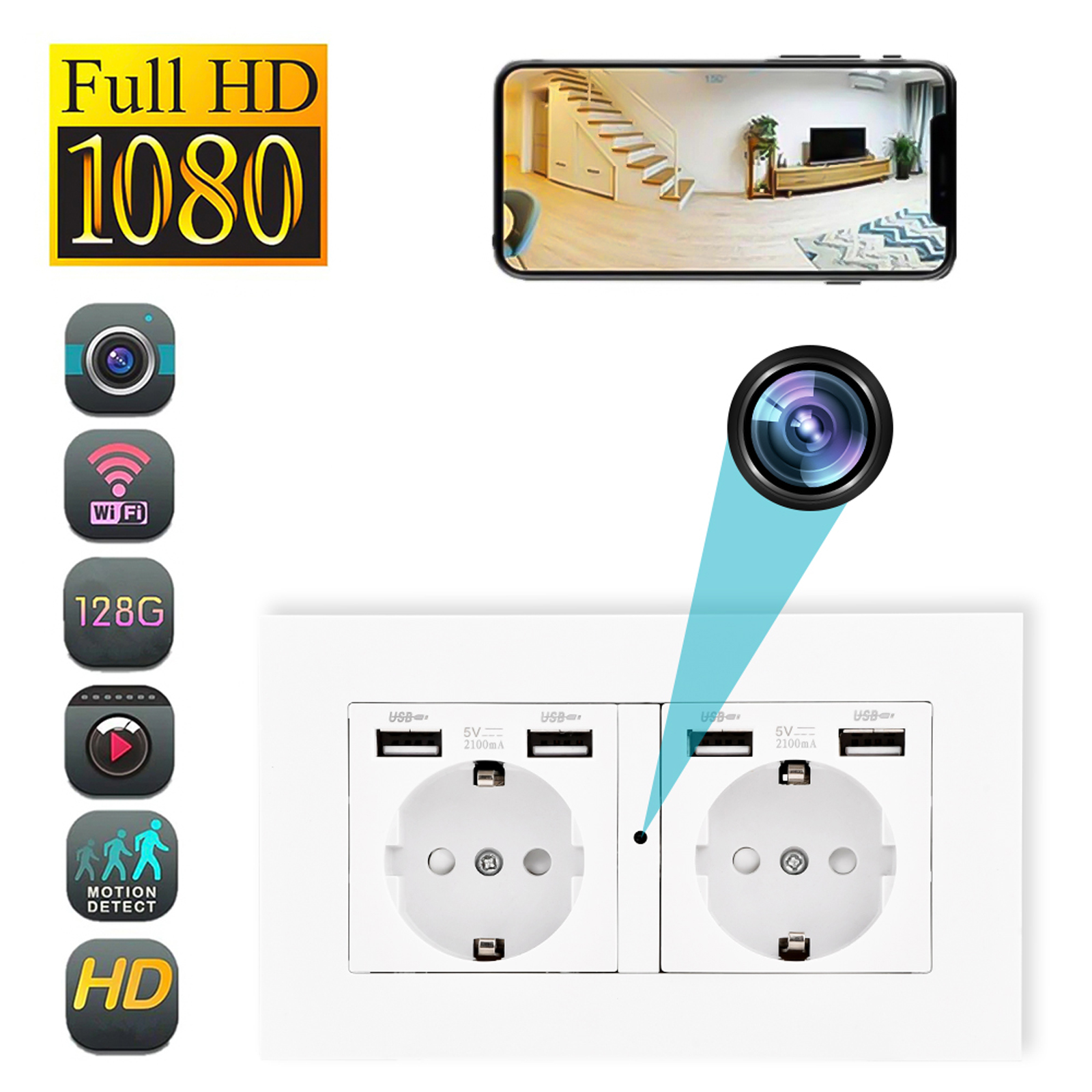
EU Plug Q25 White Mini Camera USB Socket Adapter with Motion Detection for Home Security Camcorder - 1080P HD WiFi
$133.80
Add to cart
MECO(TM) Wireless Security Entry Alarm System for Home Doors and Windows - Quick Installation with FREE Batteries! (Pack of 6)
$30.50
Add to cart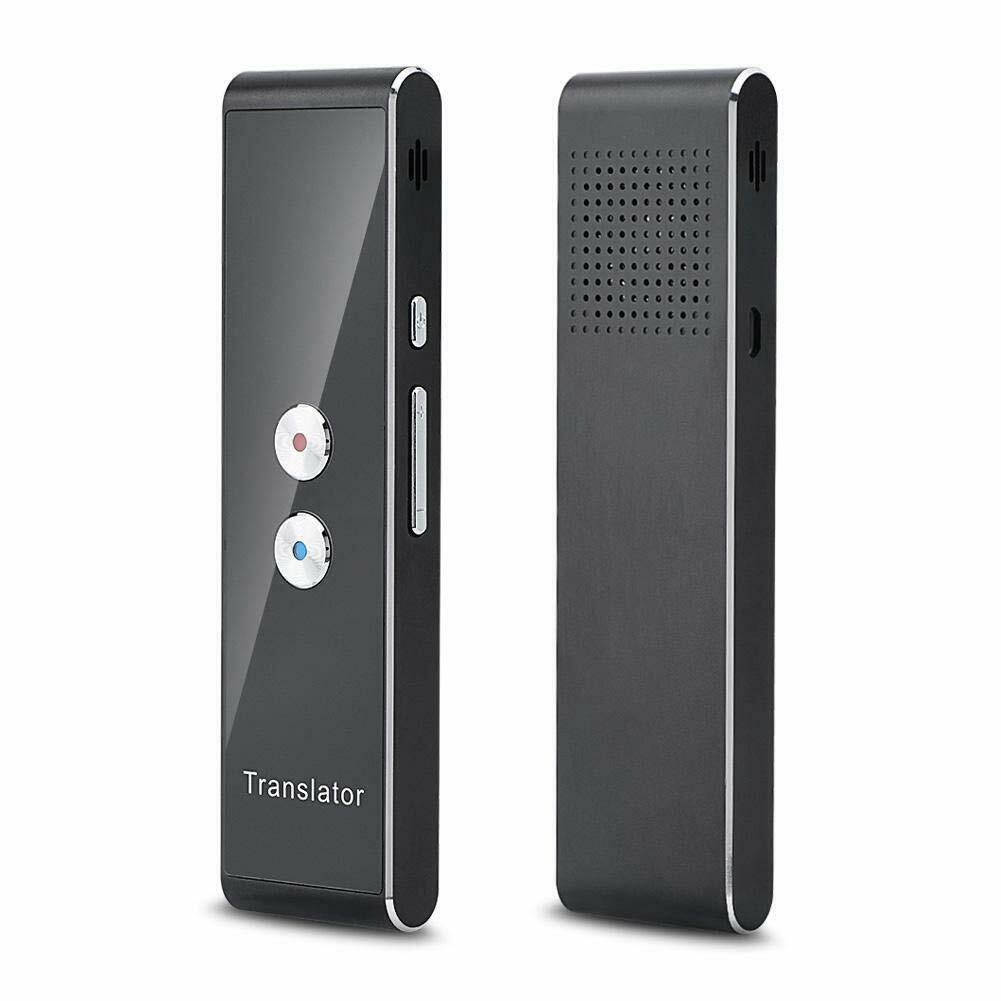
Unlock Your Potential Silver Smart Instant Real Time Voice Translator for 40 Languages
$61.90
Add to cartRelated products
-
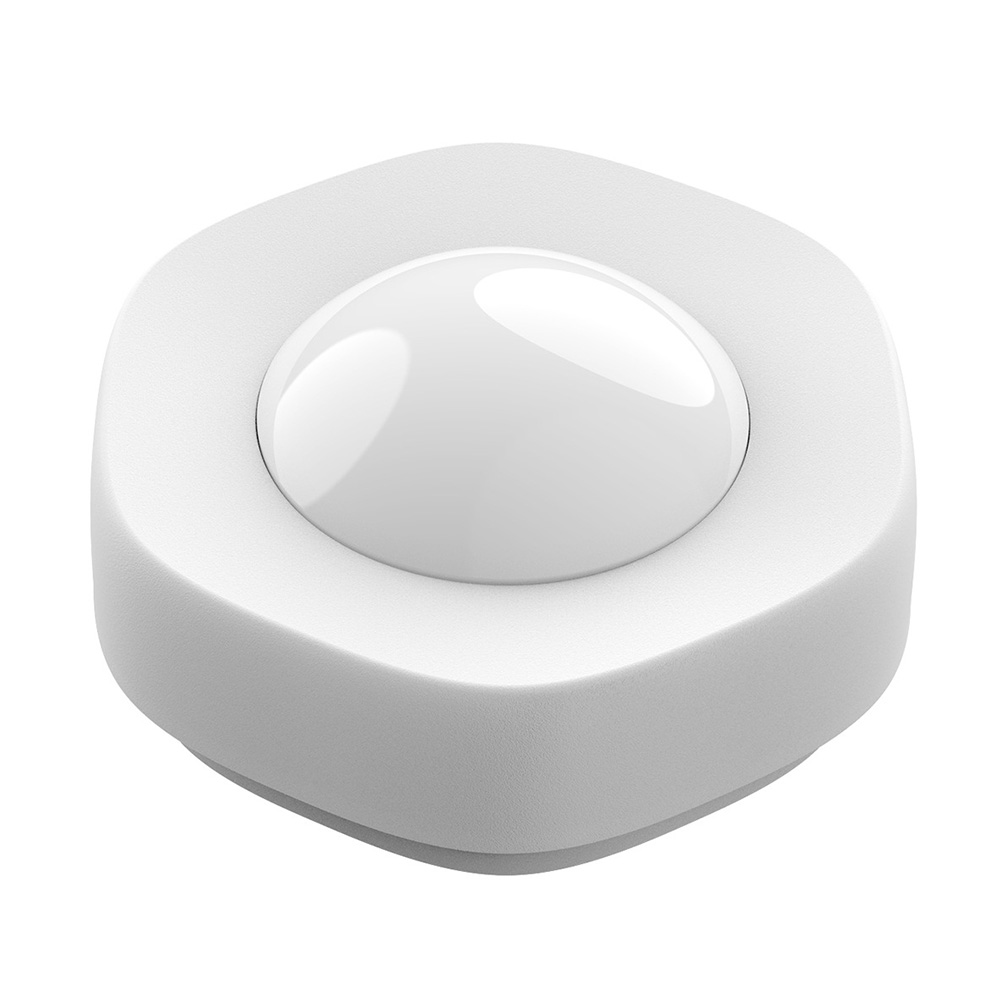
Smart Wireless WIFI Motion Sensor Human Body Detector – White
$60.70 -
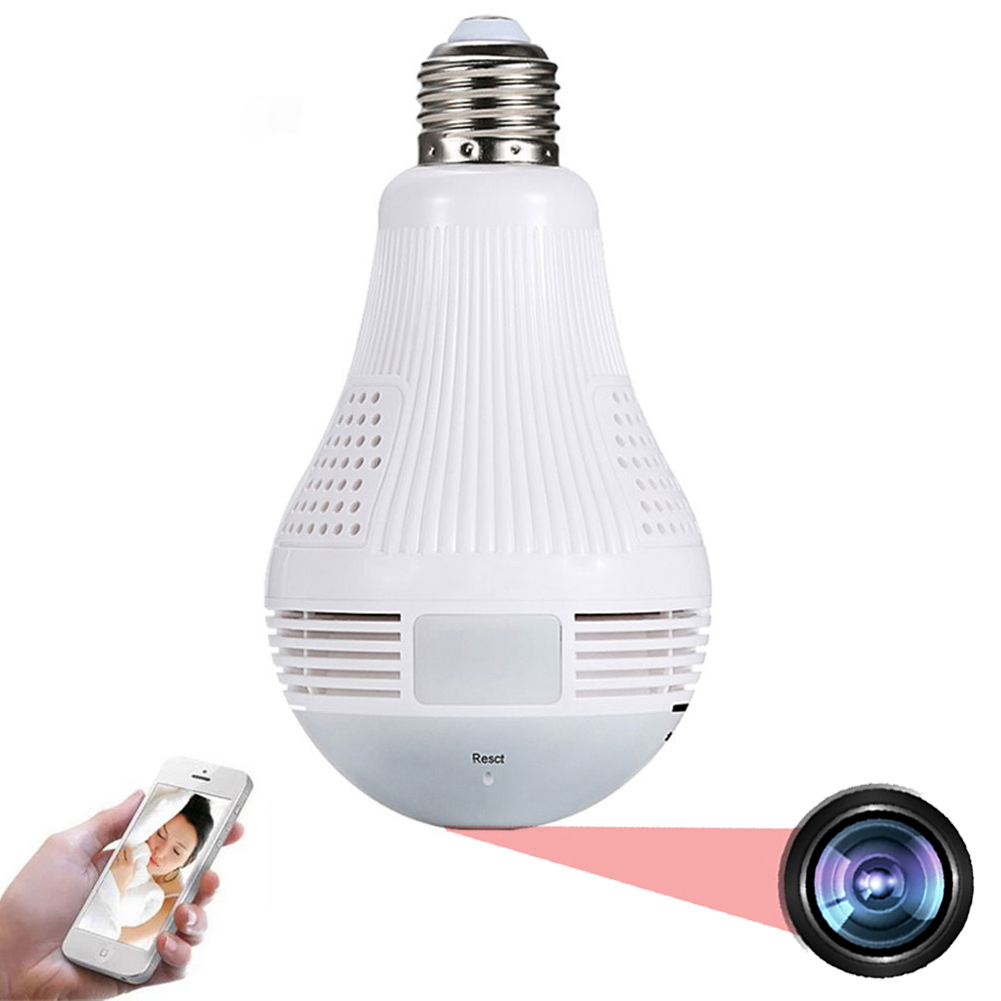
360 Degree Panoramic Light Bulb Camera with 960p 2.0MP H.265 Security, Wifi, IP CCTV, Video Surveillance, Fisheye HD, Night Vision, and Dual Light Source
$54.30 -
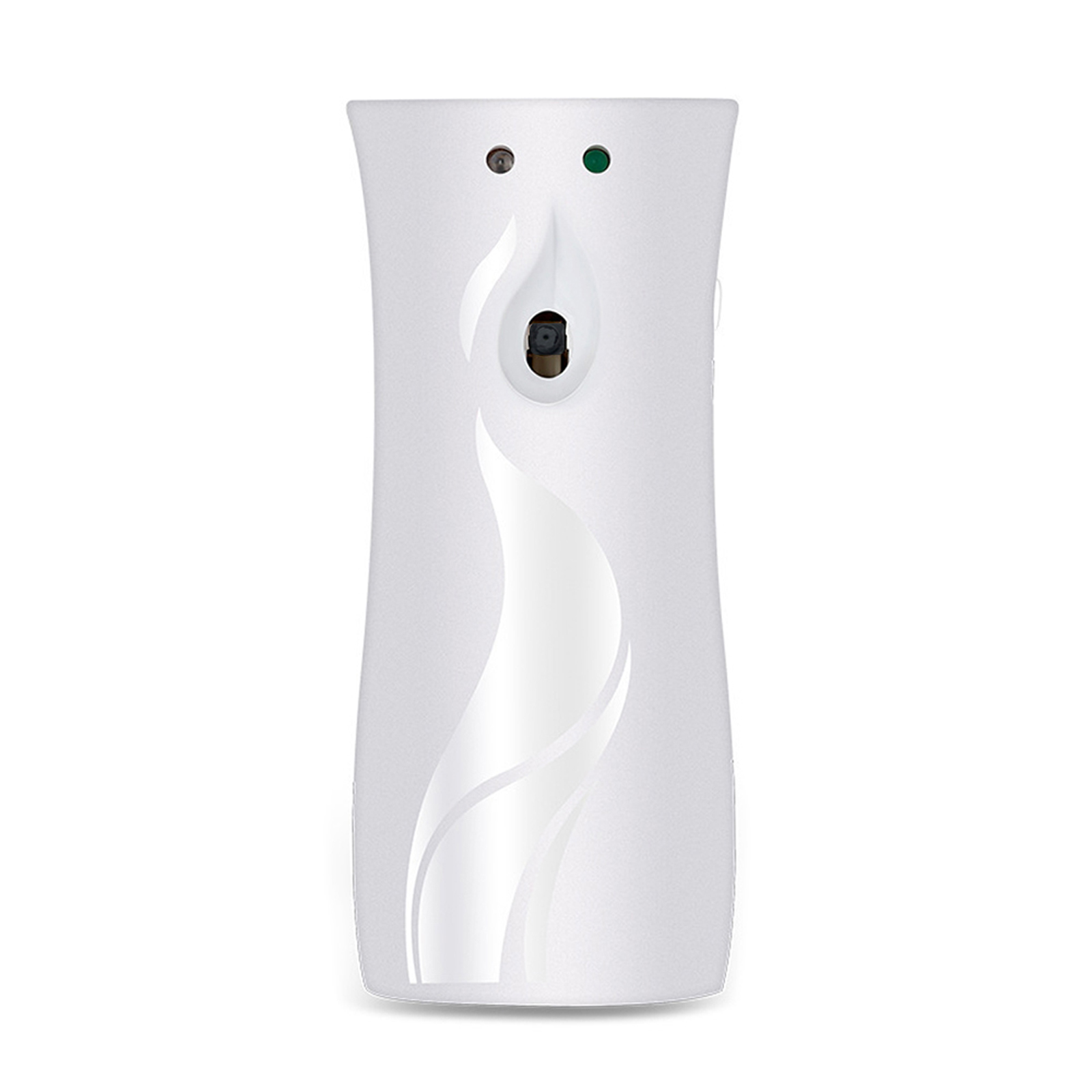
White Aroma Diffuser Design Mini Camera with Wifi, Night Vision, 1080P HD Video Surveillance Recorder for Home Security
$131.60 -
EU Plug Q25 White Mini Camera USB Socket Adapter with Motion Detection for Home Security Camcorder – 1080P HD WiFi
$133.80

Reviews
There are no reviews yet.