

MECO(TM) Wireless Security Entry Alarm System for Home Doors and Windows – Quick Installation with FREE Batteries! (Pack of 6)
$30.50
- MECO(TM) Wireless Home Doors Windows Security Entry Alarm System
- Easy to install, no tools required
- Includes 6 alarms in a pack
- Provides security for doors and windows
- Alerts you when someone enters or exits your home
- Wireless design allows for easy placement
- Comes with free batteries
- Ideal for home security and peace of mind
Buy more, save more
Buy 2–4 of this item and save 5%.
Buy 5 or more of this item and save 10%.
Discount is automatic in your cart on regular-priced items. It cannot be combined with coupon codes or sale prices.
Buy 2–4 of this item and save 5%.
Buy 5 or more of this item and save 10%.
Discount is automatic in your cart on regular-priced items. It cannot be combined with coupon codes or sale prices.
Country suggested using IP or browser language; you can change it. Shipping is confirmed at checkout.
Description
MECO(TM) Wireless Security Entry Alarm System for Home Doors and Windows – Quick Installation with FREE Batteries! (Pack of 6),
How to Use MECO(TM) Wireless Home Doors Windows Security Entry Alarm System
Step 1: Unboxing
- Open the package containing the MECO Wireless Home Doors Windows Security Entry Alarm System.
- Take out the 6 alarm units and ensure all necessary components are included.
Step 2: Installing Batteries
- Locate the battery compartment on each alarm unit.
- Using a small screwdriver, carefully open the battery compartment.
- Insert the provided batteries into the correct slots, making sure to follow the polarity markings.
- Close the battery compartment securely.
Step 3: Mounting the Alarms
- Select the desired location for each alarm unit, ensuring they are within range of the doors or windows you want to secure.
- Use double-sided adhesive pads or screws (not included) to mount the alarms onto the desired surface.
Step 4: Activating the Alarms
- Move the alarm switch to the “ON” position. You will hear a short beep indicating that the alarm is armed and ready to detect any unauthorized entry through the doors or windows.
Step 5: Testing the Alarms
- Open and close the door or window to trigger the alarm. You should hear a loud alarm sound to indicate that the system is working properly.
- Repeat this process for each alarm unit to ensure all devices are functioning correctly.
Step 6: Disabling the Alarms
- Move the alarm switch to the “OFF” position to deactivate the alarms.
Enjoy the peace of mind provided by the MECO Wireless Home Doors Windows Security Entry Alarm System, knowing that you have enhanced the security of your home with this user-friendly and easy-to-install solution!
, ,
Only logged in customers who have purchased this product may leave a review.
Popular items in this category
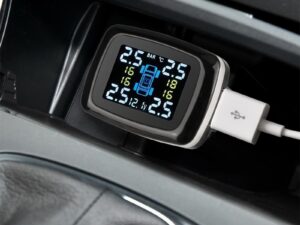
Tire Pressure Monitoring System Sensors Cigarette Lighter USB port Auto Security Alarm Systems Tire Pressure
$29.61
Add to cart
Join the Elite Club with Outdoor WiFi Camera with Dual Lens, 4K Resolution, 8MP, Wireless, PTZ Security, Night Vision, AI Humanoid Detection, Auto Tracking, Two-Way Audio, ONVIF H.265+, IP Cameras
$16.10
Add to cart
Best Offer Intelligent Thermostatic Radiator Valve with Zigbee Connectivity for Smart Home Control via APP, Voice, Alexa and Google Home
$16.10
Add to cart
Sensational Savings Wireless Smart Camera with WiFi Connectivity, 1080p Resolution, IR Night Vision, AI Motion Detection, Wide Angle View, Dual Storage, and Enhanced Security Features
$16.10
Add to cartSimilar items you might like

Join the Elite Club with ESCAM QF005 3MP WiFi IP Camera with Dual Light Source, Motion Detection, Two-way Intercom, Night Vision, and Memory Card Support for Home Security Monitoring
$16.10
Add to cart
Exceptional Smart Home Zigbee 3.0 Human Presence Sensor with Microwave Radar Detection - Sonoff SNZB-06P - Compatible with IFTTT, Alexa, and Google Home
$16.10
Add to cart
Discover the Secret Hiseeu 4K 32-Channel NVR for IP Camera Security Surveillance System with H.265+ Support, 5MP DVR, Network Video Audio Recorder, Humanoid Detection, and EU Plug
$16.10
Add to cart
Limited-Time Offer HD WiFi PTZ Camera with ICSEE App for Remote Monitoring, Night Vision, Motion Detection, Two-Way Audio, Alarm Alerts, Video Playback, and Home Security Surveillance
$16.10
Add to cartProducts related to this item
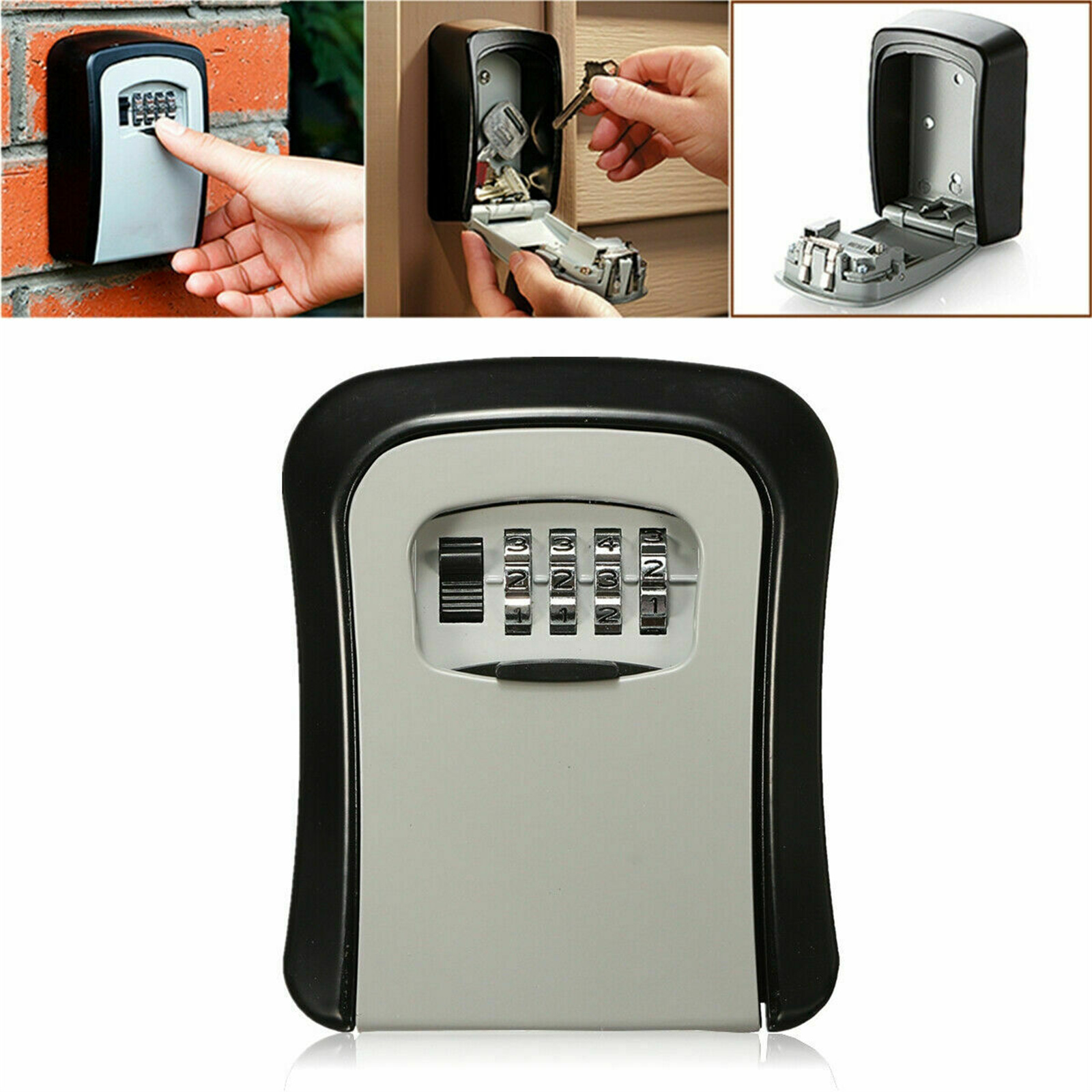
Grey 4 Digit Combination Key Lock Box: Dustproof Safe for Security Storage and Organization
$64.00
Add to cart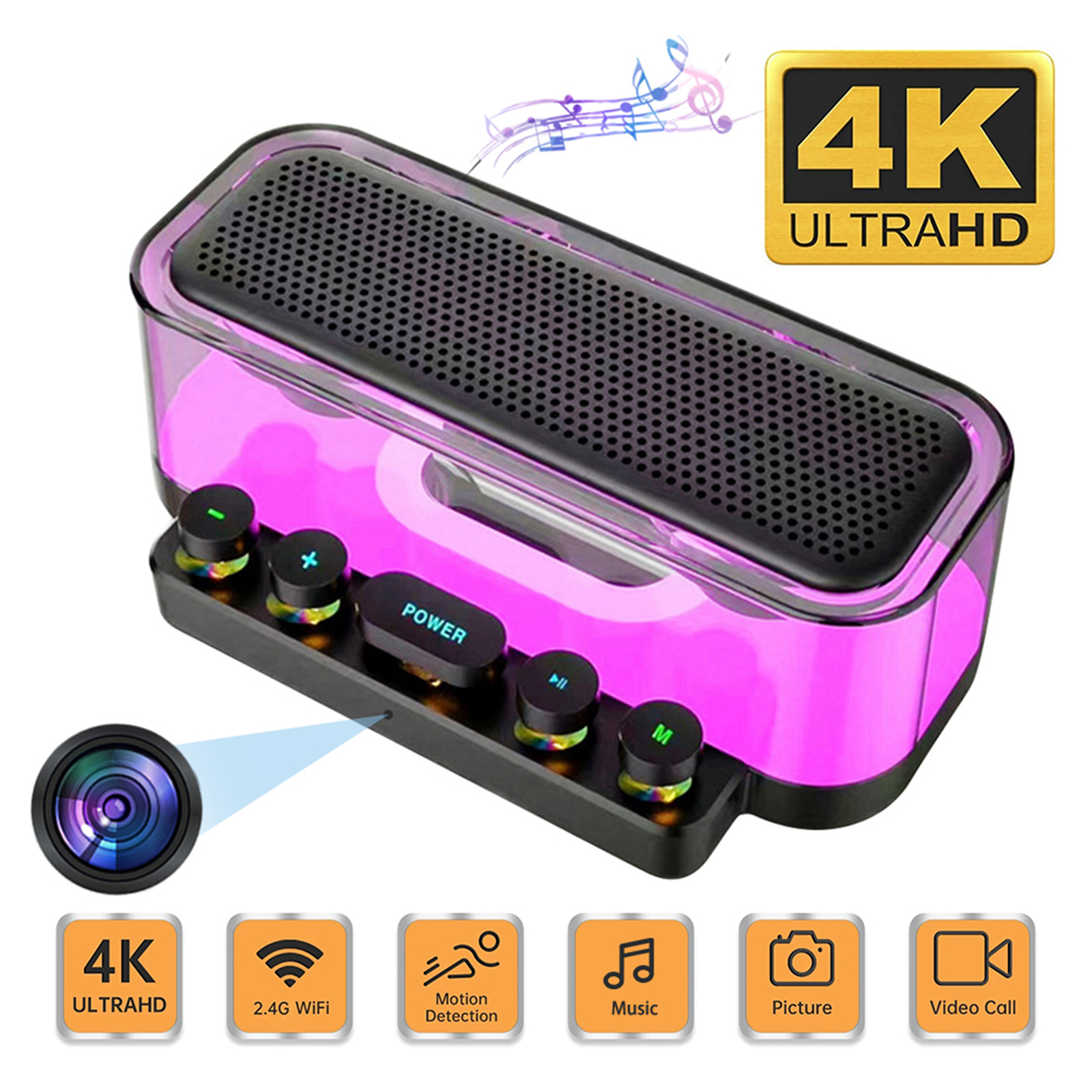
Premium Camera Speaker 160° Wide Angle 5MP Pixel Lens Easy Operating Premium Speaker Cams 1080P Mini Home Camcorders
$138.60
Add to cart
Home Security Water Immersion Sensor: Remote Alarm Flood Water Leak Detector with Soaking Sensor - White
$46.60
Add to cart
White A10 Baby Monitor with Intelligent Video, Two-way Voice Calling, 100-degree Super Wide-angle Lens, 1080p Resolution High-definition Vision Camera
$177.70
Add to cartProducts you may also like
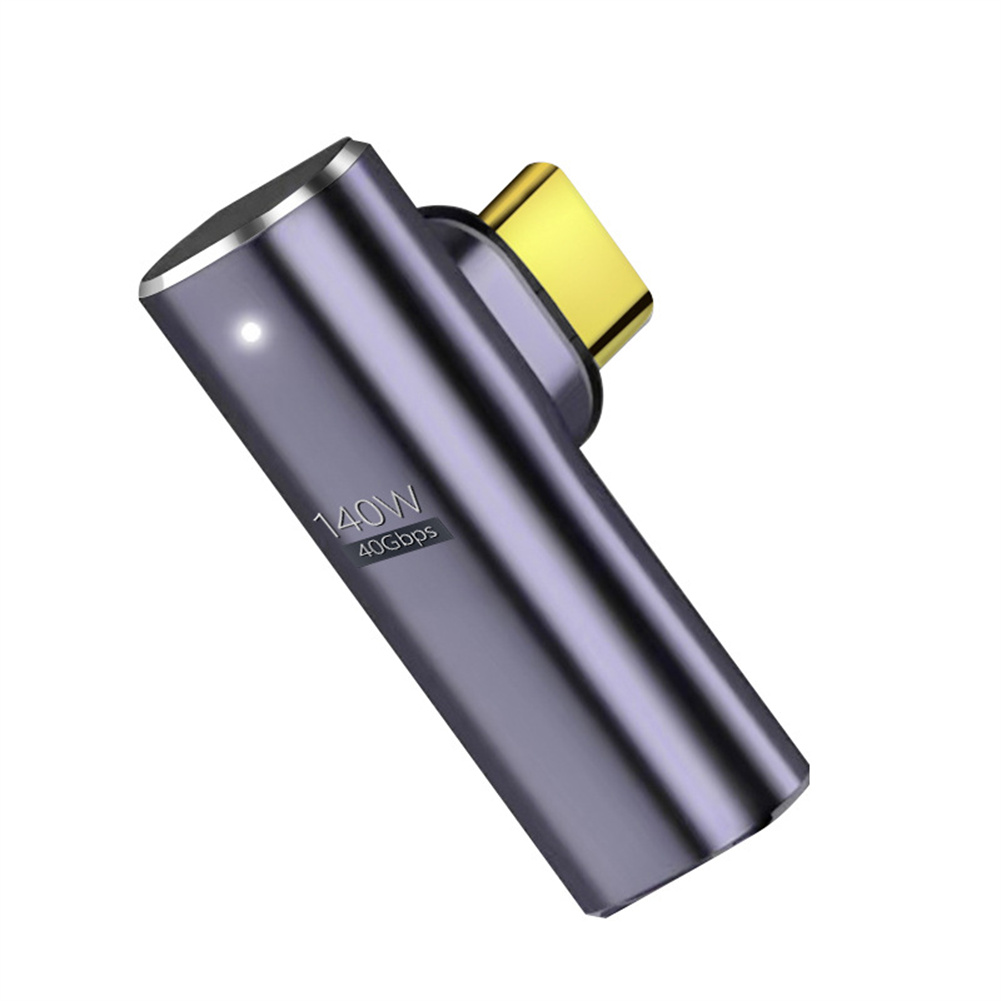
Uncover Your True Potential with Magnetic Type-C Adapter with 140W Fast Charging, 40Gbps Data Transfer, 8K HD Video Transmission and Elbow Design
$25.80
Add to cart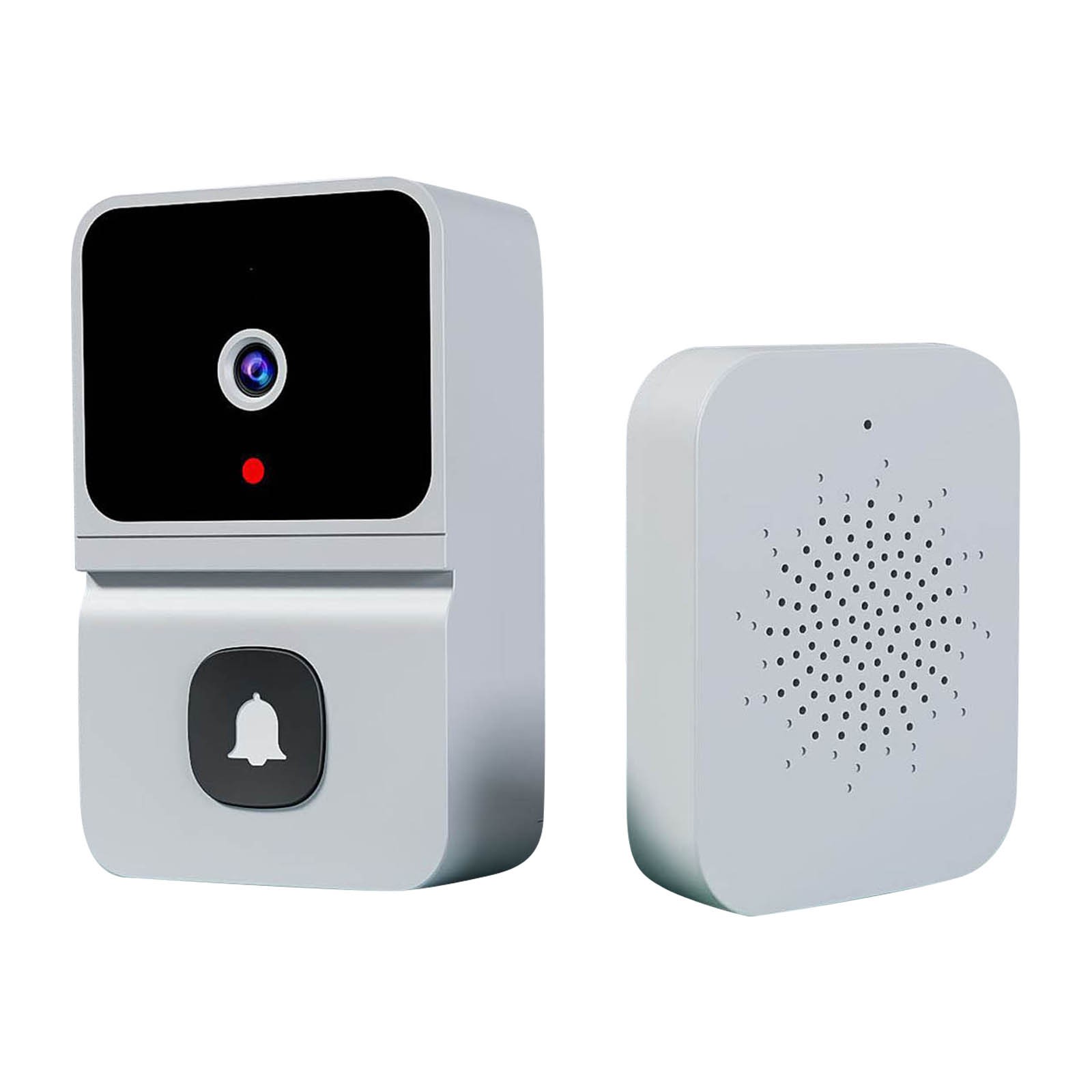
Wireless HD Video Doorbell Camera Z30 with Chime, Night Vision, 2.4ghz Wifi, Smart Door Bell, Two-Way Audio, in White
$47.00
Add to cart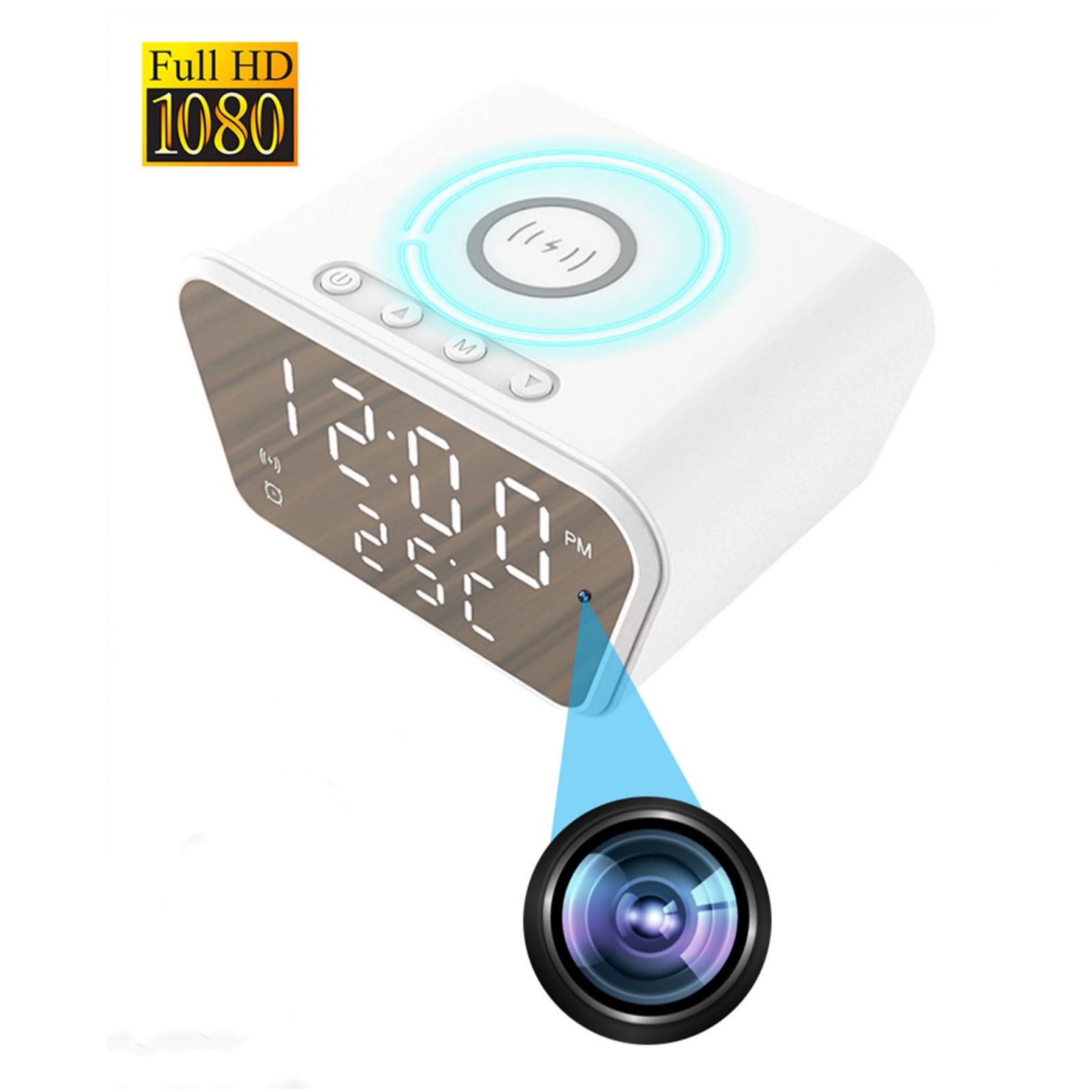
Epic Wireless Charging Alarm Clock Cam White with Night Vision, Motion Detection, and 1080P Full HD Wifi Mini Camera
$140.90
Add to cart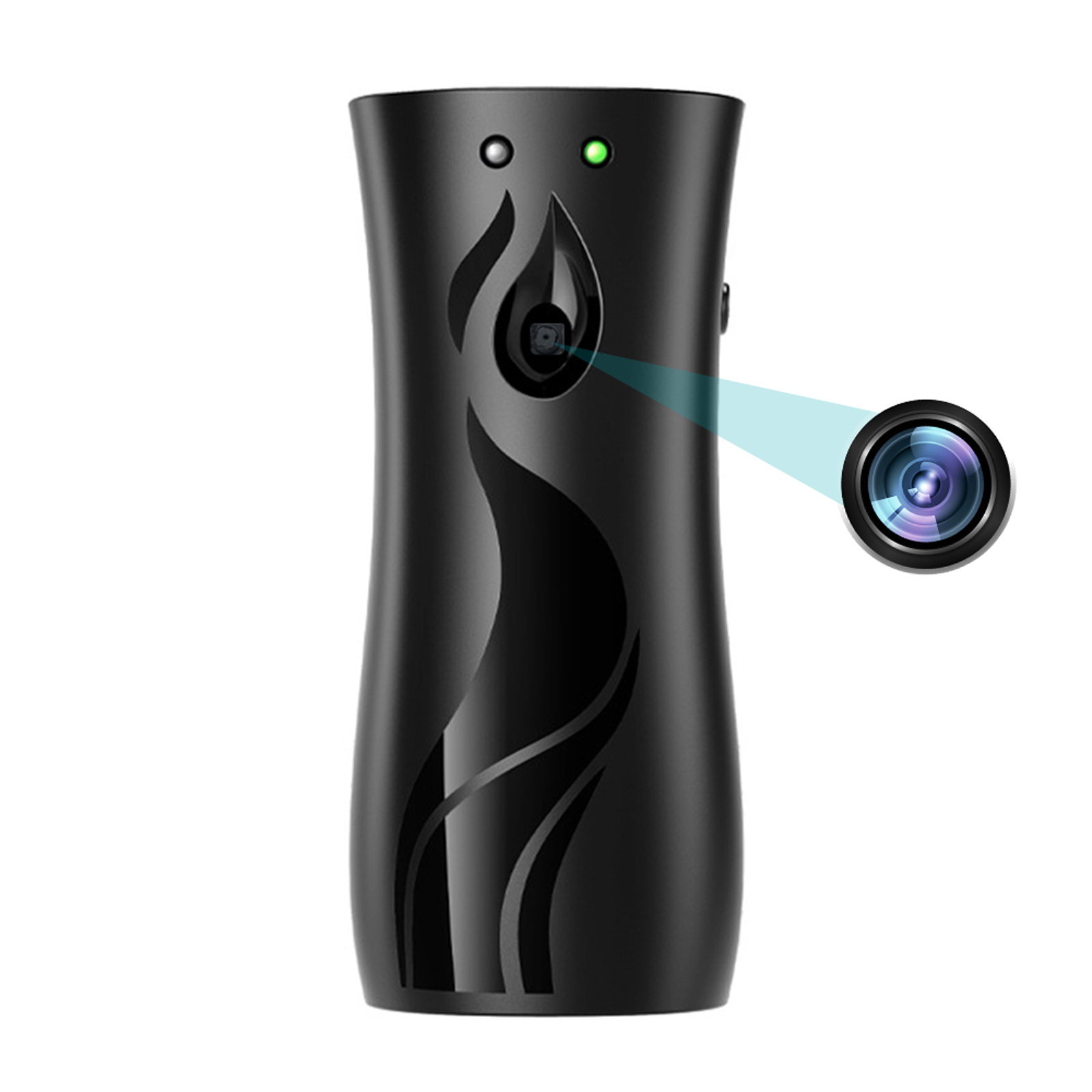
Black Aroma Diffuser Design Mini Camera - 1080P HD, Wifi, Night Vision, Home Security Video Surveillance Recorder
$131.60
Add to cartRecommended for You
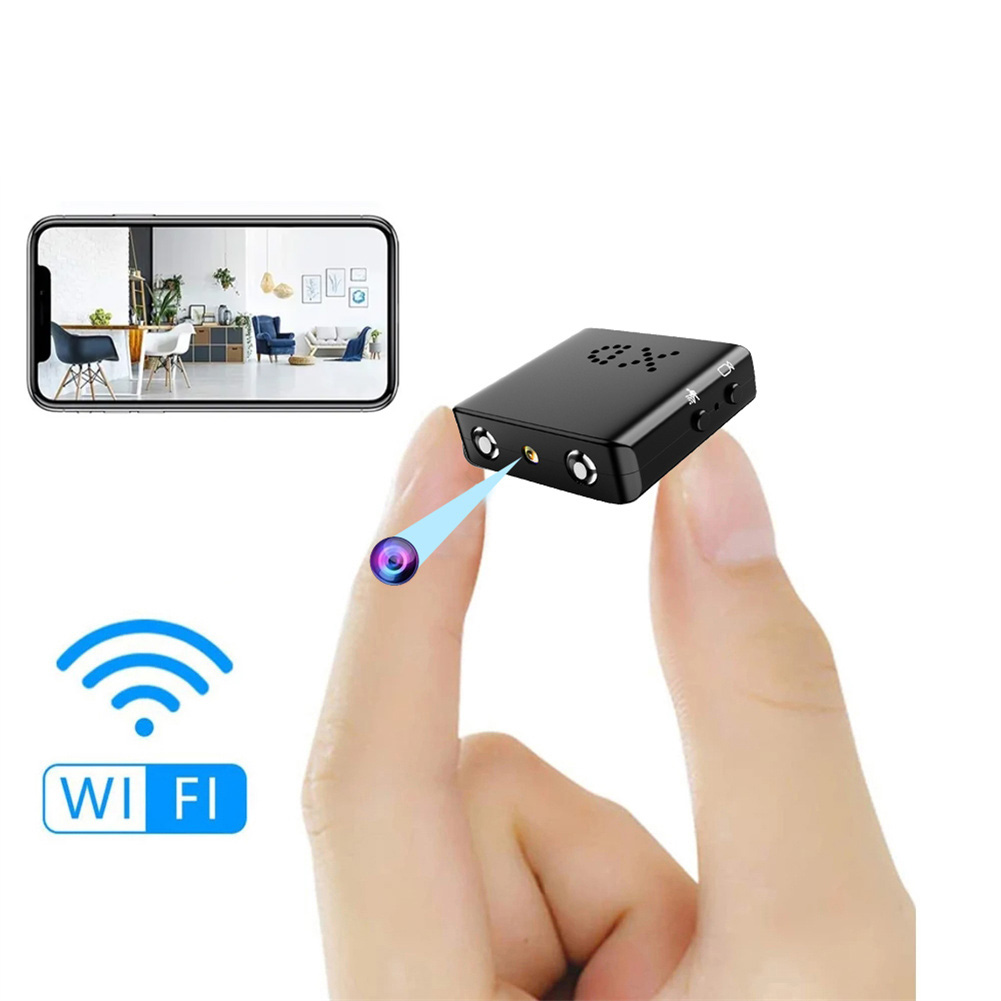
Bkw1 Hidden Camera - Ultra Compact Mini WiFi 1080P IR-Cutting Camera with Night Vision, Motion Detection, and Battery-Free Operation
$59.60
Add to cartDiscover the Secret with Camera Speaker 160° Wide Angle 5MP Pixel Lens Easy Operating Premium Speaker Cams 1080P Mini Home Camcorders
$131.10
Add to cart
Guaranteed Satisfaction Outdoor Mini Tracking Hunting Camera with 36MP, 1080P Resolution, Night Vision, and 32 Infrared LEDs for Home Security Monitoring in Farms and Orchards
$16.10
Add to cart
Spectacular Wireless Smart Tuya Security Camera with 2MP Resolution, PTZ, Night Vision, Motion Detection, Two-way Intercom, Remote Phone Monitoring, and Alarm for Indoor Home Surveillance
$16.10
Add to cartRelated products
-
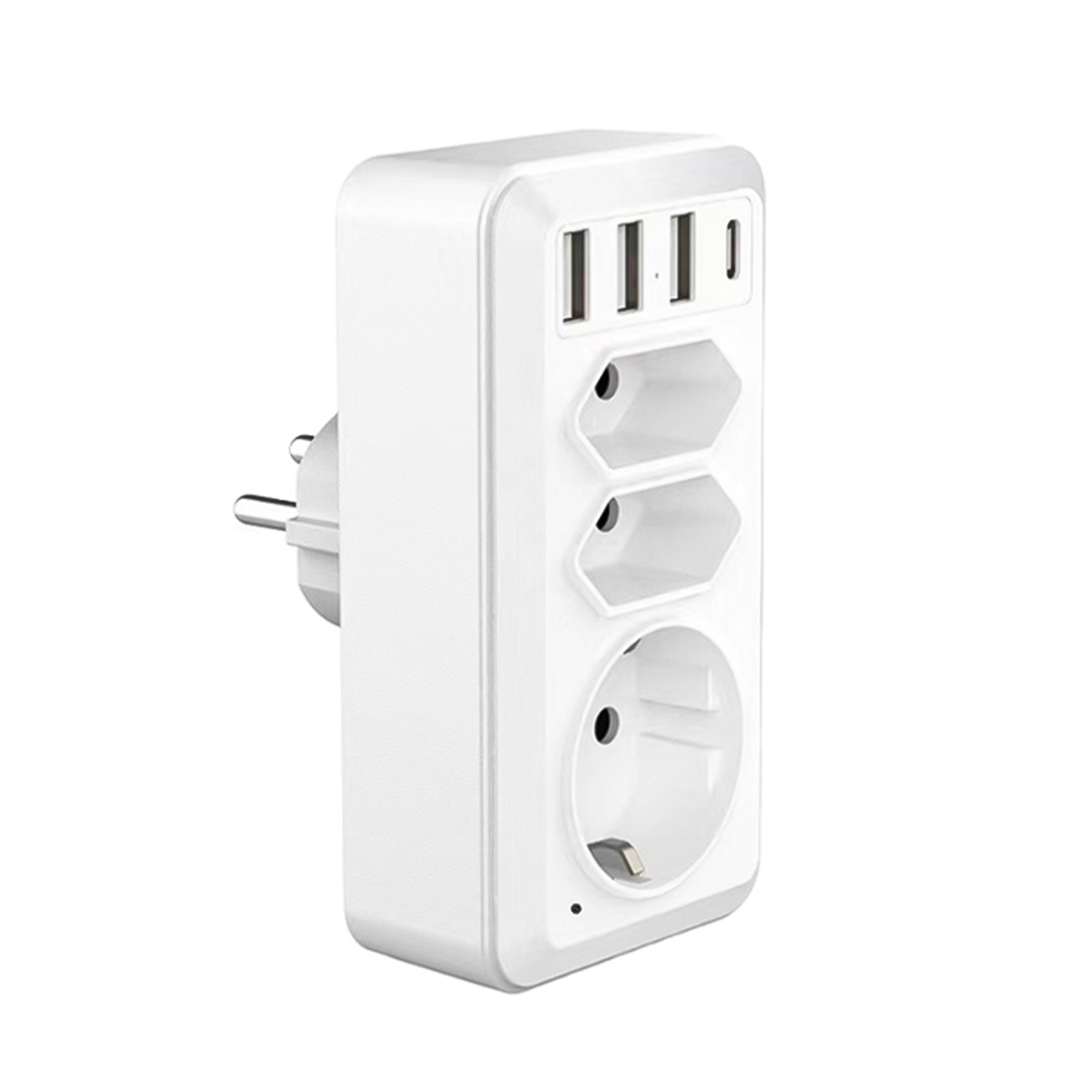
White EU Plug Portable Home Security Cam with USB Type-C Interface – HD WiFi Camera Wall Socket Camcorder
$139.40 -
Wireless HD Video Doorbell Camera Z30 with Chime, Night Vision, 2.4ghz Wifi, Smart Door Bell, Two-Way Audio, in White
$47.00 -
Grey 4 Digit Combination Key Lock Box: Dustproof Safe for Security Storage and Organization
$64.00 -
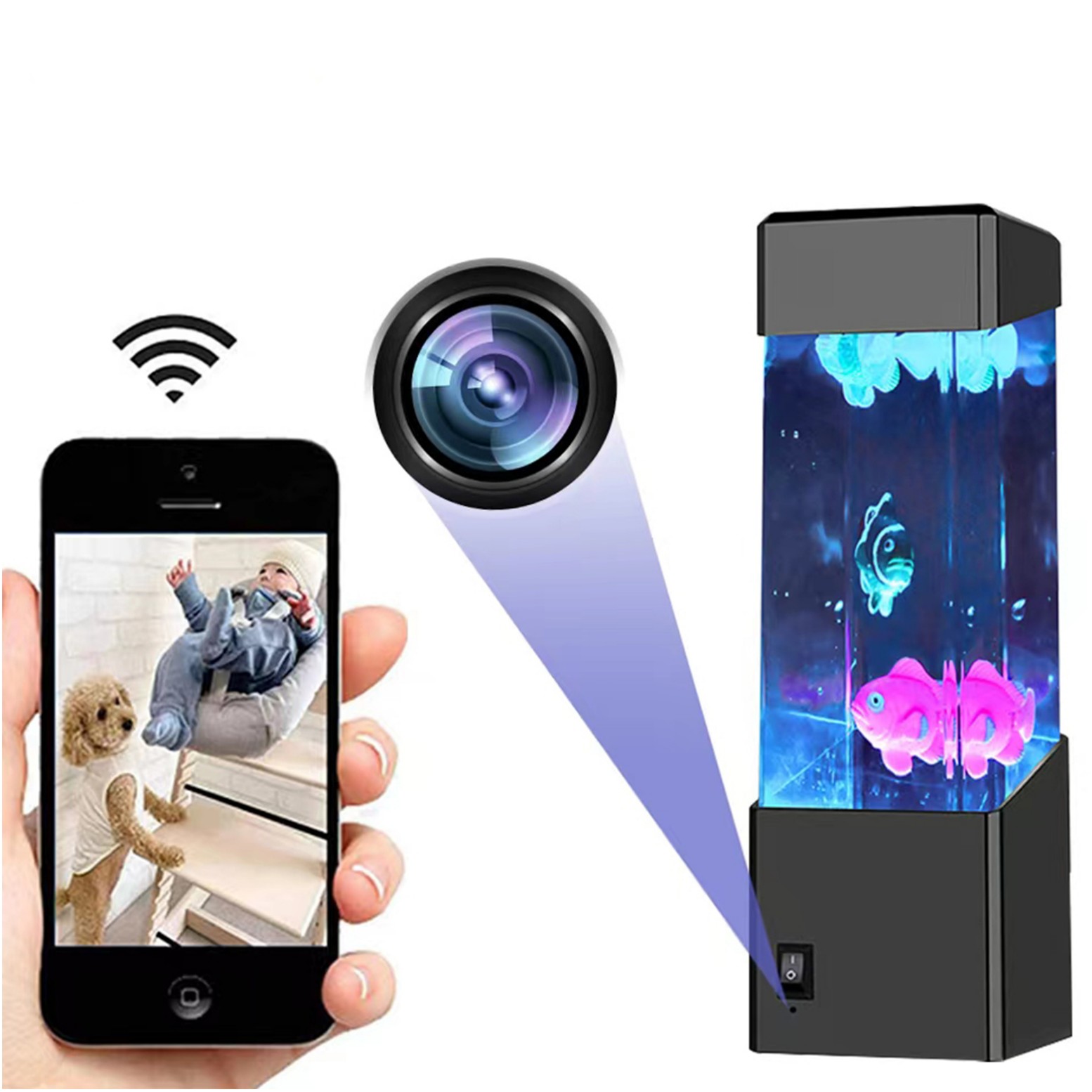
Black Wifi Camera with HD 1080p Resolution, Motion Detection, and Home Security Capabilities
$138.20

Reviews
There are no reviews yet.