
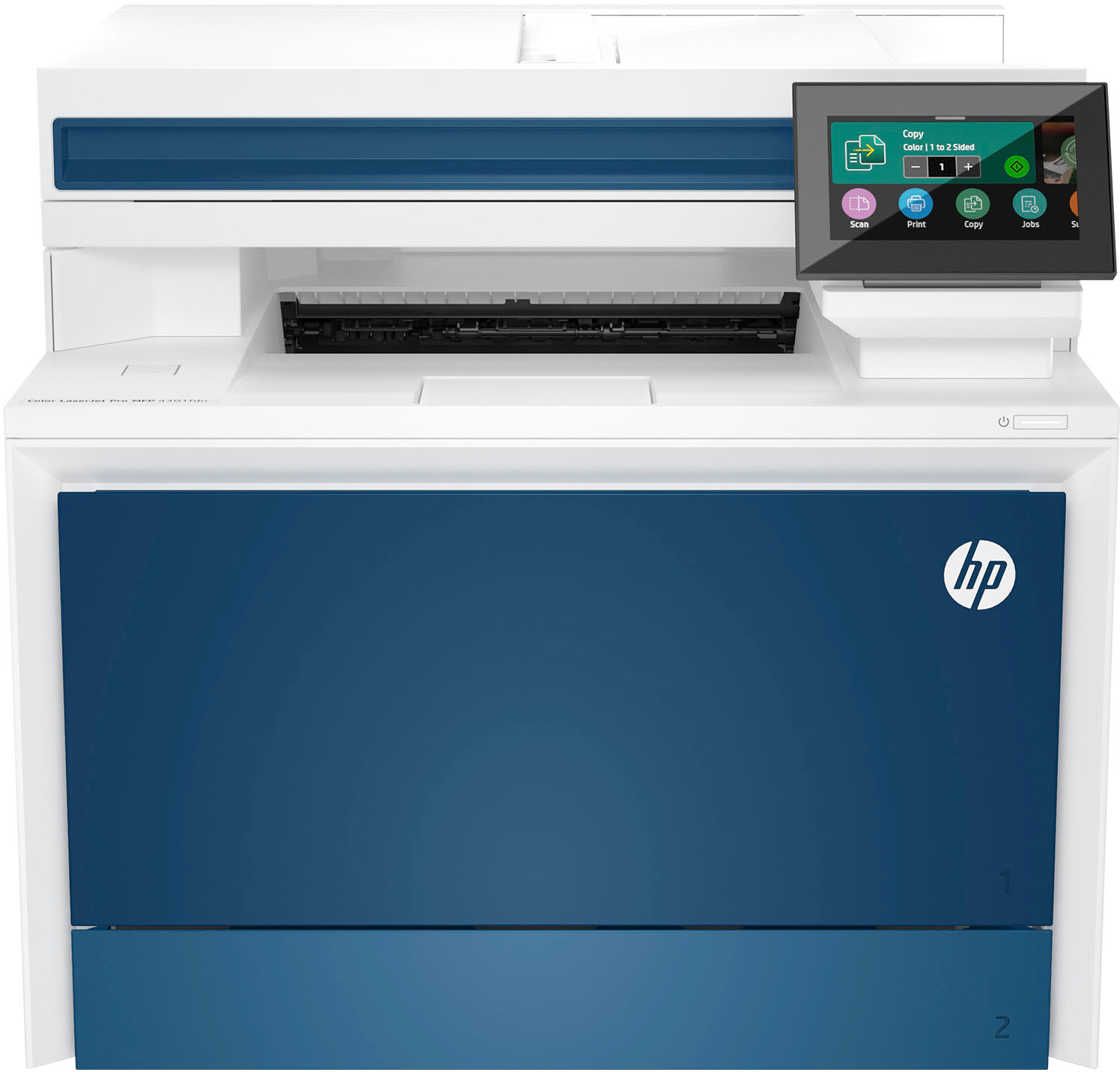
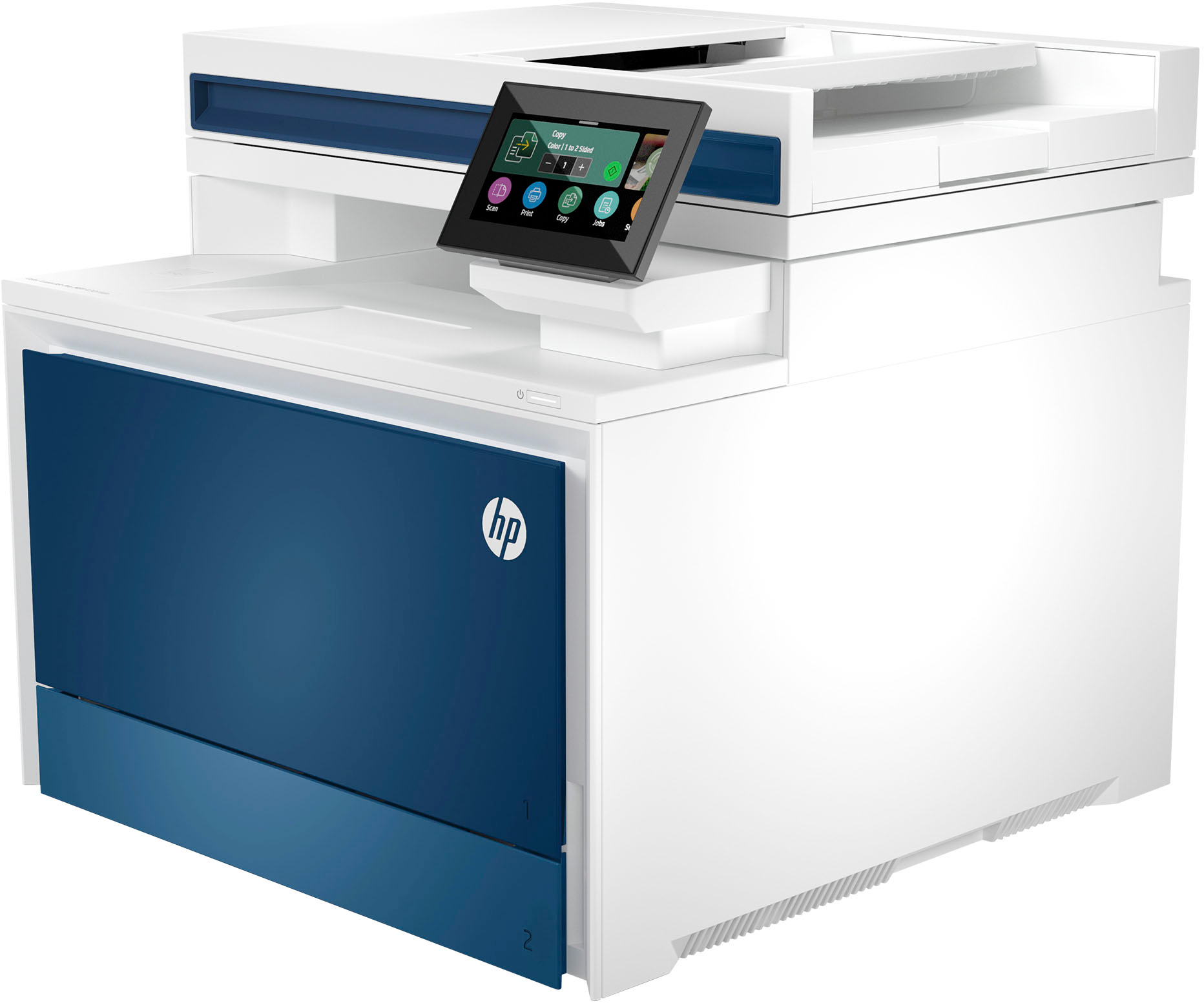
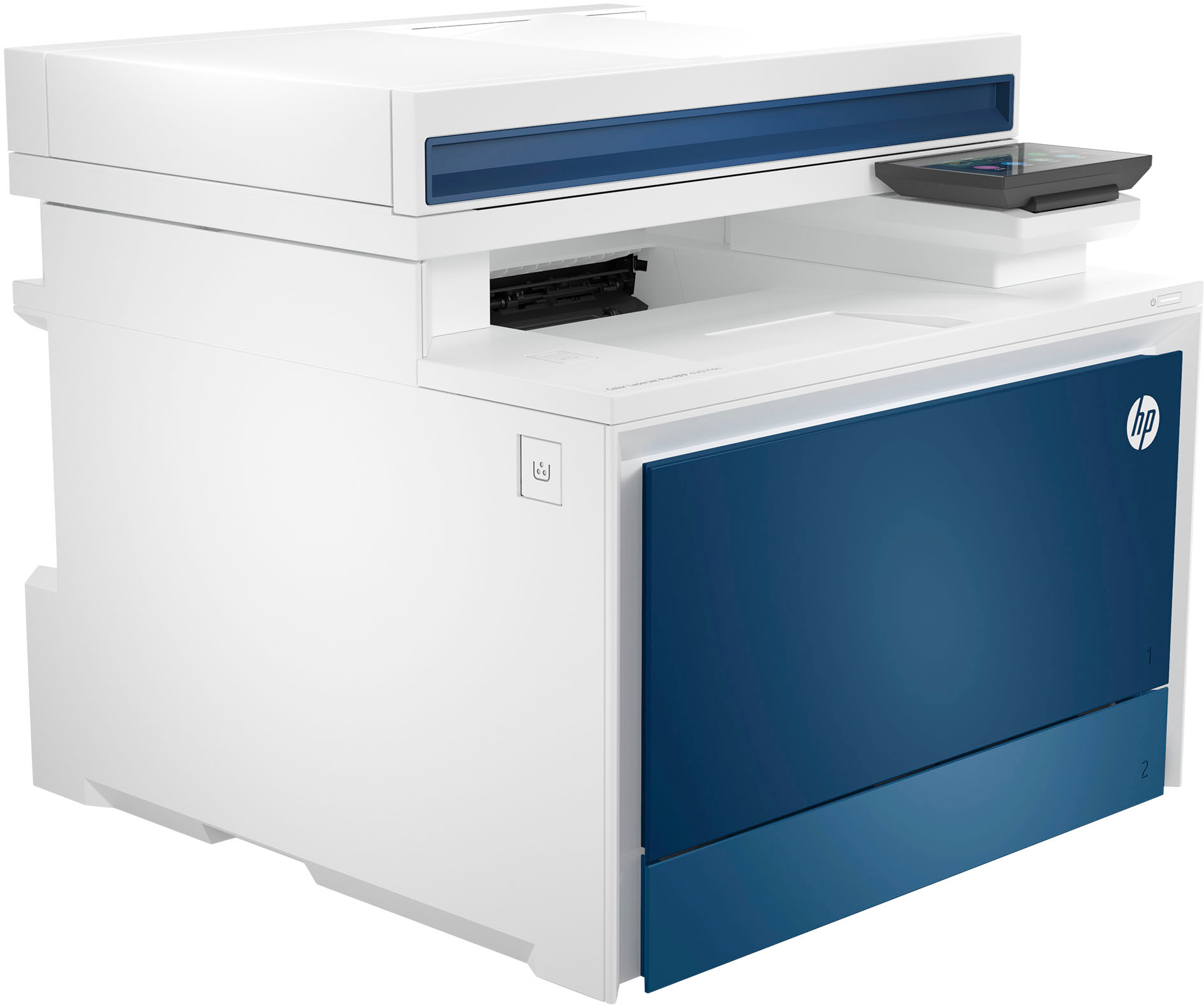
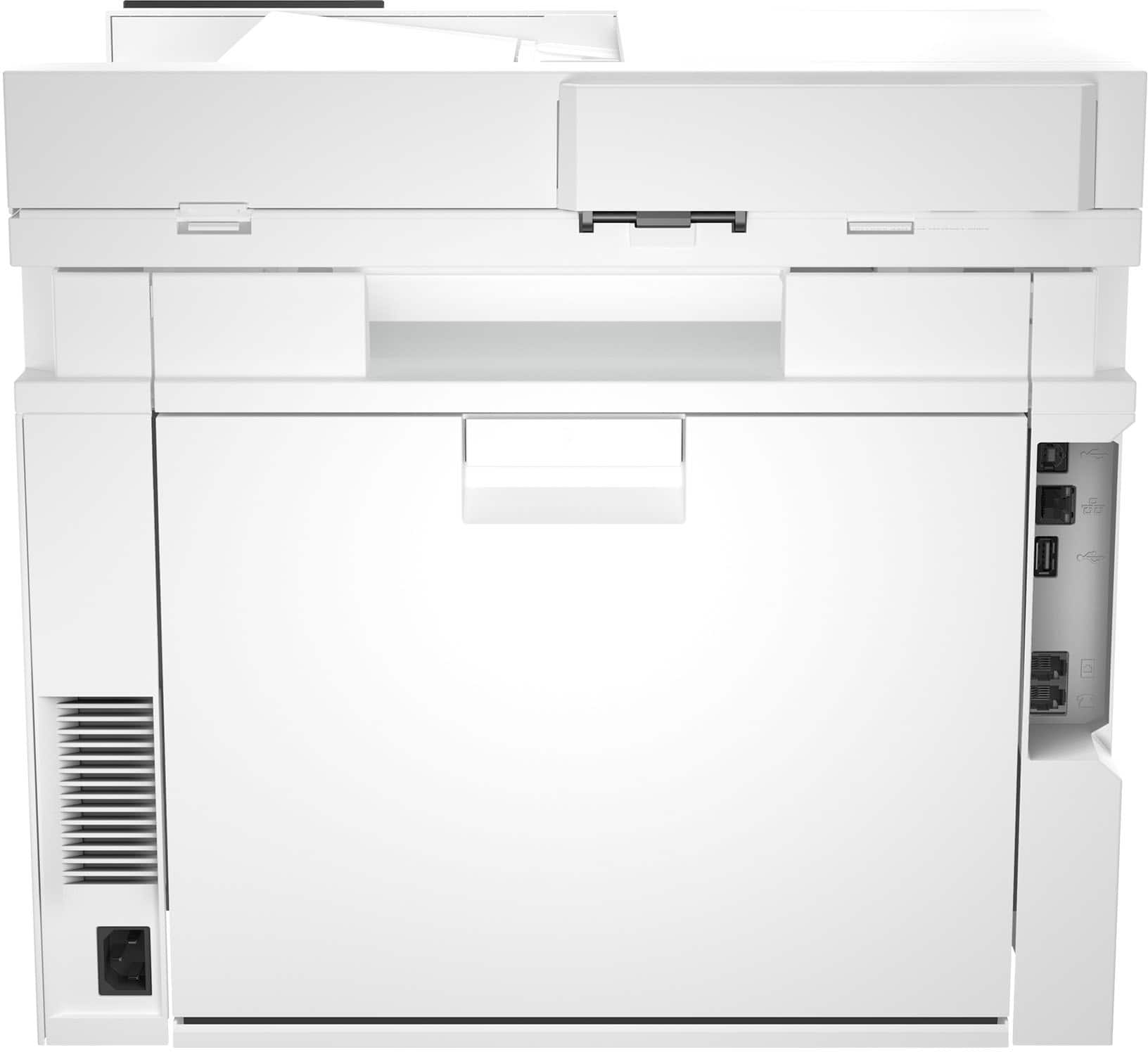
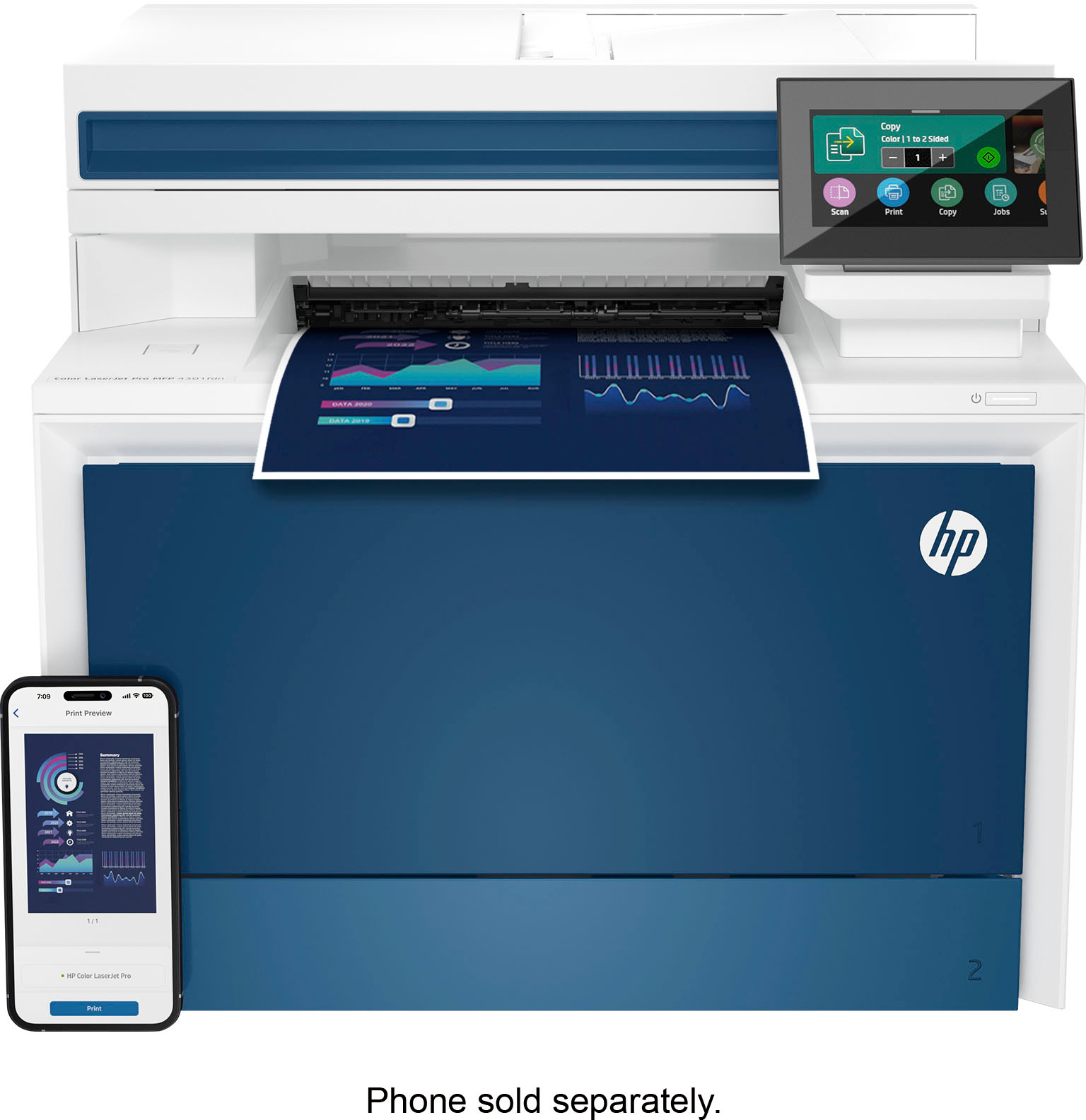
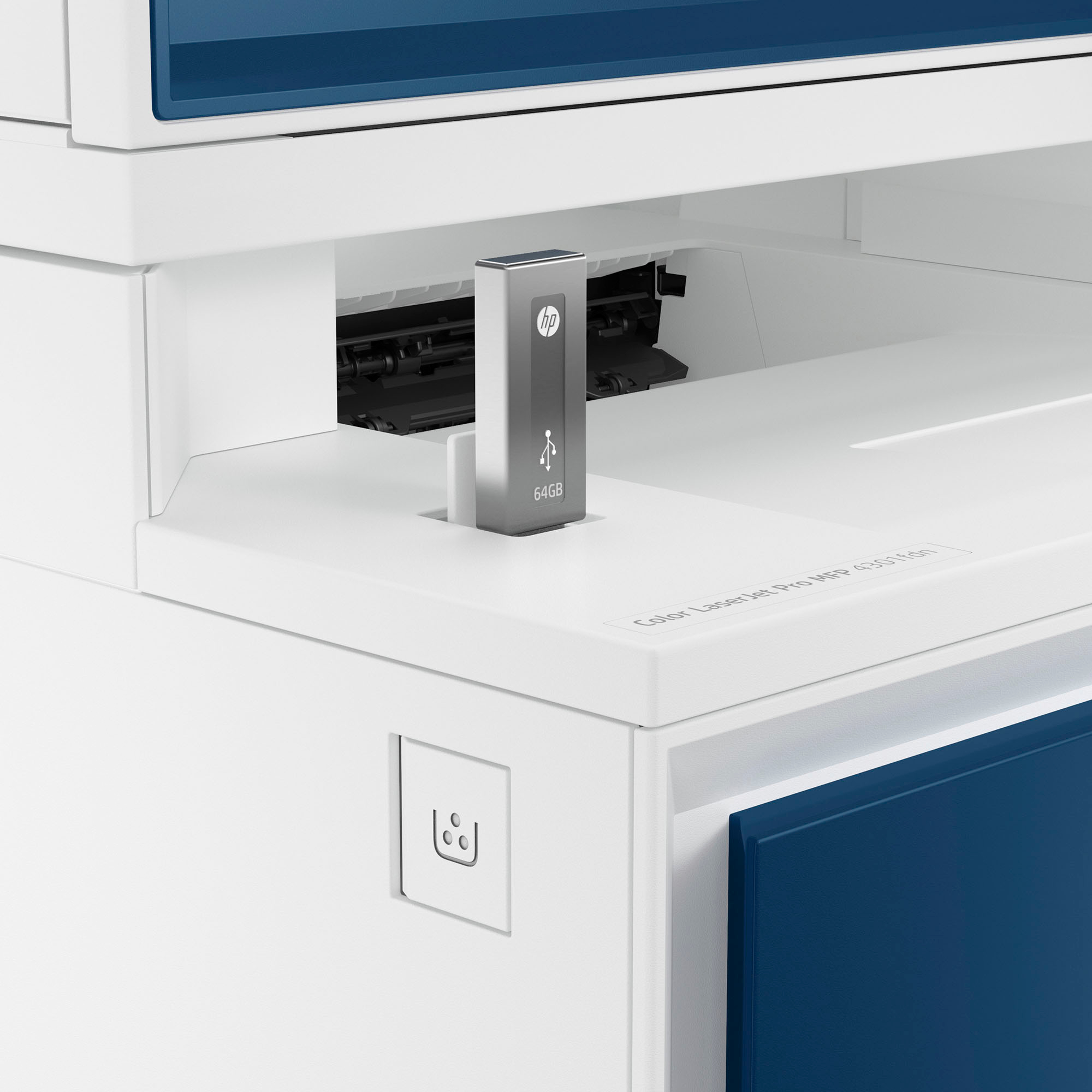
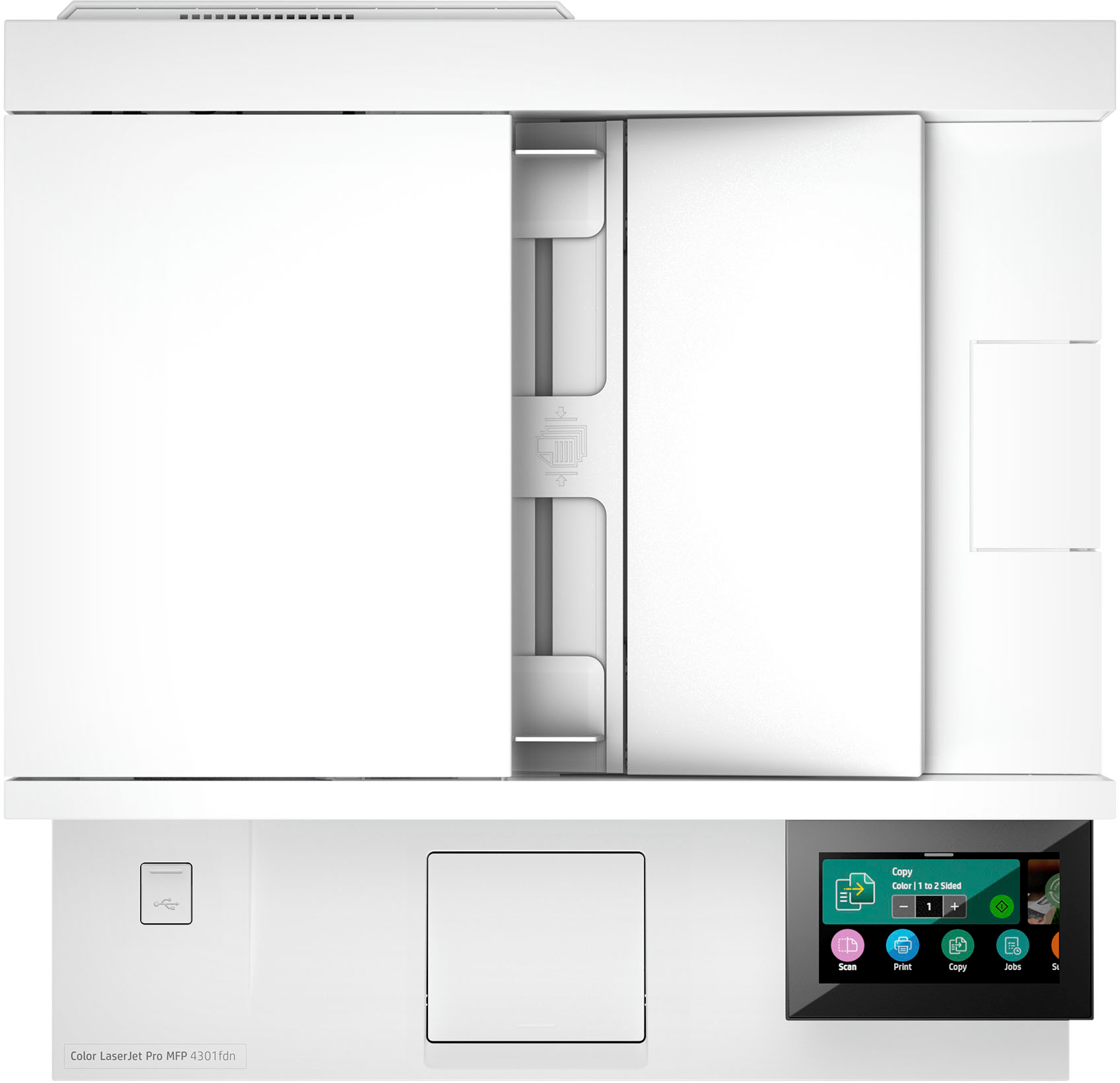
HP LaserJet Pro 4301fdn Printer
$1,245.50
- High-speed, multi-feature printer
- Ideal for up to 10 users
- Super fast and super easy
- Advanced features for small teams
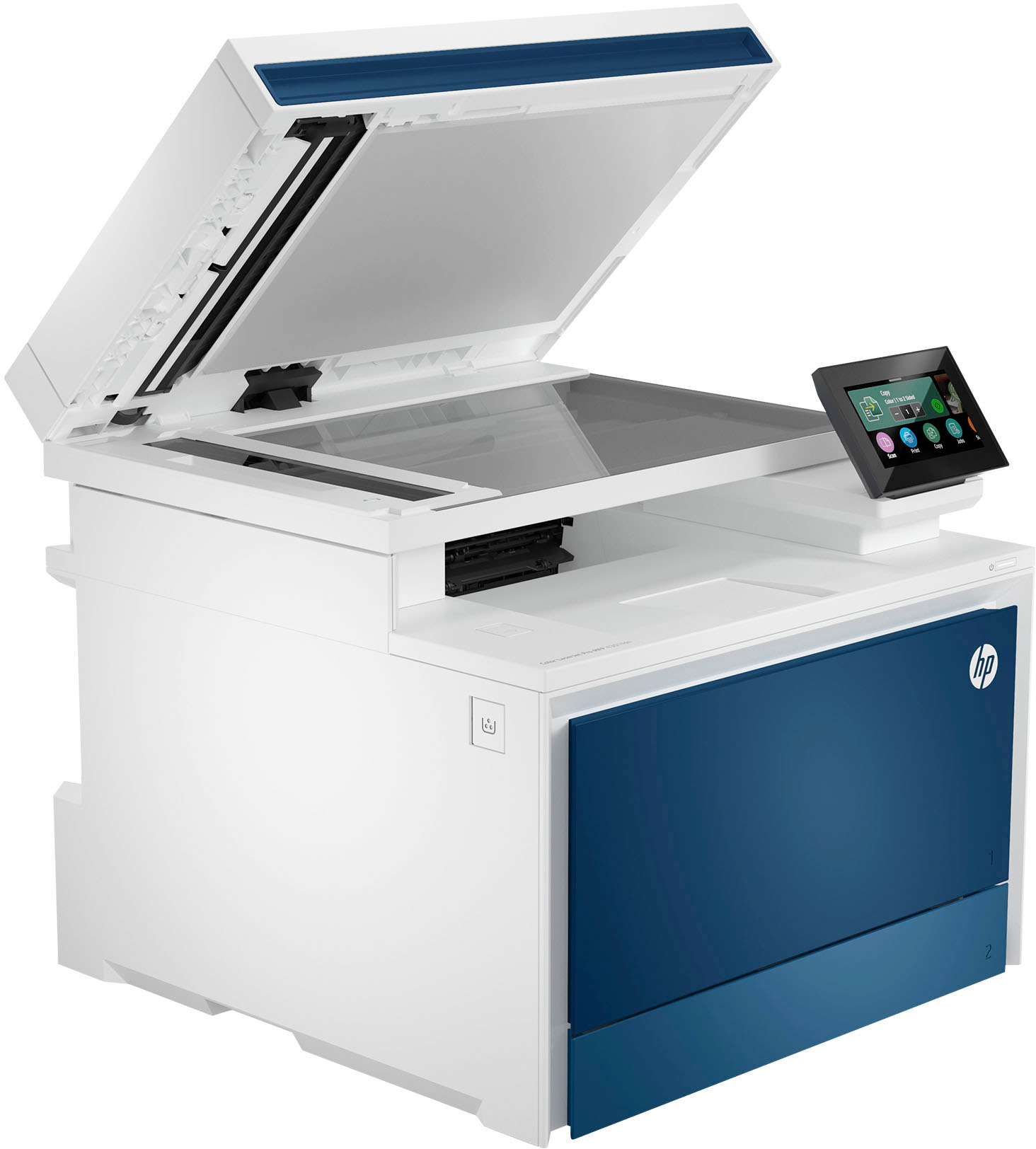
- Dual-sided scanning capability
- Saves time by scanning both sides with a single pass
Buy more, save more
Buy 2–4 of this item and save 5%.
Buy 5 or more of this item and save 10%.
Discount is automatic in your cart on regular-priced items. It cannot be combined with coupon codes or sale prices.
Buy 2–4 of this item and save 5%.
Buy 5 or more of this item and save 10%.
Discount is automatic in your cart on regular-priced items. It cannot be combined with coupon codes or sale prices.
Country suggested using IP or browser language; you can change it. Shipping is confirmed at checkout.
Description
HP LaserJet Pro 4301fdn Printer,
How to Use the HP LaserJet Pro 4301fdn Color All-in-One Laser Printer
Table of Contents
- Powering on the Printer
- Installing the Printer Drivers
- Printing a Document
- Scanning a Document
- Copying a Document
- Faxing a Document
Powering on the Printer
- Make sure the printer is plugged into a power source.
- Press the power button located on the front of the printer.
- Wait for the printer to power on and initialize.
Installing the Printer Drivers
- Insert the CD-ROM that came with the printer into your computer’s CD/DVD drive.
- Follow the on-screen instructions to install the printer drivers.
- If you don’t have the CD-ROM, you can download the drivers from the HP website.
Printing a Document
- Open the document you want to print on your computer.
- Select “Print” from the file menu or press Ctrl+P.
- Select the HP LaserJet Pro 4301fdn printer from the list of available printers.
- Choose your desired print settings and click “Print”.
Scanning a Document
- Place the document you want to scan face-down on the scanner glass.
- Open the HP Easy Scan software on your computer.
- Click on the “Scan” button.
- Choose your desired scan settings and click “Scan”.
Copying a Document
- Place the document you want to copy face-down on the scanner glass.
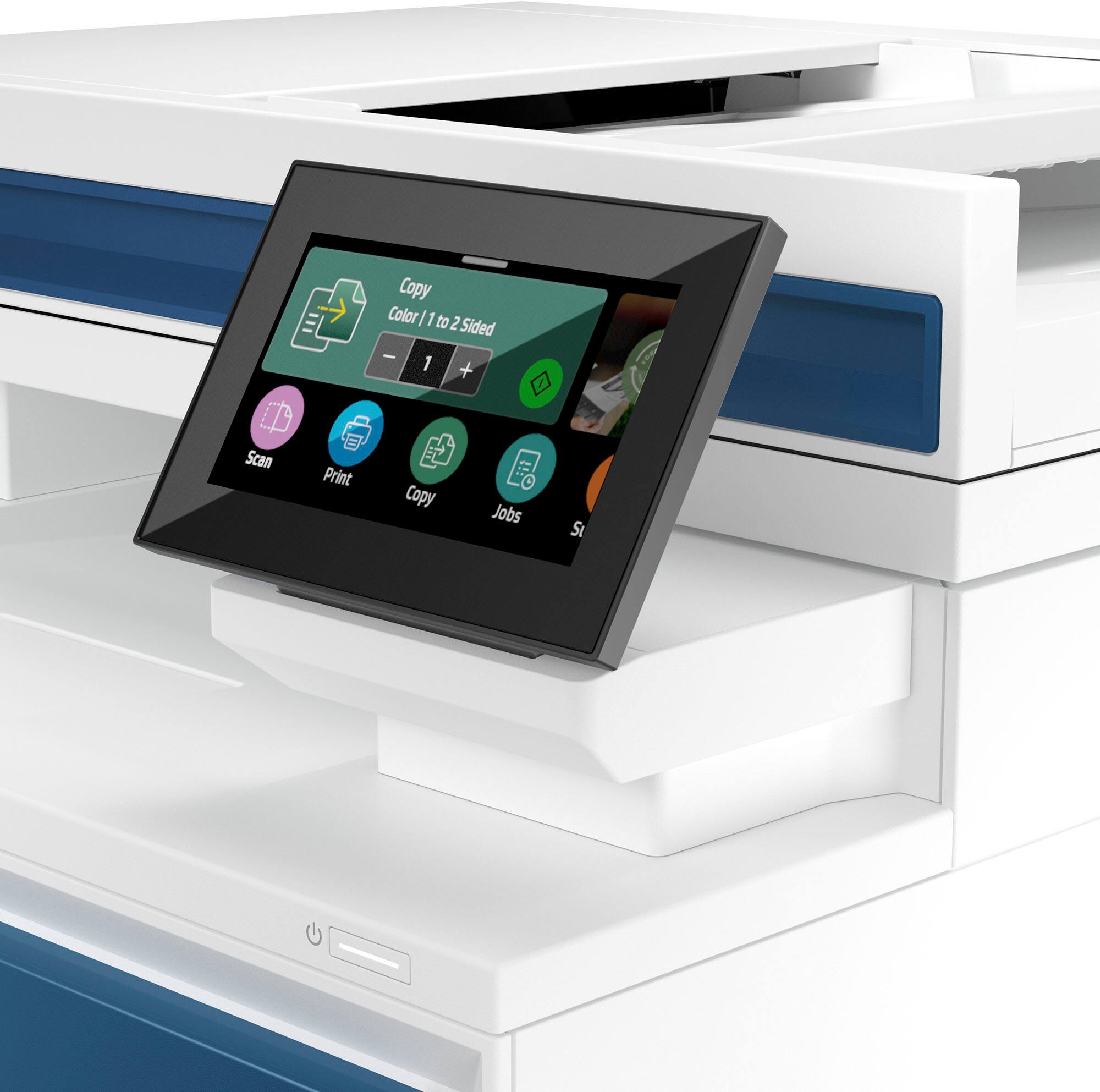
- Press the “Copy” button on the printer’s control panel.
- Adjust the copy settings such as number of copies, paper size, and color.
- Press the “Start” button to begin the copying process.
Faxing a Document
- Place the document you want to fax face-up in the document feeder tray.
- Enter the recipient’s fax number using the keypad on the printer’s control panel.
- Press the “Fax” button.
- Follow the on-screen instructions to send the fax.
, , HP
4 reviews for HP LaserJet Pro 4301fdn Printer
Only logged in customers who have purchased this product may leave a review.
Special deals for you

Canon imageFORMULA R40 Office Document Scanner For PC and Mac, Color Duplex Scanning, Easy Setup For Office Or Home Use, Includes Scanning Software
Original price was: $4,270.00.$538.20Current price is: $538.20.
Add to cart
Epson Workforce ES-C220 Compact Desktop Document Scanner with 2-Sided Scanning and Auto Document Feeder (ADF) for PC and Mac
Original price was: $3,244.40.$517.00Current price is: $517.00.
Add to cart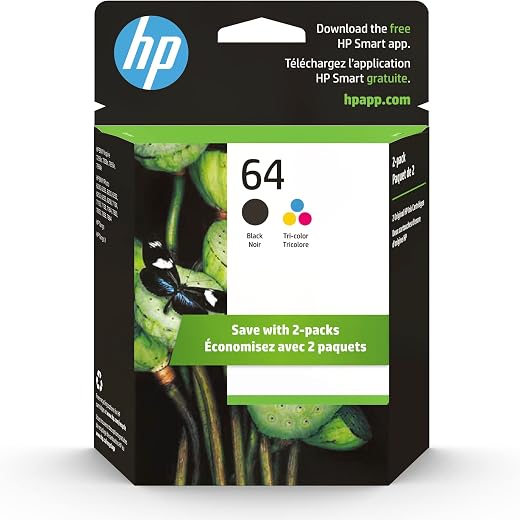
HP 64 Black/Tri-color Ink Cartridges (2-pack) | Works with HP ENVY Inspire 7950e; ENVY Photo 6200, 7100, 7800; Tango Series | Eligible for Instant Ink | X4D92AN
Original price was: $1,038.20.$121.90Current price is: $121.90.
Add to cart
TN660 Toner Cartridge Replacement Compatible for Brother TN 660 TN-660 TN630 High Yield to use with HL-L2380DW HL-L2320D HL-L2340DW DCP-L2540DW MFC-L2700DW MFC-L2720DW Printer...
Original price was: $1,512.00.$86.90Current price is: $86.90.
Add to cartPopular items in this category


Similar items you might like

Lenovo IP Conference Station PC – Core i5-1145G7E, 8GB RAM, 480GB SSD
$599.99
Add to cart
HP OmniStudio X All-in-One Computer 27" QHD Intel Core Ultra 7, 32 GB;1 TB SSD
$4,199.99
Add to cart
Campark AC12 5K 25fps Camcorder – 56MP Output and Rotating Screen
$275.90
Add to cart
Used Acer Chromebox CXI3 Mini Desktop – Grade B, Celeron 3867U
$93.90
Add to cartProducts related to this item

USB 3.0 to SATA 2.5" Hard Drive HDD SSD Adapter Converter Cable 22Pin
$28.30
Add to cart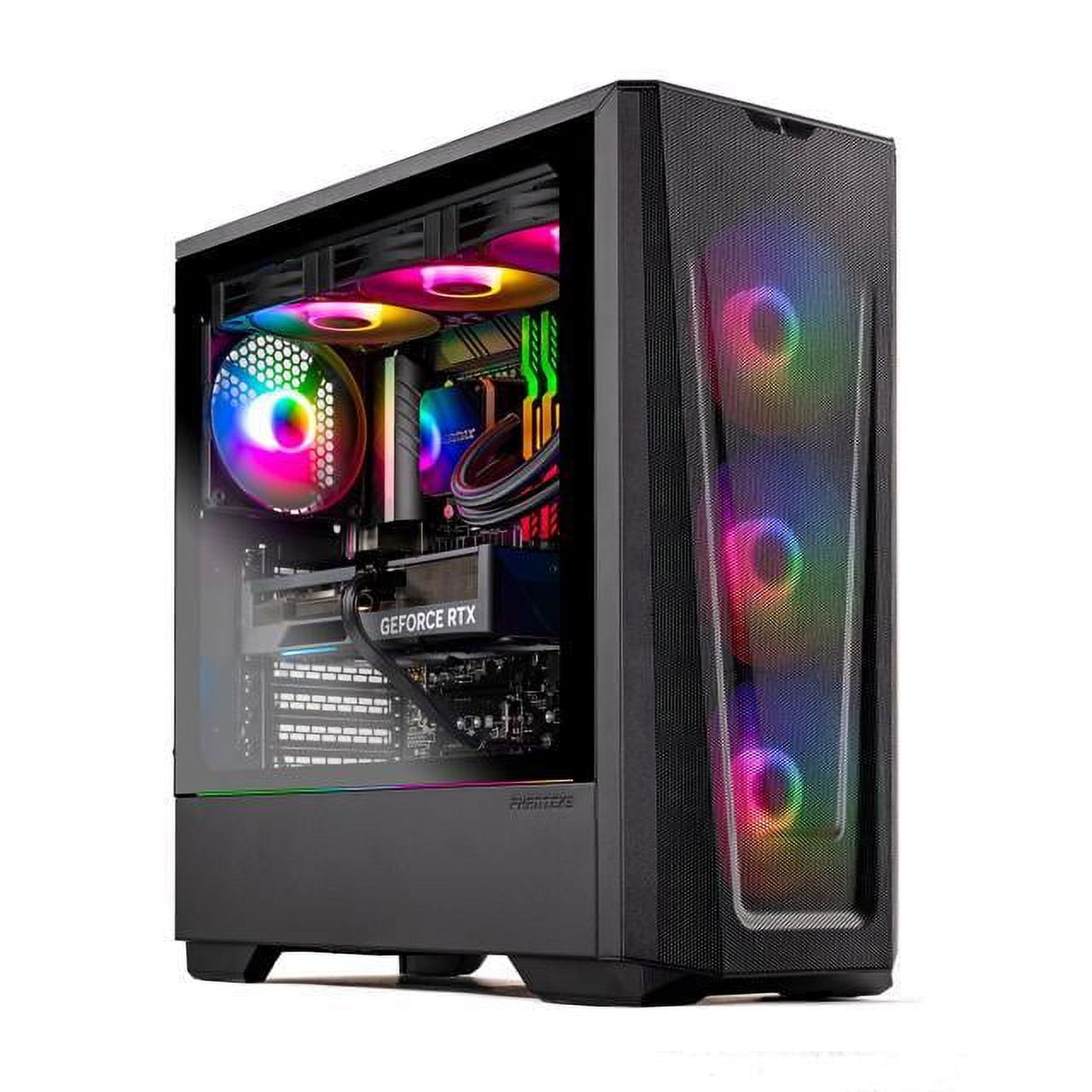
Skytech Eclipse Lite Gaming PC, Intel i7, RTX 4070, 1TB NVME, 32GB DDR5 RAM, Wi-Fi, Win 11 Home, New Condition
$3,747.50
Add to cart
imice X6 High configuration USB Wired Gaming Mouse Computer Gamer 6400 DPI Optical Mice for Laptop PC Game Black
$64.70
Add to cart
EliteGroup Computer Systems GeForce6100PM-M2 (V2.0), Socket AM2+, AMD...
$235.00
Add to cartProducts you may also like
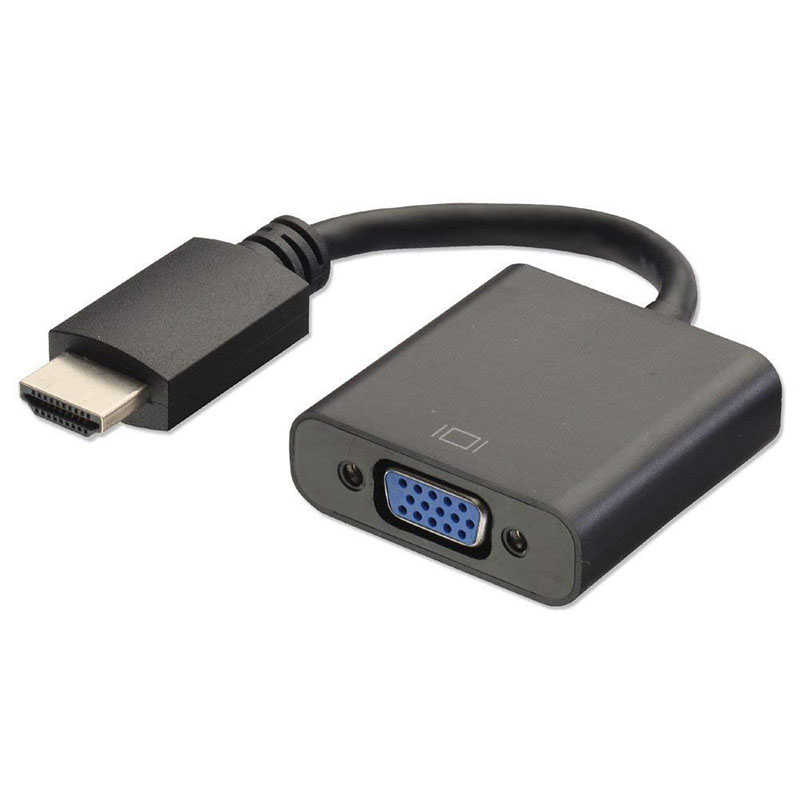
HDMI to VGA Converter Adapter Cable (Black)
$12.40
Add to cart
For Samsung Galaxy Z flip Foldable Cellphone Shell Electroplated Painted Folding Phone Case A13 woven green pattern
$44.00
Add to cart
Computer Keyboard Colorful 87-key Gaming Keyboard Office Mechanical Keyboard black
$73.10
Add to cart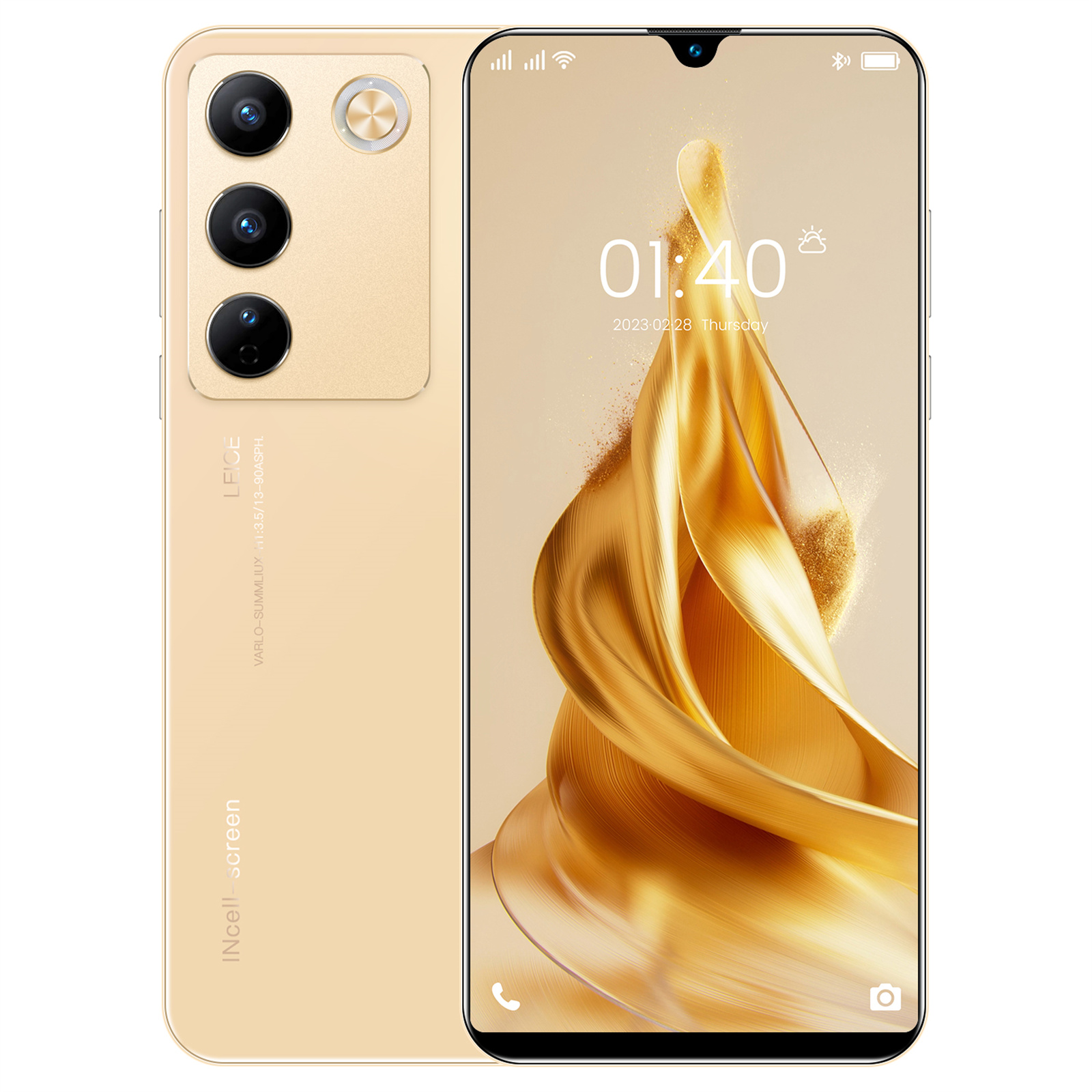
6.49" X23 Smartphone, Quad-Core, 2GB RAM, 16GB ROM, Unlocked - Gold
$163.70
Add to cartRecommended for You

Prime 10-Core Gaming Computer Desktop PC Tower SSD Quad 16GB R7 Graphic CUSTOM BUILT
$1,081.00
Add to cart
Supreme GMKtec M6 Ultra Mini PC AMD Ryzen 7640HS Up to 5.0GHz 32GB DDR5 RAM 512GB SSD 4K
$1,363.00
Add to cart
18W 3.1A Car Charger Fast Charger 3.0 Universal Dual USB Adapter for Samsung Xiaomi 8 Mobile Phone white_Car charger + IOS data cable
$25.90
Add to cart
Budget Gaming PC RGB AMD Ryzen 5 2400GE Vega 11 16GB RAM Up to 1TB SSD W11 WiFi
$693.30
Add to cart



 English
 French
 Spanish
 German
 Portuguese
 Arabic
Mike –
Nice machine. Easy setup and works great. Arrived pretty fast too.
JJSM –
HP is the most trusted technology manufacturer in the market and has never failed to provide quality products.
StephanieG –
nice machine, came with all ink needed, easy instructions and connected to WiFi immediately
BruceM –
This has been a very good printer. The document feeder is a game changer for our home office – makes it very easy and efficient to scan multiple pages. Works great printing from our PCs and…